By Country
Configuring binary bots brazil for DIGITMATCH
Configure binary bots brazil for DIGITMATCH by funding with PIX, setting safe parameters, and connecting your Deriv API token to browser applications.
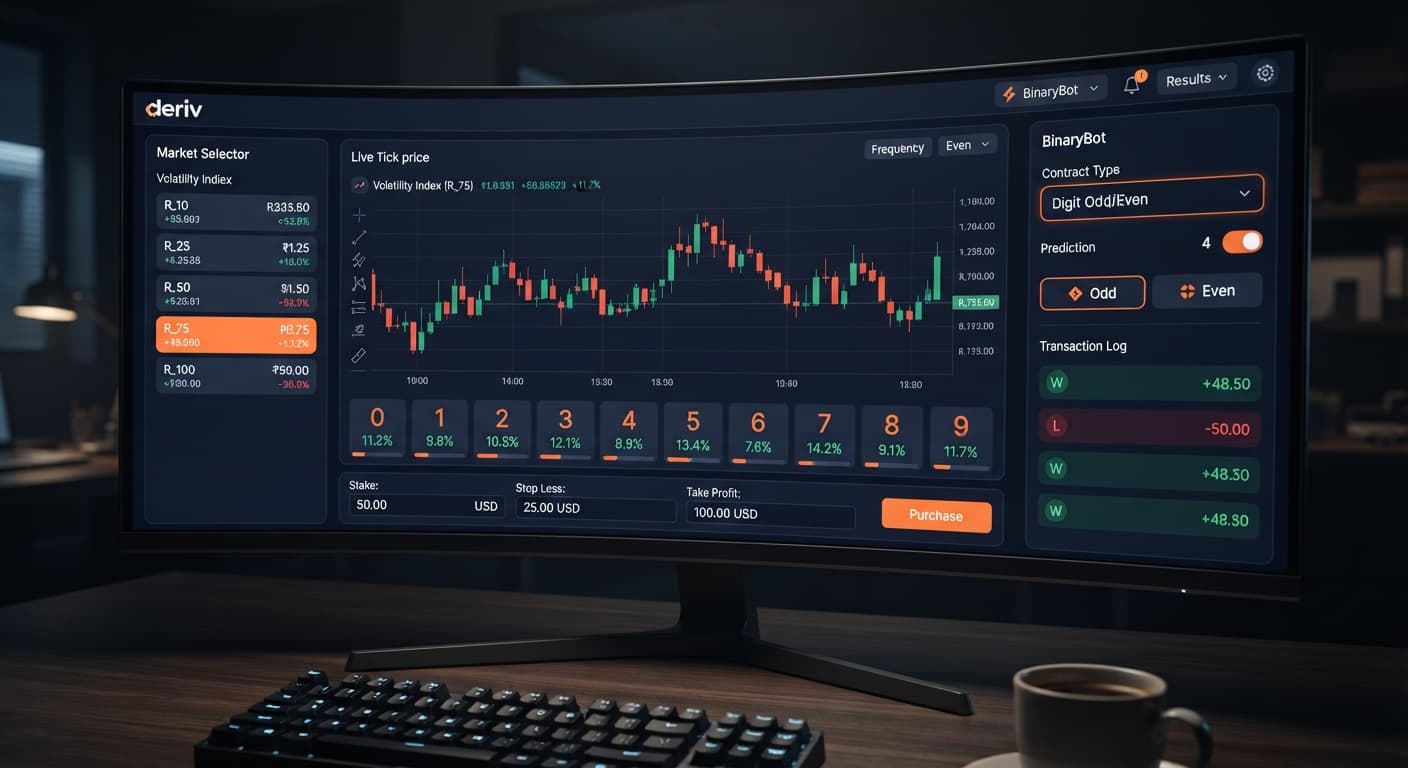
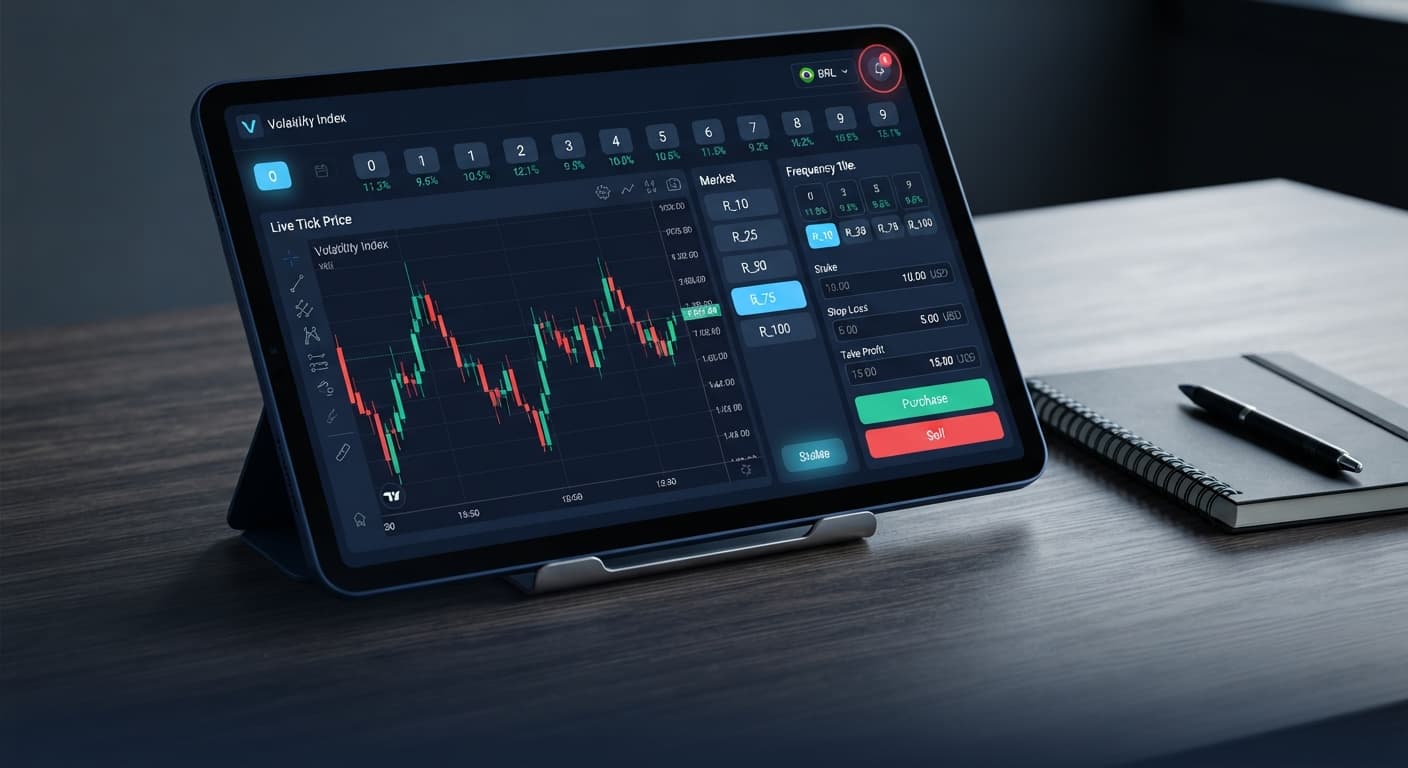
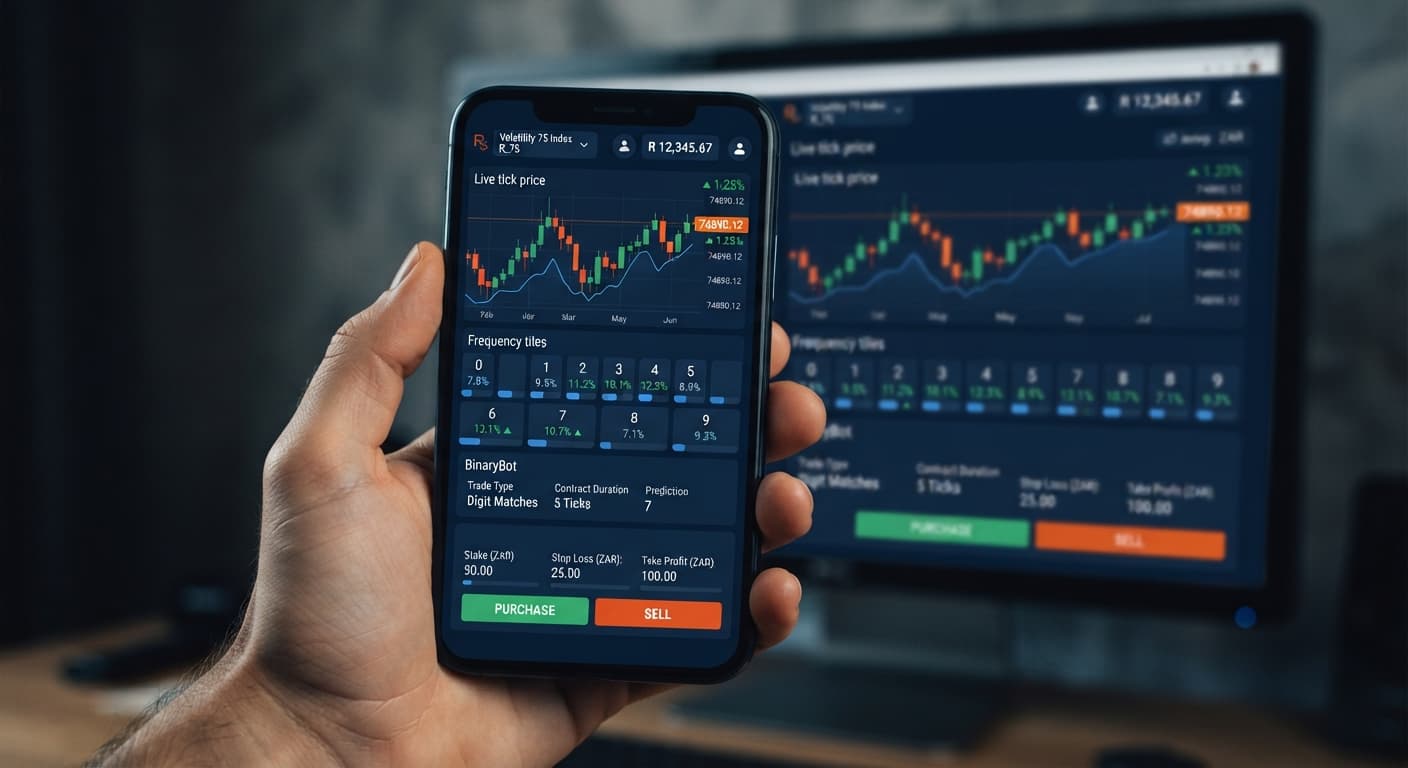
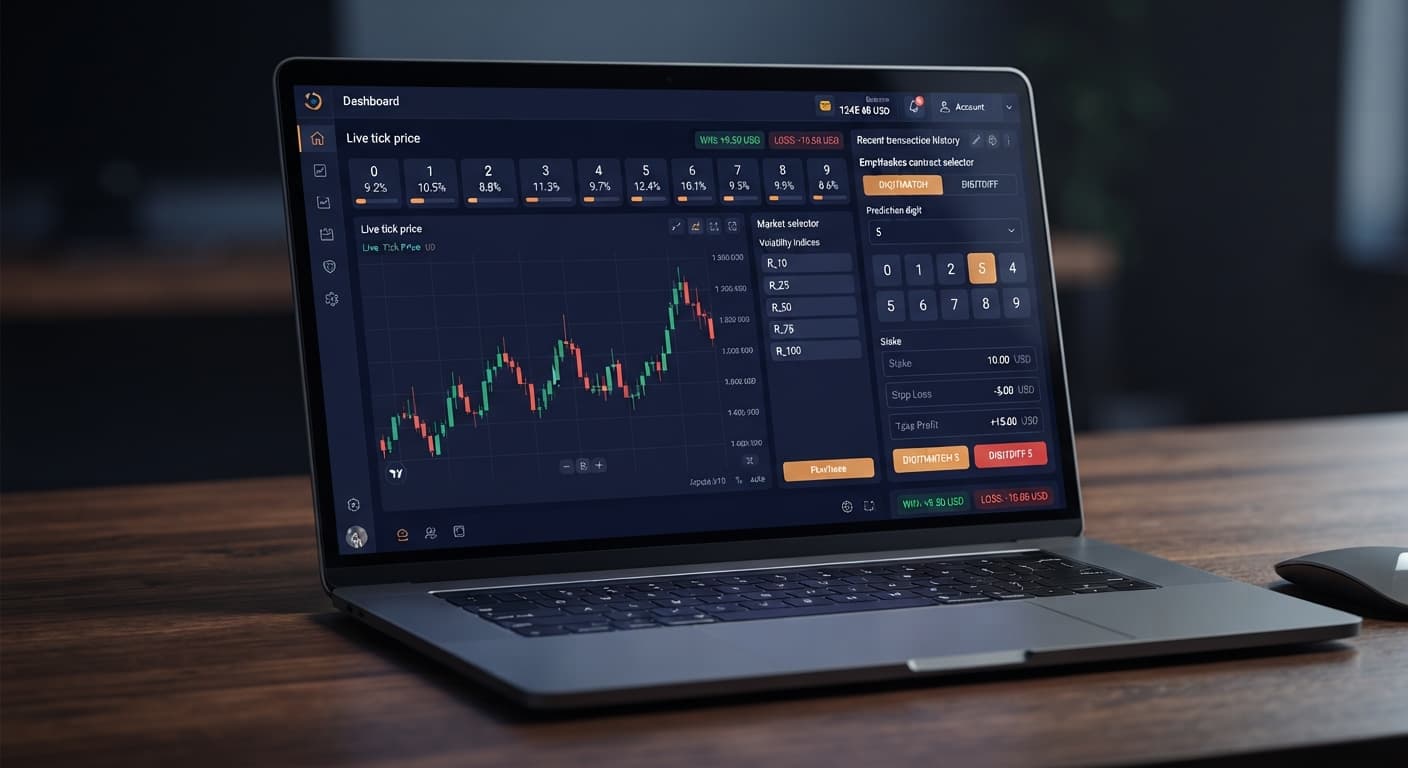
The best deriv bots for traders in brazil are automated web tools like Solid Trading Bot and AutoPilot that link directly to your Deriv trading account via API tokens. These browser-based tools run DIGITODD and DIGITEVEN strategies on Volatility synthetic indices, letting you execute automated tick trades directly on your Brazilian Real (BRL) account without paying foreign currency conversion markups or downloading desktop software.
In this tutorial, you'll set up an automated trading bot to run 1-tick DIGITODD contracts on Volatility 100 (1s) Index using instant BRL deposits via PIX. You'll also learn how to calculate martingale recovery stakes accurately so that session drawdown stays within realistic limits on a live balance.
Before launching an automated script on a live balance, assemble these basic requirements:
read and trade permissions enabled.Log into your Deriv dashboard, click on Account Settings, and select the API Token tab. Enter a descriptive label in the Token Name field, such as "Brazil-Bot-Session". Check the boxes for read and trade scopes, then click Create. Copy the generated alphanumeric token string to your clipboard immediately. Deriv hides this key once you leave the page, so keep it secure and never share it with anyone.
Open AutoPilot on BinaryBot.live, which is among the top options when looking for the best deriv bots for traders in brazil. Locate the API Token input box near the top control panel, paste your copied key, and click Connect. The interface updates within a second to show a green "Connected" status tag alongside your current BRL balance, confirming the tool connects directly to Deriv over their official API.
In the Market Selection panel, choose Volatility 100 (1s) Index from the market dropdown menu. Set Strategy / Contract Type to DIGITODD and enter 1 Ticks in the Duration field. The display window updates instantly, displaying recent tick distributions and showing the percentage spread of odd versus even digits across the last 100 ticks.
Navigate to the Strategy Settings panel to enter your operational limits. Set Base Stake to R$ 2.00, Martingale Factor to 2.1, Target Profit to R$ 20.00, and Stop Loss to R$ 50.00. Setting the multiplier to 2.1 is vital because DIGITODD payouts sit around 95.5%, meaning a standard 2.0x multiplier leaves you trailing after a loss recovery trade.
Switch the account mode toggle in the top control bar from Real Account to Demo Account. Click the green Start Bot button. Watch the live execution log populate with contract purchase IDs, exit tick values, and individual trade payouts. Let the script run at least 30 automated trades on your virtual balance to verify that martingale multipliers and stop-loss cutoffs trigger as expected before committing real BRL funds.
When evaluating the best deriv bots for traders in brazil, understanding how stake doubling impacts your bankroll is far more critical than entry timing. Deriv synthetic index ticks are independent events; past digit results don't make odd or even outcomes more likely on the next tick.
Suppose you start with a live balance of R$ 100 deposited via PIX. You launch Solid Trading Bot on Volatility 100 Index using DIGITODD contracts with a base stake of R$ 2.00 and a Martingale factor of 2.1x.
| Trade Number | Stake Amount (BRL) | Contract Result | Trade P/L (BRL) | Cumulative Loss (BRL) | Account Balance (BRL) |
|---|---|---|---|---|---|
| Trade 1 | R$ 2.00 | Loss (Even) | -R$ 2.00 | R$ 2.00 | R$ 98.00 |
| Trade 2 | R$ 4.20 | Loss (Even) | -R$ 4.20 | R$ 6.20 | R$ 93.80 |
| Trade 3 | R$ 8.82 | Loss (Even) | -R$ 8.82 | R$ 15.02 | R$ 84.98 |
| Trade 4 | R$ 18.52 | Loss (Even) | -R$ 18.52 | R$ 33.54 | R$ 66.46 |
| Trade 5 | R$ 38.89 | Loss (Even) | -R$ 38.89 | R$ 72.43 | R$ 27.57 |
| Trade 6 | R$ 81.67 | Cannot Place | N/A | R$ 72.43 | R$ 27.57 |
Look at Trade 6 in that table. After five consecutive even ticks, your next required stake jumps to R$ 81.67 while your total drawdown stands at R$ 72.43. With only R$ 27.57 remaining in your account, you can't place the sixth trade. You're wiped out after just five consecutive losses. Free browser-based deriv bots handle execution speed perfectly, but they can't bypass basic arithmetic.
Here's how to protect your account against four common failure points when running automated strategies on digit contracts.
Running unconstrained multipliers on small account balances leads to rapid liquidation during statistical clusters. Setting Mitigation: Set the Maximum Consecutive Losses control inside AutoPilot or Sniper Bot V3 to 4. Once hit, the bot automatically stops trading, locking in a manageable loss instead of draining your entire BRL balance.
A standard 2.0x multiplier on DIGITEVEN or DIGITODD contracts leaves you in a net negative session balance after a recovery trade. Deriv pays ~95.5% on digit binaries rather than 100%. Setting Mitigation: Set the Martingale Factor field to 2.1. This extra 0.1 ratio offsets the platform fee, ensuring recovery trades clear past losses and leave a net profit equal to your base stake.
If your internet connection drops while the script processes an active contract, local browser state can desynchronize from active broker orders. Setting Mitigation: Enable the Auto-Reconnect option inside the bot control panel. Modern binary bots send execution commands direct to Deriv servers; if your local browser stalls, open contract results still settle correctly on broker infrastructure.
Network latency between Brazilian internet service providers and international trading servers can cause minor execution delays on 1-tick contracts. Setting Mitigation: Run every new strategy setup through at least 50 automated contracts on a Deriv demo balance first. If you want country-specific setup guides, read our Brazil Deriv bot guide alongside our guides for Kenya Deriv bots or South Africa Deriv bots.
Test these strategies risk-free on the free bot library using a virtual demo balance before risking real money. If you haven't configured an account yet, create a free Deriv account to generate your API key.
Trading involves risk. Past performance does not guarantee future results.
Related: Configuring binary bots brazil for DIGITMATCH
Related: Why Deriv Bots Brazil Connections Fail with PIX Deposits
Related: Beginner's Guide to Deriv Bots South Africa No Download
Country-specific guidance for Deriv traders — local payment rails, regulator context and the bots that suit each market.
See Bots for Your Country →You connect by generating an API token with read and trade permissions in your Deriv account settings. Then, you paste that token into the API Token input box on a browser-based tool like AutoPilot and click connect.
Yes, you can use instant BRL deposits via PIX to fund your Deriv trading account. This lets you trade directly on your Brazilian Real balance without paying foreign currency conversion markups.
You need to enable both 'read' and 'trade' permissions when you create your personal API token in your Deriv dashboard. Without these scopes enabled, the automated tool won't be able to execute trades on your account.
You select the Volatility 100 (1s) Index from the market dropdown menu and set your strategy to DIGITODD with a duration of 1 tick. You can then view recent tick distributions and configure your base stake, target profit, and stop loss.
Guides closest to this one.
Configure binary bots brazil for DIGITMATCH by funding with PIX, setting safe parameters, and connecting your Deriv API token to browser applications.
A PIX deposit breaks deriv bots brazil connections by triggering a real-time balance refresh that invalidates tokens lacking explicit Trade permissions.
Learn how beginners use Deriv Bots South Africa with browser tools and ZAR accounts. Start trading digits with zero downloads. Read the guide today.