Strategies & Risk
Safest Money Management for Binary Bots on Digits (2026)
A strict Fixed Stake model with a 20% stop loss is the safest money management for binary bots on Deriv synthetic indices, preventing account liquidation.
To configure a DIGITDIFF bot for Anti-Martingale, select DIGITDIFF under contract options, set money management to Anti-Martingale, and define a multiplier that increases your stake only after winning trades. Because DIGITDIFF pays a modest yield (around 9% per win on Deriv synthetic indices), Anti-Martingale lets you compounding micro-payouts during winning streaks while resetting your stake to its base amount immediately after a loss. Hard controls like stop loss, take profit / target profit, and max ladder level prevent profits from giving back on extended runs.
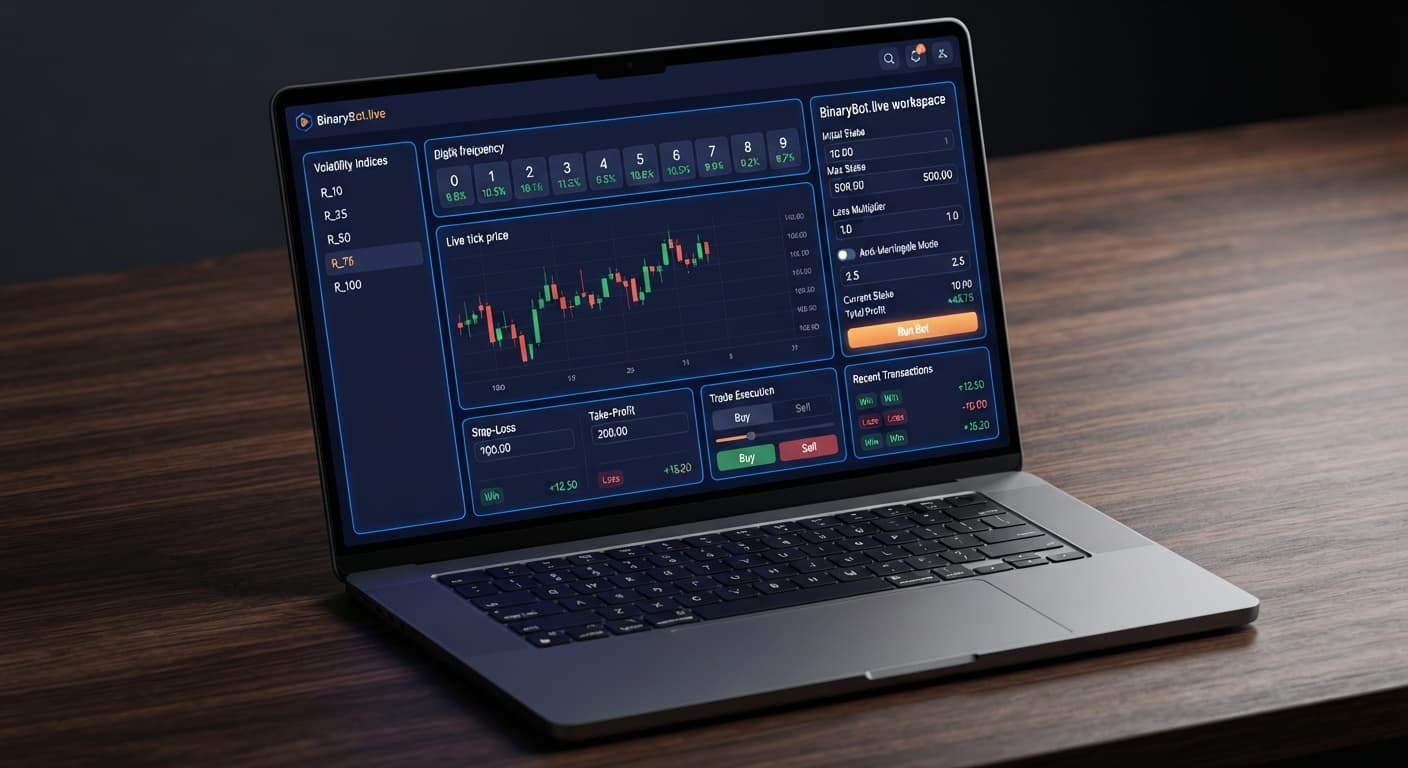
When you launch automated tools from the free bot library, your screen splits into standard operational panels. The connection box manages your API token, the market section sets contract types like DIGITDIFF or DIGITMATCH, and the money management block dictates stake adjustments after every trade outcome.
Here is how the on-screen controls map to this specific setup:
| Workspace Panel | Control Name | Function in Strategy | Initial Setting |
|---|---|---|---|
| Asset Options | Asset Symbol | Chooses synthetic market index | Volatility 75 Index |
| Contract Options | Contract Type | Dictates trade win/loss condition | DIGITDIFF |
| Digit Settings | Prediction | Target digit (0-9) you predict won't hit | Selected target digit |
| Money Management | Method | Defines stake adjustment algorithm | Anti-Martingale |
| Risk Control | Stop Loss | Monetary loss limit for automatic shutdown | 20% of session bankroll |
| Risk Control | Take Profit / Target Profit | Target session profit for automatic shutdown | 10% of session bankroll |
| Risk Control | Max Ladder Level | Limits consecutive win stake escalations | 3 steps |
Traders setting up deriv bots sometimes overlook the difference between loss-recovering algorithms and streak-building algorithms. Anti-Martingale sits on the opposite end of the spectrum from classic Martingale. Instead of multiplying your stake following a loss, Anti-Martingale keeps your base risk minimal until a winning contract occurs. When you hit your defined max ladder level, the strategy drops back to your starting stake, locking in accumulated gains rather than risking them on the next contract.
Locate the connection box at the top of your workspace screen. Create a dedicated API token inside your Deriv account settings with trade permissions, copy the token string, and paste it directly into the input field. The bot connects directly to Deriv over their official API, keeping all account authentication direct between your browser and the broker. Always test your settings on a Deriv virtual demo account before running them on a real balance.
Navigate to the contract parameters panel and select your desired synthetic index, such as the Volatility 75 Index or Volatility 10 Index. Set your contract selection to DIGITDIFF. You'll see other available digit choices in the panel—including DIGITEVEN, DIGITODD, DIGITOVER, DIGITUNDER, and DIGITMATCH—but leave those unselected. Input your target prediction digit (a single number from 0 to 9) using tick tracking tools like Digit Pad to observe recent distribution.
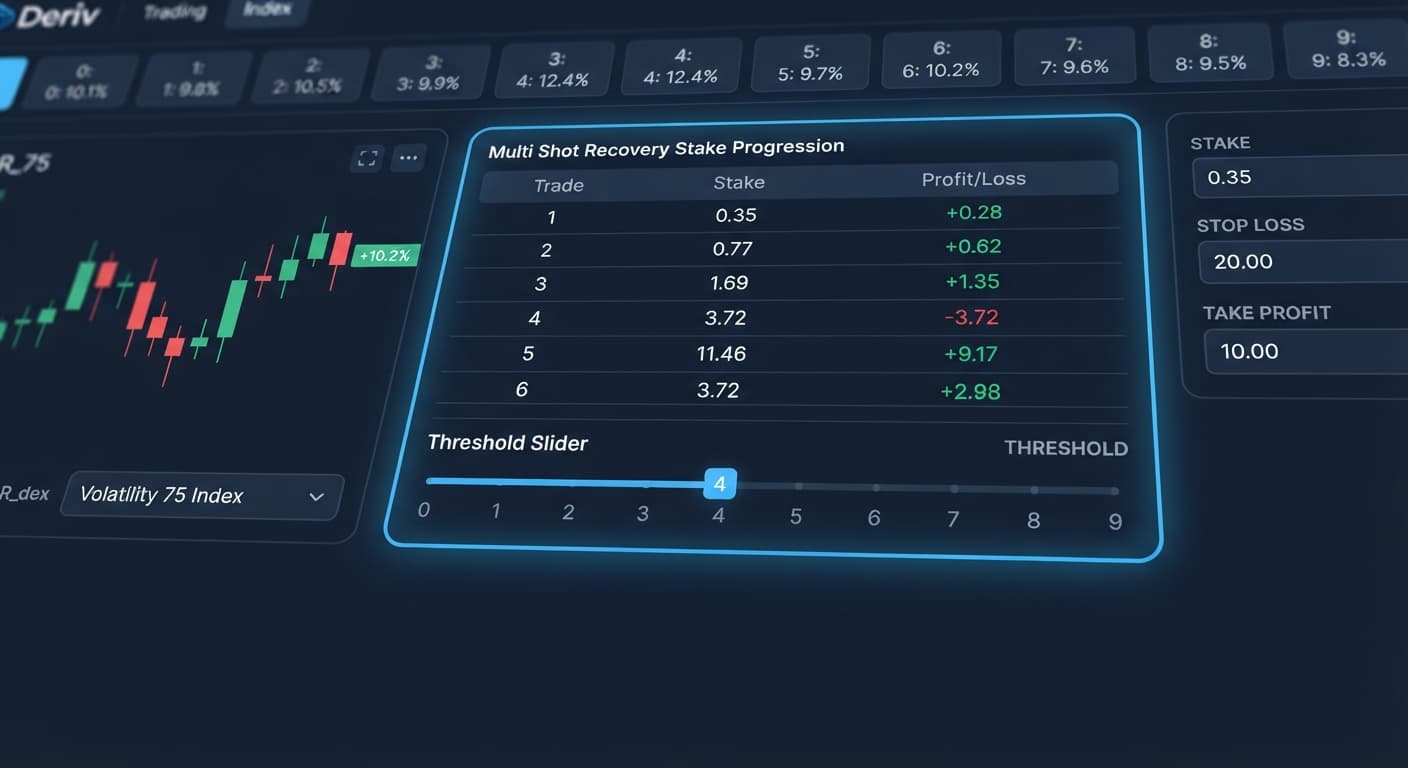
Move to the money management configuration panel. Click the method dropdown, which includes options like Fixed Stake, Martingale, Anti-Martingale, Fibonacci, D'Alembert, % of Balance, Mesamilano, and Multi Shot's Recovery. Select Anti-Martingale. Set your initial base stake (for example, $1.00) and your win multiplier (such as 2.0x). Under this setup, a $1.00 winning trade scales the next contract stake up, while a loss immediately brings the next stake back down to $1.00.
Set your session protection parameters in the risk control panel. Assign a strict stop loss limit (such as $20.00 on a $100 balance) and a clear take profit / target profit figure (such as $10.00). Next, set your max ladder level to 3. This safety control caps your winning streak progression at 3 consecutive wins. Once the bot hits 3 wins in a row, it forces the next trade stake back to your base $1.00 starting value, protecting your streak earnings from a sudden loss.
Click the run button to initiate trading on your demo balance. Monitor the summary table and live output log as contracts execute tick by tick. Confirm that every winning contract triggers an increased stake for the next order, that any loss resets the stake back to your base level, and that reaching your max ladder level resets the progression cleanly.
Selecting a target prediction digit for DIGITDIFF contracts requires inspecting short-term tick history rather than guessing. You can review live tick distribution patterns using the LDP Analyzer Pro dashboard.
The breakdown below illustrates a digit frequency count across a sample of 500 consecutive ticks on the Volatility 75 Index:
| Digit | Frequency Count | Percentage | Historical Status |
|---|---|---|---|
| 0 | 48 | 9.6% | Average |
| 1 | 39 | 7.8% | Cold |
| 2 | 56 | 11.2% | Hot |
| 3 | 52 | 10.4% | Average |
| 4 | 45 | 9.0% | Average |
| 5 | 61 | 12.2% | Hot |
| 6 | 41 | 8.2% | Cold |
| 7 | 53 | 10.6% | Average |
| 8 | 57 | 11.4% | Hot |
| 9 | 48 | 9.6% | Average |
During this 500-tick observation window, digit 5 appeared most frequently at 12.2%, while digit 1 appeared least frequently at 7.8%. If a trader picks digit 1 as their DIGITDIFF target digit, the bot wins every trade where the final digit ends on 0, 2, 3, 4, 5, 6, 7, 8, or 9. The only losing condition is if the final digit lands exactly on 1.
It's vital to recognize what this distribution table shows and what it doesn't. Digit 1 hit 7.8% in this sample, but Deriv synthetic index ticks are completely independent events. The fact that digit 1 appeared cold over the last 500 ticks doesn't mean it's less likely or more likely to appear on tick 501. The statistics simply show historical sample activity. Never treat past frequency as a guarantee of immediate future tick patterns when running a binary trading strategy.
Once your script starts running, check the summary log panel to confirm execution match your operational rules. A properly configured Anti-Martingale DIGITDIFF bot exhibits clear logging patterns:
If you notice the bot stopping prematurely or failing to place orders, run through these primary checks:
Automated binary bots handle execution speed with absolute consistency, but maintaining safe risk controls on every session remains your primary responsibility.
Try this configuration on the Solid Trading Bot workspace using a demo account balance first. If you don't have a trading account yet, create a free Deriv account. Trading involves risk. Past performance does not guarantee future results.
Related: Safest Money Management for Binary Bots on Digits (2026)
Related: How to Stop a Deriv Bot Losing Money With Risk Controls
How the strategies behind the bots actually work — Digit Differs, Over/Under, Even/Odd, Rise/Fall, and the money management that decides whether they survive a losing streak.
Try 9 Strategies on Solid →Select DIGITDIFF under your contract options, choose Anti-Martingale as your money management method, and define a multiplier that only increases your stake after a win. You'll also need to pick a target prediction digit from 0 to 9 and configure your risk controls like stop loss and take profit.
It immediately resets your stake back to your base amount instead of multiplying it. Anti-Martingale only increases your stake following winning trades to compound your micro-payouts during a winning streak.
The article recommends using a synthetic market index like the Volatility 75 Index or Volatility 10 Index. You can select your preferred synthetic market directly in the asset options panel.
You need to create a dedicated API token with trade permissions inside your Deriv account settings. Simply copy that token string and paste it directly into the connection box at the top of your workspace screen.
Guides closest to this one.
A strict Fixed Stake model with a 20% stop loss is the safest money management for binary bots on Deriv synthetic indices, preventing account liquidation.
Set a hard stop loss below 20% of your balance and cap multiplier progressions to learn how to stop a deriv bot losing money using 5 setup steps.
Use DIGITOVER 2 with a 5-tick duration and Multi Shot's Recovery to find the best over under settings for binary bots on Deriv.