Deriv Basics
Are Deriv Third Party Sites Safe? A Beginner's Guide
Safe if the site uses direct browser execution and never holds your funds. Learn why are deriv third party sites safe using API tokens and WebSockets.
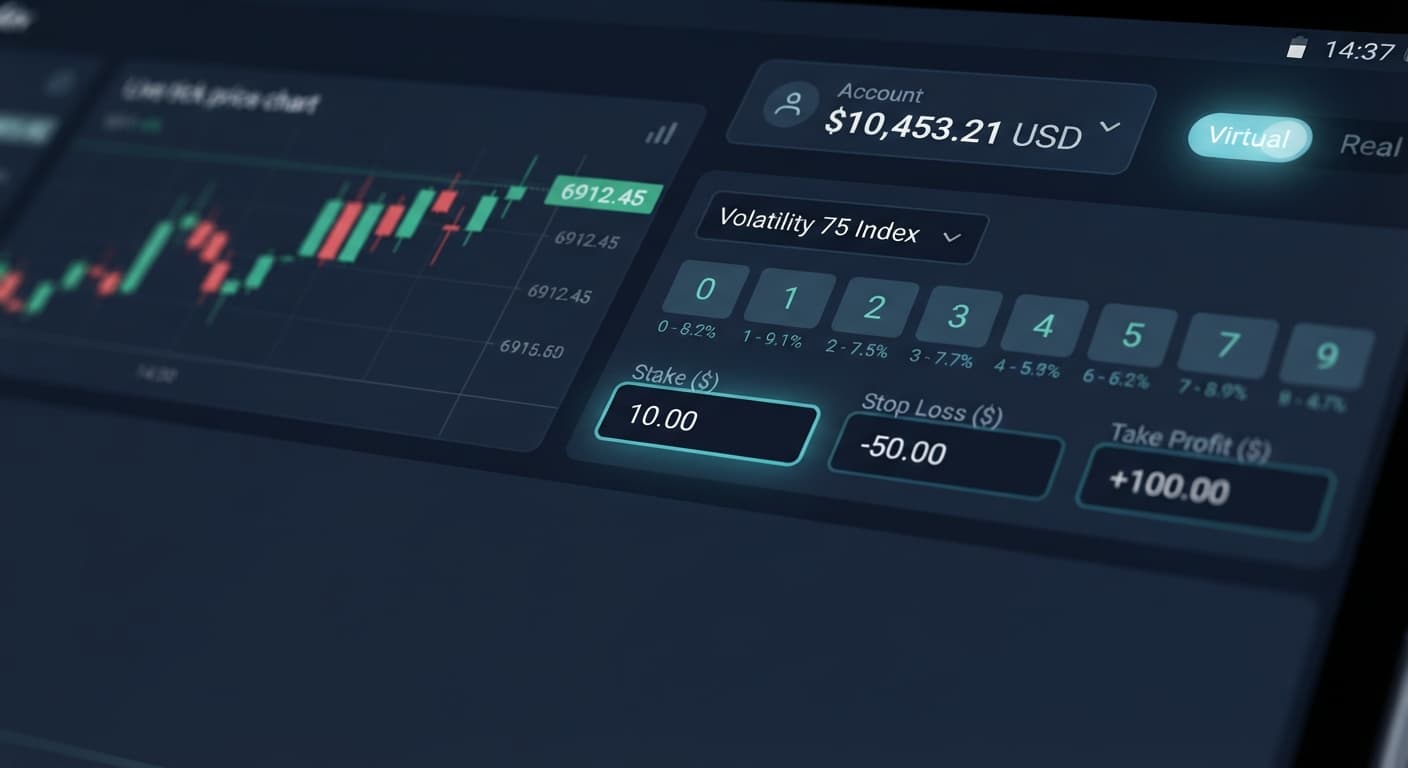
You want to run automated trading algorithms without burning cash on your first try. That's smart. You can test free deriv bots on BinaryBot.live completely free of real-money risk by plugging in a virtual API token from a Deriv demo account.
You don't need to deposit a single dollar, hand over payment credentials, or download executable files. Everything runs right inside your web browser. This guide breaks down how the API connection works, how to read exact screen indicators during live execution, how to run your first virtual test session step by step, and when you ought to pull back from real money to demo mode.
When you run binary bots on BinaryBot.live, the app acts as a browser-based control panel. It connects directly to Deriv over their official API using your browser's local network connection. No funds ever pass through BinaryBot.live. No middleman server holds your account balance or processes your orders.
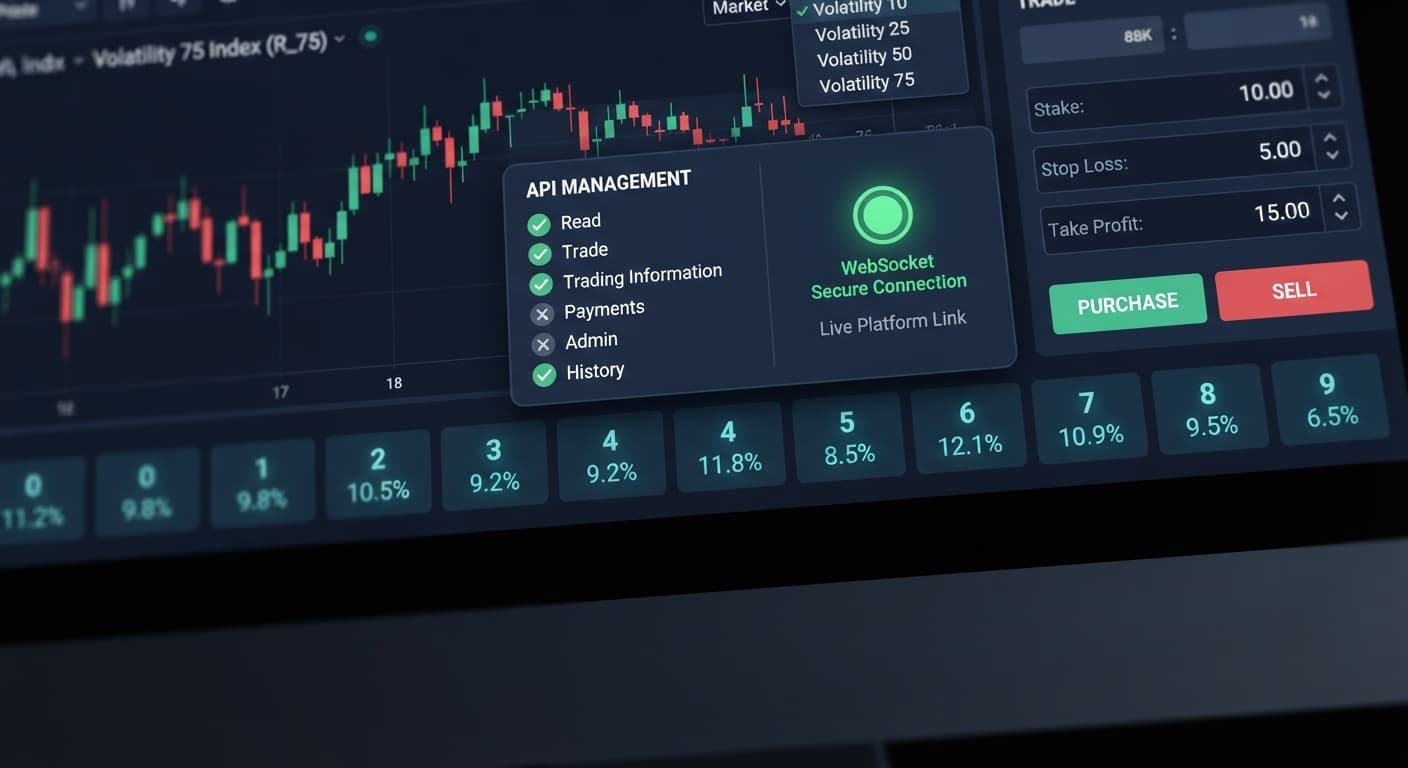
To grant the web app permission to place contracts on your behalf, you supply an API token created inside your Deriv account settings. You only grant two specific permission scopes: read and trade. You never grant admin or payment scopes, keeping your account control fully isolated.
If you generate the token while logged into your virtual account, the app can only trade demo funds. It places standard digit options supported by the broker:
Because synthetic index ticks are completely independent events, no digit analyzer or pattern tracker makes the next tick more likely to land on a specific number. Virtual testing lets you evaluate bot logic and execution speed without relying on false assumptions about statistical streaks.
Before running automated strategies on real balances, you need to recognize what normal execution looks like versus a broken connection. When you launch a tool like the AutoPilot bot or Sniper Bot V3, the user interface updates dynamically based on the connection status and input validity.
If you enter an invalid token or forget to check the trade permission box, the token input field turns red, and the status bar displays an error string. Once you paste a valid virtual token, the status text updates to "Connected" with a green indicator dot.
As the bot evaluates incoming ticks, the trade counter increments sequentially. In the trade log, each contract appears line by line with its unique transaction ID, contract type (such as DIGITEVEN or DIGITUNDER), entry spot, exit spot, and settlement payout.
Here is what you see on screen, what those visual cues mean, and what action you should take:
| Screen Observation | Visual State / Location | Practical Meaning | Recommended Action |
|---|---|---|---|
| Green status indicator badge | Top navigation bar | Socket connection active; valid read/trade token authorized | Proceed with strategy test; monitor trade count |
| Red input box border | API Token or Stake input field | Syntax error, missing token, or stake below minimum allowed | Correct input value or re-copy valid API token |
| "Authorization Failed" entry | Main trade log panel | Token missing trade scope or linked to closed account | Generate a new token in Deriv settings with trade checked |
| Stalled trade counter | Session stats box | Network packet dropped or rate limit reached | Click Stop, refresh the web browser page, and re-connect |
| Active blue trade log rows | Bottom trade log table | Bot actively evaluating ticks and placing contract orders | Compare results against target profit and stop loss limits |
Follow these steps to launch your first virtual trading session using free deriv bots without risking real capital.
Log into your Deriv account and switch your active account view from Real to Demo (Virtual). Click your profile menu, navigate to Account Settings, and select API Token. Enter a descriptive label like "Virtual Bot Test". Select the check boxes for read and trade scopes only. Leave admin, payments, and trading information unchecked. Click Create, then copy the alphanumeric key to your clipboard.
Open your browser and navigate to the free bot library. Select a digit trading application such as the Solid Trading Bot or DualShot. You don't need to register an account on BinaryBot.live or install third-party plugins.
Paste your copied virtual key into the API Token box at the top of the page. Configure your operational parameters. Specify your target digit prediction, pick duration (e.g., 1 tick), and set your base stake. Set your session stop loss to 20% of your demo bankroll and your take profit target to 10%. These rules shut down the automated script if market runs hit pre-set limits.
Click the Start button. Watch the interface update as the connection authorizes. Review the live trade log panel as entries populate with contract types like DIGITODD or DIGITMATCH. Keep the bot running for at least 30 to 50 automated trades to verify how your settings perform under typical broker response times and tick movements.
Demo testing isn't just something you do once before switching to a real account. It's a permanent testing environment that you should return to regularly. Real money trading introduces emotional pressure that often causes traders to override basic safety rules.
You should immediately pause real trading and load your demo token whenever you encounter any of these triggers:
Treating your demo account as a serious testing laboratory keeps you from paying real money for avoidable setup mistakes.
Try it yourself on the free browser tools using a demo balance first.
If you don't have one yet, create a free Deriv account.
Trading involves risk. Past performance does not guarantee future results.
Related: Are Deriv Third Party Sites Safe? A Beginner's Guide
Related: How to Find Best Binary Bots for Beginners (2026)
Related: Free Deriv Bot Download (2026): Zero Prior Knowledge Guide
The groundwork every bot guide assumes you already have — creating a Deriv API token, choosing demo vs real, and connecting safely.
Start with a Free Bot →Yes, you can run bots completely free of financial risk by using a virtual API token from a Deriv demo account. No deposits or payment credentials are required to test strategies this way.
You connect by generating an API token inside your Deriv account settings and pasting it into the browser app. You only need to grant 'read' and 'trade' permissions, keeping your account control isolated since no middleman server handles your funds.
You only need to grant two specific permission scopes: read and trade. You should never grant admin or payment scopes to keep your account secure.
A red input box means there is a syntax error, a missing token, or a stake set below the minimum allowed. It can also happen if you entered an invalid token or forgot to check the trade permission box.
Guides closest to this one.
Safe if the site uses direct browser execution and never holds your funds. Learn why are deriv third party sites safe using API tokens and WebSockets.
Find the best binary bots for Deriv in 2026 using free, browser-based tools with API tokens, demo accounts, and a simple five-step practice flow.
Skip the unsafe free deriv bot download. Modern browser-based automation connects securely to Deriv using API tokens without installing any third-party software.