Deriv Basics
How to Use Binary Bots: Beginner Guide for Deriv
Learn how to use binary bots on BinaryBot.live with your Deriv account. Follow this beginner guide to load, run, and test free deriv bots safely.
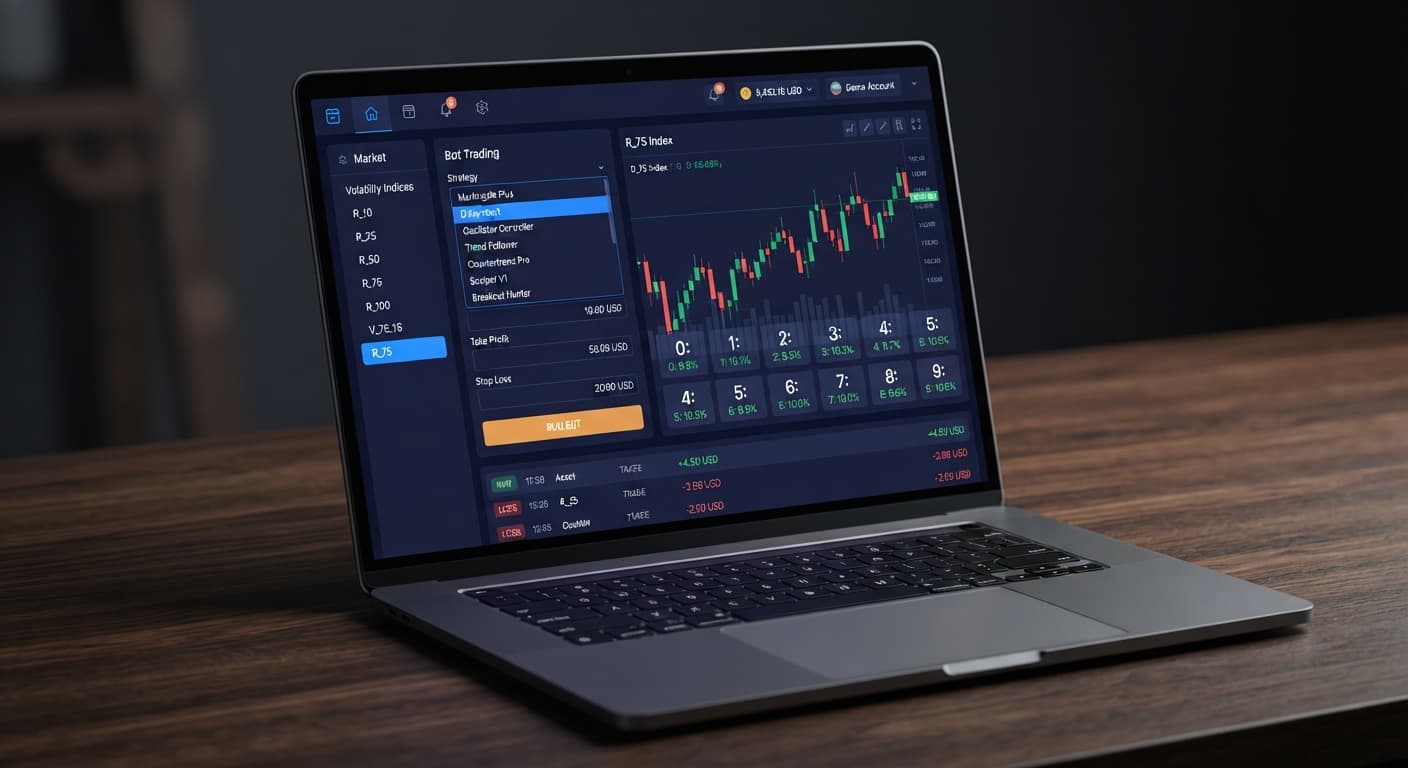
To find the best binary bots for Deriv in 2026, select free, browser-based tools that connect directly to Deriv over their official API using your personal API token. Superior tools require zero software downloads, keep your funds inside your own account, and allow thorough strategy testing on a virtual balance. Evaluating binary bots means checking execution speeds, live tick displays, and clear configuration rules for contracts like DIGITEVEN or DIGITUNDER before risking real money.
If you're new to automated trading on Deriv, the jargon can feel confusing. Here's what those key terms actually mean:
When you use a browser tool on the BinaryBot.live homepage, your money stays on Deriv. Think of your API token as a hotel key card configured with strict boundaries. You decide what that key card can do when you create it in your account settings.
When you select read and trade scopes, the key card lets the browser app read tick prices and send contract requests like DIGITOVER or DIGITMATCH. It can't withdraw money, change account details, or transfer funds. Every trade executes directly on Deriv servers. If you close your browser tab or revoke the token inside Deriv, the tool stops instantly. This design ensures you don't trust an outside platform with your money—you maintain complete control of your balance at all times.
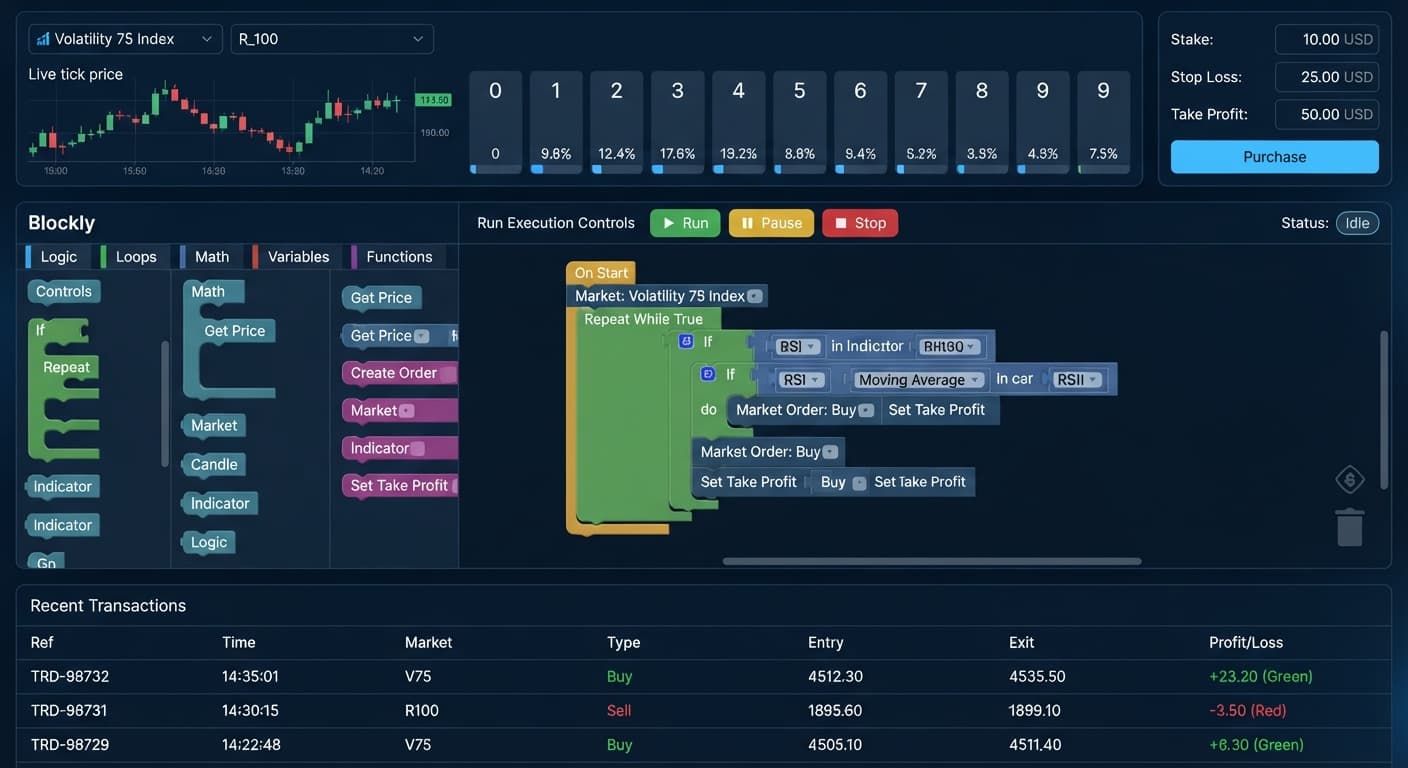
Traders often look at historical tick statistics on open the LDP Analyzer dashboard before starting a session. Here's how digits 0 through 9 distributed over a sample of 500 consecutive ticks on the Volatility 75 Index:
| Last Digit | Occurrences | Frequency | State |
|---|---|---|---|
| 0 | 48 | 9.6% | Average |
| 1 | 52 | 10.4% | Average |
| 2 | 61 | 12.2% | Hot |
| 3 | 45 | 9.0% | Cool |
| 4 | 50 | 10.0% | Average |
| 5 | 39 | 7.8% | Cold |
| 6 | 54 | 10.8% | Average |
| 7 | 47 | 9.4% | Cool |
| 8 | 56 | 11.2% | Hot |
| 9 | 48 | 9.6% | Average |
In this 500-tick window, digit 2 appeared most often at 12.2% (61 times), while digit 5 registered least at 7.8% (39 times). Seeing digit 5 run cold might make you think it's about to hit, tempting you to purchase DIGITMATCH on 5 or set a DIGITUNDER barrier.
Here's the truth: Deriv synthetic index ticks are completely independent. Digit 5 being cold over the last 500 ticks doesn't make it more likely on tick 501. The mathematical probability for any single digit remains exactly 10% on every tick. Distribution visualizers like start using Tick Picker show what happened in past ticks, but they don't predict future outputs. Use historical statistics to understand current volatility, not to hunt for guaranteed patterns.
Follow these steps on a virtual balance before considering live automated trades with deriv bots.
Log into your Deriv account, navigate to Account Settings, and select API Token. Name your token "Demo Practice" and tick only two boxes: Read and Trade. Leave Admin and Payments unchecked.
Launch a free browser tool like run Solid Trading Bot. Paste your restricted API token into the connection box to establish a direct session with your Deriv account.
Choose your preferred market from the dropdown menu, such as Volatility 100 Index. Pick your contract type, such as DIGITEVEN or DIGITODD.
Set hard loss limits and profit goals inside the control panel. On a $1,000 virtual demo balance, set your Stop Loss limit to $100 (10%) and your Take Profit target to $50 (5%).
Click Start and watch the live trade log for 30 minutes on your demo account. Verify that trade requests register quickly, profit calculations match your contract settings, and automated stop limits trigger as expected.
New traders frequently make simple configuration errors when setting up binary bots. Here are four major mistakes and the exact settings that stop them:
Selecting Full Permission Scopes: Creating an API token with Admin or Payment access creates unnecessary risk if your token key is leaked. Fix: Select only Read and Trade scopes inside your Deriv account settings.
Testing Settings on a Real Account: Running untested parameters on a live account leads to immediate real losses when mistakes occur. Fix: Set your active account toggle to Demo (virtual balance) before clicking Start.
Running Unattended Sessions: Leaving automated deriv bots running for hours without supervision exposes your balance to unexpected long-term drawdowns. Fix: Set an explicit Take Profit limit so the bot stops automatically when your session goal is hit.
Trading Without Stop Limits: Launching a bot without loss caps leaves your balance vulnerable during unfavorable tick sequences. Fix: Enter a strict Stop Loss dollar amount before enabling any automated trading run.
Here is a quick reference table for setting up a safe practice run on your virtual account:
| Configuration Control | Practice Setting Value | Function |
|---|---|---|
| Account Selection | Virtual / Demo Balance | Protect real funds while testing parameters |
| Token Permissions | Read, Trade | Prevent unauthorized balance transfers |
| Take Profit Limit | 5% of practice balance | Stop trading automatically once target is reached |
| Stop Loss Cap | 10% of practice balance | Limit session drawdown during bad runs |
Try testing automated digit tools yourself on the free bot library using a demo balance first.
If you don't have an account yet, create a free Deriv account to start practicing safely.
Trading involves risk. Past performance does not guarantee future results.
Related: How to Use Binary Bots: Beginner Guide for Deriv
Related: Free Binary Bots for Absolute Beginners (2026)
Related: Free Deriv Bot Download (2026): Zero Prior Knowledge Guide
The groundwork every bot guide assumes you already have — creating a Deriv API token, choosing demo vs real, and connecting safely.
Start with a Free Bot →Yes, your funds stay securely inside your own Deriv account because browser-based tools connect via an API token that cannot withdraw money or change your details. You maintain complete control of your balance at all times, and you can stop the tool instantly by closing your browser tab or revoking the token.
No, superior tools are entirely browser-based and require zero software downloads. They run straight inside your web browser and connect directly to Deriv over their official API using your personal API token.
Yes, you can thoroughly test your strategies on a virtual balance using a Deriv demo account. It is preloaded with virtual funds specifically so you can evaluate trade execution and configurations without financial risk.
No, Deriv synthetic index ticks are completely independent, meaning a digit running cold over a past sample doesn't make it more likely on the next tick. The mathematical probability for any single digit remains exactly 10% on every tick regardless of past distribution.
Guides closest to this one.
Learn how to use binary bots on BinaryBot.live with your Deriv account. Follow this beginner guide to load, run, and test free deriv bots safely.
Run free binary bots directly in your browser using Deriv and an API token with read and trade permissions, requiring no software downloads or server setups.
Skip the unsafe free deriv bot download. Modern browser-based automation connects securely to Deriv using API tokens without installing any third-party software.