Deriv Basics
Deriv Demo Account for Bots: Zero-Knowledge Setup Guide
Set up a deriv demo account for bots from scratch. Learn how to connect to free deriv bots safely on BinaryBot.live. Start your risk-free practice today.
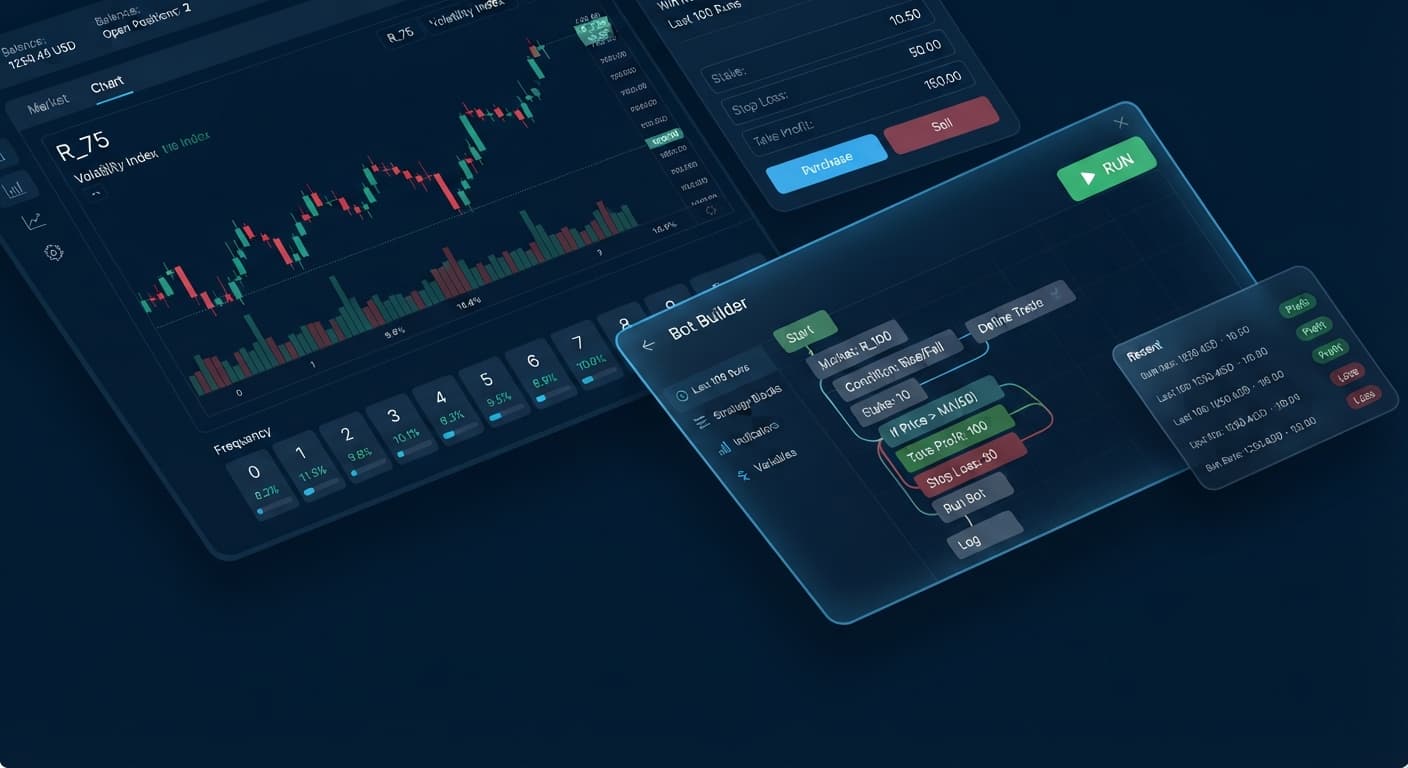
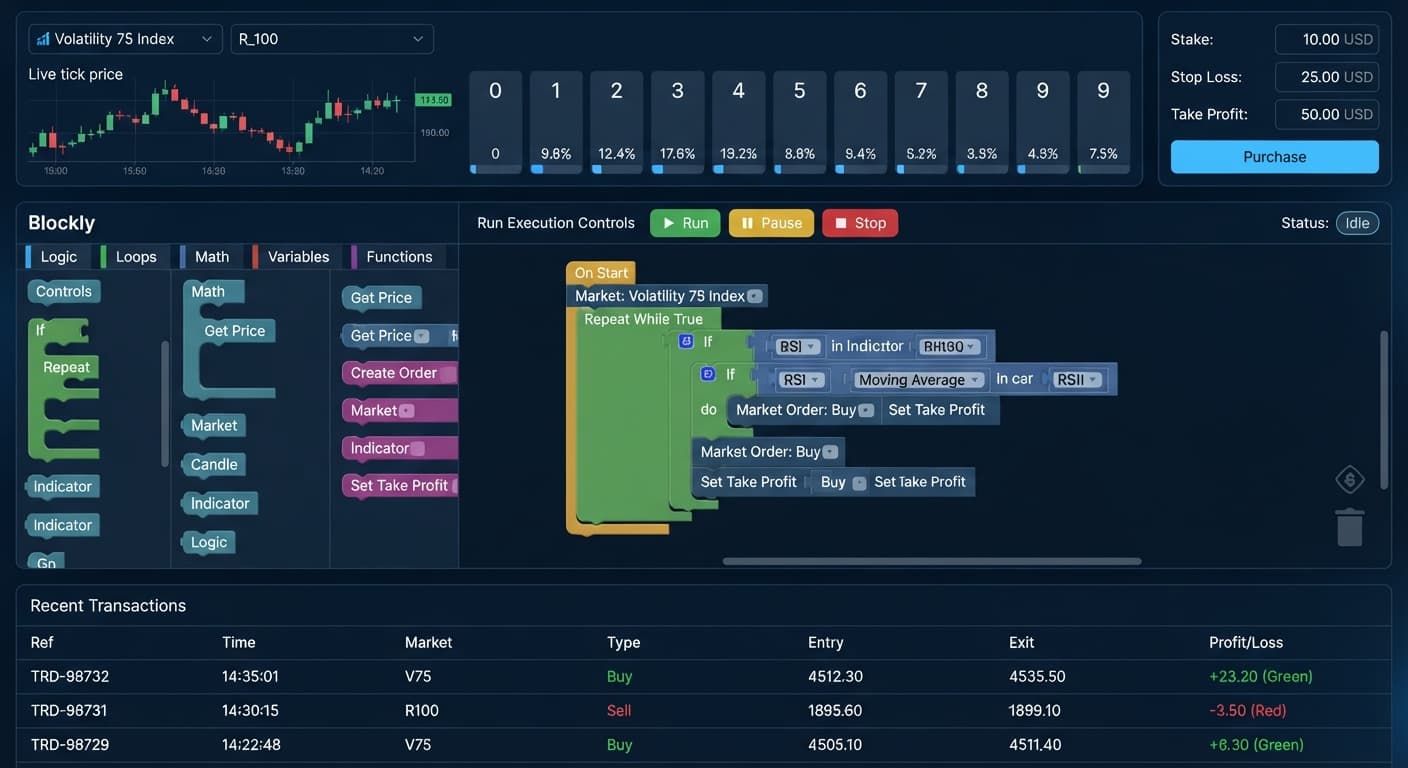
You can find free binary bots that run directly inside your web browser without downloading software by accessing browser-based trading utilities connected to your broker. You can browse the free bot library to launch automated scripts immediately in Chrome, Firefox, or Safari. These systems analyze digit ticks and execute contracts like DIGITEVEN or DIGITUNDER straight through your broker's infrastructure without installing software files on your phone or computer.
Before you click any buttons, you need to know what the software is actually doing. Here's a breakdown of the specific terms you'll encounter when setting up automated systems:
Using binary bots doesn't mean giving up control over your account. When you use web-based tools, your money stays inside your broker account at all times. The script simply sends execution signals based on the parameters you enter.
Most traditional trading software requires executable files, third-party installations, or paid hosting servers. Web-based scripts work differently. Your browser connects directly to Deriv over their official API using your personal API token.
Because everything happens locally inside your browser tab, no middleman server handles your capital or stores your trade history. When the script detects a trade trigger—like a specific digit outcome—it sends an order string straight to the broker's servers. The broker confirms the order, issues the contract, and sends the outcome back to your browser screen in real time.
[Your Web Browser]  <--- Direct API Connection --->  [Deriv Servers]
   (Runs Script)                                   (Executes Trades)
To make this connection, your token only needs two permissions: Read and Trade. You don't need Admin or Payment permissions, and you should never enter a token that requests them. If a tool asks for payment or withdraw permissions, close the page immediately.
Keep one basic mathematical fact in mind while configuring these systems: synthetic index ticks are generated by independent algorithms. A run of five consecutive odd numbers doesn't increase the mathematical chance of an even number on the next tick. Scripts help you execute structured rules without emotional delay, but they don't change underlying statistical probabilities.
When you run software inside a browser tab, you don't need to guess whether the system is working. You can monitor the live state of your connection, your trade queue, and your balance using clear visual indicators on the screen.
Here is what the interface shows at each stage of operation, what those visual cues mean, and what action you should take:
| On-Screen Visual State | System Meaning | Recommended Action |
|---|---|---|
| Status Badge: Solid green box reading "Connected" | Your API token is accepted and a live data socket is active. | Proceed to configure your stake and start settings. |
| Input Field: Red border around token box with error text | The token was pasted incorrectly, revoked, or lacks Trade scope. | Check your account settings and paste a valid token. |
| Trade Log: Yellow row reading "Submitting DIGITEVEN contract" | An entry trigger fired and the order was sent to the broker. | Leave the browser tab active and open while the tick settles. |
| Trade Log: Red row displaying "Loss (-$1.00)" | The last digit failed your contract conditions; stake was deducted. | Monitor total loss against your session stop loss. |
| Tick Counter: Numbers frozen for more than 5 seconds | Your network connection dropped or the API connection stalled. | Refresh the page, re-enter your token, and test on demo. |
Monitoring these states prevents double-entry errors. If a connection stalls while an order is active, checking the trade log tells you if the broker received the contract before you hit the start button again.
Testing new tools on live money is a quick way to lose capital to simple configuration mistakes. Follow this sequence using virtual funds to see how browser scripts behave under real market conditions.
Log into your broker dashboard and select your virtual balance account. Confirm that the currency indicator displays "USD Demo" or "Demo" at the top of your screen. Never configure a new tool while connected to a real balance.
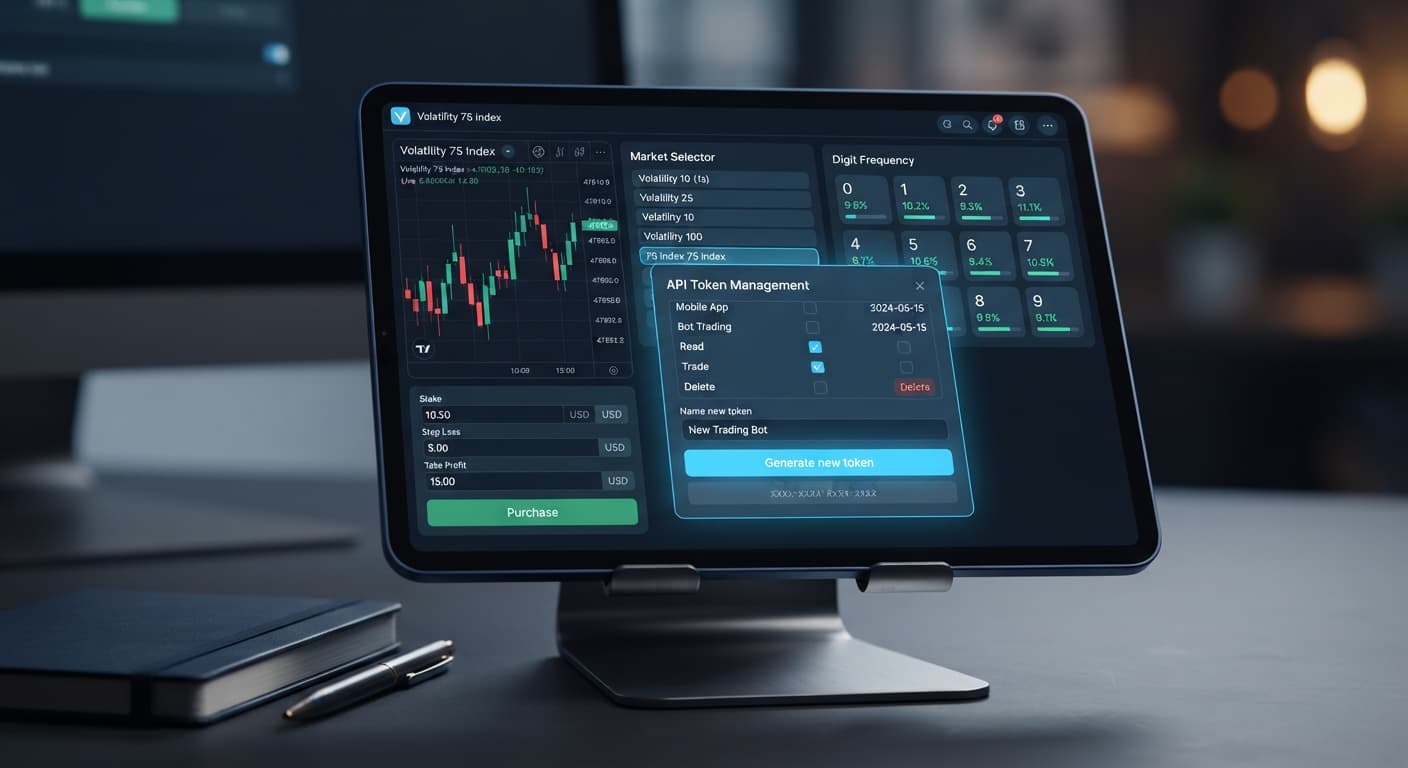
Navigate to your account settings, open the API Token section, and choose a label like "Browser Test". Select only two scope boxes: Read and Trade. Click the generate button and copy the token string to your clipboard.
Navigate to the homepage or select a specific tool like the Solid Trading Bot. Paste your token into the API input box and hit the connect button. Look at the status badge to confirm it switches to a green "Connected" state.
[ API Token Input Box ] -> Paste Token -> Click [Connect] -> Status: Connected (Green)
Select a high-frequency market like Volatility 100 Index. Set your contract type to DIGITEVEN or DIGITUNDER, enter an initial stake of 1.00 virtual dollar, set your Take Profit target to 5.00 dollars, and set your Stop Loss cap to 10.00 dollars.
Click the start button and watch the log window. Let the software complete 10 contract cycles without manual interference. Observe how fast the execution processes, check that your stop loss stops the script if hit, and hit the stop button manually once the 10th contract closes.
Most traders who lose money on automated deriv bots don't lose it because the code broke. They lose money because they left basic risk controls blank or misunderstood how browser tools interact with their accounts.
           COMMON ERRORS & SOLUTIONS
+-------------------------------------------------+
| 1. Runaway Losses    ---> Set Stop Loss Cap     |
| 2. Over-Permission   ---> Read/Trade Scopes Only|
| 3. Chasing Patterns  ---> Fixed Session Counts  |
| 4. Untested Speeds   ---> Demo-First Execution  |
+-------------------------------------------------+
Leaving a script unattended without a strict loss ceiling can clear out a balance during a bad market run.
Checking every box on the token generation screen creates a security hazard if you ever share your screen or paste the token into the wrong field.
Seeing five consecutive odd digits often tricks traders into manually switching to DIGITEVEN or increasing their stake. Synthetic ticks are statistically independent; past outcomes don't force future corrections.
Testing a script for three wins on demo and immediately switching to live capital usually ends badly when market conditions shift.
Using free binary bots gives you complete automation inside your web browser without risking installation files or handing account access to third parties. Keep your permissions tight, test every configuration on demo capital first, and set explicit loss limits before every single session.
Try it out yourself on the free tools using a demo balance first.
If you don't have an account yet, create a free Deriv account to get started.
Trading involves risk. Past performance does not guarantee future results.
Related: Deriv Demo Account for Bots: Zero-Knowledge Setup Guide
Related: How to Use Binary Bots: Beginner Guide for Deriv
Related: Deriv Bots Minimum Deposit: A Beginner Guide to Free Trading
The groundwork every bot guide assumes you already have — creating a Deriv API token, choosing demo vs real, and connecting safely.
Start with a Free Bot →You can use browser-based trading utilities that run directly inside Chrome, Firefox, or Safari. Just visit the free bot library to launch automated scripts immediately without installing any files on your computer or phone.
Your token only needs Read and Trade permissions to connect the browser tool to your broker. Never enter a token that requests Admin or Payment permissions, and close the page immediately if a tool asks for them.
Your money stays inside your broker account at all times because the web-based script simply sends execution signals based on your parameters. No middleman server handles your capital, and you can always use a demo account preloaded with virtual money to safely evaluate software behavior.
Scripts don't change underlying statistical probabilities or increase your chances of winning after a streak of specific numbers. They simply help you execute structured rules on digit contracts without emotional delay.
Guides closest to this one.
Set up a deriv demo account for bots from scratch. Learn how to connect to free deriv bots safely on BinaryBot.live. Start your risk-free practice today.
Learn how to use binary bots on BinaryBot.live with your Deriv account. Follow this beginner guide to load, run, and test free deriv bots safely.
Learn the deriv bots minimum deposit needed to run free strategies on BinaryBot.live. Discover account funding basics and start today.