Deriv Basics
Beginner's Guide to Free Deriv Bots: No Coding Needed
Learn how to find and run free deriv bots on BinaryBot.live with zero coding or downloads required. Start your beginner journey today!
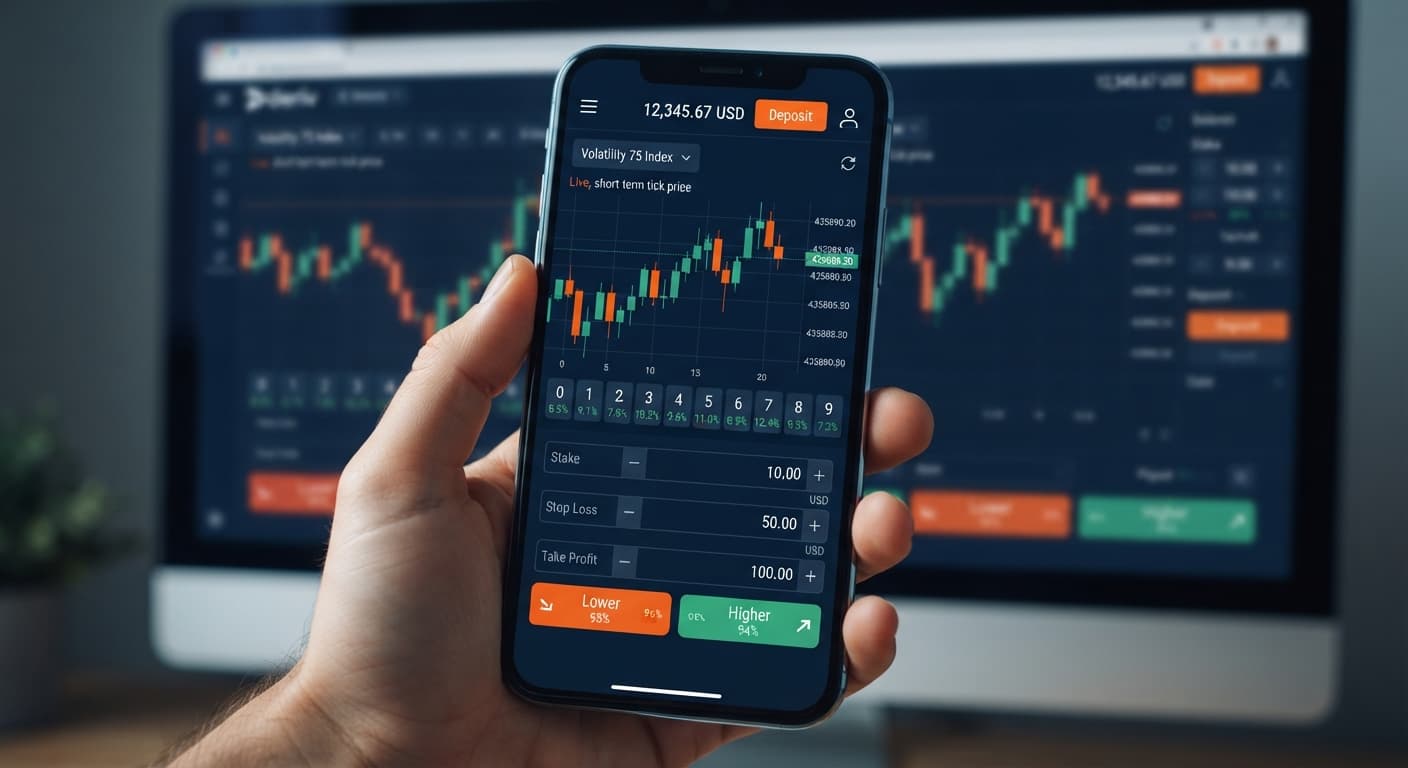
The exact deriv bots minimum deposit on BinaryBot.live is $0 on a virtual account and as low as $5 to $10 on a live account, depending on your selected payment processor. Because our analysis dashboards and trading scripts are completely free to access in your web browser, you don't need to pay subscription fees, buy software licenses, or deposit money into our platform. Your only financial requirement is the balance needed to open trades on your broker account, where the minimum trade stake starts at just $0.35 per contract.
Before running automated tools, you need to understand five core terms:
When traders evaluate the deriv bots minimum deposit, they often confuse platform access with wallet funding. You don't send money to BinaryBot.live. All capital stays inside your personal broker wallet, letting you test free deriv bots on virtual funds before risking real cash.
Running binary bots on browser interfaces doesn't require downloading heavy desktop software or handing control of your wallet over to a third party. The web application opens a direct connection to Deriv over their official API using your personal token.
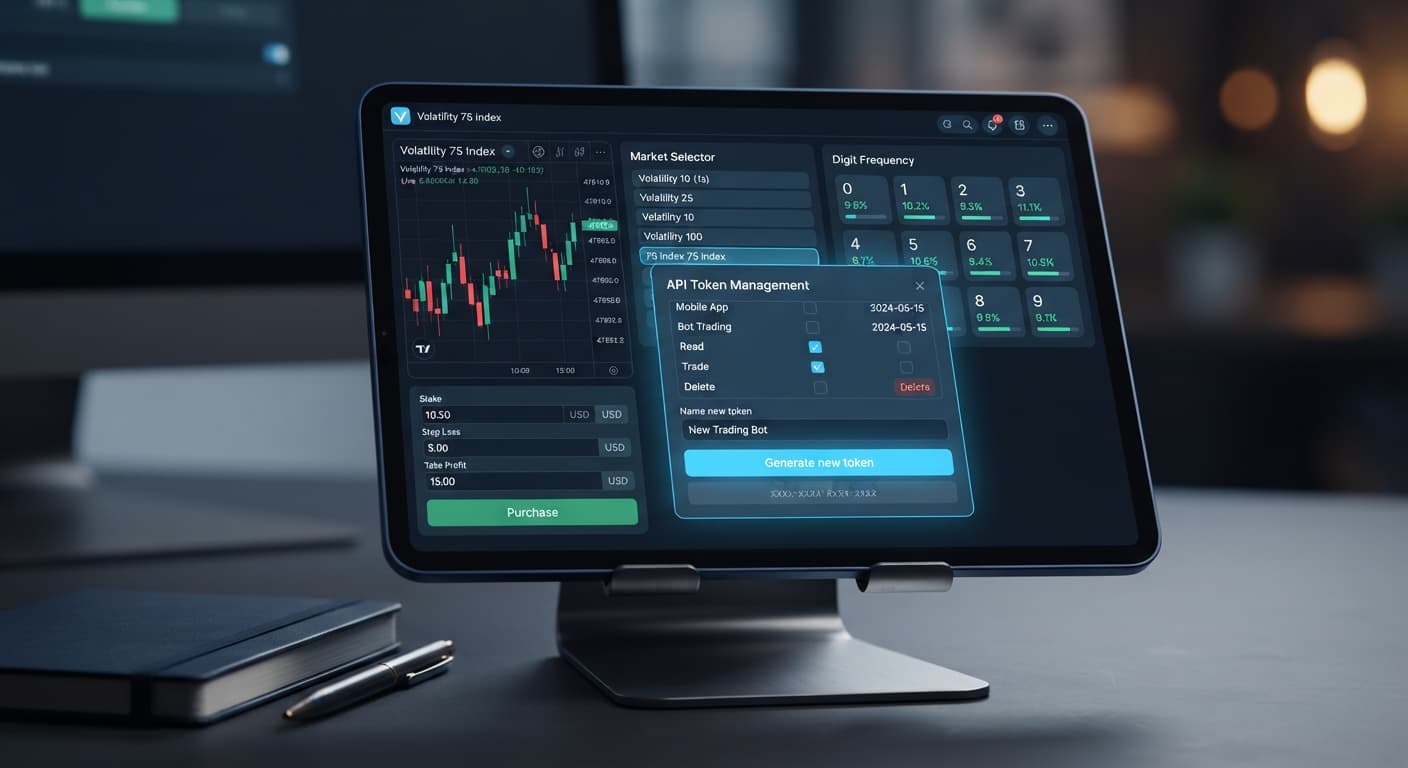
Here's how the connection works without technical jargon. You log into your broker portal, go to your API settings, and generate a token assigned strictly with "Read" and "Trade" permissions. You never select "Admin" or "Payment" permissions—those scopes aren't necessary for running trade automation and should stay turned off.
Once you paste that key into our tool interface, your browser communicates directly with your broker's trading engine. When a strategy trigger fires—like a specific number sequence appearing on Volatility 75 Index—the interface sends an order instruction using your key. Deriv validates the token, checks your available wallet balance, and opens the contract. If the trade wins, profits land instantly in your account balance. If it loses, the stake deducts immediately. At no point does a single cent pass through our website.
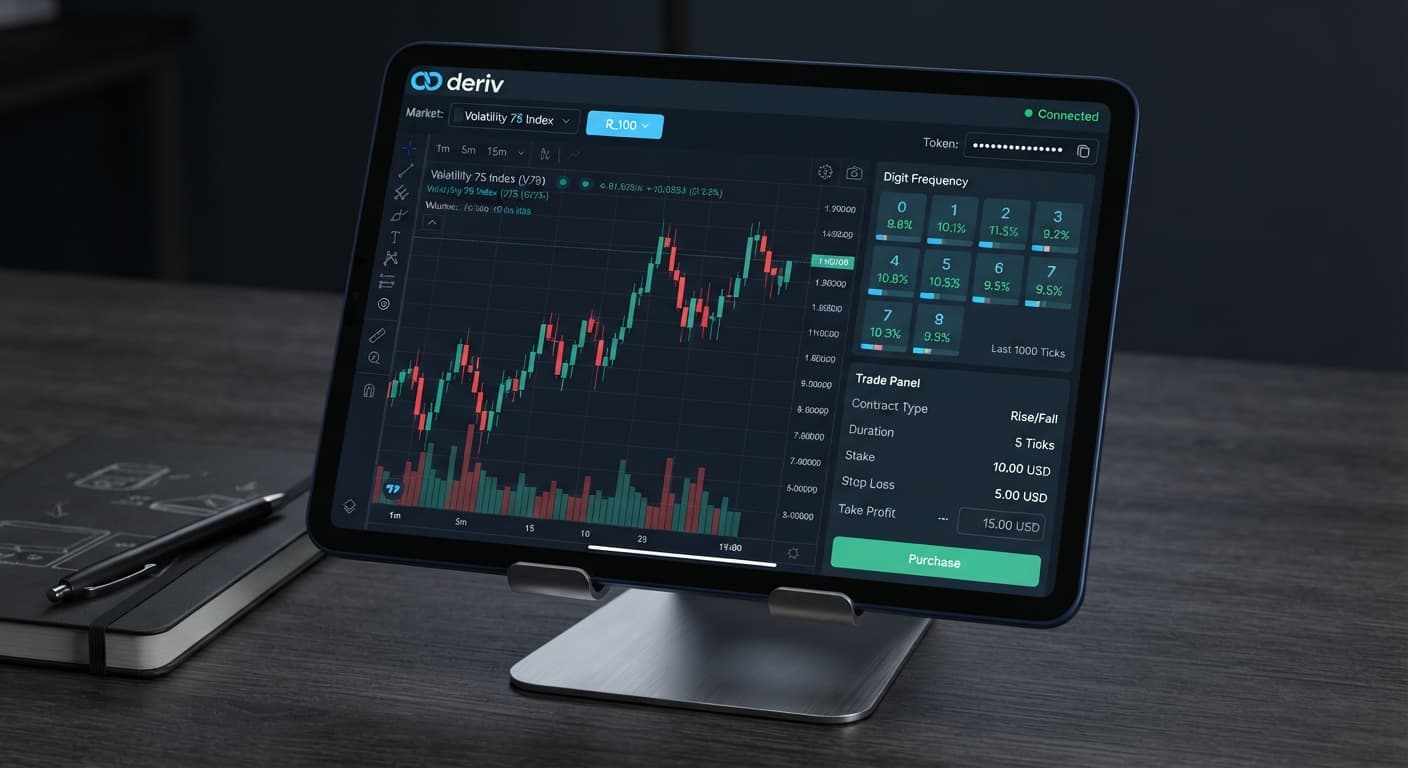
Before running digit contracts like DIGITEVEN, DIGITODD, DIGITOVER, DIGITUNDER, DIGITMATCH, or DIGITDIFF, you should look at live statistical distributions rather than guessing. Digit analyzers measure how frequently each number from 0 through 9 appears as the last digit of a tick price over a specific sample size.
Below is an actual digit frequency readout taken over a 500-tick sample on Volatility 75 Index:
| Last Digit | Observed Count | Percentage of Total | Distribution Status |
|---|---|---|---|
| 0 | 38 | 7.6% | Cold |
| 1 | 52 | 10.4% | Average |
| 2 | 49 | 9.8% | Average |
| 3 | 64 | 12.8% | Hot |
| 4 | 47 | 9.4% | Average |
| 5 | 51 | 10.2% | Average |
| 6 | 46 | 9.2% | Average |
| 7 | 61 | 12.2% | Hot |
| 8 | 48 | 9.6% | Average |
| 9 | 44 | 8.8% | Cold |
On your screen, this data appears as a visual bar chart with digit 3 and digit 7 towering above the baseline, while digit 0 sits noticeably lower. A trader observing this specific 500-tick window might decide to set a DIGITUNDER 8 contract or a DIGITODD contract based on the temporary concentration of odd numbers (1, 3, 5, 7, and 9 accounted for 54.4% of all ticks).
It's critical to remember that past distribution stats don't predict future outcomes. Deriv synthetic index ticks are mathematically independent events. The fact that digit 3 appeared 64 times in the last 500 ticks doesn't make it more or less likely to appear on the 501st tick. Frequency charts simply show you what happened over a recent window so you can make structured, rule-based decisions instead of firing random trades.
Testing automated tools requires zero capital upfront. Follow this exact setup sequence using a virtual account before touching real funds.
Sign into your account settings, find the API token management page, and select only the "Read" and "Trade" permissions. Name the token something clear like "Demo Test", click create, and copy the string of characters to your clipboard.
Head over to the digit analyzer dashboard on BinaryBot.live and paste your key into the token input box. Click connect. You'll see your virtual account balance display on screen alongside live tick feeds.
Select Volatility 75 Index from the asset dropdown menu. Choose your preferred contract parameter—such as DIGITOVER, DIGITUNDER, DIGITEVEN, DIGITODD, DIGITMATCH, or DIGITDIFF—and set your prediction target based on your strategy.
Enter $0.35 as your initial base stake. Set a strict session target, such as a $5.00 take profit and a $10.00 stop loss. These boundaries force the script to stop automatically once either threshold is hit.
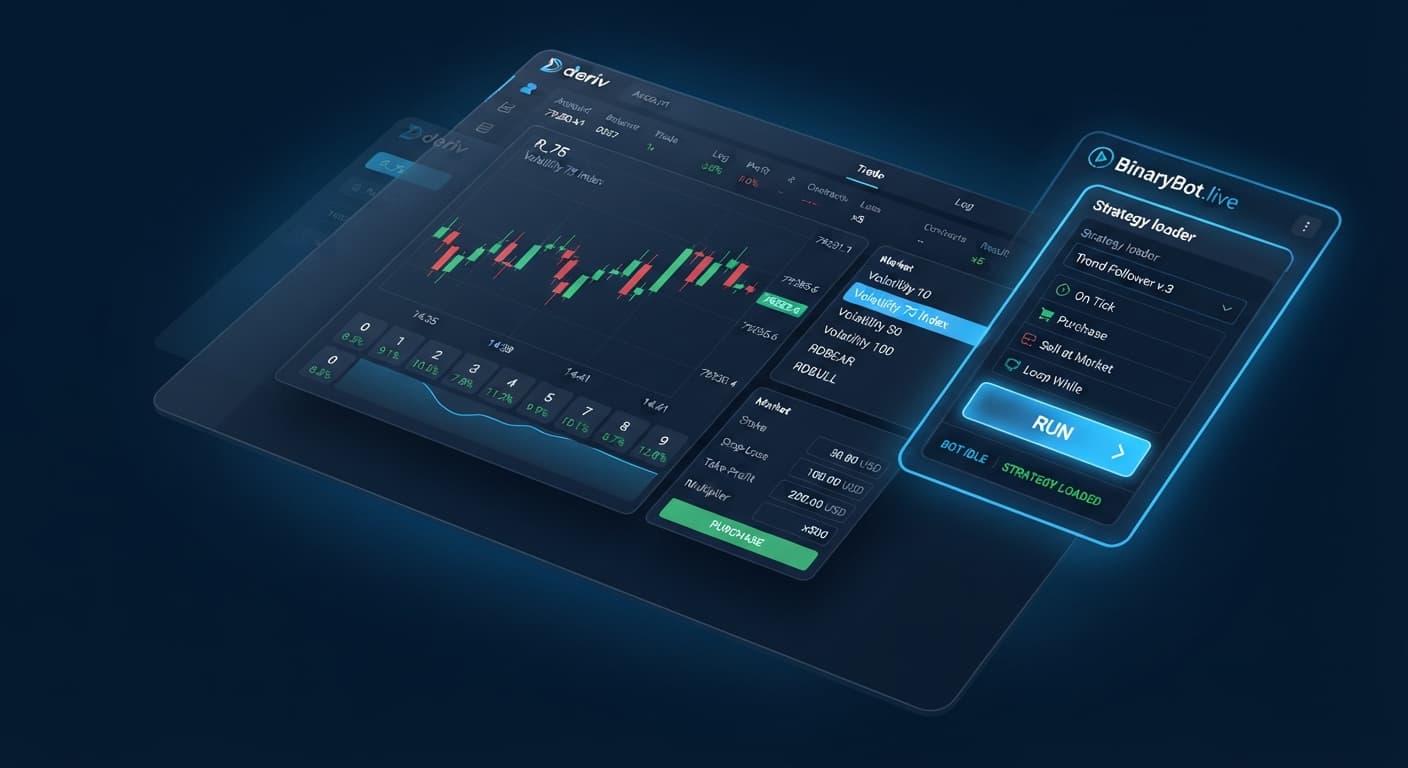
Click the run button. Watch the live trade log as contracts execute. Look at the execution speed, check whether entry barriers match your execution rules, and monitor how your demo balance changes over a 50-trade sample run.
When new traders test binary bots, simple control errors cause most unnecessary drawdown. Here are the four biggest mistakes and the exact software settings that eliminate them.
Traders sometimes check every box when generating an API key, including "Admin" and "Payment" options. If your browser or device gets compromised, full-scope keys expose your security and wallet settings. The Fix: Select strictly "Read" and "Trade" scopes during token creation. This allows contract execution while keeping withdrawal and security settings locked.
Leaving automated trades running without hard stop limits can wipe out small account balances during unexpected cold streaks. The Fix: Use the explicit Stop Loss input field on your bot interface. Set it to a maximum of 20% of your total account balance so an automated run halts before deep drawdown happens.
Setting a DIGITOVER barrier to 8 means only digit 9 triggers a win—giving you a slim 10% theoretical win rate per tick. Beginners often confuse prediction barriers with winning conditions. The Fix: Double-check your contract math before starting execution. A DIGITOVER 2 contract wins on digits 3 through 9 (a 70% theoretical win rate), while a DIGITUNDER 7 wins on digits 0 through 6.
Switching to real funds after seeing three winning trades on a live feed leads to poor risk management when market variance turns. The Fix: Run any strategy on a demo balance for at least 100 consecutive trades. Check the win-rate percentage and drawdown stats in your session log before committing actual cash to the market. Understanding your real deriv bots minimum deposit requirements on demo first ensures you won't blow your live wallet on simple setup errors.
Try it yourself on the free tools on BinaryBot.live using a demo balance first. If you don't have one yet, create a free Deriv account. Trading involves risk. Past performance does not guarantee future results.
Related: How Do Deriv Bots Work: Beginner Tech Guide
Related: Zero Experience Needed: Deriv Bots for Beginners on BinaryBot.live
Related: Binary Bots for Beginners: Zero Experience Guide
Related: Deriv Demo Account for Bots: Zero-Knowledge Setup Guide
The groundwork every bot guide assumes you already have — creating a Deriv API token, choosing demo vs real, and connecting safely.
Start with a Free Bot →It's $0 on a virtual account and ranges from $5 to $10 on a live account, depending on your payment processor. You don't actually deposit any money to BinaryBot.live because all capital stays inside your personal broker wallet.
No, you don't need to pay subscription fees or buy software licenses because the analysis dashboards and trading scripts are completely free to access in your web browser. Your only financial requirement is the balance needed to open trades on your broker account, where stakes start at $0.35 per contract.
You should only assign 'Read' and 'Trade' permissions to your API token. Never select 'Admin' or 'Payment' permissions, as those scopes aren't necessary for running trade automation and should stay turned off.
All your money stays inside your personal broker wallet on Deriv rather than passing through the website. When a trade wins, profits land instantly in your account balance, and if it loses, the stake deducts immediately.
Guides closest to this one.
Learn how to find and run free deriv bots on BinaryBot.live with zero coding or downloads required. Start your beginner journey today!
Troubleshoot why is my deriv bot not placing trades on BinaryBot.live. Fix balance, token, and logic errors safely. Start debugging today.
Set up a deriv demo account for bots from scratch. Learn how to connect to free deriv bots safely on BinaryBot.live. Start your risk-free practice today.