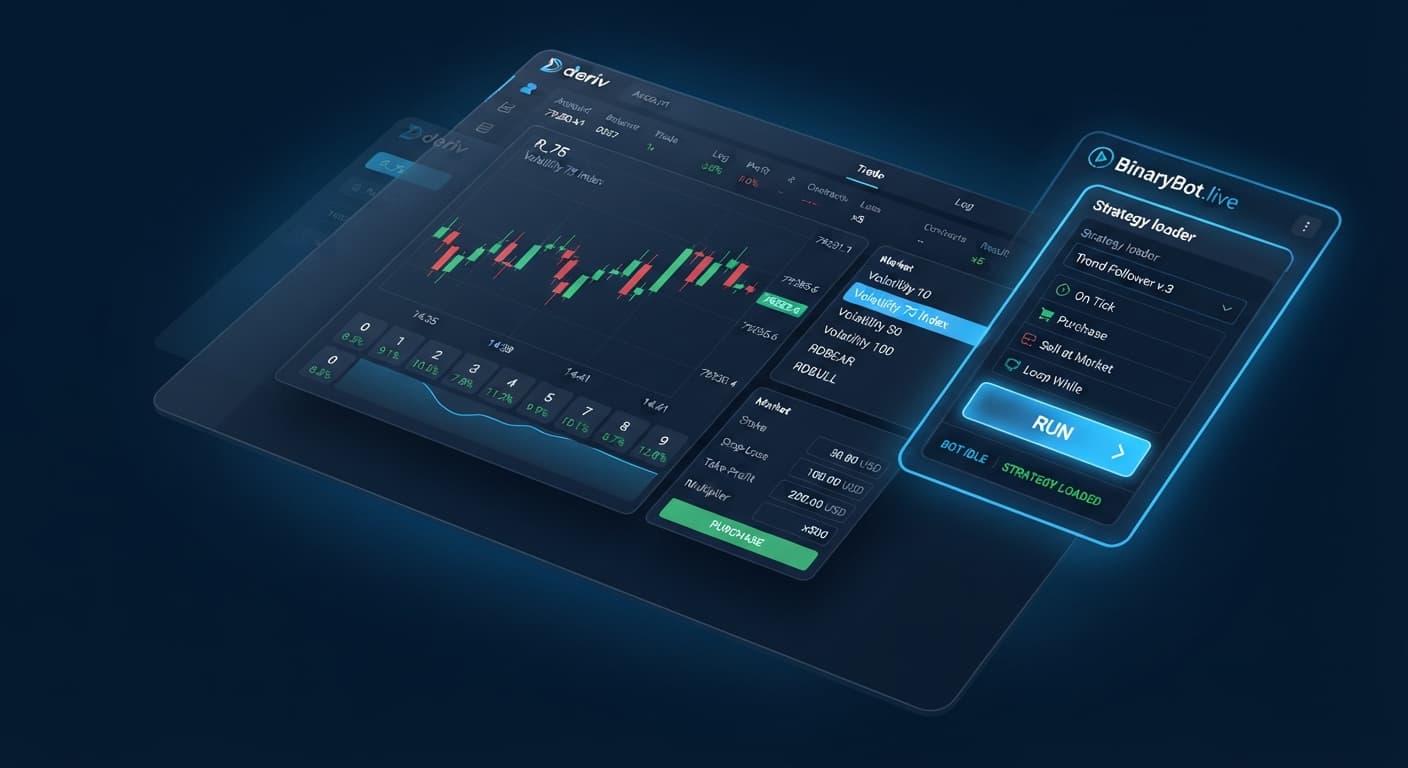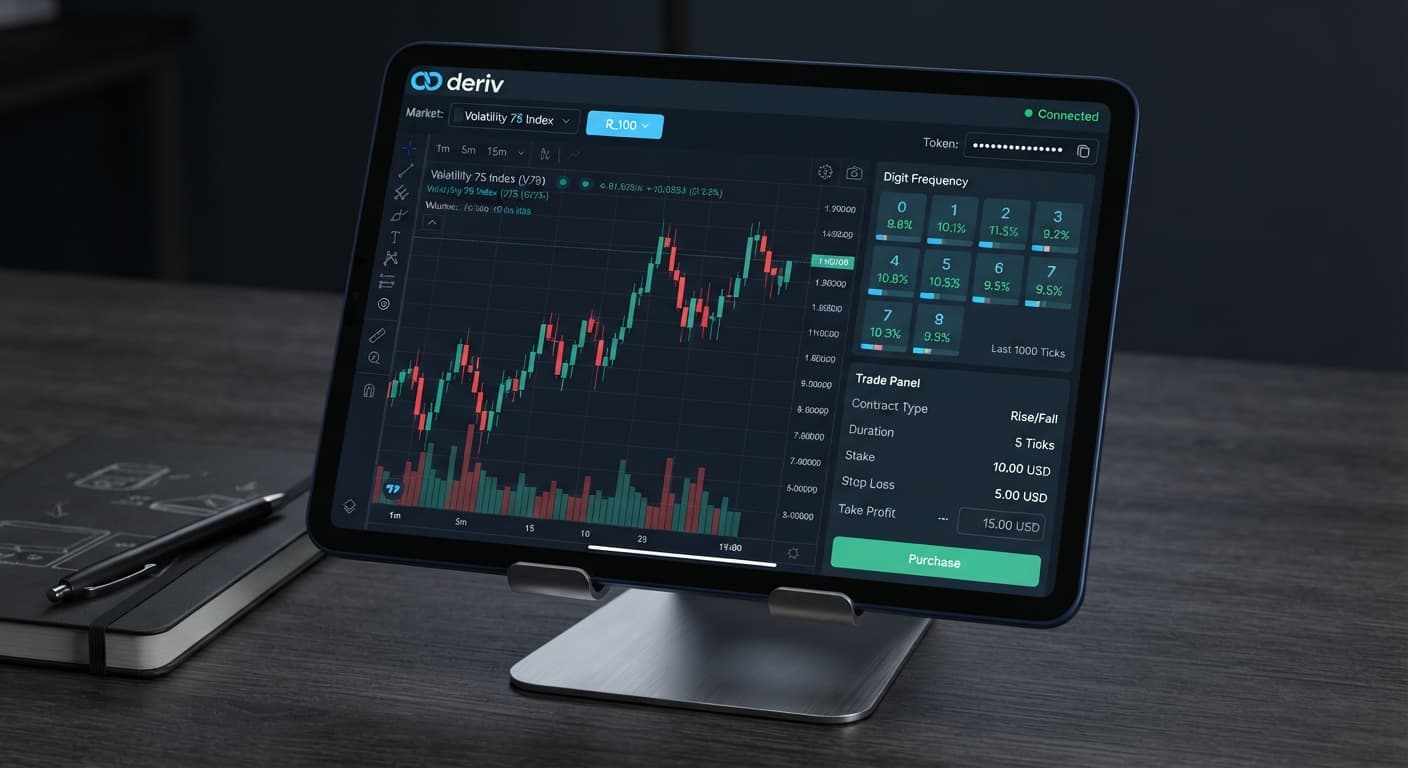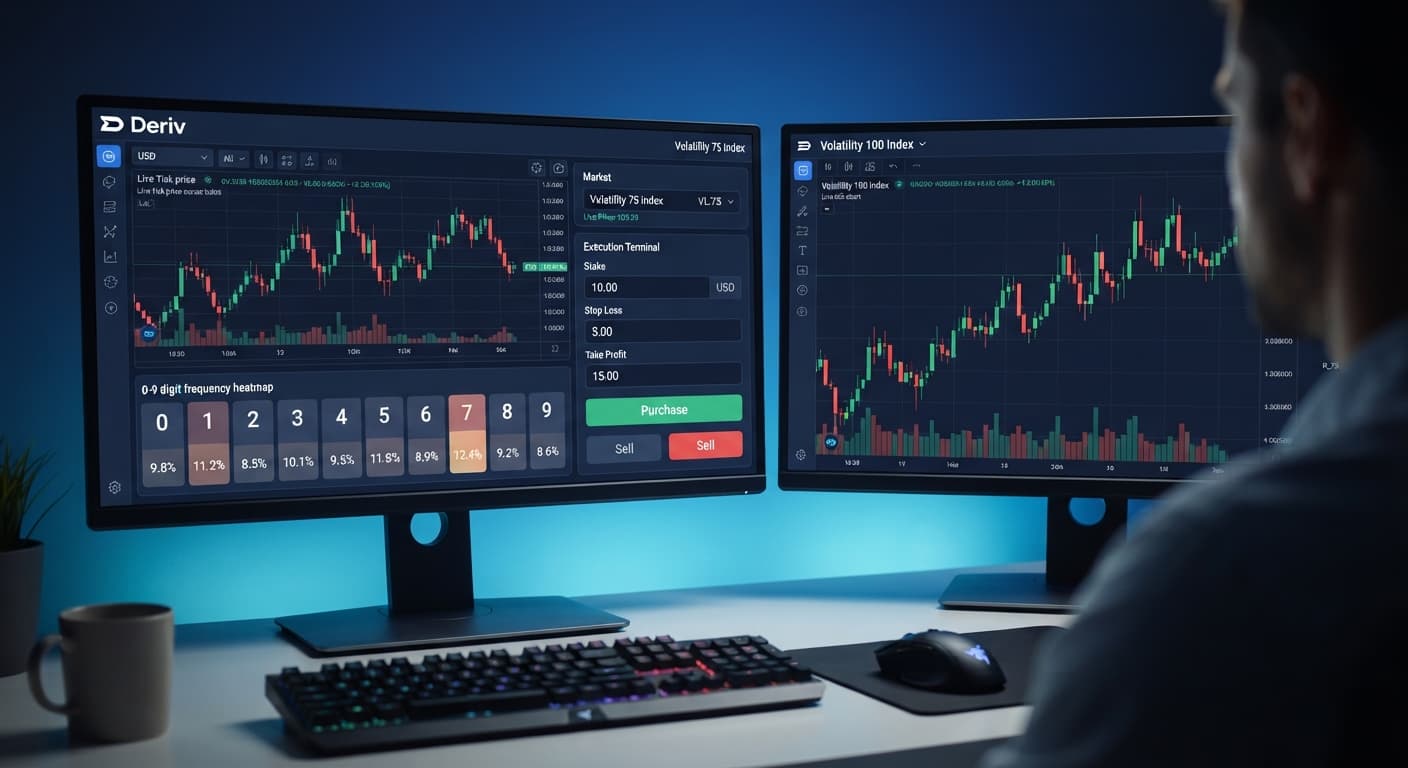
Deriv Basics
Choosing Best Deriv Bots: Beginner Guide to Analyzers
Learn how to find the best deriv bots using free browser-based digit analyzers on BinaryBot.live. Zero prior knowledge needed. Read our beginner guide!
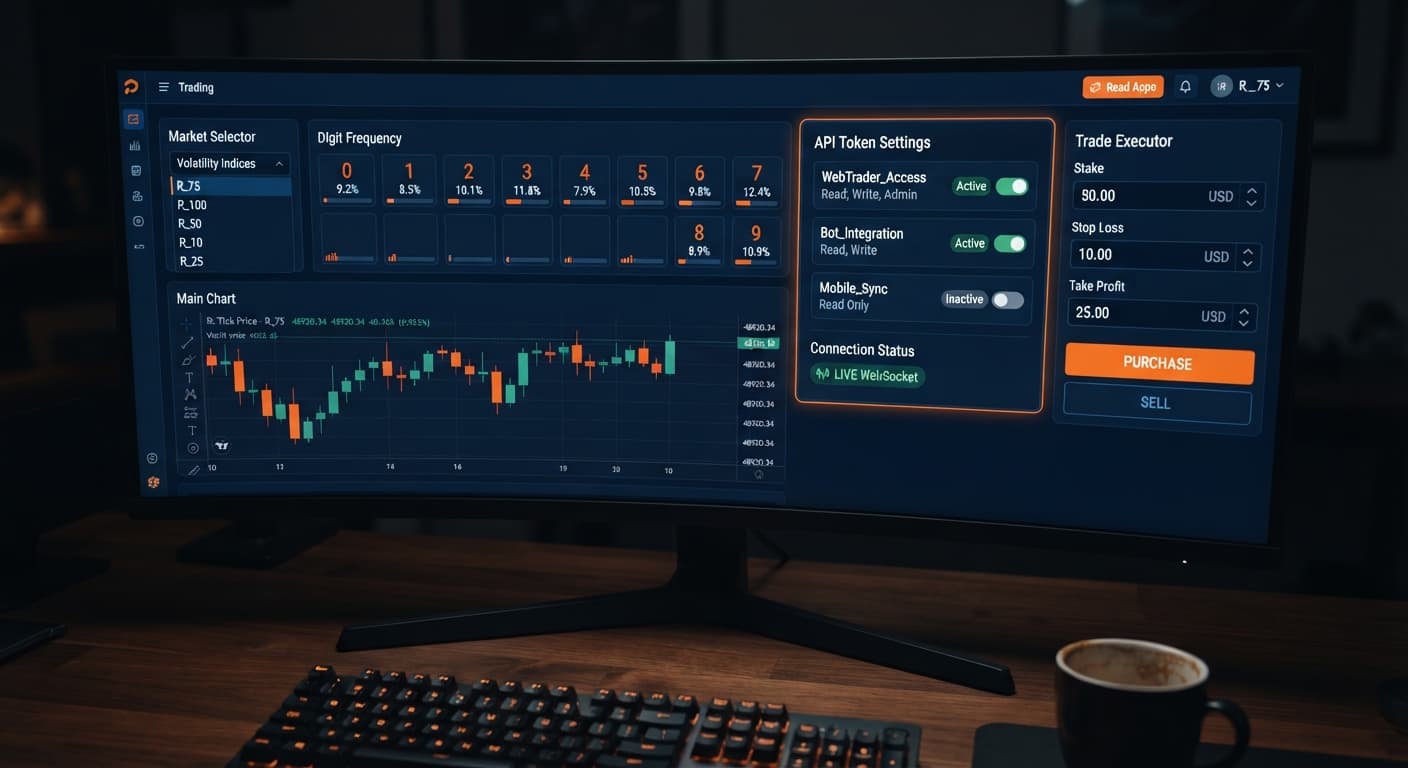
To understand how do deriv bots work, you need to know that these tools run automated trading code directly inside your web browser to talk with Deriv's servers. A bot receives live price updates, evaluates your pre-set mathematical conditions, and sends contract purchase orders automatically without human delays. No money ever passes through third-party platforms like BinaryBot.live because your browser connects straight to Deriv using your personal API token.
Let's break down the technical terms you'll encounter when setting up automation. An API token is an encrypted security alphanumeric string generated in your Deriv settings that gives external applications permission to read your account data and place trades on your behalf. WebSockets are persistent, high-speed communication channels that maintain an open connection between your browser and Deriv, pushing continuous tick data back and forth without forcing page reloads. Browser-based execution means the script runs locally on your computer's browser engine rather than on a distant, managed cloud server.
When trading synthetic indices—which are cryptographically generated markets that simulate continuous volatility—the bot monitors ticks. A tick is a single price update that occurs every second. For digit contracts, the bot inspects the final digit of that tick price. You can configure execution across six specific digit contract types: DIGITEVEN (wins on 0, 2, 4, 6, 8), DIGITODD (wins on 1, 3, 5, 7, 9), DIGITOVER (wins if the digit is above your barrier), DIGITUNDER (wins if the digit is below your barrier), DIGITMATCH (wins if the digit matches your exact pick), and DIGITDIFF (wins if the digit does not match your pick).
Understanding how do deriv bots work from an architectural standpoint protects your funds and account security. Traditional trading bots often require hosting your code on private virtual servers or depositing money into a third-party bridge service. Browser-based tools remove those middle steps completely.
When you load a script on BinaryBot.live, the web page serves as a lightweight interface host. The site loads JavaScript controls into your client memory, but it doesn't hold your account balance or route your orders through private servers. The moment you paste your API token and click start, your browser opens an independent socket channel directly to Deriv's official API servers.
Here is what happens during a single trade cycle:
DIGITUNDER with a duration of 1 tick—and sends it straight over the API link.Because execution is entirely local, closing your tab, putting your computer to sleep, or losing your internet link stops the bot immediately. No rogue trades happen in the background when your local session disconnects.
Monitoring binary bots during active trading requires watching screen states rather than guessing whether your code is running. Your browser window provides distinct visual cues that reveal connection health, order validation, and API network statuses.
If your network connection stutters or your API token lacks correct permissions, the user interface shifts state instantly. Here is how to interpret what you see on screen:
| What You See | What It Means | What To Do |
|---|---|---|
| Green status indicator reading "Connected" | Your browser maintains an active socket channel streaming tick updates | Leave the browser tab open and visible while the strategy executes |
| Red input box around the API Token field | The entered token string is malformed or invalid on Deriv's network | Re-copy your API token from Deriv settings and paste it again |
| Status badge displaying "Disconnected" | The socket link dropped due to local network loss or packet timeout | Refresh your page, check your internet connection, and reconnect |
| Trade log error: "Invalid Scope / Read Only" | Your token lacks permissions required to place trades | Generate a new API token on Deriv with both Read and Trade scopes checked |
| Tick stream log stops updating for > 3 seconds | The live data feed has stalled or your browser throttled execution | Click Stop, verify active internet access, and click Start again |
A properly functioning script displays a rapid feed of incoming tick prices inside the execution log. Every time a contract resolves, you'll see an immediate transaction log entry displaying the purchase ID, entry spot, exit spot, and settlement result directly from Deriv.
Before applying automated tools to real capital, you must verify your script settings inside a safe environment. Follow these exact steps using virtual funds.
Log into your Deriv account and navigate to your account settings under the API token tab. Name your token clearly, like "Bot Testing Key". Select the checkboxes for Read and Trade scopes only. Do not check Admin or Payment scopes—the script does not need them, and keeping them unchecked secures your account. Copy the generated token string.
Open BinaryBot.live in your browser. Locate the account selector switch in the interface header and set it to Demo mode. Operating in demo mode connects the script to your Deriv virtual balance, giving you a risk-free environment to see how do deriv bots work across various market conditions.
Paste your copied API token into the API Key input field. Choose your desired market, such as Volatility 100 Index. Select your contract type—for example, DIGITEVEN. Set your run settings, including a target profit limit of 10% of your demo balance and a strict stop loss limit of 15% to prevent complete drawdowns during adverse runs.
Click the Start button. Keep your eye on the live log window. Watch how incoming ticks trigger condition checks in real time. Verify that stake sizing, duration selections, and contract parameters match your strategy plan before you ever consider switching to a real account.
New traders who configure deriv bots often encounter execution failures caused by simple setup mistakes. Avoiding these technical pitfalls ensures your scripts run reliably.
DIGITEVEN or DIGITODD remains exactly 50/50. Designing a bot on the assumption that past tick sequences guarantee future digits will cause rapid drawdown.Try building and testing scripts on the free tools using a virtual balance first. If you don't have an account yet, create a free Deriv account to generate your API token.
Trading involves risk. Past performance does not guarantee future results.
Related: Zero Experience Needed: Deriv Bots for Beginners on BinaryBot.live
Related: Configuring Binary Bots for Digit Differs on Volatility 10
Related: Configuring Digit Differ Strategy Using deriv bots india
Related: Binary Bots for Beginners: Zero Experience Guide
Related: Deriv Bots Minimum Deposit: A Beginner Guide to Free Trading
Related: How to Use Binary Bots: Beginner Guide for Deriv
Related: Why Is My Deriv Bot Not Placing Trades? Beginner Fix
Related: Choosing Best Deriv Bots: Beginner Guide to Analyzers
The groundwork every bot guide assumes you already have — creating a Deriv API token, choosing demo vs real, and connecting safely.
Start with a Free Bot →They run automated code directly inside your web browser that connects straight to Deriv's servers via an API token. The bot evaluates your pre-set mathematical conditions against live tick data and sends contract purchase orders automatically.
Yes, no money ever passes through third-party platforms because your browser connects straight to Deriv using your personal API token. The site only hosts the interface, meaning it doesn't hold your account balance or route your orders through private servers.
Closing your tab, putting your computer to sleep, or losing your internet connection stops the bot immediately. Because execution is entirely local, no rogue trades happen in the background when your local session disconnects.
It's an encrypted security alphanumeric string generated in your Deriv settings that gives external applications permission to read your account data and place trades on your behalf. You paste this token directly into the browser-based tool to link it to your account.
Guides closest to this one.
Learn how to find the best deriv bots using free browser-based digit analyzers on BinaryBot.live. Zero prior knowledge needed. Read our beginner guide!
Learn how to find and run free deriv bots on BinaryBot.live with zero coding or downloads required. Start your beginner journey today!
Troubleshoot why is my deriv bot not placing trades on BinaryBot.live. Fix balance, token, and logic errors safely. Start debugging today.