Deriv Basics
Beginner's Guide to Free Deriv Bots: No Coding Needed
Learn how to find and run free deriv bots on BinaryBot.live with zero coding or downloads required. Start your beginner journey today!
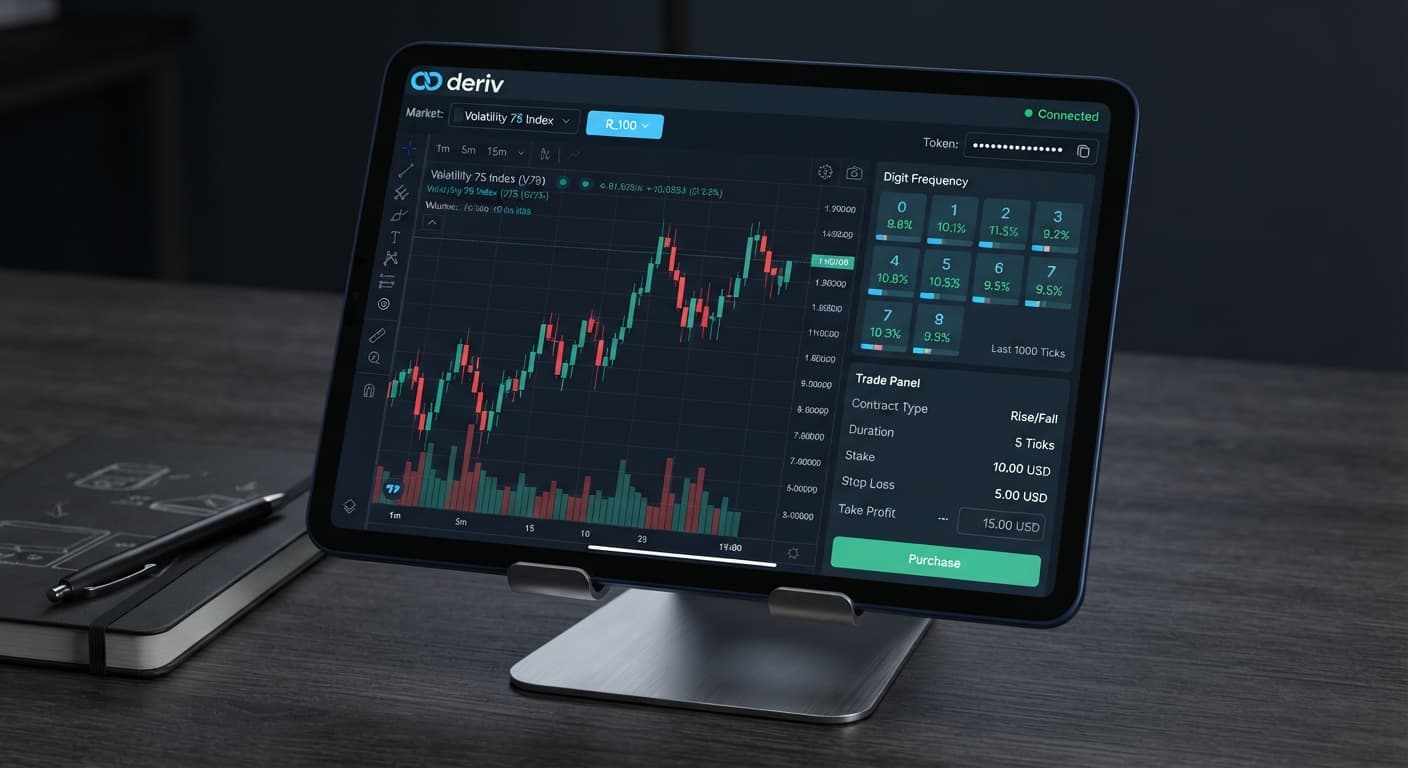
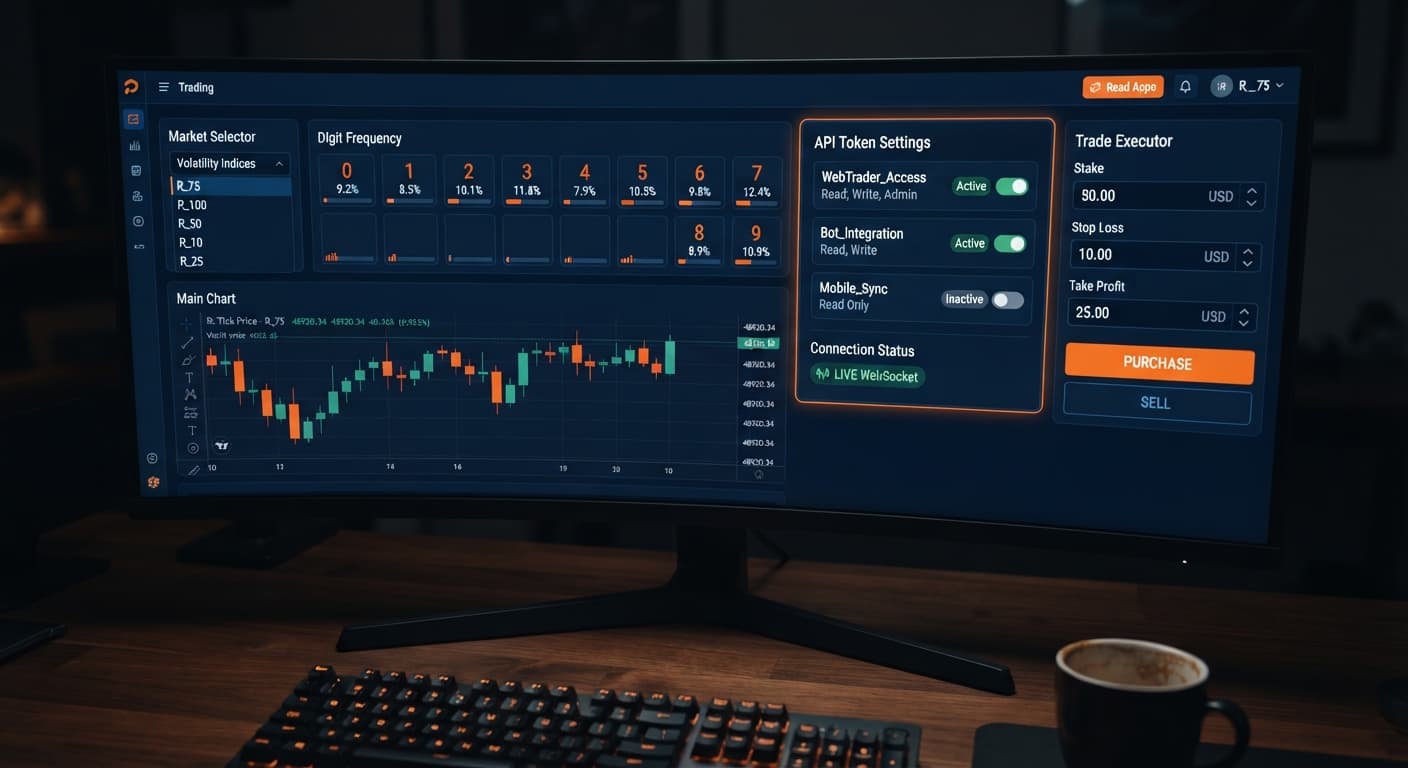
If you are asking why is my deriv bot not placing trades, the issue almost always stems from three specific causes: an API token missing the Trade scope, an invalid contract parameter like an out-of-range digit barrier, or an account safety restriction triggered on Deriv. Web tools like binary bots run in your web browser and connect directly to Deriv over their official API. If the interface shows a green connection light but zero orders enter the ledger, your browser is sending commands that Deriv's API refuses to execute. Automated systems don't fix poor preparation, and most beginners lose money during their initial testing runs before they get their configurations right.
Understanding the core interface terminology makes troubleshooting straightforward. Here's what these components mean inside your browser terminal:
DIGITOVER or DIGITUNDER to set the winning condition.When you run a script on Solid Trading Bot or Sniper Bot V3, the dashboard provides real-time diagnostic output. You don't need to guess why orders aren't executing; the visual interface gives you exact clues.
When asking why is my deriv bot not placing trades, checking the visual state of the controls reveals the root cause within seconds. Here is how to map screen indicators to immediate solutions:
| Terminal Visual State | What It Means | Corrective Action |
|---|---|---|
| Red ring around token input box | The string pasted into the API Token box is malformed or invalid | Delete the string, generate a fresh token on Deriv, and paste it again |
| Green light, empty log, zero tick changes | Active asset market is closed or WebSocket connection stalled | Refresh the browser page and check if the underlying index market is active |
Trade log displays Authorization Error |
The token has Read scope enabled but lacks Trade scope permissions | Create a new token in Deriv account settings with both Read and Trade checked |
Trade log displays Invalid Parameter |
A contract field value violates asset rules (e.g. barrier above 9) | Adjust your digit prediction parameter to a valid number between 0 and 9 |
Trade log displays Insufficient Balance |
Target stake exceeds available account funds on demo or real | Lower the base stake value or top up your Virtual Account balance on Deriv |
If your system connects but sits idle, inspect the live tick counter first. If ticks stream through the visual display, your connection is alive, meaning the script's entry conditions haven't triggered or Deriv's API rejected the trade request payload.
Before attempting execution with live funds, run this test sequence to verify that your browser, API connection, and parameters communicate cleanly with Deriv.
Log in to your Deriv profile, navigate to Account Settings, and select API Token. Give your new token a clear name like "TestBot". Check the boxes for Read and Trade. Don't check Admin or Payments—deriv bots never need administrative or payment permissions. Copy the generated string to your clipboard.
Open the LDP Analyzer Pro dashboard in your browser. Paste your copied token into the API Token field and hit the Connect control. Watch the connection indicator. It should change from grey to green, and your account balance should display immediately.
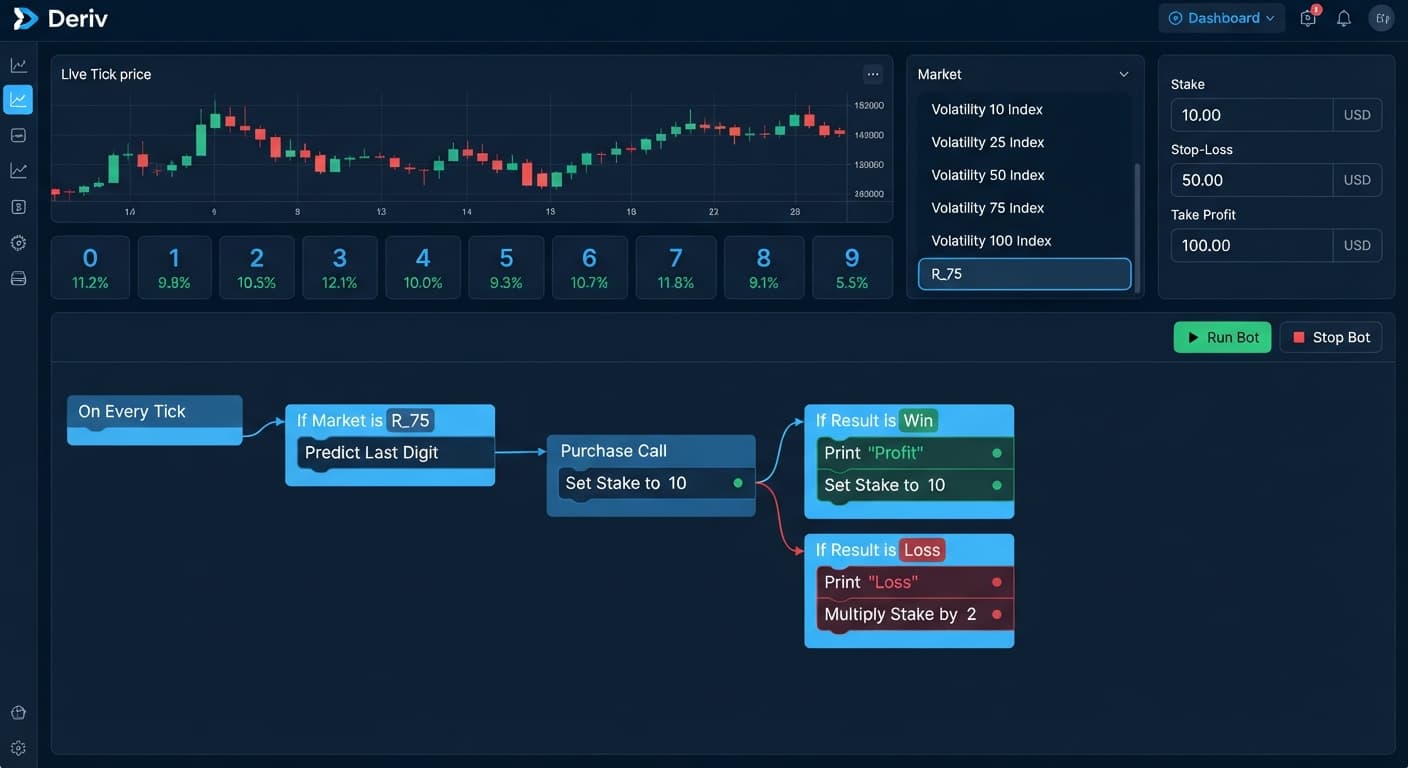
Configure your run using basic digit contract types. Set the contract mode to DIGITEVEN or DIGITODD. If you choose DIGITOVER, set your digit barrier to 2. Set your duration to 1 tick. Set your base stake to 1 unit. Set a session stop loss to 10 units and a take profit target to 5 units. Starting with tight parameters helps you spot errors instantly.
Click the Start Bot control. Watch the trade log panel closely. Within two ticks, you should see an entry line appear showing contract ID, contract type (DIGITEVEN), purchase price, and live tick updates. If the order completes and populates the log with a win or loss result, your setup works perfectly.
If you pass the basic test but find yourself asking why is my deriv bot not placing trades during longer sessions, automated safeguards or misconfigured settings are usually responsible.
Most scripts feature built-in session limits. If you set your take profit target to 5 units and your script hits that threshold in three trades, the program shuts down trade execution automatically. The screen state remains active, but the bot won't purchase another contract. Check your target log; if your session profit matches your target setting, reset the session counter to continue testing.
Selecting a contract type requires compatible input fields. If you set your contract type to DIGITMATCH or DIGITDIFF but leave the target digit field blank, the browser script sends an incomplete command payload. Deriv rejects the trade instantly. Always double-check that DIGITMATCH, DIGITDIFF, DIGITOVER, and DIGITUNDER have an explicit target digit specified from 0 to 9.
Running high-frequency scripts on 1-tick synthetic volatility markets can occasionally overwhelm your browser's WebSocket throughput. If your script attempts to send three purchase requests within a single second, Deriv's API drops the excess requests to prevent spam. If you notice missed entries during fast market movements, test your strategy on Tick Picker or slow down your entry trigger logic by requiring two consecutive confirmation ticks before firing an order.
A common mistake among new traders is jumping directly to real-money accounts without testing network stability on demo profiles. Synthetic index prices on Deriv move continuously, but local network drops, browser sleeping tabs, or unverified token permissions can disrupt automated execution. Always spend several hours testing execution speed and parameter responses on a virtual account before considering real capital execution.
Test your strategy settings on the free Deriv bot library using a virtual balance first.
If you don't have a trading profile yet, create a free Deriv account to start testing.
Trading involves risk. Past performance does not guarantee future results.
Related: How Do Deriv Bots Work: Beginner Tech Guide
Related: Zero Experience Needed: Deriv Bots for Beginners on BinaryBot.live
Related: Beginner's Deriv API Token for Bots Setup Guide
Related: Beginner's Guide to Free Deriv Bots: No Coding Needed
The groundwork every bot guide assumes you already have — creating a Deriv API token, choosing demo vs real, and connecting safely.
Start with a Free Bot →A green light with zero orders usually means the underlying asset market is closed or your browser's WebSocket connection stalled. Refresh the browser page and check if the market is active. If ticks are streaming, it means your connection is alive, but either your script's entry conditions haven't triggered or the API rejected the request.
This error happens when your API token only has Read scope enabled and lacks Trade scope permissions. To fix it, create a new token in your Deriv account settings with both Read and Trade checked, then paste the fresh token into your tool.
An Invalid Parameter error means a contract field value violates asset rules, such as setting a digit barrier above 9. You can fix this by adjusting your digit prediction parameter to a valid number between 0 and 9.
A red ring means the string you pasted into the API Token box is malformed or invalid. Delete the string, generate a fresh token on Deriv, and paste it again.
Guides closest to this one.
Learn how to find and run free deriv bots on BinaryBot.live with zero coding or downloads required. Start your beginner journey today!
Discover how do deriv bots work under the hood. Learn about API tokens, WebSockets, and browser execution for free deriv bot strategies. Try it now!
Learn to use deriv bots for beginners on BinaryBot.live with zero coding experience. Discover how to load and run free binary options strategies today.