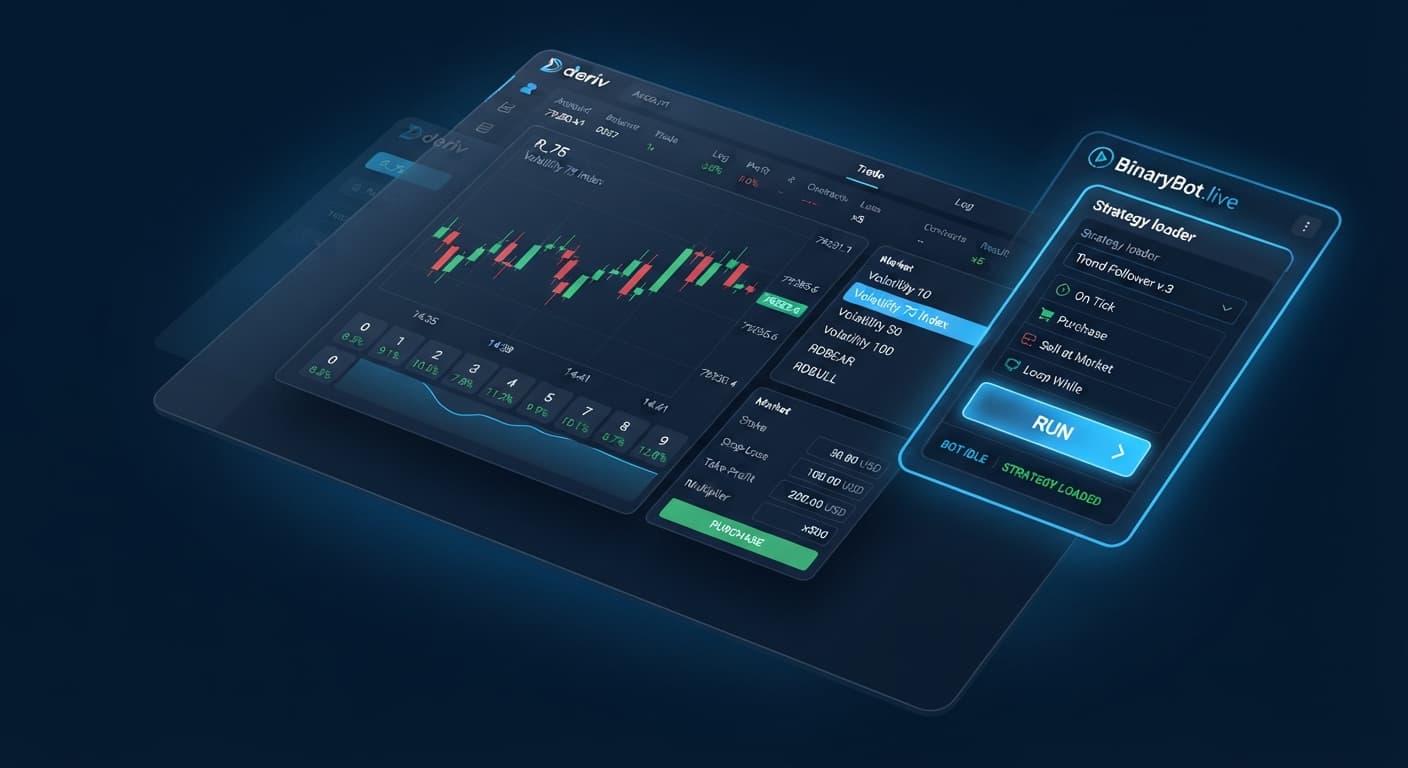
Deriv Basics
Choosing Best Deriv Bots: Beginner Guide to Analyzers
Learn how to find the best deriv bots using free browser-based digit analyzers on BinaryBot.live. Zero prior knowledge needed. Read our beginner guide!
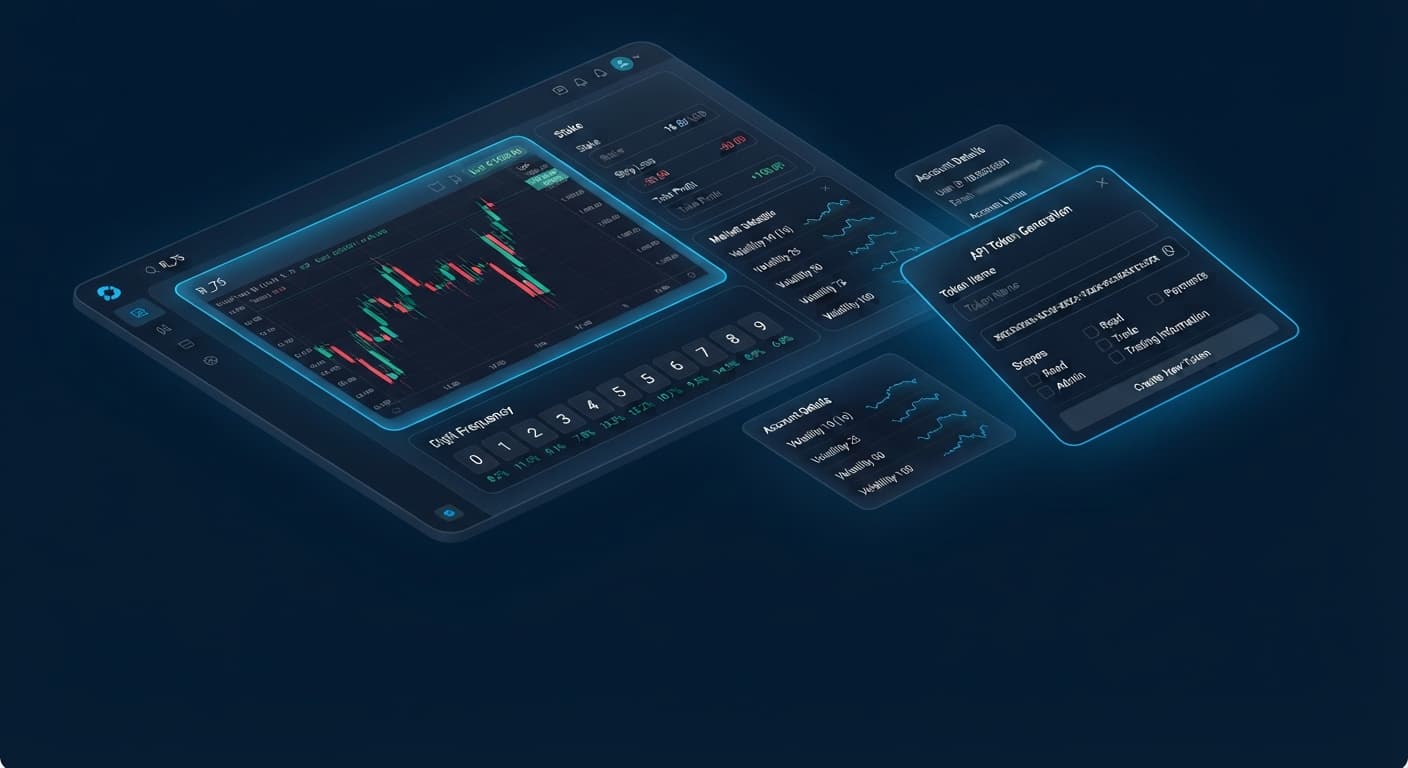
To generate a deriv api token for bots, log into your Deriv account, open Account Settings, select API Token under Security, check the Read and Trade scope boxes, name your token, and click Create. Copy the token into your chosen tool on BinaryBot.live to connect your account and execute digit contracts. You don't need to deposit funds on any external website because the web interface connects directly to Deriv over their official API using your existing balance.
Many traders waste time looking for third-party software downloads or complex installation files. That isn't necessary here. Browser-based interfaces read live market ticks straight from Deriv and send contract orders back in milliseconds. This guide explains how to generate a deriv api token for bots, what each security scope actually does, how to analyze digit statistics before turning on automated execution, and how to safely run scripts using virtual funds.
When you copy a key string into a web application, you're granting that browser tab permission to interact with your account. You aren't transferring money to a third party or giving up ownership of your trading capital. The script acts as an instruction sender, telling Deriv when to buy a contract based on the rules you set.
Deriv uses strict permission levels called scopes. When creating a deriv api token for bots, selecting the wrong checkboxes can expose your account to unwanted risks or prevent the trading tools from working altogether.
| Token Scope Name | Required for Automations? | Scope Functionality |
|---|---|---|
| Read | Yes | Reads live balance, currency type, active open contracts, and raw market tick streams. |
| Trade | Yes | Purchases new digit contracts (such as DIGITEVEN or DIGITUNDER) and closes open positions. |
| Admin | No | Allows changing account passwords, personal details, and security settings. Never select this. |
| Payments | No | Allows processing cashier deposits, withdrawals, and agent transfers. Never select this. |
| Trading Information | No | Views historical trade logs and statement summaries. Not required for basic bot trading. |
If an external site asks you to check Admin or Payments permissions, don't do it. Legitimate deriv bots only need Read permission to monitor account data and Trade permission to submit contract tickets. Keeping Admin and Payments unchecked means even if someone steals your key text, they can't withdraw your funds or change your password. If you ever feel a key is compromised, you can delete it immediately inside your Deriv settings page to revoke access.
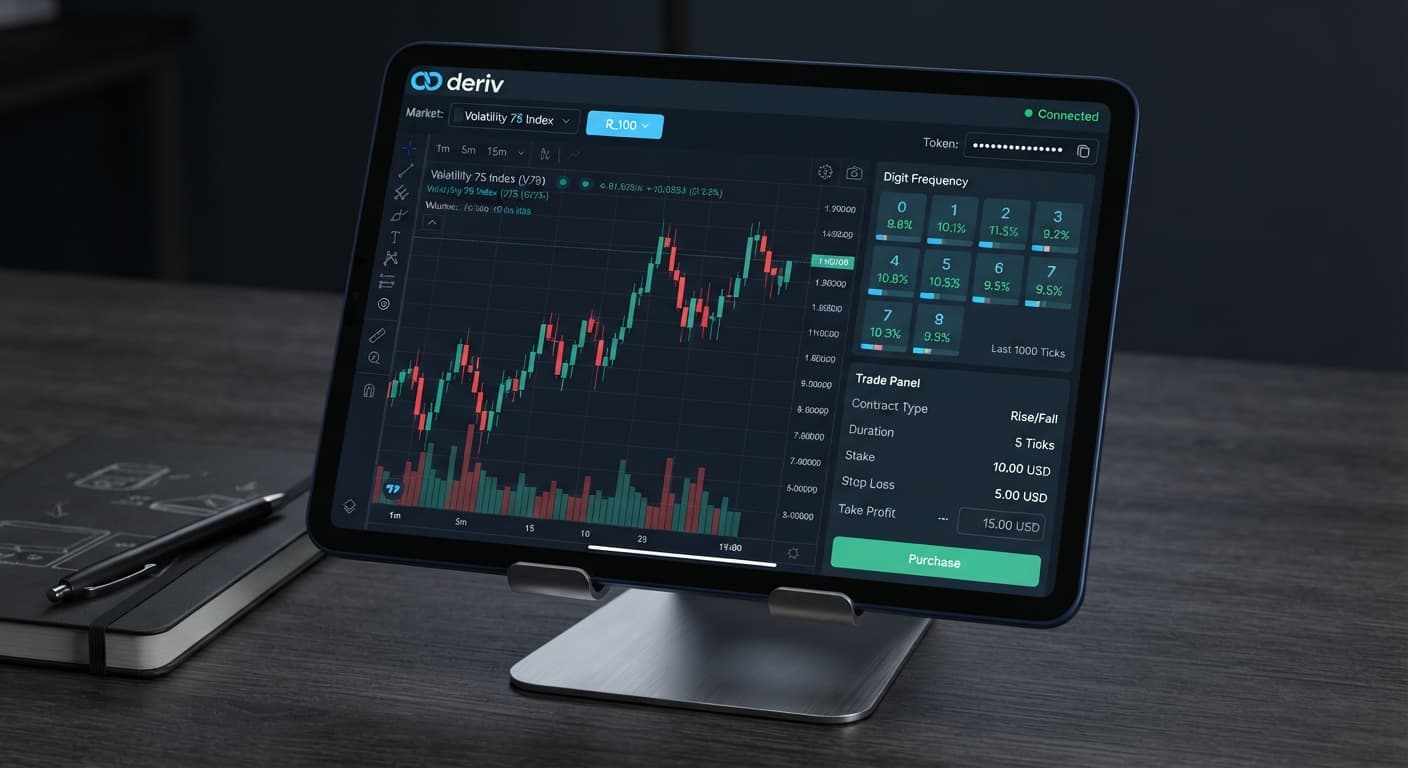
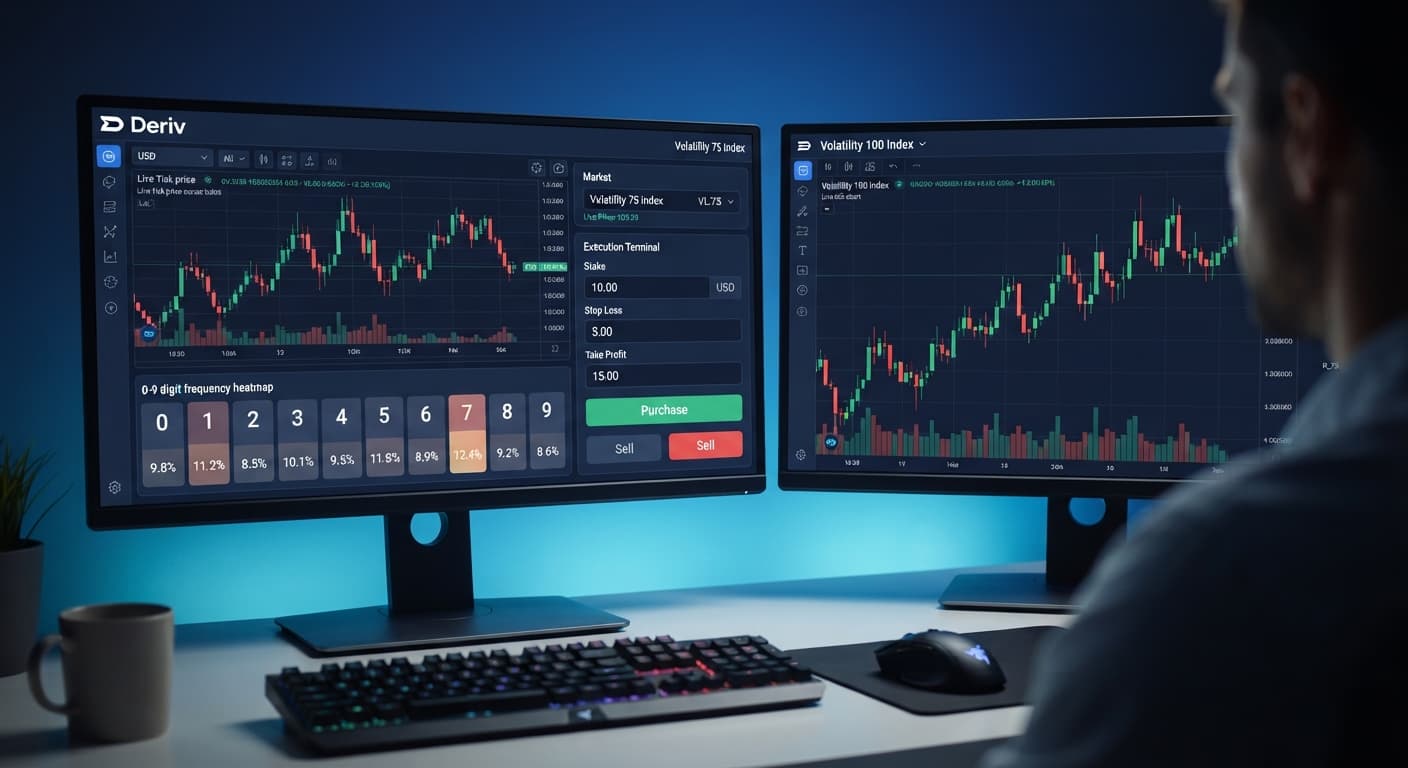
Before activating automated scripts for contracts like DIGITEVEN, DIGITODD, DIGITOVER, or DIGITUNDER, you need to look at how last digits behave in real market streams. Tools like the LDP Analyzer dashboard track raw tick data in real time, letting you monitor statistical distributions across various synthetic indices.
Here's an actual 500-tick snapshot recorded from the Volatility 75 Index:
| Last Digit | Ticks Recorded | Percentage Share | Short-Term Trend |
|---|---|---|---|
| 0 | 52 | 10.4% | Neutral |
| 1 | 41 | 8.2% | Cold |
| 2 | 56 | 11.2% | Hot |
| 3 | 48 | 9.6% | Neutral |
| 4 | 51 | 10.2% | Neutral |
| 5 | 39 | 7.8% | Cold |
| 6 | 55 | 11.0% | Hot |
| 7 | 53 | 10.6% | Neutral |
| 8 | 54 | 10.8% | Neutral |
| 9 | 51 | 10.2% | Neutral |
In this 500-tick sample, digits 2 and 6 appeared most frequently, hitting 11.2% and 11.0%. Meanwhile, digits 1 and 5 were cold, landing at 8.2% and 7.8%. If you ran a DIGITUNDER contract set to digit 7 over this specific sample, 78.4% of the ticks landed below 7 (digits 0 through 6).
It's critical to understand what these numbers actually mean. Frequency tables describe historical data—what already happened over those 500 ticks. They don't predict what the next tick will be. Deriv synthetic index ticks are mathematically independent events. Just because digit 5 hit only 39 times doesn't make it more likely to appear on tick 501. The odds of landing any specific digit on the next tick remain exactly 10% (1 in 10). Observing frequency metrics gives you a clear snapshot of recent market behavior, but it won't guarantee future winning trades.
Setting up a deriv api token for bots takes less than three minutes. Follow these exact steps to connect your account safely to a virtual testing session first.
Log into your account at Deriv. Click your account profile icon in the top right, select Account Settings, and click API Token under the Security sub-menu. Tick only the Read and Trade options. Type a clear label into the Token Name field, like BinaryBot-Demo, and click Create. Copy the generated key string to your clipboard.
Go to the free bot library or launch an automated platform like the Solid Trading Bot. You don't need to register an account on BinaryBot.live or install local software on your computer. Everything runs straight inside your web browser tab.
Paste your key into the API Token input field on screen and click Connect. Once the status changes to connected, look at your account selection menu in the top bar. Switch the toggle from Real Account to your Demo (Virtual) Account. Your demo balance will appear on screen. Always run new script setups on demo money before using real funds.
Select your target market from the market list, such as Volatility 100 Index or Volatility 10 Index. Pick your contract type, such as DIGITEVEN, DIGITODD, DIGITMATCH, or DIGITDIFF. Define your initial stake size (e.g., $1.00), your Take Profit limit (e.g., $10.00), and your Stop Loss ceiling (e.g., $20.00). Setting strict Stop Loss parameters prevents unwanted drawdowns during adverse market runs.
Click the green Start button to begin trading. The platform connects directly to Deriv over their official API and starts monitoring live tick flows. Watch the execution log on the dashboard. You'll see real-time updates showing live tick arrivals, order submission IDs, contractual payouts, and session totals.
Automated tools process orders quickly, but they follow your rules blindly. Managing an automated trading session means knowing when to pause the script and reassess your settings.
Hit the red Stop button if you observe unexpected execution delays, unusual sequence losses, or sudden web browser lag. Never leave binary bots running unattended for long periods. Laptop sleep modes, poor mobile network connections, or browser background tab throttling can interrupt tick processing, causing missed contract entries or delayed stop-loss triggers.
Whenever you change your core trading strategy—such as switching from DIGITEVEN to DIGITOVER, altering barrier offsets, or testing larger base stakes—switch execution back to your demo account. Testing changes on virtual money lets you verify that contract logic and safety limits operate properly without exposing real balance to risk.
Try it yourself on the free tools using a demo balance first. If you don't have one yet, create a free Deriv account.
Trading involves risk. Past performance does not guarantee future results.
Related: How to Use Binary Bots: Beginner Guide for Deriv
Related: Binary Bots for Beginners: Zero Experience Guide
Related: How Do Deriv Bots Work: Beginner Tech Guide
Related: Deriv Demo Account for Bots: Zero-Knowledge Setup Guide
The groundwork every bot guide assumes you already have — creating a Deriv API token, choosing demo vs real, and connecting safely.
Start with a Free Bot →Log into your Deriv account, open Account Settings, and select API Token under Security. Check the Read and Trade scope boxes, name your token, and click Create.
You only need to check the Read and Trade scope boxes. Never select Admin or Payments permissions, as legitimate bots don't need them.
No, you don't need to deposit funds anywhere else. The web interface connects directly to Deriv over their official API using your existing balance.
You can delete the token immediately inside your Deriv settings page to revoke its access. Keeping Admin and Payments unchecked also ensures no one can withdraw funds or change your password if a key is stolen.
Guides closest to this one.
Learn how to find the best deriv bots using free browser-based digit analyzers on BinaryBot.live. Zero prior knowledge needed. Read our beginner guide!
Learn how to find and run free deriv bots on BinaryBot.live with zero coding or downloads required. Start your beginner journey today!
Troubleshoot why is my deriv bot not placing trades on BinaryBot.live. Fix balance, token, and logic errors safely. Start debugging today.