Deriv Basics
How to Check Digit Contracts on BinaryBot.live
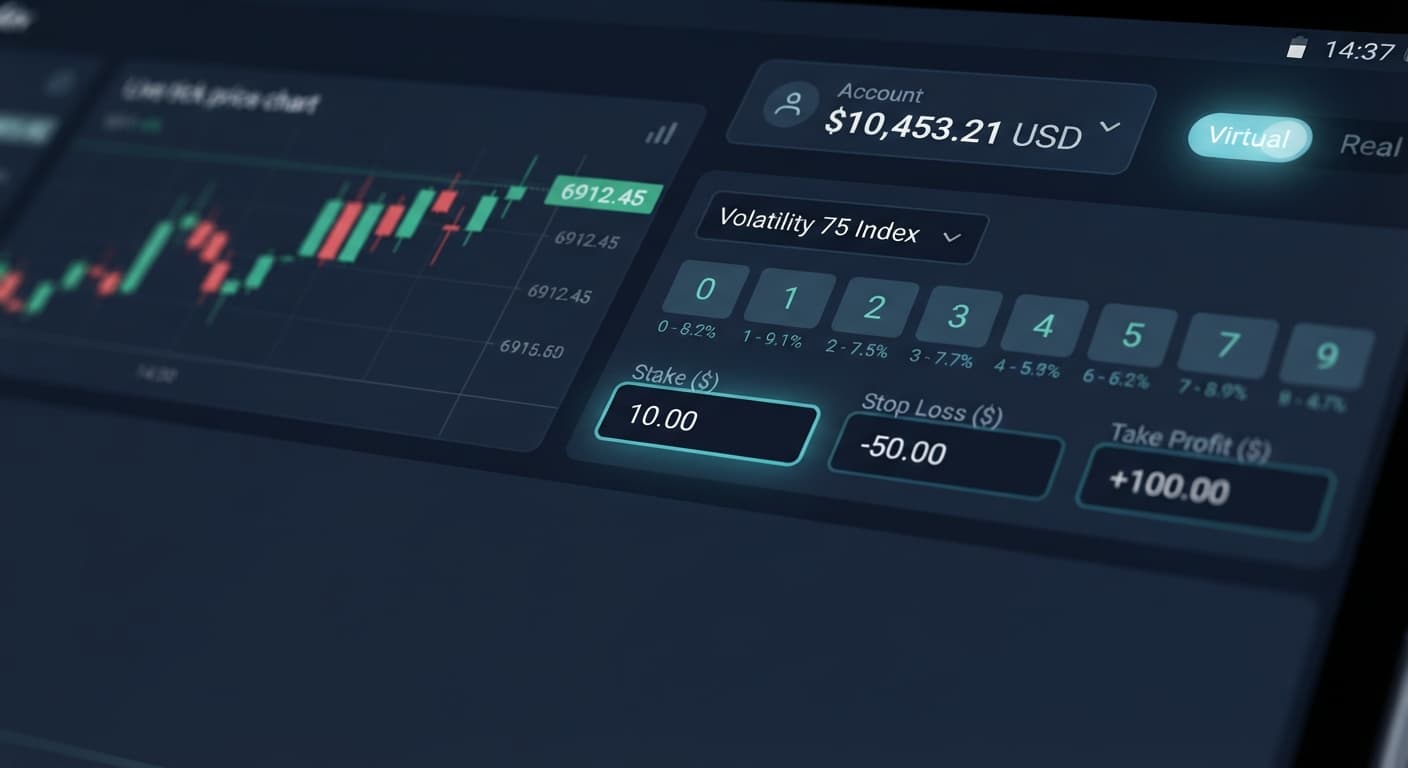
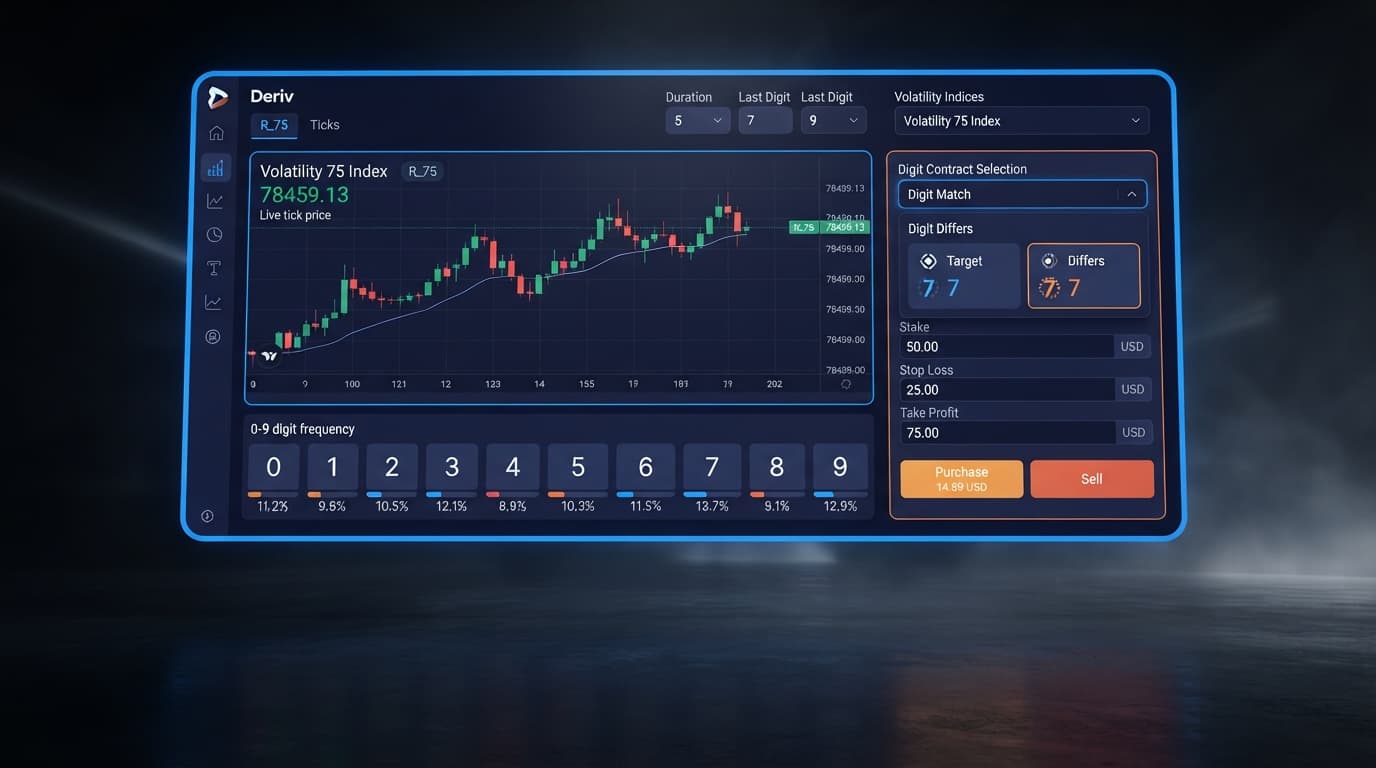
Deriv synthetic index digit contracts settle against the final decimal digit of a tick from 0 to 9, supporting Even, Odd, Over, Under, Match, and Diff types.
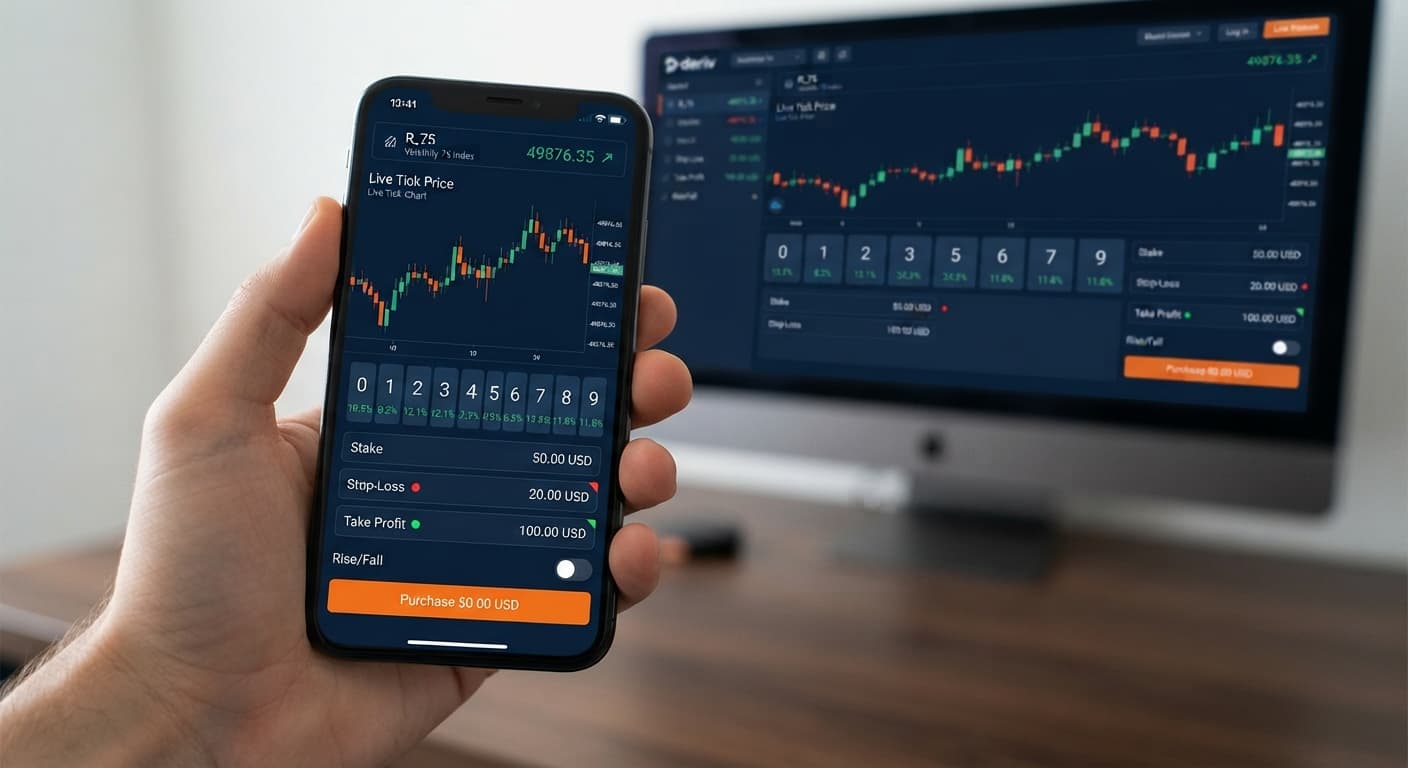
When you close your browser tab on BinaryBot.live, your automated script stops running on the spot. The connection drops, your browser halts script processing, and no new contracts will be submitted to Deriv. If a contract was already bought right before you shut the tab, that specific trade stays alive on Deriv's servers until it hits its natural duration and settles. Your money and active position don't vanish into thin air, but your strategy won't take another trade until you open the page again and start it up.
Your Deriv API token isn't sent to our servers or saved on an external database. It lives inside your browser's local storage. Closing the tab severs the live data stream, but it doesn't delete the saved token string unless you explicitly clear your browser cache or click disconnect. That means when you reopen the page, your browser can re-authenticate instantly without forcing you to generate a new key.
In this guide, we'll break down exactly how browser memory handles your API token, how Deriv processes open contracts during a disconnect, how to read live tick data safely on LDP Analyzer, and how to test tab persistence using virtual funds.
Understanding tab behavior starts with knowing where your trading logic runs. BinaryBot.live doesn't host an application server that executes trades behind your back. Every tool in our free bot library runs client-side, directly inside your browser tab.
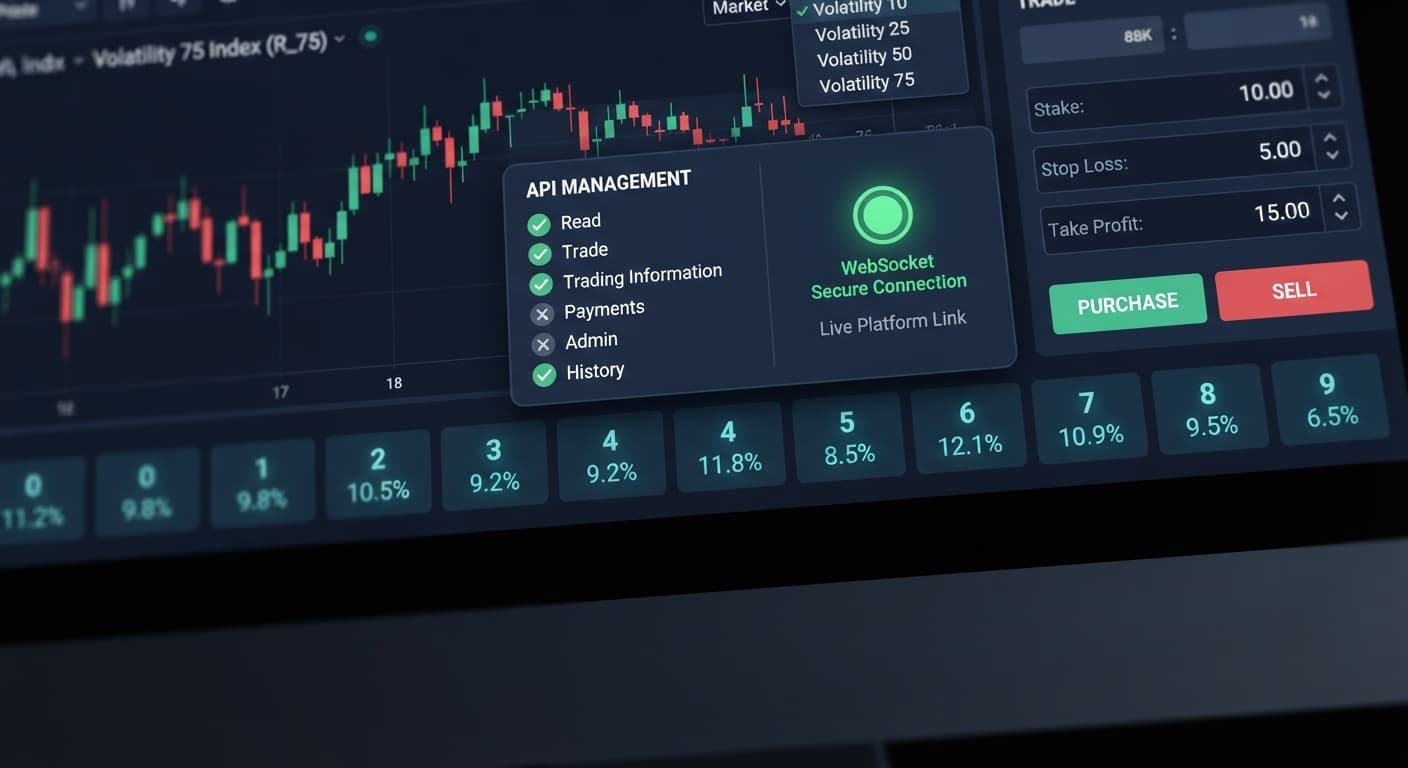
When you paste your API token into the interface, your browser connects directly to Deriv over their official API. The token provides two permissions: read scope to fetch balance and tick history, and trade scope to authorize contract purchases. Admin permissions and payment scopes are never needed or requested.
Because execution happens locally, the tab acts as the engine room. If you close the tab, minimize the window into deep sleep on mobile, or lose your internet connection, the engine turns off. Here's a clear comparison of what happens to your session components when a tab is abruptly closed:
| Component | Tab Open & Active | Tab Closed / Severed |
|---|---|---|
| Script Execution | Evaluates tick conditions every tick | Halts immediately; zero new signals processed |
| Active Contracts | Monitored in real-time on dashboard | Runs to completion on Deriv servers |
| API Token Storage | Held in browser active memory & local storage | Remains in browser local storage for future visits |
| Account Balance | Updates live as contracts settle | Updates on Deriv servers; syncs upon re-connection |
| Pending Bot Signals | Triggers DIGITEVEN or DIGITODD trades | Destroyed; pending logic drops out of memory |
Many traders coming from traditional web apps assume automated script execution happens on a cloud server. With browser-based deriv bots, you are the server. If you pull the plug by closing the browser window, your automated binary bots immediately go offline.
Before looking at trade management, let's look at how tools analyze incoming data before a disconnect occurs. When using the LDP Analyzer Pro dashboard, the interface reads tick streams to calculate historical digit occurrences across selected synthetics.
Suppose you load Volatility 75 Index and collect a sample of 500 ticks. The last digit of each index price falls between 0 and 9. The system tally gives you a precise breakdown of recent digit frequencies.
| Last Digit | Tally (500 Ticks) | Percentage | Recent Status |
|---|---|---|---|
| 0 | 48 | 9.6% | Normal |
| 1 | 35 | 7.0% | Cold |
| 2 | 52 | 10.4% | Normal |
| 3 | 61 | 12.2% | Hot |
| 4 | 49 | 9.8% | Normal |
| 5 | 58 | 11.6% | Hot |
| 6 | 42 | 8.4% | Cold |
| 7 | 54 | 10.8% | Normal |
| 8 | 51 | 10.2% | Normal |
| 9 | 50 | 10.0% | Normal |
Looking at this sample, digit 3 (12.2%) and digit 5 (11.6%) show up as hot numbers over the 500-tick window, while digit 1 (7.0%) and digit 6 (8.4%) ran cold.
If your rule set focuses on DIGITUNDER 8 contracts, seeing higher distributions in the 0–5 range provides a clear picture of what just happened. If you decide to execute a batch of DIGITUNDER trades based on this reading, remember what frequency data actually represents.
Historical distributions describe past output; they don't predict the next tick. Deriv synthetic index ticks are generated by random algorithms where each tick is independent of the last. A cold digit like 1 isn't "due" to hit, nor is a hot digit guaranteed to stay hot. The analytical display gives you visibility into current session conditions so you can make informed rule adjustments rather than guessing blindly.
If you're unsure how your browser manages sessions when tabs drop, run a simple test on virtual funds first. Here's how to verify execution behavior safely.
Log into your Deriv account settings, navigate to API token, and check only the read and trade scopes. Give the token a label like "Demo Testing". Never tick admin or payment boxes. Copy the generated token string to your clipboard.
Head to the BinaryBot.live home page and select your demo account environment. Paste your API token into the token field and click connect. Check the header balance to confirm your virtual balance displays correctly.
Choose a tool like Solid Trading Bot or Sniper Bot V3. Set your duration to 5 ticks, select DIGITEVEN contracts, and set your initial stake to 1 USD on virtual funds. Click start to let the bot begin processing tick data.
While a contract is active, close the browser tab entirely. Open a separate browser tab, log directly into your Deriv dashboard, and inspect your open positions and statement log. You'll see that the contract purchased right before tab closure ran its full 5 ticks and settled on Deriv's backend, but no subsequent trades were placed.
Open a new tab and return to the tool page. Notice that your token remains stored locally in your browser so you don't have to re-enter it, but the bot is in a stopped state. Click connect to re-establish the data stream before launching another session.
Browser-based tools give you direct control over execution, but local execution means external factors like browser sleep mode, laptop lid closures, or unstable Wi-Fi can interrupt your automated runs.
You should immediately stop trading on real funds and return to a demo account if you notice any of these red flags:
When technical issues occur, switch back to virtual funds. Adjust device power-saving settings, ensure your internet connection is stable, and test tab behavior repeatedly before committing real funds.
Test your setups risk-free on the free browser-based trading tools using a demo account balance first.
If you don't have a trading account yet, create a free Deriv account to generate your API token.
Trading involves risk. Past performance does not guarantee future results.
The groundwork every bot guide assumes you already have — creating a Deriv API token, choosing demo vs real, and connecting safely.
Start with a Free Bot →Your automated script stops running immediately and no new contracts will be submitted. However, any contract that was already bought right before you shut the tab stays alive on Deriv's servers until it hits its natural duration.
No, closing the tab doesn't delete your saved token string unless you explicitly clear your browser cache or click disconnect. It stays safely inside your browser's local storage so you can re-authenticate instantly when you reopen the page.
No, every tool runs entirely client-side directly inside your browser tab rather than on an external application server. Because your browser acts as the engine room, closing the window turns the engine off and stops your automated scripts.
The token only provides read scope to fetch your balance and tick history, plus trade scope to authorize contract purchases. Admin permissions and payment scopes are never requested or needed.
Guides closest to this one.
Deriv synthetic index digit contracts settle against the final decimal digit of a tick from 0 to 9, supporting Even, Odd, Over, Under, Match, and Diff types.
Test free deriv bots with demo funds using a virtual API token. Run risk-free browser tests with no deposit or downloads required.
Safe if the site uses direct browser execution and never holds your funds. Learn why are deriv third party sites safe using API tokens and WebSockets.