
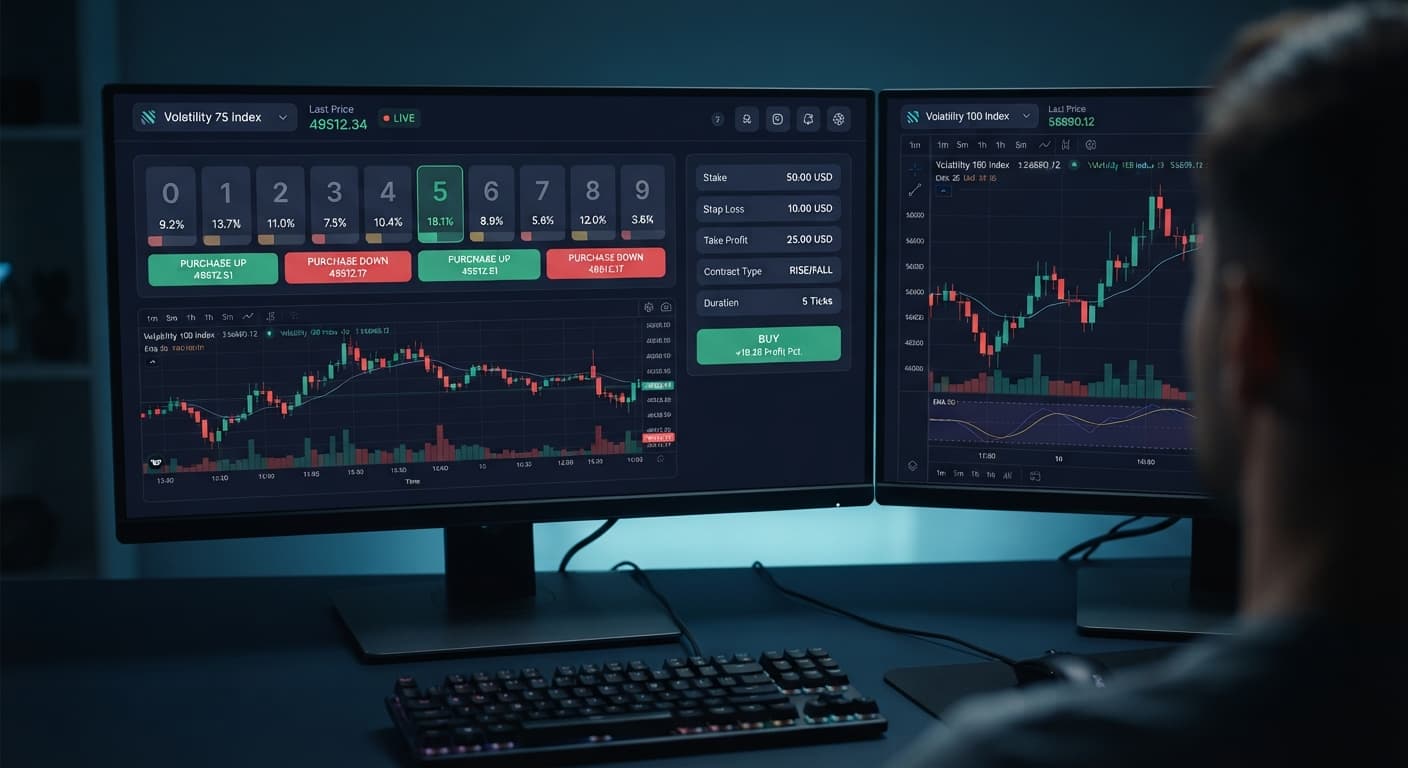
Deriv Basics
Zero Knowledge Guide to Deriv Digit Trading on BinaryBot.live
Most beginners lose money during their first week of deriv digit trading because they treat random statistical outcomes like predictable trends.
If you've never placed an automated trade on Deriv, the terminology can feel confusing. Let's define every core concept before you connect your browser to any trading script.
A synthetic index on Deriv is an artificial market generated by a cryptographically secure random number generator. Prices update constantly through ticks. A tick is a single price update occurring every one or two seconds on assets like Volatility 10 or Volatility 75. Every tick ends with a decimal digit between 0 and 9. That last digit is the exact value digit contracts settle against.
BinaryBot.live provides browser tools that run directly in your web browser. When you run an automated setup or review tick data, the site connects directly to Deriv over their official API. To let your browser communicate with your Deriv account, you use a Deriv API token. This token is a text key generated inside your Deriv account settings under API token. For digit contract trading, your token requires read and trade permissions. You shouldn't ever grant admin or payment scopes, because web interfaces never need access to your cashier or sensitive account controls.
Deriv supports six specific digit contract types:
When running binary bots on the platform, your orders route straight through your API token to Deriv. The browser tool provides the interface while your balance remains safely inside your Deriv account.
Before starting a trading session, you need to verify which digit contract types your tool supports. Every web tool on BinaryBot.live communicates directly with Deriv's execution server, but individual trading scripts focus on specific contract mechanics.
When you open Solid Trading Bot or select a script from the free bot library, the interface presents drop-down menus for market selection and contract parameters. Selecting your market (such as Volatility 100 Index) establishes the live tick stream. Choosing your contract type restricts the execution engine to valid rules for that contract.
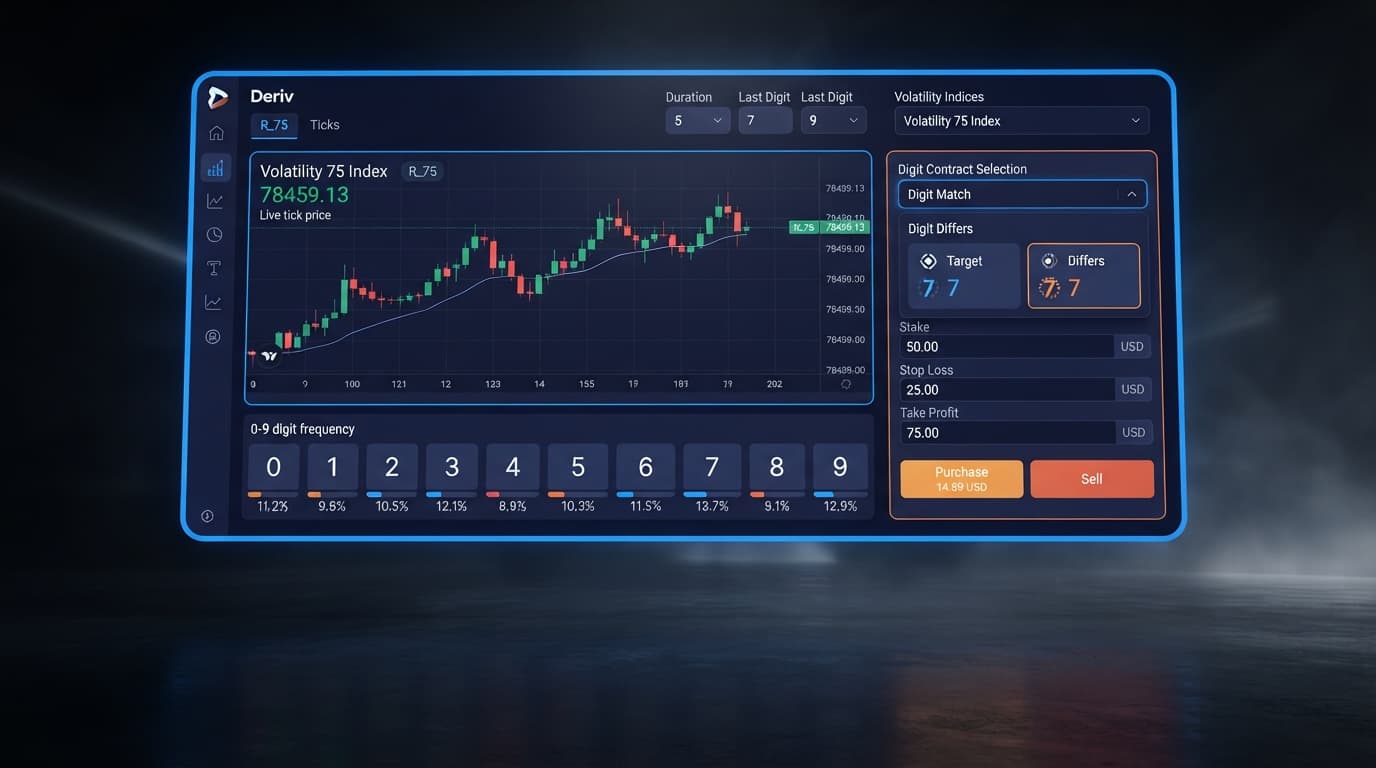
If you select DIGITEVEN or DIGITODD, you don't set a barrier digit. Those contracts split all ten digits (0 through 9) into two equal groups of five. If you choose DIGITOVER or DIGITUNDER, the interface requires a barrier setting from 0 to 8 for Over, or 1 to 9 for Under. When configuring DIGITMATCH or DIGITDIFF contracts, you must pick a single target digit from 0 to 9.
Checking these settings before pressing start prevents unexpected script stops. When traders test various deriv bots, trying to send a DIGITOVER trade without defining a barrier digit causes Deriv's API to reject the request instantly. Taking ten seconds to double-check your parameters saves you from failed contract submissions once your session begins.
Before picking a contract type for your session, reviewing recent digit distribution provides a clear snapshot of recent market ticks. You can monitor live tick data using the LDP Analyzer Pro dashboard or the standard LDP Analyzer.
Here's an actual 500-tick sample recorded on the Volatility 75 Index:
| Last Digit | Absolute Count | Percentage of Total | Digit Status |
|---|---|---|---|
| 0 | 42 | 8.4% | Cold |
| 1 | 58 | 11.6% | Hot |
| 2 | 47 | 9.4% | Neutral |
| 3 | 51 | 10.2% | Neutral |
| 4 | 39 | 7.8% | Cold |
| 5 | 63 | 12.6% | Hot |
| 6 | 48 | 9.6% | Neutral |
| 7 | 56 | 11.2% | Neutral |
| 8 | 44 | 8.8% | Neutral |
| 9 | 52 | 10.4% | Neutral |
In this 500-tick window, even digits (0, 2, 4, 6, 8) landed 220 times (44.0%), while odd digits (1, 3, 5, 7, 9) landed 280 times (56.0%). Digits 1 and 5 ran hot, appearing more than 11% of the time each. Digits 0 and 4 ran cold, staying under 8.5%.
What decision comes from reading this display? If you're planning a DIGITDIFF session, seeing digit 4 appear only 7.8% of the time might lead you to choose 4 as your target digit. If you're trading DIGITODD, the 56.0% historical skew shows odd digits appeared more frequently over this specific window.
Remember this fundamental rule: the next tick is always independent. Synthetic index ticks don't have memory. A cold digit like 4 isn't "due" to appear next, and a hot digit like 5 won't automatically remain hot on tick 501. The frequency breakdown describes recent history, not future outcomes. Analyzing tick counts helps you choose parameters with full context, but it doesn't guarantee a winning contract.
Always test your contract configurations on a Deriv demo account before trading with real money. A virtual account gives you a risk-free space to verify how your settings behave live.
Log into your Deriv account, go to Account Settings, and click API Token. Type a label like "Bot-Verification". Check the boxes for read and trade. Leave admin and payment unchecked. Click Create, then copy the generated token string.
Go to the homepage of BinaryBot.live or launch the Digit Pad tool. Locate the API token box at the top of the screen. Paste your token and click Connect. The software connects directly to Deriv over their official API and shows your account balance in the top bar.
Check the account balance display next to the header menu. Make sure your active session points to your demo balance. If your real account balance is selected, click the toggle and select your virtual account balance before taking another step.
Select your preferred market, such as Volatility 10 Index. Choose one of the six supported digit contracts: DIGITEVEN, DIGITODD, DIGITOVER, DIGITUNDER, DIGITMATCH, or DIGITDIFF. Input your required barrier or prediction digit if your contract requires one. Set a conservative stop loss ($20 on a $100 demo balance) and a clear take profit target ($10).
Click Start or Run. Watch the session activity log as the trade submits. Verify that the contract type registered by Deriv matches your drop-down choice. Check how the final digit resolves and confirm that your account updates without execution delay.
Traders configuring deriv bots or binary bots frequently encounter basic setup issues. Here are four errors beginners make when verifying digit contracts, along with the exact settings to correct them.
| Setup Error | Root Cause | Screen Control / Setting | Required Fix |
|---|---|---|---|
| Token Rejected on Connect | Scope permissions missing from API token | Deriv API Token Settings | Select read and trade scopes; leave admin and payment unchecked |
| Trade Submission Failed | Missing barrier digit for OVER, UNDER, MATCH, or DIFF | Barrier / Prediction Digit Dropdown | Enter a valid target digit (0-8 for Over, 1-9 for Under, 0-9 for Match/Diff) |
| Live Capital Traded by Mistake | Account selector defaulted to real money account | Account Switcher Toggle | Set account selector to Demo/Virtual before clicking Start |
| Session Stalls After First Trade | Initial stake setting below Deriv minimum limit | Stake Input Field | Set initial stake to at least $0.35 USD to meet minimum contract bounds |
First, unselected API scopes block trading immediately. If you forget to check trade when creating your token, your script can read digit statistics but cannot open contracts. Second, skipping the barrier digit on DIGITOVER or DIGITUNDER causes instantaneous API validation failure.
Third, starting an automated tool without checking your active balance risks trading live money by accident. Always verify the virtual balance tag before running scripts. Fourth, setting stakes below $0.35 USD triggers contract errors. Setting your stake correctly upfront keeps your session running smoothly.
Test these digit contract setups on the free tools at BinaryBot.live with a demo account balance today.
If you don't have an active testing setup yet, create a free Deriv account to start testing.
Trading involves risk. Past performance does not guarantee future results.
Related: Zero Knowledge Guide to Deriv Digit Trading on BinaryBot.live
The groundwork every bot guide assumes you already have — creating a Deriv API token, choosing demo vs real, and connecting safely.
Start with a Free Bot →You need read and trade permissions enabled on your API token. Don't grant admin or payment scopes, because web interfaces don't need access to your cashier or sensitive account controls.
A tick is a single price update that occurs every one or two seconds on assets like Volatility 10 or Volatility 75. Every tick ends with a decimal digit between 0 and 9, which is the exact value digit contracts settle against.
You're likely missing a barrier digit setting. Trying to send a DIGITOVER trade without defining a barrier digit causes Deriv's API to reject the request instantly.
DIGITEVEN wins if the last digit of the final tick is 0, 2, 4, 6, or 8. DIGITODD wins if that last digit is 1, 3, 5, 7, or 9.
Guides closest to this one.
Most beginners lose money during their first week of deriv digit trading because they treat random statistical outcomes like predictable trends.
Closing your browser tab halts script processing on Deriv immediately, but your active positions run to completion and your API token stays in local storage.
Select only Read and Trade API token scopes for automated Deriv strategies. Never select Payments or Admin scopes to protect your account funds.