Deriv Basics
How to Check Digit Contracts on BinaryBot.live
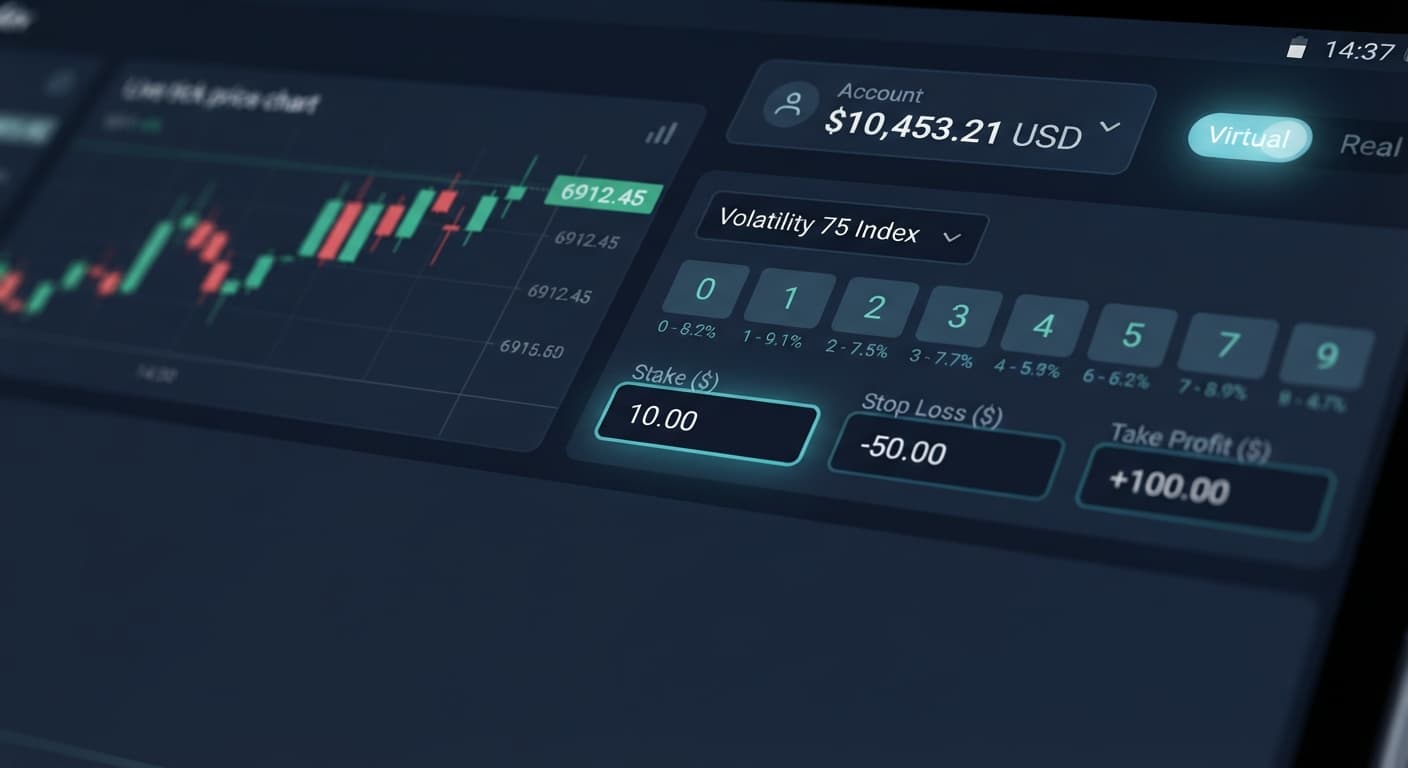
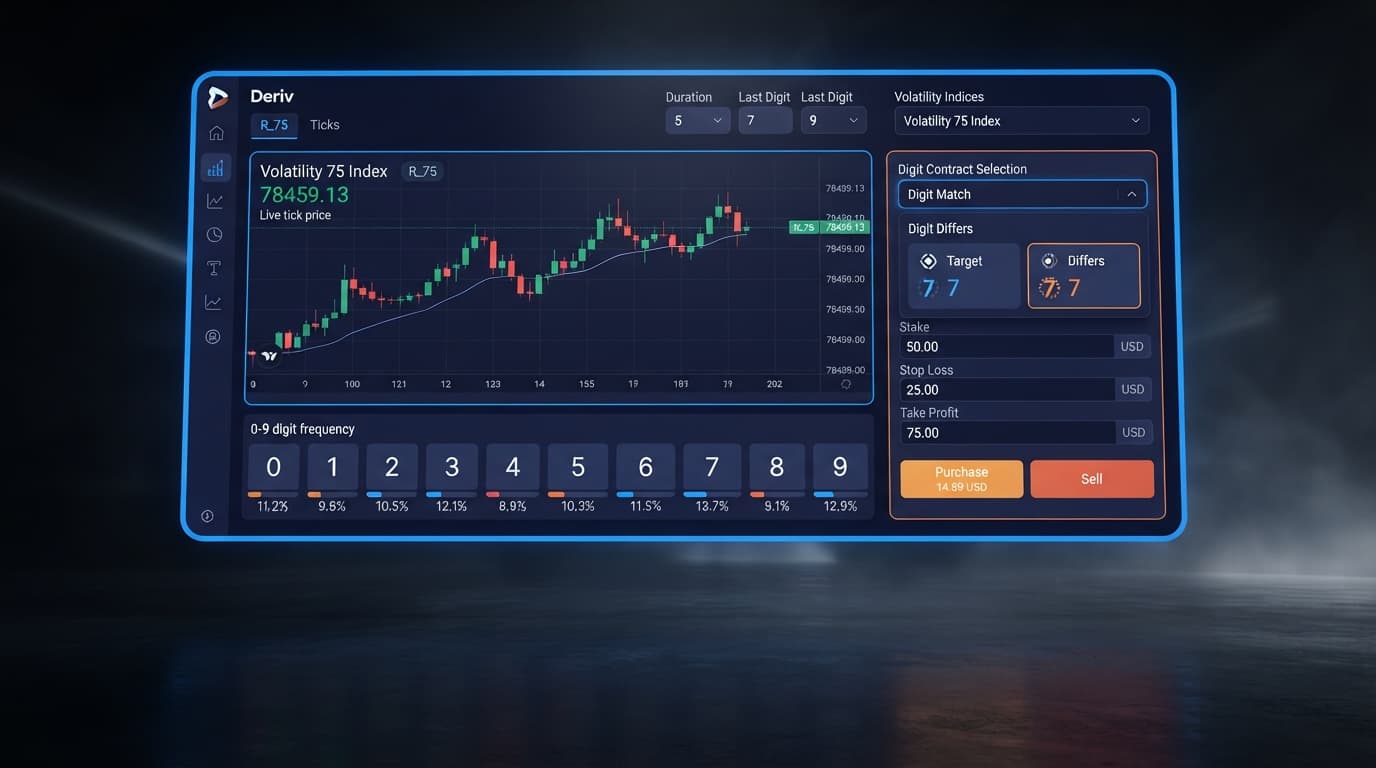
Deriv synthetic index digit contracts settle against the final decimal digit of a tick from 0 to 9, supporting Even, Odd, Over, Under, Match, and Diff types.
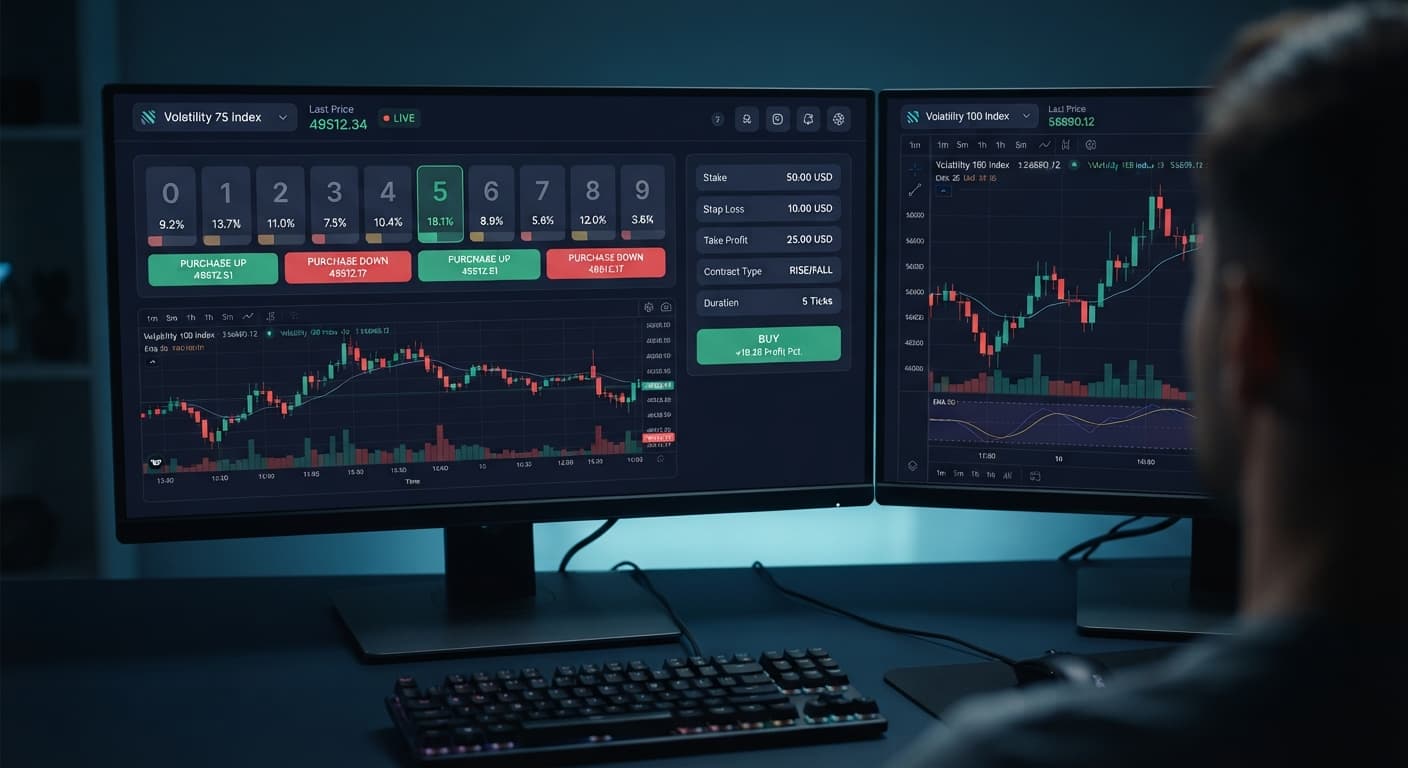
Deriv digit trading is predicting the final digit (0 through 9) of a synthetic index's price tick using contract types like DIGITEVEN, DIGITODD, DIGITOVER, or DIGITUNDER. Automated web tools place these trades by connecting straight to Deriv through secure API tokens, cutting out human delays in fast-moving markets. Most beginners lose money early on because they treat random statistical outcomes like predictable trends, which is why testing setups on a demo account is essential before risking real capital.
Most traders who start trading synthetic contracts wipe out their balance during their first week. It's not because the tools don't work, but because people misunderstand how synthetic indices operate. Synthetic index ticks are strictly independent random events generated by audited algorithms. If you see ten DIGITEVEN outcomes in a row, the probability of the next tick landing on an odd number is still exactly 50%. Deriv digit trading doesn't get easier because you spotted a visual streak on a chart; ticks don't have memories.
Using deriv bots or binary bots gives you execution speed and automated risk controls, but it doesn't give you a statistical edge over the underlying market. New traders often double down after a losing trade, turning minor balance drawdowns into full account wipes. If you don't set hard stop loss limits before starting an automated run, your script will keep placing tickets until your account is empty. This guide breaks down the mechanics of browser execution, but nothing here is financial advice.
Before configuring any software interface, you need to understand the exact technical terms used across digit platform menus:
When using analysis interfaces like the LDP Analyzer or loading execution scripts from the free bot library, reading visible UI elements keeps you in control. Knowing how to interpret screen feedback prevents double-entry errors and unmonitored loss sequences.
| What You See | What It Means | Correct Action |
|---|---|---|
| Green status light or "Connected" indicator | Interface connects directly to Deriv over their official API | Proceed with parameter input or session setup. |
| Red highlighted parameter field | Entered stake or profit target violates contract boundary rules | Adjust numbers to sit within permitted platform ranges. |
| Frozen tick counter or feed stoppage | Network connection dropped or API session timed out | Refresh the browser page, re-enter your API token, and check open positions. |
| "Contract Won" entry in log | Ticket settled successfully and payout added to account balance | Allow the automated loop to continue toward your take profit limit. |
| "Contract Lost" entry in log | Ticket resolved against your prediction and stake was deducted | Verify current session loss against your hard stop loss threshold. |
Understanding how these indicators react during live trading is critical. Mastering deriv digit trading requires watching execution speed in real time. A normal session generates clear line-item updates every 1 to 2 seconds when trading single-tick durations. If your log stops updating for longer than 5 seconds without an error message, your browser session has lost sync with the server.
Follow these five steps on a virtual account containing demo funds before attempting to place contracts with real capital.
Log into your Deriv dashboard, navigate to account settings, and select the API token menu. Check the boxes for "Read" and "Trade" scopes only. You don't need admin or payment permissions, and you shouldn't enable them. Copy the token string to your clipboard.
Open an execution tool such as Solid Trading Bot or Sniper Bot V3. Paste your API token directly into the authentication field. Ensure the top account toggle shows your virtual demo account balance rather than a real account.
Select Volatility 10 (1s) Index from the market selection menu to establish consistent 1-second price intervals. Select DIGITEVEN or DIGITUNDER as your primary contract type set to a 1-tick duration.
Enter a base stake of 1.00 USD. Set your target profit to 5.00 USD and your stop loss limit to 10.00 USD. If your session balance drops by 10.00 USD, these strict parameters force the execution loop to stop instantly.
Click the run button to begin placing contracts automatically. Watch the trade log as it outputs contract IDs, price ticks, and session payout tallies. Keep this first test run limited to 20 or 30 total trades to verify that execution actions match your selected boundaries.
Beginners routinely run into three primary issues when starting out with deriv digit trading and testing automated scripts.
First, traders fall victim to the gambler's fallacy by chasing digit patterns. If five consecutive ticks end on odd numbers, traders assume an even digit is guaranteed next. You can track statistical distribution using visualizers like Tick Picker, but you must remember that individual tick outcomes remain mathematically separate. Relying on patterns rather than account protections is how accounts get drained.
Second, browser power-management features cause background execution stops. Modern web browsers throttle active memory when a tab is left in the background or when your computer screen goes to sleep. If your screen locks during an active run, your script might fail to process exit triggers. Keep your browser window open in the foreground, or use automated management engines like AutoPilot or DualShot while monitoring your active display.
Third, switching from virtual funds to live capital too quickly leads to costly errors. A strategy that looks fine over 10 trades can still hit a severe losing streak over 100 trades. Run extended demo tests when configuring deriv bots or a traditional binary bot script. Verify that your stop loss halts execution properly during adverse streaks. Whether you're running a [free deriv bot](/browser-based-binary-bot) or testing legacy binary.com bot strategies, disciplined risk bounds matter far more than trade entry triggers. Using binary bots effectively means letting predefined stop conditions protect your account when market ticks move against your predictions.
Try running your first session using the free tools on a demo balance before trading live funds.
If you don't have an account yet, create a free Deriv account to begin testing setup parameters safely.
Trading involves risk. Past performance does not guarantee future results.
Related: LDP Analyzer Best Time to Trade: Beginner's Guide (2026)
The groundwork every bot guide assumes you already have — creating a Deriv API token, choosing demo vs real, and connecting safely.
Start with a Free Bot →It's predicting the final digit from 0 through 9 of a synthetic index price tick using contract types like DIGITEVEN, DIGITODD, DIGITOVER, or DIGITUNDER. Automated web tools place these trades by connecting straight to Deriv through secure API tokens.
Beginners wipe out their balance because they treat random statistical outcomes like predictable trends. Synthetic index ticks are strictly independent random events, and spotting a visual streak on a chart doesn't change the 50% probability of the next outcome.
It's a secure alphanumeric code generated in your account settings that lets browser tools pass trade requests directly to your broker account. You need this token before configuring any software interface.
They're contracts that pay out if the final tick digit resolves as an even number like 0, 2, 4, 6, and 8, or an odd number like 1, 3, 5, 7, and 9. Each tick is an independent random event, so previous outcomes don't affect future results.
Guides closest to this one.
Deriv synthetic index digit contracts settle against the final decimal digit of a tick from 0 to 9, supporting Even, Odd, Over, Under, Match, and Diff types.
Closing your browser tab halts script processing on Deriv immediately, but your active positions run to completion and your API token stays in local storage.
Test free deriv bots with demo funds using a virtual API token. Run risk-free browser tests with no deposit or downloads required.