Deriv Basics
Beginner's Deriv API Token for Bots Setup Guide
Learn how to get a deriv api token for bots with zero prior knowledge. Connect your free deriv bots to BinaryBot.live safely. Start trading today!
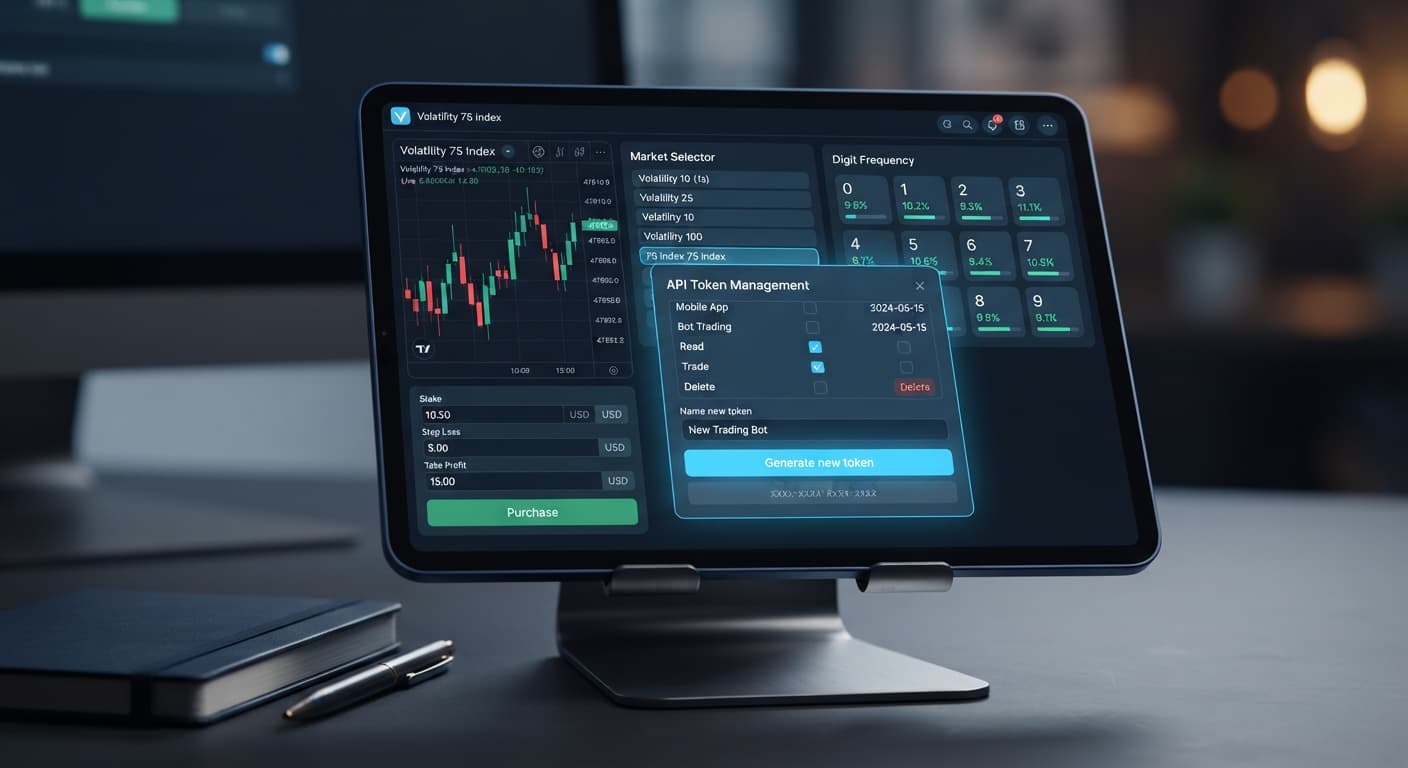
Setting up a deriv demo account for bots requires generating an API token inside your account settings with read and trade permissions, then linking that key to your execution dashboard. It lets you test automated strategies using virtual funds with zero financial risk before committing real capital. Connecting a demo token gives you full access to test digit contracts like DIGITEVEN and DIGITUNDER without putting real dollars on the line.
Most beginners lose money when they start running deriv bots. They jump straight to live capital without understanding how automated contract triggers interact with market volatility. A virtual account creates a safe sandbox where you can see execution speed, test rule logic, and watch how fast a bad configuration can drain a balance.
Before connecting any free deriv bot to your trading environment, you need to understand the basic terms used across the dashboard.
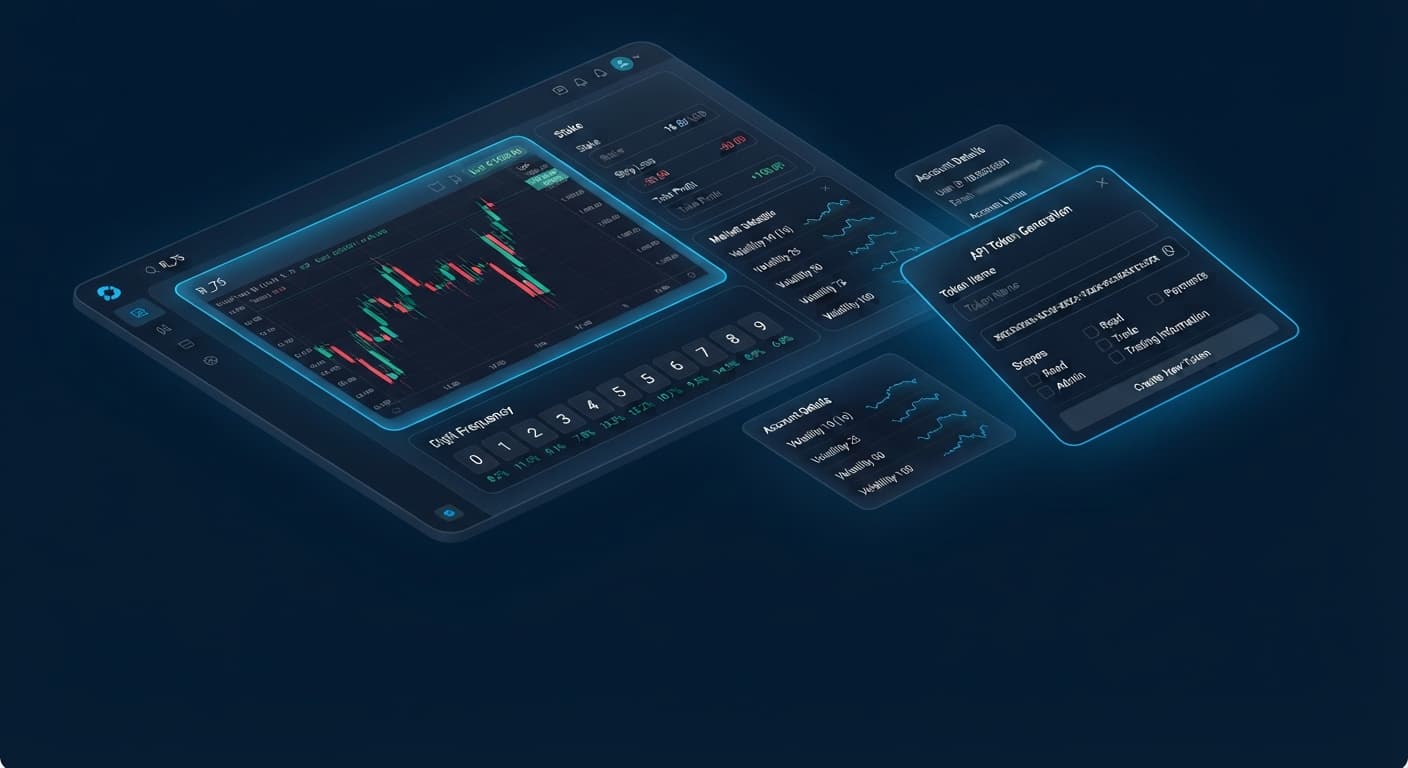
read (to view account details and balance) and trade (to open and close contracts). Never enable admin or payment scopes.Before running any digit strategy, traders inspect statistical distributions across recent price ticks. Here is a realistic digit frequency dataset captured over 500 consecutive ticks on the Volatility 75 Index:
| Last Digit | Total Hits | Distribution Percentage | Historical State |
|---|---|---|---|
| 0 | 48 | 9.6% | Neutral |
| 1 | 54 | 10.8% | Neutral |
| 2 | 51 | 10.2% | Neutral |
| 3 | 42 | 8.4% | Cold |
| 4 | 52 | 10.4% | Neutral |
| 5 | 49 | 9.8% | Neutral |
| 6 | 58 | 11.6% | Hot |
| 7 | 47 | 9.4% | Neutral |
| 8 | 50 | 10.0% | Neutral |
| 9 | 49 | 9.8% | Neutral |
If you inspect this data on the LDP Analyzer dashboard, you'll notice digit 6 appeared most frequently (11.6%), while digit 3 appeared least frequently (8.4%).
A trader configuring an automated rule might look at digit 3's cold streak and select DIGITOVER 3, reasoning that outcomes above 3 cover six out of ten possible digits (4, 5, 6, 7, 8, 9).
Here is the mathematical reality: every tick on a synthetic index is strictly independent. Past distribution graphs describe what already happened over those 500 ticks; they don't alter the probability of the next tick. Digit 3 has the exact same 10% theoretical chance of appearing on tick 501 as digit 6 does. Using frequency tools helps you identify short-term statistical variance, but it doesn't predict future outcomes.
Follow this sequence to test your first strategy safely on virtual funds. Do not switch to a real account until you've logged at least 100 successful test runs on demo. Modern binary bots process market ticks instantly, so setting exact parameters in advance is mandatory.
Log into your account at Deriv. Go to Account Settings, locate the API Token menu, and enter a token name like "Demo Bot Test". Select the checkboxes for read and trade. Leave admin and payment unchecked. Click Create, then copy the generated token string to your clipboard.
Head over to browse the free bot library and open a tool like Solid Trading Bot. Paste your copied token into the API Token input field. The browser connects directly to Deriv over their official API. Check the top interface bar to confirm that your account ID starts with "VRTC" and reflects your virtual balance.
Choose Volatility 100 Index from the market selection dropdown. Set the contract type to DIGITEVEN with a duration of 1 tick. Set your initial stake to $1.00 of virtual funds.
Set your session Take Profit to $10.00 and your session Stop Loss to $20.00. Click Start Bot. Watch the live trade log as binary bots place orders instantly when contract conditions are met. Let the session run until it hits either your profit target or stop loss.
When traders set up a deriv demo account for bots for the first time, operational errors usually stem from token setup or missing risk caps. Here is how to fix the four most common mistakes:
| Operational Issue | Underlying Cause | Setting Fix |
|---|---|---|
| Connection Error / Permission Denied | Token generated without trade permission or expired token string. |
Create a new token in Deriv settings with both read and trade scopes selected. |
| Live Funds Traded by Mistake | Token generated from a real account section instead of virtual setup. | Verify the token prefix. Demo account tokens match virtual IDs starting with VRTC. |
| Rapid Bankroll Depletion | Missing stop loss limit during a bad market run. | Hardcode a Stop Loss value equal to a maximum of 20% of your session balance before clicking Start. |
| Connection Loss During Trades | Browser tab put to sleep by operating system power settings. | Disable automatic tab sleeping in your browser settings or keep the bot window active. |
If you're testing tools like Sniper Bot V3 or AutoPilot, double-check these parameters before starting a session. Traders moving from older setups like a binary.com bot will find that modern API tokens operate under these exact same permission structures.
A binary bot executes the instructions you give it. If you feed it a flawed strategy without a stop loss, it will carry out those instructions faithfully until your balance hits zero. Using a deriv demo account for bots gives you space to spot those setup flaws before they cost you real money.
Try it yourself on the free tools using a demo balance first. If you don't have one yet, create a free Deriv account. Trading involves risk. Past performance does not guarantee future results.
Related: Beginner's Deriv API Token for Bots Setup Guide
Related: Deriv Bots Minimum Deposit: A Beginner Guide to Free Trading
The groundwork every bot guide assumes you already have — creating a Deriv API token, choosing demo vs real, and connecting safely.
Start with a Free Bot →You need to generate an API token inside your account settings with read and trade permissions, then link that key to your execution dashboard. This allows you to test automated strategies using virtual funds without risking real money.
You should only ever enable read and trade scopes to view your balance and open or close contracts. Never enable admin or payment scopes when connecting an automated bot.
Virtual funds are simulated money provided inside your demo account that function identically to real funds for testing purposes. They usually start at $10,000 VRTC.
No, past distribution graphs only describe what already happened and do not alter the probability of the next tick. Every tick on a synthetic index is strictly independent, meaning digit probabilities remain the same regardless of previous cold or hot streaks.
Guides closest to this one.
Learn how to get a deriv api token for bots with zero prior knowledge. Connect your free deriv bots to BinaryBot.live safely. Start trading today!
Learn the deriv bots minimum deposit needed to run free strategies on BinaryBot.live. Discover account funding basics and start today.
Learn how to use binary bots for beginners on BinaryBot.live with zero experience. Discover free deriv bots and start today. Try it risk-free now!