Deriv Basics
Beginner's Guide to Free Deriv Bots: No Coding Needed
Learn how to find and run free deriv bots on BinaryBot.live with zero coding or downloads required. Start your beginner journey today!
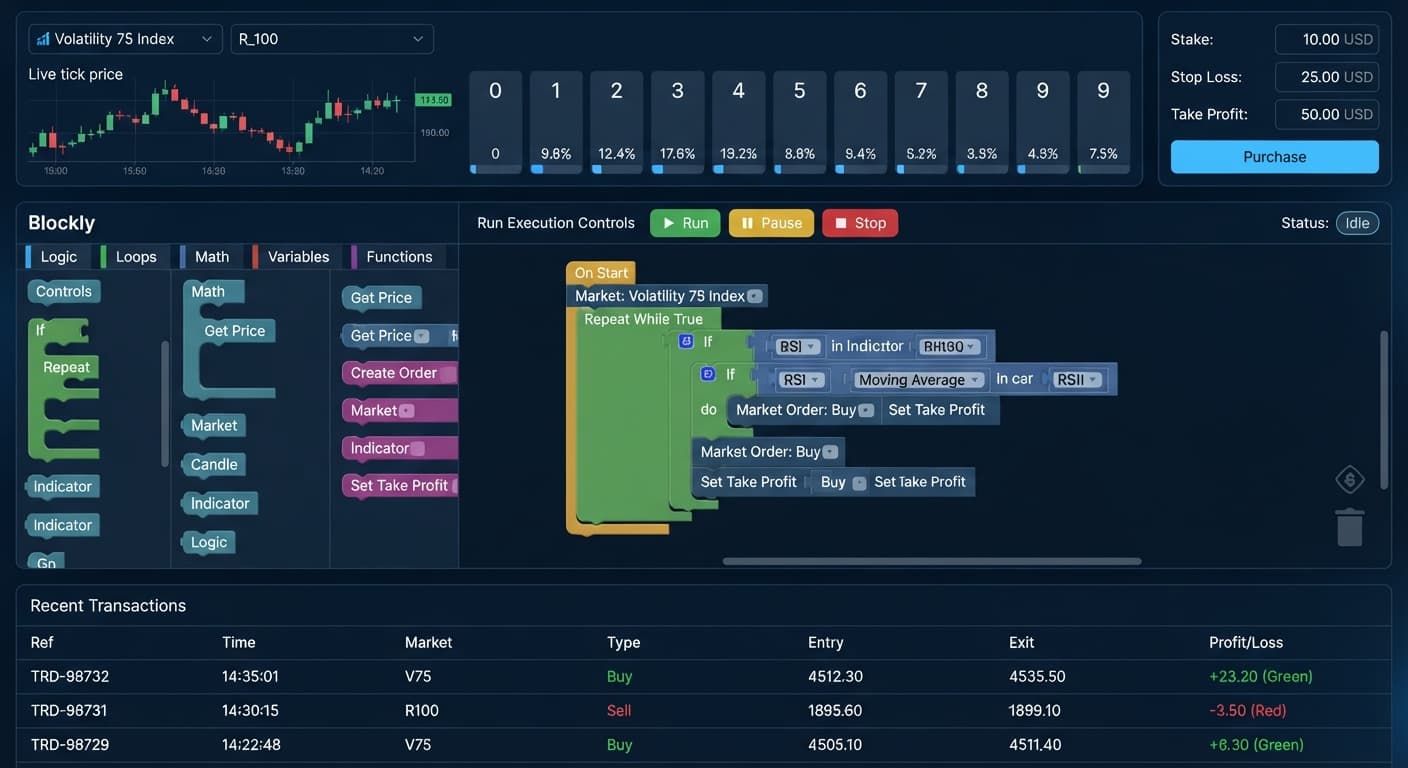
If you want to know how to use binary bots, the process comes down to three basic steps: create a read/trade API token in your account settings, paste it into the web app, and launch your strategy on a virtual balance. The script runs inside your browser and sends trade orders straight to Deriv without storing your funds.
In this guide, you'll learn how browser-based execution works, look at the cold mathematical realities of digit odds, and follow five clear steps to run your first session safely on demo.
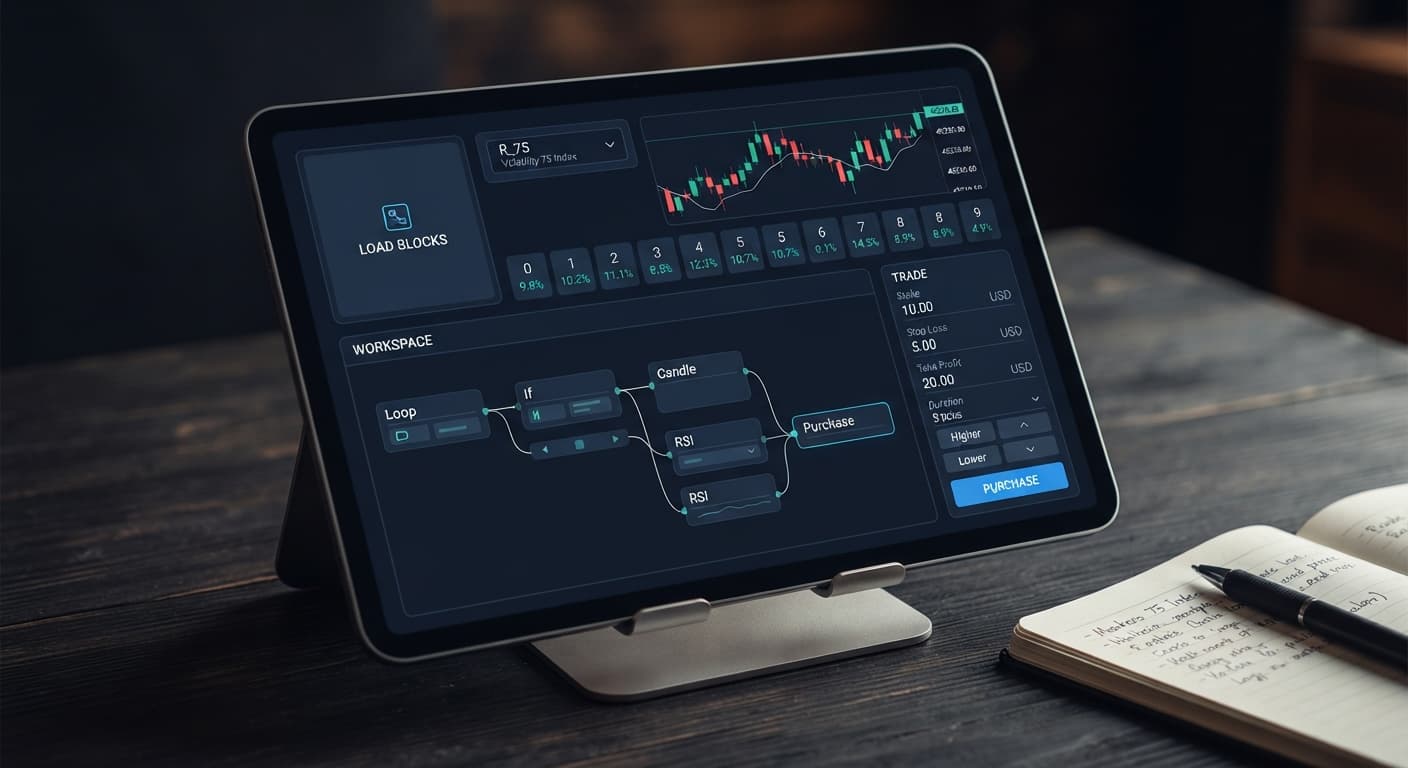
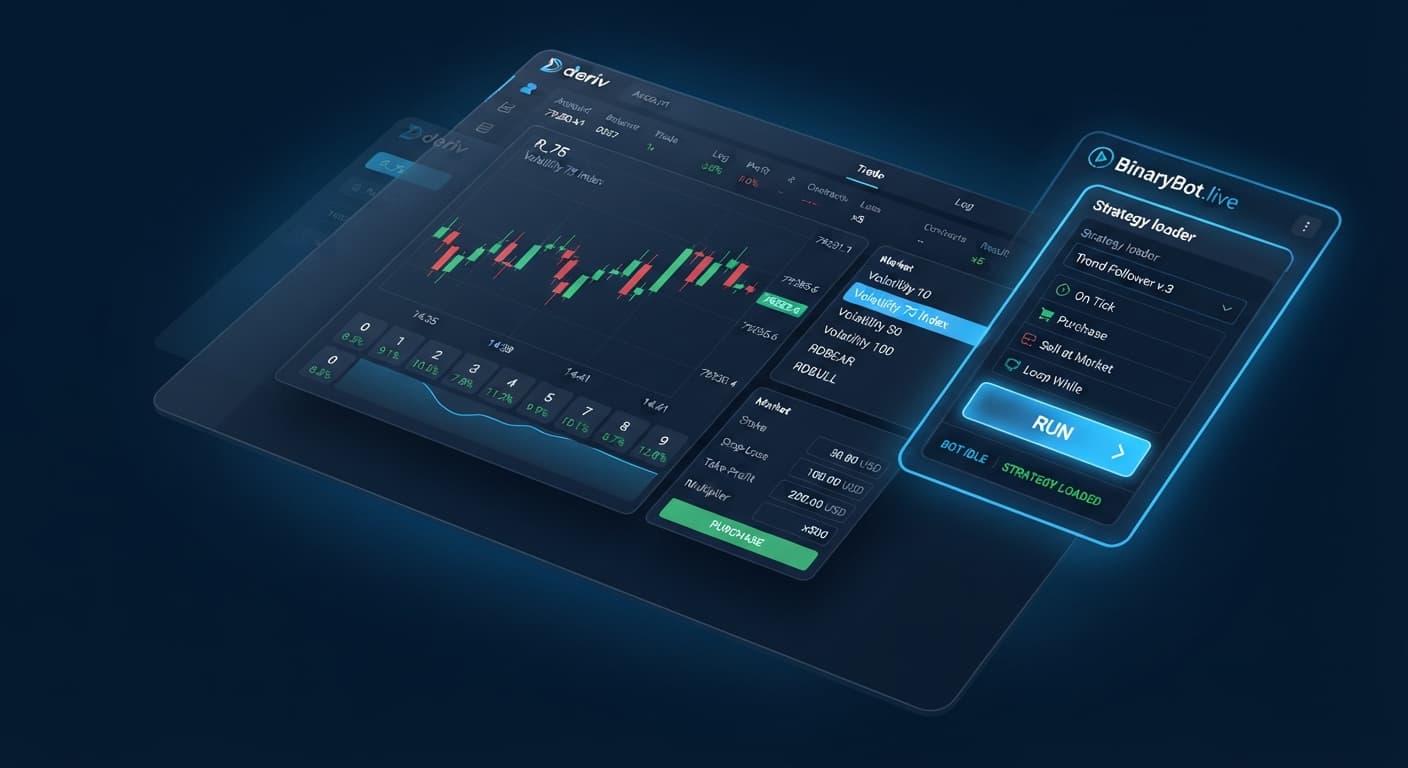
When you launch binary bots through the free execution tools on BinaryBot.live, your browser connects directly to Deriv over their official API. The web application acts as a visual interface, converting your parameter selections into execution commands that send straight to your account.
Your capital remains on Deriv at all times. BinaryBot.live doesn't process deposits, hold balances, or store your API keys on a remote server. You only need to create a token with "read" and "trade" permissions inside your Deriv account settings. Leave the "admin" and "payments" checkboxes blank—those elevated rights are never required for strategy automation, and keeping them unchecked protects your account security.
Automation helps eliminate manual timing errors. The script fires off contracts the instant your condition hits, bypassing human hesitation. However, running a script doesn't change contract odds, give you priority market feeds, or alter the broker's underlying payout tables.
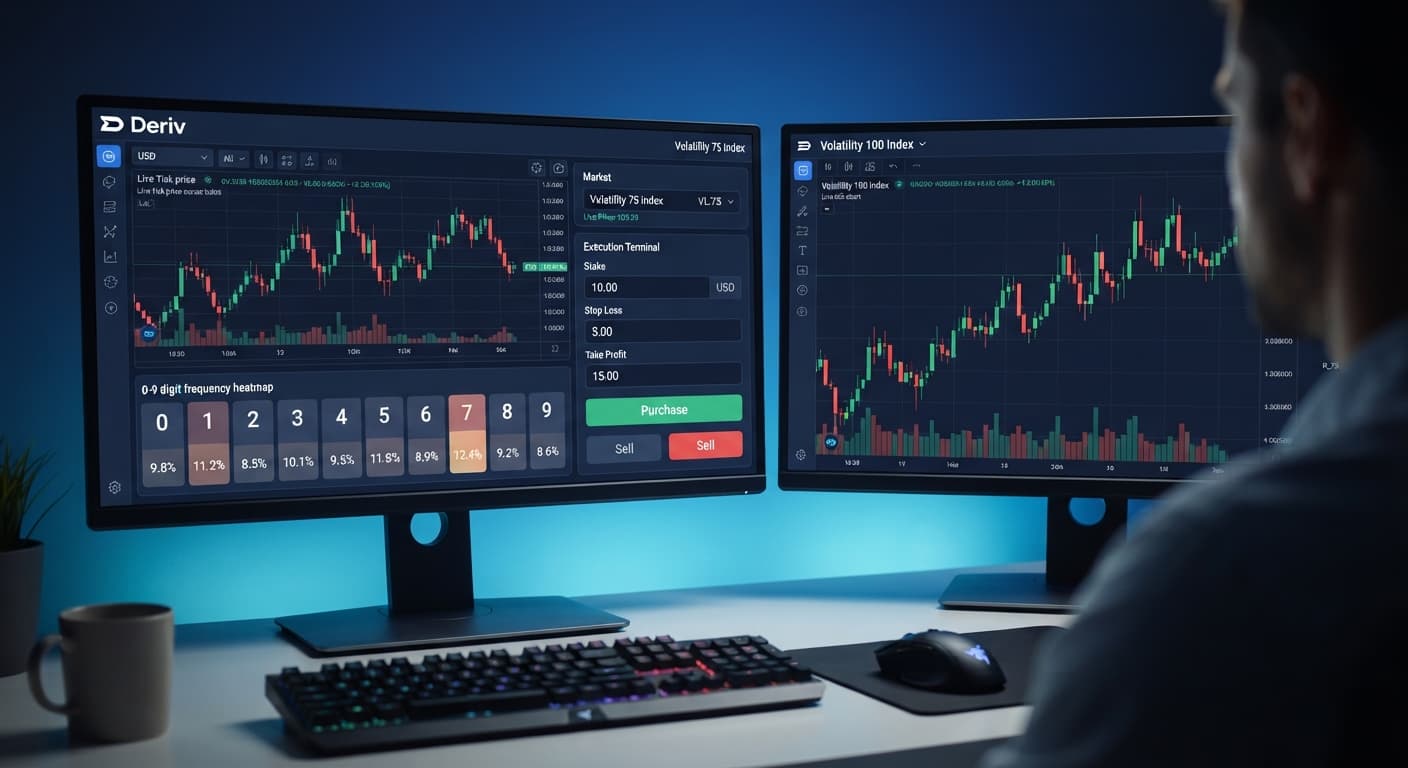
Every digit contract on Deriv's synthetic indices depends on fixed probability. Each tick ends in a last digit from 0 through 9. That gives every digit an exact 10% probability of landing on any single tick. Synthetic ticks are statistically independent. Seeing five odd digits in a row doesn't make an even digit any more likely on the sixth tick.
Understanding payout math keeps your expectations grounded. Deriv keeps a small broker margin on payouts, which means your strategy must beat a specific break-even win rate to stay profitable over time.
Here's how the numbers stack up across three common contract types:
| Contract Type | Underlying Win Probability | Example Stake | Net Win Payout | Break-Even Hit Rate Required |
|---|---|---|---|---|
DIGITEVEN / DIGITODD |
50.0% (5 out of 10) | $10.00 | $9.50 (95%) | 51.28% |
DIGITDIFF |
90.0% (9 out of 10) | $10.00 | $0.95 (9.5%) | 91.32% |
DIGITMATCH |
10.0% (1 out of 10) | $10.00 | $80.00 (800%) | 11.11% |
Look closely at the arithmetic for DIGITDIFF. You win whenever the final tick doesn't match your prediction. You'll hit winning trades 9 times out of 10 over a large sample. But when a $10 stake pays only $0.95 profit, a single loss clears out ten consecutive wins. To calculate break-even, divide your stake ($10) by your total return ($10.95). That gives 91.32%. Because the natural win rate is 90.0%, running this contract without an edge generates a negative expected value over time.
The same rule applies to DIGITEVEN. Winning pays $9.50 profit on a $10 stake, returning $19.50 total. Divide $10 by $19.50 and you get a required hit rate of 51.28%. The random probability is locked at 50.0%. Running deriv bots automates execution, but it doesn't bend these probabilities in your favor.
Log into your Deriv account and open your security settings. Find the API token tab. Name your token "BinaryBot", check only the "read" and "trade" boxes, and click create. Copy the generated string to your clipboard.
Open the BinaryBot.live browser app and locate the API connection box. Paste your string into the token field and click connect. Your balance will show on screen. Switch the account selector to your virtual (demo) balance before adjusting any strategy controls.
Pick a synthetic market from the dropdown menu, such as Volatility 10 (1s) Index or Volatility 100 Index. Next, choose your contract type from the available options: DIGITEVEN, DIGITODD, DIGITOVER, DIGITUNDER, DIGITMATCH, or DIGITDIFF.
Set your initial stake amount. On a demo account, starting with a $10 stake makes tracking payouts straightforward. Set your Take Profit to a reasonable limit, such as $50, and set your Stop Loss firmly—for instance, $100, which represents 10% of a standard demo balance. These two parameters instruct the tool to disconnect automatically when a threshold is met.
Click the Run button to start automated trading. The activity log displays opened contracts, tick values, and real-time balance updates. Watch the execution panel for the first two minutes to verify that orders submit cleanly without latency errors or dropped connections.
It's easy to lose track of time when a script runs in the background. You should halt execution and evaluate your setup if you notice unexpected web delays, platform disconnects, or if your drawdown approaches your pre-set risk threshold.
If your run hits your Stop Loss limit, stop the script. Don't increase your stake size or remove your risk caps to force a recovery. Whenever a setup hits an extended losing run on a live balance, return to a demo environment immediately. Use virtual funds to test alternative parameters, adjust target duration, or compare different indices before risking real account capital again.
Try it yourself on the free tools using a demo balance first. If you don't have an account yet, create a free Deriv account.
Trading involves risk. Past performance does not guarantee future results.
Related: Binary Bots for Beginners: Zero Experience Guide
Related: How Do Deriv Bots Work: Beginner Tech Guide
Related: Zero Experience Needed: Deriv Bots for Beginners on BinaryBot.live
Related: Beginner's Deriv API Token for Bots Setup Guide
Related: Beginner's Guide to Free Deriv Bots: No Coding Needed
The groundwork every bot guide assumes you already have — creating a Deriv API token, choosing demo vs real, and connecting safely.
Start with a Free Bot →You connect by creating a read and trade API token in your Deriv account settings and pasting it into the web app. Your capital stays safely on Deriv, as the browser-based tool doesn't store your funds or keys on a remote server.
No, you should leave the admin and payments checkboxes blank when creating your token. You only need read and trade permissions to run strategy automation safely.
No, automation doesn't alter broker payout tables, give you priority market feeds, or change contract odds. It simply eliminates manual timing errors by firing off contracts the instant your condition hits.
Deriv keeps a small broker margin on payouts, which means your strategy has to beat a specific break-even hit rate to stay profitable over time. For example, DIGITEVEN has a natural 50% probability but requires a 51.28% hit rate because a $10 stake only yields a $9.50 net win.
Guides closest to this one.
Learn how to find and run free deriv bots on BinaryBot.live with zero coding or downloads required. Start your beginner journey today!
Learn how to use binary bots for beginners on BinaryBot.live with zero experience. Discover free deriv bots and start today. Try it risk-free now!
Learn how to find the best deriv bots using free browser-based digit analyzers on BinaryBot.live. Zero prior knowledge needed. Read our beginner guide!