Deriv Basics
Why Is My Deriv Bot Not Placing Trades? Beginner Fix
Troubleshoot why is my deriv bot not placing trades on BinaryBot.live. Fix balance, token, and logic errors safely. Start debugging today.
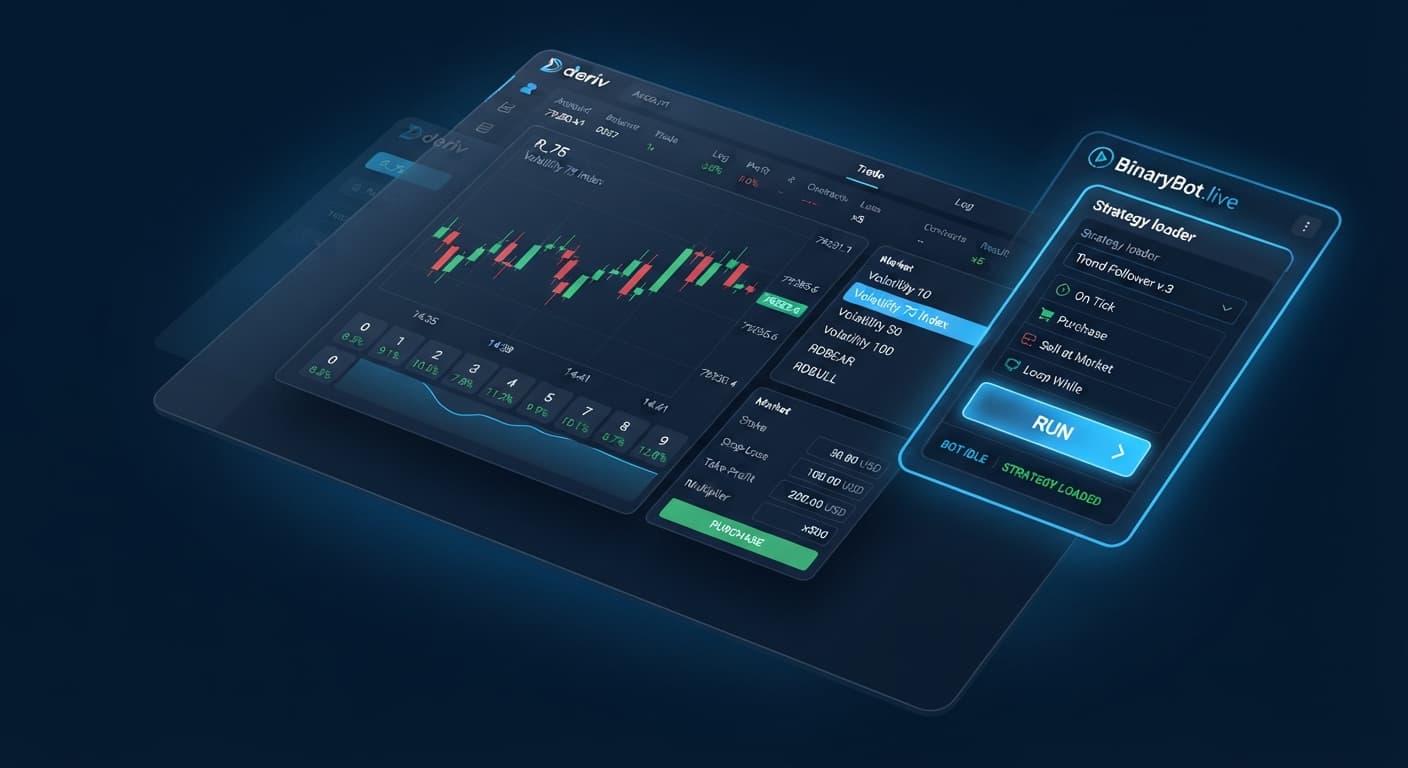
Finding quality free deriv bots that execute strategies without requiring code or desktop downloads comes down to using browser-based API tools like BinaryBot.live. You paste a Deriv API token into a web tool, select a contract type, set your execution limits, and run trades straight from your browser. You don't need any programming experience to automate trade execution on synthetic indices.
Automation takes the manual effort out of placing orders, but it doesn't change how financial markets work. If you enter the market expecting instant hands-free income, you'll likely lose your trading capital.
Software executes instructions quickly. It doesn't magically create winning trades out of thin air. When you load free deriv bots onto a live account without understanding the underlying mechanics, you're giving an algorithm permission to drain your account at high speed. Most new traders hit a losing streak, panic, change settings on the fly, and watch their remaining balance disappear.
Automated binary bots remove emotional hesitation when opening trades. That's a double-edged sword. It means the software executes your entry rules perfectly, but it also means it executes a bad strategy without stopping to think. If your approach requires an unrealistic win rate to offset small payouts, automated execution just reaches account depletion faster.
Testing every setting on a demo balance isn't optional. It's the only way to inspect how quickly drawdown builds during bad market conditions.
Before you open any automation tool, make sure you know these core concepts:
Every digit on a synthetic index tick stream is completely independent of the digit before it. A pattern of five consecutive even digits doesn't mean an odd digit is "due" next. The algorithm generating those ticks doesn't have a memory.
To understand whether an automated setup can stay profitable, you have to calculate your break-even win rate against the broker's actual payout percentage.
Let's look at the arithmetic for two standard contract types using a $10.00 base stake:
When trading DIGITDIFF, you win if the final tick digit does NOT match your selected prediction digit (for instance, predicting the last digit won't be 5).
Stake / Total Return = $10.00 / $10.99 = 90.99% required win rate.Because the required win rate (90.99%) sits higher than the raw statistical probability (90.00%), running DIGITDIFF indefinitely without strict exit limits guarantees a slow decline in account equity due to the built-in broker margin.
When trading DIGITEVEN, you win if the final tick digit ends in 0, 2, 4, 6, or 8.
Stake / Total Return = $10.00 / $19.50 = 51.28% required win rate.You need a strategy that pushes your actual execution hit rate above 51.28% just to stay flat.
| Contract Type | Out of 10 Digits Win | Raw Probability | Sample Stake | Net Return | Total Payout | Break-Even Win Rate |
|---|---|---|---|---|---|---|
| DIGITDIFF | 9 | 90.00% | $10.00 | $0.99 | $10.99 | 90.99% |
| DIGITMATCH | 1 | 10.00% | $10.00 | $85.00 | $95.00 | 10.53% |
| DIGITEVEN | 5 | 50.00% | $10.00 | $9.50 | $19.50 | 51.28% |
| DIGITODD | 5 | 50.00% | $10.00 | $9.50 | $19.50 | 51.28% |
| DIGITOVER (Over 4) | 5 | 50.00% | $10.00 | $9.50 | $19.50 | 51.28% |
| DIGITUNDER (Under 5) | 5 | 50.00% | $10.00 | $9.50 | $19.50 | 51.28% |
Follow these exact steps to launch your first automated session safely. Make sure you're using a virtual account balance.
Log into your account on Deriv. Go to Account Settings, open the Security menu, and select API Token. Type a label like "BinaryBot Read-Trade", check ONLY the Read and Trade checkboxes, and click Create. Copy the generated token string immediately.
Navigate your browser to the free bot library and open an automated interface like Solid Trading Bot or AutoPilot. You don't need to install local software or sign up for a separate user account.
Locate the API token input field at the top of the runner interface. Paste your copied token string and click Connect. Look at the balance indicator on the screen: it must display your virtual balance (e.g., $10,000.00 USD Virtual) to confirm you're operating safely in demo mode.
Enter these initial parameters before starting execution:
Click the Run button. Watch the live execution stream. The log will show each incoming price tick, the purchased contract, the result (Win or Loss), and the updated session balance. Stop the runner manually after 10 trades to review how your settings handled the tick sequence.
Most beginner errors come from improper risk controls rather than broken software logic. Here is how common mistakes manifest on screen and the specific parameters that prevent them.
| Screen Symptom | Root Cause | Preventive Setting Fix |
|---|---|---|
| Account balance drops sharply after a single cluster of bad ticks | No maximum loss cap was defined before starting | Set Stop Loss to maximum 10% to 15% of total session equity |
| Runner continues placing trades after reaching profit target | Missing profit target limit in the bot control panel | Set Take Profit to 3% to 5% of session equity |
| Contract purchases fail repeatedly with authorization errors | Token created with missing Trade scope or expired permissions | Re-generate API token ensuring both Read and Trade are checked |
| High slip rate or missed ticks during execution | Browser tab throttled execution while minimized | Keep the trading browser tab visible in its own separate window |
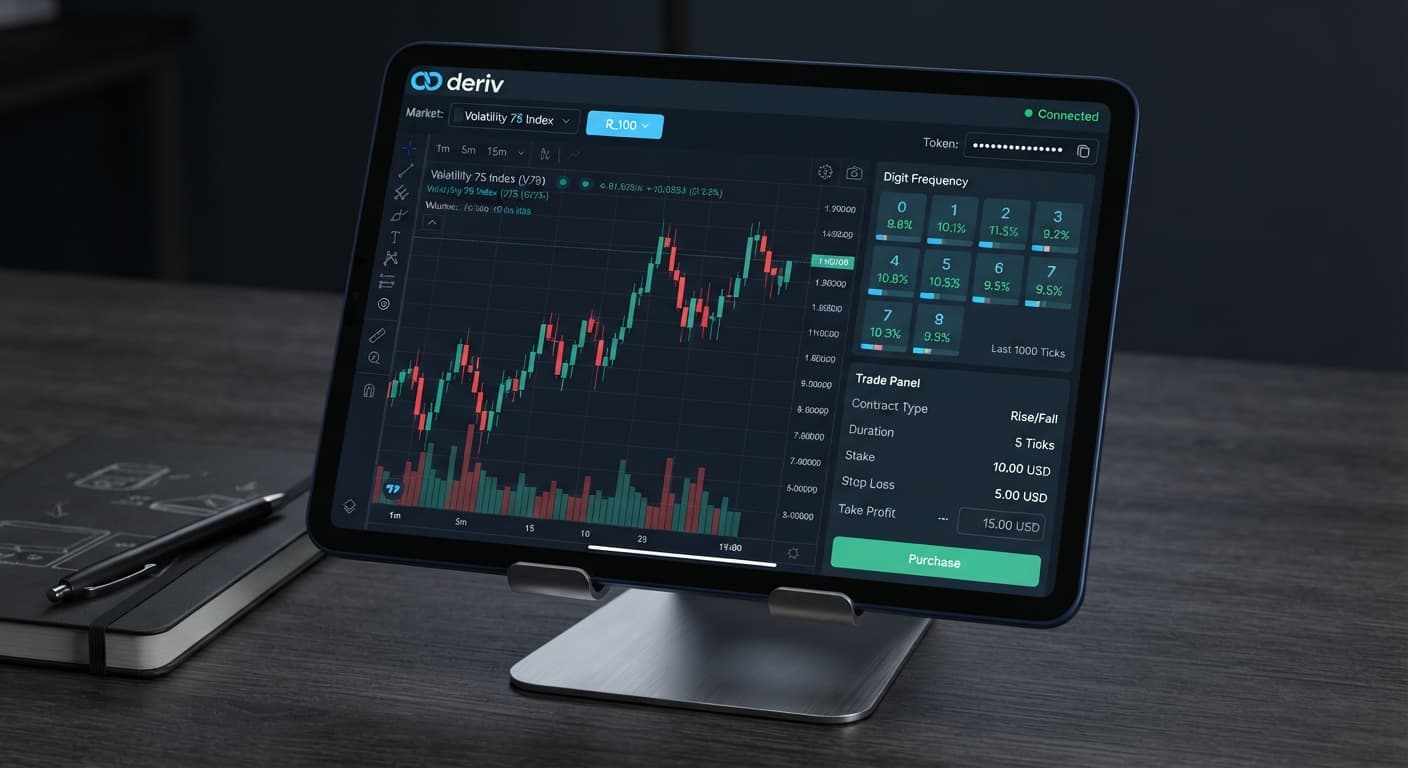
If you want to analyze raw tick patterns visually before enabling auto-execution, you can open tools like LDP Analyzer or Digit Pad to track incoming digit frequencies in real time.
Try running strategies yourself on the free Deriv bot tools with a demo account first.
If you don't have one yet, create a free Deriv account to get started.
Trading involves risk. Past performance does not guarantee future results.
Related: Why Is My Deriv Bot Not Placing Trades? Beginner Fix
Related: How to Use Binary Bots: Beginner Guide for Deriv
Related: Binary Bots for Beginners: Zero Experience Guide
Related: Choosing Best Deriv Bots: Beginner Guide to Analyzers
The groundwork every bot guide assumes you already have — creating a Deriv API token, choosing demo vs real, and connecting safely.
Start with a Free Bot →You can use browser-based API tools like BinaryBot.live by pasting your Deriv API token directly into the web tool. From there, you select your contract type, set your limits, and run your trades straight from the browser without needing any coding experience.
You only need to grant Read and Trade scopes to your API token so the web automation tool can view your account balances and purchase contracts. You should never give it Admin or Payment scopes.
Synthetic indices are simulated financial markets powered by cryptographically secure random number generators that run 24 hours a day. They replicate real market volatility without being affected by external news events.
Testing every setting on a demo balance is mandatory to see how quickly drawdown builds during bad market conditions. Loading bots onto a live account without testing or understanding the mechanics can quickly drain your capital.
Guides closest to this one.
Troubleshoot why is my deriv bot not placing trades on BinaryBot.live. Fix balance, token, and logic errors safely. Start debugging today.
Learn how to use binary bots on BinaryBot.live with your Deriv account. Follow this beginner guide to load, run, and test free deriv bots safely.
Learn how to use binary bots for beginners on BinaryBot.live with zero experience. Discover free deriv bots and start today. Try it risk-free now!