Deriv Basics
How Do Deriv Bots Work: Beginner Tech Guide
Discover how do deriv bots work under the hood. Learn about API tokens, WebSockets, and browser execution for free deriv bot strategies. Try it now!
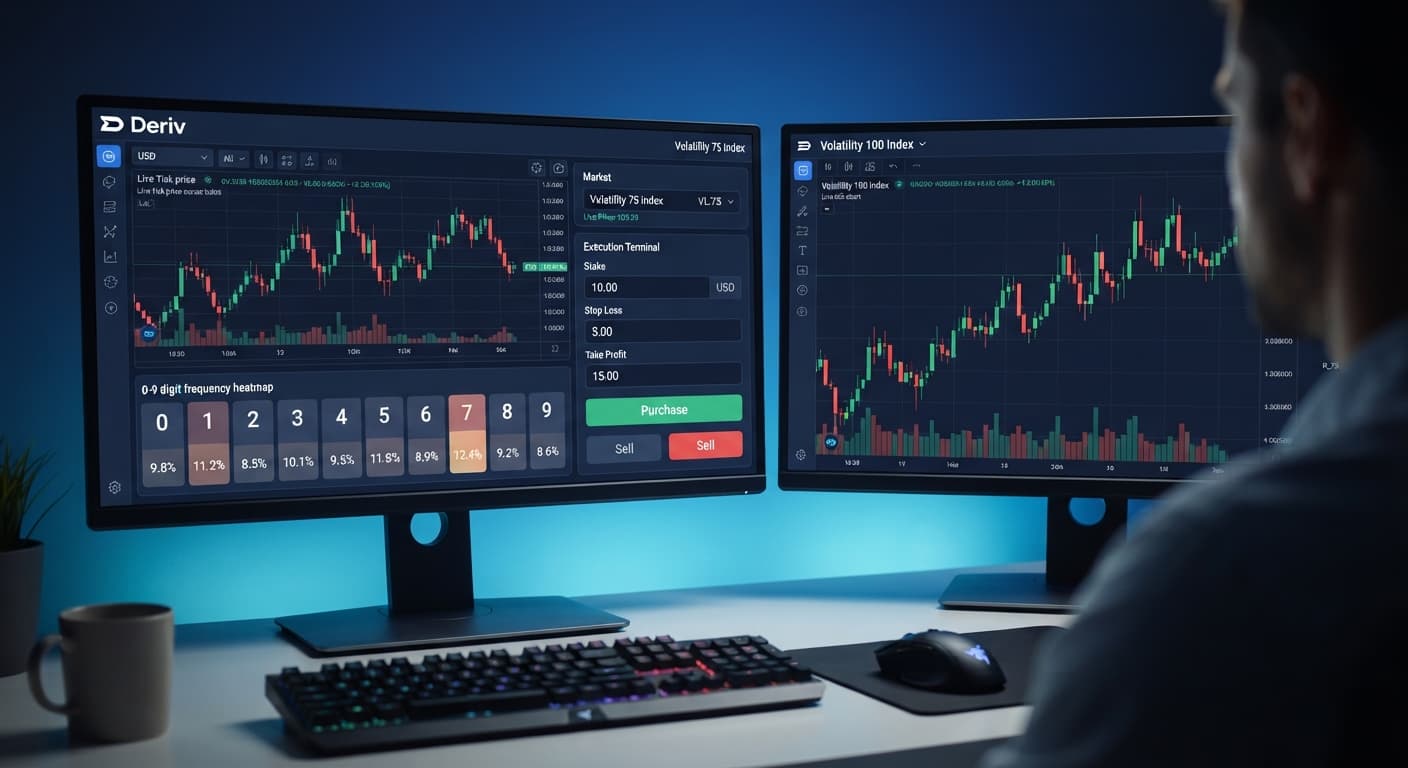
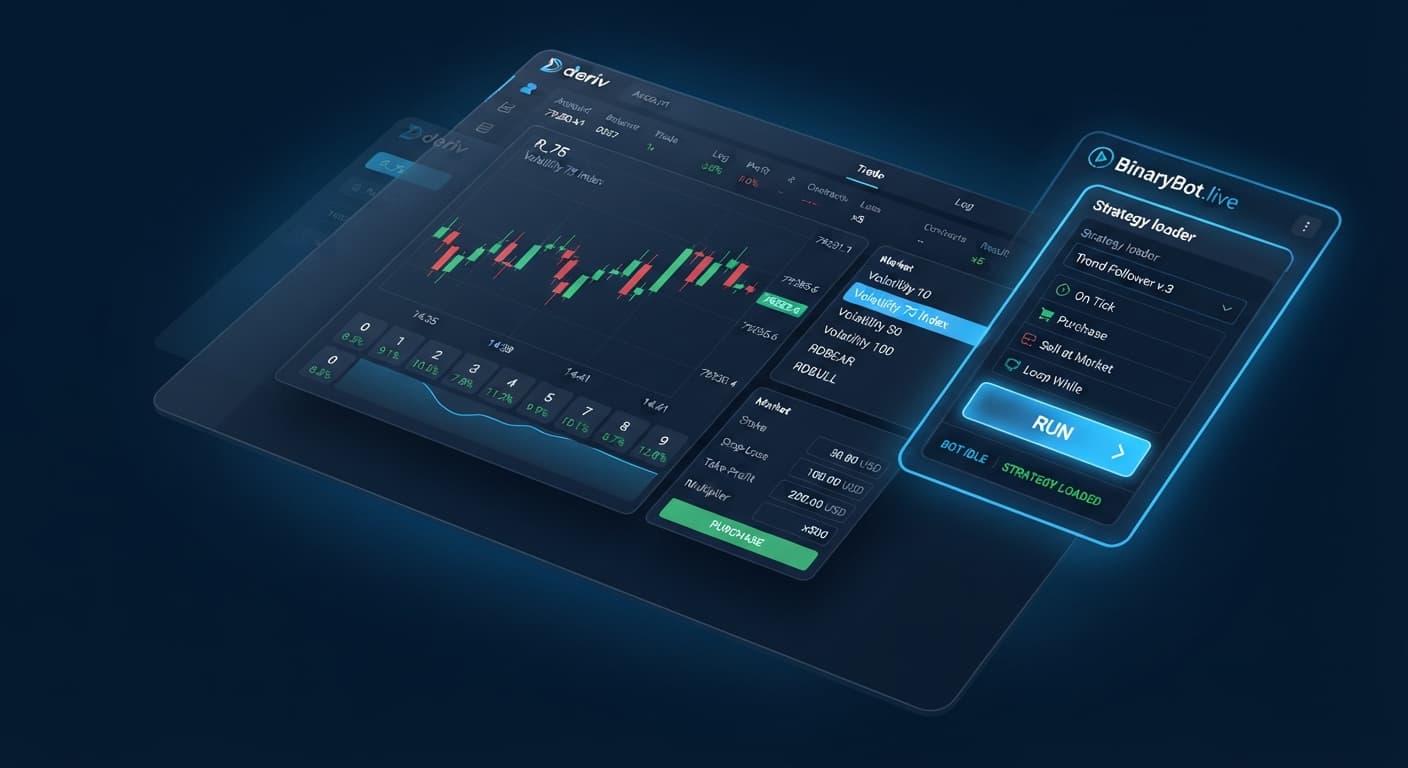
The best deriv bots are simple automated tools that execute trades based on real-time digit statistics rather than emotional guesses. Finding the right tool on BinaryBot.live means matching a digit analyzer like the LDP Analyzer with an execution script configured for specific contracts like DIGITEVEN or DIGITOVER. Instead of guessing where the market goes next, you track digit distributions across recent ticks and execute orders directly on your Deriv virtual balance.
Selecting effective deriv bots requires understanding how browser tools evaluate tick data before placing a single order.
If you're new to automated trading, you need to understand three core components: the market, the contract type, and the browser connection.
Deriv offers synthetic indices, which are simulated assets running continuous algorithmic price streams 24 hours a day. Every price update on a synthetic index is called a tick. The last digit of that price—the final number on the right—is what digit contracts evaluate.
You can trade six primary digit contract types:
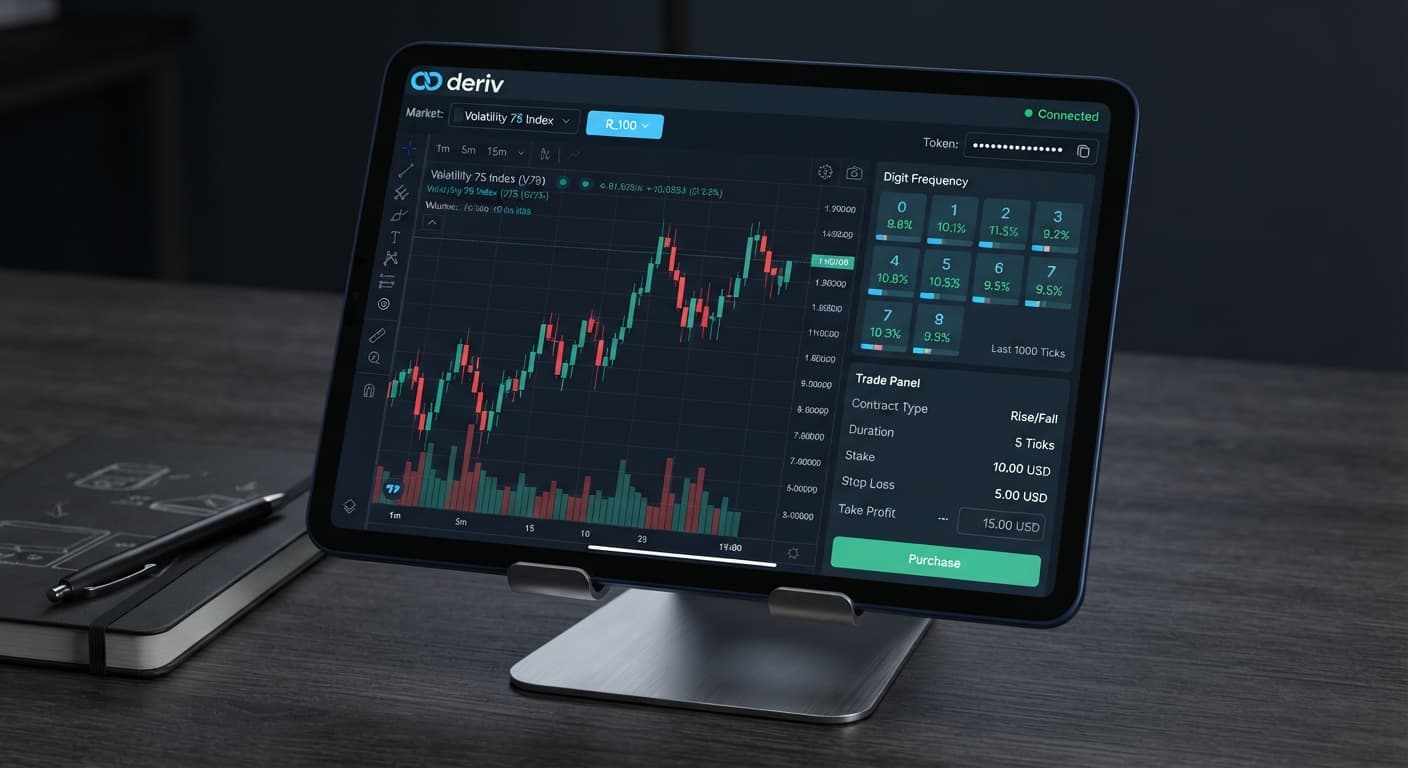
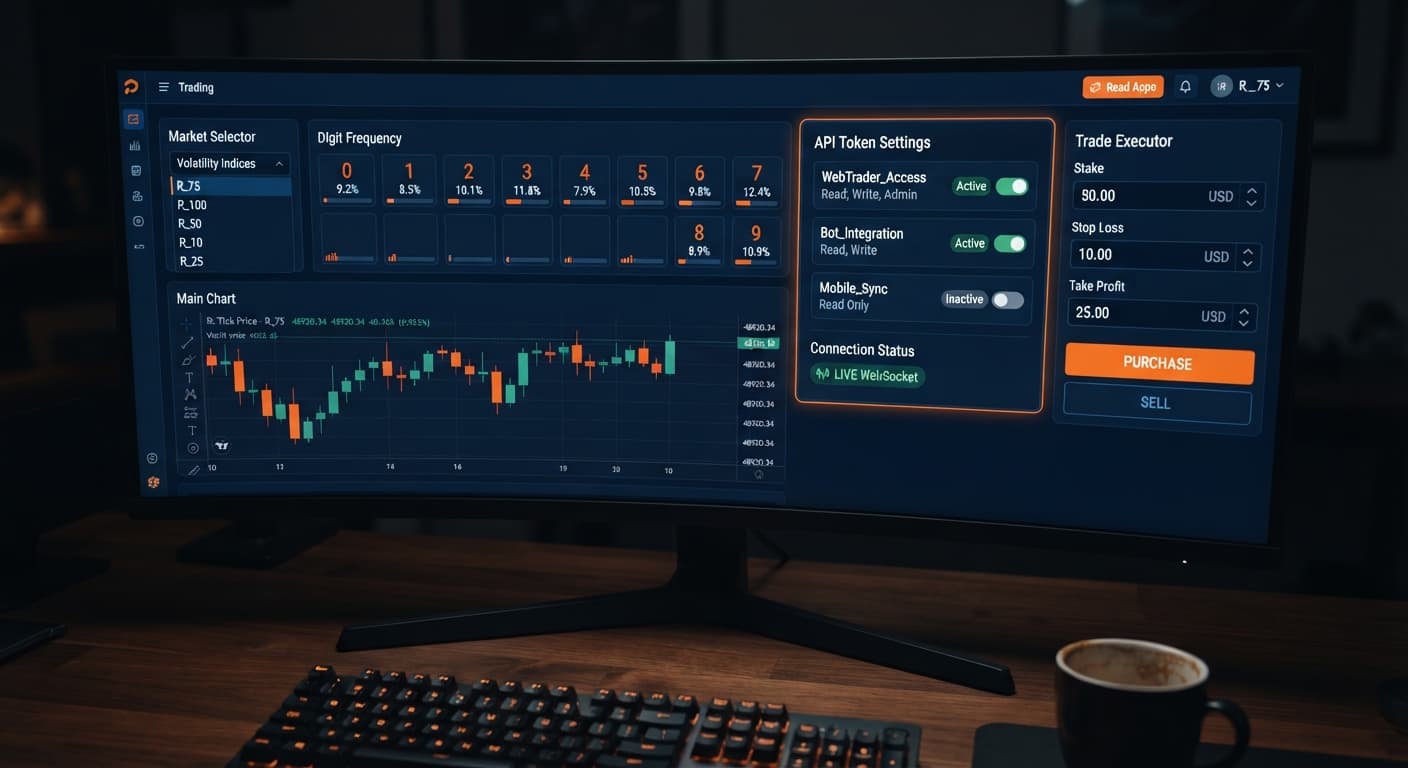
To connect a browser analyzer to your account, you generate a Deriv API token inside your Deriv account settings. This token acts as a secure key. For analysis and execution, you only select read and trade scopes. You never select admin or payment scopes.
The browser tool reads live price streams directly through the official Deriv API without storing your funds. Every order executes instantly on your Deriv balance.
Understanding probability keeps you from blowing an account. Synthetic index ticks are mathematically independent events. That means the previous digit has zero influence on the next digit. If five even numbers appear in a row, the probability of the next tick being DIGITEVEN is still exactly 50%.
Many traders search for binary bots expecting a tool that predicts the future. That isn't how web-based tools work. An analyzer measures digit frequency across short sample sizes, such as 25, 50, or 100 ticks.
If an analyzer shows that digit 7 hasn't appeared in 40 ticks, that's a historical observation, not a guarantee that 7 will show up on the 41st tick. What an analyzer actually does is help you track short-term statistical variance. It lets you apply rules—like buying DIGITUNDER 8 when high digits spike—based on measured distribution instead of impulse.
When running an analyzer like LDP Analyzer Pro, the interface communicates its operational status through specific visual cues. Knowing what these indicators mean helps you spot broken connections or slow feeds immediately.
| On-Screen State | Diagnostic Meaning | Action Required |
|---|---|---|
| Green status light with active tick counter incrementing every 1 second | WebSocket connection is live and receiving tick updates from Deriv | Proceed with market analysis or bot execution |
| Red status light with static tick counter | API connection dropped or session token expired | Refresh the page and re-enter your Deriv API token |
| Yellow warning banner reading "Rate Limit" | Too many API requests sent in a short window | Pause execution for 60 seconds to reset connection limits |
| Grayed-out "Run Bot" button | Missing API token or incomplete trade settings | Fill in your token and set non-zero stake parameters |
| Red text entry in trade log showing "Invalid Token" | Token typed incorrectly or lacks trade scope permissions | Issue a new API token in Deriv settings with trade scope checked |
A healthy trade log updates every time a contract completes, displaying the contract ID, exit tick digit, and net session profit or loss. If the trade log pauses while the market price moves, your connection has stalled.
Follow these five steps on a Deriv virtual account to test an automated workflow safely before handling real money.
Log into your Deriv account, head to Account Settings, and open the API Token menu. Check the boxes for read and trade permissions only. Generate the token string and copy it to your clipboard.
Open the Tick Picker dashboard on BinaryBot.live. Paste your token into the designated field to open the live price connection. Verify that your account type displays as Demo or Virtual.
Choose a market, such as Volatility 100 (1s) Index. Set the tick history window to 50 ticks. Watch the visual digit distribution bars populate as fresh ticks arrive.
Select your automated execution tool from the free bot library. Set your initial stake to a small test value on your virtual account. Input a strict session Stop Loss equal to 15% of your virtual account balance, and a Take Profit threshold of 5%.
Start the execution script. Monitor the trade log for ten completed contracts. Check that every contract type (such as DIGITUNDER or DIGITODD) opens with the exact parameter set inside your analyzer controls.
Beginners often run into preventable execution mistakes when configuring automated scripts. Here's how to fix the four most common issues using exact tool controls.
If your internet latency spikes, an automated script can send delayed purchase commands, resulting in late entries.
Running a script configured for DIGITOVER contracts while your analyzer is monitoring DIGITEVEN frequency causes trades to fire on irrelevant data.
Setting an analyzer to look at only 5 or 10 ticks creates extreme statistical noise. A single digit appearing twice makes it look like a 20% bias, which is too small of a sample to mean anything.
Leaving loss recovery limits open allows a cold streak to wipe out a account balance rapidly.
Testing various configurations on free binary bots lets you build discipline without risking capital. Refine your system on virtual funds, monitor on-screen visual states carefully, and keep your risk settings locked in place.
Test these analysis tools yourself on the free tools using a virtual account balance.
If you need a testing balance, create a free Deriv account to start practicing immediately.
Trading involves risk. Past performance does not guarantee future results.
Related: How Do Deriv Bots Work: Beginner Tech Guide
Related: Beginner's Guide to Free Deriv Bots: No Coding Needed
Related: Why Is My Deriv Bot Not Placing Trades? Beginner Fix
The groundwork every bot guide assumes you already have — creating a Deriv API token, choosing demo vs real, and connecting safely.
Start with a Free Bot →They're automated tools that execute trades based on real-time digit statistics rather than emotional guesses. They read live price streams through the Deriv API to trade synthetic index contracts like DIGITEVEN or DIGITOVER.
You only need to select read and trade scopes when generating your token in your Deriv account settings. Never select admin or payment scopes for your analysis and execution tools.
No, synthetic index ticks are mathematically independent events where the previous digit has zero influence on the next one. Even if five even numbers appear in a row, the probability of the next tick being even remains exactly 50%.
An analyzer measures digit frequency across short sample sizes, such as 25, 50, or 100 ticks. It helps you track short-term statistical variance so you can apply rules based on measured distribution instead of guessing.
Guides closest to this one.
Discover how do deriv bots work under the hood. Learn about API tokens, WebSockets, and browser execution for free deriv bot strategies. Try it now!
Learn how to find and run free deriv bots on BinaryBot.live with zero coding or downloads required. Start your beginner journey today!
Troubleshoot why is my deriv bot not placing trades on BinaryBot.live. Fix balance, token, and logic errors safely. Start debugging today.