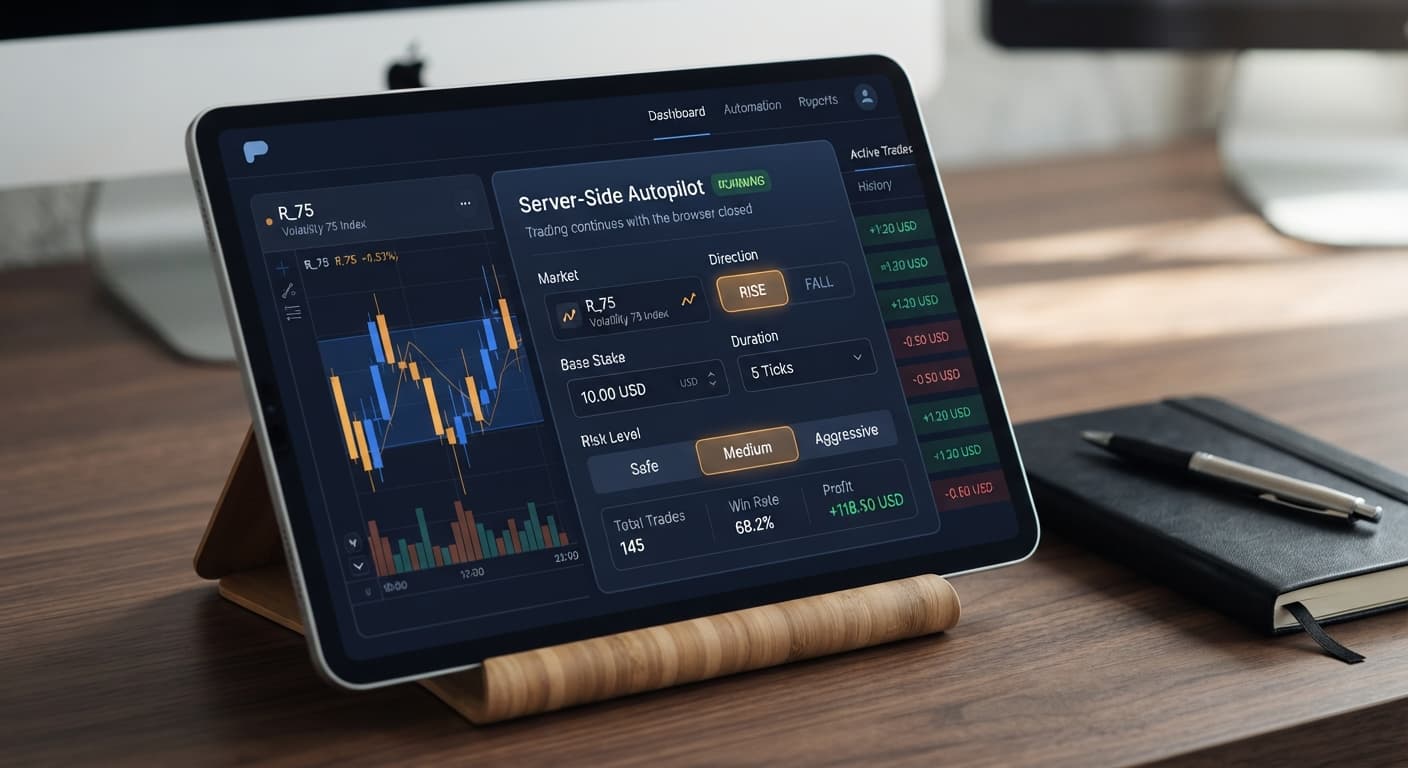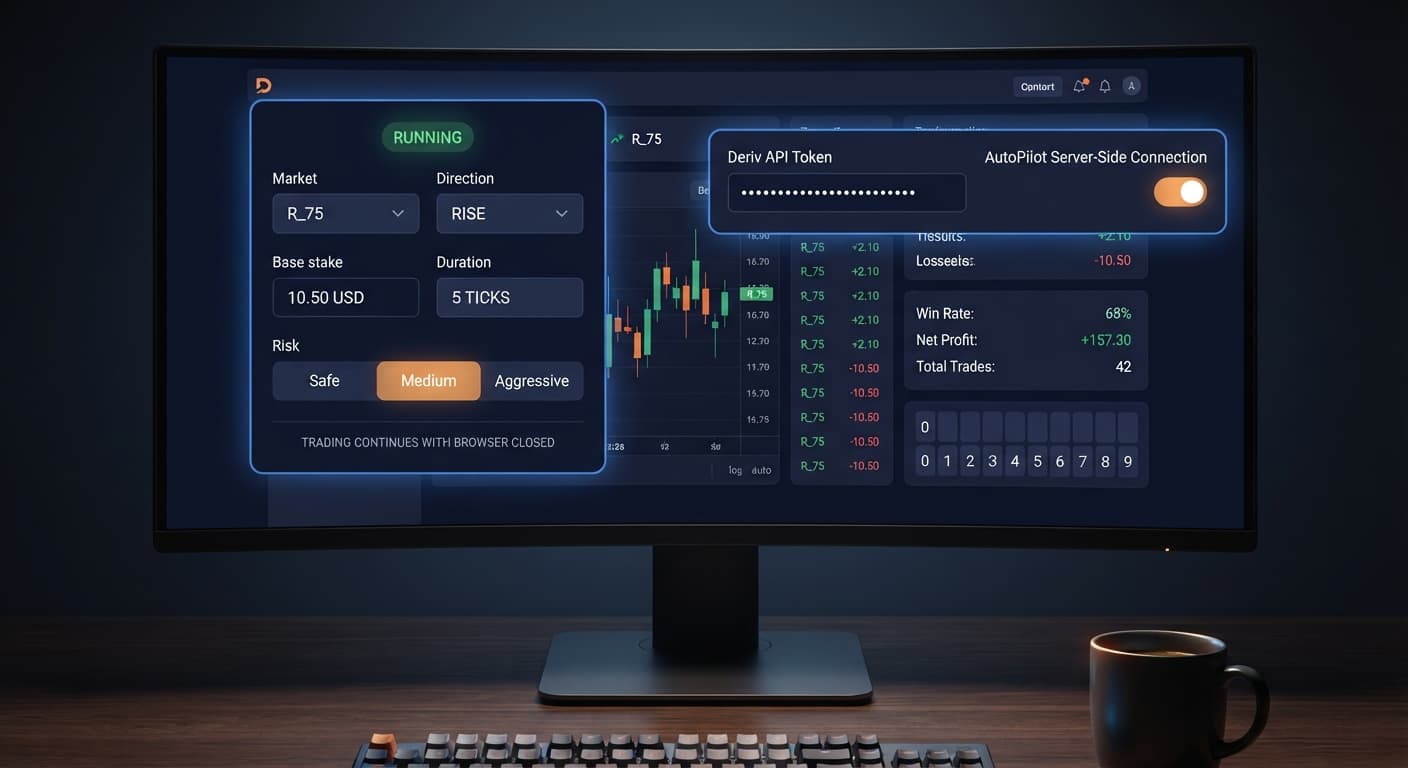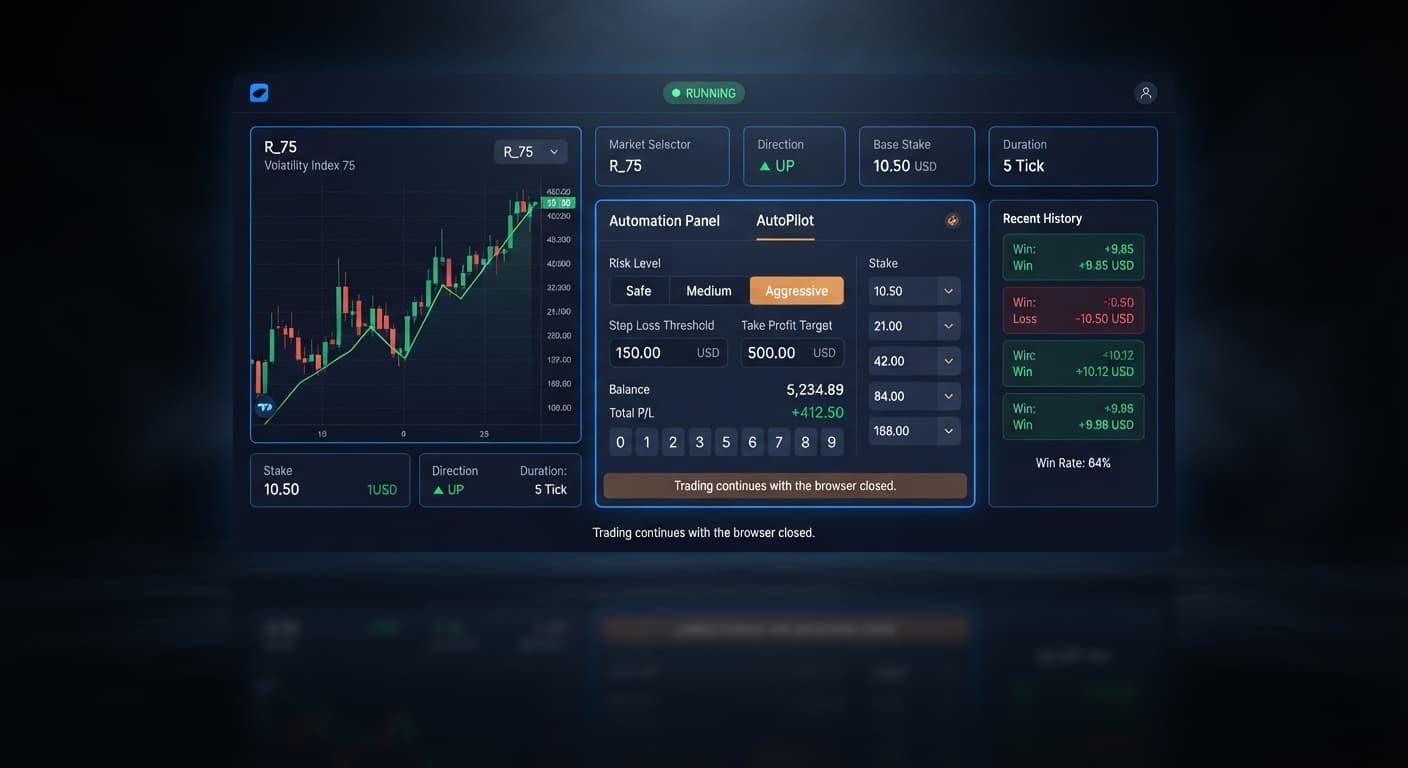
Auto Trading Bots
Autopilot Stop Loss Setup for Deriv Rise/Fall Trading
Set your autopilot stop loss setup to 15% to 20% of your account balance and take profit at 5% to 10% for Deriv Rise and Fall trading sessions.
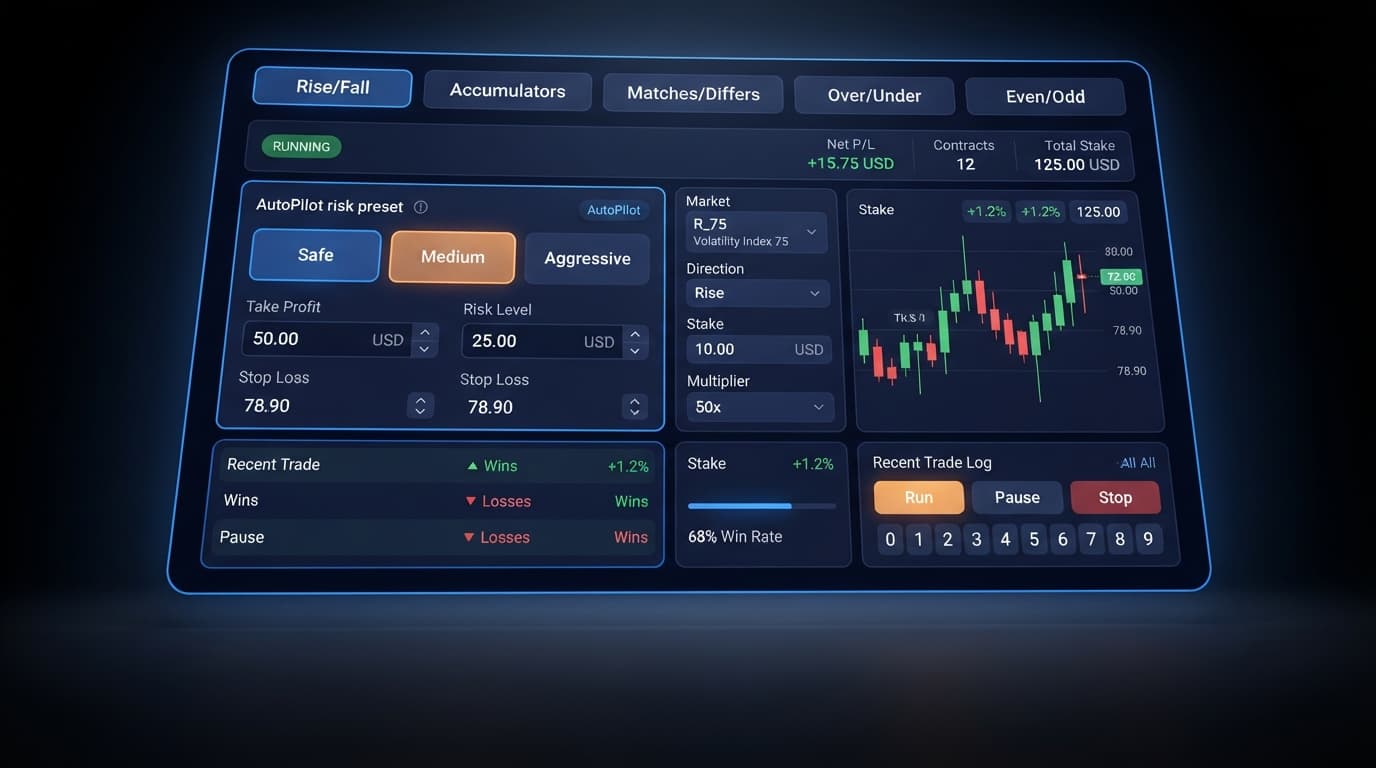
Configuring autopilot take profit settings on BinaryBot.live means defining the exact dollar threshold where the bot halts automated order placement and secures your profit. You enter a fixed target in the Take Profit $ field—or choose a quick preset like Safe ($5 TP), Medium ($10 TP), or Aggressive ($20 TP)—and Deriv's server-side system stops trading the instant your session net profit reaches or exceeds that number. Because AutoPilot processes contract commands directly on Deriv's backend, these autopilot take profit settings trigger reliably even if you log out, lose connection, or turn off your computer.
When running automated contract sequences, profit targets don't just mark where you win; they act as an essential breaker. Martingale algorithms continuously increase stake sizes to recover previous losses. Without a strict target set before launching, a single winning run can quickly revert into an extended losing streak that damages your account balance. Setting your profit cap beforehand ensures you capture gains while the algorithm is ahead, rather than leaving your trades running indefinitely.
The target controls live right inside the main configuration form at AutoPilot. You don't need to dig through secondary menus or script custom blocks. Everything sits directly on the setup panel above the start button.
At the top of the interface, you'll choose your market parameters using five simple selection pills for Trade type: Rise/Fall, Accumulators, Matches/Differs, Over/Under, and Even/Odd. Below those pills sit the exact parameter fields you'll configure before starting a session:
Directly underneath these input fields are the action buttons: Start, Pause, Resume, and Stop. Once trading begins, the live panel tracks your session metrics in real time across Net P/L, Contracts, and Total Stake read-outs.
Because AutoPilot runs on server-side automation, any values saved in Take Profit $ and Stop Loss $ are pushed straight to the execution engine. If your internet drops or your browser crashes midway through a session, the execution engine continues monitoring every tick on Deriv. When your cumulative earnings reach the assigned Take Profit $ threshold, the server cancels all pending actions and stops.
To make setup simple, AutoPilot features three Risk Level (Quick preset) options. Selecting any of these buttons populates initial values into the Stake, Multiplier, Take Profit $, and Stop Loss $ fields. You can run them as they are or adjust the numbers manually to match your session balance.
Here is how the default preset options compare:
| Preset Name | Base Stake | Loss Multiplier | Take Profit $ | Stop Loss $ | Consecutive Loss Buffer (Approx.) |
|---|---|---|---|---|---|
| Safe | $0.50 | 2.1x | $5.00 | $50.00 | 5 losses before max drawdown ($37.83 total risk) |
| Medium | $1.00 | 2.5x | $10.00 | $100.00 | 4 losses before max drawdown ($61.00 total risk) |
| Aggressive | $2.00 | 3.5x | $20.00 | $200.00 | 3 losses before max drawdown ($33.50 total risk) |
The Safe preset uses a modest $0.50 base stake and a tight 2.1x multiplier. Its $5 Take Profit $ goal requires a series of net positive outcomes relative to its $50 Stop Loss $. This gives your account enough margin to survive five consecutive losses without breaching your loss limit.
The Medium preset bumps the stake to $1.00 and increases the multiplier to 2.5x. With a $10 Take Profit $ and a $100 Stop Loss $, it hits session targets faster on winning streaks, but drawdown escalates more quickly during bad runs.
The Aggressive preset sets a $2.00 stake with a 3.5x multiplier, targeting a $20 profit alongside a $200 loss limit. This option works fast, but the steep multiplier places intense demands on your capital after just three consecutive bad ticks.
If you don't want to use standard presets, type custom numbers directly into the form. Many traders running web-based deriv bots prefer custom targets like setting Take Profit $ to 5% or 10% of their total balance while keeping Stop Loss $ strict.
Open the page on a desktop or mobile web browser. Paste your Deriv API token into the authentication box to link your account. If your account balance reads zero, deposit funds or switch over to your virtual demo account before placing real orders. Choose your index from the Market dropdown menu, such as Volatility 10 Index or Volatility 50 Index.
Click one of the Trade type pills at the top of the form. If you pick Rise/Fall, choose your Direction and enter a Duration using ticks, seconds, or minutes. If you select Over/Under, enter a digit from 0 to 9 in the Barrier box. For Matches/Differs, set your target digit in the Prediction box. For Accumulators, set your Growth Rate between 1% and 5%.
Click Safe, Medium, or Aggressive under Risk Level (Quick preset) to auto-fill recommended values. To adjust the defaults, click directly into the Stake or Multiplier box and enter your custom figures.
Click the Take Profit $ box and enter your net target in USD, such as 5.00. Next, enter your maximum tolerable loss in the Stop Loss $ field, like 50.00. Double check that your Take Profit $ setting fits your account balance and isn't too high for your base stake.
Click the Start button. The bot validates your parameters and establishes a direct socket connection to place orders. Watch the Net P/L, Contracts, and Total Stake read-outs update after every tick. You can click Pause or Stop at any time, or simply close your browser tab and let server-side logic halt execution when your profit or loss target is hit.
Understanding martingale progressions helps show why autopilot take profit settings are so necessary for protecting your balance. When trading synthetic indices, each tick is an independent event. Historical digit distributions or recent price directions don't alter the math of the next contract. If you encounter a streak of bad ticks, a high multiplier pushes your required stake up very quickly.
Let's look at a concrete money example using the Aggressive preset settings on a Volatility 75 Index Rise/Fall contract.
Suppose you start a session with a $100 starting balance. You choose the Aggressive preset, which sets a base Stake of $2.00, a Multiplier of 3.5x, a Take Profit $ target of $20.00, and a Stop Loss $ limit of $200.00.
Here is how your balance and stake scale across four consecutive losing trades:
At Trade 4, your remaining bankroll sits at $66.50. You do not have enough capital left in your account to cover the $85.75 entry fee. The system cannot place the contract, the sequence fails, and your session ends with a $33.50 loss. Even though your set Stop Loss $ was $200.00, account depletion stopped the run after just three consecutive bad trades.
Now consider the Safe preset on the same $100 account using a $0.50 base stake and a 2.1x multiplier:
With the Safe preset, your $100 account easily handles five consecutive losses. The fifth lost trade brings your cumulative session loss to $18.11, leaving $81.89 available—more than enough to cover the sixth trade's $20.42 stake.
This contrast highlights why careful configuration of autopilot take profit settings and stake multipliers is vital when using automated binary bots on synthetic markets. Set realistic profit goals relative to your balance, keep base stakes small, and always test your risk parameters on a free demo account before trading with real funds.
Test your settings risk-free on AutoPilot using virtual funds before trading live. If you need an account to get started, create a free Deriv account. Trading involves risk. Past performance does not guarantee future results.
Related: Autopilot Stop Loss Setup for Deriv Rise/Fall Trading
Related: Configuring Deriv Autopilot Settings for Binary Bots
Free server-side automated trading bot for Deriv — runs Rise/Fall Martingale with stop loss and take profit, and keeps trading after you close the browser.
Open AutoPilot →You just enter a fixed target dollar amount into the Take Profit $ field on the main AutoPilot setup panel. Alternatively, you can click one of the quick presets like Safe, Medium, or Aggressive to pre-fill the value before you start.
Your trades keep running safely because AutoPilot processes contract commands directly on Deriv's backend server. The server will still monitor your session and automatically stop trading the moment your target is reached, even if your browser crashes or you log out.
They're right inside the main configuration form on the AutoPilot setup panel above the start button. You won't need to dig through any secondary menus or script custom blocks to find them.
Martingale algorithms constantly increase your stake sizes to recover previous losses, which means an extended losing streak can quickly damage your account. Setting a strict profit cap beforehand ensures the AutoPilot session stops and secures your gains while the algorithm is ahead.
Guides closest to this one.
Set your autopilot stop loss setup to 15% to 20% of your account balance and take profit at 5% to 10% for Deriv Rise and Fall trading sessions.
Master the autopilot settings on BinaryBot.live for server-side Rise/Fall trading on Deriv. Follow this configuration guide and start trading smarter.
Master autopilot api token setup for your binary bots. Learn how to run automated rise fall trading on Deriv without keeping your browser open. Try it today!