Auto Trading Bots
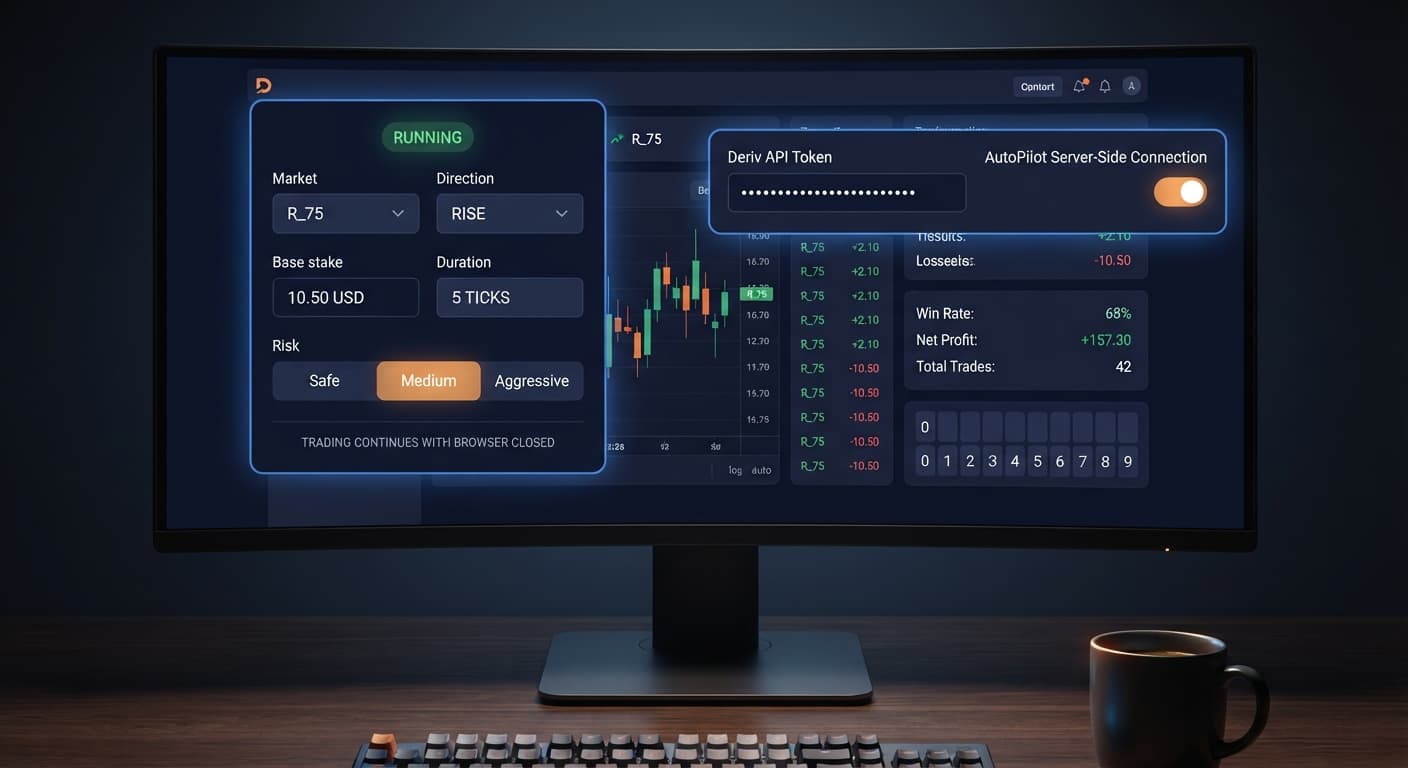
AutoPilot API Token Setup for Deriv Bots
Master autopilot api token setup for your binary bots. Learn how to run automated rise fall trading on Deriv without keeping your browser open. Try it today!
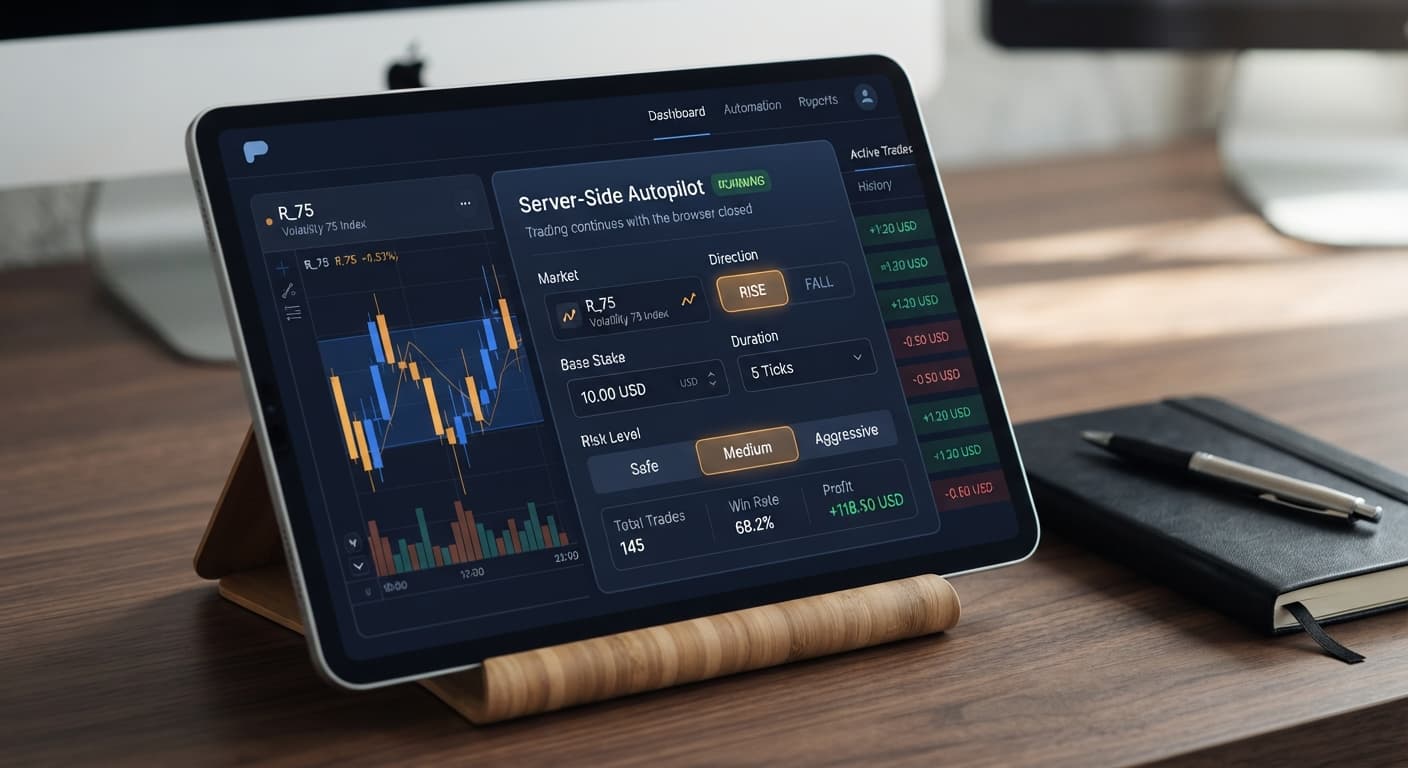
Configuring your autopilot settings correctly requires defining eight core fields on the configuration panel to control trade entry, contract duration, and martingale progression. Because AutoPilot executes directly through Deriv's server-side automation system, your choices stay active on Deriv's servers even after you close your browser tab or disconnect your network. Getting these settings right is the difference between a controlled trading session and a rapid account wipeout.
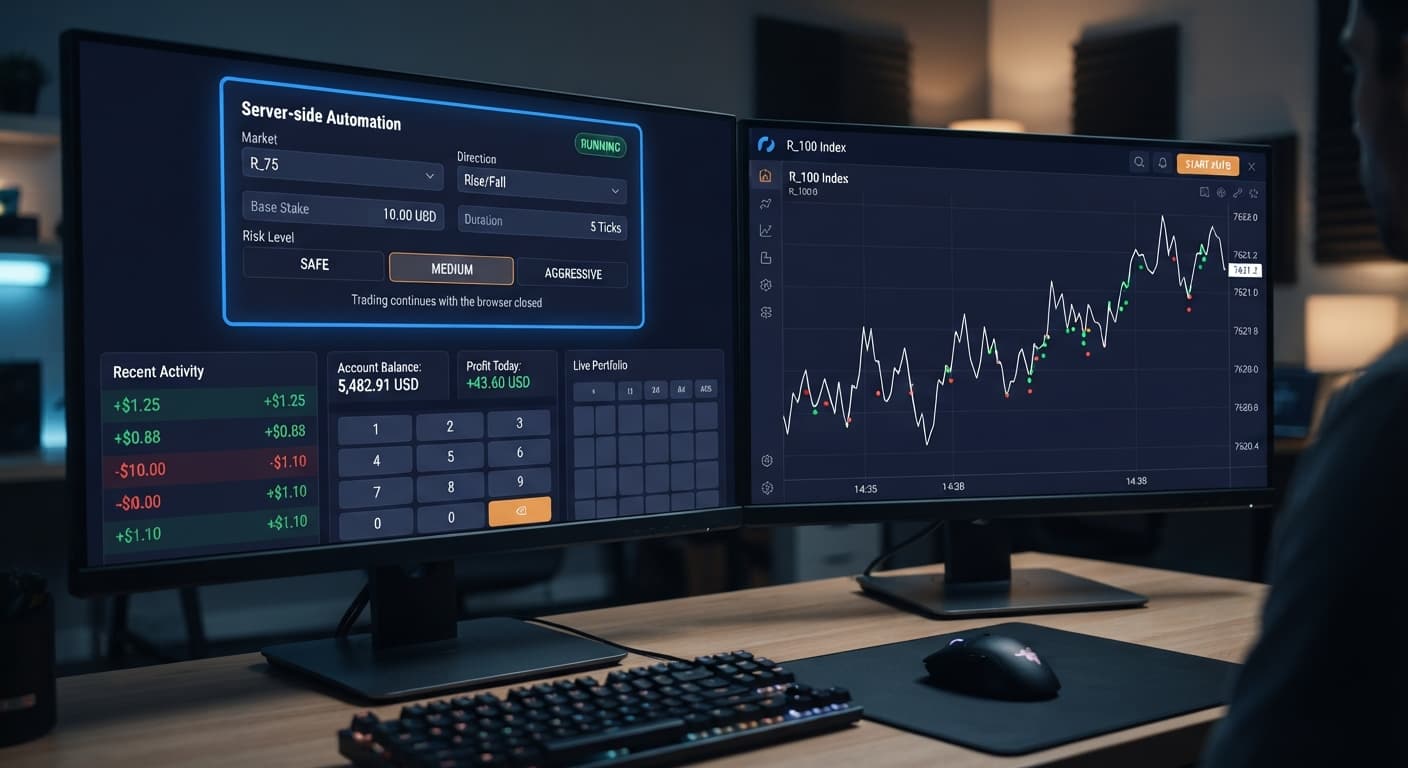
Unlike standard client-side scripts, this bot places CALL and PUT contracts using server-side execution. Once you press start, the server handles trade placement, contract expiration, and stake multiplier calculations automatically. Understanding how each parameter changes the bot's behavior keeps you in control of your exposure.
When you adjust your configuration parameters, you write rules directly into the server's execution queue. You don't need to keep a laptop lid open or worry about losing your internet connection mid-trade. The automation processes each contract tick by tick, applies your chosen martingale multiplier on losses, and resets to your base trade size after a win.
Because execution happens remotely, your pre-set limits carry total authority over your account. If you launch a session with poor parameters and walk away, the system will keep placing contracts until it hits your boundaries. That is why tweaking your autopilot settings thoughtfully on a virtual account must always come before trading live funds.
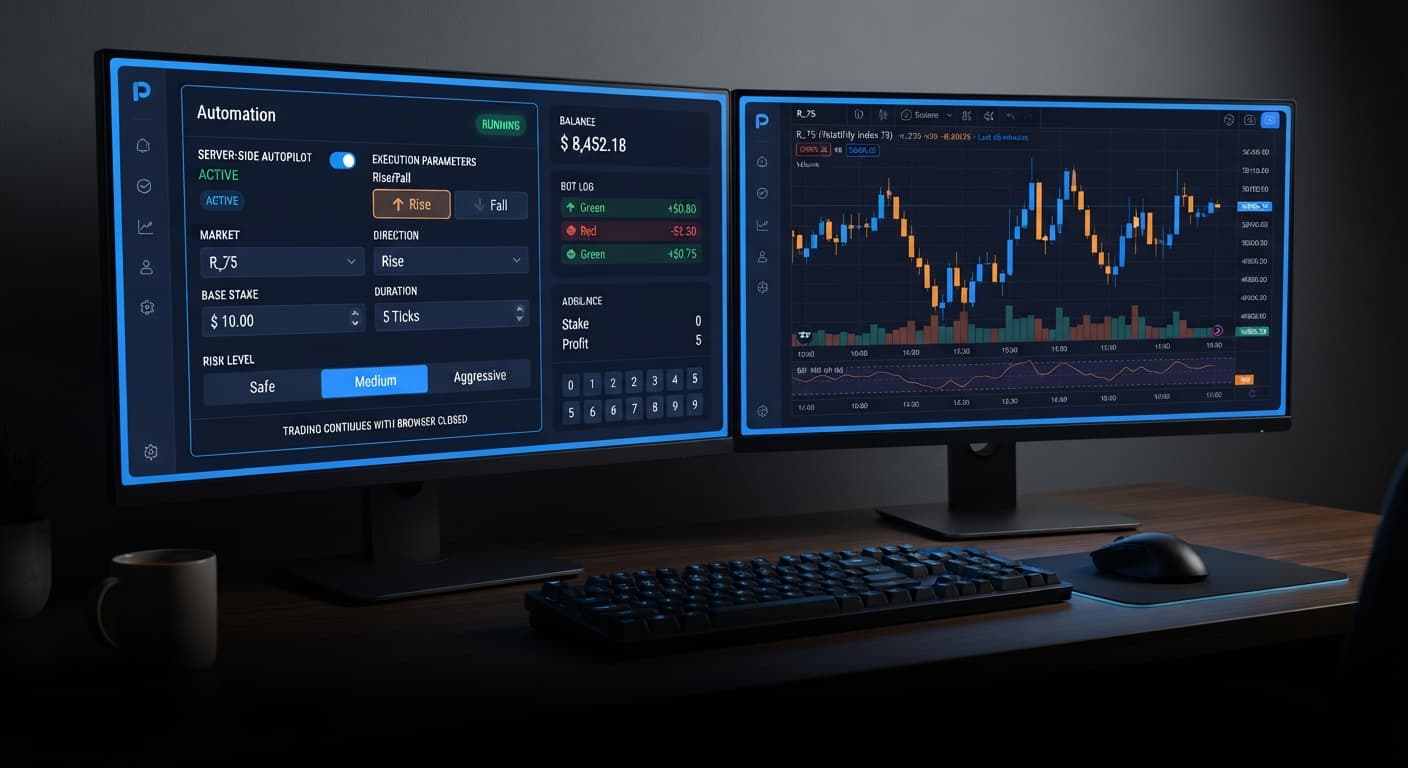
When you launch the platform at AutoPilot, the configuration card sits right at the center of the workspace. You don't need to write code or drag visual blocks. Everything happens inside eight standard input fields.
Here are the exact control fields on your screen:
Choosing between Safe, Medium, and Aggressive changes the underlying stake multiplier when recovering from a losing trade. Higher risk settings attempt to recover accumulated losses faster, but they force your required stake up exponentially on consecutive drawdowns.
Here is how the three risk options handle trade runs:
| Risk Level | Multiplier Behavior | Drawdown Acceleration | Best Suited For |
|---|---|---|---|
| Safe | Low stake expansion rate | Slow | Account preservation and long testing sessions |
| Medium | Balanced progression scale | Moderate | Standard session targets with strict stop losses |
| Aggressive | Rapid stake escalation | High | High-capital balances willing to absorb sharp spikes |
Selecting your Risk Level along with your Duration (sec / min) changes how fast trades trigger and how quickly loss runs stack up. If you set a short 5-second duration on an Aggressive profile, three bad ticks can happen in fifteen seconds flat. That's why choosing the right combination of parameter values on binary bots matters so much.
Follow these steps to configure your session cleanly before pushing real capital to the server.
Pick a volatility index from the Market dropdown menu, such as Volatility 75 Index. Choose your trade bias under Direction by picking either CALL or PUT depending on whether you want to trade a rise or fall contract.
Enter your initial trade size in the Base Stake box. If you have a $100 balance, start with a small base stake like $0.35 or $1. Choose your contract timeframe under Duration (sec / min) by entering the number and selecting either seconds or minutes from the unit selector.
Set your Growth Rate — 1% to 5% selector to adjust trade progression pacing. Next, select your Risk Level — Safe / Medium / Aggressive setting to control multiplier scaling. If you're testing new strategies for deriv bots, select Safe first.
Input your maximum total session loss into the Stop Loss field and your target profit into the Take Profit field. The server checks these numbers after every single settled contract. Set your Stop Loss at an amount you can afford to lose entirely on a bad run.
Let me show you what happens when a losing streak hits during execution.
Assume you open a session with a $100 starting balance on Volatility 75 Index using a $2 Base Stake with Medium risk settings. The bot trades CALL contracts.
Here is how the math plays out across a four-trade losing run:
After four fast losing ticks, you've lost $30 out of your $100 balance. To place the fifth trade, the bot needs to stake $32. If that trade loses as well, your cumulative loss reaches $62—over 60% of your initial account wiped out in five consecutive trades. A sixth loss requires a $64 stake, but with only $38 left in your balance, the account can no longer place the next trade and hits total drawdown failure.
This math proves why setting a strict Stop Loss is vital. Synthetic indices generate independent random draws on every tick. Past trade results don't change future probability, and losing runs happen regularly. Because server-side execution continues when your browser is closed, your pre-set Stop Loss is your only defense against an empty balance.
Always test your autopilot settings on a virtual demo balance first before deploying real funds on live deriv bots. You can explore other automated tools across our full free bot library once you've mastered server-side risk controls on binary bots.
Try configuring your strategy parameters directly on AutoPilot using a demo balance first. If you don't have an active trading account yet, create a free Deriv account to begin testing. Trading involves risk. Past performance does not guarantee future results.
Related: Autopilot for Beginners: Deriv Rise/Fall Bot Setup
Related: How to Use Autopilot for Server-Side Deriv Automation
Related: Autopilot Demo Account Setup: Test Deriv Bots Risk-Free
Free server-side automated trading bot for Deriv — runs Rise/Fall Martingale with stop loss and take profit, and keeps trading after you close the browser.
Open AutoPilot →Yes, AutoPilot uses server-side automation, so it keeps running on Deriv's servers even if you close your browser tab or lose your internet connection. Once you hit start, the server handles everything until it reaches your pre-set limits.
You'll need to define eight core input fields on the configuration panel. These include the market, direction, base stake, duration, growth rate, risk level, take profit, and stop loss.
Changing the risk level between Safe, Medium, and Aggressive alters how fast the martingale multiplier scales up your stake after a losing trade. Higher risk levels try to recover losses faster, but they force your required stake up exponentially during consecutive drawdowns.
The bot stops automatically when it hits either your Take Profit target or your Stop Loss dollar cap. You set these absolute boundaries in the configuration panel before launching the automation session.
Guides closest to this one.
Master autopilot api token setup for your binary bots. Learn how to run automated rise fall trading on Deriv without keeping your browser open. Try it today!
Compare autopilot vs manual trading on Deriv bots. Learn how server-side automation changes volatility index execution. Try our free Deriv bot now.
Autopilot for beginners: learn how to set up your first server-side rise fall automated trading bot on Deriv without coding. Try a free deriv bot today.