Auto Trading Bots
Set Up Autopilot on Volatility 10 With Binary Bots
Learn how to set up autopilot on volatility 10 using this free automated trading bot for Deriv. Configure your rise fall bot today. Try it now!
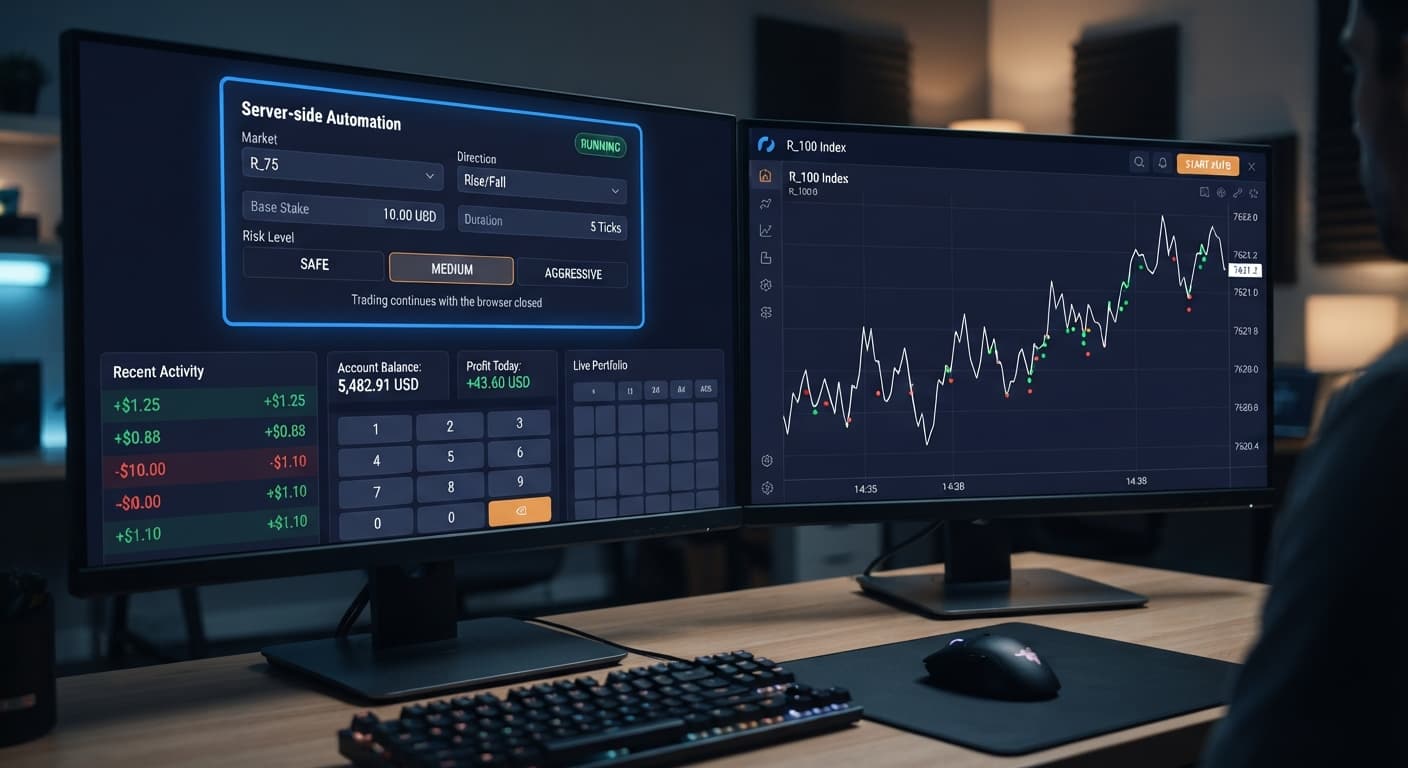
If you're looking for an autopilot for beginners guide, here's the direct answer: the AutoPilot tool automates Rise/Fall trades directly on Deriv's servers using a Martingale recovery structure, running continuously even after you close your browser. You pick a synthetic index, choose contract direction, enter your stake parameters, and set hard risk boundaries without writing any code. This tutorial breaks down how server-side automation functions, analyzes the underlying payout mathematics of Rise/Fall contracts, provides a step-by-step setup guide for demo accounts, and outlines strict rules for knowing when to halt your bot.
Most deriv bots run inside your browser tab. If your laptop enters sleep mode, your Wi-Fi disconnects, or you close the window, browser-based scripts stop sending orders immediately.
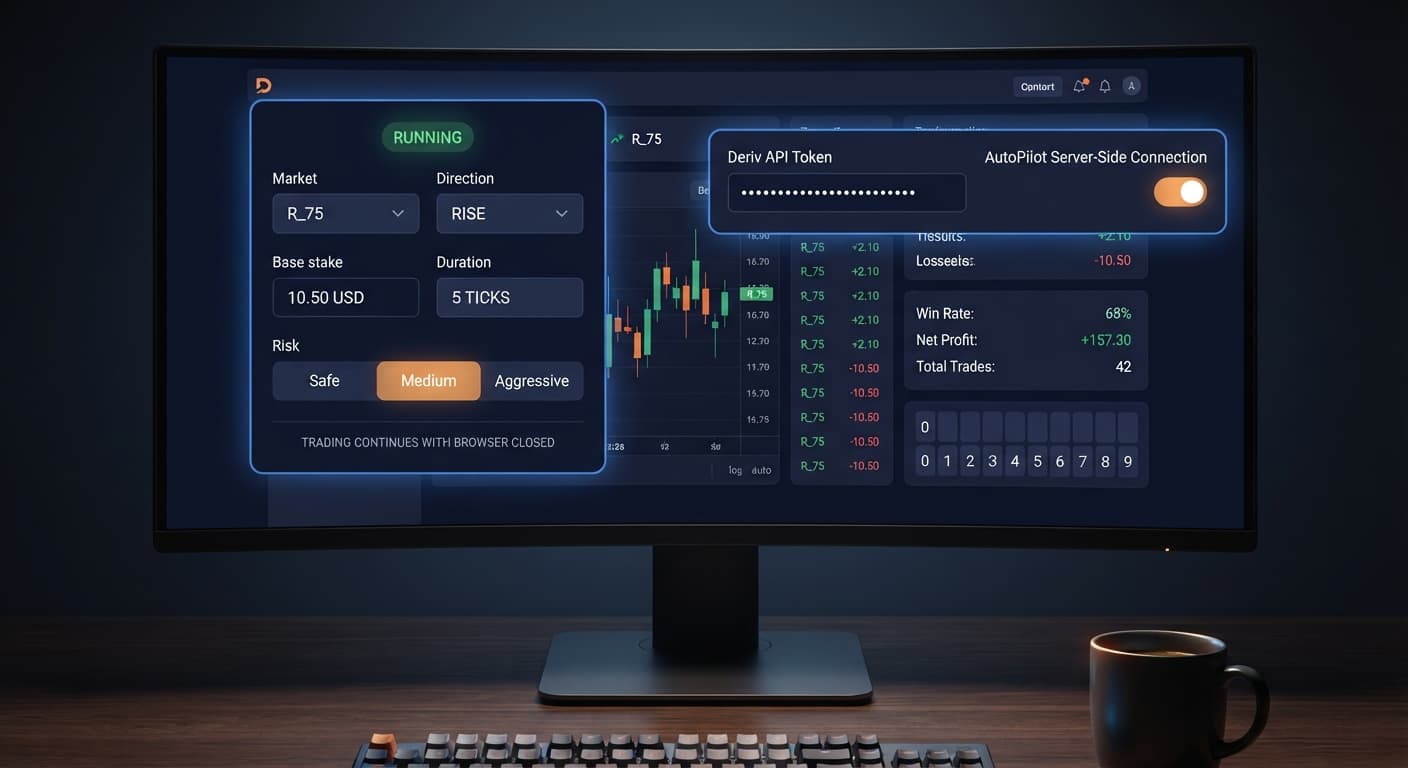
AutoPilot operates differently. It communicates straight to Deriv's official automation framework. Once you configure your parameters and launch the session, the automation script lives on the server side. You can shut down your computer or lose internet access entirely, and the bot will keep placing contracts until it hits your target outcome.
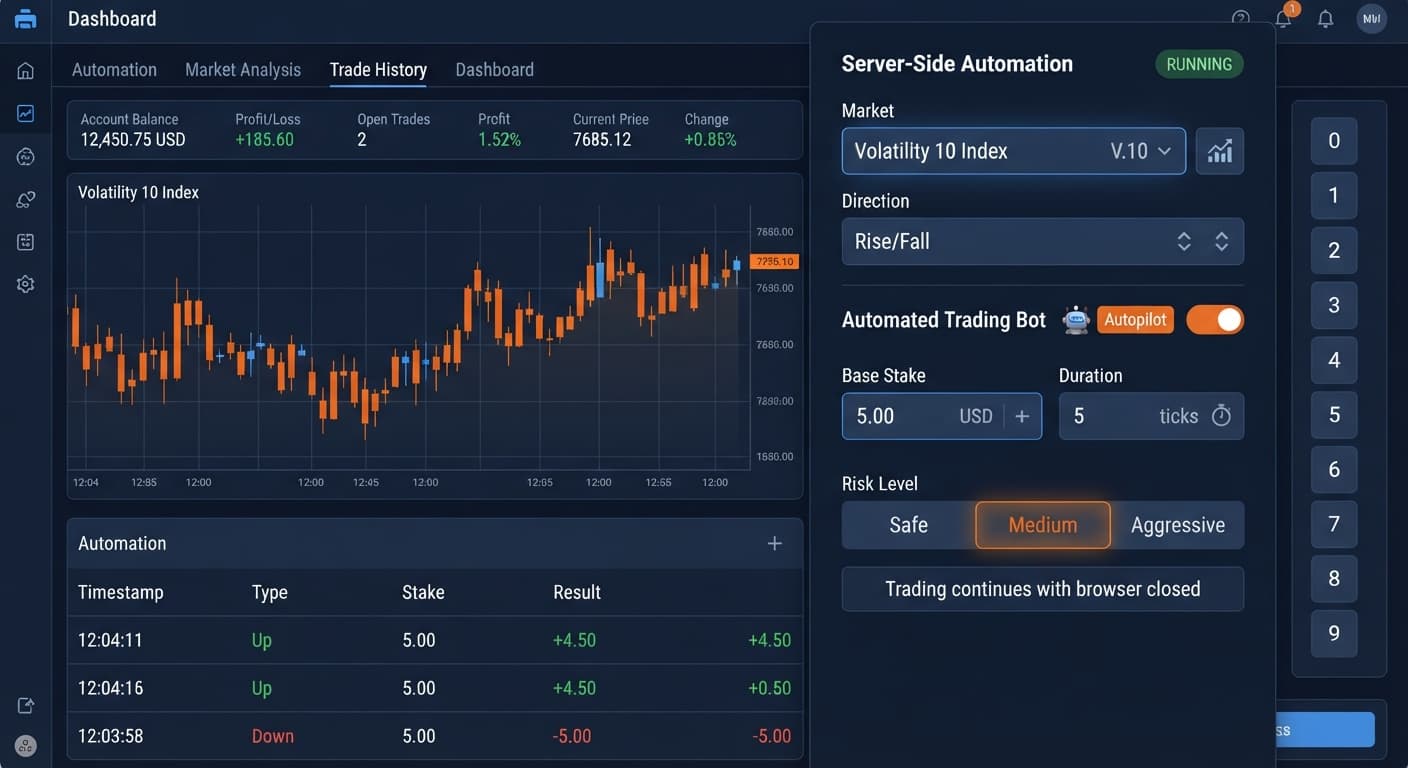
The interface gives you precise control over your trade execution without complicated logic blocks. You'll work with these specific on-screen controls:
MarketDirectionBase StakeDuration (sec / min)Growth Rate — 1% to 5%Risk Level — Safe / Medium / AggressiveTake ProfitStop LossThe strategy focuses strictly on Rise/Fall contracts. That means the bot purchases either CALL or PUT contracts on Deriv synthetic volatility indices. It doesn't analyze chart patterns or run indicators. It relies entirely on your chosen parameters and systematic stake scaling after a losing trade.
Because the execution happens on the server, your risk parameters carry extreme weight. If you launch a session without setting boundaries, the automation will keep running until your balance can no longer cover the next required stake.
Before configuring an autopilot for beginners strategy, you must understand the mathematical realities of Rise/Fall contracts. Synthetic index ticks are generated by algorithms that produce independent random outcomes. A previous tick moving upward doesn't alter the mathematical probability of the next tick moving upward or downward.
Standard Rise/Fall trades present a binary outcome: your entry spot is either higher (CALL) or lower (PUT) at the contract exit. On a balanced random index, the true probability of winning a single Rise/Fall contract is exactly 50.0%.
Brokers generate revenue by offering payouts lower than theoretical fair odds. On standard synthetic volatility indices, a winning Rise/Fall trade typically pays out around 95% of your stake.
Here's how that payout affects your break-even requirements:
To calculate the hit rate required to break even without stake adjustments, divide your stake by the total return:
$$\text{Break-Even Win Rate} = \frac{$10.00}{$10.00 + $9.50} = \frac{10}{19.50} \approx 51.28%$$
Because your natural probability is 50.0%, trading fixed stakes over thousands of contracts creates a negative expected value of roughly 1.28% per trade.
AutoPilot addresses this by using a Martingale progression, raising subsequent stakes following a loss to recover the deficit on the next win. Selecting different risk parameters changes how aggressively the bot adjusts these numbers.
| Risk Level Setting | Growth Rate Range | Primary Recovery Behavior | Account Buffer Impact |
|---|---|---|---|
| Safe | 1% to 2% | Gradual stake adjustments designed for longer strings of losses | Requires smaller reserve per trade series |
| Medium | 2% to 4% | Standard recovery curves balancing speed and exposure | Requires moderate balance support |
| Aggressive | 4% to 5% | Rapid stake escalation seeking fast deficit recovery | Demands substantial capital buffer |
While stake escalation can temporarily mask bad trade sequences, it doesn't shift the 50% underlying probability of any individual tick. A string of consecutive losses will cause your required stake size to expand rapidly.
Setting up binary bots for the first time should always happen on a virtual balance. Testing on a demo account lets you watch how fast the system opens trades and how your chosen risk settings handle drawdowns.
Log into your Deriv account and open your account settings. Locate the API Token menu, create a token with read and trade permissions, and copy the string. You'll paste this token into the interface to link your session directly to your account.
Open your browser and navigate to the AutoPilot execution page. Paste your API token into the authentication field. Make sure your account selector is set to your Virtual (Demo) account before proceeding.
Select your index under Market, such as Volatility 100 Index. Next, select your Direction (Rise for CALL contracts, or Fall for PUT contracts). Set your Duration (sec / min)—for initial testing, setting a short duration like 5 ticks or 15 seconds allows you to evaluate trade speed quickly.
Enter a conservative starting value in Base Stake, such as $1.00. Set your Growth Rate — 1% to 5% (1% or 2% is ideal for early tests). Then choose your Risk Level — Safe / Medium / Aggressive. Choosing Safe keeps stake multipliers lower during drawdown sequences.
Never click start without defining your boundaries. Set Take Profit to a modest goal, such as $10.00, and set Stop Loss to a firm limit, such as $30.00. Once those fields are filled, hit the start button. The bot will initiate trading directly through the server API.
[ Setup Configuration Checklist ]
├── Market: Volatility 10 Index
├── Direction: Rise
├── Base Stake: $1.00
├── Duration: 5 sec
├── Growth Rate: 2%
├── Risk Level: Safe
├── Take Profit: $10.00
└── Stop Loss: $30.00  <-- Enforced Server-Side
Because the strategy operates on the server, you can close the browser tab at this point. The bot will stop trading automatically the moment it touches either your Take Profit or Stop Loss value.
Using an autopilot for beginners configuration requires knowing when to turn the automation off. Server execution removes the emotional urge to panic-close a trade mid-contract, but it also means the system will execute precisely what you told it to do—even if your initial risk settings were too aggressive for your balance.
Return to your demo configuration and re-evaluate if you notice these conditions:
Stop Loss before reaching your Take Profit, your Base Stake is likely too high relative to your risk parameters. Drop your stake size or choose a less aggressive Risk Level — Safe / Medium / Aggressive setting.Duration (sec / min) parameter to give price action room to clear spread noise.Growth Rate — 1% to 5% setting is multiplying stakes too fast. Lower the growth percentage to smooth out the recovery curve.Automation is an execution tool, not a wealth printer. Test every adjustment on a demo balance until you fully understand how the setup reacts to adverse market movement.
Try it yourself on AutoPilot using a demo balance first.
If you don't have one yet, create a free Deriv account.
Trading involves risk. Past performance does not guarantee future results.
Related: How to Use Autopilot for Server-Side Deriv Automation
Related: Step-by-Step Guide to Configuring AutoPilot for Deriv
Related: How to Use Sniper Bot V3 for Deriv Bots
Related: Why Autopilot Not Working on Deriv Bots: How to Fix It
Related: Configuring Deriv Autopilot Settings for Binary Bots
Free server-side automated trading bot for Deriv — runs Rise/Fall Martingale with stop loss and take profit, and keeps trading after you close the browser.
Open AutoPilot →Yes, AutoPilot runs directly on Deriv's servers rather than inside your browser tab. You can close your computer or lose internet access entirely, and the bot will keep placing contracts until it hits your target outcome.
AutoPilot uses a Martingale recovery structure that systematically scales your stakes after a losing trade. You can also set hard risk boundaries, choose a risk level, and define strict take profit and stop loss limits.
AutoPilot focuses strictly on Rise/Fall contracts using synthetic volatility indices without analyzing chart patterns or running indicators. It relies entirely on your chosen parameters and systematic stake scaling.
Because standard winning trades pay out around 95% of your stake, you need a break-even win rate of roughly 51.28%. Since synthetic index ticks have a true probability of 50.0%, fixed-stake trading creates a small negative expected value over thousands of contracts.
Guides closest to this one.
Learn how to set up autopilot on volatility 10 using this free automated trading bot for Deriv. Configure your rise fall bot today. Try it now!
Master autopilot api token setup for your binary bots. Learn how to run automated rise fall trading on Deriv without keeping your browser open. Try it today!
Is your autopilot not working when you close your browser? Learn how to keep your automated trading bot running smoothly using our free deriv bot platform.