Auto Trading Bots
AutoPilot API Token Setup for Deriv Bots
Master autopilot api token setup for your binary bots. Learn how to run automated rise fall trading on Deriv without keeping your browser open. Try it today!
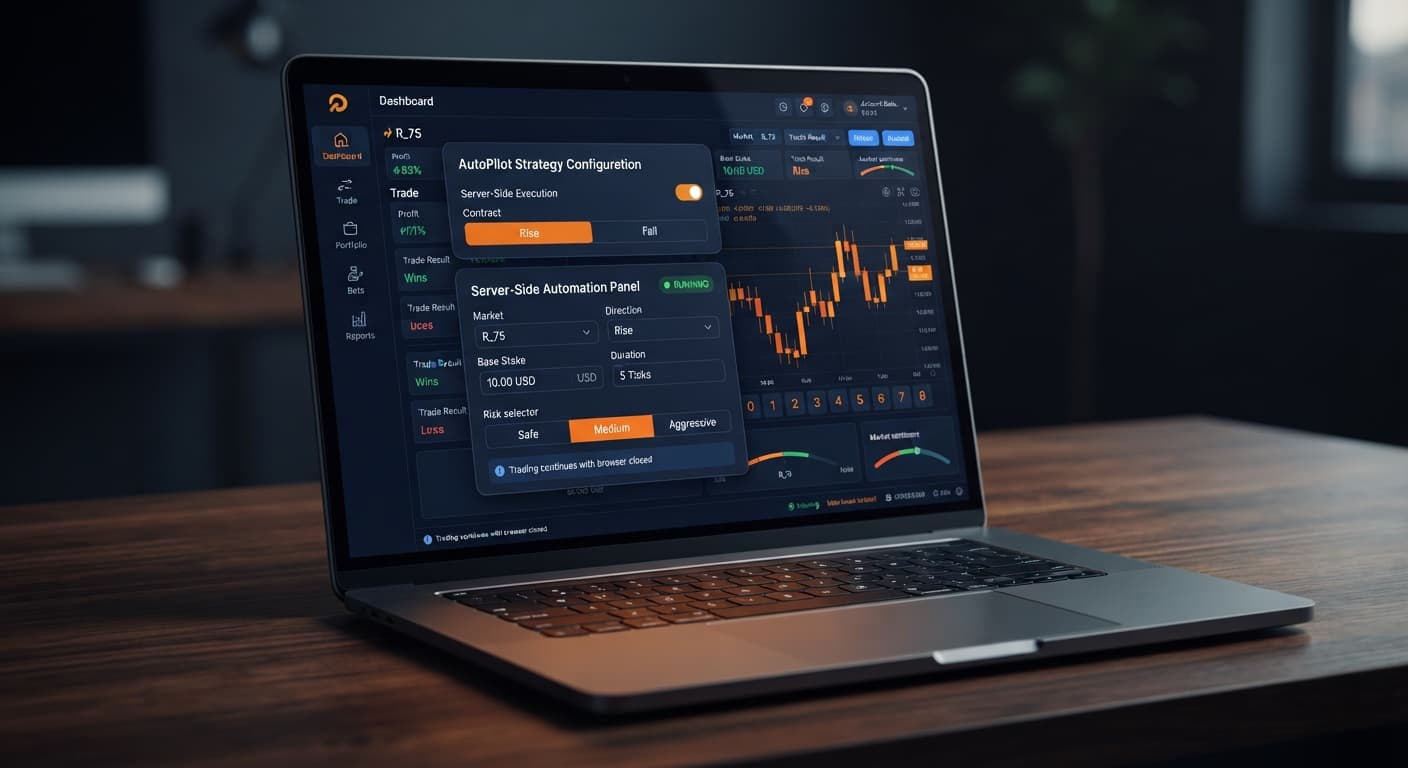
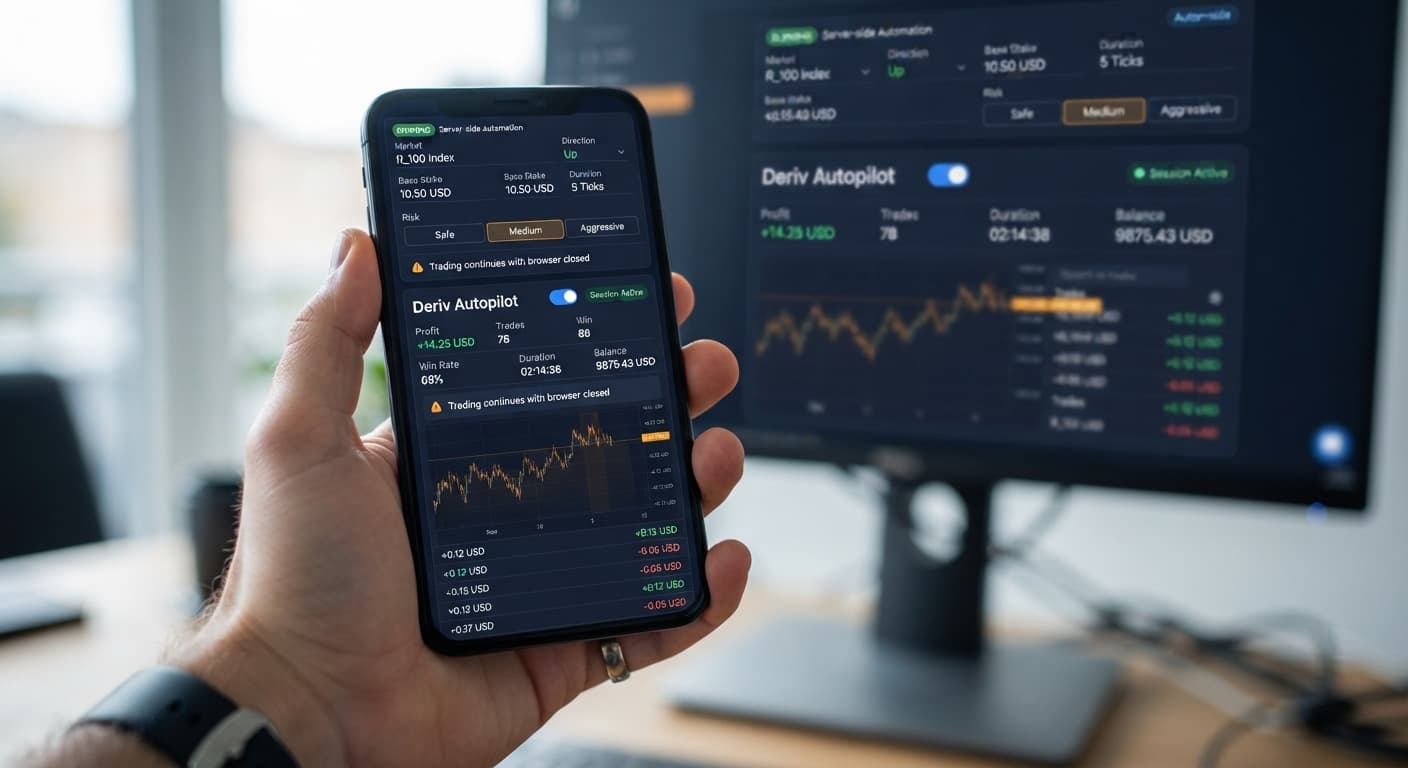
Most web-based trading software stops running the second your browser tab freezes, your laptop sleeps, or your Wi-Fi drops out. AutoPilot works differently. It hands your trading instructions off to Deriv server-side infrastructure, which means your strategy continues execution directly on the server even after you close your browser tab or power down your device.
By following this guide, you will set up a server-side Rise/Fall strategy on Deriv volatility indices with hard stop loss and take profit limits locked into place before launching your trades.
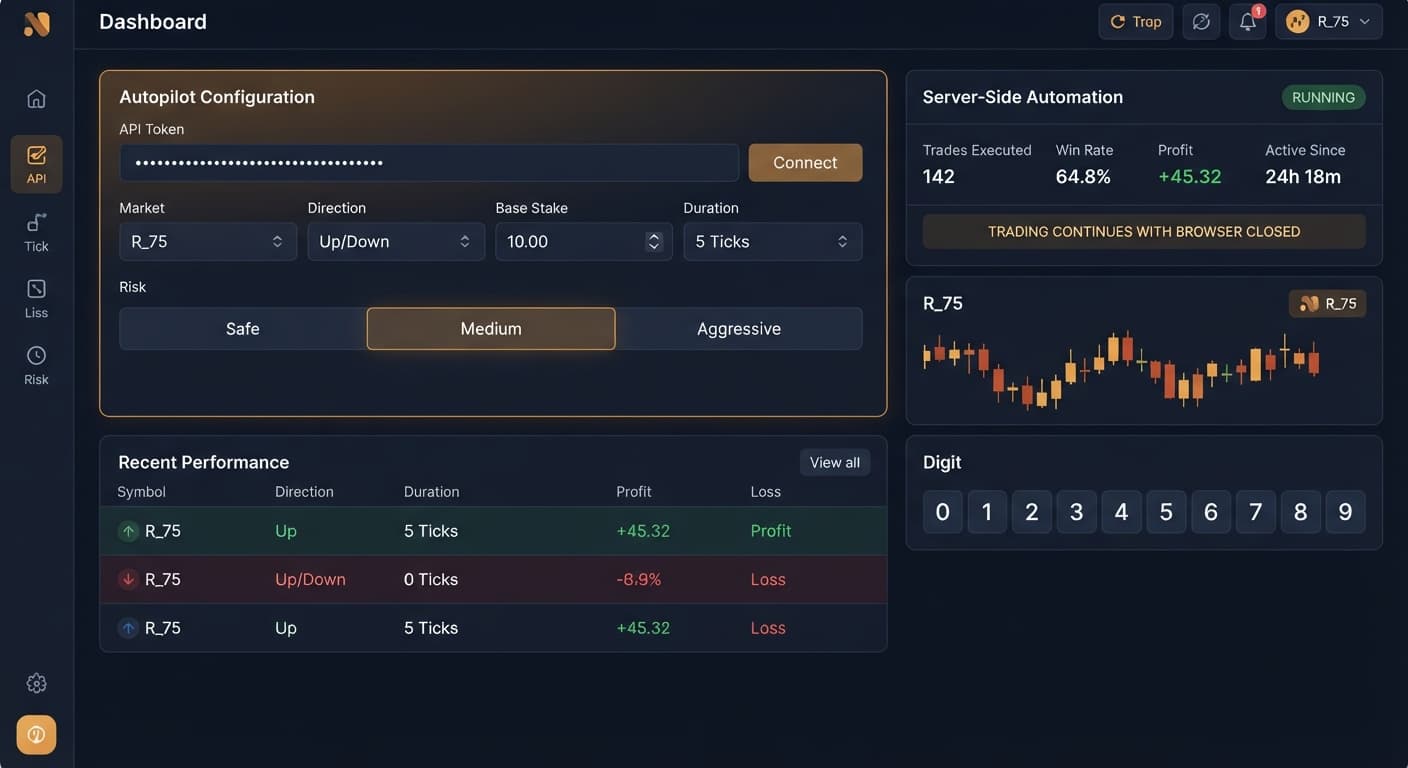
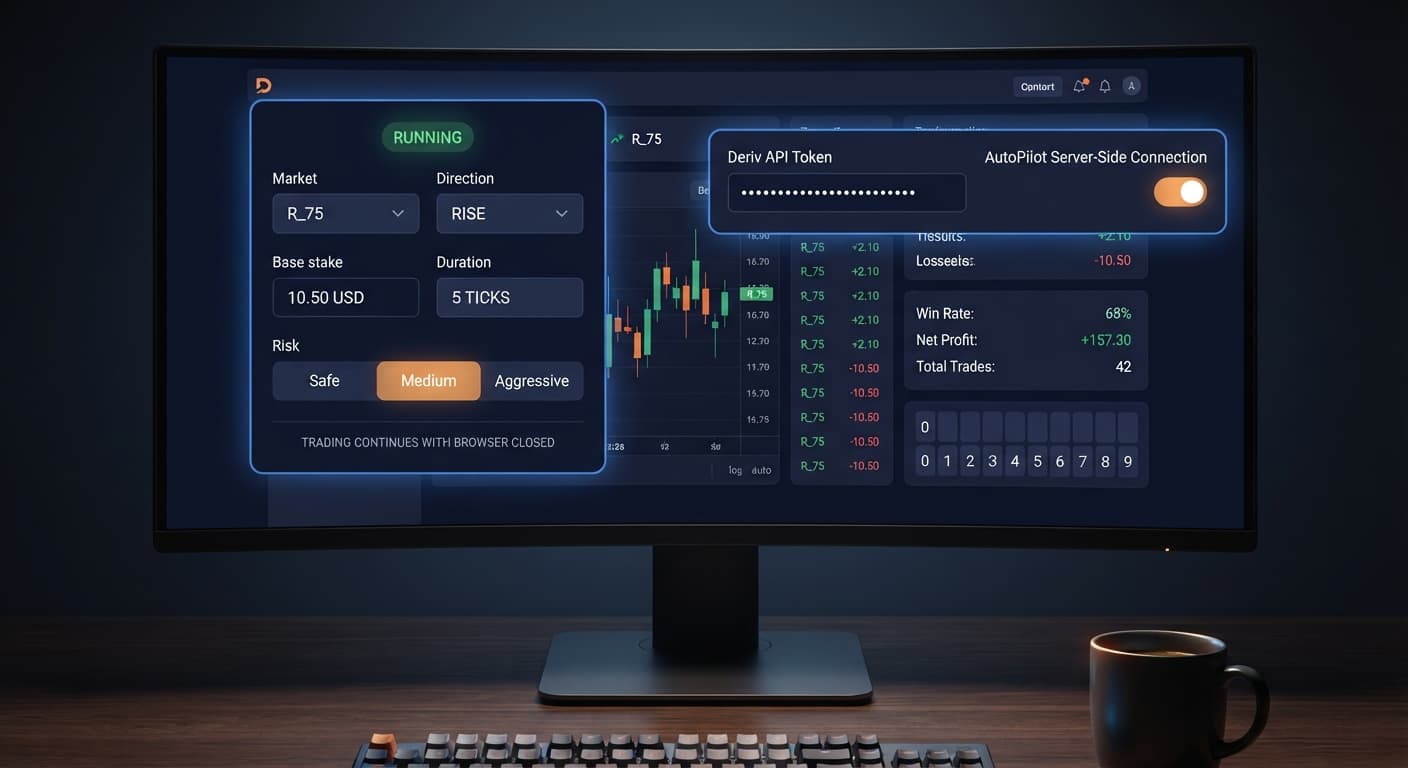
Paste your API token into the connection field on the screen. The page links directly to Deriv over their official API using your token. Once connected, your account balance appears at the top of the display.
Find the Market selector near the top of the configuration panel. Click the drop-down menu and choose the index you want to trade, such as Volatility 10 Index, Volatility 100 Index, or Volatility 10 (1s) Index. Volatility 100 Index offers higher price movement, while Volatility 10 Index moves in smoother, narrower bands. After selecting, the live index feed locks in on screen.
Locate the Direction control. Choose whether the automated trading bot will place CALL contracts by selecting Rise, or PUT contracts by selecting Fall. When you select Rise, the system buys a CALL contract on every automated entry; selecting Fall forces PUT contracts.
Move to Duration (sec / min). Select your unit of time—seconds or minutes—and type your entry duration. For fast ticks, choose seconds and enter a value like 5. For longer swings, switch to minutes and enter 1 or 2. Shorter durations mean faster order turnover, but they also mean a losing run unfolds quickly. The interface highlights your chosen duration to confirm the parameter is stored.
Click on Base Stake and type your opening order value. On a standard Deriv demo or real balance, the minimum allowed stake is usually $0.35. Keep this initial value as low as possible. If you set your opening entry to $5.00 on a small balance, a short losing run will wipe your capital before you can react.
Next, find Growth Rate — 1% to 5%. This slider fine-tunes how your trade sizing behaves over consecutive cycles. Move the slider to your desired percentage. Setting a lower percentage keeps your baseline growth flatter across trades, while a higher percentage scales entries up more aggressively. After setting both fields, check the order summary area on screen to verify your initial starting figure.
Find the Risk Level — Safe / Medium / Aggressive control. This setting governs how the automated execution handles Martingale recovery after a loss.
Click your chosen mode. The active mode badge highlights on screen. If you are new to server-side automation or using a fresh account, click Safe.
Go to Take Profit and enter your exit target in dollars. For example, if you want the bot to stop once it gains $10.00, type 10.
Go to Stop Loss and enter your absolute maximum loss threshold. If your account balance is $100.00 and you are willing to risk $20.00, type 20.
Because execution happens server-side, these numerical bounds are transmitted directly into the automation process. The server tracks total open net profit and loss, shutting down all trading activity instantly if either ceiling or floor is breached. Once these numbers are set, review all panel fields and press the start button. The screen shifts to active monitoring status.
The following baseline parameters give you a controlled starting point on a demo account. They prioritize asset protection over rapid profit growth.
| On-Screen Control | Recommended Value | Direct Purpose |
|---|---|---|
Market |
Volatility 10 Index | Lowers tick volatility compared to 75 or 100 indices |
Direction |
Rise | Sets consistent CALL contract purchases |
Base Stake |
$0.35 | Minimizes initial cash outlay per trade |
Duration (sec / min) |
5 sec | Provides quick contract execution feedback |
Growth Rate — 1% to 5% |
1% | Keeps stake scaling flat between trades |
Risk Level — Safe / Medium / Aggressive |
Safe | Uses lowest multiplier expansion curve on losses |
Take Profit |
$5.00 | Secures realistic session gains on small balances |
Stop Loss |
$15.00 | Cuts total session loss at a fixed, tolerable limit |
Automation makes execution mechanical, but it does not remove financial risk. Here are the main failure modes every trader faces when running an automated deriv trading bot.
Martingale strategies double or scale entry sizes after every lost contract. If you start with a Base Stake of $0.35 and run into a bad stretch, your trade sizes scale fast.
By trade seven, you have lost $44.45 total in seconds. If your balance cannot support the next contract, your account liquidates.
Mitigation: Set Risk Level — Safe / Medium / Aggressive to Safe and cap Base Stake at $0.35.
Because AutoPilot runs on Deriv server infrastructure, closing your browser tab does not pause active trades. If you start the session without entering numbers into target fields, the bot trades until your account balance hits zero.
Mitigation: Never start a session without typing explicit dollar values into both Stop Loss and Take Profit.
Synthetic market indices are independent random runs generated by software algorithms. Seeing ten red consecutive ticks on a chart does not raise the probability of a green tick next. The odds on the next tick stay identical to the odds on the first tick.
Mitigation: Treat every trade as an isolated outcome. Keep Base Stake low and never raise your stake manually to chase losses.
Running a free deriv bot on a live account without understanding its execution sequence leads to unexpected drawdown. Mitigation: Always test your exact configuration on a virtual account before using real capital.
To run this strategy yourself, launch AutoPilot on BinaryBot.live using a demo balance first.
If you do not have an active account yet, create a free Deriv account to begin testing binary bot tools today.
Trading involves risk. Past performance does not guarantee future results.
Related: Configuring Sniper Bot V3 Virtual Trades: Beginner Guide
Related: Why Your Accumulator Bot Growth Rate Keeps Failing
Related: Step-by-Step Guide: Reading Live Ticks with LDP Analyzer
Related: Configuring DualShot Risk Levels on BinaryBot.live
Related: Why Your Tick Picker Is Not Working on Binary Bots
Related: How to Use Autopilot for Server-Side Deriv Automation
Related: Autopilot for Beginners: Deriv Rise/Fall Bot Setup
Related: Why Autopilot Not Working on Deriv Bots: How to Fix It
Related: Autopilot Demo Account Setup: Test Deriv Bots Risk-Free
Free server-side automated trading bot for Deriv — runs Rise/Fall Martingale with stop loss and take profit, and keeps trading after you close the browser.
Open AutoPilot →Yes, AutoPilot runs on Deriv's server-side infrastructure so your strategy keeps executing even if you close your browser tab or turn off your device.
You need a Deriv account and a Deriv API token generated from your account settings with both read and trade permissions enabled.
The minimum allowed stake is usually $0.35 on a standard Deriv demo or real balance. The article recommends keeping your initial value as low as possible to protect your capital from a losing run.
The Safe risk level uses conservative stake multipliers after a loss. While recovery takes more trades, it helps protect your bankroll during extended drawdown trends.
Guides closest to this one.
Master autopilot api token setup for your binary bots. Learn how to run automated rise fall trading on Deriv without keeping your browser open. Try it today!
Master autopilot demo account setup on BinaryBot.live. Learn to configure and test a free deriv automated trading bot safely without risking real funds.
Is your autopilot not working when you close your browser? Learn how to keep your automated trading bot running smoothly using our free deriv bot platform.