Auto Trading Bots
DualShot API Token Setup: Run Dual Contract Trades
Complete dualshot api token setup guide for BinaryBot.live. Learn to connect your Deriv token and execute 2 simultaneous trades using a free deriv bot.
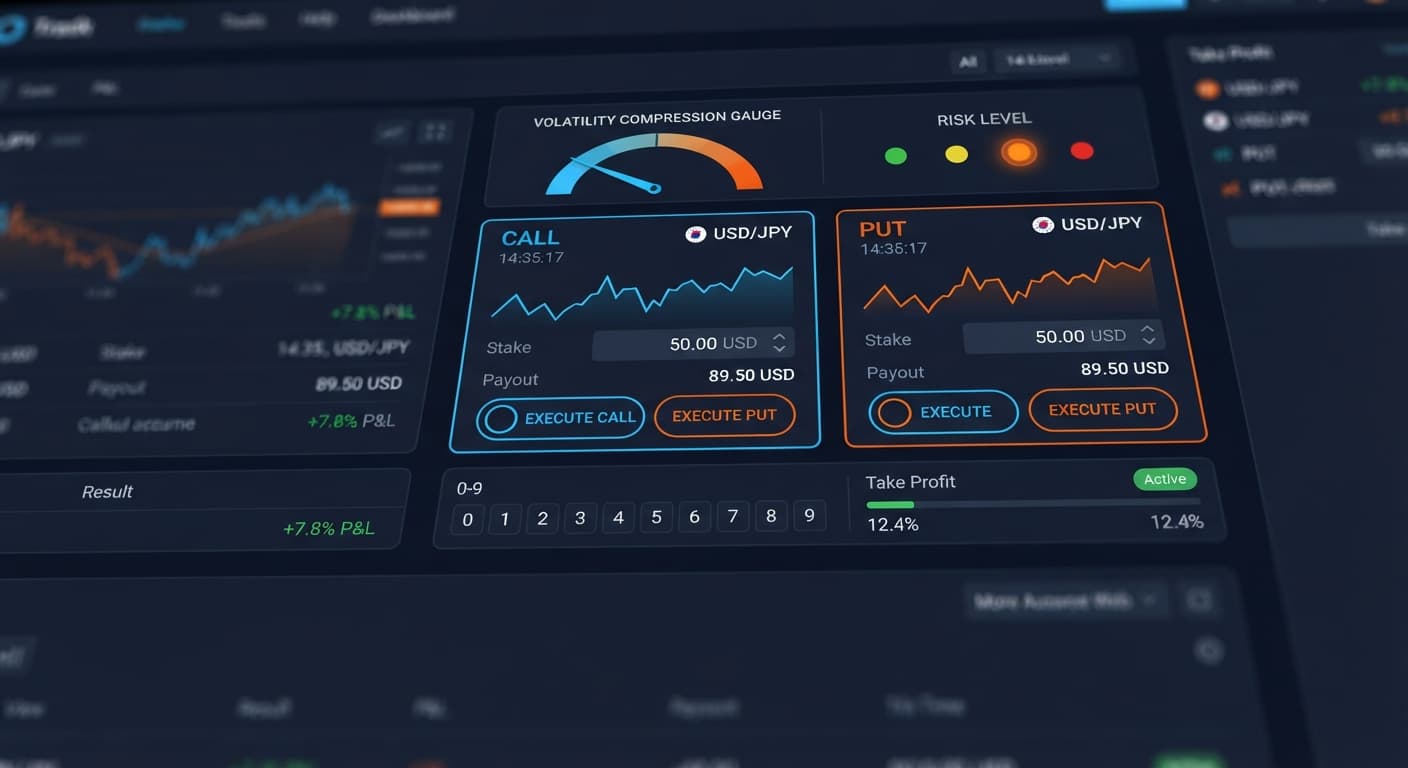
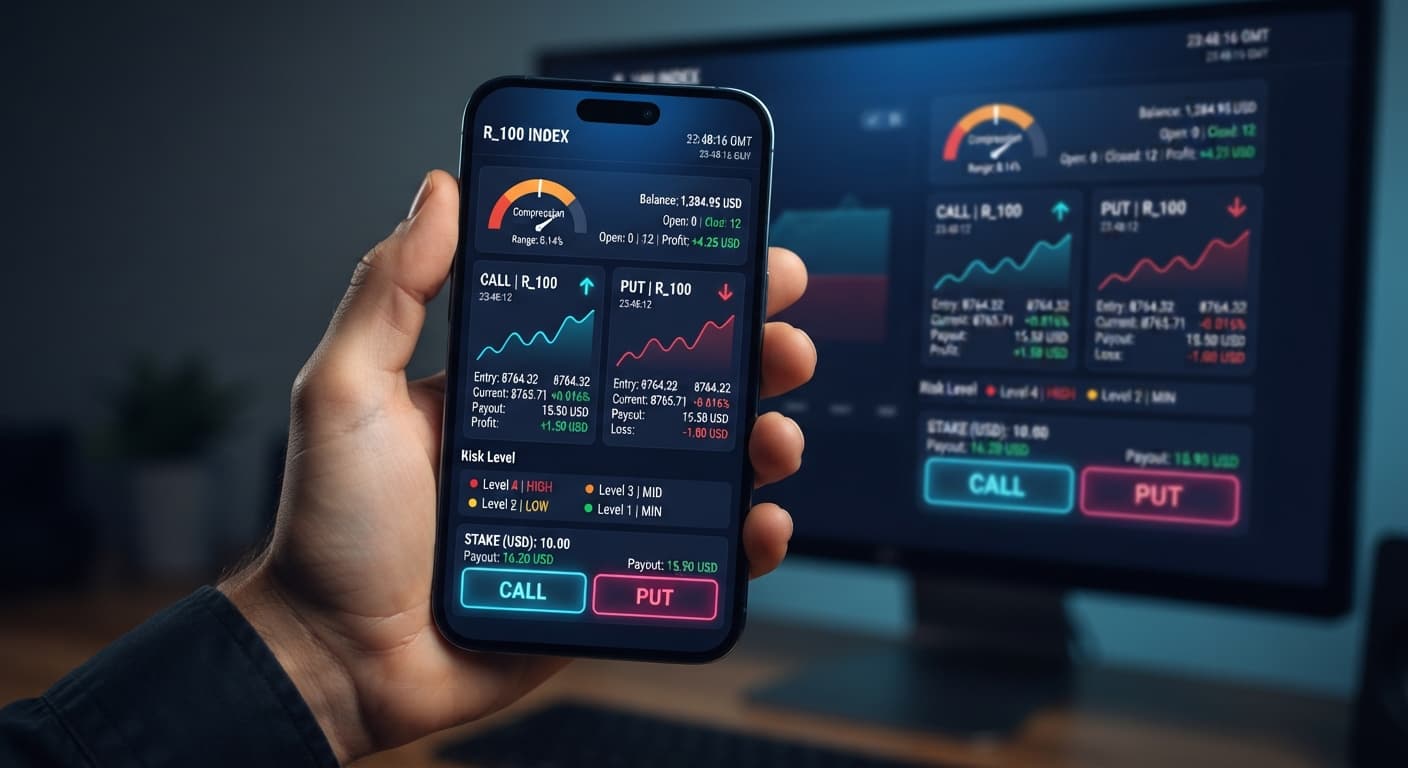
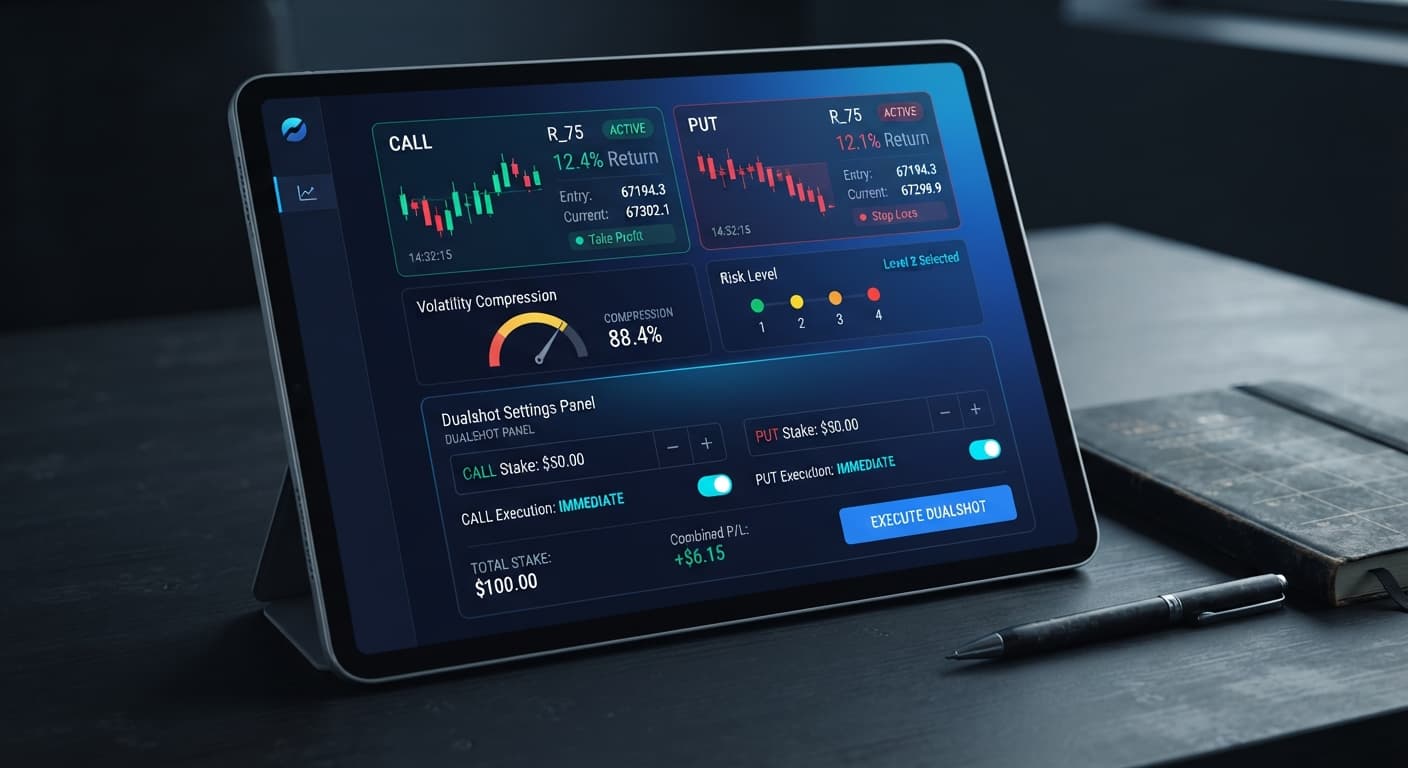
DualShot approaches market movement differently than standard trading tools. Most automated scripts pick one direction and hope the market follows. DualShot fires two contracts at the exact same moment: one CALL and one PUT on a chosen Deriv synthetic index. Because both directions are open simultaneously, your outcome relies entirely on price expansion. If the index breaks out sharply up or down, one side moves into profit while the other expires out of the money. If the index sits flat, both positions lose. That's a double loss.
That double exposure makes your risk configuration the single most important parameter on the screen. The bot relies on two core analysis engines: compression detection and breakout or expansion detection. When price ticks squeeze into a tight channel, compression occurs. When price snaps out of that channel, expansion occurs.
Adjusting the Risk Level changes how much volatility compression and expansion the engine demands before it triggers a dual trade. A strict setting waits for severe price squeezes. A loose setting fires on minor tick movements. Choosing the wrong setting relative to your account balance will drain your funds during quiet market conditions.
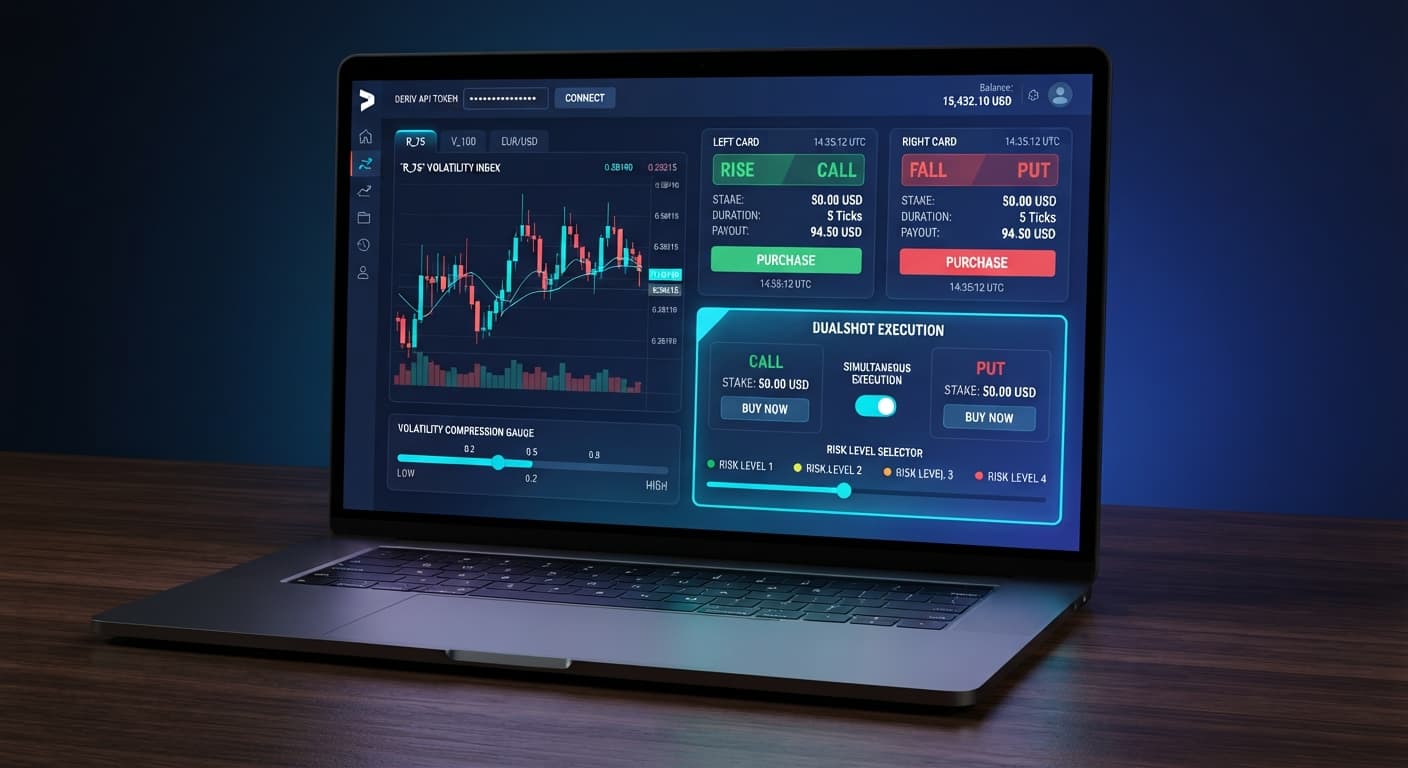
When you access DualShot, you see an execution panel designed for fast parameter adjustments. BinaryBot.live connects directly to Deriv over their official API. You supply your account API token, and trades execute directly on your own account without third-party servers holding your capital.
The configuration card contains the settings that dictate position sizing and trade timing:
The Stake ($) field accepts numerical values that determine your baseline entry amount for each contract leg. Below or beside that input, you'll see the Risk Level menu. It offers four specific choices:
Every adjustment you make in this panel sends direct execution instructions to your free deriv bot when active.
The Risk Level setting dictates the mathematical threshold required for breakout detection. Selecting a level changes how picky the script is before placing trades.
Low Risk (Safer) requires prolonged volatility compression followed by a violent tick expansion. The bot scans price feeds for long periods without opening positions. When a setup triggers, the chance of price remaining completely motionless during the trade duration drops significantly. Signal frequency is low, which reduces consecutive trade exposure.
Medium Risk balances waiting time with entry frequency. The compression algorithm requires moderate consolidation before confirming an expansion setup. It triggers standard breakout trades on synthetic indices like Volatility 10 or Volatility 100 while filtering out basic price noise.
High Risk drops the volatility compression threshold. The automated trading bot triggers dual CALL and PUT positions on minor price movements. You'll see high trade volume, but you'll also encounter a higher rate of flat-market losses where price fails to expand enough to cover contract costs.
Very High Risk fires positions on minimal tick variance. The tool treats almost any price action as a potential breakout. While this provides rapid execution cycles, it exposes your balance to repeated double losses during range-bound conditions.
| Risk Level Setting | Volatility Threshold | Trigger Frequency | Range-Bound Double-Loss Risk |
|---|---|---|---|
| Low Risk (Safer) | High compression required | Low (1-3 trades per hour) | Minimal |
| Medium Risk | Moderate compression required | Moderate (5-10 trades per hour) | Balanced |
| High Risk | Low compression required | High (12-25 trades per hour) | Elevated |
| Very High Risk | Minimal threshold | Constant (30+ trades per hour) | Extreme |
Configuring your setup correctly requires testing parameters on virtual funds before risking real capital. Follow this setup procedure on a demo account first.
Connect your account session. Paste your API token into the connection field. Select your Deriv demo account to protect real capital while testing strategy variables.
Set your baseline Stake ($). Click the Stake ($) field and enter 1. On a standard $10,000 virtual balance or a $100 live balance, a $1 base stake keeps initial contract exposure manageable. Remember that DualShot places a CALL and a PUT simultaneously, meaning a $1 base stake opens $2 total in active contracts per trade signal.
Choose your Risk Level. Select Low Risk (Safer) from the Risk Level menu. Starting with the lowest risk setting lets you monitor how the binary bot measures compression without risking rapid sequence execution.
Define session profit and loss limits. Establish session parameters manually before starting the execution engine. On a $100 balance, set a strict session stop loss at $20 and a take profit target at $10. Don't run any deriv trading bot without pre-calculated exit boundaries.
Execute and monitor trade outcomes. Click to activate the execution process. Observe the contract log. Note how far price moves relative to your entry point on both legs. If flat market conditions trigger double losses, pause the tool and re-evaluate index volatility before resuming.
Your account balance dictates which risk profile you can run safely. A common mistake among traders is selecting High Risk or Very High Risk with a tiny account.
Deriv synthetic indices operate on independent random tick generation. Past tick patterns don't alter the probability of the next tick. The index has no memory. Because each tick is independent, losing streaks happen naturally over time due to variance.
If your strategy uses a martingale stake progression after a loss, your required capital grows far faster than expected. Look at what happens to a $1 base stake during a sequence of consecutive losses:
By the eighth consecutive loss, you have committed $255 in cumulative stake capital just to recover previous losses. If you run DualShot on High Risk or Very High Risk, trade execution occurs rapidly. In a flat market, losing both the CALL and PUT legs doubles your drawdown speed. Eight consecutive double losses will wipe out a small account in minutes.
Match your setting to your account balance using these guidelines:
Small accounts ($20 to $100): Stick strictly to Low Risk (Safer). Keep your base Stake ($) at $1 or the lowest allowable minimum. Stop trading if your session drawdown hits 20% ($20 on a $100 account).
Medium accounts ($100 to $500): You can test Medium Risk during periods of clear volatility expansion on synthetic indices. Maintain a $1 base Stake ($) and ensure your session stop loss is hard-capped at 15% of your total balance.
Large accounts ($500 and above): You can use Medium Risk or High Risk for short, supervised sessions. Don't leave the bot running unattended on High Risk or Very High Risk settings. Extended range-bound channels will erode capital quickly.
Always test strategy adjustments on a virtual account before risking live capital. This article is for educational purposes and does not constitute financial advice.
Test these risk settings on DualShot using a virtual balance first. If you don't have a trading account yet, create a free Deriv account to begin testing. Trading involves risk. Past performance does not guarantee future results.
Related: Why Your Accumulator Bot Growth Rate Keeps Failing
Related: Step-by-Step Guide to Configuring AutoPilot for Deriv
Related: Configuring Sniper Bot V3 Virtual Trades: Beginner Guide
Related: Trading Volatility 75 on Digit Match and Differ Bots
Related: Digit Differs vs Digit Match on deriv bots
Related: Step-by-Step Guide: How to Use DualShot on Deriv Bots
Related: Sniper Bot V2 Settings: Complete Deriv Bot Setup Guide
Related: DualShot Not Working: Fix Deriv Bots Simultaneous Trades
Related: DualShot Settings: Configure BinaryBot.live Deriv Bots
Deriv best strategy bot with advanced analysis tools — executes 2 simultaneous trades in one click, firing CALL and PUT contracts at the same time with real-time volatility detection.
Open DualShot →DualShot fires a CALL and a PUT contract at the exact same moment on a Deriv synthetic index. Your outcome relies entirely on price expansion, meaning you profit if the index breaks out sharply in either direction, but you lose both positions if the market sits flat.
You'll find the Risk Level menu right beside or below the Stake field on the BinaryBot.live execution panel. It offers four choices ranging from Low Risk to Very High Risk to adjust how picky the script is before placing trades.
Low Risk requires prolonged volatility compression followed by a violent tick expansion, resulting in low signal frequency. High Risk drops that threshold to trigger dual positions on minor price movements, which causes high trade volume and a greater rate of flat-market losses.
No, BinaryBot.live connects directly to Deriv over their official API using your account API token. Trades execute directly on your own account without any third-party servers holding your capital.
Guides closest to this one.
Complete dualshot api token setup guide for BinaryBot.live. Learn to connect your Deriv token and execute 2 simultaneous trades using a free deriv bot.
Compare dualshot vs manual trading for Deriv bots. Learn how executing simultaneous CALL and PUT trades differs from single-direction execution. Try it free.
Learn how to configure dualshot settings on BinaryBot.live for automated trading bot strategies. Set up your free deriv bot today. Start now!