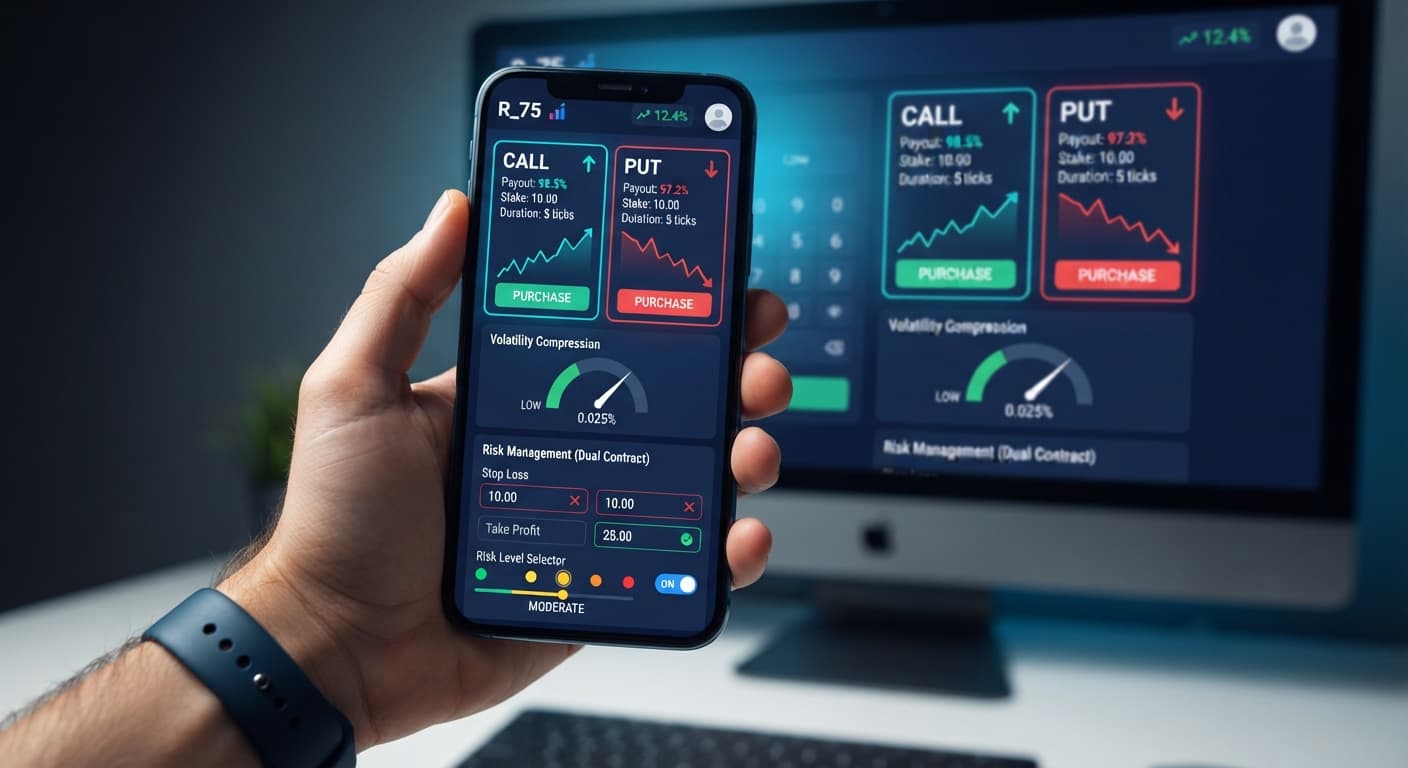
Auto Trading Bots
DualShot vs Manual Trading on Deriv Bots
Compare dualshot vs manual trading for Deriv bots. Learn how executing simultaneous CALL and PUT trades differs from single-direction execution. Try it free.
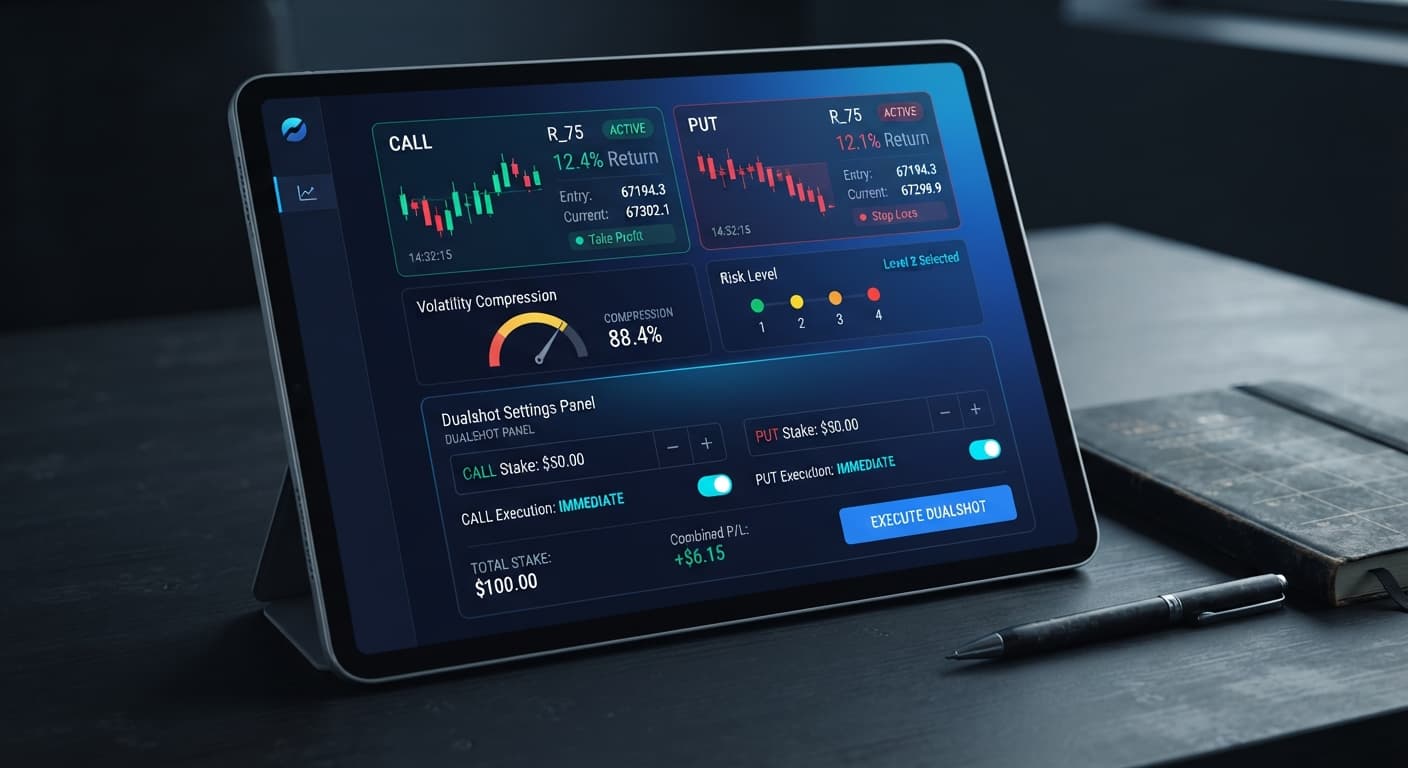
Configuring your dualshot settings effectively requires balancing your base trade size with the underlying market's volatility compression. DualShot works by executing two simultaneous trades in one click—firing a CALL and a PUT contract at the exact same time on Deriv synthetic indices. Because both directions are open at once, you aren't guessing direction; the trade relies entirely on the size of the price move expanding far enough to cover the dual entry cost. Selecting the right risk level determines how much consolidation the algorithm requires before opening a position.
When you adjust your dualshot settings, you're directly altering how sensitive the software is to price contractions. A lower risk setting waits for extreme price squeezing, while a higher setting triggers on minor market pauses. If the market stays flat after entry, price won't push far enough for either contract to clear its hurdle, resulting in a loss on both legs. That's why tuning these controls to current market conditions is the single most important task before placing live trades with deriv bots.
You'll find the configuration box right at the top of the interface once you connect your Deriv API token. The layout keeps things simple so you don't waste time hunting through hidden submenus when markets start moving fast. The software connects directly to Deriv over their official API, meaning your trading funds stay in your Deriv balance while the interface sends execution commands.
Two main user inputs dictate how the bot runs:
Selecting your target synthetic index happens right above these fields. Before launching any automated sequence on binary bots, double-check these two numbers on screen. Setting a $50 stake when you meant to set $5 can drain your account balance instantly if price flatlines across several consecutive dual entries.
The core engine of DualShot continuously measures tick-by-tick volatility expansion and compression. When price consolidates into a tight band, potential energy builds up for a breakout. How small that tight band must be before the bot fires depends entirely on your chosen Risk Level preset.
Here's how the four settings handle volatility triggers on Deriv synthetic indices:
| Risk Level Setting | Volatility Compression Needed | Entry Frequency Target | Suited Market Environment |
|---|---|---|---|
| Low Risk (Safer) | Extreme tight squeezing | Low (1-3 signals / hour) | Fast-moving indices (V100, V75) during breakout phases |
| Medium Risk | Moderate channel consolidation | Balanced (4-8 signals / hour) | Standard trending markets with regular pauses |
| High Risk | Shallow price contraction | High (9-15 signals / hour) | Ranging markets with frequent minor spikes |
| Very High Risk | Minimal price compression | Very High (15+ signals / hour) | High-momentum markets during sustained trend runs |
Adjusting these dualshot settings lets you tailor entry strictness to match current market conditions rather than forcing a rigid strategy onto a quiet chart.
Paste your token into the API field to establish direct connection with Deriv servers. Select a synthetic index from the market dropdown, such as Volatility 75 Index or Volatility 100 Index.
Type your base trade size into the Stake ($) input field. Remember that DualShot places two contracts at once. If you enter $5, your immediate market risk is $10 per trigger ($5 CALL + $5 PUT).
Click the Risk Level dropdown and choose your entry sensitivity. If you're trading during quiet market hours, start with Low Risk (Safer) to ensure you only enter when price builds serious compression.
Always test your setup on a virtual balance first. Click the start button and let the algorithm run through at least 20 entries on a Deriv demo account to verify how fast the breakout expansion occurs under current conditions.
Set a hard stop loss and take profit target for your total account equity before going live. Deriv synthetic index ticks are independent random draws, meaning past tick patterns don't guarantee the next move. If market conditions turn flat, close the session manually rather than letting losses accumulate.
Because DualShot relies on volatility expansion rather than directional forecasting, matching your settings to tick speeds matters far more than trying to predict digit trends. The matrix below outlines how specific control settings behave across different index parameters.
| Stake ($) Value | Risk Level Selected | Volatility Index | Expansion Requirement | Ideal Trader Profile |
|---|---|---|---|---|
| $2.00 | Low Risk (Safer) | Volatility 100 Index | 85% Volatility Squeeze | Conservative traders avoiding flat market chop |
| $5.00 | Medium Risk | Volatility 75 Index | 60% Volatility Squeeze | Balanced traders seeking steady session rhythm |
| $10.00 | High Risk | Volatility 50 Index | 35% Volatility Squeeze | Active traders capitalizing on quick momentum bursts |
| $1.00 | Very High Risk | Volatility 10 Index | 15% Volatility Squeeze | High-frequency scalpers testing micro-breakouts |
If I were running a live session today, I'd select Medium Risk with a $5.00 Stake ($) on the Volatility 75 Index. That combination strikes the best balance between filtering out micro-chop and capturing reliable multi-tick expansions before contract expiry.
Remember that deriv bots and binary bots running simultaneous trades carry double the exposure per click. When price stagnates inside a tight range, both your CALL and PUT contracts can expire out of the money. Always verify your dualshot settings on a virtual balance before deploying real capital, and never run automated scripts without hard risk boundaries in place.
Test these configuration strategies live on DualShot using a risk-free demo balance first. If you need to set up a new trading profile, create a free Deriv account to generate your API token. Trading involves risk. Past performance does not guarantee future results.
Related: DualShot Not Working: Fix Deriv Bots Simultaneous Trades
Related: Configuring DualShot Risk Levels on BinaryBot.live
Related: DualShot Demo Account Setup for Deriv Bots: Simultaneous Trades
Deriv best strategy bot with advanced analysis tools — executes 2 simultaneous trades in one click, firing CALL and PUT contracts at the same time with real-time volatility detection.
Open DualShot →The stake setting defines the dollar amount allocated to each individual contract. If you enter $10, the DualShot bot opens a $10 CALL and a $10 PUT simultaneously for a total trade exposure of $20 per dual execution.
DualShot offers four volatility sensitivity presets ranging from low to very high risk. A lower risk setting waits for extreme price squeezing before firing, while a higher setting triggers on minor market pauses.
If the market stays flat, price won't push far enough for either contract to clear its hurdle. This results in a loss on both legs of the dual trade.
Your trading funds stay securely in your Deriv balance while the interface connects over the official API to send execution commands.
Guides closest to this one.
Compare dualshot vs manual trading for Deriv bots. Learn how executing simultaneous CALL and PUT trades differs from single-direction execution. Try it free.
Master your dualshot stop loss setup on BinaryBot.live. Learn how to configure risk controls for this deriv trading bot before launching.
Is your dualshot not working on BinaryBot.live? Fix simultaneous CALL and PUT Deriv trades, risk settings, and dual contract trading errors today.