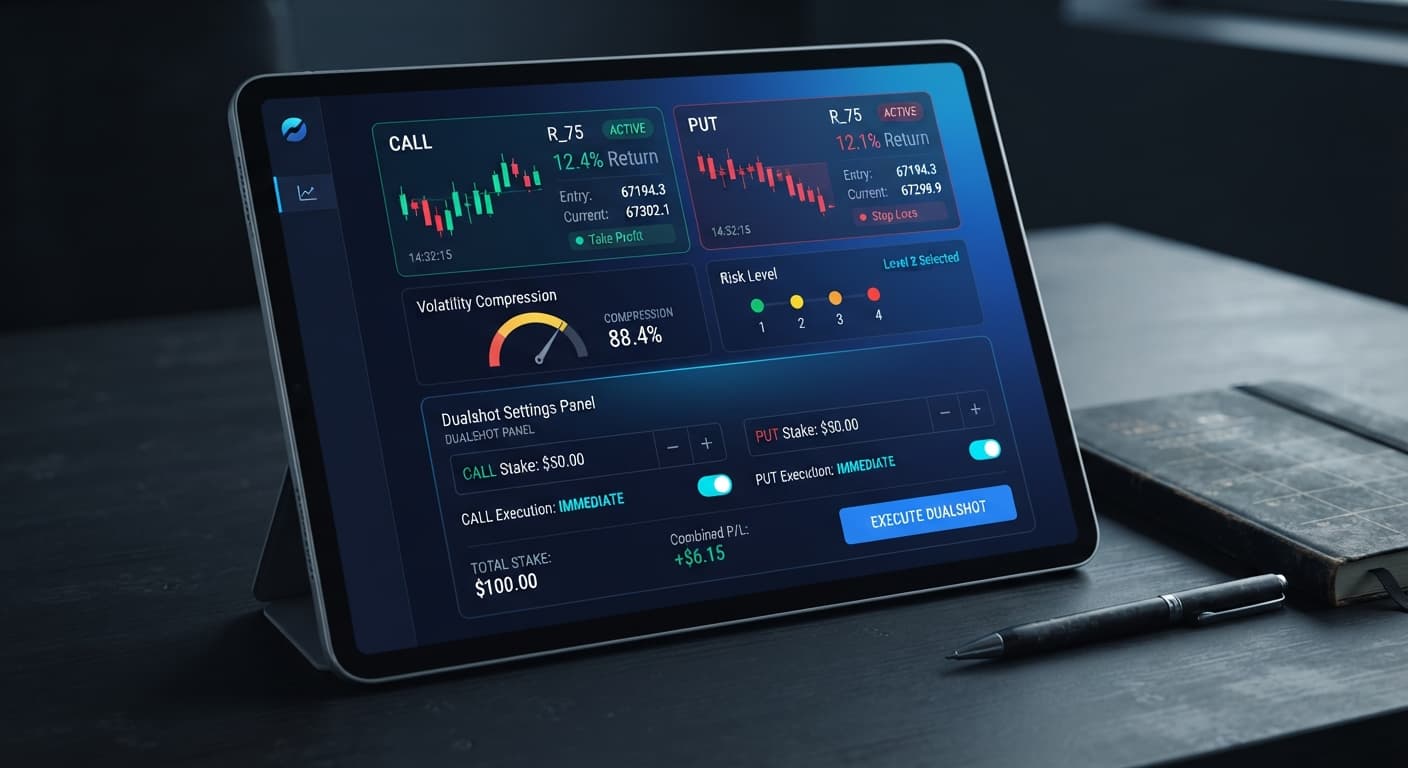
Auto Trading Bots
DualShot vs Manual Trading on Deriv Bots
Compare dualshot vs manual trading for Deriv bots. Learn how executing simultaneous CALL and PUT trades differs from single-direction execution. Try it free.
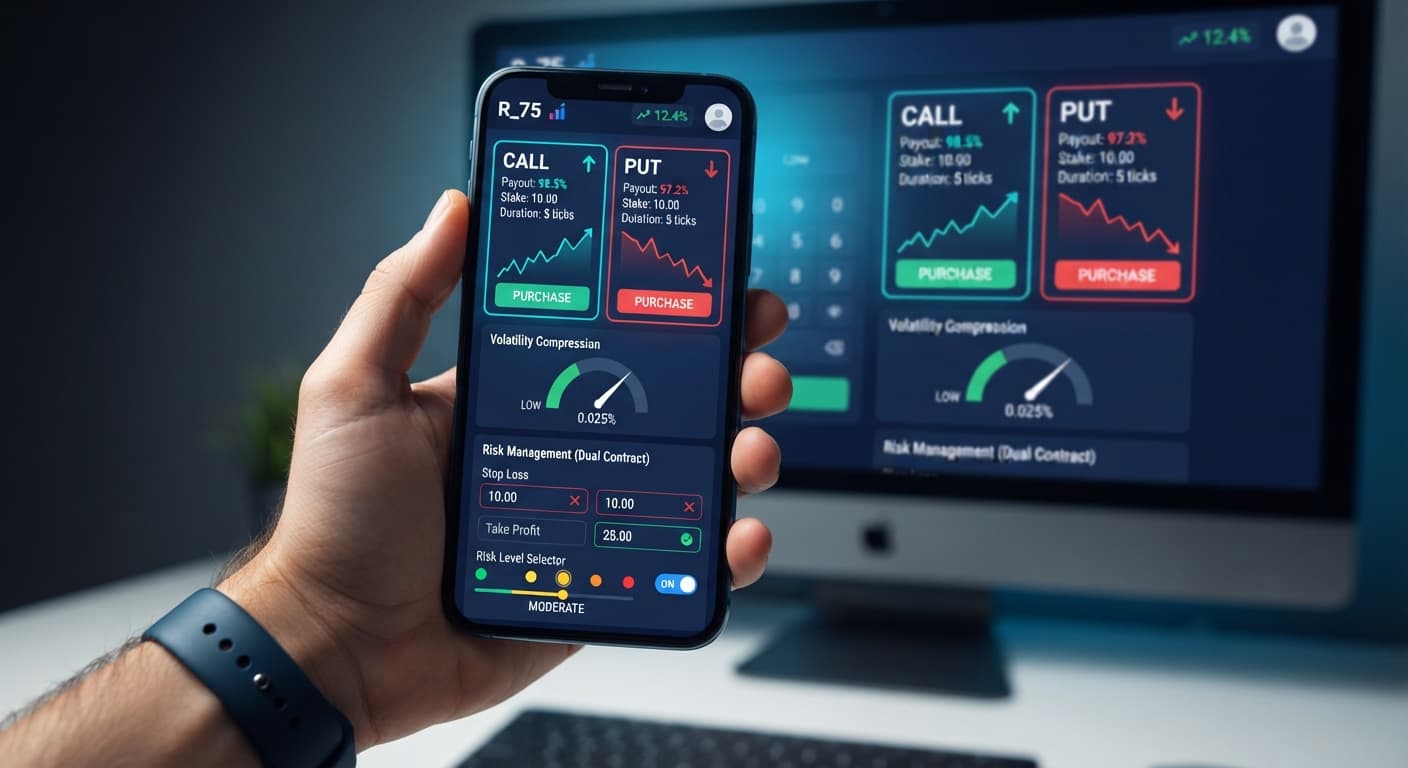
Setting up a dualshot stop loss setup requires defining your maximum capital exposure before triggering simultaneous CALL and PUT contracts. Because DualShot executes two opposite positions at once on Deriv synthetic indices, your market protection relies on matching your initial Stake ($) to the selected Risk Level to avoid losing both legs during flat consolidation. Establishing your risk limits on a demo account before launching the strategy keeps your bankroll intact when volatility dries up.
DualShot operates differently from typical single-direction deriv bots. When you launch a dual-entry signal, the system opens both a CALL and a PUT contract on the exact same tick. You don't care whether the price moves up or down—you only need the price to move far enough in either direction to cover the combined cost of both stakes. If the market breaks out violently, one contract clears a high payout while the other expires out of the money.
However, if market movement stalls, you face a double loss. That's why your dualshot stop loss setup isn't just a safety switch—it's your core survival tool. Without pre-configured stake limits and appropriate volatility risk thresholding, flat market chop will drain your account balance twice as fast as single-direction trade execution. Many binary bots attempt to predict single tick direction, but DualShot focuses entirely on price expansion.
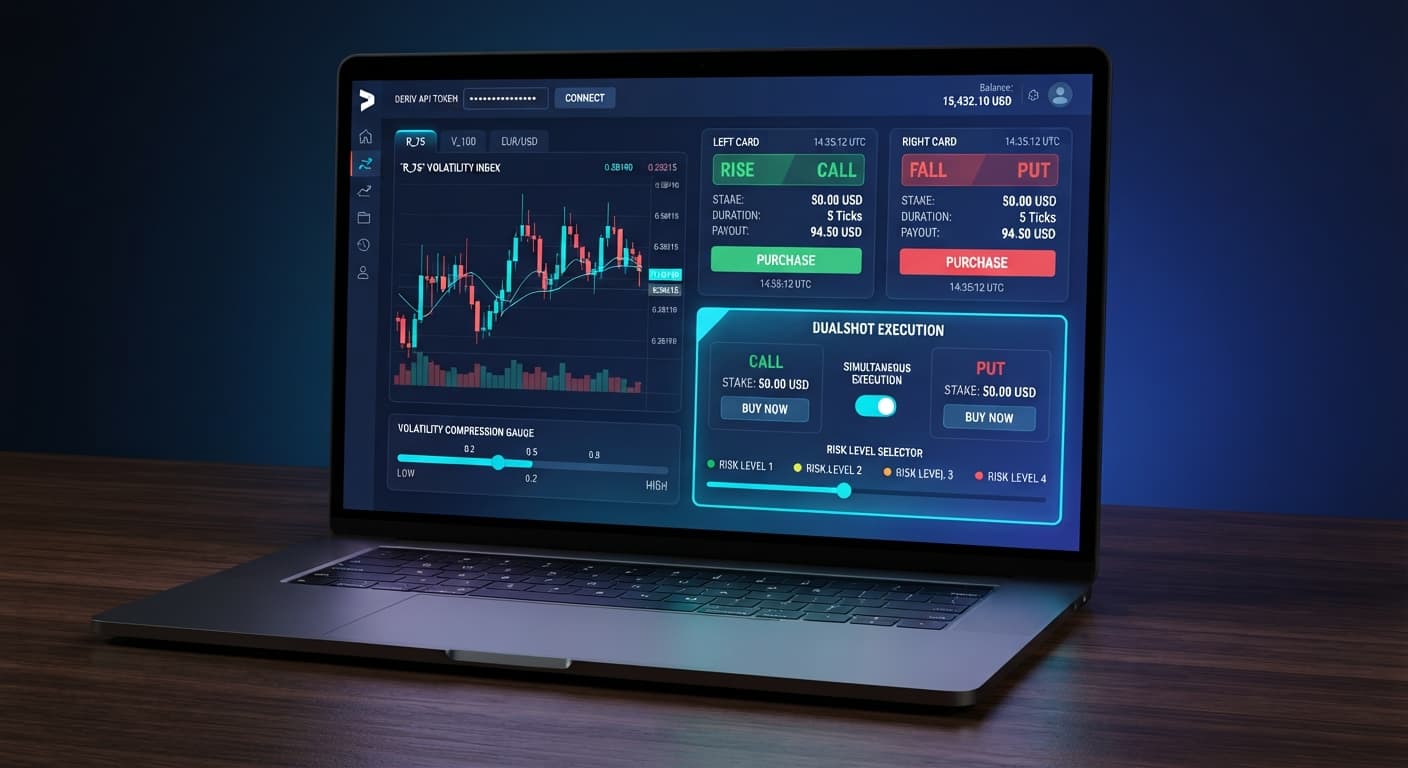
Finding the exact controls for your risk parameters takes seconds on the web workspace. The DualShot interface strips away clutter so you can configure execution parameters cleanly before sending orders to Deriv's API.
Look at the configuration panel on your screen. You'll see two primary entry fields that control your overall trade exposure:
10 into this box, your total risk per execution cycle is $20 because the bot fires two positions at once.These two inputs work together as your defensive barrier. Because there are no hidden stake multipliers or automated martingale options inside DualShot, controlling your drawdown comes down to setting a clean base Stake ($) and picking the right Risk Level mode for current market conditions.
The Risk Level menu dictates how tight the volatility compression must be before the bot triggers your simultaneous CALL and PUT orders. Setting this correctly prevents the algorithm from entering during low-liquidity periods where price movement remains trapped in a narrow range.
Here is how each Risk Level preset behaves during market analysis:
| Risk Level Preset | Volatility Sensitivity | Trigger Speed | Typical Market Fit |
|---|---|---|---|
| 🟢 Low Risk (Safer) | Deep compression required | Selective / Slow | High-volatility synthetic indices |
| 🟡 Medium Risk | Moderate compression required | Balanced | Standard synthetic index trends |
| 🟠 High Risk | Mild compression allowed | Frequent | Fast-moving markets with sudden spikes |
| 🔴 Very High Risk | Minimal filter threshold | Rapid / Continuous | Extreme volatility conditions only |
If you choose 🟢 Low Risk (Safer), the bot waits until price volatility shrinks into an extremely tight range before entering. When the expansion occurs, the movement is usually large enough to ensure one of your contracts wins cleanly. Choosing 🔴 Very High Risk removes most of the compression filter, causing trades to trigger almost continuously. On a live account, that setting can expose your bankroll to severe drawdown if price action stays stagnant.
Follow these exact steps to complete your dualshot stop loss setup before going live on BinaryBot.live.
Open the workspace and select your market from the Deriv synthetic indices dropdown. Volatility 100 Index or Volatility 75 Index are standard choices due to their strong price expansion characteristics.
Click the Stake ($) input box. Enter a dollar amount that represents no more than 1% to 2% of your total balance. For a $500 account balance, set your Stake ($) to 5. Remember: the bot opens two positions simultaneously, so a $5 input commits $10 of real capital per trigger.
Select your desired sensitivity from the Risk Level options. For standard trading sessions, choose 🟢 Low Risk (Safer) or 🟡 Medium Risk. This ensures the algorithm waits for clear volatility compression before launching trades.
Before placing real capital on the line, toggle your account setting to demo mode. Run the bot through at least 15 entry cycles on a virtual balance to verify how the dual CALL and PUT positions handle current price swings.
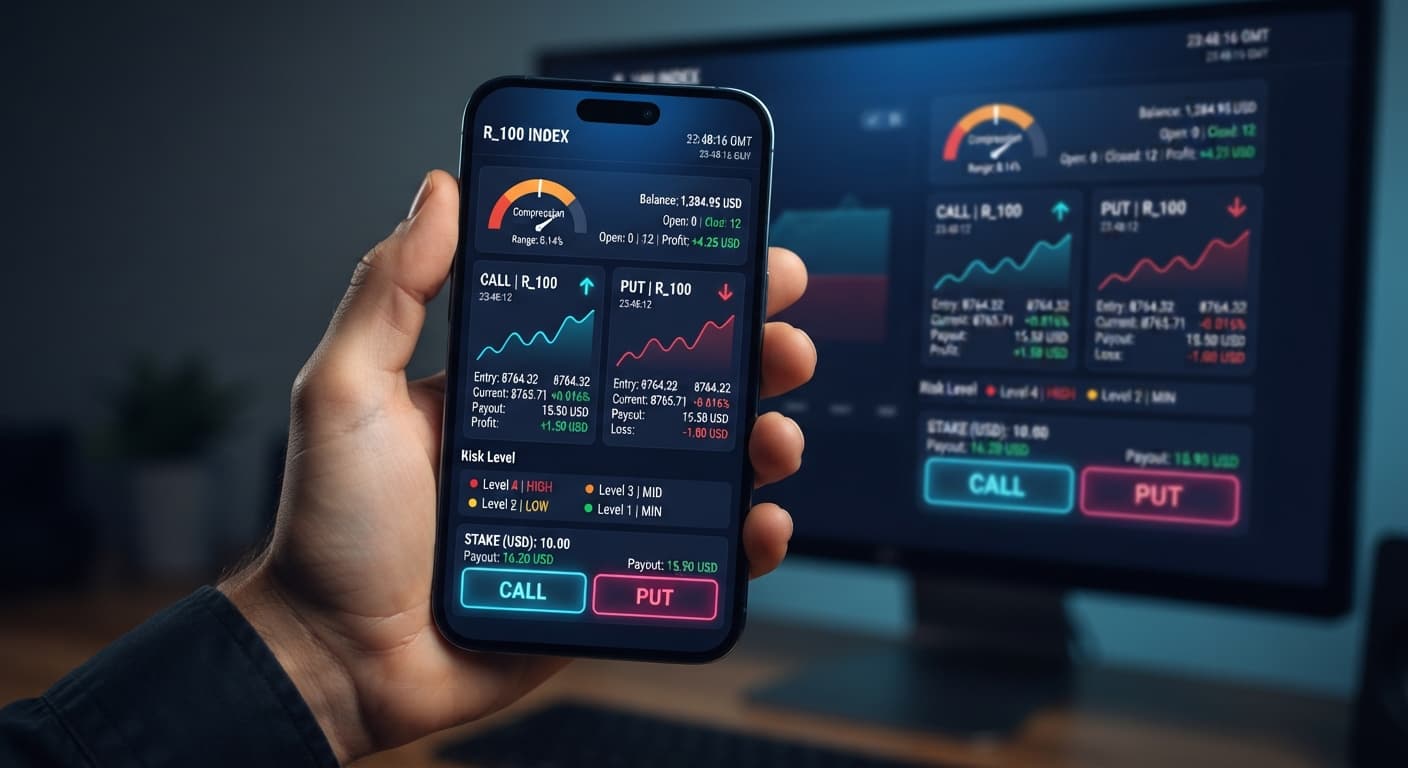
When monitoring your setup, you must understand what the interface visualizes during active analysis, entry, and execution. Unlike generic deriv bots, DualShot provides explicit real-time feedback in the workspace layout.
Here is what to watch for on your screen to confirm the system is running safely:
| UI Control / Panel | Screen State / Display | System Meaning | Action Required |
|---|---|---|---|
| Connection Status | Green indicator / Active | API WebSocket connection established | Strategy ready to launch |
| Connection Status | Red indicator / Disconnected | Signal connection timed out | Re-enter API token and refresh |
| Analysis Panel | "Compressing Range" | Algorithm measuring market squeeze | Wait; no trades executed yet |
| Analysis Panel | "Expansion Detected" | Volatility threshold breached | Simultaneous trades firing |
| Order Log Stream | Dual Ticket IDs generated | CALL and PUT placed together | Monitor market breakout distance |
| Balance Panel | Red stake deduction | Capital committed (2x base stake) | Confirm entry totals match risk plan |
If the analysis indicator remains stuck on "Compressing Range" for several minutes, don't panic or force trades by switching to 🔴 Very High Risk. That delay means the market is flat, which is precisely when your dualshot stop loss setup is saving you from entering losing positions. If your order log shows only a single contract ID instead of two, stop the script immediately—it indicates an API timeout or temporary token permission issue.
Using tested binary bots like DualShot simplifies breakout trading, but managing your total exposure stays firmly in your hands. Always refine your baseline parameters on a virtual balance before committing live funds.
Try configuring your own DualShot trading setup using a demo balance first. If you don't have an account yet, create a free Deriv account to begin testing. Trading involves risk. Past performance does not guarantee future results.
Related: DualShot Settings: Configure BinaryBot.live Deriv Bots
Related: DualShot Demo Account Setup for Deriv Bots: Simultaneous Trades
Deriv best strategy bot with advanced analysis tools — executes 2 simultaneous trades in one click, firing CALL and PUT contracts at the same time with real-time volatility detection.
Open DualShot →You set up a dualshot stop loss by defining your maximum capital exposure before launching simultaneous CALL and PUT contracts. This relies on matching your initial stake to the correct risk level so you do not lose both legs during flat market consolidation.
The stake input sets the dollar amount allocated to each leg of the dual contract. If you enter $10, your total risk per execution cycle is actually $20 because the bot fires both a CALL and a PUT position at the same time.
If market movement stalls during flat consolidation, you face a double loss because the bot opens both CALL and PUT contracts simultaneously. Without proper risk limits, flat market chop will drain your account balance twice as fast as single-direction trades.
You should choose the Low Risk (Safer) preset, which requires deep compression before triggering. It uses a slower, more selective trigger speed that fits high-volatility synthetic indices well.
Guides closest to this one.
Compare dualshot vs manual trading for Deriv bots. Learn how executing simultaneous CALL and PUT trades differs from single-direction execution. Try it free.
Learn how to configure dualshot settings on BinaryBot.live for automated trading bot strategies. Set up your free deriv bot today. Start now!
Complete dualshot api token setup guide for BinaryBot.live. Learn to connect your Deriv token and execute 2 simultaneous trades using a free deriv bot.