Auto Trading Bots
DualShot vs Manual Trading on Deriv Bots
Compare dualshot vs manual trading for Deriv bots. Learn how executing simultaneous CALL and PUT trades differs from single-direction execution. Try it free.
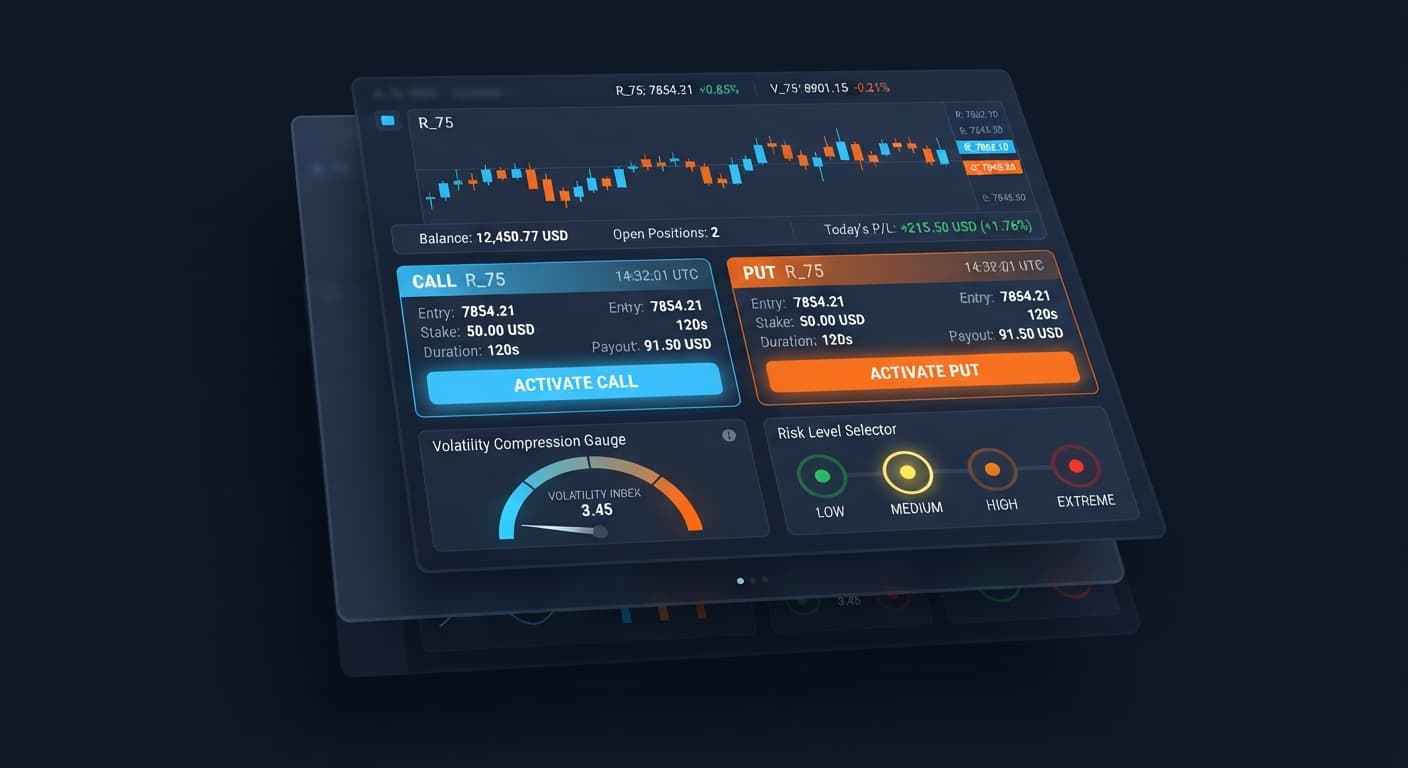
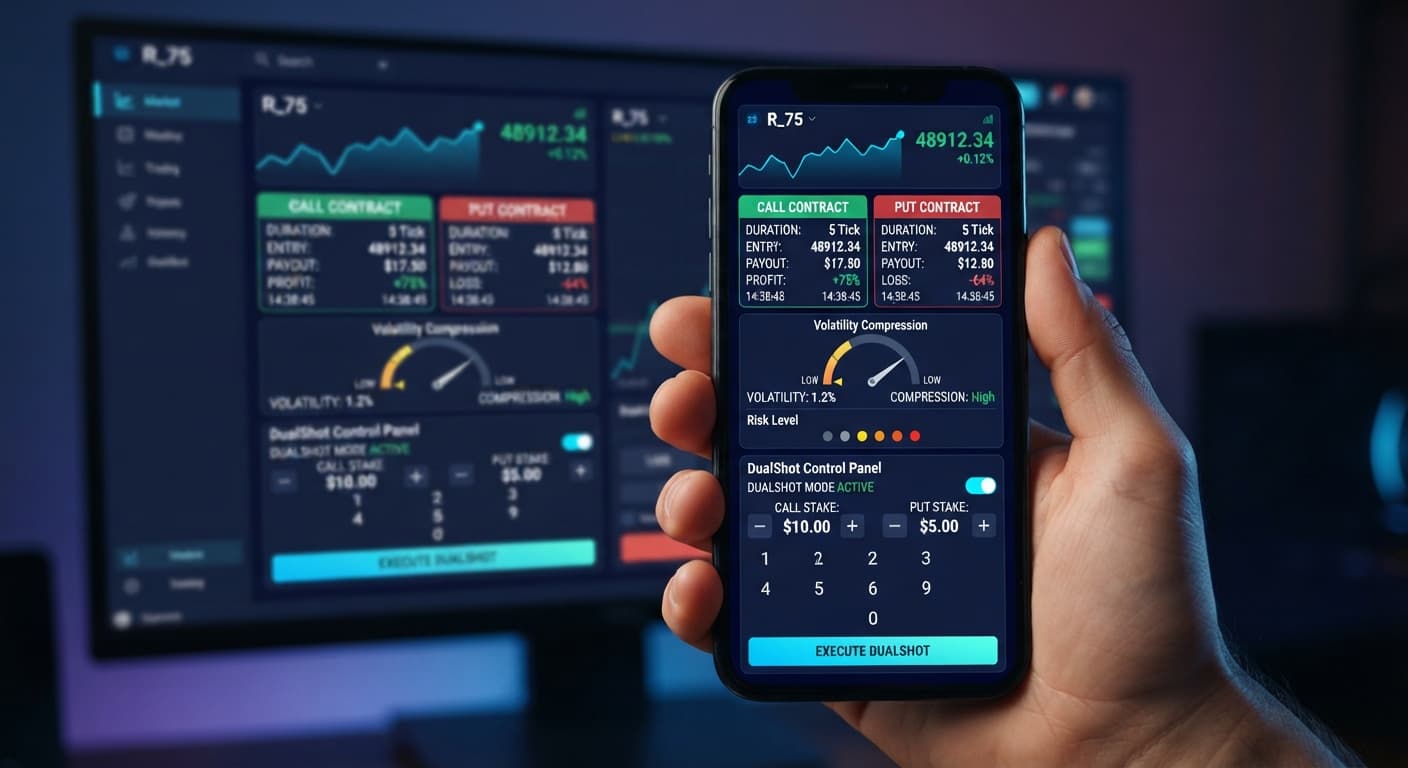
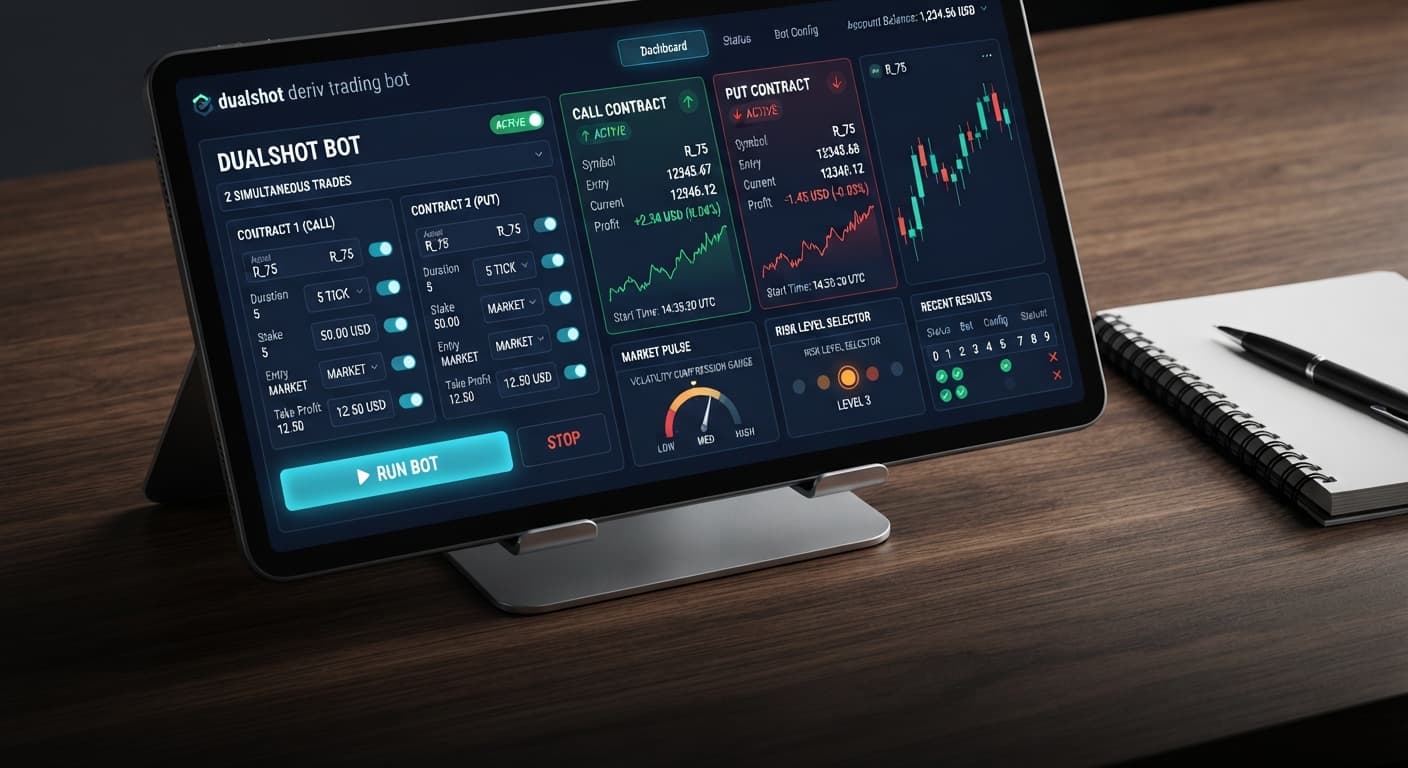
To complete your dualshot demo account setup, open the web interface, enter a virtual API token with read and trade permissions, choose a synthetic index, and set your Stake ($) along with your Risk Level. This configures the engine to monitor volatility compression on synthetic markets before executing a simultaneous CALL and PUT trade in one click. Doing this on a virtual balance lets you evaluate how paired order execution behaves during market expansion without putting capital on the line.
If you trade synthetic indices using deriv bots, this workflow gives you a controlled sandbox to test market breakouts. By the time you finish this walkthrough, your virtual account will be fully synced to the automated trading bot interface, ready to execute dual-direction trades against real-time price feeds.
Before configuring your dualshot demo account setup, prepare these basic credentials:
read and trade scopes checked.Log into your Deriv virtual account, navigate to Account Settings, and select the API Token tab. Type a label like DualShot Demo into the token name field, check the boxes for read and trade, then click Create. Copy the alphanumeric string generated on screen. Keep this tab open until your connection establishes.
Navigate to the bot interface and locate the token input box at the top of the panel. Paste your virtual token into the field and click Connect. The connection bar updates within two seconds, displaying your virtual account balance alongside a green status indicator that confirms your session is active.
Open the market selection drop-down list to choose the synthetic market you want to trade. Pick a high-volatility index such as Volatility 75 Index or Volatility 100 Index. Once selected, the live price feed stream populates the background ticker, confirming that contract requests will target that specific index.
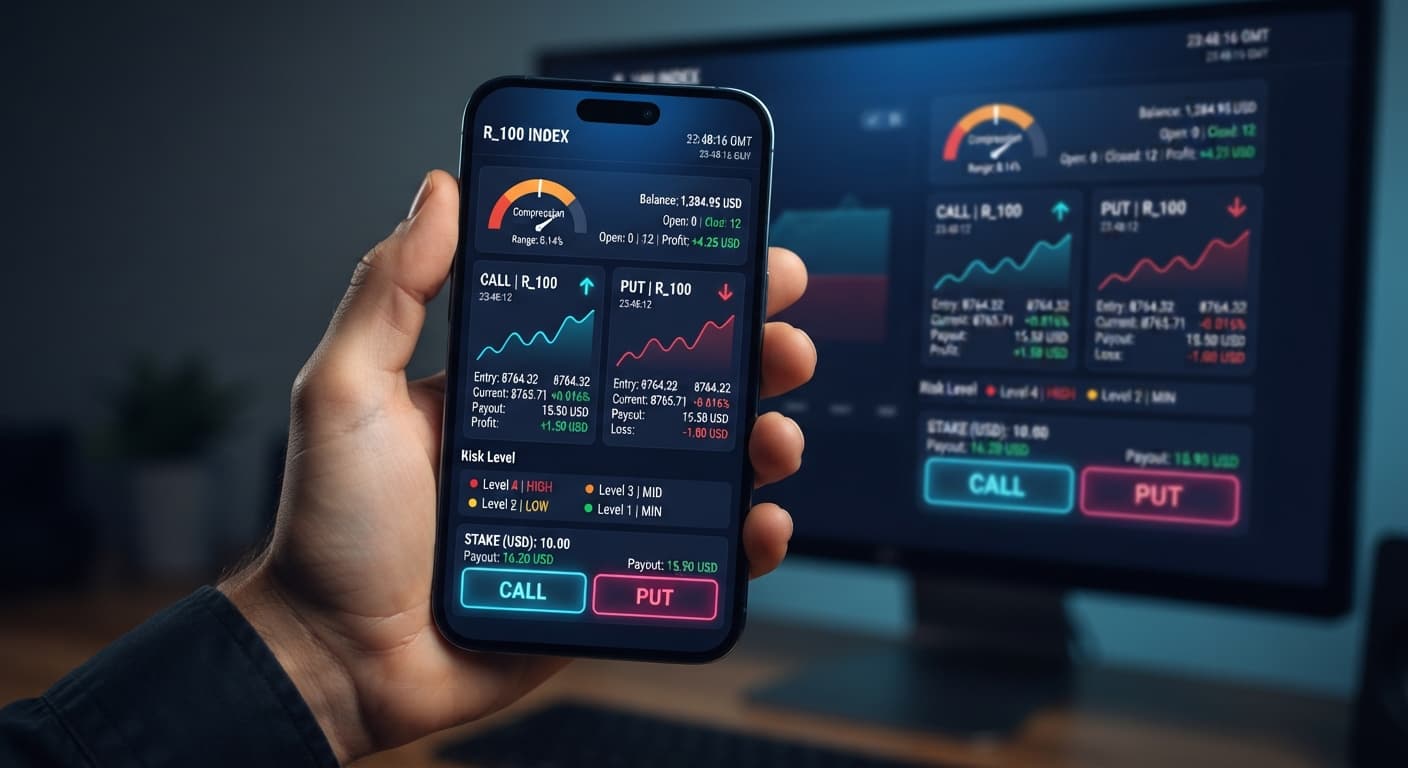
Find the input marked Stake ($) and enter 10.00 to set your trade size per leg. Next, locate the Risk Level control and click 🟢 Low Risk (Safer). This setting forces the underlying analysis tool to wait for tight volatility compression before triggering an entry. Your total exposure per order execution displays as $20.00 because two contracts open at once.
Click the Start button on the dashboard. The bot begins processing tick data in real time, searching for volatility contraction. When the threshold triggers, the system fires a CALL and a PUT contract simultaneously. The open positions table shows two active trades running on the exact same tick timestamp.
Executing dual trades relies entirely on tick distance. Because binary bots that run simultaneous contracts purchase opposite outcomes at the same moment, the asset must move far enough in either direction to cover the payout gap. If the market moves sideways, both contracts expire out of the money.
The table below breaks down how three common synthetic index markets perform under dual-execution rules during demo testing.
| Market Index | Tick Interval | Average Tick Movement | Compression Behavior | Suitable Trade Duration |
|---|---|---|---|---|
| Volatility 10 Index | 1 Second | Low (0.05 - 0.15 pts) | Long flat ranges | 5 to 10 Ticks |
| Volatility 75 Index | 1 Second | High (12.0 - 45.0 pts) | Rapid squeeze to spike | 1 to 3 Ticks |
| Volatility 100 Index | 1 Second | Extreme (50.0 - 180.0 pts) | Explosive breaks | 1 to 2 Ticks |
Volatility 75 Index is the preferred market for this strategy. Its structural tick movement generates sharp expansions immediately following tight consolidation phases. Volatility 10 Index moves too slowly for paired trade execution, often leaving price trapped near the entry point and causing both legs to fail before contract expiry.
When market movement stalls, price fails to reach the required payout barrier for either side. Both your CALL and PUT lose, causing a 100% loss of the combined stake for that single trigger.
🔴 Very High Risk or 🟠 High Risk down to 🟢 Low Risk (Safer). This tightens the compression filter, forcing the bot to wait for deeper price squeezes before executing orders.Because every trigger fires two orders at once, entering a $10.00 Stake ($) instantly risks $20.00 across the two legs. Traders who forget this simple math draw down their account balances twice as fast as expected during consecutive range-bound trades.
If your token only carries read permissions, the bot interface will stream live ticks successfully, but order placement calls will return an authorization error the moment a breakout triggers.
read and trade permissions explicitly selected before testing your dualshot demo account setup again.Selecting 🔴 Very High Risk causes the detection engine to execute trades on minimal price consolidation. In choppy conditions, this triggers repeated dual entries directly into false breakouts, accumulating rapid losses across multiple ticks.
🟡 Medium Risk or lower during volatile sessions. If consecutive trades lose, stop the system and verify market movement visually before re-engaging automated options.Run a complete walkthrough on DualShot using a virtual balance to see how dual trade execution responds to synthetic price ticks. If you don't have an active account yet, create a free Deriv account to generate your API token and start testing free deriv bot configurations.
Trading involves risk. Past performance does not guarantee future results.
Related: DualShot Not Working: Fix Deriv Bots Simultaneous Trades
Related: Step-by-Step Guide: How to Use DualShot on Deriv Bots
Deriv best strategy bot with advanced analysis tools — executes 2 simultaneous trades in one click, firing CALL and PUT contracts at the same time with real-time volatility detection.
Open DualShot →You'll need to open the DualShot web interface, enter a virtual API token with read and trade permissions, choose a synthetic index, and set your stake and risk level. This configures the engine to monitor volatility compression and execute simultaneous CALL and PUT trades in one click using your virtual balance.
You need to generate an API token inside your Deriv account settings with both the read and trade scopes checked. Once created, paste this alphanumeric string into the token input box on the DualShot web interface and click connect.
Setting your risk level to Low Risk forces the underlying analysis tool to wait for tight volatility compression before triggering an entry. Because DualShot opens a CALL and a PUT contract simultaneously, your total exposure per execution will be double your individual stake amount.
You can pick a high-volatility index such as the Volatility 75 Index or Volatility 100 Index from the market selection drop-down list. Once selected, the live price feed confirms that your DualShot contract requests are targeting that specific market.
Guides closest to this one.
Compare dualshot vs manual trading for Deriv bots. Learn how executing simultaneous CALL and PUT trades differs from single-direction execution. Try it free.
Is your dualshot not working on BinaryBot.live? Fix simultaneous CALL and PUT Deriv trades, risk settings, and dual contract trading errors today.
Learn how to use dualshot for your automated trading bot strategy. Follow this step-by-step guide to configure dual contract trading safely on BinaryBot.live.