Auto Trading Bots
DualShot Demo Account Setup for Deriv Bots: Simultaneous Trades
Master the dualshot demo account setup for deriv bots. Learn step-by-step how to configure simultaneous CALL and PUT trades risk-free. Try it now!
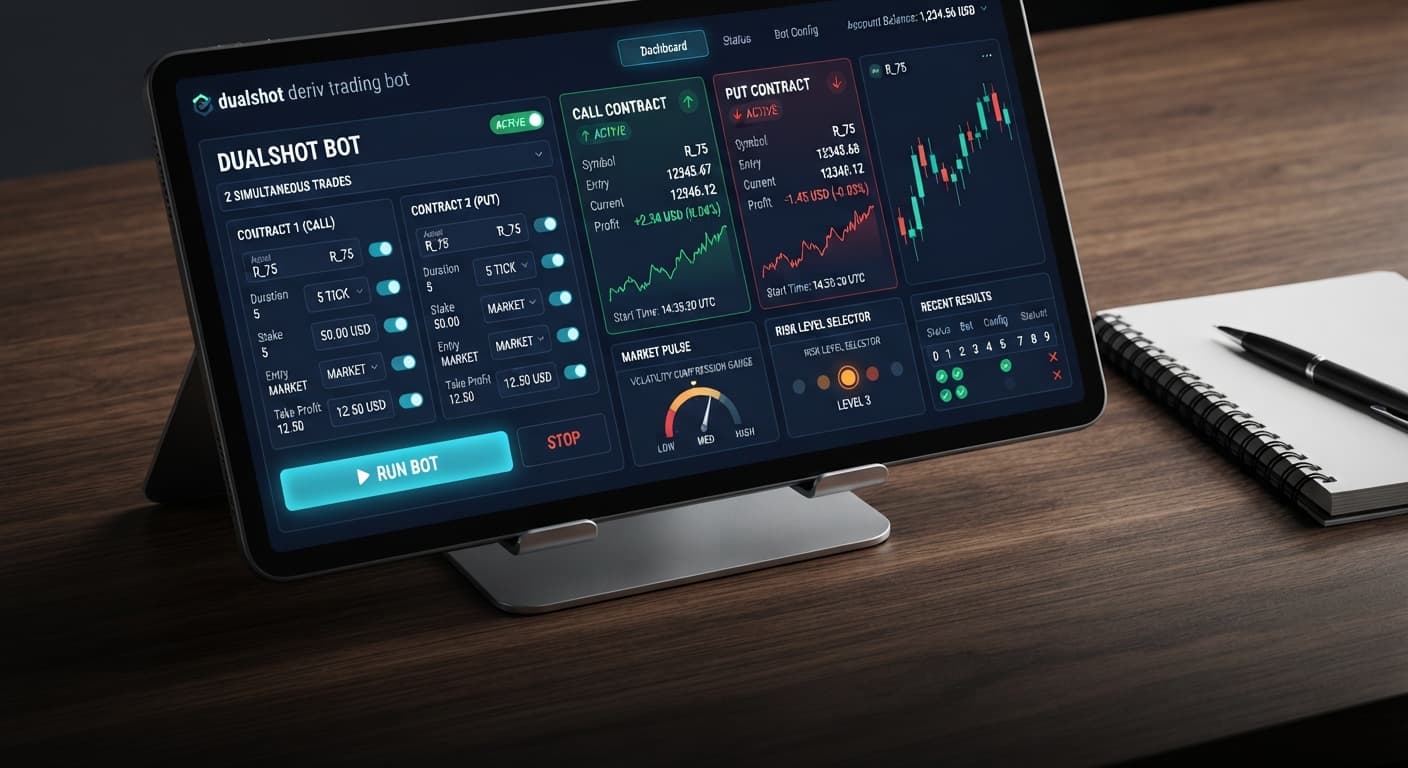
To learn how to use dualshot, you select a Deriv synthetic index, enter your Stake ($), pick your Risk Level, and launch the tool to execute simultaneous CALL and PUT trades during volatility expansion. The strategy connects directly to Deriv over their official API and opens both contracts in a single click. Because both directions open at once, your trade outcome depends on the size of the price move rather than whether the market trends up or down.
This step-by-step guide walks you through setting up the tool on BinaryBot.live, managing exposure, and configuring safe recovery settings. By the end of this tutorial, you will have an automated strategy running on a demo account without risking real money.
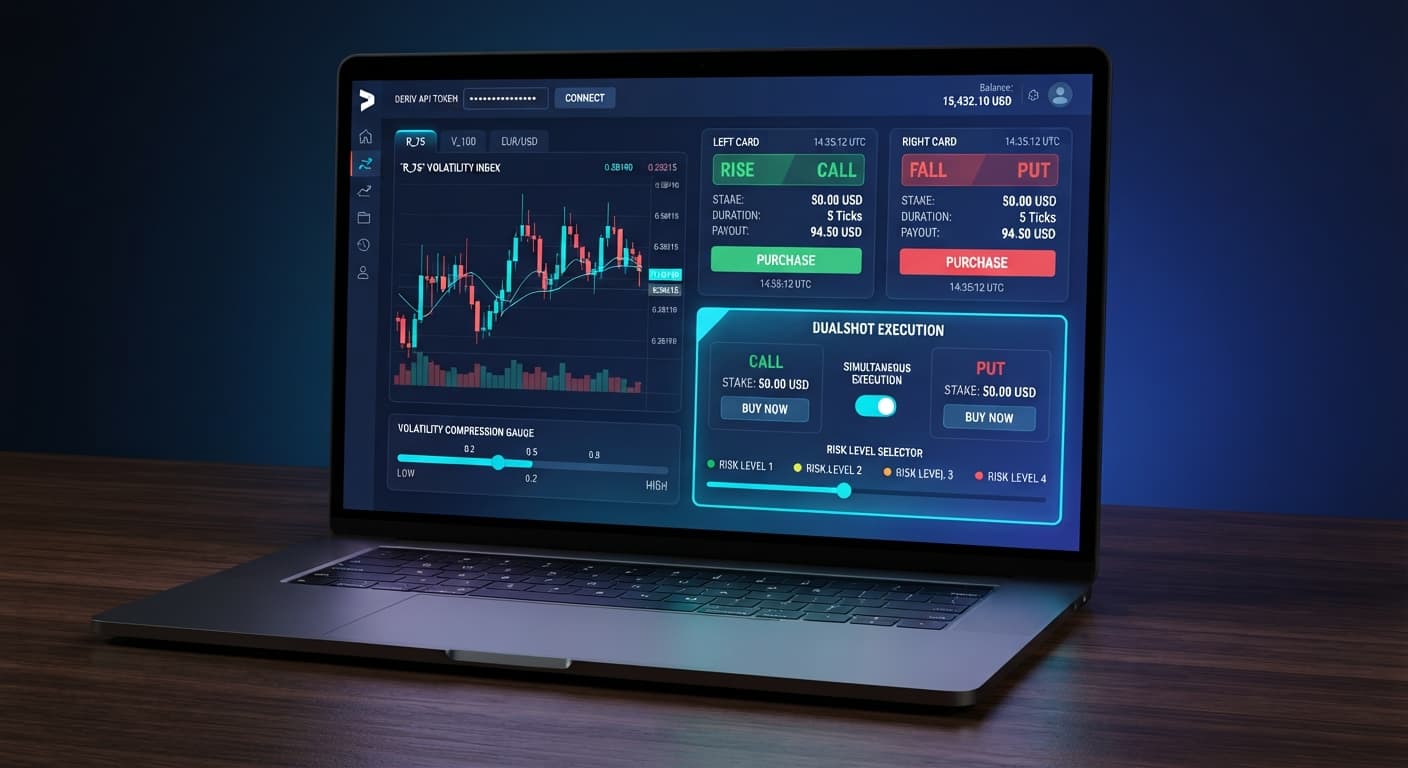
Open the tool in your browser and locate the API token input field. Log in to your Deriv account in another tab, go to Account Settings, and open the API Token menu. Check the boxes for Read and Trade, generate the token, and copy the string.
Paste the token directly into the input field on BinaryBot.live. The system validates the token and connects directly to Deriv over their official API. No funds ever pass through BinaryBot.live, and every trade executes directly on your personal Deriv account. Once connected, your current account balance appears at the top of the interface. Always check that this displays your virtual demo balance before testing automated trading bot strategies.
Select a asset from the available list of Deriv synthetic indices. The underlying system relies on compression detection to spot tight price consolidation before a fast breakout occurs.
Higher volatility markets like Volatility 100 Index or Volatility 75 Index produce frequent price expansion bursts. Lower volatility markets like Volatility 10 Index move slower, which can leave trades open longer or cause flat moves where price fails to clear either threshold. Choosing a market with active price movement helps the breakout / expansion detection engine trigger trades when price expands away from the entry point.
Before looking at how to use dualshot on real funds, run your selected market on demo to observe how frequently volatility expands during your preferred trading hours.
Locate the input box labeled Stake ($). Type the base dollar value you want to place on each trade leg.
You must remember that dual CALL+PUT execution opens two separate positions at the exact same time. If you enter $1.00 into Stake ($), the tool places a $1.00 CALL contract and a $1.00 PUT contract simultaneously. Your actual total outlay for that single signal is $2.00.
Most traders set this value too high on their first run. If your virtual account balance is $100.00, setting Stake ($) to $5.00 exposes $10.00 per trade cycle, or 10% of your total balance on a single click. Keep your base Stake ($) around 1% to 2% of your overall account balance so your account survives multi-trade drawdown sequences.
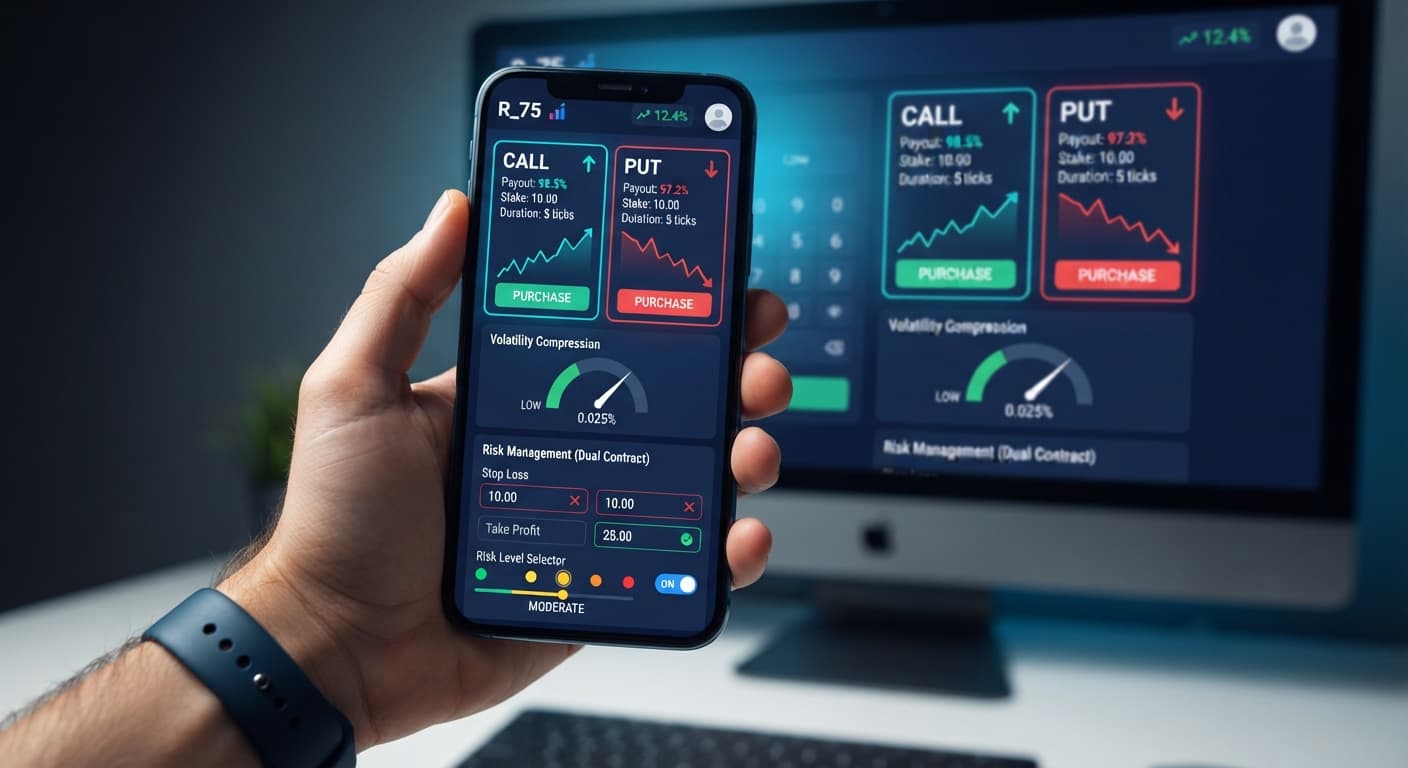
Find the setting labeled Risk Level. The platform provides four choices: Low Risk (Safer), Medium Risk, High Risk, and Very High Risk.
Understanding how to use dualshot risk tiers keeps you in control during market consolidation. The Risk Level controls the sensitivity of the volatility compression and expansion detection filters, as well as how aggressively the bot increases stakes after a loss. Low Risk (Safer) waits for high compression before firing, while Very High Risk triggers on smaller price movements.
Here is a concrete mathematical scenario showing how stake scaling impacts your balance when consecutive losses occur:
Suppose you set Stake ($) to $2.00 on Volatility 75 Index with a 2x stake recovery multiplier. Because the strategy fires dual contracts, your starting exposure is $4.00 ($2.00 CALL and $2.00 PUT). If the market stays flat and price remains between both payout thresholds, both contracts lose, putting you down $4.00.
On the next trade signal, the multiplier increases Stake ($) to $4.00 ($8.00 total committed). A second flat move loses that $8.00, bringing cumulative session drawdown to $12.00. On the third attempt, Stake ($) doubles again to $8.00 ($16.00 total committed).
If the third trade also fails, your combined loss reaches $28.00 across three trade cycles. On a $100.00 account balance, you have lost 28% of your bankroll in minutes. The stake doubles far faster than most traders expect, which is why aggressive risk tiers on small accounts often blow up live balances.
Click the start button to activate automated scanning. The software monitors real-time price ticks, running compression detection to identify tight ranges followed by expansion detection to spot momentum bursts.
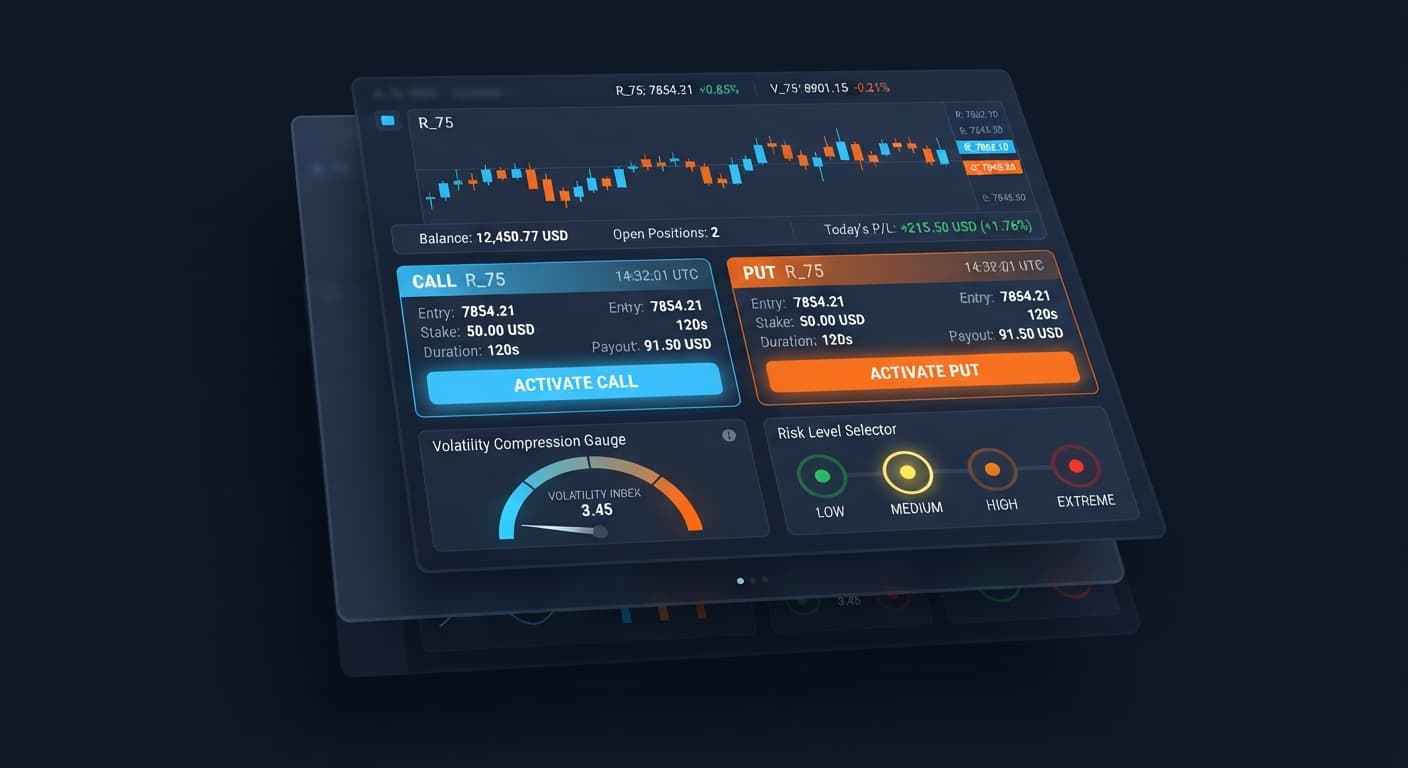
When conditions match your chosen Risk Level, the bot places two trades simultaneously: one CALL contract and one PUT contract. Monitor the trade log below the controls to see contract entry prices, live tick updates, and final trade outcomes.
If you need to adjust any setting, click stop immediately. Never change parameters while contracts are actively running on your account.
The table below provides conservative setup values for testing the strategy safely on a virtual account.
| Setting Name | Recommended Value | Rationale |
|---|---|---|
| Stake ($) | $0.35 to $1.00 | Keeps dual entry exposure ($0.70 - $2.00 total) under 2% of a standard $100 bankroll. |
| Risk Level | Low Risk (Safer) | Requires stronger volatility compression before entry, reducing low-movement trade signals. |
| Target Market | Volatility 75 Index or Volatility 100 Index | Provides the frequent price movement necessary for expansion strategies. |
| Execution Mode | dual CALL+PUT execution | Ensures exposure to price moves in both directions during sharp market breaks. |
| Account Type | Deriv Demo Account | Eliminates financial risk while you analyze signal frequency and stake progression. |
Trading synthetic indices with automated binary bots carries risk. Here are four primary failure modes you must prepare for, along with the specific settings to mitigate them:
Because the strategy opens a CALL and a PUT contract at the same time, a market moving sideways within a tight range can cause both contracts to lose. You lose 100% of the combined entry cost on that trade cycle. Mitigation: Set Risk Level to Low Risk (Safer). This setting forces the compression engine to wait for tighter consolidation, increasing the likelihood that the subsequent breakout generates enough distance to clear contract payout barriers.
Traders using binary bots often rely on automatic stake increases to recover past losses. When the market experiences a long series of flat entries, repeated doubling increases your required capital exponentially. Mitigation: Keep your base Stake ($) extremely small relative to your account size, and establish a hard stop loss before turning the bot on. If your balance drops 15% in a single session, stop the bot manually and re-evaluate market volatility.
A common trap in automated trading is assuming that past tick patterns alter the probability of upcoming ticks. Deriv synthetic index ticks are independent random draws. A long run of odd digits or repeated upward ticks does not increase the statistical probability of a downward tick on the next trade. Mitigation: Do not adjust settings based on recent tick history charts. Base your setup entirely on fixed risk management rules and systematic balance allocation.
Deploying new settings directly on a real balance often leads to unexpected losses when volatility shifts unexpectedly. Experienced traders running deriv bots test every parameter change extensively before committing real capital. Mitigation: Run every configuration on a Deriv demo account for at least 50 trade cycles before switching to a real account balance.
To see how the platform works in real time, launch DualShot using a demo balance first.
If you don't have one yet, create a free Deriv account.
Trading involves risk. Past performance does not guarantee future results.
Related: Configuring DualShot Risk Levels on BinaryBot.live
Related: Step-by-Step Guide on How to Use Solid Trading Bot on BinaryBot.live for Automated Deriv Trading
Related: Why Your Tick Picker Is Not Working on Binary Bots
Related: Step-by-Step Guide: How to Use Accumulator Bot for Deriv Bots
Related: DualShot Not Working: Fix Deriv Bots Simultaneous Trades
Related: DualShot Demo Account Setup for Deriv Bots: Simultaneous Trades
Deriv best strategy bot with advanced analysis tools — executes 2 simultaneous trades in one click, firing CALL and PUT contracts at the same time with real-time volatility detection.
Open DualShot →You need to generate an API token from your Deriv account settings with Read and Trade scopes enabled. Paste that token into the input field on the DualShot interface to connect the tool directly to your personal Deriv account via their official API.
DualShot opens simultaneous CALL and PUT trades in a single click during volatility expansion on Deriv synthetic indices. Because both directions open at once, your trade outcome depends on the size of the price move rather than whether the market goes up or down.
Your actual total outlay is double the amount you enter into the Stake field because DualShot opens two separate positions at the exact same time. For example, entering a $1.00 stake means the tool places a $1.00 CALL and a $1.00 PUT simultaneously, totaling $2.00 for that trade cycle.
Higher volatility markets like the Volatility 100 Index or Volatility 75 Index work best because they produce frequent price expansion bursts. Lower volatility markets like the Volatility 10 Index move slower, which can cause flat moves where the price fails to clear the required thresholds.
Guides closest to this one.
Master the dualshot demo account setup for deriv bots. Learn step-by-step how to configure simultaneous CALL and PUT trades risk-free. Try it now!
Complete dualshot api token setup guide for BinaryBot.live. Learn to connect your Deriv token and execute 2 simultaneous trades using a free deriv bot.
Master your dualshot stop loss setup on BinaryBot.live. Learn how to configure risk controls for this deriv trading bot before launching.