Auto Trading Bots
Tick Picker vs Dualshot: Deriv Bots for Rise/Fall
Compare Tick Picker vs Dualshot for automated trading on BinaryBot.live. Learn how fixed stake and recovery progression impact your strategy. Test free now.
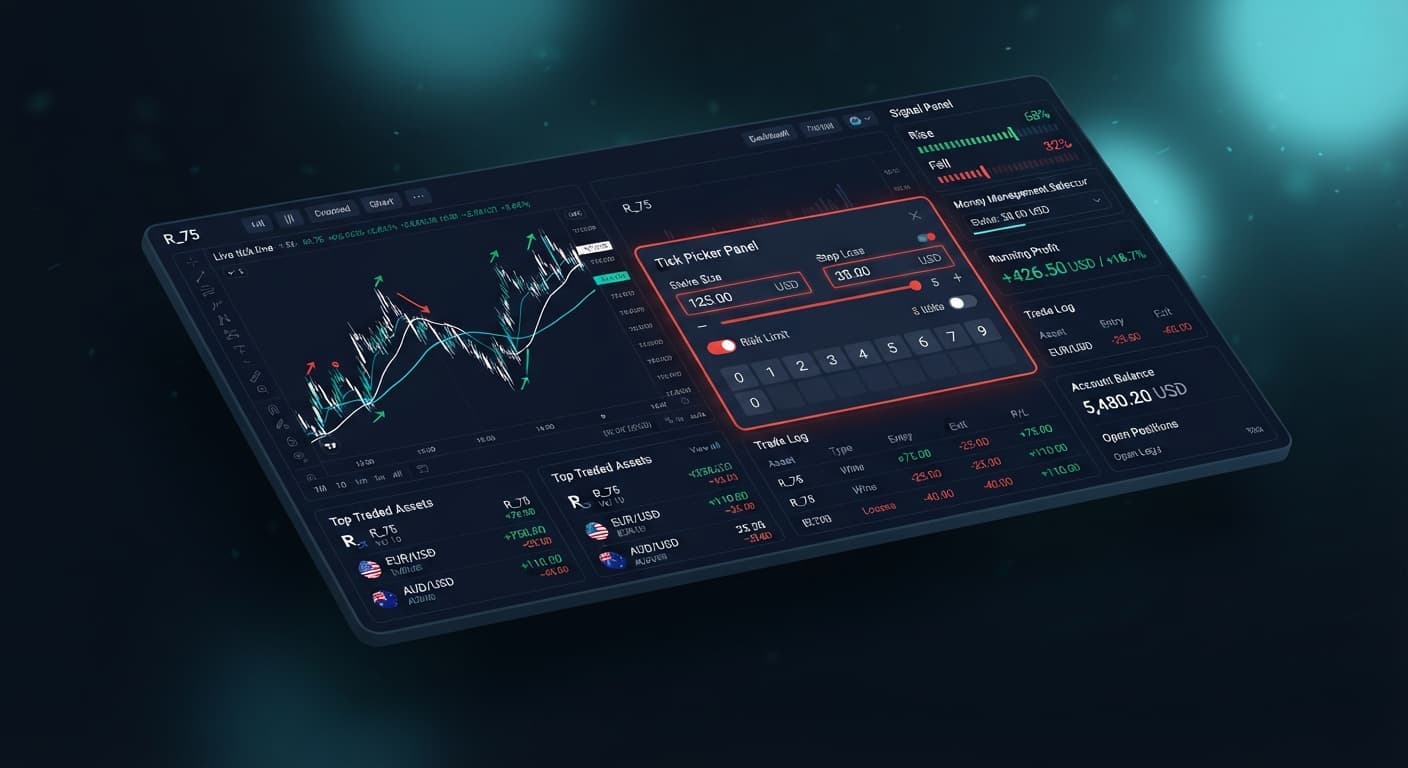
If your tick picker is not working on binary bots, the system is usually halting execution because your stake exceeds your account balance, your stop loss limit was triggered instantly, or your API token lacks trading permissions. Adjusting four core parameters—stake, money management mode, stop loss, and target profit—resolves nearly every execution failure.
When you configure an automated tool on our free Tick Picker dashboard, the application connects directly to Deriv over their official API. Every trade command executes straight from your account balance. If the parameters sent to the broker fail internal validation rules, the trade will not open.
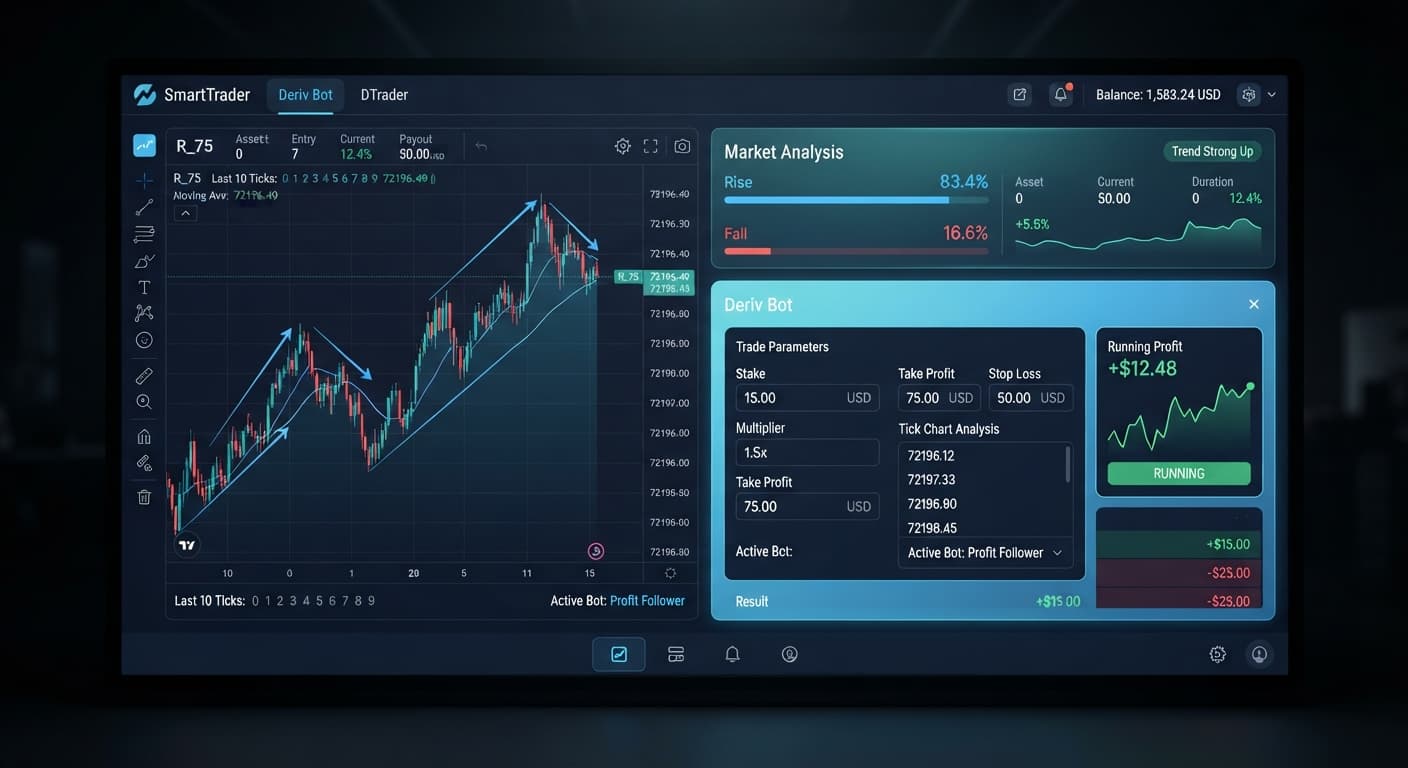
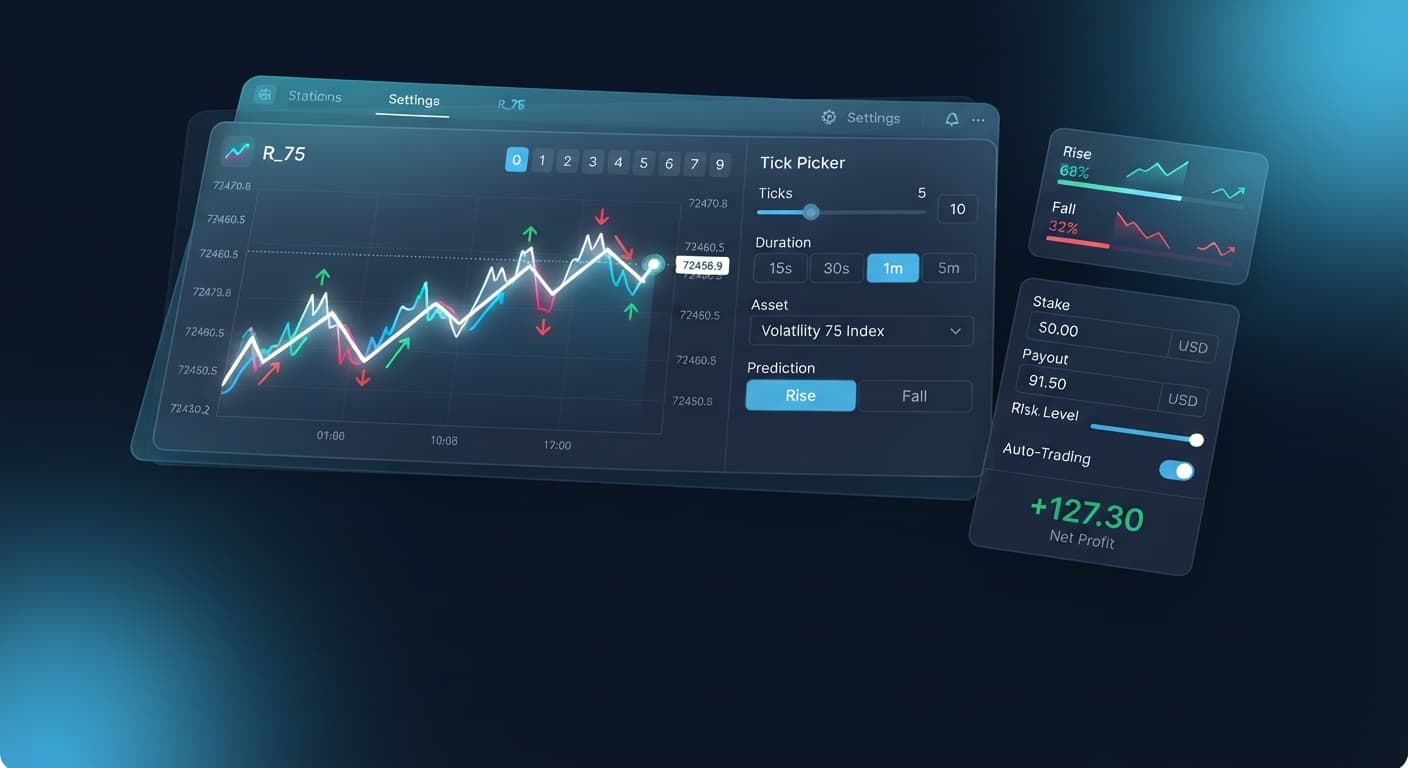
You loaded the tool, selected a market like Volatility 100 Index or Volatility 10 (1s) Index, connected your account, and hit start. The live chart updates cleanly, showing real-time price ticks and generating CALL or PUT signal indicators. Yet, when a signal triggers, nothing happens.
In some cases, the bot places a single order and immediately freezes. In other cases, no trade fires at all. You see ticks moving on the screen, but your Deriv account trade log remains blank. Finding your tick picker not working when price movement looks ideal is frustrating, but the fix is almost always a matter of correcting input numbers.
The most common reason for a stalled execution is a conflict between your stake and your stop loss input.
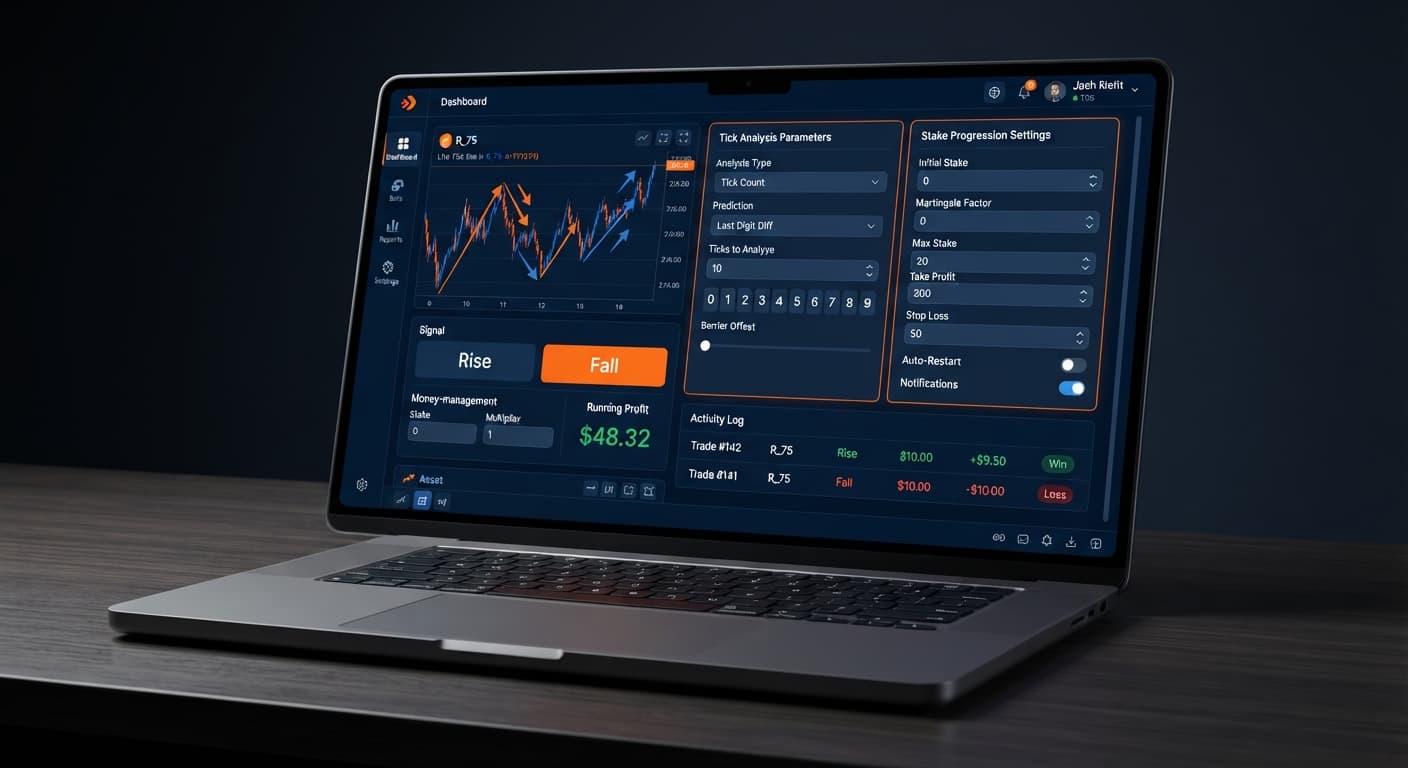
If your stop loss is set lower than or equal to your starting stake, the application halts immediately upon receiving the first loss signal—or refuses to place the trade at all. For instance, if you set a stake of $10 and a stop loss of $10, a single loss brings your net drawdown to $10. The risk monitor hits your ceiling instantly and shuts down trade generation to protect your account.
To fix this:
stake input.stop loss is set to at least 4 to 5 times the base stake if using Fixed Stake, or significantly higher if using aggressive recovery progressions.When you select Martingale as your money management mode, the system doubles your position size after every single loss. A sequence of quick losses raises the required capital faster than most traders expect. If the next calculated position size exceeds your available account balance, Deriv rejects the contract placement and the bot stalls.
Consider this scenario on a $100 balance trading Volatility 75 Index:
| Trade # | Result | Stake | Cumulative Loss | Remaining Balance |
|---|---|---|---|---|
| 1 | Loss | $10.00 | $10.00 | $90.00 |
| 2 | Loss | $20.00 | $30.00 | $70.00 |
| 3 | Loss | $40.00 | $70.00 | $30.00 |
| 4 | Blocked | $80.00 | $70.00 | $30.00 |
On trade 4, the system attempts to place an $80 CALL contract. You only have $30 left in your account. The broker rejects the order, causing the tool to stop executing.
To resolve this issue, lower your base stake to $1.00 or switch your money management mode to Mesamilano. Mesamilano spreads recovery across several winning trades rather than doubling the contract size on the very next attempt, keeping drawdowns manageable.
Martingale Recovery (2x):
Trade 1: $2  -> Loss (-$2)
Trade 2: $4  -> Loss (-$6 total)
Trade 3: $8  -> Loss (-$14 total)
Trade 4: $16 -> High capital demand

Mesamilano Recovery:
Trade 1: $2  -> Loss (-$2)
Trade 2: $2  -> Loss (-$4 total)
Trade 3: $3  -> Loss (-$7 total)
Trade 4: $4  -> Lower capital demand
Your bot connects directly using a token generated on Deriv. If you generated a token with only "Read" permissions, the bot can stream live market ticks and display CALL and PUT trend indicators, but it cannot place contracts.
To fix this:
The target profit field acts as an automatic circuit breaker. If you enter 0 in the target profit field, or set it to an amount lower than your net session gain, the system assumes the profit goal is met and refuses to issue new trade commands.
Check your current session performance against your settings. If you set target profit to $10 and your session net profit reaches $10.20, execution stops by design. Reset the session metrics or increase the target profit threshold to resume automated trading.
The Tick Picker strategy engine is built for Rise/Fall contracts on Volatility indices and 1s volatility indices. If you select a market that does not support standard CALL and PUT options on your Deriv account type, contract calls fail silently.
Stick strictly to active synthetic markets:
A common operational error comes from expecting trend signals based on past tick movements. Deriv synthetic indices rely on cryptographic random number generators. Each tick is an independent draw.
Past tick direction or digit history does not alter the mathematical probability of the next tick. If you stall execution by manually overriding signals because you assume a market "must reverse," you break the automated logic of the strategy. Let the tool run its automated trend detection, or stop the session entirely.
When your configuration is clean, execution is obvious.
Always test your setup settings on a virtual balance first. Swap over to a real account only after confirming that your inputs function as intended.
Test your settings today on the live Tick Picker tool using a demo balance first.
If you need a testing account, create a free Deriv account to get started with virtual funds.
Trading involves risk. Past performance does not guarantee future results.
Related: Step-by-Step Guide to Configuring AutoPilot for Deriv
Related: Configuring Sniper Bot V3 Settings for Deriv Bots
Related: Step-by-Step Guide on How to Use Solid Trading Bot on BinaryBot.live for Automated Deriv Trading
Related: Tick Picker vs Manual Trading on Deriv Rise Fall Binary Bots
Professional tick analysis tool for Deriv with real-time charts, trend detection and Rise/Fall trading signals, plus Mesamilano and Martingale strategies.
Open Tick Picker →Your Tick Picker bot isn't placing trades usually because your stake exceeds your account balance, your stop loss triggered instantly, or your API token lacks trading permissions. The broker rejects any parameters that fail internal validation rules, causing the bot to freeze or stay blank.
Your Tick Picker stops instantly because your stop loss is set lower than or equal to your starting stake. When the risk monitor hits this ceiling immediately upon receiving a loss signal, it shuts down trade generation to protect your account.
Your Martingale Tick Picker stopped working because the next calculated position size exceeded your available account balance after a sequence of losses. When Deriv rejects the contract placement due to insufficient funds, the tool halts execution.
You can fix execution failures by adjusting four core parameters: your stake, money management mode, stop loss, and target profit. Make sure your stop loss is set to at least 4 to 5 times your base stake if using a fixed amount, or lower your base stake if using Martingale.
Guides closest to this one.
Compare Tick Picker vs Dualshot for automated trading on BinaryBot.live. Learn how fixed stake and recovery progression impact your strategy. Test free now.
If your tick picker keeps losing on Deriv, discover how to fix poor market selection and aggressive stake progression. Optimize your automated bot setup today.
Learn how to use tick picker for automated Rise/Fall trading on BinaryBot.live. Master free deriv bots with tick analysis. Start trading smarter today.