Auto Trading Bots
Sniper Bot V3 Stop Loss Setup for Deriv Bots
Master the sniper bot v3 stop loss setup for Deriv bots. Learn to configure risk limits and target profit safely on our free automated trading bot.

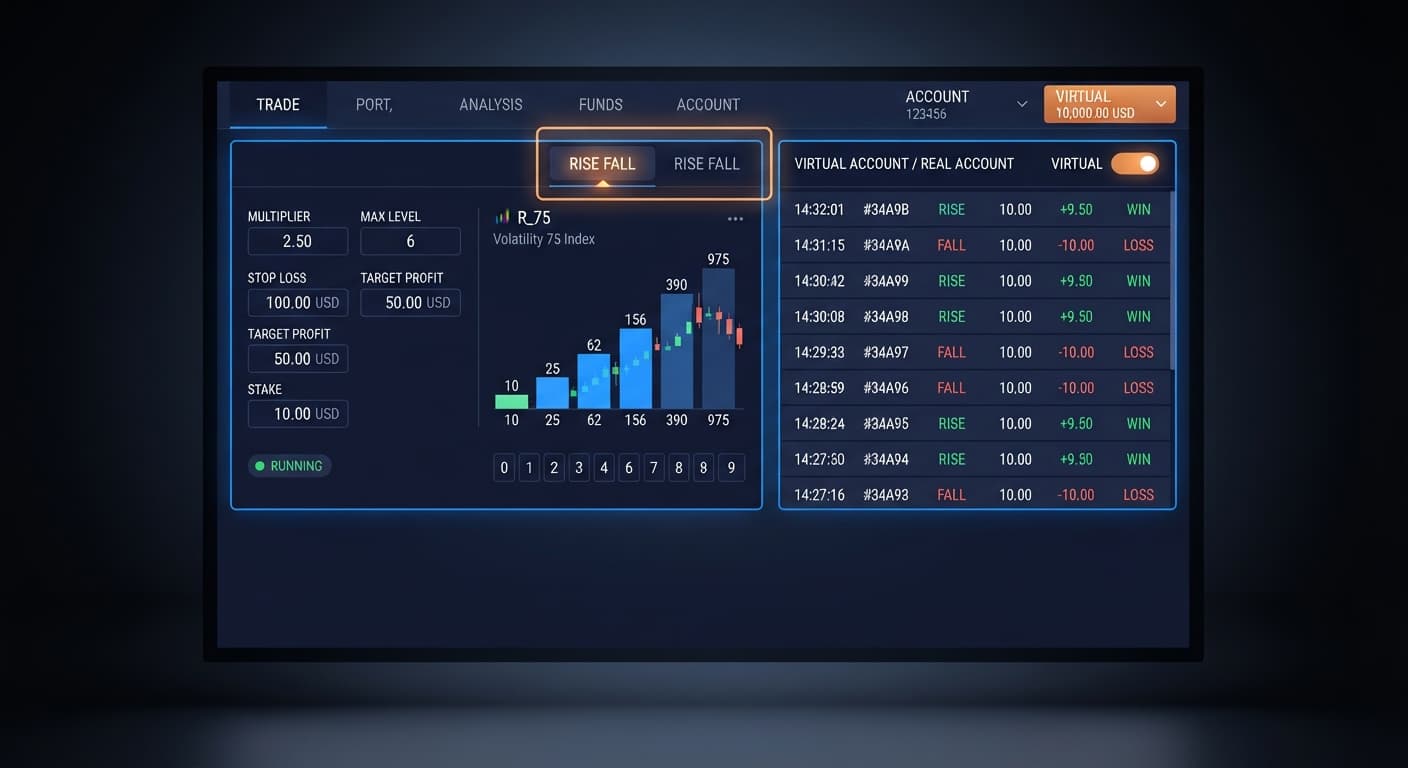
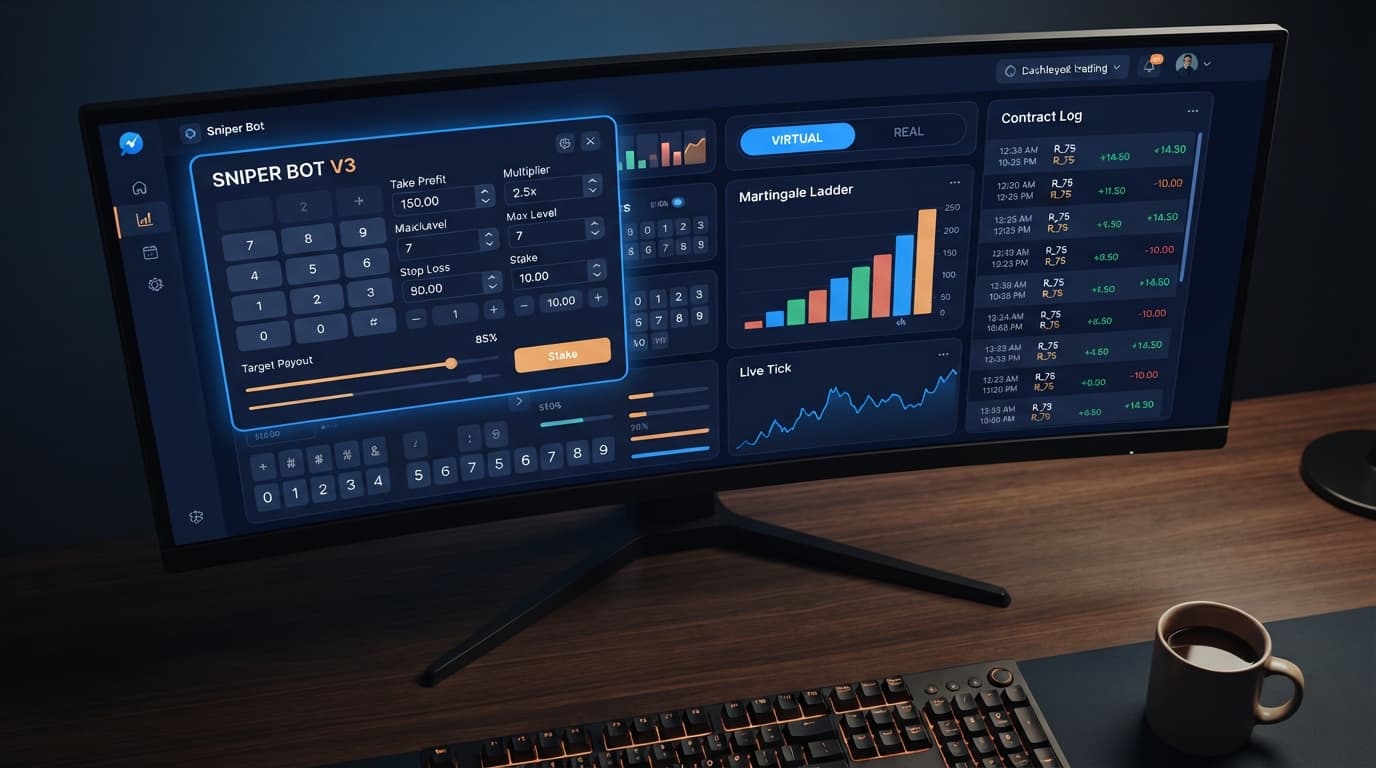
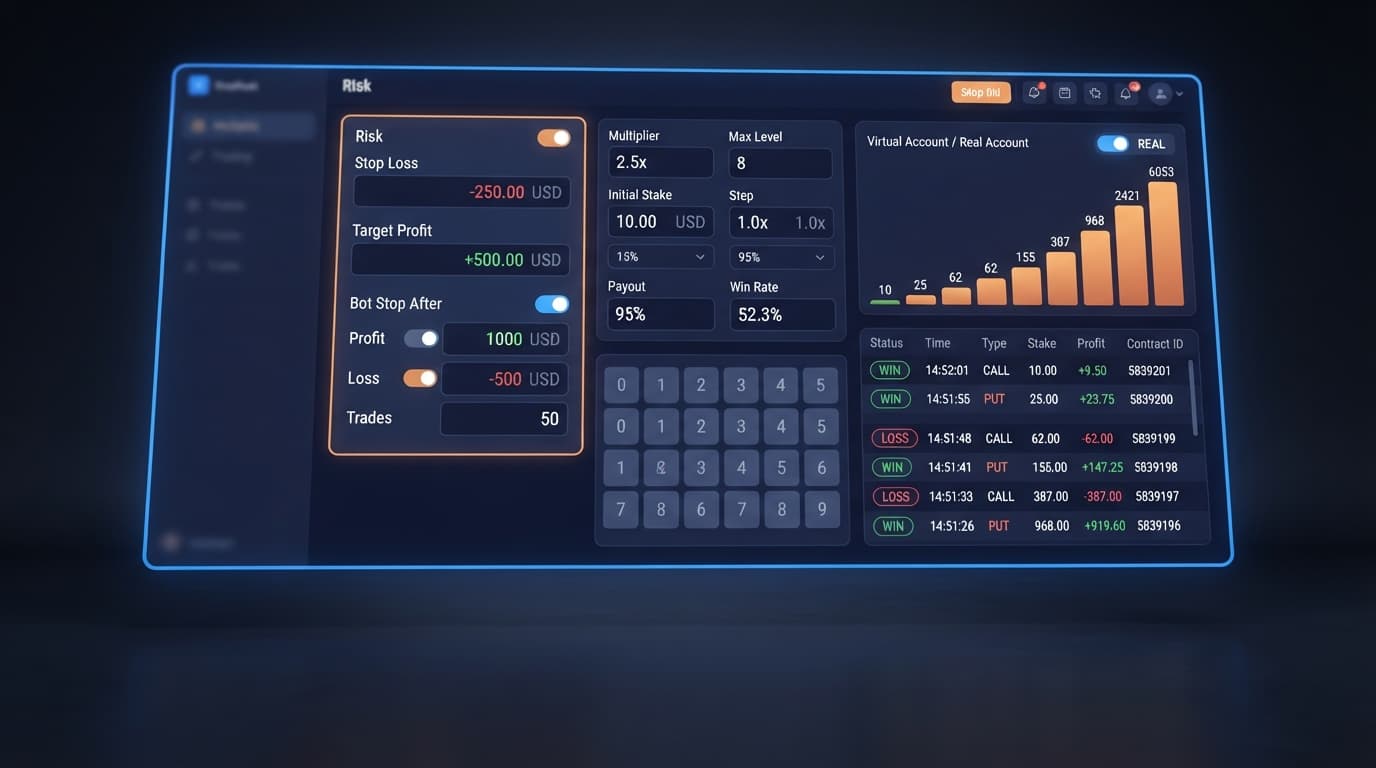
Configuring your sniper bot v3 settings correctly requires pairing a structured money-management MODE with virtual trading filters to shield your balance. For a standard $100 balance, set your base UNIT to $1, MULTIPLIER to 2, MAX LEVEL to 3, set VIRTUAL LOSS (in a row) to 2, and cap your session with a STOP LOSS of $20 alongside a TARGET PROFIT of $10. Always verify these parameters on a virtual balance before running real money on Sniper Bot V3.
If you want a balanced configuration that limits drawdown while capturing trend movements across Volatility indices or 1s volatility indices, configure your panel like this:
Test this baseline on your virtual account first. Never go live without seeing how a drawdown sequence resolves on demo capital.
Understanding your sniper bot v3 settings means knowing how every input fields affects contract execution. When running automated deriv bots, the interface controls two main jobs: calculating your stake size and deciding when to send live contracts to Deriv.
Virtual execution is the defining safety mechanism of this tool. The bot connects directly to Deriv over their official API, allowing it to monitor synthetic index markets in real time without committing live funds immediately.
These parameters apply across all supported contract types: CALL, PUT, DIGITEVEN, DIGITODD, DIGITDIFF, ONETOUCH, and NOTOUCH.
Choosing the right MODE dictates your equity curve. Here is how the six money-management modes compare under live trading conditions:
| Mode | Progression Rule | Primary Risk | Best Applied To |
|---|---|---|---|
| Fixed Stake | Stake stays identical on every trade regardless of outcome. | Slow recovery during choppy periods. | High-winrate strategies like DIGITDIFF. |
| Martingale | Multiplies stake after a loss by your MULTIPLIER value. | Fast drawdown; long losing streaks can wipe account balances. | Short-burst recovery setups with low MAX LEVEL. |
| Anti-Martingale | Multiplies stake after a win by your MULTIPLIER value. | Giving back accumulated profits during sudden trend changes. | Riding strong directional moves on Volatility indices. |
| Fibonacci | Advances stake along the Fibonacci sequence after losses. | Slower recovery than Martingale, requiring multiple wins. | Balanced risk control across CALL and PUT strategies. |
| D'Alembert | Increases stake by 1 UNIT after a loss, decreases by 1 UNIT after a win. | Prolonged drawdowns if lose-to-win ratio remains high. | Equal-payout markets with steady win distribution. |
| % of Balance | Calculates stake as a direct percentage of current equity. | Shrinking recovery stakes after drawdowns, slowing equity bounce-backs. | Hands-off, long-term balance scaling setups. |
Many free binary bots fail because traders neglect bankroll boundaries. Let us compare two setups on the Volatility 100 Index using a CALL contract payout structure (roughly 95% return) with a $100 starting account balance.
Both setups use a $2 base UNIT, but their progression settings differ radically.
Execution path over 5 consecutive losses:
Cumulative losses equal $62. To place the 6th trade in the sequence, the required stake would be $64, but only $38 remains in equity. The bot halts due to insufficient funds. Five ticks wiped out 62% of the account balance.
Execution path over the same market movement:
Setup B took the exact same underlying market hits, but total drawdown was capped at $14. The remaining balance sits safely at $86, ready for another session.
Your optimal sniper bot v3 settings depend heavily on account balance, session goals, and risk tolerance.
START: Select your account size
 ├── $50 to $200 Balance
 │    ├── MODE: Martingale
 │    ├── UNIT: $0.35 to $1.00
 │    ├── MULTIPLIER: 2
 │    ├── MAX LEVEL: 2 or 3
 │    └── VIRTUAL LOSS (in a row): 2
 └── $200+ Balance
      ├── Option 1: Conservative
      │    ├── MODE: D'Alembert or Fibonacci
      │    └── VIRTUAL LOSS (in a row): 1
      └── Option 2: Volatility Scalping
           ├── MODE: Martingale
           ├── MAX LEVEL: 4
           └── VIRTUAL LOSS (in a row): 3
When setting up binary bots, keep mathematical reality in mind. Past digit frequency does not change the probability of the next tick; synthetic index ticks generated by Deriv are independent random draws. A DIGITEVEN pattern ending in four odd numbers carries the exact same 50% probability on the fifth tick as it did on the first.
Martingale stake progression can wipe an account during a long losing streak because stakes double rapidly. A high MAX LEVEL paired with a 2x MULTIPLIER means your final stake in the ladder can end up hundreds of times larger than your base stake. Calculate your maximum exposure on paper before activating live trades.
Always set your STOP LOSS and TARGET PROFIT limits before starting the bot, not while trades are actively running.
Test these configurations risk-free using Sniper Bot V3 on a virtual balance first.
If you need a trading account to get started, create a free Deriv account to connect your token.
Trading involves risk. Past performance does not guarantee future results.
Related: Step-by-Step Guide to Configuring AutoPilot for Deriv
Related: Why Your Tick Picker Is Not Working on Binary Bots
Related: Are Deriv Bots Profitable on Volatility 100 Index? Reality Check
Related: How to Use Sniper Bot V3 for Deriv Bots
Related: Sniper Bot V3 Review: Rise Fall Strategy on Deriv Bots
Advanced automated trading bot for Deriv with Rise/Fall, Higher/Lower, Touch/No Touch and Digit strategies, plus martingale, anti-martingale, Fibonacci and D'Alembert money management.
Open Sniper Bot V3 →For a $100 balance, set your base UNIT to $1, MULTIPLIER to 2, and MAX LEVEL to 3. You should also set VIRTUAL LOSS to 2, STOP LOSS to $20, and TARGET PROFIT to $10 while testing on a virtual account first.
It sets the number of consecutive paper-trading losses required before the bot places a live contract on Deriv. Setting it to 2 means the bot watches two fake trades lose before using real funds.
You can select Fixed Stake, Martingale, Anti-Martingale, Fibonacci, D'Alembert, or % of Balance. This dictates the math model behind your stake size after a trade clears.
You can verify your parameters on a virtual balance using your Deriv demo account's API token. Always test your configuration and see how a drawdown sequence resolves on demo capital before running real money.
Guides closest to this one.
Master the sniper bot v3 stop loss setup for Deriv bots. Learn to configure risk limits and target profit safely on our free automated trading bot.
Read our honest sniper bot v3 review. Test virtual trading modes, money management, and the rise fall strategy on free deriv bots at BinaryBot.live.
Enter your monetary target into the TARGET PROFIT field on the panel to configure your sniper bot v3 take profit settings and lock in gains.