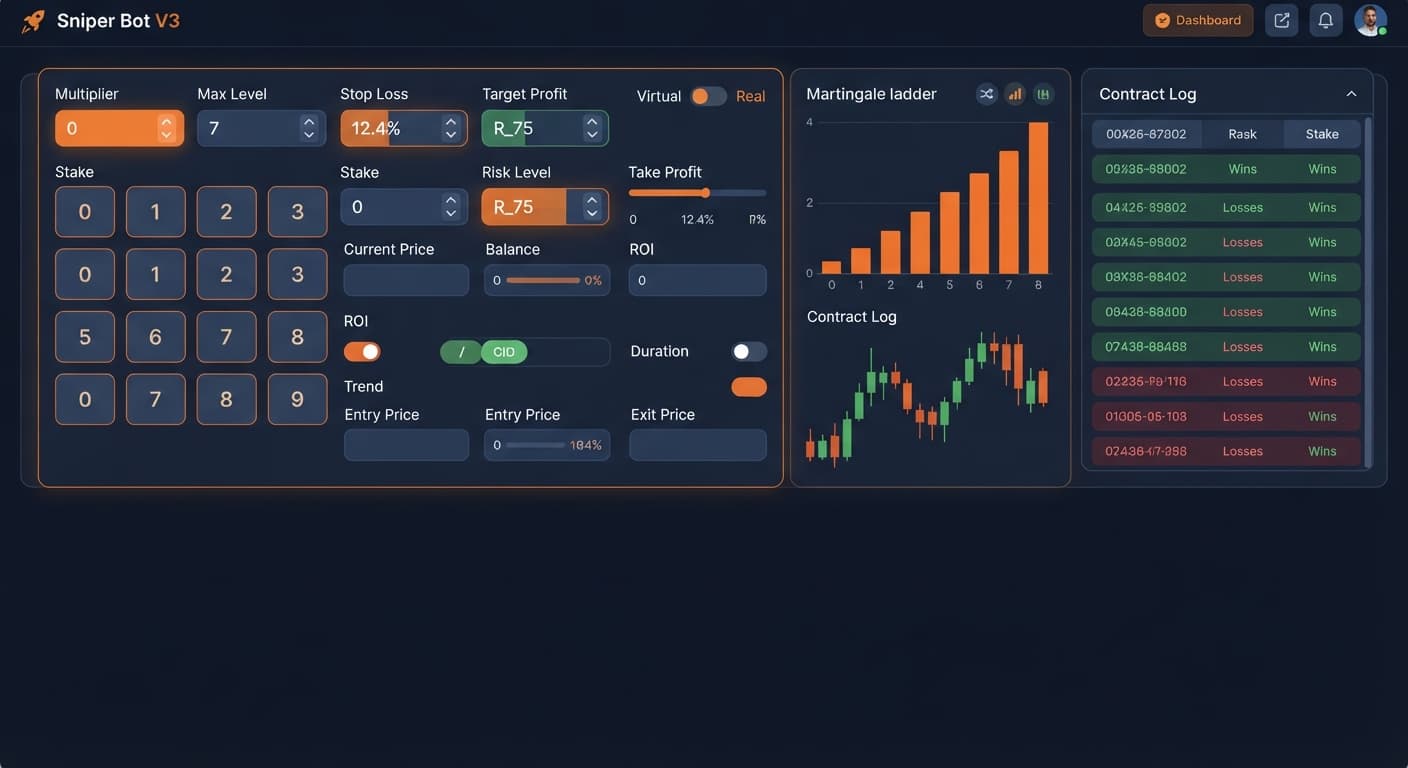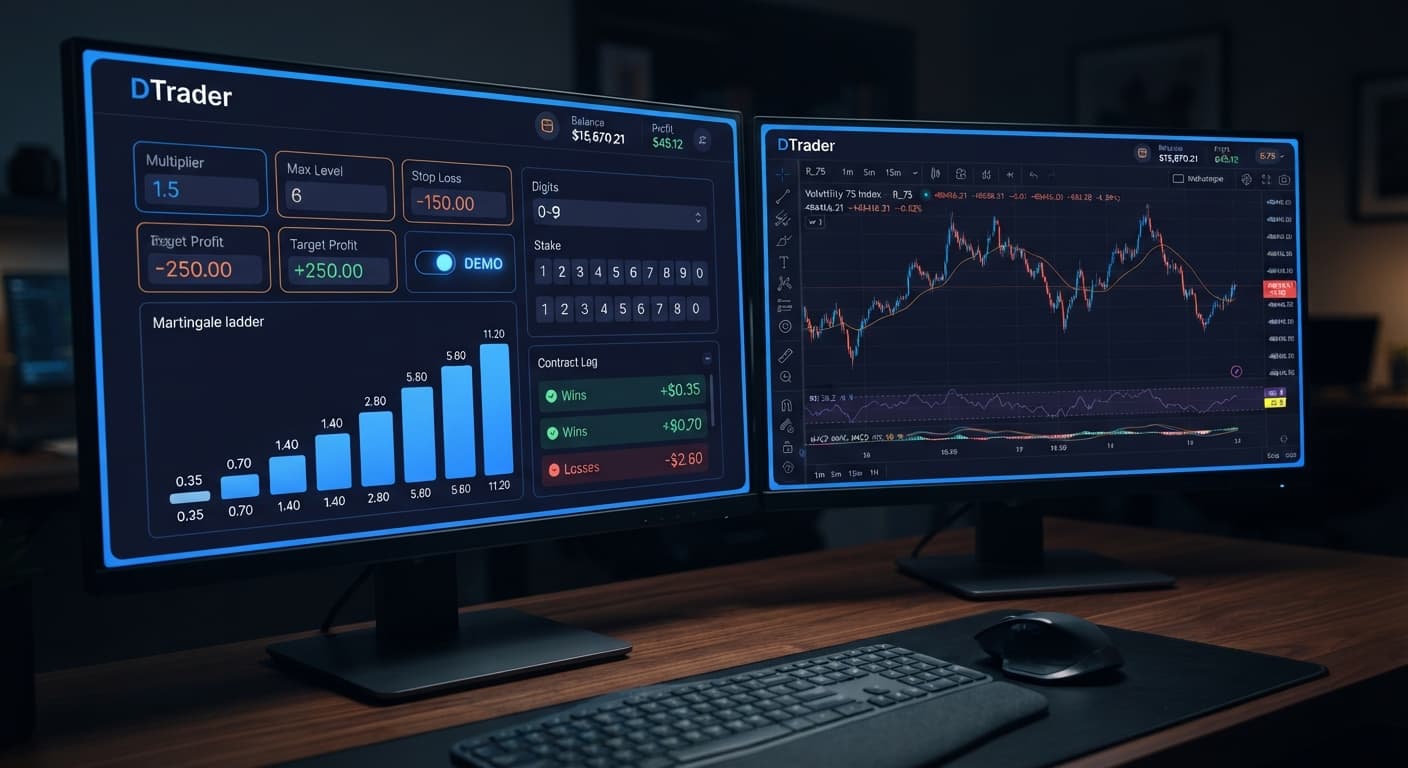
Auto Trading Bots
Sniper Bot V3 API Token Setup for Deriv Bots
Master your sniper bot v3 api token setup for binary bots. Learn how to connect Deriv safely and launch your automated trading bot today.
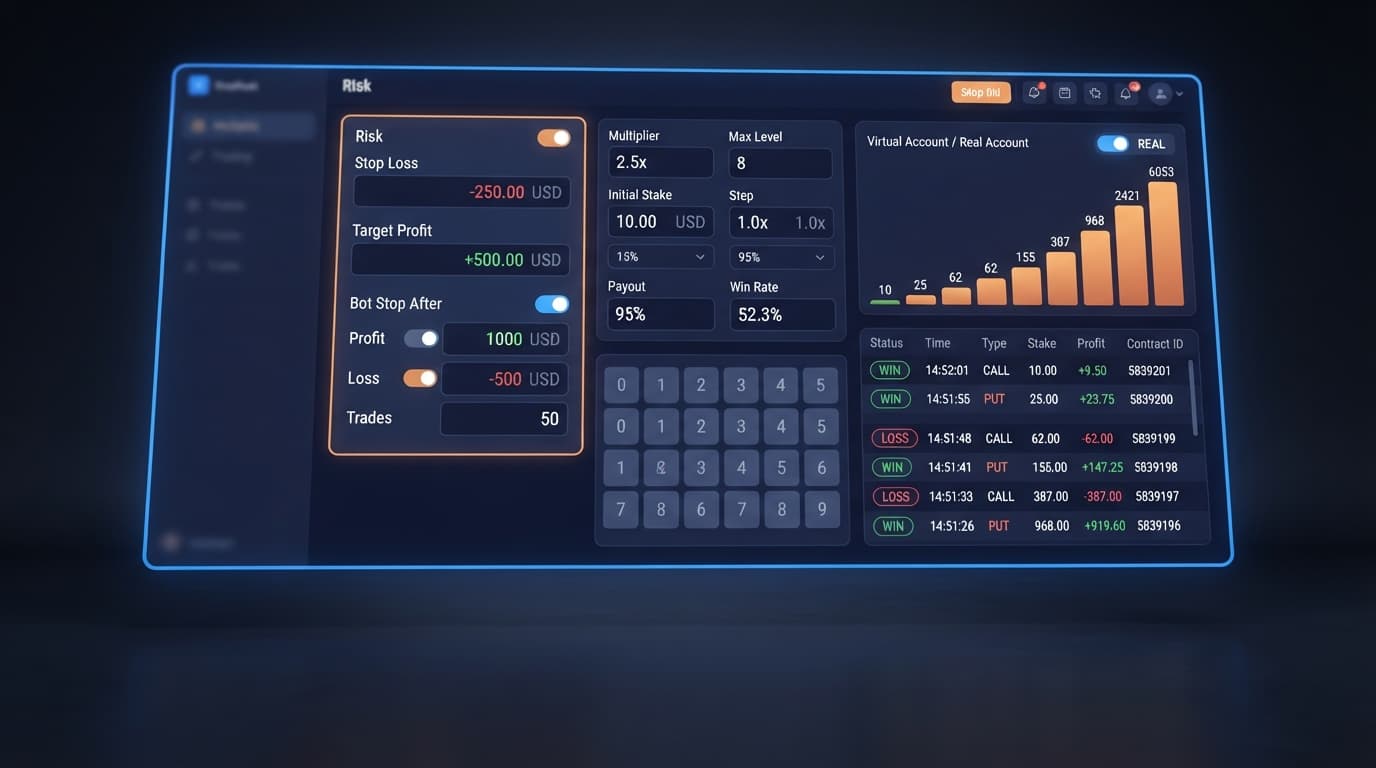
To complete a sniper bot v3 stop loss setup, enter concrete values into the STOP LOSS, TARGET PROFIT, and BOT STOP AFTER fields in the configuration panel before clicking start. Typing 20 into STOP LOSS halts execution the moment net session losses hit $20, while placing 10 in TARGET PROFIT terminates trading when net gains reach $10. Adding a trade count to BOT STOP AFTER gives you a hard limit on total contract runs, ensuring your automated strategy never runs endlessly.
Traders using deriv bots often start with high expectations but lose funds because they leave their trading session open-ended. When you launch a session on Sniper Bot V3 without explicit risk parameters, the bot continues placing contracts indefinitely. If market conditions shift or an extended losing streak occurs, an uncapped bot will trade until your account balance hits zero.
Synthetic indices on Deriv—like Volatility 100 Index or Volatility 10 (1s) Index—are independent random draws. Past digit frequency or tick patterns don't alter the probability of the next tick. That means no strategy, whether using Martingale, Fibonacci, or Fixed Stake modes, can avoid losing runs forever.
If you don't enter explicit values in STOP LOSS and TARGET PROFIT, you're relying entirely on manual intervention. If your internet connection drops or you step away from your browser, the bot keeps opening contracts. Setting your risk controls before starting every session eliminates that vulnerability.
Locate the STOP LOSS field in the bot settings panel. Enter the maximum dollar amount you are willing to lose in a single trading session. For a $100 bankroll, entering 20 means the bot halts trading as soon as your cumulative net loss reaches $20. Always calculate this number based on your account size rather than picking a random figure.
Find the TARGET PROFIT control immediately next to the stop loss field. Type in your target earnings for the session. If your base stake is $1, a reasonable target might be 5 or 10. Once cumulative profits reach or exceed this threshold, the bot cancels all pending execution loops and shuts down cleanly.
Navigate to the BOT STOP AFTER field. This control sets a maximum limit on the total number of contracts placed, regardless of whether your monetary profit or loss targets have been hit. Entering 50 stops the bot after 50 total contracts. This prevents the bot from over-trading during sideways market conditions.
If you are running money management modes like Martingale or Fibonacci, locate MAX LEVEL and WHEN MAX LEVEL. Set MAX LEVEL to cap your stake escalation ladder. Under WHEN MAX LEVEL, select whether the bot resets to base UNIT or stops trading completely once that level is reached. This keeps stake scaling aligned with your overall STOP LOSS value.
Before placing real money on the line, switch your session to test mode. Insert your demo token into VIRTUAL TOKEN and run your sniper bot v3 stop loss setup through a complete test run. Watch how the bot behaves when hitting your profit cap or loss ceiling on virtual funds. Always verify settings on a Deriv demo account before risking live capital.
Knowing how to read your screen states lets you verify that your stop loss parameters are actively guarding your capital. The interface gives real-time visual feedback, shifting color codes, and trade log entries whenever a safety rule halts execution.
| On-Screen Indicator | System Status | Practical Action |
|---|---|---|
| Red text log: "Stop Loss Reached" | Session halted because cumulative losses reached your STOP LOSS value. | Review your trade logs, check drawdown levels, and do not restart without analyzing market context. |
| Green text log: "Target Profit Reached" | Session completed successfully after reaching your TARGET PROFIT limit. | Disconnect the session, lock in gains, and avoid immediately launching another run. |
| Status badge: "Stopped (Max Runs)" | Execution ended because contract count hit your BOT STOP AFTER setting. | Check win/loss percentages for the session before deciding whether to reset the counter. |
| Connection LED: Solid Green / "Connected" | The bot is actively communicating with Deriv over their official API. | Monitor contract executions normally; your background risk rules are active. |
| Status warning: "Max Level Reached" | Stake ladder hit the cap defined in MAX LEVEL. | Verify that WHEN MAX LEVEL is handling the stake reset correctly instead of stacking further exposure. |
When STOP LOSS or TARGET PROFIT triggers, the active trading button switches back to its idle state, and contract purchasing freezes instantly. Unlike standard binary bots that might miss execution loops during high network latency, Sniper Bot V3 evaluates account state after every settled contract to ensure limits are respected immediately.
Once your risk parameters are active, every contract cycle follows a strict evaluation sequence. Whether you are running Rise/Fall (CALL/PUT), Touch/No Touch (ONETOUCH/NOTOUCH), or Digit options (DIGITEVEN, DIGITODD, DIGITDIFF), the bot checks session balance deltas immediately after Deriv settles the outcome.
Here is what happens on each tick cycle:
If you set VIRTUAL LOSS (in a row) to paper-trade on a virtual balance first, the bot tracks virtual losses in the background. It only exposes live funds once your trigger condition is met, while BACK TO VIRTUAL determines whether the bot reverts to paper trading after a real trade settles.
The most frequent mistake traders make on binary bots is setting a low STOP LOSS while running an aggressive MULTIPLIER in Martingale mode without capping MAX LEVEL.
If your base UNIT is $1 and your MULTIPLIER is set to 2x, a streak of consecutive losses causes stakes to double rapidly: $1, $2, $4, $8, $16, $32, $64. If your STOP LOSS is set to $30, the bot will hit that stop mid-streak and halt execution at a total session loss of $31. However, if your STOP LOSS is set too high—say $200—and you leave MAX LEVEL uncapped, a single loss streak will consume your entire bankroll before the stop loss rule can trigger. Calculate your maximum stake escalation across every step before launching a live session.
Another common issue involves mixing up BOT STOP AFTER with AFTER X LOSS or misconfiguring BACK TO VIRTUAL.
BOT STOP AFTER counts total session contracts (wins plus losses). AFTER X LOSS counts consecutive losing trades before resetting or taking an action. If you set AFTER X LOSS to 3, but leave STOP LOSS blank, the bot might pause or adjust stake after 3 losses, but it won't prevent the session from continuing indefinitely afterward.
Similarly, if you configure BACK TO VIRTUAL to NEVER, the bot stays in real-money mode permanently after its initial virtual entry, ignoring your paper-trading safety buffer for all subsequent trades. Double-check that your virtual triggers and hard stop loss limits complement each other rather than operating in isolation.
Test your sniper bot v3 stop loss setup on Sniper Bot V3 using a demo account today.
If you don't have an active trading setup yet, create a free Deriv account to start testing automated strategies safely.
Trading involves risk. Past performance does not guarantee future results.
Related: Configuring Sniper Bot V3 Settings for Deriv Bots
Related: Sniper Bot V3 API Token Setup for Deriv Bots
Related: Sniper Bot V3 for Beginners: Zero-Knowledge Setup Guide
Advanced automated trading bot for Deriv with Rise/Fall, Higher/Lower, Touch/No Touch and Digit strategies, plus martingale, anti-martingale, Fibonacci and D'Alembert money management.
Open Sniper Bot V3 →You set a stop loss by typing a concrete dollar value into the STOP LOSS field in the configuration panel before you start the bot. For instance, entering 20 will automatically halt trading the moment your net session losses hit $20.
The target profit field terminates your trading session when your net gains reach the specific dollar amount you entered. If you put 10 in this field, the bot shuts down cleanly as soon as your cumulative profits hit $10.
You can cap your total trade count by entering a hard limit into the BOT STOP AFTER field in Sniper Bot V3. This ensures the bot stops placing contracts after a specific number of runs, preventing it from over-trading or draining your account if you step away.
You can test your setup by switching your session to test mode and inserting your demo token into the VIRTUAL TOKEN field. Running a test lets you watch how Sniper Bot V3 behaves when it hits your profit or loss ceilings using virtual funds.
Guides closest to this one.
Master your sniper bot v3 api token setup for binary bots. Learn how to connect Deriv safely and launch your automated trading bot today.
Master your sniper bot v3 demo account setup on BinaryBot.live. Learn how to configure and test this automated trading bot risk-free today.
Learn how to use sniper bot v3 for Deriv bots. Follow this step-by-step guide to configure your automated trading bot and launch live trades today.