Auto Trading Bots
How to Use Sniper Bot V3 for Deriv Bots
Learn how to use sniper bot v3 for Deriv bots. Follow this step-by-step guide to configure your automated trading bot and launch live trades today.

Running sniper bot v3 on volatility 10 requires pairing low-frequency contract types like DIGITEVEN or CALL options with virtual loss triggers to filter out choppy price movement. By setting VIRTUAL LOSS (in a row) to 3 and BACK TO VIRTUAL to IF REAL WIN, the bot paper-trades through low-variance range cycles and switches to real stakes only after a virtual losing streak occurs. This setup protects your balance from absorbing continuous flat ticks on the Volatility 10 Index while keeping trade execution automated.
Volatility 10 features the lowest baseline tick volatility among standard Deriv volatility indices. While higher-volatility markets produce swift directional moves, Volatility 10 frequently enters extended consolidation phases where ticks bounce inside a narrow range. Traders running automated scripts on live balance without filtering often watch their capital erode during these quiet stretches. Many generic binary bots place live trades on every single tick, exposing accounts to back-and-forth whipsaws on DIGITEVEN or DIGITODD contracts.
When you run sniper bot v3 on volatility 10 without paper-trading controls active, every minor micro-range costs real capital. If you configure a basic martingale scaling rule without virtual filtering, a base trade escalates rapidly through consecutive losses during a flat consolidation period. A $1.00 base trade doubles to $2.00, $4.00, and $8.00 within four ticks simply because the index is moving sideways. Virtual trading fixes this friction by taking those exploratory initial losses on paper contracts using dummy tokens. Your real money stays untouched while the market churns through chop.
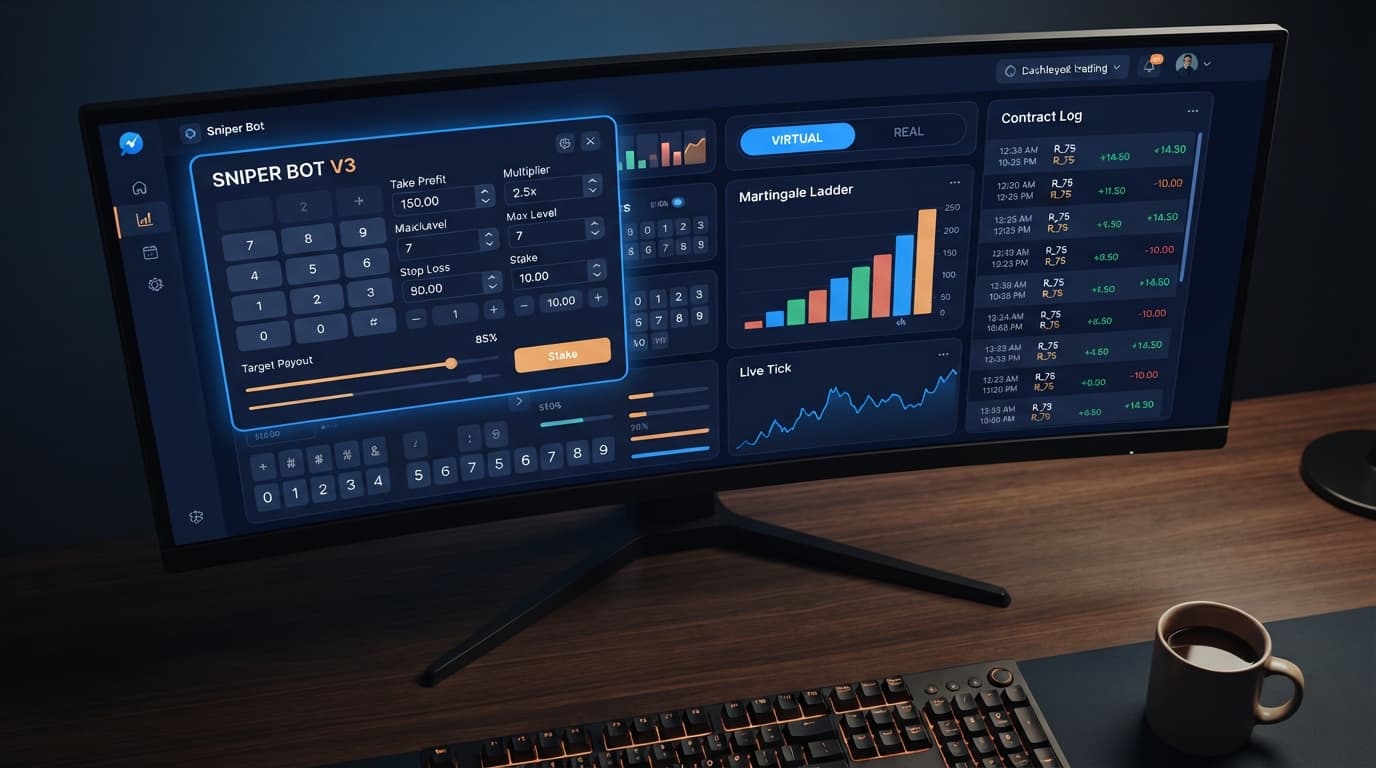
The core mechanism behind Sniper Bot V3 is its dual execution system. The bot connects directly to Deriv over their official API, allowing it to evaluate market movement through a secondary VIRTUAL TOKEN. Instead of placing live trades immediately, the bot routes initial ticks through simulated paper contracts.
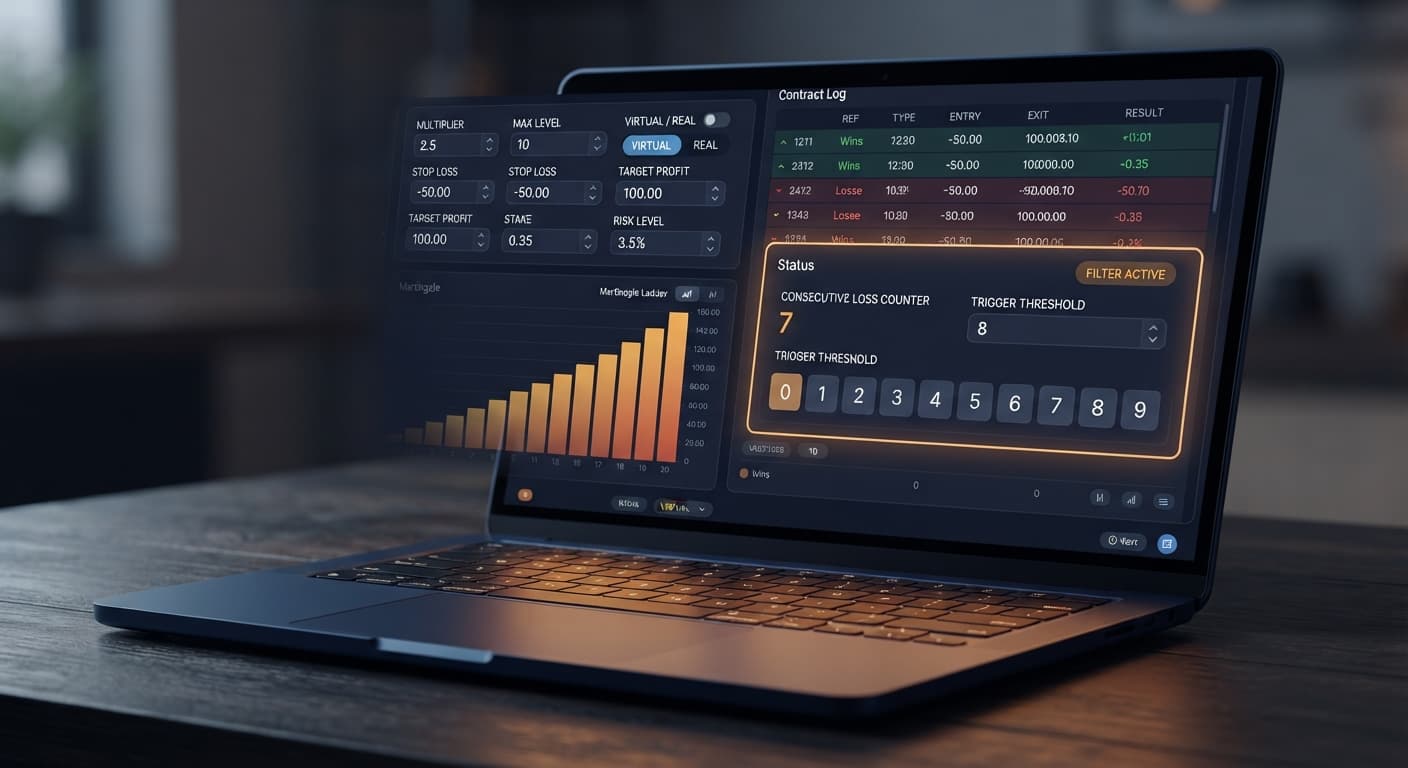
To set up this architecture, set VIRTUAL LOSS (in a row) to 3. The system tracks simulated trade outcomes until three consecutive virtual losses occur. Once this threshold hits, execution switches to your main API token, placing your fourth contract as a live trade. You then configure BACK TO VIRTUAL to IF REAL WIN. That setting forces the bot back into paper-trading mode as soon as a live trade wins, returning your account to safety.
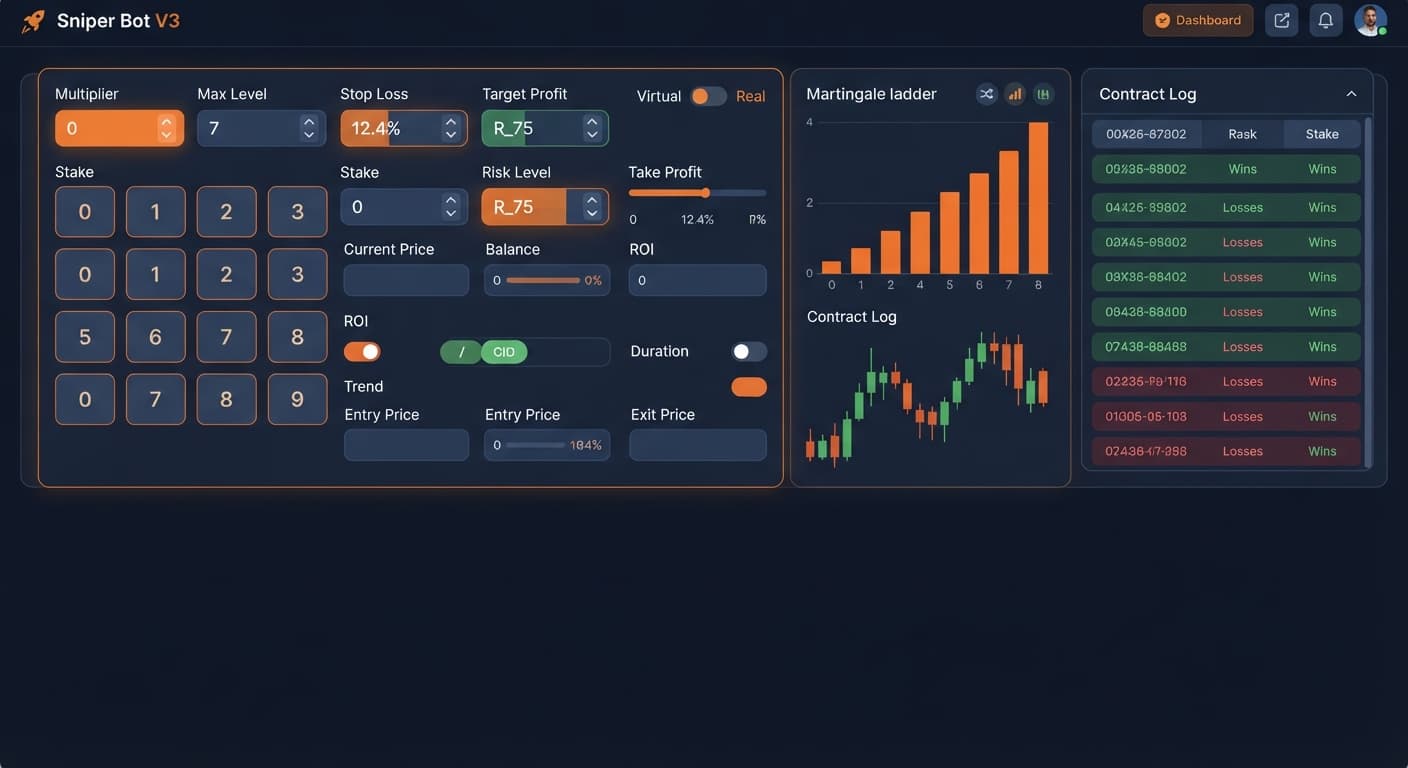
Your stake parameters operate right beneath the virtual logic. Select Martingale under MODE, enter your base stake in UNIT (such as $1.00), and set MULTIPLIER to 2.0. To cap your exposure, set MAX LEVEL to 4 and choose Reset Stake under WHEN MAX LEVEL. This prevents stake doubling beyond four live steps. Add execution space between trades by setting DELAY AFTER WIN to 2s and DELAY AFTER LOSE to 3s. Finally, enforce strict hard limits: set STOP LOSS to $20.00, TARGET PROFIT to $5.00, and BOT STOP AFTER to 15 Trades.
| On-Screen Control | Recommended Value | Control Function |
|---|---|---|
| Market | Volatility 10 Index | Selects low-variance synthetic market |
| Contract Type | DIGITEVEN / DIGITODD | Defines target digit contract type |
| VIRTUAL LOSS (in a row) | 3 | Sets consecutive paper losses required before live trade |
| BACK TO VIRTUAL | IF REAL WIN | Shifts bot back to paper trading following a real win |
| MODE | Martingale | Multiplies trade size following a real loss |
| UNIT | $1.00 | Base trade size for initial live contract |
| MULTIPLIER | 2.0 | Multiplier factor for consecutive real recovery trades |
| MAX LEVEL | 4 | Limits maximum martingale steps on live balance |
| WHEN MAX LEVEL | Reset Stake | Resets trade stake to base UNIT after capping out |
| DELAY AFTER WIN | 2s | Mandates pause duration after winning a live contract |
| DELAY AFTER LOSE | 3s | Mandates pause duration after losing a live contract |
| STOP LOSS | $20.00 | Enforces session ceiling on total loss |
| TARGET PROFIT | $5.00 | Enforces session cap on accumulated profit |
| BOT STOP AFTER | 15 Trades | Stops session execution after set trade count |
Open Sniper Bot V3 in your web browser. Copy your Deriv API token and paste it into the primary token field. If you want to run virtual paper trades, enter your virtual token into VIRTUAL TOKEN. The system connects directly to Deriv over their official API, so you don't need to install local software or browser extensions. Select Volatility 10 Index from the market selection drop-down list. Choose your preferred contract strategy, such as DIGITEVEN, DIGITODD, CALL, or PUT.
Locate the VIRTUAL LOSS (in a row) field on the interface and enter 3. This instructs the bot to monitor paper trades until three consecutive virtual losses occur. Click on BACK TO VIRTUAL and choose IF REAL WIN from the option menu. This setting ensures that once a live contract wins, the bot immediately reverts to paper trades. If you prefer the bot to return to paper execution regardless of whether the live contract won or lost, choose IF REAL WIN/LOSE instead.
Under MODE, select Martingale. Set UNIT to $1.00, which serves as your initial live contract size. Set MULTIPLIER to 2.0 to calculate recovery trades after a live loss. Go to MAX LEVEL and enter 4 to restrict real stake doubling to four consecutive steps. Select WHEN MAX LEVEL and set it to Reset Stake. If the bot hits four real losses in a row, this setting forces the subsequent live trade back down to $1.00 rather than risking exponential balance growth.
Input 2s in DELAY AFTER WIN and 3s in DELAY AFTER LOSE. These delays prevent rapid-fire contract requests over the API connection during quick tick movements. Set STOP LOSS to $20.00 and TARGET PROFIT to $5.00. Configure BOT STOP AFTER to 15 Trades. Once the bot reaches 15 total real contracts, execution halts automatically, preventing over-trading during long sessions.
Always test your complete configuration on a virtual account before using real funds. Many traders using binary bots jump directly into live trading without checking delay speeds or virtual token integration. Watch the execution log on screen to ensure paper trades process correctly under your virtual account. Confirm that the bot switches to a live trade only after three paper losses occur sequentially. Once execution runs cleanly on demo, you can connect your live token.
Configuring sniper bot v3 on volatility 10 involves choosing parameters that fit your personal risk tolerance and account size. The table below compares different parameter combinations using real on-screen settings.
| Control & Value | Execution Behavior | Target Trader Profile |
|---|---|---|
| VIRTUAL LOSS (in a row) = 2 | Triggers live trades after two paper losses | Traders seeking higher contract frequency |
| VIRTUAL LOSS (in a row) = 4 | Retains paper trading until four consecutive virtual losses | Conservative traders filtering tight micro-ranges |
| BACK TO VIRTUAL = IF REAL WIN/LOSE | Switches back to paper mode after every live contract | Risk-averse traders focused on bankroll safety |
| DELAY AFTER LOSE = 5s | Pauses execution for 5 seconds after a real loss | Traders looking to avoid fast tick spikes after a loss |
| MODE = Fixed Stake with UNIT = $2.00 | Executes uniform stake sizes with zero martingale scaling | Flat-stake traders wanting completely predictable trade sizes |
I personally choose VIRTUAL LOSS (in a row) set to 3 combined with BACK TO VIRTUAL set to IF REAL WIN. This combination maintains reasonable entry timing on Volatility 10 while ensuring that your live capital isn't left exposed immediately after securing a profitable trade recovery.
While virtual filtering provides structure on Volatility 10, this setup isn't suitable for every market scenario or account configuration.
First, this configuration fails when applied to fast, highly volatile markets like Volatility 100 or 1s volatility indices. Volatility 10 moves in tight, slow ranges. Fast-moving synthetic indices generate rapid tick spikes that trigger paper loss thresholds constantly, leading to frequent live entries into strong directional trends where martingale scaling can quickly hit your MAX LEVEL cap. When browsing options in the free bot library, remember that deriv bots built for low-volatility indices require re-calibration before running on faster assets.
Second, relying on past digit patterns as a guarantee of future outcomes is a fundamental error. Deriv synthetic indices use cryptographic random number generators. Each tick is an independent draw. A streak of odd digits or even digits on Volatility 10 does not increase the mathematical probability of the next tick being odd or even.
Finally, running this setup with an underfunded account relative to your MULTIPLIER and MAX LEVEL values creates unhandled drawdown risk. Even with virtual filters active, market sequences can hit four real losses in a row. If a $1.00 base stake represents 10% of your total balance, a 4-level martingale progression will consume most of your account before reaching the Reset Stake safety valve.
Try running your setup on Sniper Bot V3 with a demo account first. If you need an account to test these settings, create a free Deriv account. Trading involves risk. Past performance does not guarantee future results.
Advanced automated trading bot for Deriv with Rise/Fall, Higher/Lower, Touch/No Touch and Digit strategies, plus martingale, anti-martingale, Fibonacci and D'Alembert money management.
Open Sniper Bot V3 →You can protect your balance by pairing low-frequency contract types like DIGITEVEN or CALL options with virtual loss triggers. Setting virtual loss parameters makes the bot paper-trade through choppy price ranges instead of risking real capital on every tick.
Set VIRTUAL LOSS to 3, configure BACK TO VIRTUAL to IF REAL WIN, and choose Martingale mode with a UNIT stake and a MULTIPLIER of 2.0. You should also cap your exposure by setting MAX LEVEL to 4, STOP LOSS to $20.00, and TARGET PROFIT to $5.00.
The bot connects to Deriv over the API and routes initial ticks through simulated paper contracts using a secondary virtual token. It only switches to placing live trades on your main token after a set number of consecutive virtual losses occur.
Volatility 10 frequently enters extended consolidation phases where ticks bounce inside a narrow range, causing automated scripts to suffer continuous flat-tick losses. Without virtual filtering, generic binary bots place live trades on every tick and quickly erode capital during these sideways market moves.
Guides closest to this one.
Learn how to use sniper bot v3 for Deriv bots. Follow this step-by-step guide to configure your automated trading bot and launch live trades today.
Enter your monetary target into the TARGET PROFIT field on the panel to configure your sniper bot v3 take profit settings and lock in gains.
Discover why your sniper bot v3 not working on Deriv. Fix your virtual loss filter settings to resume trading on this free automated trading bot.