Auto Trading Bots
Sniper Bot V3 Stop Loss Setup for Deriv Bots
Master the sniper bot v3 stop loss setup for Deriv bots. Learn to configure risk limits and target profit safely on our free automated trading bot.
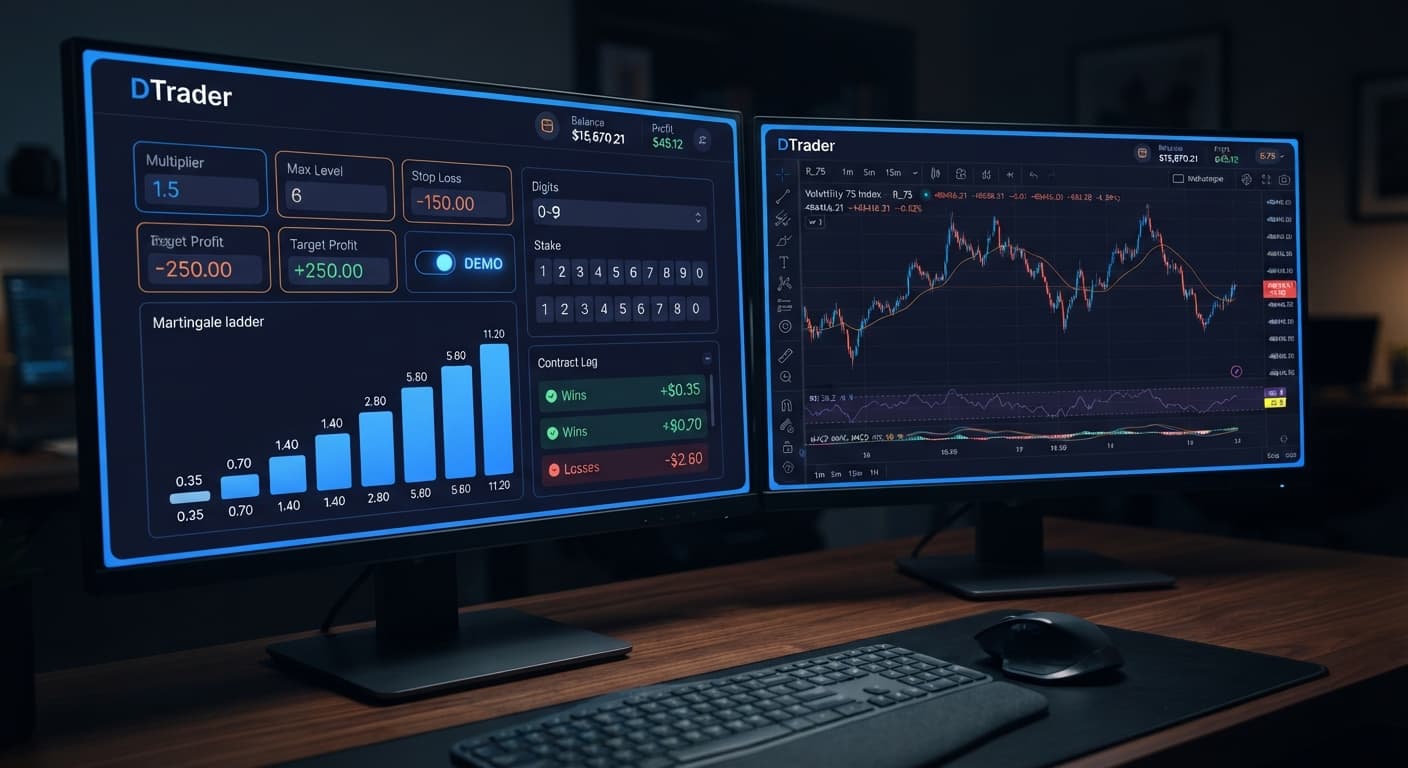
To complete your sniper bot v3 api token setup, generate a read/trade token inside your Deriv account security settings, input it into the bot interface, and configure your virtual buffer parameters before activating real trades. This direct connection lets Sniper Bot V3 communicate directly with Deriv over their official API while keeping your login details off third-party servers. Testing this connection first on a virtual account prevents accidental order placement with real cash during initial setup.
The most expensive mistake traders make during initial configuration is generating a live account API token with full trade permissions, pasting it straight into the live connection field, and pressing start before setting execution safety stops. Automated deriv bots give traders speed, but if you leave the virtual paper-trading filter disabled or set your base stake without capping progression levels, the automated trader sends market orders instantly on the next tick. A single sudden trend run on a Volatility Index will drain a $100 balance in under two minutes if your stake doubles after every loss.
Pasting a real token when you intended to test on a demo account bypasses the safety netting that paper trading provides. No funds pass through BinaryBot.live directly, which means every contract execution happens straight inside your Deriv account ledger. Following a disciplined sniper bot v3 api token setup routine on demo funds eliminates the risk of incorrect MULTIPLIER calculations or misconfigured DELAY AFTER LOSE settings hitting your live cash balance unexpectedly.
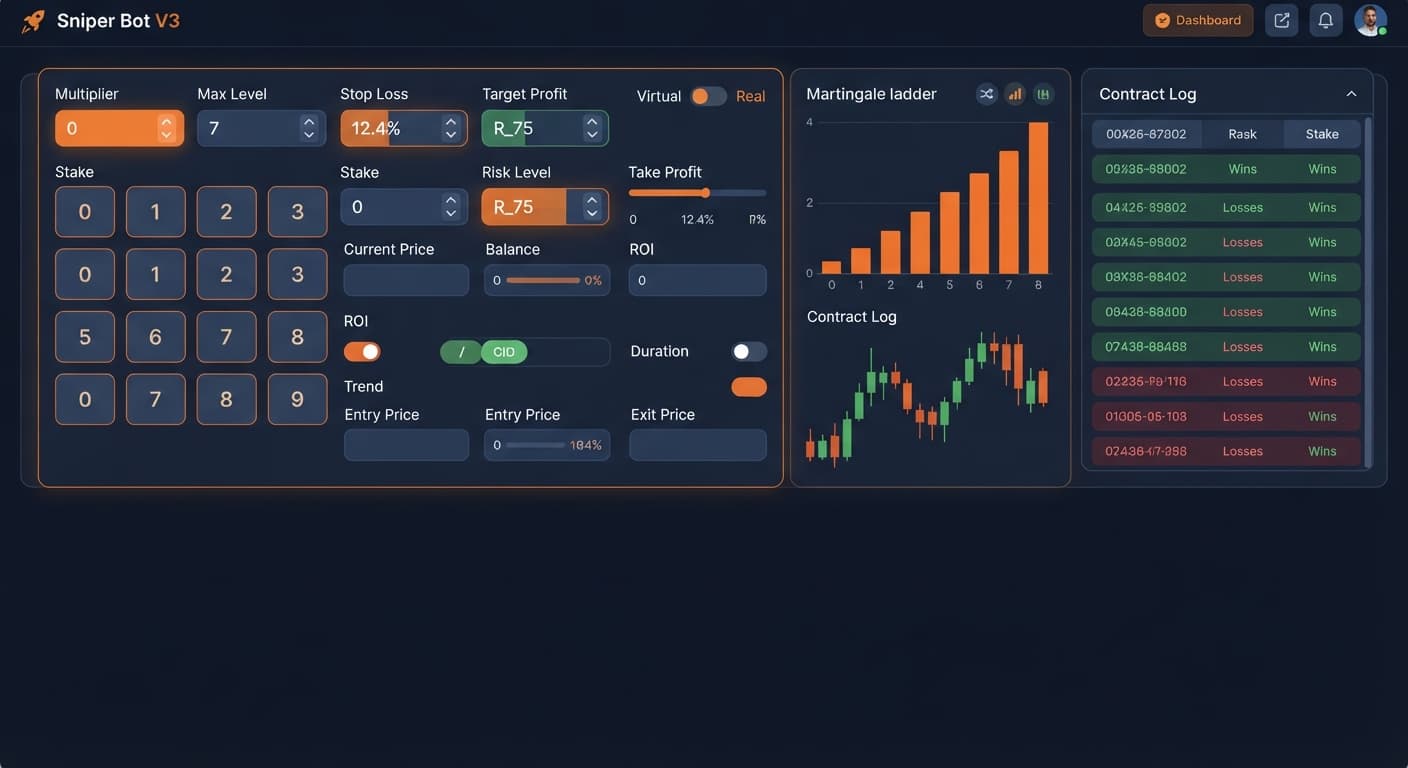
Before launching any automated sequence, you'll want to configure the parameter inputs in order. The connection requires inputting your key into VIRTUAL TOKEN or your live account token field. From there, select your market—such as Volatility 75 Index or 1s Volatility indices—and pick your contract type from CALL, PUT, DIGITEVEN, DIGITODD, DIGITDIFF, ONETOUCH, or NOTOUCH.
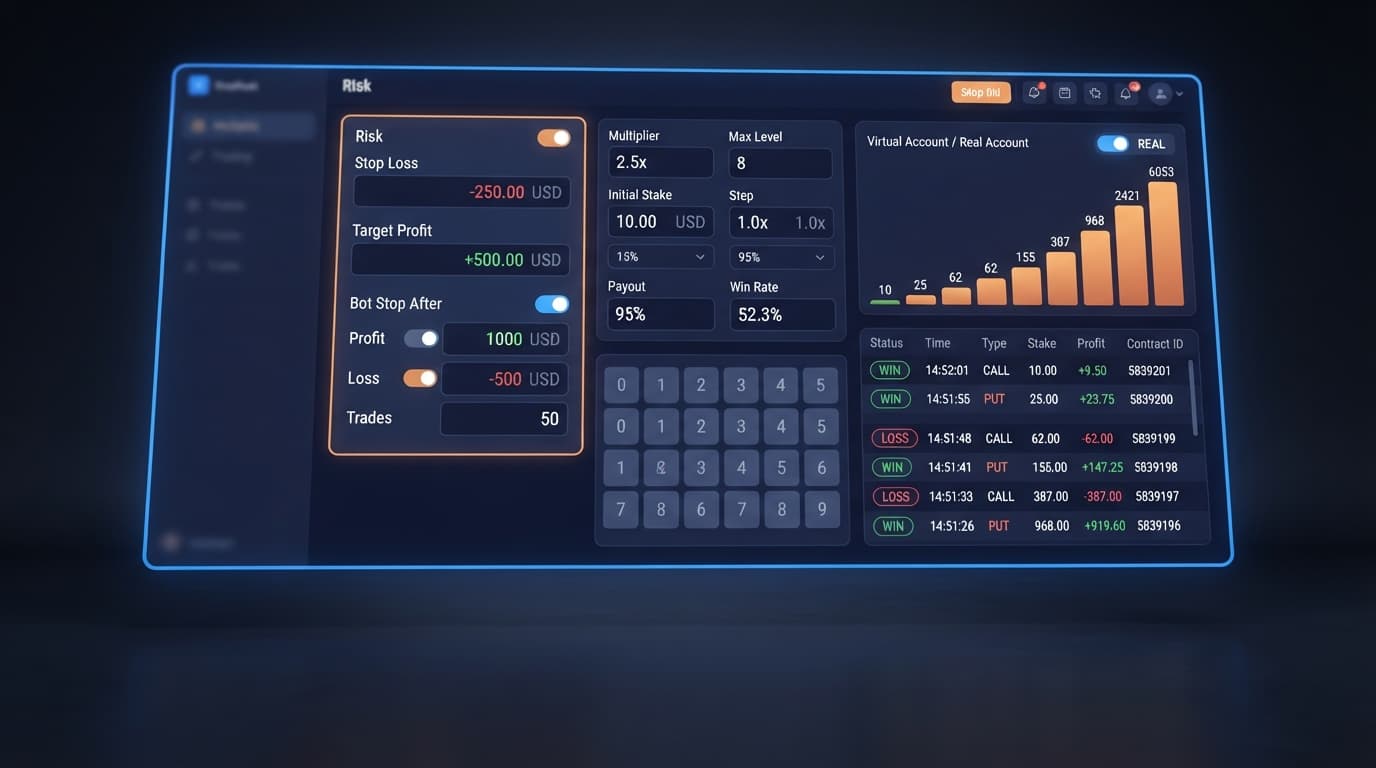
In the money management section, pick your MODE from Fixed Stake, Martingale, Anti-Martingale, Fibonacci, D'Alembert, or % of Balance. If you choose Martingale, establish your UNIT base stake, set MULTIPLIER to 2.0, and lock MAX LEVEL to a strict ceiling like 4. Set WHEN MAX LEVEL to either Reset Stake or Stop Bot to prevent uncalculated stake jumps.
To protect your account balance, configure VIRTUAL LOSS (in a row) to a positive integer like 3. This forces the system to paper-trade on the virtual stream until three consecutive simulated losses occur before placing a single real-money contract. Define BACK TO VIRTUAL as IF REAL WIN, IF REAL LOSE, IF REAL WIN/LOSE, or NEVER to ensure the bot returns to paper trading right when you want it to. Finally, set STOP LOSS, TARGET PROFIT, and enter values for DELAY AFTER WIN and DELAY AFTER LOSE to avoid firing contracts during high-frequency volatility spikes.
| Control Name | Parameter Function | Recommended Setup Value |
|---|---|---|
| VIRTUAL TOKEN | Connects demo account API feed | Valid Deriv Demo API Key |
| MODE | Dictates stake progression logic | Martingale or Fixed Stake |
| UNIT | Base stake amount per initial contract | $1.00 (or 1% of balance) |
| MULTIPLIER | Multiplier factor after a loss | 2.0 |
| MAX LEVEL | Maximum consecutive stake increases | 3 or 4 |
| WHEN MAX LEVEL | Action when maximum stake level is reached | Reset Stake or Stop Bot |
| VIRTUAL LOSS (in a row) | Required paper-trade loss sequence before real entry | 3 |
| BACK TO VIRTUAL | Trigger condition to return to paper trading | IF REAL WIN |
| DELAY AFTER WIN | Pause duration (seconds) after winning trade | 2 |
| DELAY AFTER LOSE | Pause duration (seconds) after losing trade | 5 |
| STOP LOSS | Maximum total session drawdown limit | $20.00 (on $100 balance) |
| TARGET PROFIT | Session profit target limit | $10.00 |
Log into your Deriv account and open the account settings panel. Locate the API Token menu under Security and Safety. Enter a clear label for your token, such as "SniperV3-Demo", so you can track its usage. Check the Read and Trade boxes. Don't check Admin or Payment Agent permissions—the bot only needs permission to read tick data and place contracts. Click Create, then copy the generated alphanumeric string to your clipboard.
Navigate to Sniper Bot V3 in your web browser. Locate the VIRTUAL TOKEN input box at the top of the interface. Paste your copied Deriv API key into this box. This completes the core sniper bot v3 api token setup steps and connects the bot directly to Deriv over their official API. The status indicator on your screen will switch to connected once the socket handshakes successfully with your virtual account balance.
Set VIRTUAL LOSS (in a row) to 3. This setting creates a buffer where the bot monitors live market ticks and simulates trade entries on paper. It won't commit actual funds from your balance until the paper-trading engine hits 3 losses consecutively. Set BACK TO VIRTUAL to IF REAL WIN. Once a live trade finishes with a win, the system instantly reverts back to paper trading, searching for another string of 3 virtual losses before risking another live stake.
Select Martingale under the MODE menu. Set UNIT to $2.00, MULTIPLIER to 2.0, and MAX LEVEL to 4. In the WHEN MAX LEVEL menu, pick Reset Stake. Set your session safety caps by typing $20.00 into STOP LOSS and $10.00 into TARGET PROFIT. Enter 3 in DELAY AFTER LOSE to give the market three seconds to settle after a lost trade before the next analysis tick processes.
Click the Start Bot button at the bottom of the interface. Watch the real-time execution log. You'll see virtual contracts processing on screen without impacting your account ledger. Verify that the bot stays in paper mode during single or double virtual losses, and confirm that it only triggers a real contract when the exact count in VIRTUAL LOSS (in a row) is met. Once you confirm the log displays accurate trade sizing, your configuration is validated.
Let me show you how stakes accumulate rapidly during a losing streak. Understanding this math is critical when configuring automated deriv bots because stake progression scales exponentially, not linearly.
Assume you are trading the Volatility 75 Index with a $100 starting balance, using Martingale MODE with a base stake UNIT of $2.00, a MULTIPLIER of 2.0, and MAX LEVEL set to 5. Your virtual buffer triggers, and the bot enters the live market.
Here is what happens across a 5-trade losing sequence:
After five consecutive losses, $62.00 of your $100.00 balance is gone. For Trade 6, the required stake under a 2x multiplier would be $64.00. Because your remaining balance is only $38.00, your account cannot place the next trade. The sequence halts due to insufficient funds, locking in a 62% session drawdown.
This demonstrates why setting MAX LEVEL and STOP LOSS is non-negotiable. Without a strict cap, five consecutive adverse ticks completely stall your account.
Virtual loss buffers don't alter the statistical probability of independent financial events. When trading digit contracts like DIGITEVEN, DIGITODD, or DIGITDIFF, past digit frequency does not change the probability of the next tick. Deriv synthetic indices generate independent random draws. A run of three virtual even digits doesn't make an odd digit more likely on the fourth tick.
Similarly, during high-volatility trend expansions on 1s Volatility indices, market prices can move unidirectionally for 10 to 15 consecutive ticks. If you run CALL or PUT strategies during these micro-trends, a paper-trading buffer of 3 virtual losses will get breached instantly, dropping your bot right into the middle of an extended losing wave.
If your account balance is under $50, running a Martingale multiplier on Rise/Fall contracts with a high MAX LEVEL is the wrong approach. Unlike generic binary bots that trigger orders on every single tick, paper-trading filters reduce trade frequency, but they don't eliminate drawdown risk. If you can't afford to lose six consecutive trades at your chosen multiplier, switch to Fixed Stake mode or test alternative tools in the free bot library. Always test execution parameters on binary bots using virtual funds before committing real money.
Try setting up your parameters on Sniper Bot V3 using a demo balance first. If you don't have an account yet, create a free Deriv account. Trading involves risk. Past performance does not guarantee future results.
Related: Sniper Bot V3 Demo Account Setup for Deriv Bots
Related: How to Use Sniper Bot V3 for Deriv Bots
Related: Sniper Bot V3 for Beginners: Zero-Knowledge Setup Guide
Related: Why Sniper Bot V3 Not Working: Virtual Loss Fix
Related: Sniper Bot V3 India: Run Deriv Bots Free, Zero Setup
Advanced automated trading bot for Deriv with Rise/Fall, Higher/Lower, Touch/No Touch and Digit strategies, plus martingale, anti-martingale, Fibonacci and D'Alembert money management.
Open Sniper Bot V3 →Generate a read and trade token inside your Deriv account security settings, then input it directly into the bot interface. You should always test this connection first on a virtual account to prevent accidental live order placement during setup.
You need to generate a token with read and trade permissions inside your Deriv account security settings. Be careful not to paste a live account token into your initial connection fields until you've finished testing your safety parameters on a demo account.
Configure your safety parameters by setting a strict ceiling on your Martingale max level and using the virtual loss filter. Setting your virtual loss to a positive integer like three forces the bot to paper-trade until three consecutive simulated losses occur before placing any real-money contracts.
Yes, you can connect a virtual token to test your setup on a demo account feed first. Testing on virtual funds prevents incorrect calculations or misconfigured settings from hitting your live cash balance unexpectedly.
Guides closest to this one.
Master the sniper bot v3 stop loss setup for Deriv bots. Learn to configure risk limits and target profit safely on our free automated trading bot.
Master your sniper bot v3 demo account setup on BinaryBot.live. Learn how to configure and test this automated trading bot risk-free today.
Learn how to use sniper bot v3 for Deriv bots. Follow this step-by-step guide to configure your automated trading bot and launch live trades today.