Auto Trading Bots
Why Sniper Bot V3 Not Working: Virtual Loss Fix
Discover why your sniper bot v3 not working on Deriv. Fix your virtual loss filter settings to resume trading on this free automated trading bot.

To complete your sniper bot v3 demo account setup, generate a virtual API token in your Deriv settings, paste it into the VIRTUAL TOKEN box on the interface, set your baseline parameters like STOP LOSS and TARGET PROFIT, and run virtual trades before using live stakes. This lets you stress-test automated contracts such as CALL, PUT, or DIGITEVEN on paper funds without risking capital.
This guide walks you through setting up paper trading on deriv bots so you can learn how execution delays and stake progression behave. If you don't test your rules on a virtual balance first, you'll likely run into fast drawdowns when live market execution begins.
Log into your Deriv demo profile and navigate to Account Settings, then open the API Token tab. Type a clear label like "Sniper Demo" into the token name field, check the boxes for Read and Trade, and click Create. Copy the token string that appears on your screen. Make sure your virtual account is active in your Deriv portal header so the generated key ties directly to paper funds.
Open Sniper Bot V3 in your web browser. Locate the control box labeled VIRTUAL TOKEN near the top of the settings panel. Paste your key directly into this field and press connect. The interface updates to display your demo balance, confirming a direct connection to Deriv without any funds passing through third-party servers.
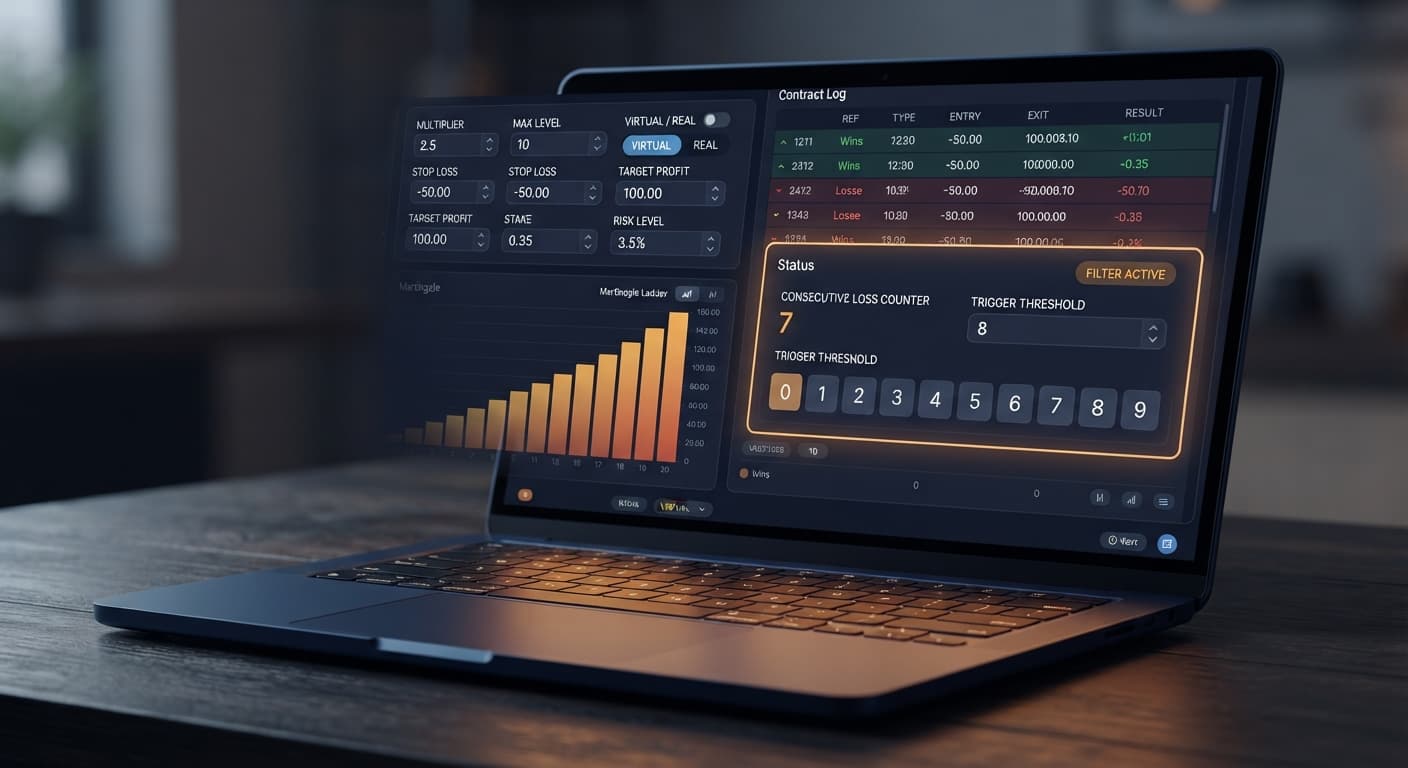
Select your market from the available options, such as Volatility 100 Index. Pick your contract type from CALL, PUT, DIGITEVEN, DIGITODD, DIGITDIFF, ONETOUCH, or NOTOUCH. To finalize your sniper bot v3 demo account setup, locate VIRTUAL LOSS (in a row) and enter 3. This tells the bot to run simulated paper trades until three losses happen consecutively before committing a real contract. Set BACK TO VIRTUAL to IF REAL WIN so the script instantly reverts to paper testing after a winning contract.
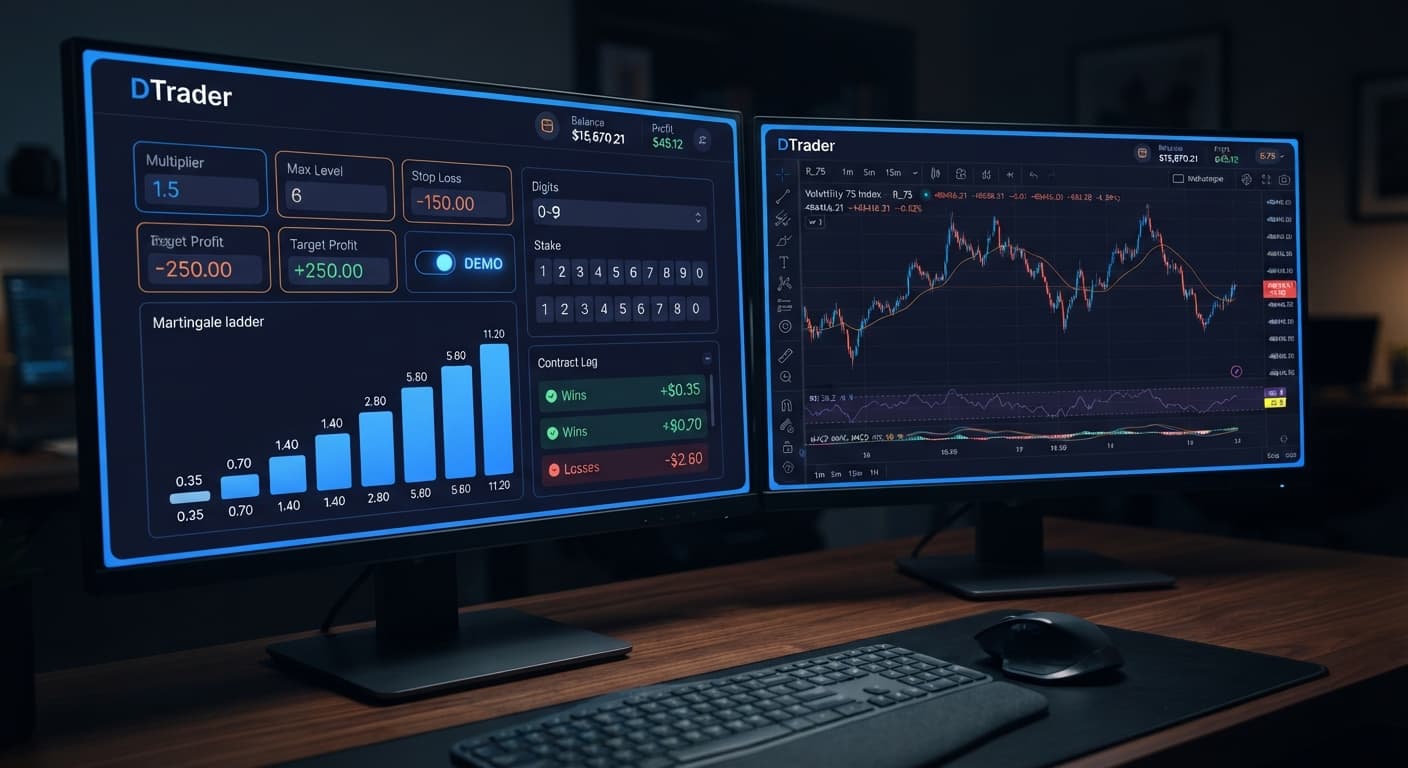
Choose your money management approach by setting MODE to Martingale. Input your base order size into UNIT as 2 ($2.00) and set MULTIPLIER to 2 to double stakes after a loss. Under MAX LEVEL, enter 4 to cap the ladder at four increases. Set WHEN MAX LEVEL to reset to base stake. Put 50 into STOP LOSS and 15 into TARGET PROFIT. Finally, set DELAY AFTER WIN to 2 and DELAY AFTER LOSE to 5 to force brief breaks between orders.
Click the main start button. The execution log updates as tick data feeds into the system, showing simulated paper trades until the virtual loss criteria met in Step 3 occurs. When that trigger hits, the bot submits a trade using your paper balance. Check the trade log to verify entry prices, payouts, and running session balances.
Testing money management rules on binary bots requires knowing exactly how fast stakes multiply when a trade sequence goes wrong. Synthetic indices use independent random tick draws, meaning past digit outcomes don't increase the odds of the next tick landing in your favor.
Here is what happens to a $100 demo balance on Volatility 75 Index when running Martingale mode with a $2 base stake and a 2x MULTIPLIER across consecutive losses:
| Contract # | Contract Type | Stake Amount | Contract Outcome | Cumulative Loss | Remaining Demo Balance |
|---|---|---|---|---|---|
| 1 | DIGITEVEN | $2.00 | Loss | -$2.00 | $98.00 |
| 2 | DIGITEVEN | $4.00 | Loss | -$6.00 | $94.00 |
| 3 | DIGITEVEN | $8.00 | Loss | -$14.00 | $86.00 |
| 4 | DIGITEVEN | $16.00 | Loss | -$30.00 | $70.00 |
| 5 | DIGITEVEN | $32.00 | Loss | -$62.00 | $38.00 |
Start with a $2 base stake on Volatility 75 Index at 2x MULTIPLIER. Lose three in a row and your next stake is $16, with $30 already down. A fourth loss makes it $32 and $62 total loss — on a $100 balance you are two ticks from being unable to place the next trade. If MAX LEVEL was set to 5, your next required stake would be $64, but your remaining balance of $38 can't cover it. The automated ladder breaks, and your session stalls in heavy drawdown.
Uncapped stake multiplication. A long losing run doubles stakes beyond account capacity.
Fix: Set MAX LEVEL to 3 or 4, and set WHEN MAX LEVEL to reset back to your original UNIT value instead of attempting another double.
Rapid tick execution leading to instant drawdown. Placing contracts on every single tick doesn't leave time for network latency or market pauses. Fix: Enter values in DELAY AFTER WIN and DELAY AFTER LOSE (like 3 to 5 seconds) to enforce breathing room between positions.
Treating digit patterns as predictions. Expecting a digit like 7 to appear simply because it hasn't shown up in 20 ticks is a trap. Fix: Treat synthetic market ticks as independent draws. Use VIRTUAL LOSS (in a row) to delay entry triggers rather than relying on false statistical patterns.
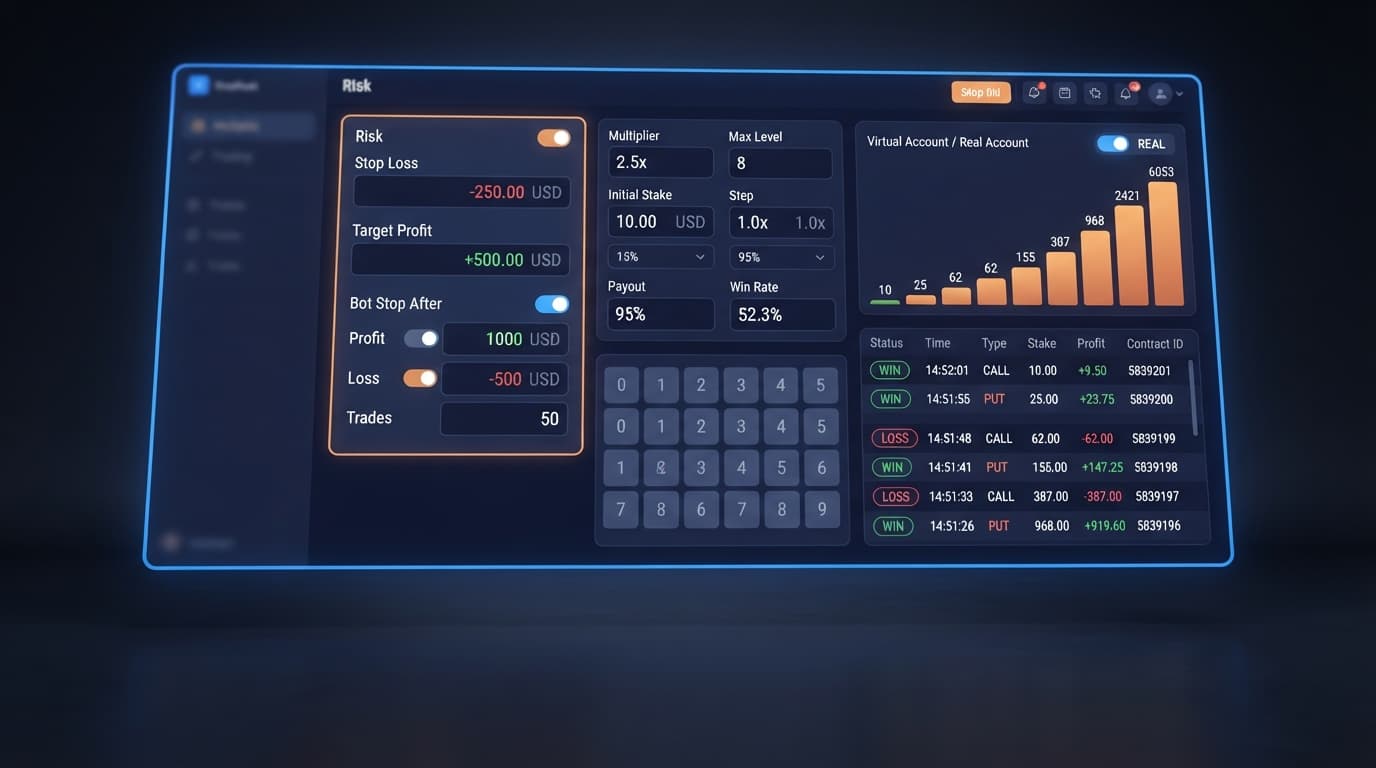
Running sessions without exit rules. Leaving an automated script running unattended guarantees an eventual drawdown. Fix: Always fill in STOP LOSS and TARGET PROFIT before starting, or configure BOT STOP AFTER to end the session after a fixed number of trades.
You can complete your sniper bot v3 demo account setup directly on Sniper Bot V3 to test these controls risk-free. If you don't have a practice profile yet, create a free Deriv account to get your demo balance.
Trading involves risk. Past performance does not guarantee future results.
Related: Sniper Bot V3 Review: Rise Fall Strategy on Deriv Bots
Related: Configuring Sniper Bot V3 Settings for Deriv Bots
Related: How to Use Sniper Bot V2 for Binary Bots on Deriv
Related: Sniper Bot V3 Stop Loss Setup for Deriv Bots
Advanced automated trading bot for Deriv with Rise/Fall, Higher/Lower, Touch/No Touch and Digit strategies, plus martingale, anti-martingale, Fibonacci and D'Alembert money management.
Open Sniper Bot V3 →You need to generate a virtual API token with "Read" and "Trade" scopes in your Deriv account settings. Copy that token string and paste it directly into the VIRTUAL TOKEN box on the Sniper Bot V3 interface.
You'll need to check the boxes for both "Read" and "Trade" when creating your virtual API token in your Deriv settings. Without these specific scopes, the bot won't connect or execute trades properly.
Locate the VIRTUAL LOSS setting in the control panel and enter the number of consecutive losses you want to simulate before committing a contract. You can also set the BACK TO VIRTUAL option to "IF REAL WIN" so the script goes back to paper testing after a win.
You can define your risk limits by entering specific values for your stop loss, target profit, and maximum Martingale level. The guide also lets you add delays after wins and losses to force brief breaks between orders.
Guides closest to this one.
Discover why your sniper bot v3 not working on Deriv. Fix your virtual loss filter settings to resume trading on this free automated trading bot.
Master your sniper bot v3 api token setup for binary bots. Learn how to connect Deriv safely and launch your automated trading bot today.
Master the sniper bot v3 stop loss setup for Deriv bots. Learn to configure risk limits and target profit safely on our free automated trading bot.