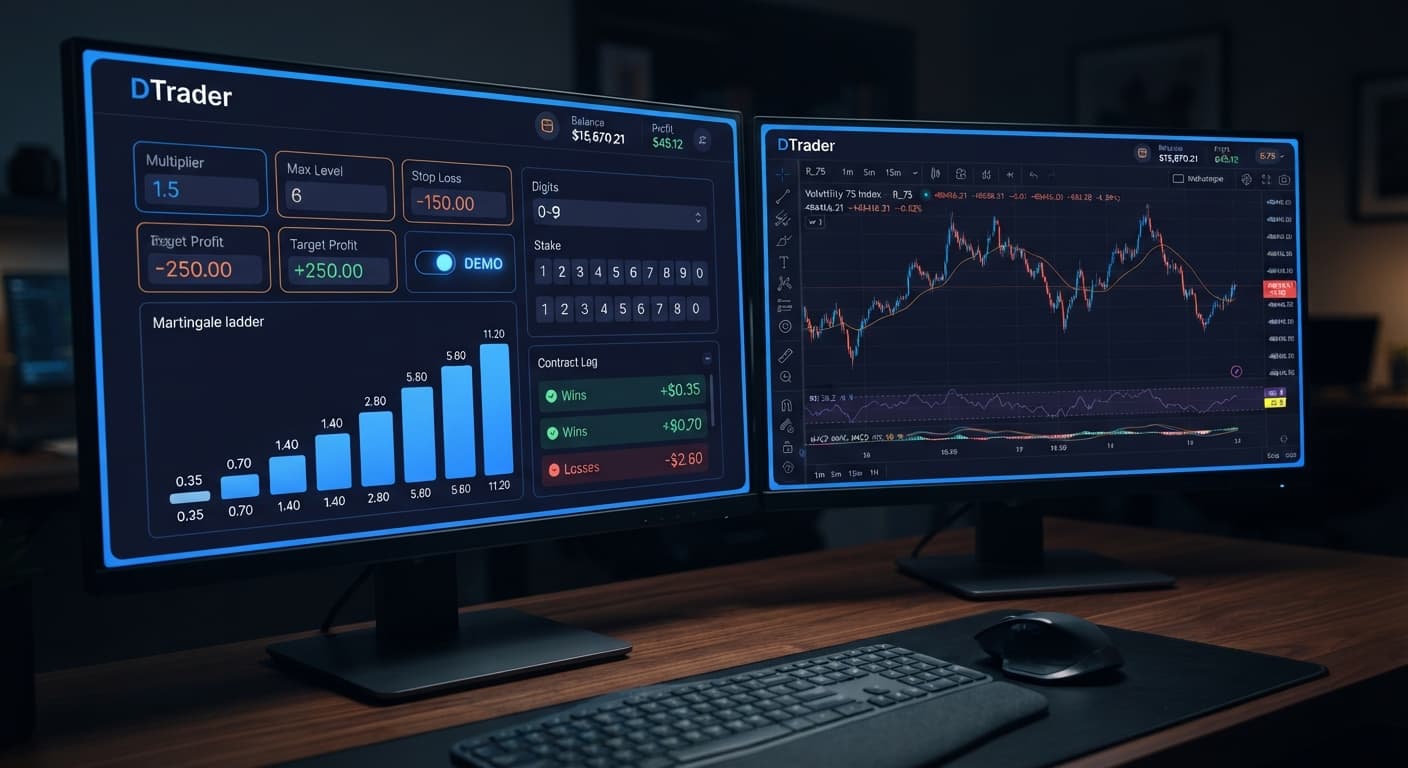
Auto Trading Bots
Configuring Sniper Bot V3 Settings for Deriv Bots
Master every sniper bot v3 settings option for your deriv trading bot. Learn to configure stake, targets, and risk controls. Start automating today.
In this sniper bot v3 review, we evaluate how this automated tool handles Rise/Fall contracts on Deriv using real-time execution and virtual filtering. Sniper V3 offers a genuine edge in operational execution by paper-trading through cold streaks before risking actual balance, but it won't magically alter market odds. It's an effective tool for disciplined traders using binary bots, though poor risk settings will still drain your capital fast.
When you run a Rise/Fall strategy on deriv bots, you're placing CALL or PUT contracts on synthetic assets like Volatility 100 Index or Volatility 10 (1s) Index. A CALL contract wins if the exit spot is strictly higher than the entry spot after a set duration. A PUT contract wins if the exit spot is strictly lower. You aren't buying the underlying asset. You're betting on directional tick movement within a fixed time window.
Automated execution removes manual entry delay. The software places the trade the instant conditions align, connecting directly to Deriv over their official API using your personal API token. No secondary platform holds your capital; every contract clears straight on your personal account.
The primary appeal of Sniper V3 isn't a secret formula for predicting price direction. Deriv synthetic indices rely on independent random draws, meaning past tick patterns don't alter future probabilities. Instead, the real draw is its VIRTUAL LOSS (in a row) setting.
The bot submits paper trades in the background using a virtual account token. Once it records a pre-set sequence of consecutive virtual losses, it automatically switches to your real account balance. Traders use this feature to avoid paying for the initial drawdown phase of a choppy chart pattern. It doesn't change the underlying probability of the next contract, but it reduces your live market exposure during extended adverse sequences.
A thorough sniper bot v3 review requires examining how fast contracts resolve on real ticks. On standard Volatility indices, a single tick occurs roughly every two seconds. On 1s volatility indices, a tick arrives every single second. Timing controls your entry placement and exit window.
The table below breaks down exact durations and price movement expectations across typical setups:
| Asset | Duration (Ticks) | Execution Time (Seconds) | Average Price Travel Range | Entry Spot Placement |
|---|---|---|---|---|
| Volatility 100 Index | 10 Ticks | ~20.0 Seconds | 15.0 - 40.0 Points | Immediate on tick start |
| Volatility 100 Index | 20 Ticks | ~40.0 Seconds | 35.0 - 85.0 Points | Immediate on tick start |
| Volatility 10 (1s) Index | 10 Ticks | ~10.0 Seconds | 3.0 - 8.0 Points | Immediate on tick start |
| Volatility 10 (1s) Index | 50 Ticks | ~50.0 Seconds | 12.0 - 30.0 Points | Immediate on tick start |
When the bot transmits a CALL or PUT order, the contract registers on the server within milliseconds. For a 10-tick trade on Volatility 100 Index, your entry price locks on tick 0, and the exit spot evaluates exactly 20 seconds later at tick 10. If price moves sideways for 18 seconds and dips on second 19, the contract loses regardless of what happened in between. Understanding this timeline stops you from choosing tick lengths that leave your entry exposed to random noise.
Setting up the bot requires matching your risk tolerance to the on-screen inputs. Follow these steps to configure your session correctly:
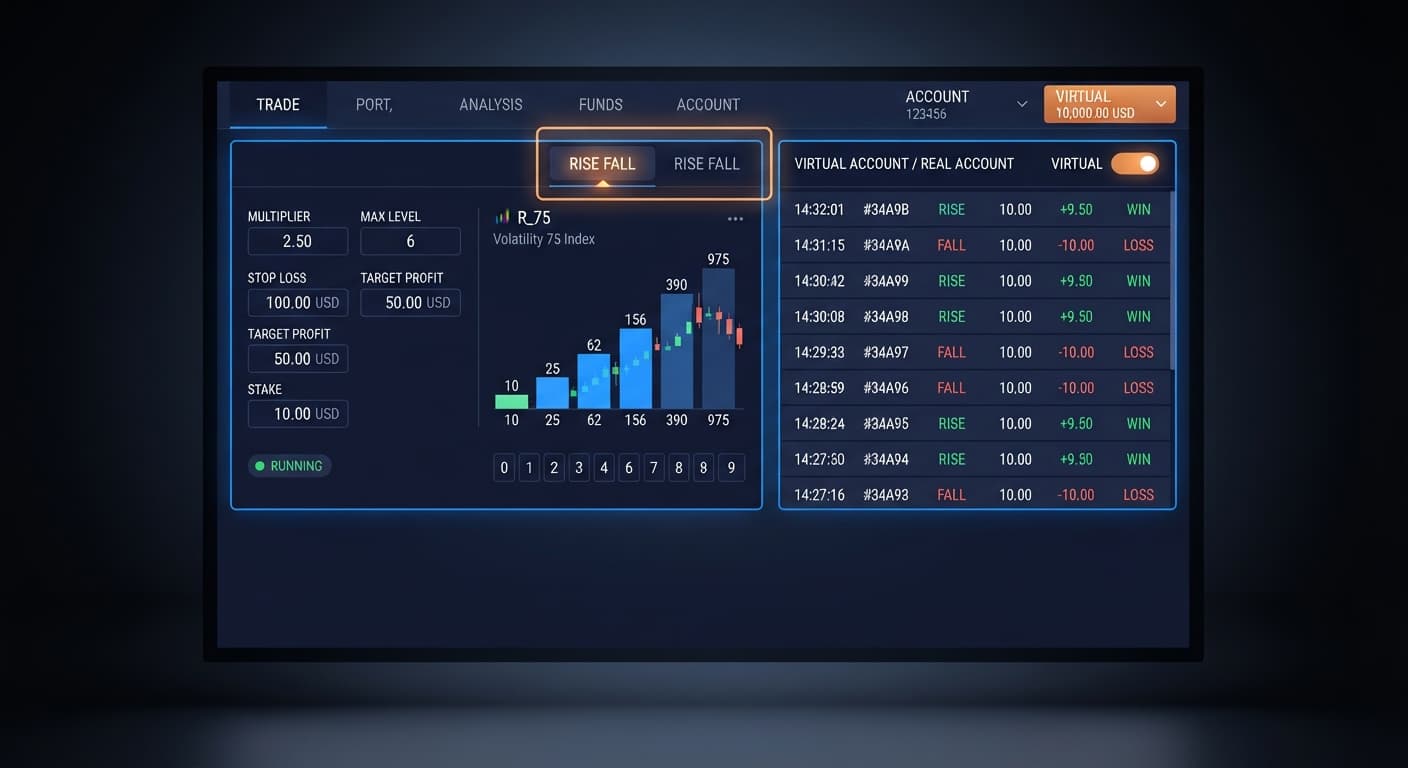
Navigate to the setup panel and choose your primary strategy under MODE. Available modes include Fixed Stake, Martingale, Anti-Martingale, Fibonacci, D'Alembert, and % of Balance. Enter your starting stake in UNIT or specify your account fraction under % OF BALANCE. If you select a compounding progression, set MULTIPLIER to dictate how the stake adjusts following a loss.
Input your secondary paper account token into VIRTUAL TOKEN so the software can monitor shadow trades. Set VIRTUAL LOSS (in a row) to your chosen filter threshold, such as 3 or 4. Next, configure BACK TO VIRTUAL to control when live trading halts. Select IF REAL WIN to return to paper trading immediately after a live win, IF REAL LOSE to drop back after a loss, IF REAL WIN/LOSE to return after any real trade, or NEVER to stay on live balance.
Set MAX LEVEL to cap the maximum number of stake progression steps. Use WHEN MAX LEVEL to specify whether the bot resets to base stake or shuts down when that ceiling is hit. Enter strict dollar values for STOP LOSS and TARGET PROFIT before starting execution. Add a buffer between contracts using DELAY AFTER WIN and DELAY AFTER LOSE to avoid placing orders during rapid market spikes. Finally, configure BOT STOP AFTER or AFTER X LOSS to terminate the session after reaching a specific trade count or loss threshold.
While this sniper bot v3 review highlights strong execution features, the software cannot alter negative expected value. If you configure MULTIPLIER aggressively with a high MAX LEVEL, a single persistent market trend against your CALL or PUT trades will drain your capital quickly. Virtual loss filters delay live market entry, but they don't prevent real losing streaks once your live balance is engaged. Synthetic ticks remain independent events; three paper losses don't make the next live trade any more likely to win.
Traders who expect passive returns without monitoring risk should avoid automated tools. If you don't test settings on a Deriv demo account first, or if you omit a strict STOP LOSS, you risk burning through your session balance during a volatile series. Binary bots automate execution—they don't eliminate risk.
Ready to test these settings on a risk-free virtual balance? You can test Sniper Bot V3 right in your browser today.
If you don't have a trading profile set up yet, create a free Deriv account to generate your API token.
Trading involves risk. Past performance does not guarantee future results.
Related: How to Use Sniper Bot V3 for Deriv Bots
Advanced automated trading bot for Deriv with Rise/Fall, Higher/Lower, Touch/No Touch and Digit strategies, plus martingale, anti-martingale, Fibonacci and D'Alembert money management.
Open Sniper Bot V3 →No, Sniper Bot V3 won't magically alter market odds and poor risk settings will still drain your capital fast. It's simply an automated tool for disciplined traders using binary bots.
The bot submits paper trades in the background using a virtual account token until it records a pre-set sequence of consecutive virtual losses. Once that happens, it automatically switches to trading with your real account balance to reduce live market exposure during choppy chart patterns.
Yes, because no secondary platform holds your capital. The bot connects directly to Deriv over their official API using your personal API token, so every contract clears straight on your personal account.
You can trade Rise and Fall contracts on synthetic assets like the Volatility 100 Index and the Volatility 10 (1s) Index. Typical setups range from 10 to 50 ticks, which translates to execution times between 10 and 50 seconds depending on the asset you choose.
Guides closest to this one.
Master every sniper bot v3 settings option for your deriv trading bot. Learn to configure stake, targets, and risk controls. Start automating today.
Discover the sniper bot v3 best market for your deriv bots. Compare Volatility Indices vs 1s Volatility to configure your automated trading bot today.
Master your sniper bot v3 api token setup for binary bots. Learn how to connect Deriv safely and launch your automated trading bot today.