Auto Trading Bots
Sniper Bot V3 Review: Rise Fall Strategy on Deriv Bots
Read our honest sniper bot v3 review. Test virtual trading modes, money management, and the rise fall strategy on free deriv bots at BinaryBot.live.

This configuration configures the Sniper Bot V3 to execute automated stake progressions using Fibonacci or D'Alembert sequences rather than aggressive doubling. You pair these mathematical stake adjustments with virtual loss filtering on synthetic markets like Volatility 100 (1s) Index or Volatility 75 Index. It fits traders who want a structured recovery curve during trade runs without exposing their entire bankroll to the rapid compounding of classic martingale.
The single most critical setting you must establish before clicking start is your session limit. You need your STOP LOSS and TARGET PROFIT locked in ahead of time. Setting them after a loss sequence begins is how accounts get wiped.
Martingale stake progressions double after every loss. That ramps up fast. A $2 base stake turns into a $64 stake by the sixth loss, leaving you down $126 overall. Fibonacci and D'Alembert modes increase stakes much more slowly. A Fibonacci sequence with a $2 base stake moves to $2, $2, $4, $6, $10, and $16 across six losses, putting $40 total at risk instead of $126.
Martingale Stakes: $2 -> $4 -> $8 -> $16 -> $32 -> $64 (Total down: $126)
Fibonacci Stakes:  $2 -> $2 -> $4 -> $6  -> $10 -> $16 (Total down: $40)
Do not fall into the trap of believing past digit patterns alter future probabilities. Synthetic indices on Deriv rely on independent random draws. A run of five consecutive odd digits on DIGITODD contracts does not increase the likelihood of an even digit on the next tick. The math stays constant on every single contract.
Calculate your final step value using your chosen MAX LEVEL before placing a live order. Always test your rules on a Deriv demo account first to verify how the bot reacts during extended drawdowns.
Open the interface and locate the main control panel. Follow these five steps to configure your Fibonacci or D'Alembert recovery strategy.
Locate the MODE dropdown. Select Fibonacci or D'Alembert. Set your contract choice to CALL, PUT, DIGITEVEN, DIGITODD, or DIGITDIFF based on your analysis preference. For this setup, choose CALL on the Volatility 100 Index.
Find the UNIT field. Enter your base trade size in dollars—for example, 2. If you choose D'Alembert, each loss adds one UNIT ($2) to the next stake, and each win subtracts one UNIT. For Fibonacci, the bot follows the standard sequence multiplied by your base unit. Leave MULTIPLIER set to its default value unless you want to scale the standard mathematical sequence.
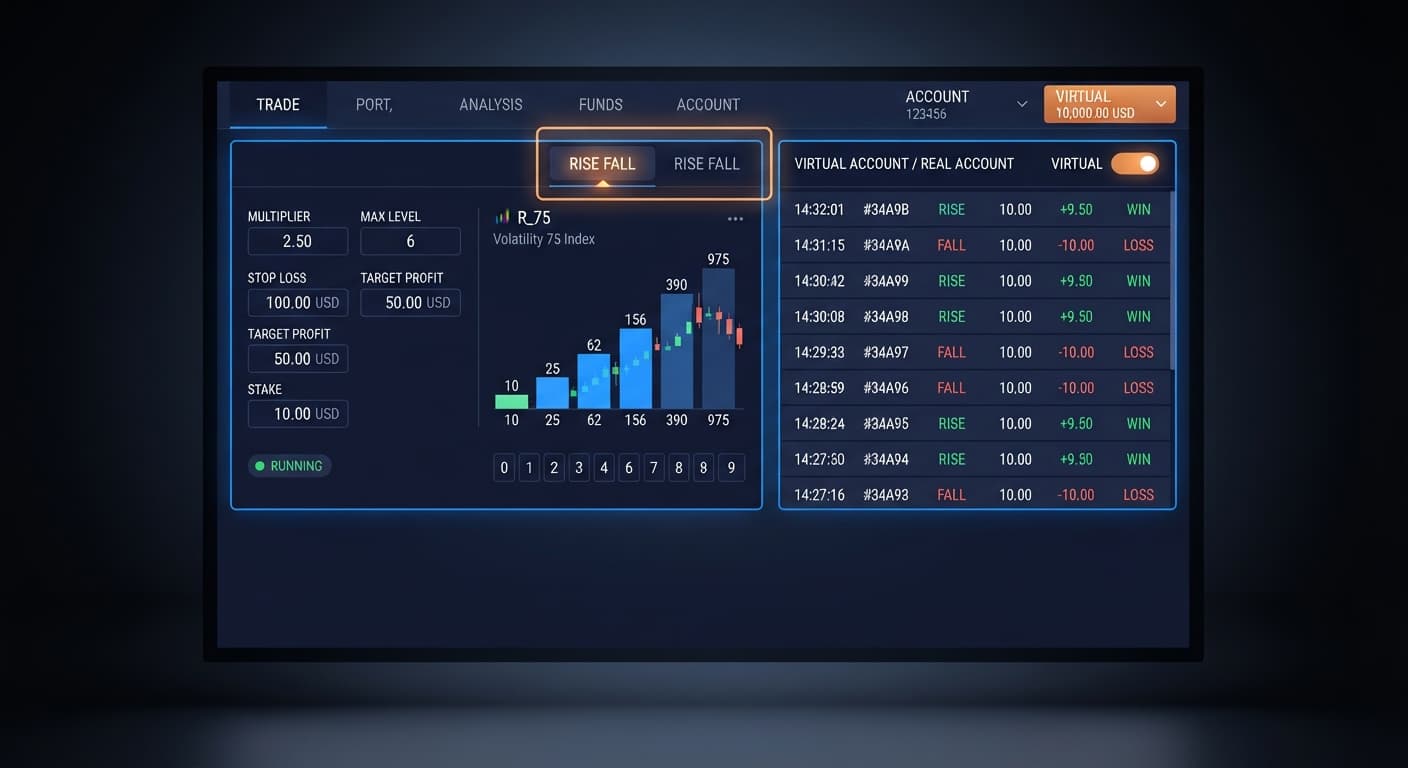
Navigate to MAX LEVEL. Set this value to 5. This caps your progression at five consecutive real steps. Move to WHEN MAX LEVEL. Select whether the bot resets to the base unit or stops running once it reaches this ceiling. Setting this to reset protects your remaining account balance from runaway loss sequences.
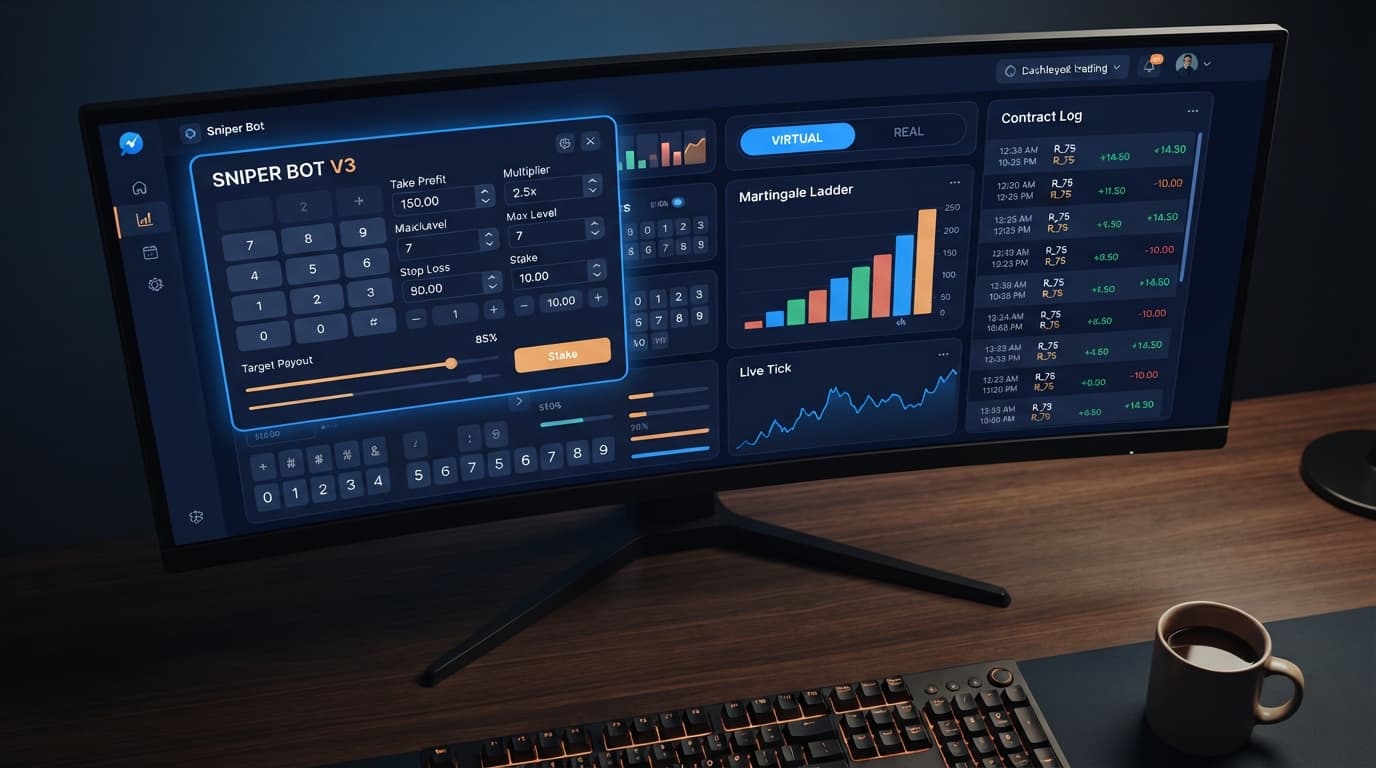
Locate VIRTUAL LOSS (in a row). Set this control to 2. Enter your secondary token into VIRTUAL TOKEN. The bot will monitor market ticks and place paper trades in the background. It will only place a real order using your primary account token after observing two virtual losses in a row.
Set BACK TO VIRTUAL to IF REAL WIN. Once the bot scores a win on a live trade, it immediately steps back to paper trading until another two virtual losses occur.
Fill in your monetary guardrails. Set STOP LOSS to 30 ($30) and TARGET PROFIT to 15 ($15). Set DELAY AFTER WIN to 3 seconds and DELAY AFTER LOSE to 5 seconds. These pauses give the market buffer time between contract executions. Set BOT STOP AFTER to trigger when either your target profit or stop loss limit is met.
Once completed, your control panel values should display:
MODE: FibonacciUNIT: 2MAX LEVEL: 5VIRTUAL LOSS (in a row): 2BACK TO VIRTUAL: IF REAL WINSTOP LOSS: 30TARGET PROFIT: 15Here is how this exact configuration plays out during a trading session. We start with a $200 account balance on Volatility 75 Index placing CALL contracts with a base UNIT of $2.
The bot runs paper trades in the background until it records two virtual losses in a row. At that moment, it engages live trading.
| Trade # | Trade Type | Mode Step | Stake | Outcome | Net Profit/Loss | Running Balance | Notes |
|---|---|---|---|---|---|---|---|
| -- | Virtual | Step 0 | $0.00 | Loss | $0.00 | $200.00 | Virtual Loss #1 recorded |
| -- | Virtual | Step 0 | $0.00 | Loss | $0.00 | $200.00 | Virtual Loss #2 recorded. Filter triggered |
| 1 | Real | Level 1 | $2.00 | Loss | -$2.00 | $198.00 | Live trade placed. Fibonacci moves to Level 2 |
| 2 | Real | Level 2 | $2.00 | Loss | -$2.00 | $196.00 | Fibonacci Level 2 stake remains $2 |
| 3 | Real | Level 3 | $4.00 | Win | +$3.80 | $199.80 | Win payout (~95%). Strategy hits target criteria |
| -- | Virtual | Step 0 | $0.00 | Loss | $0.00 | $199.80 | Bot switches BACK TO VIRTUAL due to real win |
| -- | Virtual | Step 0 | $0.00 | Loss | $0.00 | $199.80 | Virtual Loss #2 recorded. Filter triggered |
| 4 | Real | Level 1 | $2.00 | Win | +$1.90 | $201.70 | Live trade wins immediately |
Look at the progression logic in action. On Trade 1, the bot lost $2.00. On Trade 2, the Fibonacci sequence held the stake at $2.00. That kept total drawdown at $4.00 across two real losses. Under standard martingale, that second real trade would have required a $4.00 stake, putting $6.00 at risk overall.
When Trade 3 won at a $4.00 stake, it recovered $3.80 of the $4.00 lost in the preceding real trades. Because BACK TO VIRTUAL was set to IF REAL WIN, the bot immediately disconnected live executions and resumed monitoring paper trades. It waited for two fresh virtual losses before placing Trade 4.
This layered filtering keeps your real capital off the market during long sideways runs or unfavorable conditions.
Once you complete your initial test runs on a demo account, you can fine-tune these operational settings based on how your selected market behaves.
First, adjust DELAY AFTER LOSE. If you notice the market trending hard against your contract direction, a 5-second delay might put you right back into the middle of the same bad micro-trend. Increasing DELAY AFTER LOSE to 10 or 15 seconds allows short-term volatility spikes to settle before the bot places the next progression step.
Second, re-evaluate BACK TO VIRTUAL. The basic setup uses IF REAL WIN. That works fine in trending markets. However, if you face choppy conditions where losing streaks happen back-to-back, change BACK TO VIRTUAL to IF REAL WIN/LOSE. This forces the bot to retreat to virtual paper trading after every single real order, regardless of whether it won or lost. It requires the market to clear the VIRTUAL LOSS (in a row) filter again before risking another dollar of your account balance.
Third, adjust MAX LEVEL relative to your specific UNIT size. If you scale your base UNIT from $2 up to $5, a five-level Fibonacci sequence reaches a peak single-trade stake of $40. If your bankroll cannot easily absorb a $40 trade alongside the cumulative losses leading up to it, lower MAX LEVEL to 3 or 4.
Test your settings risk-free using a virtual balance on Sniper Bot V3 before trading with real funds.
If you need a trading account to get started, you can create a free Deriv account.
Trading involves risk. Past performance does not guarantee future results.
Related: Configuring Sniper Bot V3 Settings for Deriv Bots
Related: How to Use Sniper Bot V3 for Deriv Bots
Related: Sniper Bot V3 Review: Rise Fall Strategy on Deriv Bots
Advanced automated trading bot for Deriv with Rise/Fall, Higher/Lower, Touch/No Touch and Digit strategies, plus martingale, anti-martingale, Fibonacci and D'Alembert money management.
Open Sniper Bot V3 →You set the MODE dropdown to Fibonacci, enter your base stake in the UNIT field, and select your contract choice like CALL on the Volatility 100 Index. Make sure to set your MAX LEVEL to cap your progression and configure your session stop loss and target profit first.
Martingale doubles your stake after every loss, which quickly ramps up your financial risk during a drawdown. Fibonacci increases your stakes much more slowly following a mathematical sequence, putting significantly less total capital at risk over the same number of losses.
The bot monitors market ticks and places paper trades in the background using a secondary token. It will only place a real order with your primary account token after observing your set number of virtual losses in a row.
You need to lock in your stop loss and target profit session limits ahead of time to avoid wiping your account. Always calculate your final step value using your chosen max level and test your rules on a Deriv demo account first.
Guides closest to this one.
Read our honest sniper bot v3 review. Test virtual trading modes, money management, and the rise fall strategy on free deriv bots at BinaryBot.live.
Enter your monetary target into the TARGET PROFIT field on the panel to configure your sniper bot v3 take profit settings and lock in gains.
Sniper Bot V3 best market: standard Volatility indices like V75 and V100, whose 2-second ticks give the virtual loss filter room. When 1s makes sense.