Auto Trading Bots
Sniper Bot V3 Review: Rise Fall Strategy on Deriv Bots
Read our honest sniper bot v3 review. Test virtual trading modes, money management, and the rise fall strategy on free deriv bots at BinaryBot.live.

Finding the sniper bot v3 best market comes down to balancing tick frequency with paper-trading execution. Standard Volatility Indices (like Volatility 75 Index or Volatility 100 Index) are the overall top pick for running Sniper Bot V3, because their two-second tick frequency gives the script enough buffer to process virtual losses cleanly. While 1s volatility indices execute twice as fast, they increase the risk of delayed contract placement when switching from virtual to live stakes. If you want maximum stability while running automated strategies on Deriv, standard volatility markets provide the most reliable environment for all binary bots.
Choosing between market types isn't about finding a market that wins more often. Synthetic ticks are generated by algorithms, so every digit outcome is completely random regardless of the index you pick. What changes between markets is execution speed and price movement intensity. Selecting the right market ensures your trade commands fire on time when your strategy triggers a real entry.
Deriv generates synthetic index ticks using a cryptographic random number generator. This system operates 24 hours a day, completely isolated from real-world events, economic reports, or market opening hours. The volatility number attached to each index—such as Volatility 10, 25, 50, 75, or 100—defines the percentage of price movement relative to market variance over time.
A Volatility 10 Index experiences small price fluctuations, making price movement appear steady and narrow. A Volatility 100 Index moves wildly, taking large price jumps from tick to tick. When you trade contract types like CALL or PUT, higher volatility indices create wider price separations between your entry spot and the barrier. For digit contracts like DIGITEVEN, DIGITODD, DIGITDIFF, or DIGITMATCH, the volatility number changes price swing size, but the last digit remains a random output from 0 to 9.
Many traders make the mistake of studying historical tick charts to find cold or hot digits before starting automated deriv bots. Past digit frequency does not change the probability of the next tick; Deriv synthetic indices are independent random draws. A digit 7 appearing three times in a row doesn't lower or raise the chances of another 7 on the next tick. The math stays exactly 1-in-10 every single time.
Understanding this math helps you select the sniper bot v3 best market based on trading mechanics rather than superstitious patterns. If your bot relies on barrier distances, high volatility index assets work well for CALL, PUT, ONETOUCH, and NOTOUCH contracts. If your strategy focuses purely on digit counts or paper-trading streak filters, standard two-second volatility indices give your connection the required stability.
The core distinction between standard Volatility Indices and 1s Volatility Indices is price updates per minute. Standard indices update price ticks every 2 seconds (30 ticks per minute). 1s indices update price ticks every single second (60 ticks per minute).
Standard Volatility Indices : [ Tick ] --- 2s --- [ Tick ] --- 2s --- [ Tick ]
1s Volatility Indices       : [ Tick ] - 1s - [ Tick ] - 1s - [ Tick ] - 1s - [ Tick ]
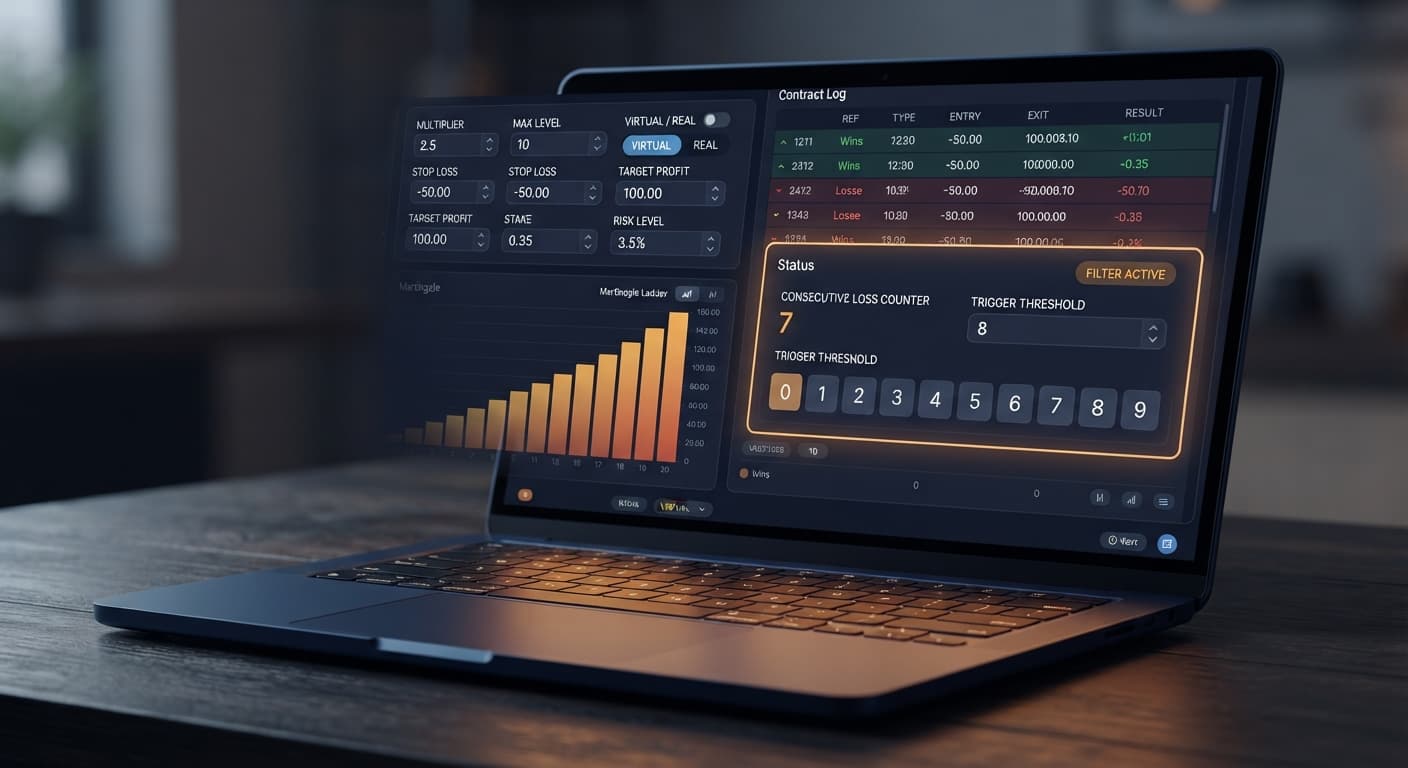
This difference changes how Sniper V3 handles its core feature: virtual trading. The bot can paper-trade until a set number of virtual losses occur in a row, then switch to real stakes. When set to paper-trade via VIRTUAL LOSS (in a row), the script analyzes each incoming tick. When the virtual loss count hits your threshold, the bot places a real order on the very next tick.
On a 1s market, you have exactly 1000 milliseconds between ticks. If your internet connection stutters or your ping to Deriv slows down, the bot might miss the exact tick following your virtual trigger. On a standard volatility index, you have 2000 milliseconds. That extra second gives the WebSockets protocol plenty of time to process your virtual loss condition, authorize the real trade payload, and confirm placement without slipping past your target entry tick.
Here is how the execution mechanics compare across both asset classes:
For automated strategies that rely on switching modes after streak filters, standard indices provide a safer technical environment. Fast 1s indices are better reserved for simple fixed-stake runs where instant tick rotation matters more than virtual streak filtering.
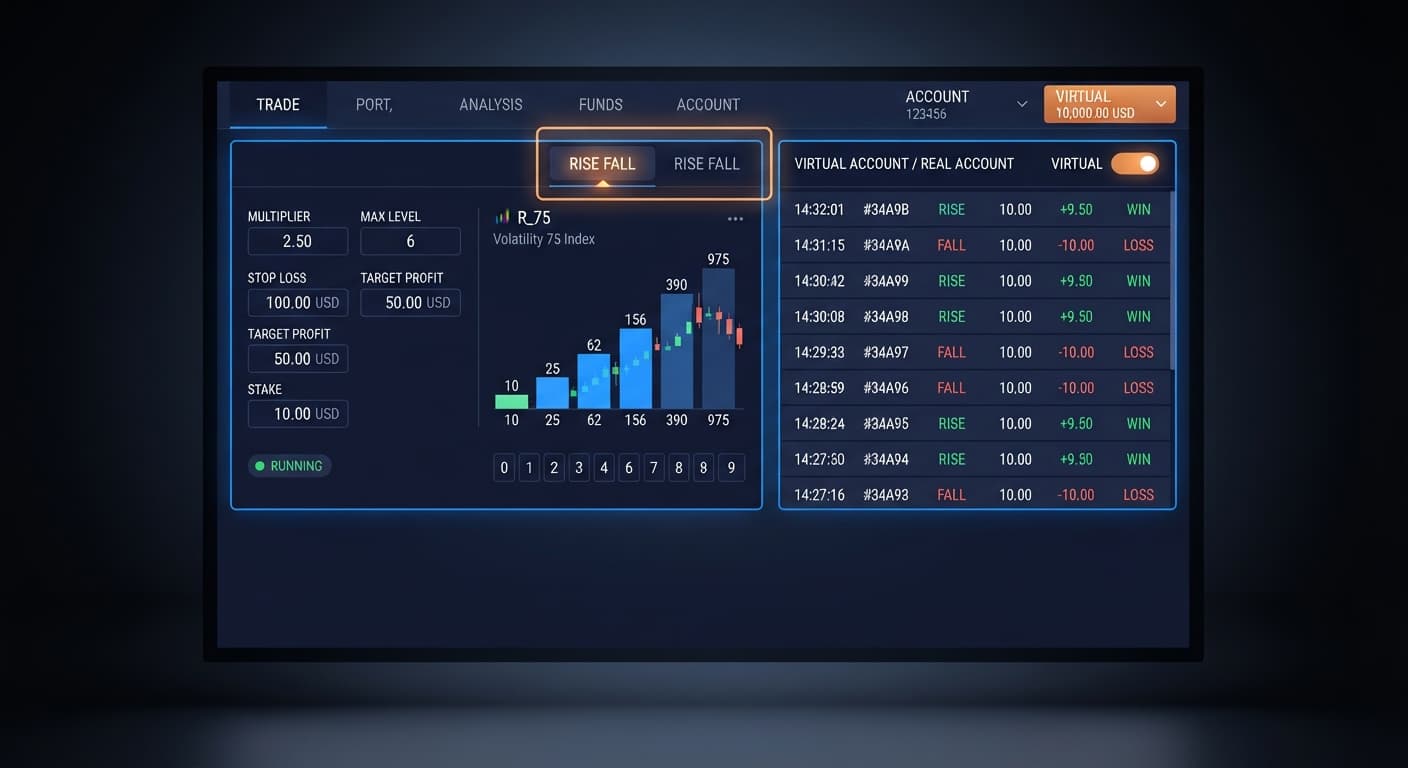
Setting up your trading parameters correctly is vital before launching any automated strategy. The table below illustrates how specific controls inside Sniper V3 alter execution behavior and which trader profiles they suit best.
| Control Name | Setting Value | Bot Behavior | Target Trader Profile |
|---|---|---|---|
MODE |
Martingale |
Multiplies stake by MULTIPLIER after each loss until winning or hitting MAX LEVEL. |
Discipline-focused traders managing recovery sequences. |
VIRTUAL LOSS (in a row) |
3 |
Paper-trades contracts internally until 3 losses happen in a row before staking real money. | Conservative traders filtering market noise before risking capital. |
BACK TO VIRTUAL |
IF REAL WIN |
Switches execution back to virtual paper trading immediately after securing a real win. | Profit-preservation traders taking single-win payouts off the table. |
WHEN MAX LEVEL |
Reset |
Returns stake to base UNIT when the martingale cap specified in MAX LEVEL is reached. |
Capital protection traders preventing total account wipeouts during drawdowns. |
DELAY AFTER WIN |
2s |
Pauses contract placement for two seconds after a winning contract before analyzing ticks again. | Traders on fast 1s volatility indices needing network execution buffers. |
BOT STOP AFTER |
10 Trades |
Automatically shuts down the bot session once 10 real contracts have completed. | Structured traders operating strict session trade limits. |
If I were configuring this setup today on Volatility 75 Index, I'd select VIRTUAL LOSS (in a row) set to 3 combined with BACK TO VIRTUAL set to IF REAL WIN. This keeps real money off the table during normal noise and exposes your account only when a statistical outlier loss string has already played out in paper trades.
To test these setups effectively, you can explore other automated tools in the platform ecosystem. If you prefer rapid digit analysis alongside automated execution, check out Solid Trading Bot or compare strategy setups against Sniper Bot V2. You can also test dual-contract entry logic using DualShot. To browse all available trading scripts, open the free deriv bot library.
When building money management parameters into any of these tools, select from the supported modes: Fixed Stake, Martingale, Anti-Martingale, Fibonacci, D'Alembert, or % of Balance. Each mode alters stake sizing differently after a win or loss.
Risk management on synthetic indices requires absolute discipline. Keep these mandatory balance rules in mind:
MAX LEVEL with a 2x MULTIPLIER means the final stake in the ladder can be hundreds of times the base stake—calculate it before starting.STOP LOSS and a TARGET PROFIT before starting the bot, not after.By matching standard Volatility Indices with virtual loss buffers and strict stake caps, you build a stable configuration that maximizes tool reliability across any market condition.
Try configuring these settings yourself on Sniper Bot V3 using a virtual balance first.
If you don't have an account yet, create a free Deriv account to start testing on demo funds.
Trading involves risk. Past performance does not guarantee future results.
Related: Configuring Sniper Bot V3 Settings for Deriv Bots
Related: Step-by-Step Fibonacci Setup on Sniper Bot V3 for Deriv Bots
Advanced automated trading bot for Deriv with Rise/Fall, Higher/Lower, Touch/No Touch and Digit strategies, plus martingale, anti-martingale, Fibonacci and D'Alembert money management.
Open Sniper Bot V3 →Standard Volatility Indices like Volatility 75 or Volatility 100 are the top pick for running Sniper Bot V3. Their two-second tick frequency gives the script enough buffer to process virtual losses cleanly while providing a stable execution environment.
Standard volatility indices are recommended because they update every two seconds, giving your connection better stability. While 1s volatility indices execute twice as fast, they increase the risk of delayed contract placement when switching from virtual to live stakes.
Past digit frequency doesn't change the probability of the next tick because Deriv synthetic indices are independent random draws. Studying historical tick charts to find cold or hot digits is a mistake since the math stays a 1-in-10 random output every single time.
Higher volatility indices create wider price separations between your entry spot and the barrier when trading contract types like CALL or PUT. For digit contracts, the volatility number changes the price swing size, but the last digit remains a completely random output from 0 to 9.
Guides closest to this one.
Read our honest sniper bot v3 review. Test virtual trading modes, money management, and the rise fall strategy on free deriv bots at BinaryBot.live.
Master every sniper bot v3 settings option for your deriv trading bot. Learn to configure stake, targets, and risk controls. Start automating today.
Discover why your sniper bot v3 not working on Deriv. Fix your virtual loss filter settings to resume trading on this free automated trading bot.