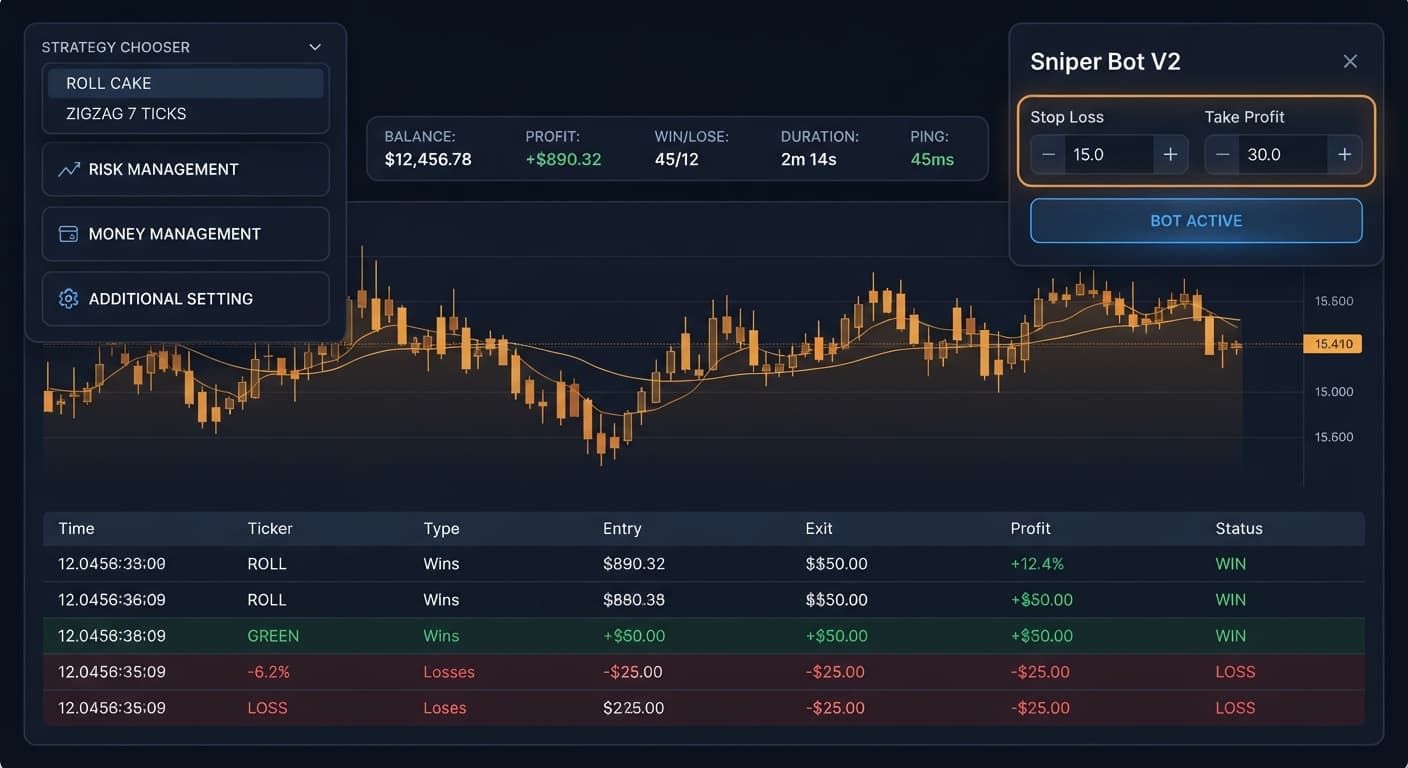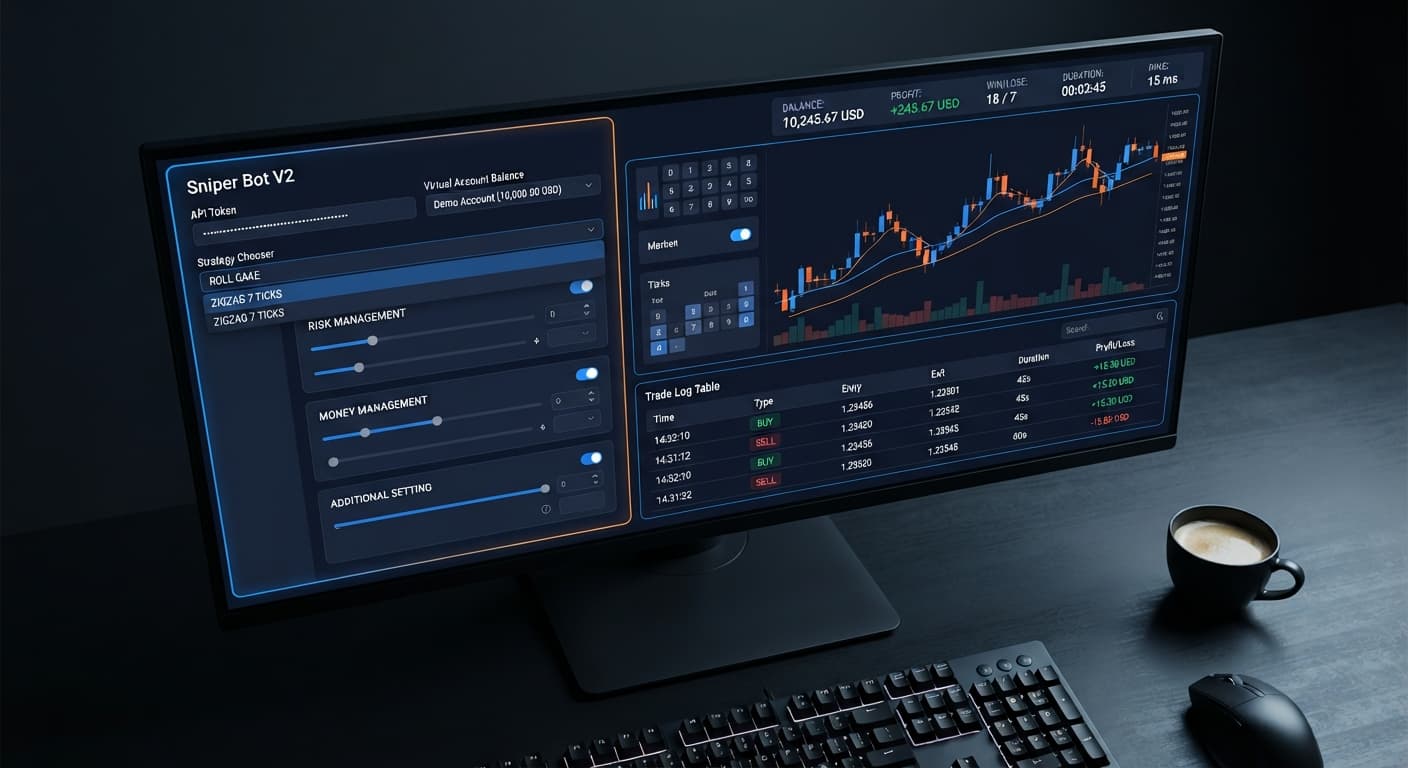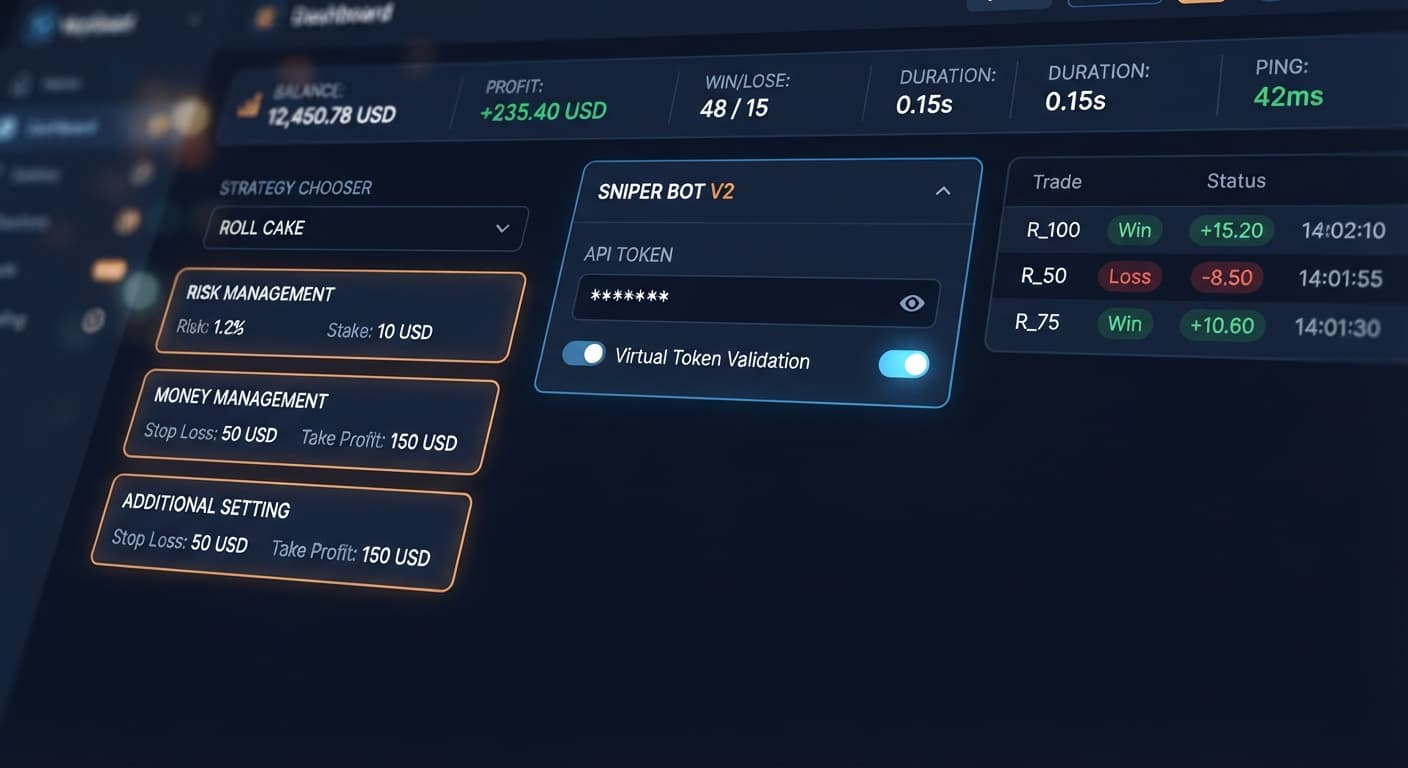
Auto Trading Bots
Sniper Bot V2 API Token Setup for Deriv Bots
Complete sniper bot v2 api token setup guide for deriv bots. Learn how to connect and validate your virtual token safely on BinaryBot.live today.
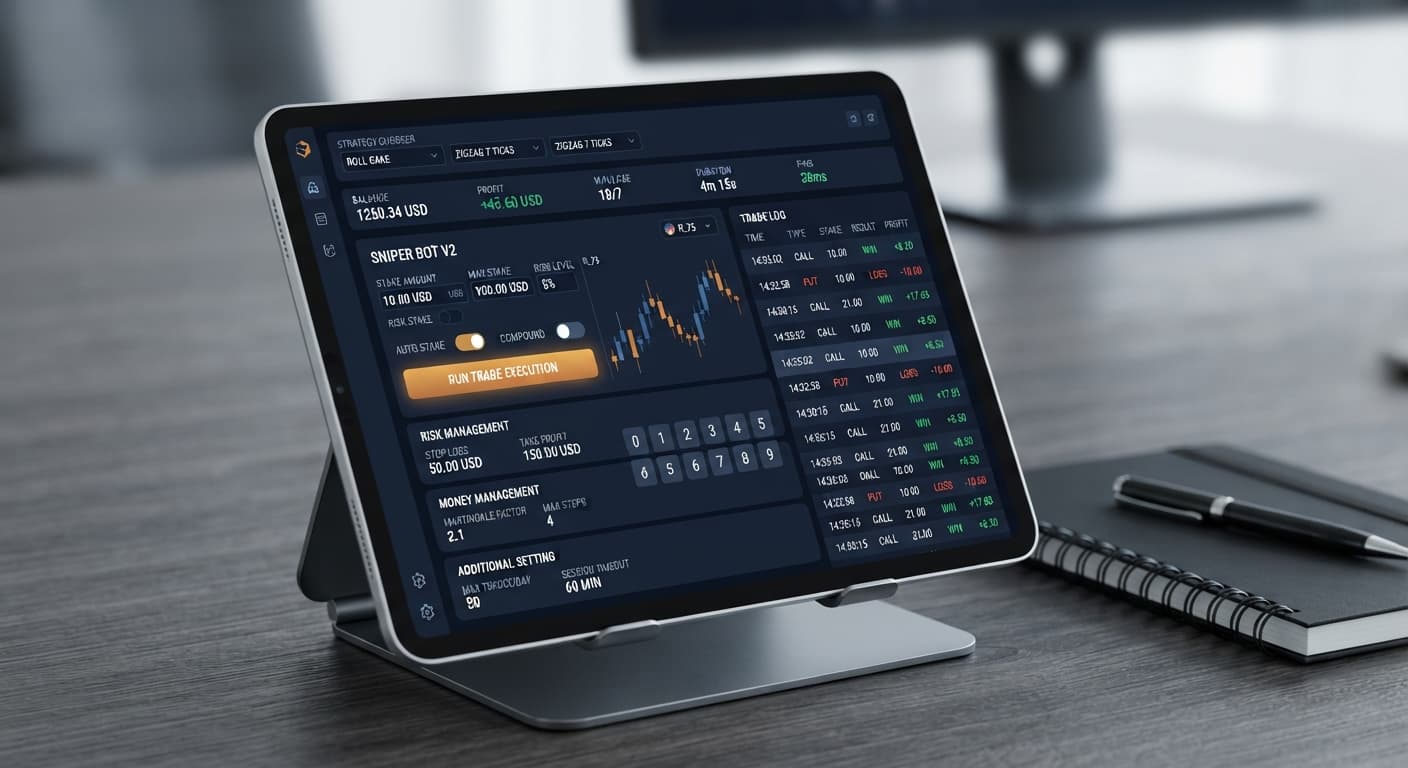
Learning how to use sniper bot v2 starts with authenticating your account, picking a pre-built entry pattern, and establishing paper-trading filters before committing real capital. You connect your account by inserting your API token into the Your Token Here field, clicking VALIDATE, selecting a strategy from the STRATEGY CHOOSER, and configuring the three setting panels. Once running, Sniper Bot V2 monitors tick data and places contracts directly on Deriv over their official API.
Running automated deriv bots without configuring virtual loss filters or leaving safety checkboxes unchecked is the fastest way to drain an account. When traders launch RISE/FALL - ROLL CAKE on live capital without a paper-trading threshold, every tick triggers an immediate entry. If market conditions shift against your direction, the bot continuously fires trades into the loss sequence without pausing.
Worse yet, entering numbers into the Take Profit or Stop Loss fields does nothing unless you tick the adjacent enable checkboxes. An unchecked box leaves the bot running completely uncapped, turning a minor pullback into a major drawdown. You can avoid this by using a virtual token filter so the system paper-trades behind the scenes until a set number of simulated losses occur in a row.
Fixing these entry and safety issues requires structuring your setup across three interface blocks: the RISK MANAGEMENT panel, the MONEY MANAGEMENT panel, and the ADDITIONAL SETTING panel. Inside RISK MANAGEMENT, set your base Stake, then tick the enable checkboxes for both Take Profit and Stop Loss. Always test your settings on a Deriv demo account before pointing the bot at real money.
In MONEY MANAGEMENT, set Virtual Loss (in a row) to 2 and paste your token into the virtual token field. This forces the bot to paper-trade until two consecutive losses happen. Set BACK TO VIRTUAL to IF REAL WIN so the system returns to paper trading as soon as a live trade wins. Keep martingale will active after X real loss set to 2, keep the martingale multiplier low, and set maximum martingale level to cap stake escalation. In the ADDITIONAL SETTING panel, set delay (seconds) after win contract and delay (seconds) after lose contract to 2 seconds to keep execution smooth during market volatility.
| Control Name | Panel Location | Recommended Value | Required Action |
|---|---|---|---|
| Your Token Here | Header Strip | Deriv API Token | Click VALIDATE |
| STRATEGY CHOOSER | Strategy Chooser | EVEN/ODD - ZIGZAG 7 TICKS |
Select from dropdown |
| Stake | RISK MANAGEMENT | 1.00 | Type base stake |
| Take Profit | RISK MANAGEMENT | 10.00 | Tick enable checkbox |
| Stop Loss | RISK MANAGEMENT | 20.00 | Tick enable checkbox |
| Virtual Loss (in a row) | MONEY MANAGEMENT | 2 | Set paper threshold |
| virtual token | MONEY MANAGEMENT | Virtual API Token | Paste demo token |
| BACK TO VIRTUAL | MONEY MANAGEMENT | IF REAL WIN | Select option |
| delay (seconds) after win contract | ADDITIONAL SETTING | 2 | Type delay in seconds |
Paste your token into the Your Token Here field at the top of the screen and click VALIDATE. The header strip immediately updates to show your live account information, displaying BALANCE, PROFIT, WIN, LOSE, DURATION, and network PING. If you plan to use paper trading features, make sure you also add your demo account token into the virtual token field inside the MONEY MANAGEMENT panel.
Open the STRATEGY CHOOSER dropdown to pick how the system reads price tick data. If you want high-frequency execution on Volatility indices, strategies like RISE/FALL - ROLL CAKE or EVEN/ODD - ROLL CAKE trigger trades continuously. If you prefer stricter filters, choose a zigzag variant like EVEN/ODD - ZIGZAG 7 TICKS or OVER/UNDER - ZIGZAG 7 TICKS. The zigzag strategy monitors 1s volatility indices for seven alternating ticks before issuing a contract such as DIGITEVEN, DIGITODD, DIGITOVER, DIGITUNDER, CALL, or PUT.
Navigate to the RISK MANAGEMENT panel to set your financial boundaries. Type your initial trade amount into Stake. Enter your upper session target in Take Profit and your maximum risk threshold in Stop Loss. You must click the enable checkbox next to both fields. If those boxes remain unchecked, the bot ignores your numerical inputs entirely. Understanding how to use sniper bot v2 safely requires verifying these checkboxes every single time before starting a session.
In the MONEY MANAGEMENT panel, set Virtual Loss (in a row) to 2. This keeps your real account idle while the bot places simulated trades using your virtual token. Choose your return strategy under BACK TO VIRTUAL. Selecting IF REAL WIN guarantees that after a real-money trade wins, the bot drops straight back into paper mode until another virtual loss streak occurs. Set martingale will active after X real loss to 2, configure your martingale multiplier, and set a strict maximum martingale level to avoid unchecked stake scaling.
Go to the ADDITIONAL SETTING panel. Input 2 into delay (seconds) after win contract and delay (seconds) after lose contract. These buffers give the network time to process trade receipts before analyzing the next tick sequence. You can also configure the stop after rule if you want the session to halt after a set number of runs. Click the start button, then monitor performance on the header strip, keeping an eye on network responsiveness using the PING indicator.
Knowing how to use sniper bot v2 effectively means reading what the user interface displays while a bot is running. When you authenticate successfully, a valid token turns the header readouts active and updates your live balance. If the API token is invalid or expires, the input field turns red, and the PING readout stays blank or shows a connection failure.
When running a pattern like RISE/FALL - ZIGZAG 7 TICKS, the trade log stays quiet while the bot monitors incoming ticks. That quiet state is normal; it means the system is waiting for seven alternating ticks in sequence before placing a CALL or PUT trade. When running binary bots without knowing this, you might assume the app froze, but the interface is simply waiting for the pattern to form. Once a setup occurs under virtual mode, the trade log displays virtual execution steps in grey text. When the virtual loss count hits your limit, the log switches to real execution mode, highlighting live trades in green or red.
| Interface Element | Screen State / Display | Technical Meaning | Diagnostic Action |
|---|---|---|---|
| Token Field | Red outline or alert | API token authentication failed | Re-copy token from Deriv settings |
| PING Readout | Shows -- or high latency |
WebSocket connection dropped | Refresh browser and re-validate |
| Trade Log | Empty / No entries | ZIGZAG 7 TICKS pattern scanning |
Wait for 7 alternating ticks to form |
| Trade Log | Grey "Virtual Trade" text | Paper trade running | System waiting for loss count trigger |
| Trade Log | Green highlight | Real trade won | Bot evaluating BACK TO VIRTUAL |
| Header PROFIT | Reaches Take Profit value | Target hit | Bot stops execution automatically |
While automated binary bots offer speed, Sniper Bot V2 isn't suitable for every market condition or trading style. If you want continuous, rapid-fire entries without waiting for specific sequence rules, selecting ZIGZAG 7 TICKS will feel frustratingly slow. That strategy trades far less often than ROLL CAKE, sometimes waiting minutes between valid entry patterns on 1s volatility indices. An empty trade log usually means the pattern hasn't appeared yet, not that the bot is broken.
Conversely, running continuous ROLL CAKE strategies during flat, choppy consolidation can trigger rapid consecutive losses across DIGITEVEN, DIGITODD, DIGITOVER, DIGITUNDER, HIGHER, LOWER, ONETOUCH, or NOTOUCH contracts. Synthetic index ticks are independent random draws, meaning past digit frequency does not alter the mathematical probability of the next tick. Martingale stake progression can wipe an account during a long losing streak because the stake doubles far faster than most traders expect. If your bankroll cannot absorb consecutive stake increases or if you prefer trading manually based on chart indicators, this automated approach is the wrong choice for your capital.
Try out these settings on Sniper Bot V2 using a demo balance first. If you don't have one yet, create a free Deriv account to start testing. Trading involves risk. Past performance does not guarantee future results.
The original Sniper automated trading bot for Deriv — a named strategy chooser with ROLL CAKE and ZIGZAG 7 TICKS entry patterns across Rise/Fall, Higher/Lower, Touch/No Touch and digit contracts, with virtual-token paper trading before real stakes.
Open Sniper Bot V2 →You connect your account by pasting your Deriv API token into the Your Token Here field and clicking the VALIDATE button. After that, you select a strategy from the STRATEGY CHOOSER and configure your settings panels.
Typing numbers into the Take Profit or Stop Loss fields won't do anything unless you also tick the adjacent enable checkboxes. Leaving those boxes unchecked means your bot runs completely uncapped during trades.
You configure this in the MONEY MANAGEMENT panel by setting Virtual Loss to 2 and pasting a virtual API token into the virtual token field. This forces Sniper Bot V2 to paper-trade behind the scenes until two consecutive losses occur.
You should set both the delay after a win contract and the delay after a lose contract to 2 seconds in the ADDITIONAL SETTING panel. This keeps execution smooth when the market is volatile.
Guides closest to this one.
Complete sniper bot v2 api token setup guide for deriv bots. Learn how to connect and validate your virtual token safely on BinaryBot.live today.
Master your sniper bot v2 stop loss setup on BinaryBot.live. Learn to configure risk controls on this free deriv trading bot safely. Start configuring today.
Master sniper bot v2 demo account setup on BinaryBot.live. Learn to configure virtual tokens for this free deriv trading bot safely.