Auto Trading Bots
Step-by-Step Guide: How to Use Accumulator Bot for Deriv Bots
Learn how to use accumulator bot on BinaryBot.live. Follow this step-by-step guide to configure your deriv trading bot and trade volatility indices today.
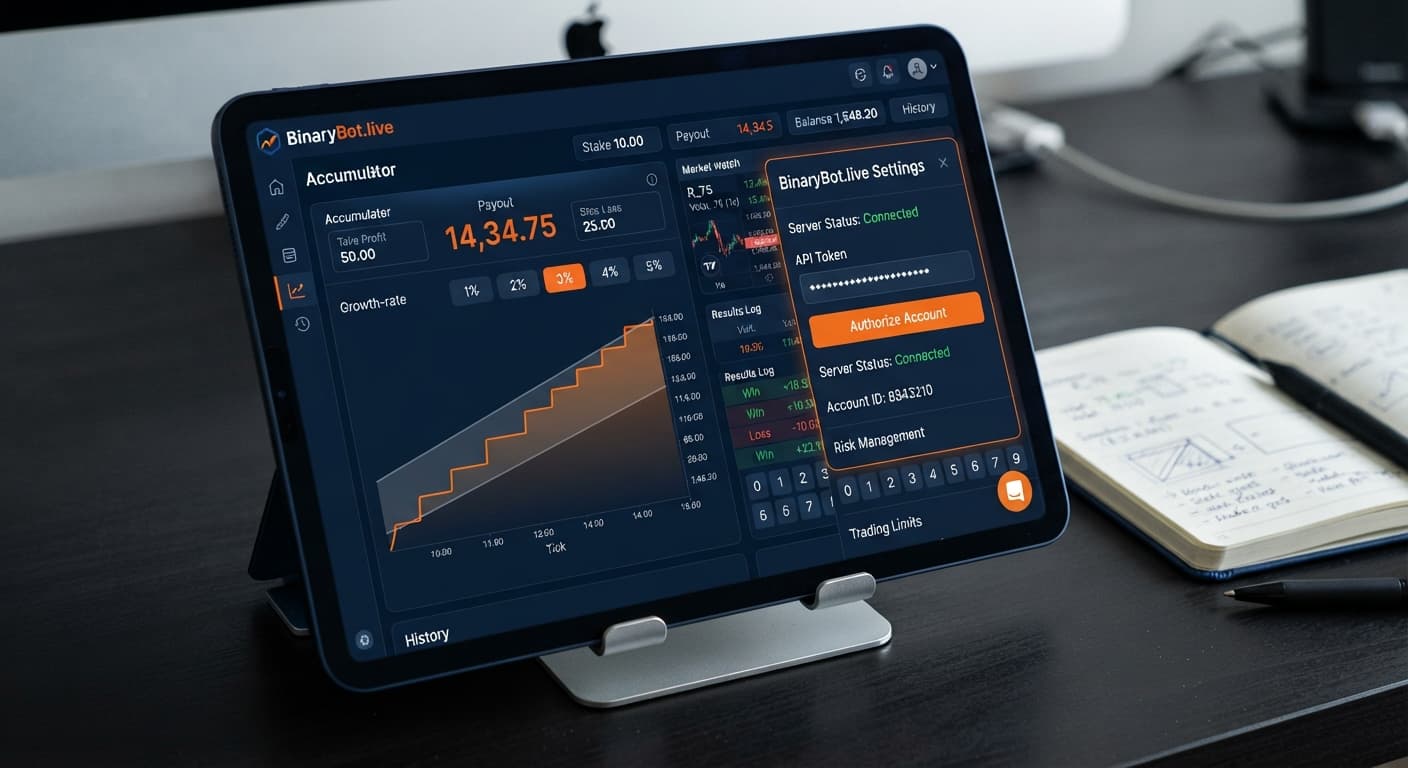
Complete your accumulator bot api token setup by generating a read/trade API token inside your Deriv account settings and pasting it into the connection panel on Accumulator Bot. This establishes a direct connection to your Deriv account, letting the automated trading bot stream live Volatility Index price feeds and execute ACCU contracts. No deposits or account credentials are ever sent to BinaryBot.live because every contract runs straight through your own Deriv balance.
When configuring deriv bots for short-term tick moves, getting the API link established properly is your first operational task. The entire token process takes less than two minutes, but setting improper permissions or misinterpreting screen indicators will stop the execution engine before your first contract opens.
Opening the interface presents a clear, two-part layout. On one side sits the connection panel where you handle authentication; on the other sits the contract execution panel where you configure trade behavior.
The connection panel contains three distinct items:
The contract configuration panel holds your trading parameters:
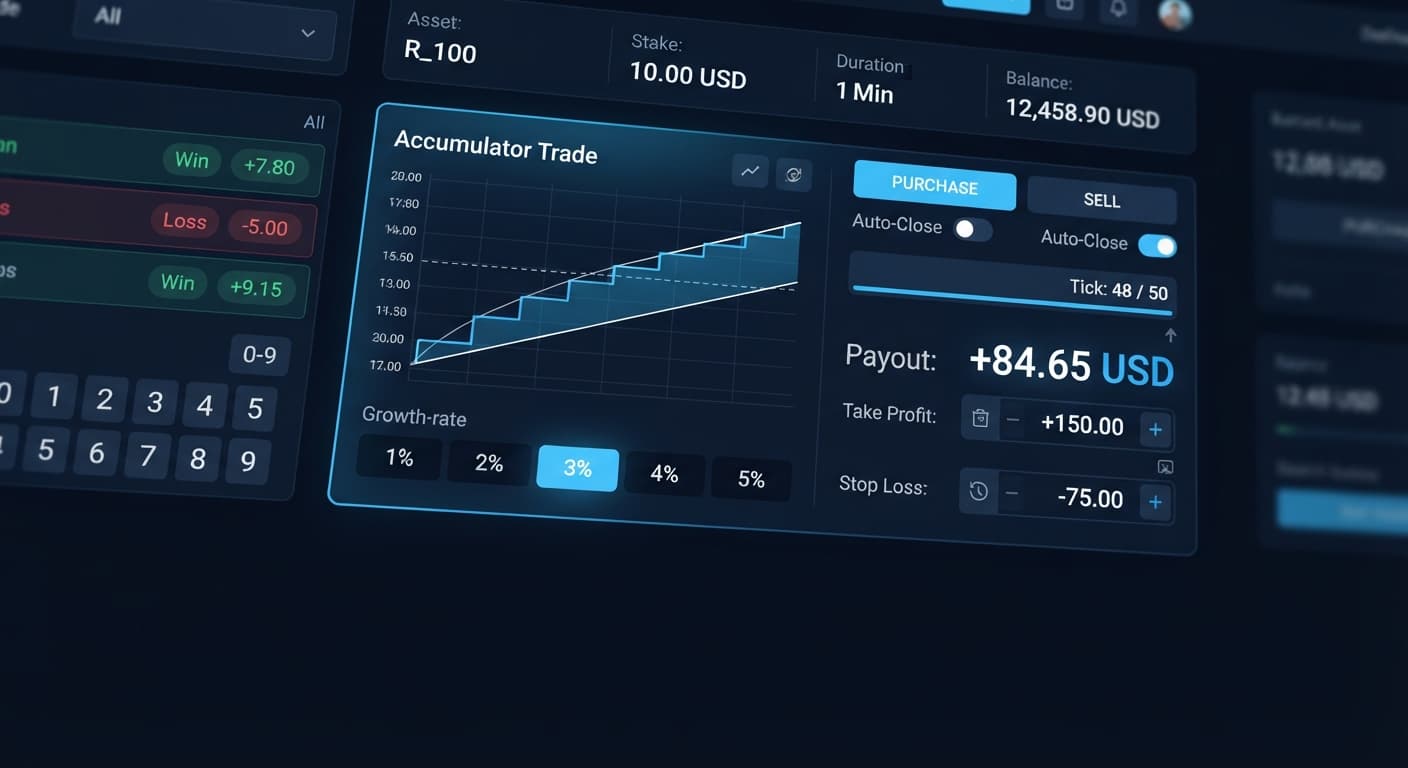
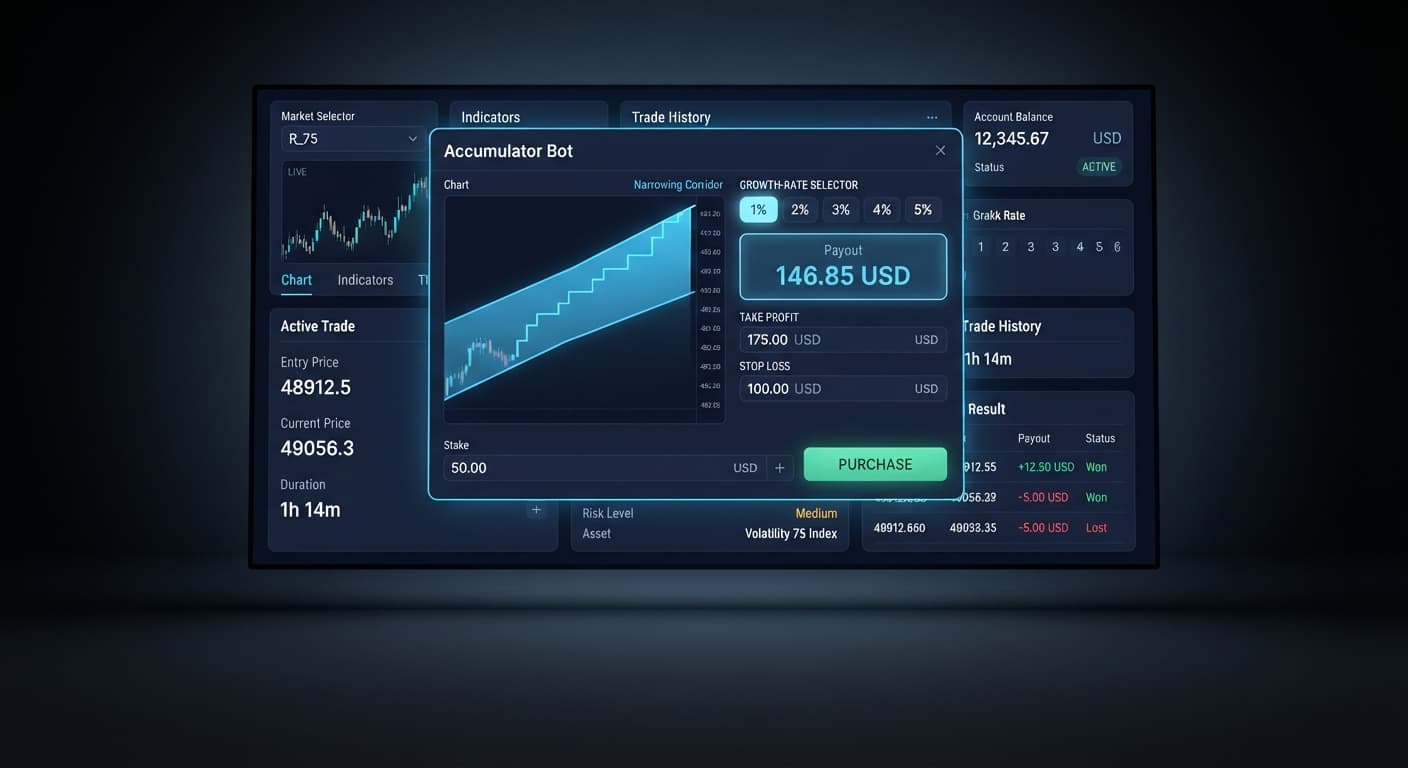
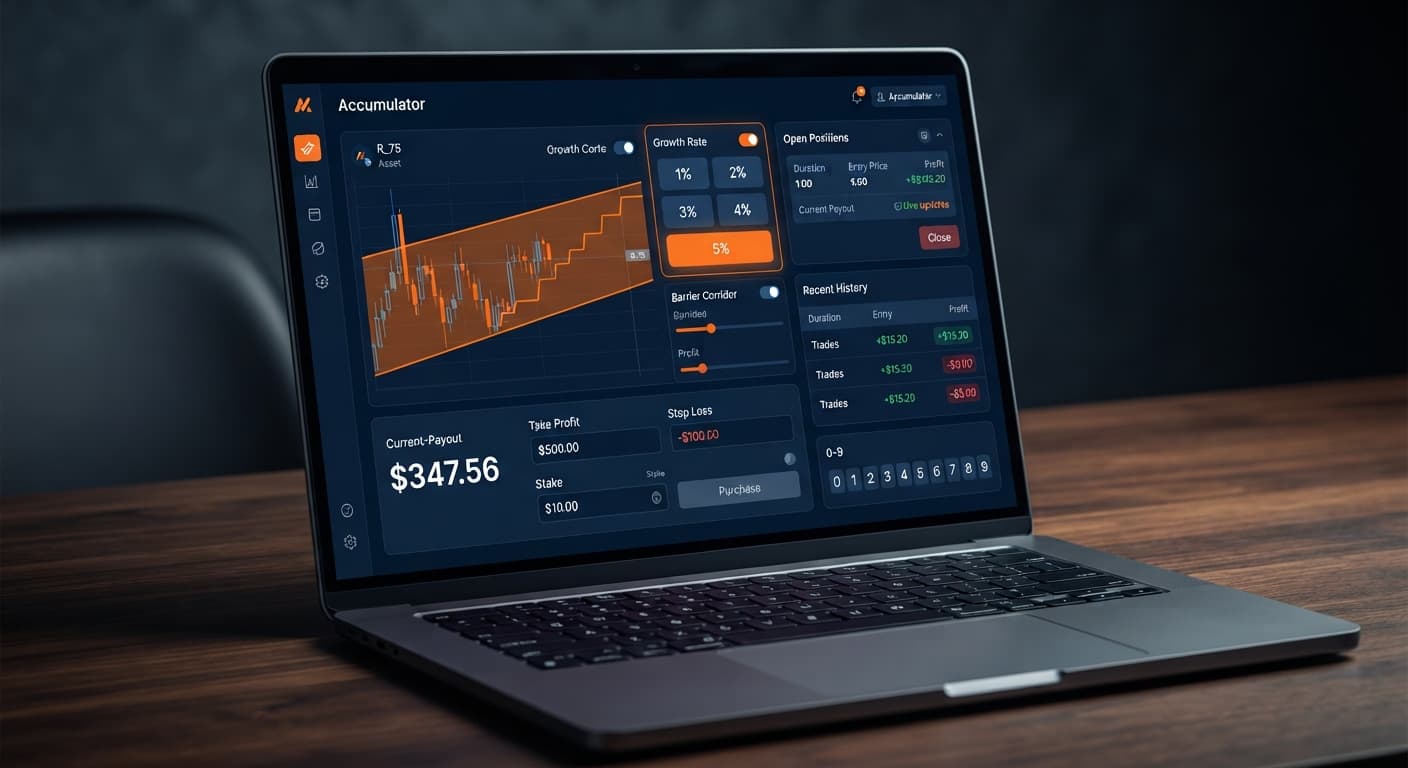
Unlike standard binary bots that place fixed-payout contracts, accumulator contracts demand continuous feed stability. An ACCU trade grows your stake on every tick as long as market price stays within a calculated price corridor. Choosing a 5% Growth Rate compounds your stake significantly faster than a 1% setting, but it drastically narrows the price barrier. A tighter barrier means a much higher probability of an early price knockout, causing the contract to close worthless and lose the stake.
Log into your account on Deriv and navigate to your account settings menu. Locate the API Token section under security management.
You'll see a list of permission checkboxes. To allow the bot to read market feeds and place trades without granting withdrawal access, select exactly two scopes:
Do not check Admin or Payment Agent permissions. Giving trade-only scope keeps your funds safe while providing full functionality for the automated trading bot. Name the token clearly (such as "Accumulator Bot") and click Generate. Copy the resulting string of letters and numbers to your clipboard.
Open the interface on Accumulator Bot in your web browser. Paste your saved token string directly into the API Token input field.
Click the Connect button. The interface sends an authorization request through Deriv API endpoints without routing through third-party servers. Within one second, the input box locks and the account indicator bar updates to show your active account ID alongside your live balance.
If you are testing new configurations, ensure you use a token generated from a Deriv virtual (demo) account. A demo token displays a account string starting with VRTC, ensuring no real money is risked while you verify parameter choices. Always test settings on a Deriv demo account before risking real funds.
With the token authorized, choose your target market from the available Volatility indices. Synthetic index price ticks are generated by cryptographic random algorithms, meaning past tick patterns or digit frequencies do not influence future outcomes. Every tick draw is entirely independent.
Next, set your Growth Rate. Your choice directly alters contract risk:
| Growth Rate | Compounding Velocity | Barrier Range Width | Risk Profile |
|---|---|---|---|
| 1% | Gradual | Very Wide | Lowest probability of early knockout per tick |
| 2% | Moderate | Wide | Balanced duration and compounding rate |
| 3% | Balanced | Medium | Standard default for active index volatility |
| 4% | Rapid | Narrow | High tick-by-tick sensitivity |
| 5% | Aggressive | Very Narrow | Maximum compounding speed with highest knockout frequency |
Selecting a 5% rate causes payout values to climb quickly, but even small tick variations will trigger a contract knockout. Lower growth rates give price more space to move, extending average contract duration at the expense of slower payout growth.
Before engaging automated trading, set your risk limits. Never start execution without defining parameters first. Adjusting limits after trades are running opens your account to unnecessary drawdown.
Set your take profit parameter to specify when an individual ACCU contract automatically cashes out. For example, entering 2.00 exits individual trades once accumulated payout reaches $2.00 above the initial stake.
Set your target profit and stop loss for the entire trading session:
Review your selected index, growth parameter, and monetary limits. Click the Start Bot control to initiate automated contract acquisition.
The system places an initial ACCU contract on the selected Volatility Index. You will observe live tick updates in the feed log as the price fluctuates inside the expansion channel. When the contract reaches your take profit ceiling or hits a price barrier knockout, the engine logs the result and evaluates your session total against your defined stop loss and target profit thresholds. If neither session limit is breached, it proceeds to open the next contract.
Monitoring visual indicators ensures your connection remains healthy throughout an active trading session. The table below outlines what the screen displays during various connection states during your accumulator bot api token setup and operation.
| On-Screen Indicator | Feed / System State | Technical Meaning | Immediate Required Action |
|---|---|---|---|
| Account Bar shows VRTC/CR number + green dot | Connected & Authorized | Socket active; read/trade scopes validated by Deriv | Proceed to set parameters and run bot |
| API Token field turns red with error message | Invalid / Expired Token | Token string contains typo or lacks required permissions | Re-generate token on Deriv with Read + Trade checked |
| Account Bar displays "Connecting..." continuously | Stalled Handshake | Network latency or blocked web socket connection | Refresh browser page; disable aggressive ad-blockers |
| Trade Log shows "Contract Failed: Rate Limit" | API Throttle | Too many trade requests submitted in short window | Pause execution for 60 seconds; check connection |
| Balance updates live, but Start button is grayed | Missing Parameters | One or more risk fields (stop loss, take profit) are empty | Input numerical values in all control fields |
Observing these visual states gives you immediate feedback without needing external developer tools. If the green indicator drops at any point during active trading, contract execution halts automatically to protect your balance from unmonitored positions.
To confirm your setup is functioning correctly, watch the trade log during the first contract cycle. A healthy setup presents three distinct events in rapid sequence: an authorization message confirming account ID, a contract purchase confirmation listing the entry spot, and real-time tick increment logs showing percentage stake growth.
If your trade log shows connection drops or fails to register ticks, the primary cause is usually token scope misconfiguration. Returning traders using binary bots often forget to re-select the Trade permission box when creating new tokens on Deriv, leaving the token with Read-only access. When this happens, the interface successfully displays your balance but fails the moment it attempts to open an ACCU position.
Another common issue involves active browser extensions interfering with WebSocket traffic. If the account status toggles rapidly between connected and disconnected, disable browser shields or script blockers for the page.
Keep in mind that this guide is for educational purposes and does not constitute financial advice. Automated tools execute instructions quickly, but synthetic markets remain unpredictable. Manage risk carefully, test every setup on virtual funds first, and maintain strict stop loss boundaries on every live session.
Ready to automate your strategy? Test your setup on Accumulator Bot with a risk-free virtual balance.
If you need a trading account to generate your token, create a free Deriv account to get started.
Trading involves risk. Past performance does not guarantee future results.
Related: Step-by-Step Guide: How to Use Accumulator Bot for Deriv Bots
Related: Accumulator Bot Settings: Configure Growth and Stops
Related: Accumulator Bot Demo Account Setup for Deriv Bots
Related: Accumulator Bot Deriv Bots Guide: Run Your First Bot
Free automated accumulator trading bot for Deriv with take profit, target profit and stop loss controls, plus real-time chart analysis for volatility indices.
Open Accumulator Bot →Log into your Deriv account, go to account settings, and locate the API Token section under security management. Select the Read and Trade permission scopes, name the token, and click generate to create the string you'll paste into the Accumulator Bot connection panel.
You need to select exactly two scopes: Read and Trade. This allows Accumulator Bot to check your balance and execute ACCU contracts while keeping your funds safe by excluding withdrawal access.
No account credentials or deposits are ever sent to BinaryBot.live because every contract runs straight through your own Deriv balance using the API token. You only paste your generated API token into the connection panel to establish a direct socket link.
Choosing a 5% growth rate compounds your stake significantly faster on each tick, but it drastically narrows the price barrier. This tighter barrier creates a much higher probability of an early price knockout, causing the contract to close worthless.
Guides closest to this one.
Learn how to use accumulator bot on BinaryBot.live. Follow this step-by-step guide to configure your deriv trading bot and trade volatility indices today.
Is your accumulator bot not working? Fix Deriv configuration errors, growth-rate limits, and risk control settings on BinaryBot.live today.
Discover the accumulator bot best market conditions for Deriv bots. Learn how matching volatility indices to growth rates refines your strategy today.