Auto Trading Bots
Why Your Accumulator Bot Is Not Working on BinaryBot.live
Is your accumulator bot not working? Fix Deriv configuration errors, growth-rate limits, and risk control settings on BinaryBot.live today.
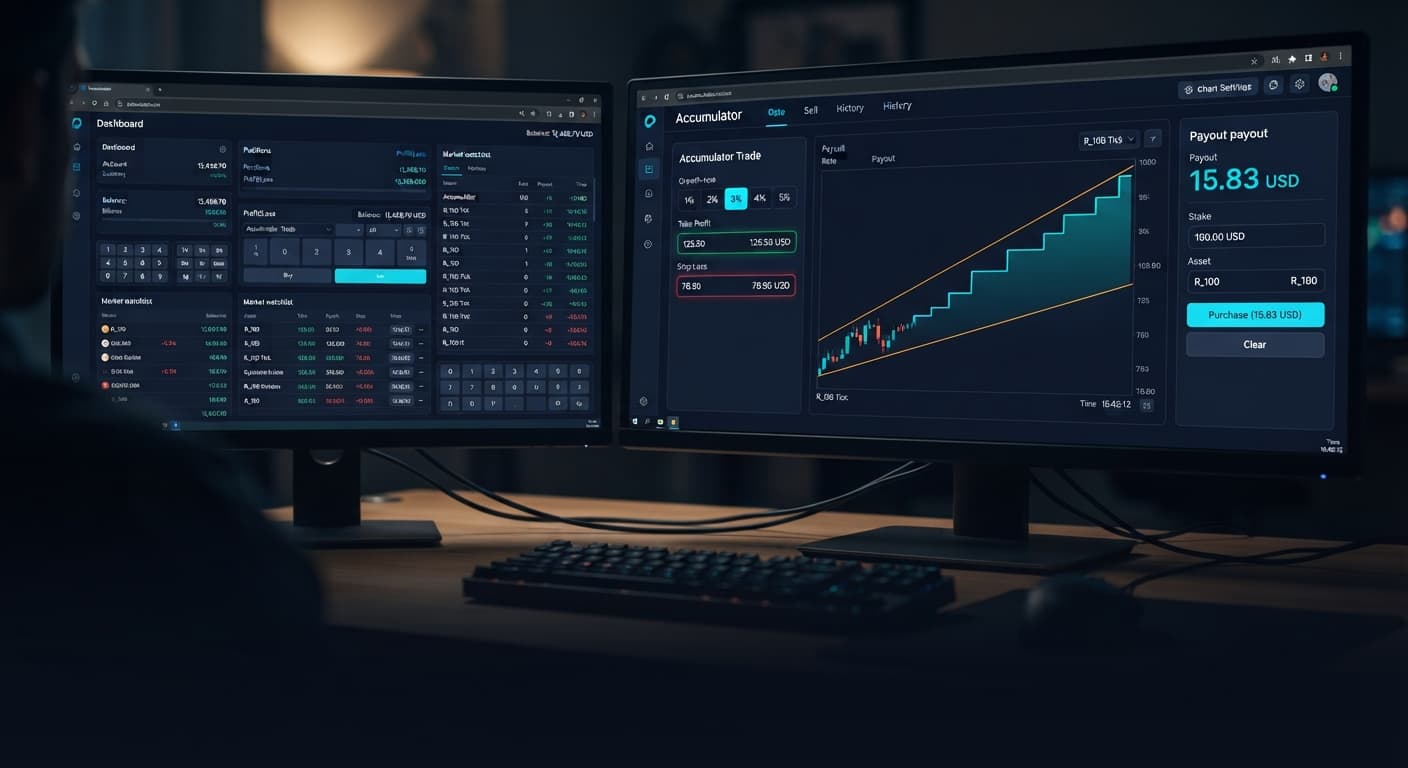
To configure your accumulator bot settings for optimal survival and consistent execution, set your Growth Rate to 1% or 2%, set your stop loss to no more than 15% of your current session capital, and define a take profit or target profit that caps individual runs before statistical variance catches up with you. The automated accumulator strategy on Accumulator Bot places ACCU contracts on Deriv volatility indices, continuously expanding your payout every tick your chosen market stays within a high-and-low price barrier. Because higher growth percentage selections squeeze that price range tighter around the current tick, picking the right baseline parameters before starting the automated runner is what keeps your account alive.
Getting these controls configured properly on your screen takes less than two minutes, but skipping the setup stage usually leads to cleared balances. Here is how to configure each input on the interface before you click run.
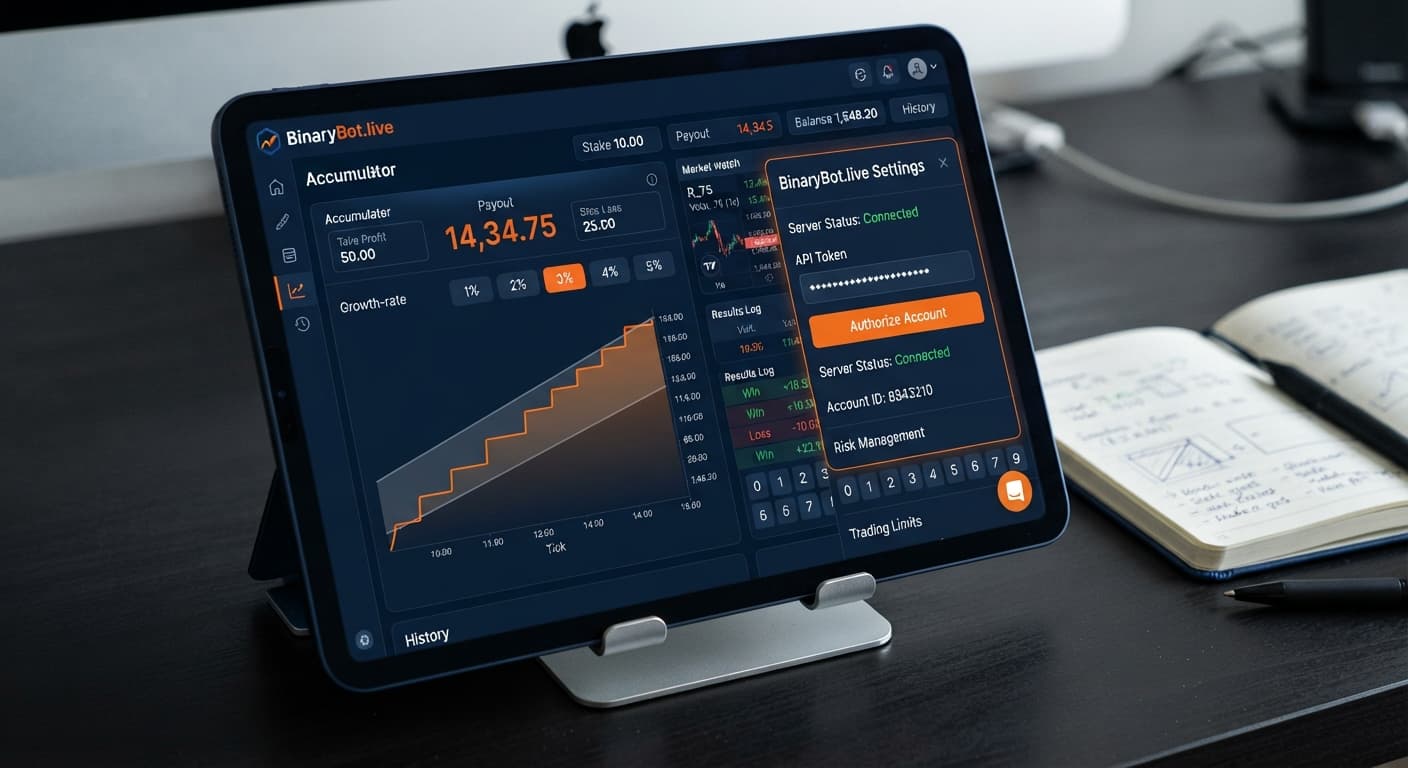
When you open the setup panel, you're looking at four specific inputs that control contract entry and exit rules. Setting these controls before initiating automated operations is mandatory because the runner executes trades continuously over the API direct connection until an automated instruction tells it to stop.
Here is the initial baseline setup you should enter into the interface for balanced risk exposure:
Growth Rate to 1% or 2% for initial session stability.stop loss value based on a fixed percentage of your account balance rather than a generic guess.take profit or target profit limit to automatically lock in returns when a winning sequence hits your financial mark.If you don't configure these parameters prior to launching the bot, your running trade stays exposed to market movement until a price tick breaks outside the barrier and invalidates the entire payout accumulated during that trade.
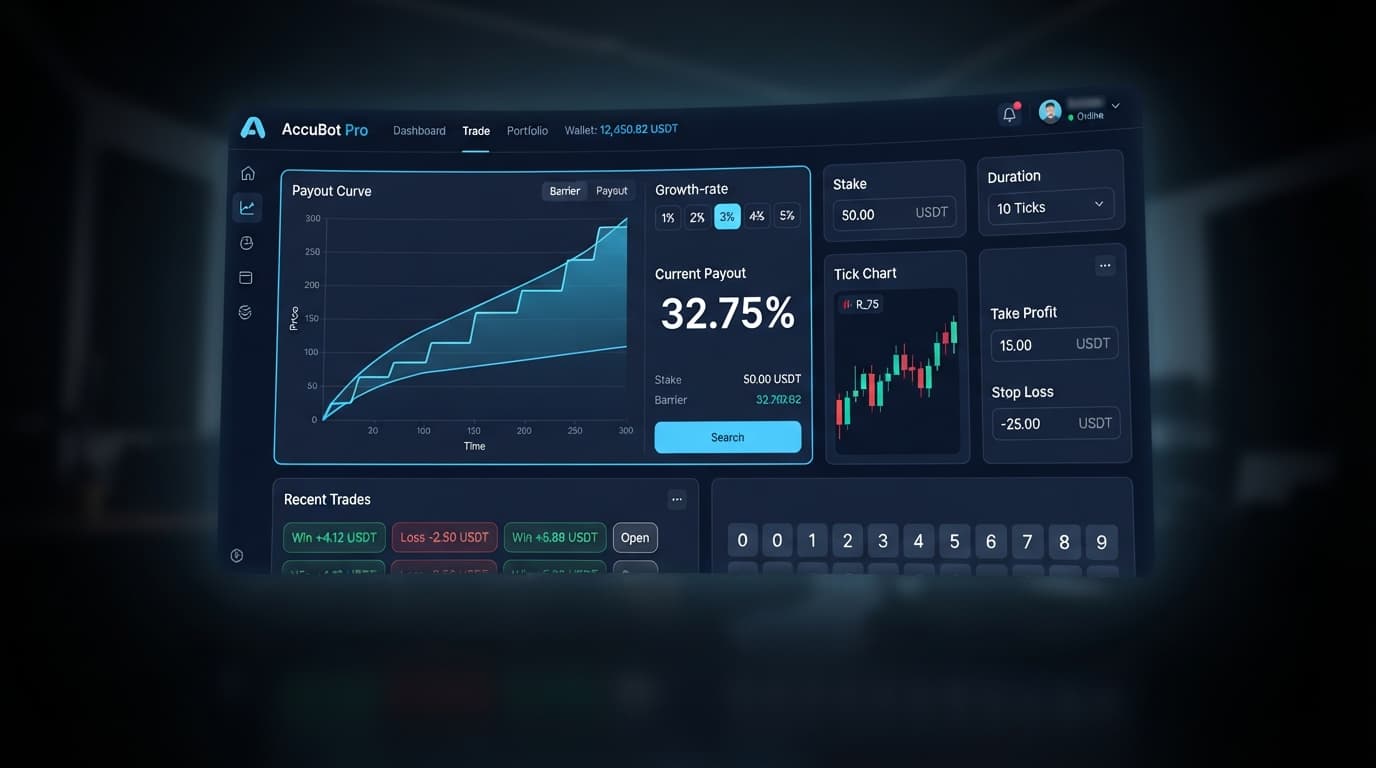
The core variable behind ACCU contracts is the relationship between payout accumulation and range distance. When you adjust the Growth Rate on screen—selecting between 1%, 2%, 3%, 4%, or 5%—you aren't just choosing how fast your position compounds. You are changing the physical distance between the active market price and the dynamic upper and lower exit barriers.
When you select 1%, the system constructs a relatively wide price envelope around the tick. The market can move up or down moderately without breaching the boundaries. Your payout increases by 1% on every single tick that remains inside that envelope. It's a slower crawl, but it allows for realistic market volatility on synthetic indices.
If you switch the Growth Rate to 5%, the mathematical compounding speed accelerates heavily. However, Deriv pays for that rapid compounding by contracting the range barrier down to a narrow channel. A small price spike on a Volatility 75 Index tick will break out of a 5% range instantly, resulting in a early knockout where the initial stake and accrued compound growth are wiped out.
These price draws operate on independent synthetic calculations. No matter how many ticks stay inside the boundaries in a row, the probability of the next tick staying within the range does not increase or decrease based on past digit history or price trends.
To understand why an accumulator position succeeds or fails, you have to measure market exposure against actual physical seconds, not just abstract tick counts. On synthetic volatility indices like Volatility 75 Index, price ticks update exactly once every two seconds.
When your bot opens an ACCU trade, the clock starts running immediately. The table below outlines how time duration, tick counts, and price exposure correlate during a running trade session on a standard 2-second tick index.
| Tick Count | Duration in Seconds | 1% Barrier Survival Profile | 5% Barrier Survival Profile | Market Exposure Reality |
|---|---|---|---|---|
| 5 Ticks | 10 Seconds | Very High | Moderate | Minor price jitter rarely breaks range. |
| 10 Ticks | 20 Seconds | High | Low | Normal index noise begins testing boundaries. |
| 20 Ticks | 40 Seconds | Moderate | Very Low | Average directional swings occur; high knockout risk on 5%. |
| 50 Ticks | 100 Seconds | Low | Extremely Low | Significant trend or range shift almost guarantees a barrier breach. |
Look at what happens at the 20-tick mark. That trade has been open for 40 real clock seconds. During those 40 seconds, an index like Volatility 75 can easily traverse several full points of price distance. If your Growth Rate is set to 5%, your range boundary is so narrow that even a routine 40-second price fluctuation will breach the side and end the trade with zero payout.
On a 1% rate, that same 40-second window gives the index breathing room. The compound payout climbs slower, but the wider barrier allows the underlying index to fluctuate without immediately triggering a total loss. This timing relationship is why experienced traders using deriv bots avoid running maximum growth rates during extended trading sessions.
Choosing the right value on your accumulator bot settings panel requires balancing payout compound speeds against barrier width survival. The available options on the interface trade safety for acceleration.
| Growth Rate Option | Compounding Velocity | Range Barrier Distance | Knockout Risk Per Tick | Recommended Deployment |
|---|---|---|---|---|
| 1% | Gradual | Maximum Allowed Width | Lowest | Extended automated runs, conservative session targets |
| 2% | Moderate | Medium-Wide | Low-Moderate | General session trading, steady account compounding |
| 3% | Balanced | Intermediate | Moderate | Short duration runs with strict take profit targets |
| 4% | Fast | Narrow | High | Quick scalp runs requiring quick tick exits |
| 5% | Maximum | Extremely Tightly Bound | Severe | High-risk sprint runs; highly susceptible to fast knockouts |
When setting up your runner, remember that switching from 1% to 5% doesn't just make you 5 times faster—it sharply shrinks the margin of error on every single tick. That is why automated traders utilizing binary bots often stick to 1% or 2% settings when running automated loops over longer timeframes.
Automated execution without explicit parameter boundaries is the easiest way to lose an entire trading account. Because ACCU trades run indefinitely until a tick pierces the barrier or a preset threshold is met, your safety controls do the heavy lifting of protecting your capital.
When you configure your automation panel, you will see explicit fields for stop loss, take profit, and target profit. Here is how to apply them properly:
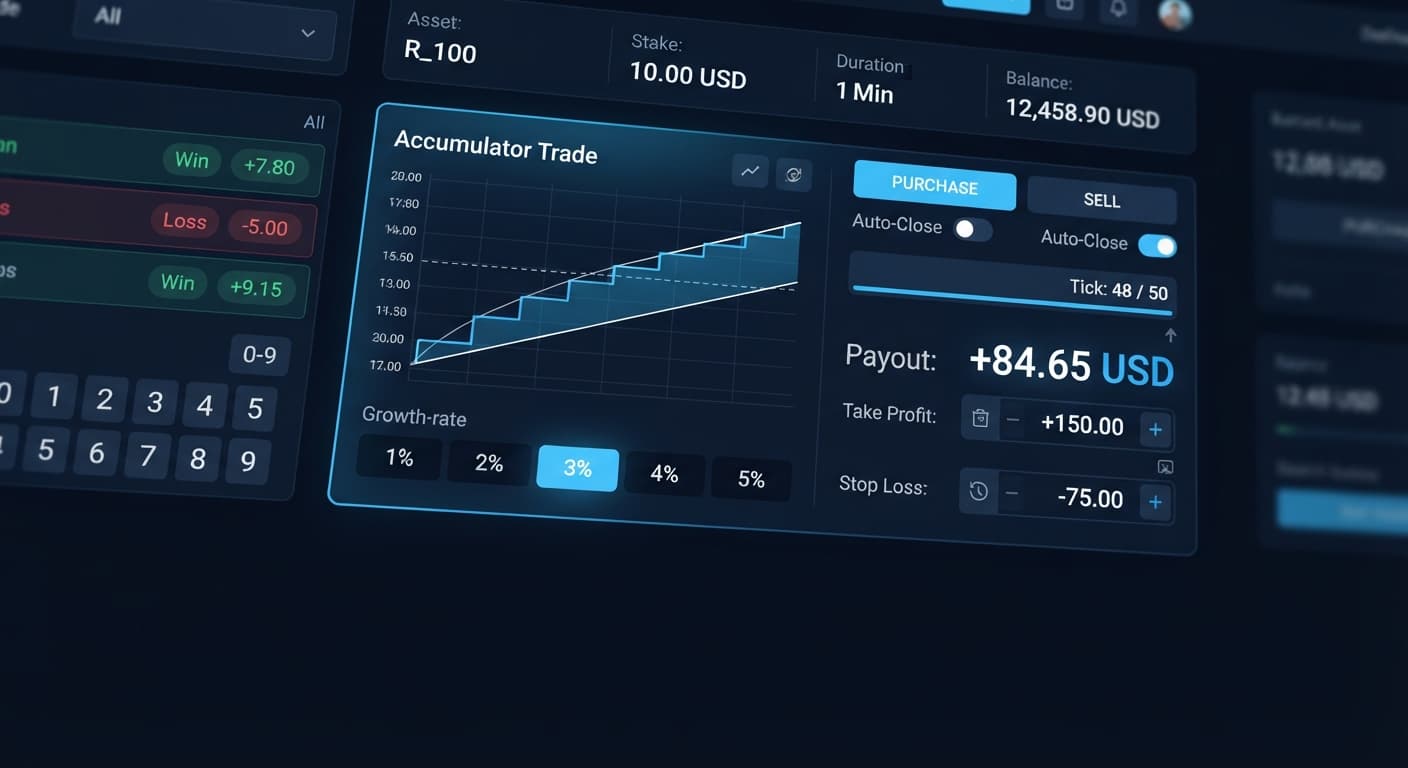
stop loss: This field specifies the maximum loss limit for your session. If a series of trade knockouts reduces your account or session balance by this number, the bot immediately halts execution. Always enter this value before starting the run. Setting a stop loss equal to 10% to 15% of your available account balance prevents a bad run from wiping out your balance.take profit: This value applies to individual contract cycles. When a running ACCU trade reaches this specific monetary value through tick compounding, the contract automatically settles, securing the balance into your account before a sudden price tick breaks the boundary.target profit: This field acts as the overarching session cap. Once your total session net profit reaches this figure across all completed trades, the runner shuts down automatically, forcing you to step away with your realized gains.Because synthetic index ticks are completely independent random calculations, running automated trades endlessly guarantees that a barrier knockout will eventually occur. Capping your upside with a realistic target profit and protecting your balance with a firm stop loss ensures that temporary market runs don't turn into total session drawdowns.
Always test your parameter combinations thoroughly on a free Deriv demo account before connecting your API key for live execution. Practicing on demo money lets you observe how fast different Growth Rate selections trigger exit thresholds without putting real funds at risk.
Test these exact settings on the free Accumulator Bot dashboard using a virtual demo balance before risking live capital.
If you don't have an active trading account yet, you can create a free Deriv account to start testing automated strategies in minutes.
Trading involves risk. Past performance does not guarantee future results.
Related: Accumulator Bot Demo Account Setup for Deriv Bots
Related: Step-by-Step Guide: How to Use Accumulator Bot for Deriv Bots
Related: Why Your Accumulator Bot Growth Rate Keeps Failing
Related: Accumulator Bot API Token Setup for Deriv Bots
Related: Why Your Accumulator Bot Is Not Working on BinaryBot.live
Free automated accumulator trading bot for Deriv with take profit, target profit and stop loss controls, plus real-time chart analysis for volatility indices.
Open Accumulator Bot →You should set your growth rate to 1% or 2% for initial session stability. Selecting higher rates like 5% heavily accelerates compounding, but it contracts the price range barrier so tightly that a small price spike will instantly knock you out.
You'll want to enter a stop loss value that is no more than 15% of your current session capital. Base this on a fixed percentage of your account balance rather than a generic guess to keep your account alive.
You should select a high-liquidity market such as the Volatility 75 Index or Volatility 100 Index. These synthetic indices provide the market conditions needed for the automated runner on Accumulator Bot.
Your running trade stays exposed to market movement until a price tick breaks outside the barrier and invalidates your entire accumulated payout. Skipping this setup stage usually leads to cleared balances.
Guides closest to this one.
Is your accumulator bot not working? Fix Deriv configuration errors, growth-rate limits, and risk control settings on BinaryBot.live today.
Complete accumulator bot api token setup guide for binary bots. Learn how to connect your Deriv API token for automated volatility index trading today.
Master your accumulator bot demo account setup on BinaryBot.live. Learn how to configure this free deriv bot safely before live trading.