Auto Trading Bots
Accumulator Bot API Token Setup for Deriv Bots
Complete accumulator bot api token setup guide for binary bots. Learn how to connect your Deriv API token for automated volatility index trading today.
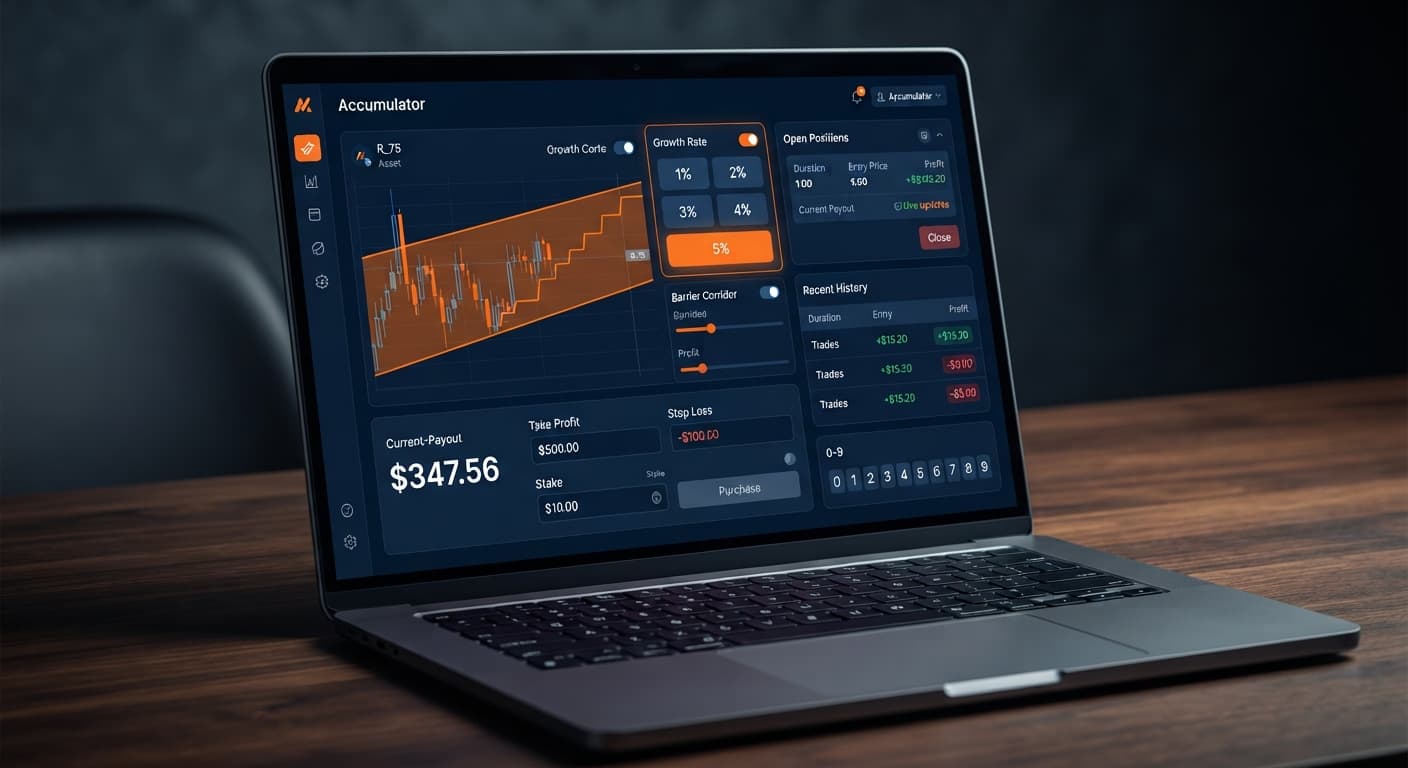
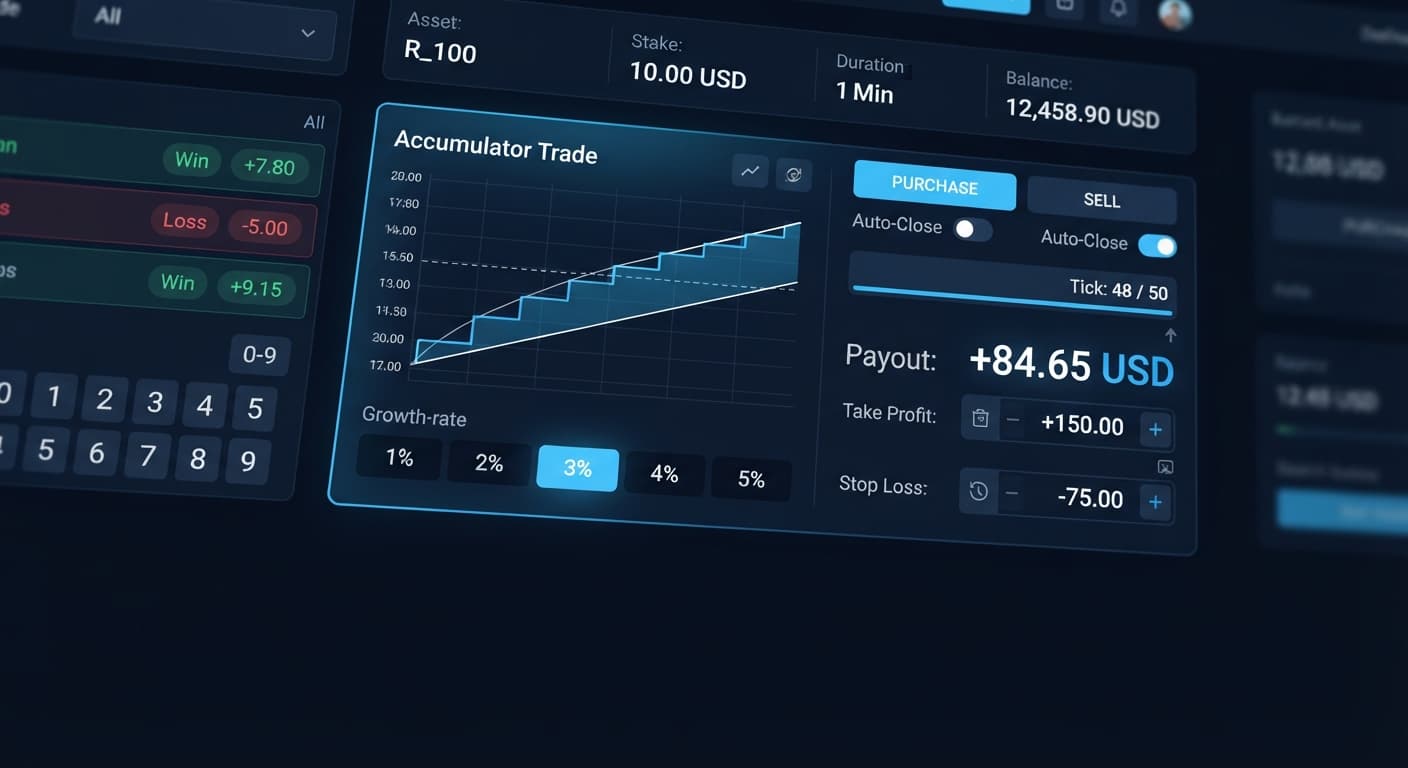
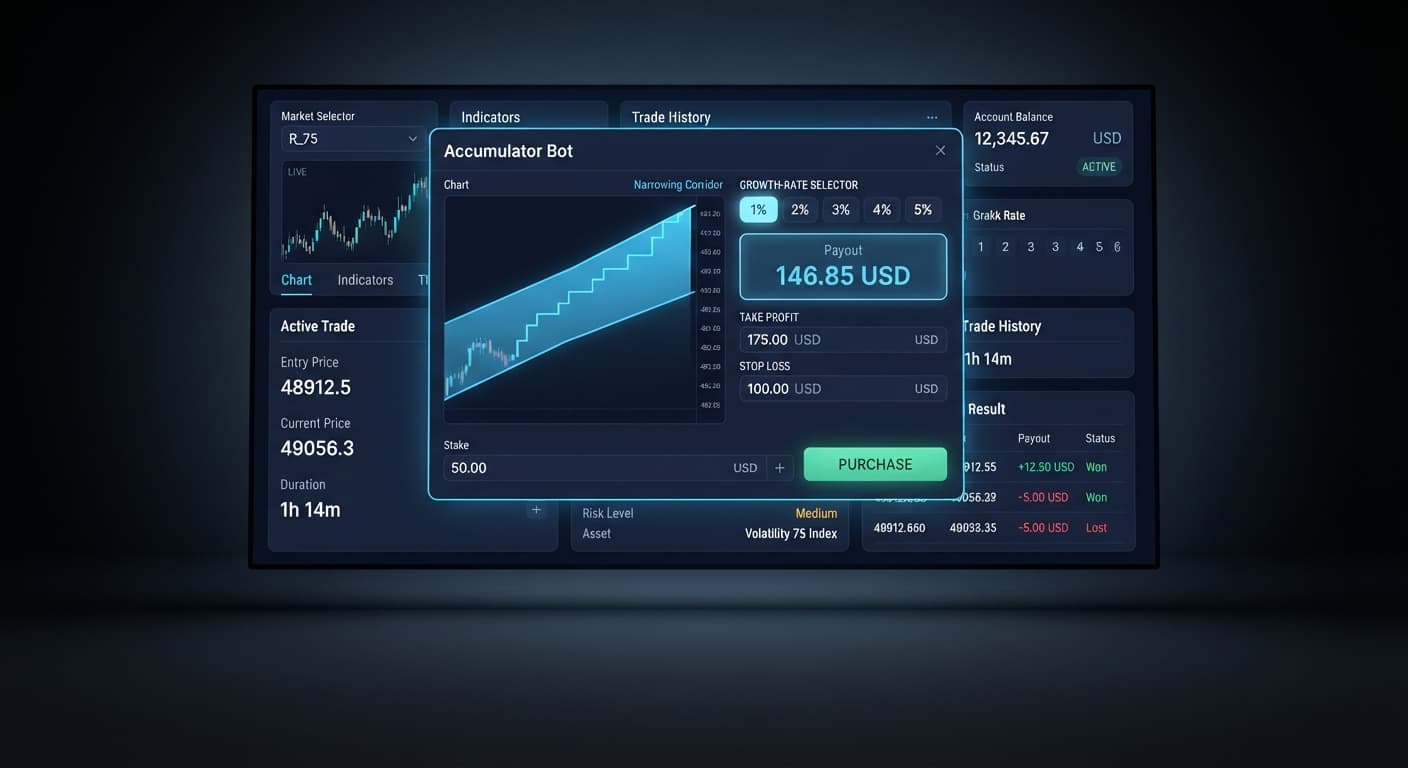
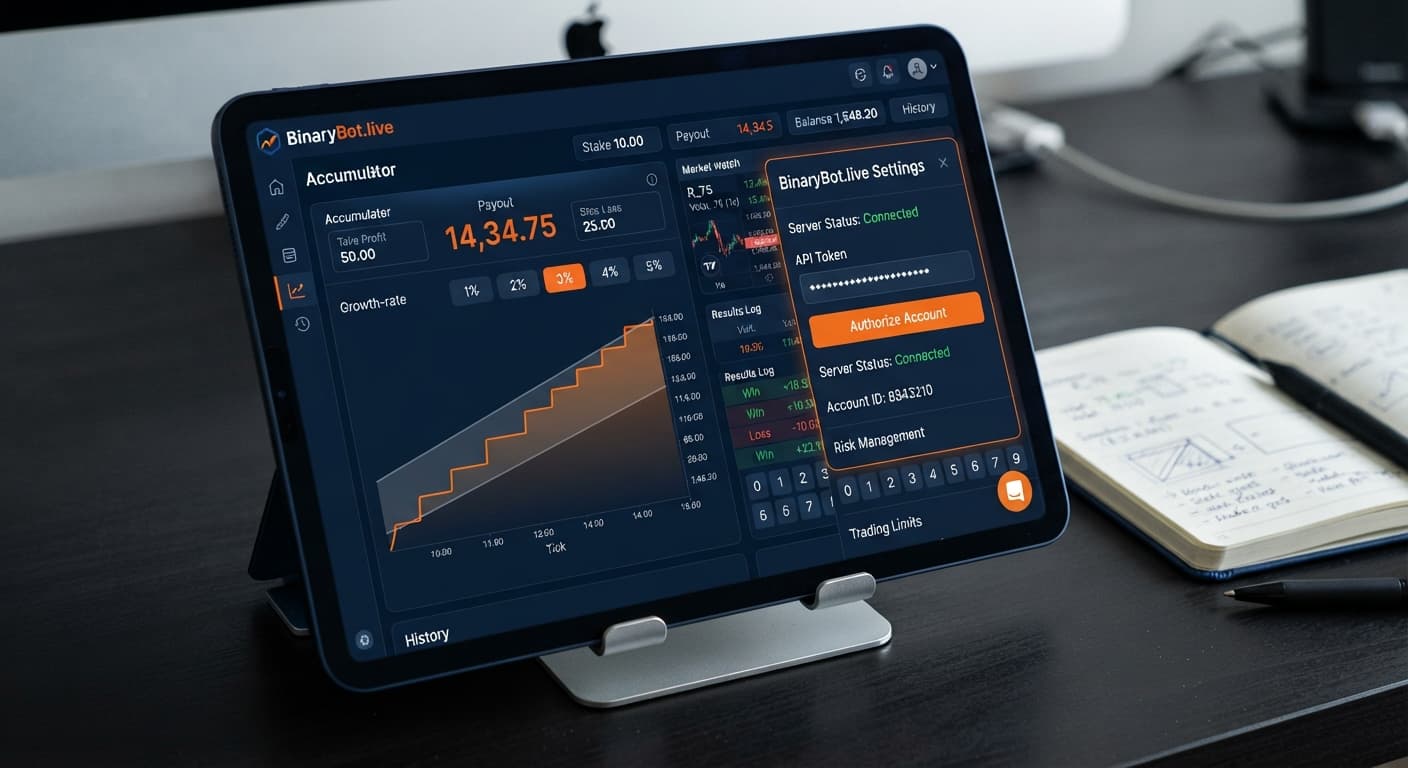
Learning how to use accumulator bot setups requires setting your growth percentage, defining execution caps, and matching your target profit to index volatility. You select a market under Volatility indices, set your Growth Rate between 1% and 5%, enter your take profit and stop loss, and let the software handle ACCU contracts automatically. The web tool connects directly to Deriv over their official API using your personal token, placing every position straight onto your account.
Traders usually treat accumulators like standard rise/fall trades. They pick a 5% Growth Rate because the yield compounding looks fast on paper. What they miss is the underlying barrier math. A 5% rate narrows the price range that must hold on every tick. If price moves outside that tight barrier, the trade closes immediately and the entire payout is lost. A 5% growth rate has a much tighter barrier range than 1%—the faster compounding is paid for with a far higher chance of an early knockout.
Another common mistake is treating previous tick history as a predictor for future trades. Past digit frequency does not change the probability of the next tick. Deriv synthetic indices are independent random draws. Seeing ten consecutive ticks stay inside a narrow range does not mean the eleventh tick is safer. Each tick evaluates fresh against the index algorithm.
People also run automated deriv bots without setting hard boundaries beforehand. They turn on execution, walk away from their screen, and return to an empty account balance. If you don't enter your stop loss and take profit before starting the bot, you aren't managing risk. You're just gambling.
Fixing this issue requires matching your parameters to your account balance before launching a single contract. You configure four core controls directly on screen: Growth Rate, take profit, target profit, and stop loss.
Your Growth Rate dictates how fast your stake grows on each valid tick where price stays inside the range. You can select 1%, 2%, 3%, 4%, or 5%. Choosing 1% gives the price a wider range barrier. The trade compounds slower, but it survives normal market noise far better than higher percentages.
Next, establish your target limits. The take profit control manages individual trade exits, while target profit halts the entire automated session once your cumulative gains reach a chosen dollar value. If you set a target profit of $10 on a $100 bankroll, the script stops running as soon as net gains hit $10.
Your stop loss protects your overall balance. Always set a stop loss before starting the bot, not after. If a session hits your defined loss limit, execution stops instantly, saving the rest of your balance.
Here is a balanced framework designed for a $100 demo balance:
| Control | Value | Function |
|---|---|---|
| Selectable Market | Volatility 75 Index | Provides consistent tick updates |
| Growth Rate | 1% or 2% | Maintains a wider barrier to resist random price jumps |
| base stake | $1.00 | Sets initial risk per contract entry |
| take profit | $2.00 | Closes the current active ACCU trade once it gains $2.00 |
| target profit | $10.00 | Stops the bot completely after reaching a $10.00 session gain |
| stop loss | $15.00 | Halts the bot if total session drawdown reaches $15.00 |
You can complete this setup on screen in under two minutes. Follow these five steps to prepare your automated run.
Mastering how to use accumulator bot options requires clear math on drawdown scenarios. Many traders combine automated deriv bots with stake progression strategies like martingale to recover losses. Martingale stake progression can wipe an account during a long losing streak—the stake doubles far faster than most traders expect.
Let's examine a scenario using a $100 starting balance, a base stake of $2.00, and a standard double-up progression after every losing ACCU contract.
By Trade 6, the required martingale stake becomes $64.00. However, your remaining balance is only $38.00. You cannot place the next trade, meaning the session ends in a $62.00 net loss—wiping 62% of your capital in five consecutive ticks.
Traders who rely on binary bots often underestimate how quickly trade sizing scales during a bad streak. If you choose to run stake multipliers, cap your maximum consecutive steps using a strict stop loss so your account never hits trade five in a drawdown sequence.
Knowing how to use accumulator bot automation effectively includes recognizing when to turn it off. Close your automated session immediately when any of these three conditions occur:
First, stop execution if market volatility spikes suddenly. While synthetic indices rely on cryptographic random algorithms, high-velocity tick movements hit range barriers far more frequently, leading to rapid consecutive knockouts.
Second, stop when you reach your session target profit or stop loss limit. Once the software hits your predetermined boundaries, close the application tab. Restarting the script immediately to chase extra gains or make back drawdown breaks your risk model and usually results in heavy losses.
Third, shut down the run if you feel tempted to alter settings mid-session. Switching your Growth Rate from 1% to 5% after a series of losses shrinks your range barrier dramatically, turning a controlled trading strategy into an unstable attempt to recover funds fast.
Run your strategies on binary bots with complete risk parameters in place, track every trade outcome on demo, and keep your stake management mechanical.
Test these parameters on the free Accumulator Bot using a demo account balance before trading real money.
If you haven't set up your trading profile yet, create a free Deriv account to begin testing.
Trading involves risk. Past performance does not guarantee future results.
Related: Why Your Accumulator Bot Growth Rate Keeps Failing
Related: Step-by-Step Guide: How to Use DualShot on Deriv Bots
Related: How to Use Autopilot for Server-Side Deriv Automation
Related: Accumulator Bot Demo Account Setup for Deriv Bots
Related: Accumulator Bot Settings: Configure Growth and Stops
Related: Accumulator Bot API Token Setup for Deriv Bots
Related: Accumulator Bot Best Market: Volatility 75 Index Guide
Free automated accumulator trading bot for Deriv with take profit, target profit and stop loss controls, plus real-time chart analysis for volatility indices.
Open Accumulator Bot →You should use a 1% or 2% growth rate because it maintains a wider barrier that resists random price jumps better than higher percentages. While a 5% rate compounds faster on paper, it gives you a much tighter barrier and a higher chance of an early knockout.
The Accumulator Bot web tool connects directly to Deriv over their official API using your personal token. Once connected, it places every position straight onto your account automatically.
Take profit manages the exit for an individual active ACCU trade once it hits your dollar goal. Target profit, on the other hand, halts the entire automated session once your cumulative session gains reach your chosen amount.
Your trade likely lost immediately because you chose a high growth rate like 5%, which creates a very tight price barrier that is easily broken. If the price moves outside that tight barrier on any tick, the trade closes instantly and the entire payout is lost.
Guides closest to this one.
Complete accumulator bot api token setup guide for binary bots. Learn how to connect your Deriv API token for automated volatility index trading today.
Is your accumulator bot not working? Fix Deriv configuration errors, growth-rate limits, and risk control settings on BinaryBot.live today.
Discover the accumulator bot best market conditions for Deriv bots. Learn how matching volatility indices to growth rates refines your strategy today.