Auto Trading Bots
Accumulator Bot API Token Setup for Deriv Bots
Complete accumulator bot api token setup guide for binary bots. Learn how to connect your Deriv API token for automated volatility index trading today.
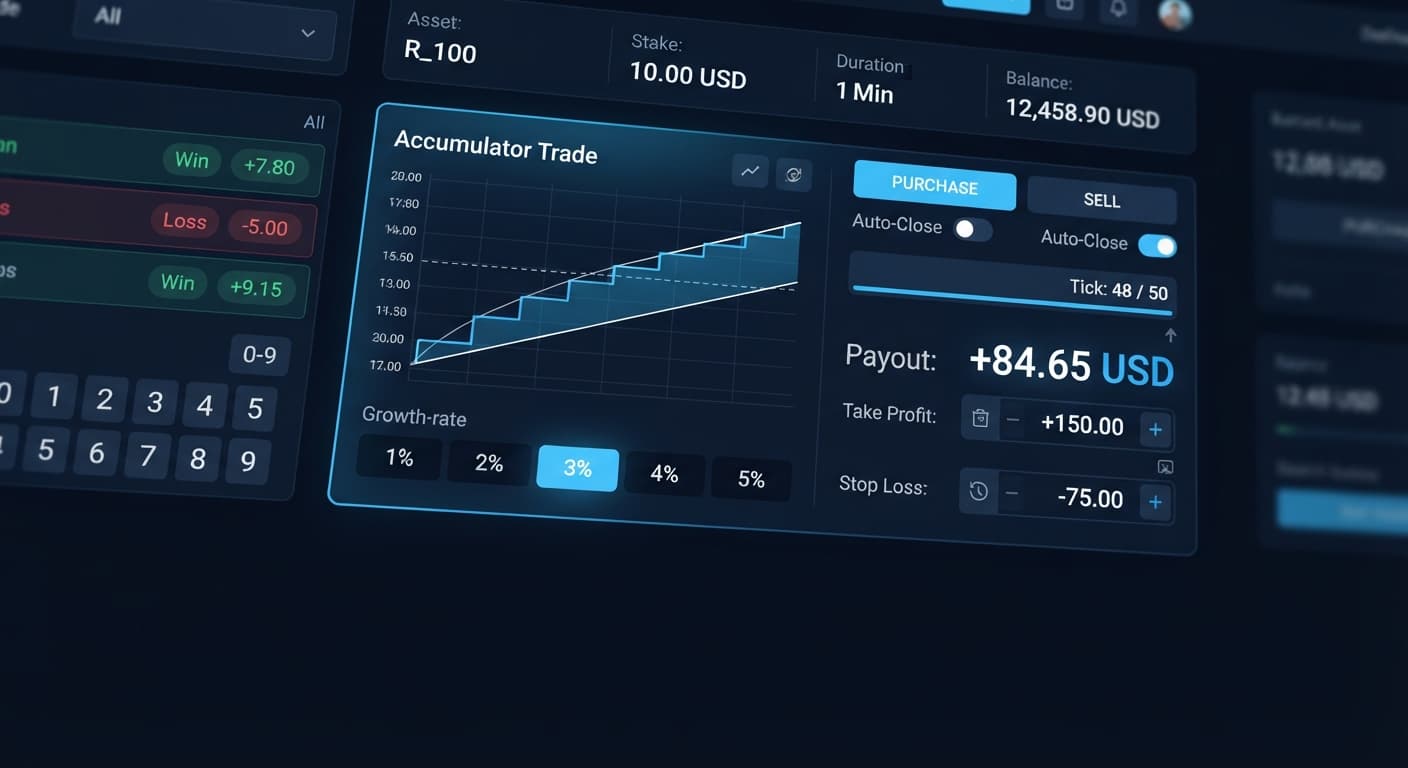
Your accumulator bot not working on BinaryBot.live is usually caused by an unset take profit or stop loss parameter, an expired API token, or selecting a 5% Growth Rate on a volatile index that causes an immediate price range knockout. When your input settings conflict with broker API validation rules, trades reject instantly, the screen freezes on connecting status, or positions close on the very first tick with a full loss. On your dashboard, you'll see the active contract log stall while connection status retries continuously without placing new trades. Resolving an accumulator bot not working error requires aligning your risk parameters with server rules and pairing your chosen Growth Rate with an appropriate index before launching the session.
Deriv Accumulator contracts expand your stake by a chosen percentage on every tick that market price stays within a calculated upper and lower boundary. Choosing incorrect parameters causes connection rejections or rapid drawdowns. A 5% growth rate has a much tighter barrier range than 1%—the faster compounding is paid for with a far higher chance of an early knockout.
| Control Name | Function in Automated Execution | Best Trader Application |
|---|---|---|
| Growth Rate: 1% | Maintains maximum barrier width, yielding slower tick compounding with highest range tolerance | Testing systematic strategies across long tick sequences |
| Growth Rate: 3% | Sets balanced price limits, balancing moderate payout growth against routine market noise | Daily automated trading on medium volatility indices |
| Growth Rate: 5% | Tightens price boundaries to minimum width, compounding stake rapidly on every tick | Targetting brief 3-to-5 tick momentum bursts |
| take profit | Closes the active ACCU contract automatically once payout reaches your designated amount | Locking in single-trade profits before a boundary knockout |
| target profit | Stops the bot session completely after total session gains hit your overall target | Protecting cumulative daily profits across multiple runs |
| stop loss | Halts automated trading immediately if account drawdown breaches your set safety threshold | Capping max losses during severe adverse market runs |
I always default to a 2% Growth Rate when running automated ACCU strategies on Volatility 10 Index. This combination provides enough barrier room to absorb normal price micro-spikes while compounding your balance faster than a 1% rate over a 10-tick sequence.
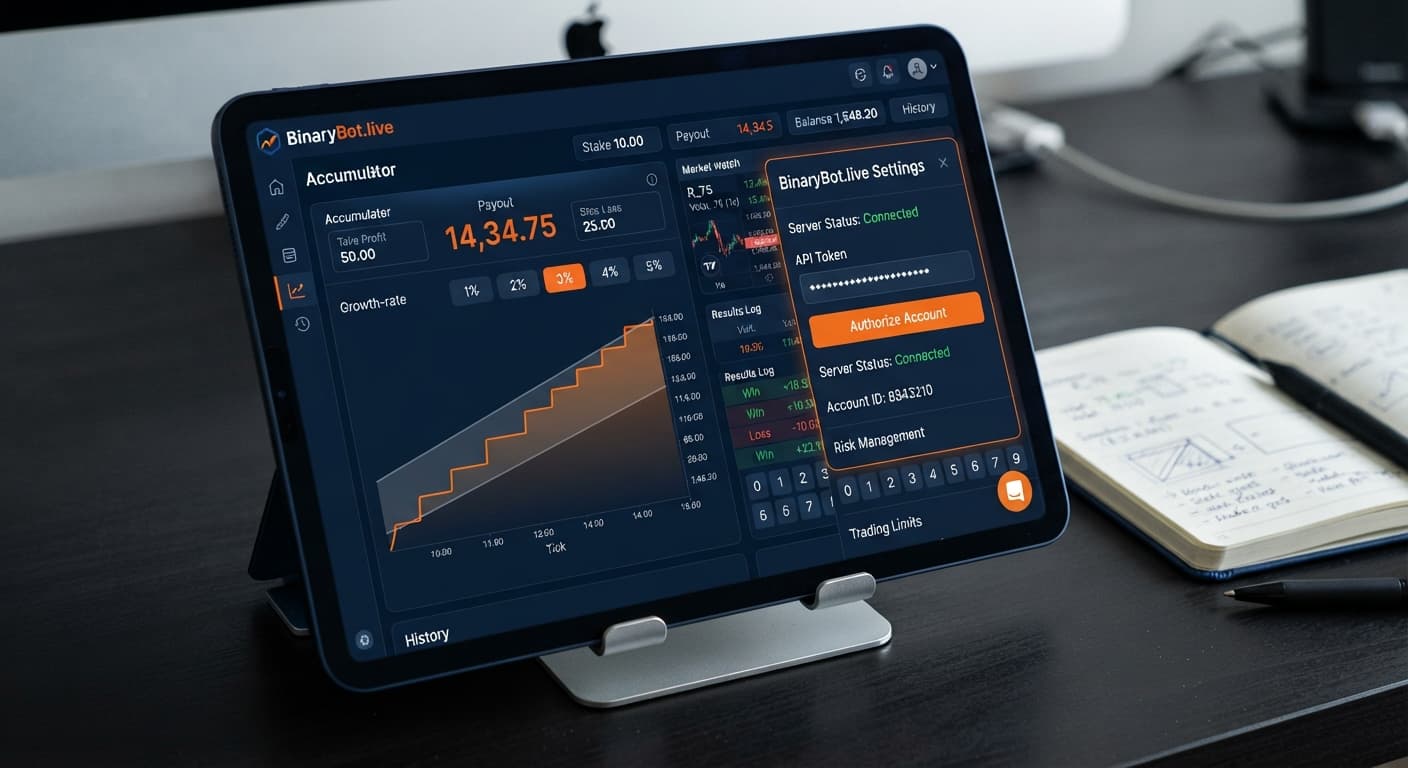
Step 1: Check your API token permissions inside your Deriv account security tab. Make sure your active token has both Read and Trade scopes enabled, then copy and re-paste it into the bot header field.
Step 2: Enter explicit numerical values into take profit, target profit, and stop loss controls before starting the trading script. Leaving any of these controls blank causes instant server rejection.
Step 3: Align your Growth Rate selection with market volatility. Switch your active market to Volatility 10 Index or Volatility 25 Index if you choose higher percentage growth levels.
Step 4: Launch the trading session on Accumulator Bot and monitor the active status panel. You'll see green API ping indicators confirming that your contract requests pass validation without dropping out.
When you select a 5% Growth Rate, the system draws narrow upper and lower price barriers around the current tick. On fast synthetic markets like Volatility 100 Index, normal tick fluctuations push price beyond these tight bounds almost immediately. Your contract terminates on tick one or two, making it look like your deriv bots are broken. Fix this by dropping your Growth Rate down to 1% or 2% on highly volatile indices, or reserve 5% growth configurations for slower markets like Volatility 10 Index.
Leaving take profit or stop loss fields empty causes severe execution errors. The client-side scripts running web-based binary bots require explicit exit numbers to calculate contract payloads before sending them over the WebSocket connection. If a field is blank or zero, the system halts trade initiation. Fix this by defining clear parameters—such as a $2.00 take profit and a $5.00 stop loss—before starting your trading session. Always set a stop loss and a take profit before starting the bot, not after.
Browser security protocols and background tab power-saver modes frequently interrupt real-time data streams. When your network connection drops, trade logging freezes and contract execution stops mid-session. Like many deriv bots operating in browser tabs, accumulator engines rely on continuous tick streaming to evaluate barrier safety. Fix an accumulator bot not working from connection drops by generating a new API token inside your broker dashboard, clearing your tab cache, and refreshing your session.
Changing take profit or target profit numbers while an ACCU contract is actively compounding creates variable conflicts between your local browser tab and the broker API. When conflicting updates hit active contracts, the server drops the socket request and freezes your control panel. Fix this by pressing the stop button, waiting for active positions to settle, updating your settings, and restarting the script.
Always test settings on a Deriv demo account before risking real funds. To confirm that your configuration errors are completely resolved, execute a strict five-trade diagnostic run using virtual funds.
Switch your account mode to Demo on the interface dashboard. Set your starting stake to $1.00, choose Volatility 10 Index, select a Growth Rate of 2%, set take profit to $1.50, set target profit to $5.00, and set stop loss to $5.00.
Click start and observe five complete contract cycles while monitoring three specific performance checkpoints:
If your session completes all five test trades without error banners or frozen controls, your setup is fixed and ready. Unlike legacy binary bots that buy static options, accumulator strategies demand active execution verification before scaling up. You can explore additional automated setups in our free bot library once your accumulator configuration runs smoothly.
Test your strategy risk-free on Accumulator Bot using virtual funds today. If you need an account to get started, create a free Deriv account. Trading involves risk. Past performance does not guarantee future results.
Related: Accumulator Bot API Token Setup for Deriv Bots
Related: Accumulator Bot Settings: Configure Growth and Stops
Related: Accumulator Bot Demo Account Setup for Deriv Bots
Related: Accumulator Bot Deriv Bots Guide: Run Your First Bot
Free automated accumulator trading bot for Deriv with take profit, target profit and stop loss controls, plus real-time chart analysis for volatility indices.
Open Accumulator Bot →It's usually caused by leaving your take profit or stop loss parameters blank, using an expired API token, or selecting an incompatible growth rate for a volatile index. You can fix this by entering explicit numerical values for your risk controls and making sure your API token has both Read and Trade scopes enabled.
This happens when your growth rate is set too high for the chosen market volatility, such as picking a 5% growth rate on a volatile index. That tightens the price boundaries to a minimum width and causes an immediate price range knockout.
Check your API token permissions in your Deriv security tab to ensure Read and Trade scopes are enabled, then re-paste it into the bot header. You also need to enter explicit numerical values into your take profit, target profit, and stop loss fields before launching the script.
A 1% growth rate gives you the widest barrier and slowest compounding, while a 5% growth rate tightens the boundaries for brief momentum bursts with a much higher chance of an early knockout. The article author defaults to a 2% growth rate on the Volatility 10 Index to balance barrier room and compounding.
Guides closest to this one.
Complete accumulator bot api token setup guide for binary bots. Learn how to connect your Deriv API token for automated volatility index trading today.
Master accumulator bot settings on BinaryBot.live. Learn to configure growth rate, take profit, and stop loss for your deriv trading bot today.
Master your accumulator bot demo account setup on BinaryBot.live. Learn how to configure this free deriv bot safely before live trading.