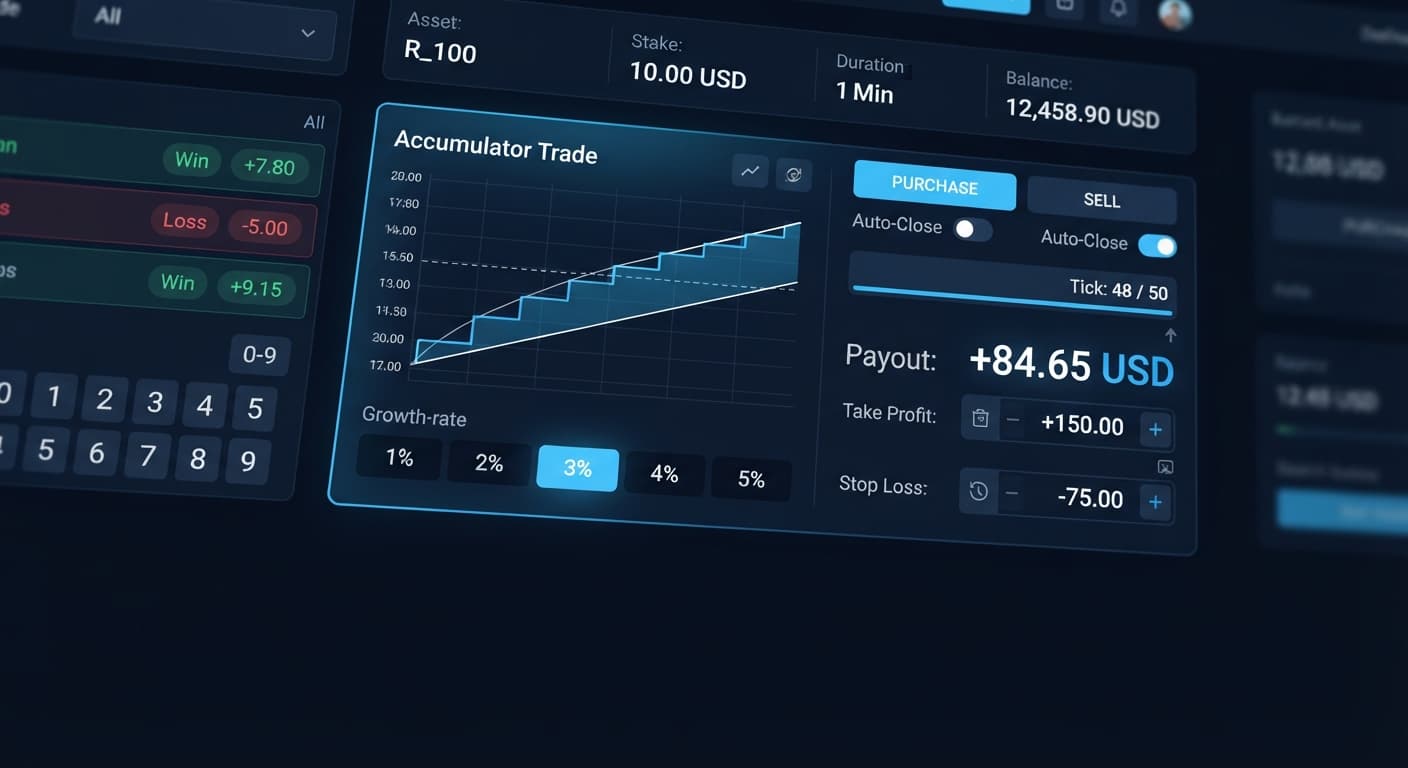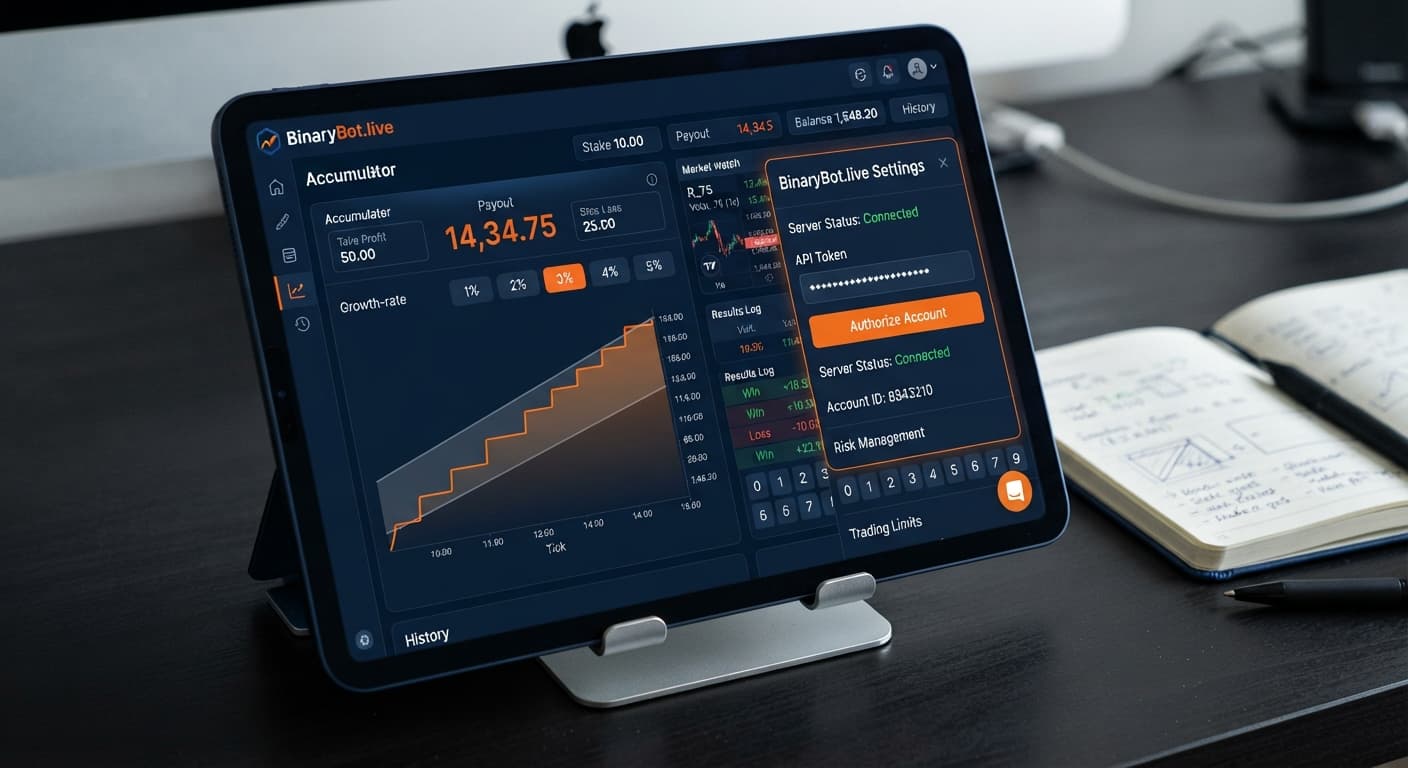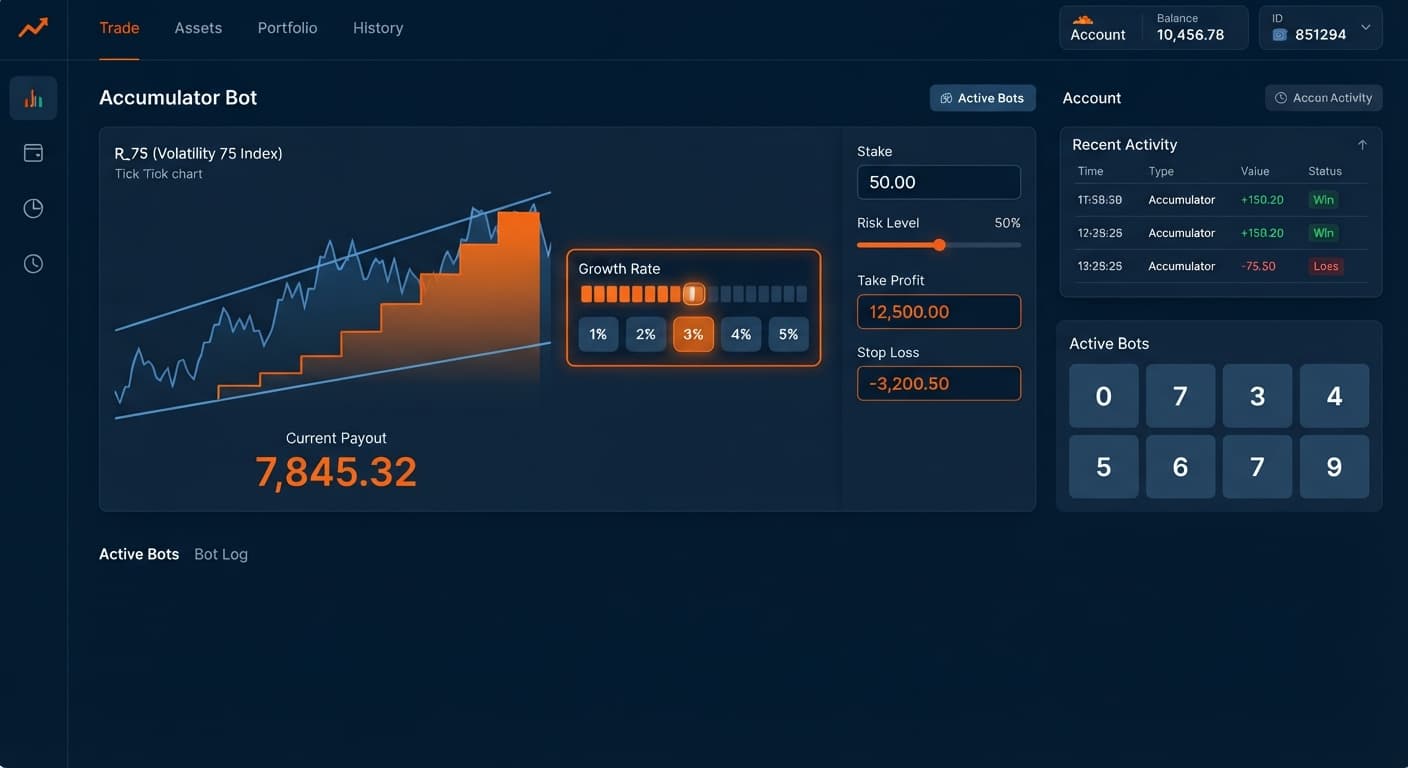
Auto Trading Bots
Accumulator Bot Deriv Bots Guide: Run Your First Bot
Read this accumulator bot deriv bots guide to configure and run your first free automated trading bot on BinaryBot.live. Start trading today!
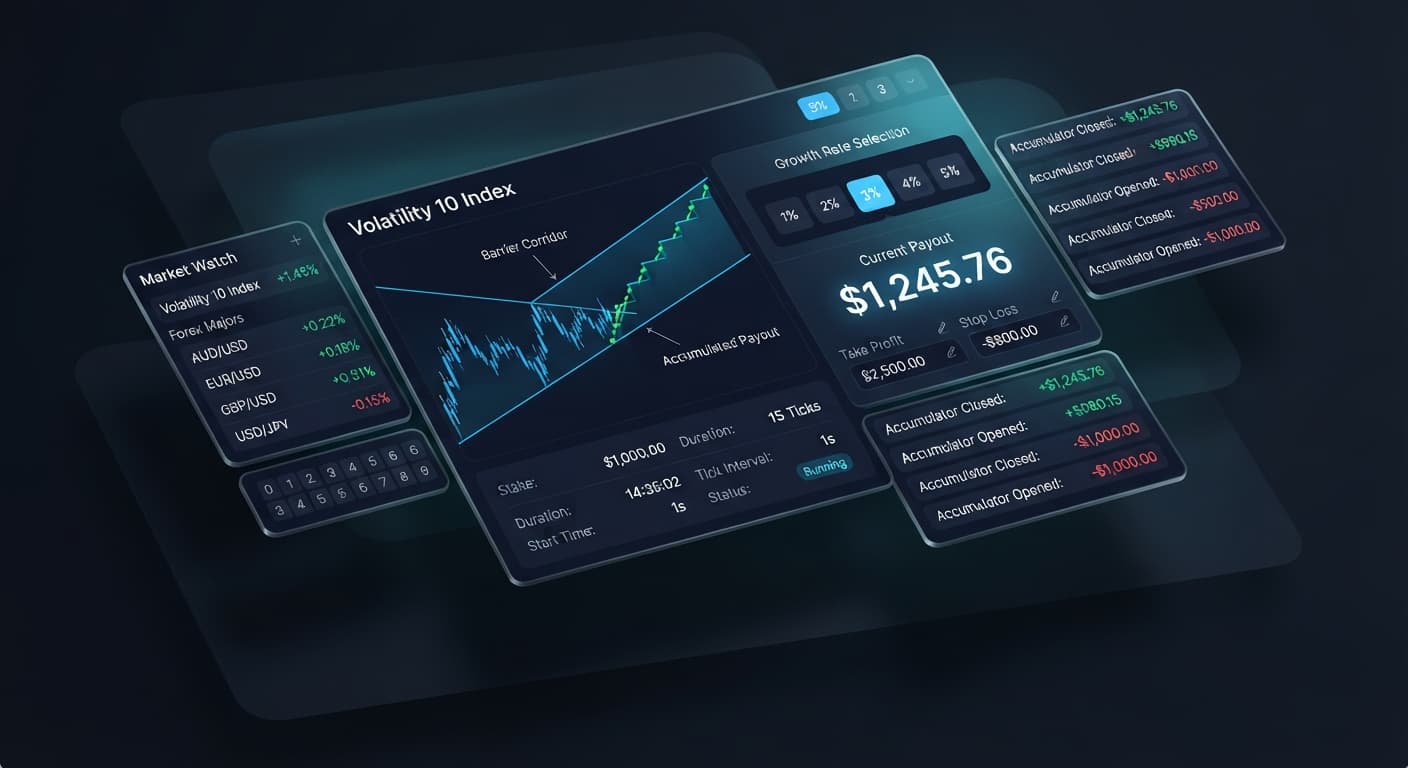
To run an accumulator bot on volatility 10, select the Volatility 10 Index from the market menu, choose a conservative Growth Rate like 1% or 2%, and enter absolute figures for your take profit and stop loss. This setup automatically compounds your stake by your chosen percentage on every tick, provided the index price stays inside a defined price range. Lower growth rates keep the barrier wider, giving the smooth movement of the Volatility 10 Index maximum room to compound before hitting your profit target.
Running an automated accumulator strategy on synthetic markets gives you direct access to compounding micro-ticks without having to click manual exits on every chart tick. Because these synthetic indices run around the clock, using automated setups on binary bots lets you execute defined rules without manual execution errors.
When you open the Accumulator Bot dashboard, you'll see a clean, lightweight control interface. The system connects straight to Deriv over their official API using your personal API token. You don't send funds to BinaryBot.live; every contract executes directly inside your personal account balance.
The panel focuses entirely on accumulator parameters. You won't find digit heatmaps, last-digit statistics, or 0-9 tick counters here. Accumulator contracts place ACCU market positions, not digit positions like DIGITEVEN or DIGITMATCH. If you want digit statistics or last-digit frequency tools, check out the LDP Analyzer on the main tools menu instead.
On this interface, you'll manage four main parameters:
You can run this setup on a virtual demo balance or a real account balance. We always advise starting on a demo balance first so you can watch how fast ticks compound before risking real capital.
Open the bot interface in your browser. Paste your personal account API token into the token field and click connect.
Your account balance and current trading mode (Demo or Real) will display immediately at the top of the interface. If you don't see your balance populate within three seconds, your token might lack read/trade permissions or your internet connection dropped.
Locate the market dropdown menu and pick the Volatility 10 Index. Volatility 10 offers the lowest annualized volatility among the standard synthetic market series. That steady price action makes it the most popular market when traders build an accumulator bot on volatility 10 trading strategy.
High-volatility assets like Volatility 100 Index jump across wider tick spans. Volatility 10 creeps along in tighter steps, which helps high-growth contracts avoid sudden range breaches.
Click the Growth Rate menu to set your compounding tier. You have five choices: 1%, 2%, 3%, 4%, or 5%.
Growth Rate Settings & Range Visualizer:
1% Rate: [----------------- Wide Safe Channel -----------------] -> Slower Compounding
3% Rate: [----------- Medium Safe Channel -----------]           -> Balanced Risk
5% Rate: [----- Narrow Safe Channel -----]                       -> Rapid Knockout Risk
Your choice dictates two things: how fast your payout accumulates and how tight your range barrier becomes. At 1%, price can move relatively far without breaking your trade. At 5%, the safe channel shrinks dramatically. A single sudden shift on Volatility 10 can knock out a 5% contract instantly, taking your initial stake with it.
Before hitting start, type your exit rules into the control boxes. Fill in take profit, target profit, and stop loss.
+-----------------------------------------------------------------------+
|                       SESSION EXECUTION LIMITS                        |
+-----------------------------------------------------------------------+
|  Growth Rate:    [ 2% ]                                               |
|  take profit:    [ $5.00  ] -> Single-trade exit threshold            |
|  target profit:  [ $20.00 ] -> Overall session exit limit           |
|  stop loss:      [ $10.00 ] -> Account protection cap                 |
+-----------------------------------------------------------------------+
Never leave these fields blank. Accumulator contracts compound until they hit your target or price leaves the safe channel. If price steps outside the channel before hitting your profit target, you lose the stake spent on that trade. Setting a tight take profit ensures the bot collects gains regularly rather than stretching every trade until a channel breach occurs.
Click the start button to launch your trading session. The bot automatically submits ACCU orders through the API.
Watch the real-time chart panel as ticks register. You'll see the current payout grow compounding-style with each tick inside the barrier. When the active payout reaches your take profit value, the bot closes the trade, locks in the balance, and evaluates your overall session target profit.
To understand how different settings change your risk profile, study this matrix before launching an accumulator bot on volatility 10 run. The mathematical relationship between growth percentage and knockout probability is direct.
| Growth Rate | Tick Compounding Speed | Barrier Range Width | Ideal Target Window | Target Trader Profile |
|---|---|---|---|---|
| 1% | Very Slow (100 ticks to ~2.7x) | Maximum Safe Range | 15 to 30 Ticks | Risk-averse traders testing long runs |
| 2% | Moderate (35 ticks to ~2.0x) | Moderate Safe Range | 10 to 20 Ticks | Balanced steady-growth traders |
| 3% | Fast (24 ticks to ~2.0x) | Tight Range | 6 to 12 Ticks | Active trend-scalping traders |
| 4% | Very Fast (18 ticks to ~2.0x) | Very Tight Range | 4 to 8 Ticks | High-frequency short-burst setups |
| 5% | Extreme (15 ticks to ~2.0x) | Ultra Tight Range | 2 to 5 Ticks | Micro-burst aggressive scalpers |
For my own sessions on Volatility 10, I prefer a 2% Growth Rate with a strict take profit calibrated to hit around 12 to 15 ticks. This setup gives the contract enough room to absorb standard price noise on the Volatility 10 Index while securing compounding gains without overstaying in a single trade.
When your setup is running correctly, you'll see trade execution confirmations appear instantly in the transaction log beneath the control panel. Every tick updates the active contract status. If price leaves the channel, the log displays a contract closed message, records the outcome, and initiates the next trade based on your rules.
If the bot stops taking trades or appears frozen, follow this diagnostic sequence:
stop loss or take profit instead of pure numbers, the execution engine will reject the submission.ACCU order, new orders will be blocked automatically.Keep in mind that past tick movements on synthetic indices don't influence future outcomes. Every single tick generated by Deriv synthetic indices is an independent calculation. A long run of ticks inside the range doesn't guarantee the next tick will stay safe, and a sudden knockout doesn't mean a win is due. Manage your money accordingly.
Explore other specialized setups in our free bot library to compare how different automated index systems operate. If you prefer fixed-payout speed contracts over accumulator compounding, you can also review our Sniper Bot V3 for targeted volatility scalping.
Test your strategy on Accumulator Bot using a demo balance first.
If you don't have one yet, create a free Deriv account.
Trading involves risk. Past performance does not guarantee future results.
Related: Accumulator Bot Deriv Bots Guide: Run Your First Bot
Related: Why Your Accumulator Bot Is Not Working on BinaryBot.live
Free automated accumulator trading bot for Deriv with take profit, target profit and stop loss controls, plus real-time chart analysis for volatility indices.
Open Accumulator Bot →You select the Volatility 10 Index from the market menu, choose a conservative growth rate like 1% or 2%, and enter absolute figures for your take profit and stop loss. The Accumulator Bot automatically compounds your stake by that percentage on every tick as long as the price stays inside the defined range.
Yes, because you don't send funds to BinaryBot.live; every contract executes directly inside your personal Deriv account balance via an official API token connection.
You can choose from five growth rate tiers on the Accumulator Bot: 1%, 2%, 3%, 4%, or 5% compounding per tick.
Volatility 10 offers the lowest annualized volatility among standard synthetic market series, meaning it creeps along in tighter steps. This steady price action helps high-growth contracts avoid sudden range breaches compared to assets that jump across wider tick spans.
Guides closest to this one.
Read this accumulator bot deriv bots guide to configure and run your first free automated trading bot on BinaryBot.live. Start trading today!
Is your accumulator bot not working? Fix Deriv configuration errors, growth-rate limits, and risk control settings on BinaryBot.live today.
Complete accumulator bot api token setup guide for binary bots. Learn how to connect your Deriv API token for automated volatility index trading today.