Auto Trading Bots
Autopilot Deriv Bots Guide: Build Your First Rise/Fall Bot
Follow this autopilot deriv bots guide to set up and launch your first automated rise fall trading bot on BinaryBot.live. Start trading today!
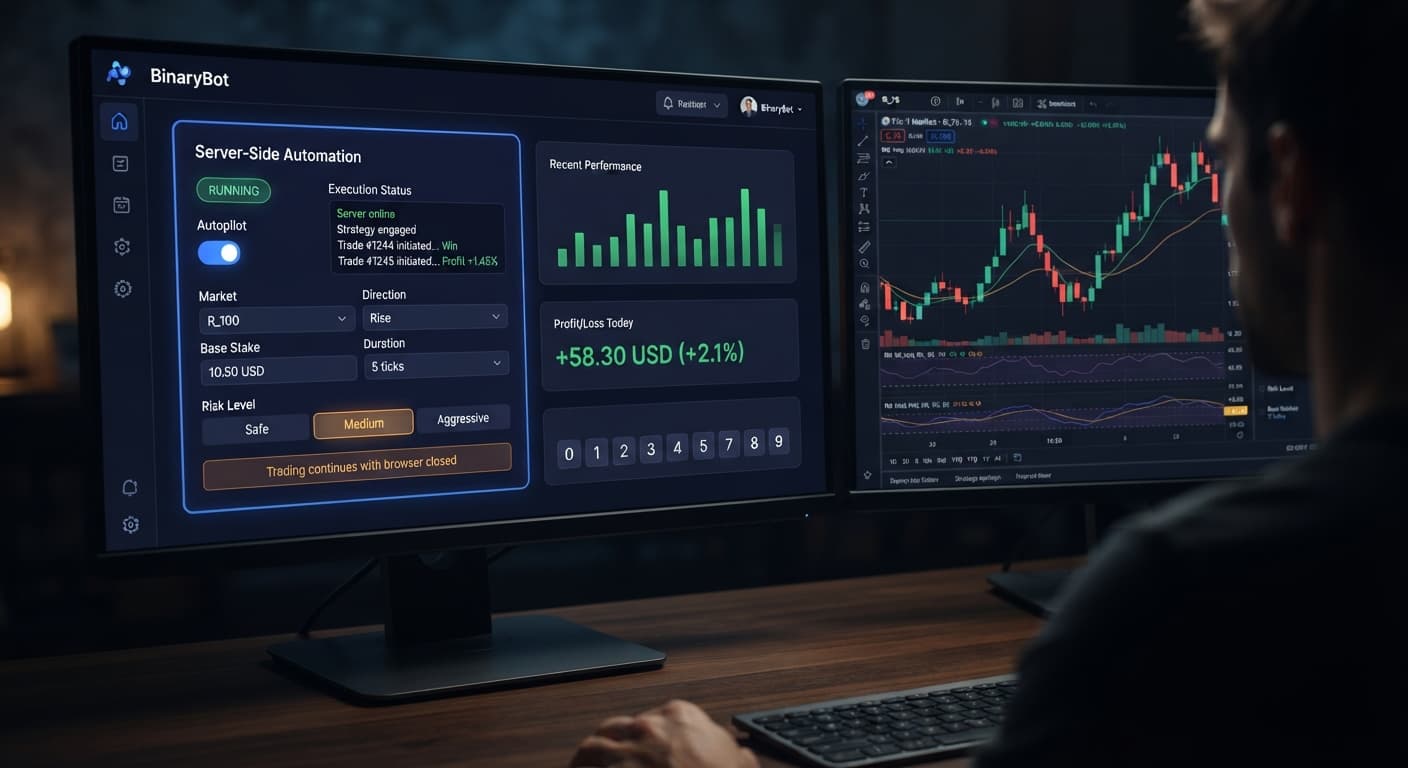
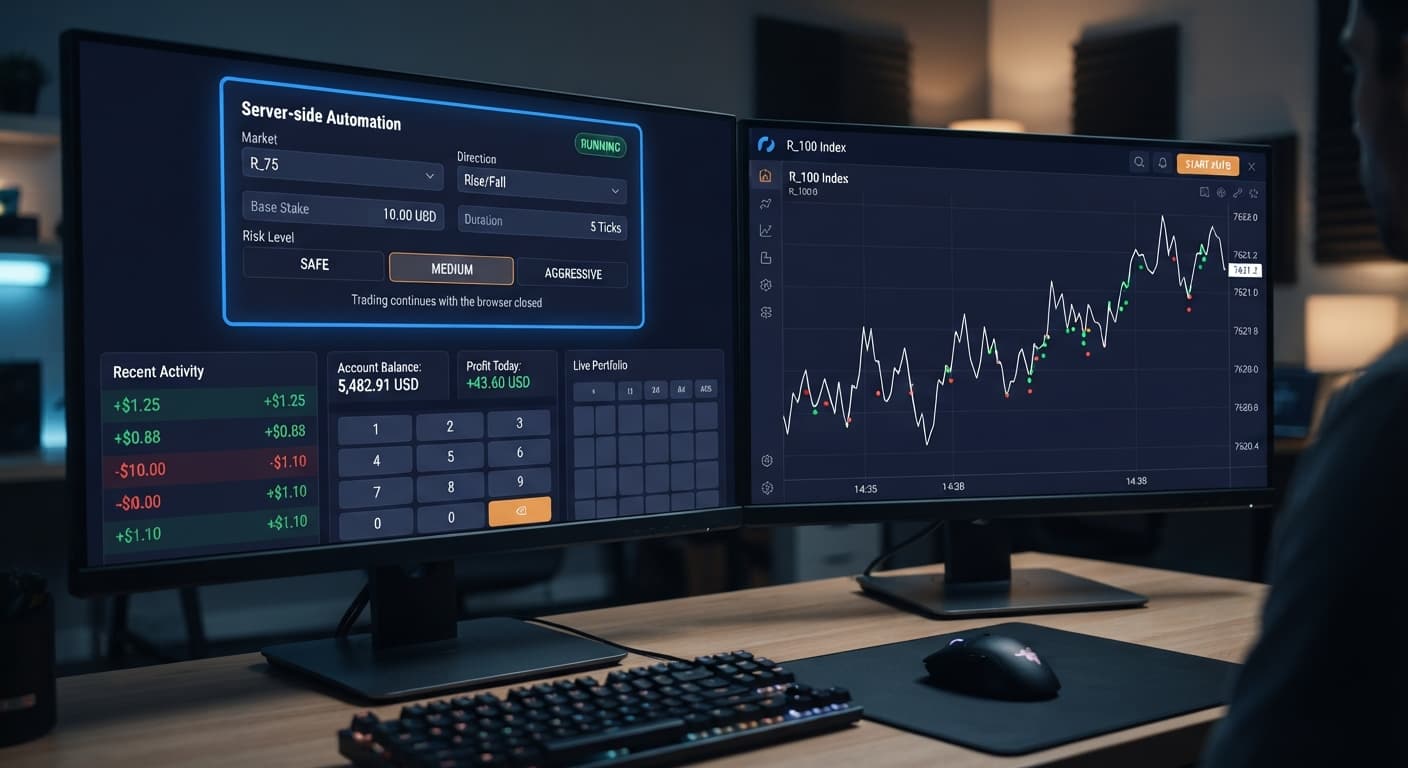
To know how to use autopilot on BinaryBot.live, you select a synthetic market, choose your trade direction, set your loss boundaries, and launch the strategy. The system submits your trading parameters directly to Deriv's server infrastructure, where it executes CALL or PUT contracts automatically. Because execution runs server-side, the automated trading bot keeps buying contracts according to your rules even after you close your browser tab or shut down your computer.
The single most important setting to decide first is your Stop Loss. Getting this number wrong renders every other configuration step useless.
AutoPilot runs a Rise/Fall strategy backed by a Martingale stake progression. When a trade loses, the bot increases the stake on the next contract to recover prior losses and hit your target gain. If you leave a bot running unattended on a live account without a strict Stop Loss, a long losing streak will clear out your balance in minutes. The stake doubles far faster than most traders expect.
Do not try to read historical digit patterns or short-term charts to predict what happens next. Deriv synthetic indices are independent random draws. Five consecutive downward ticks do not make a Rise contract more likely on tick six. Every tick carries the exact same baseline probability regardless of past history.
Always test your proposed settings on a Deriv demo account before committing real money. Running deriv bots on virtual funds reveals how fast a drawdown builds during adverse market runs, giving you clear boundaries for your capital.
Setting up your automated session takes less than two minutes on screen. Follow these steps to set your strategy controls.
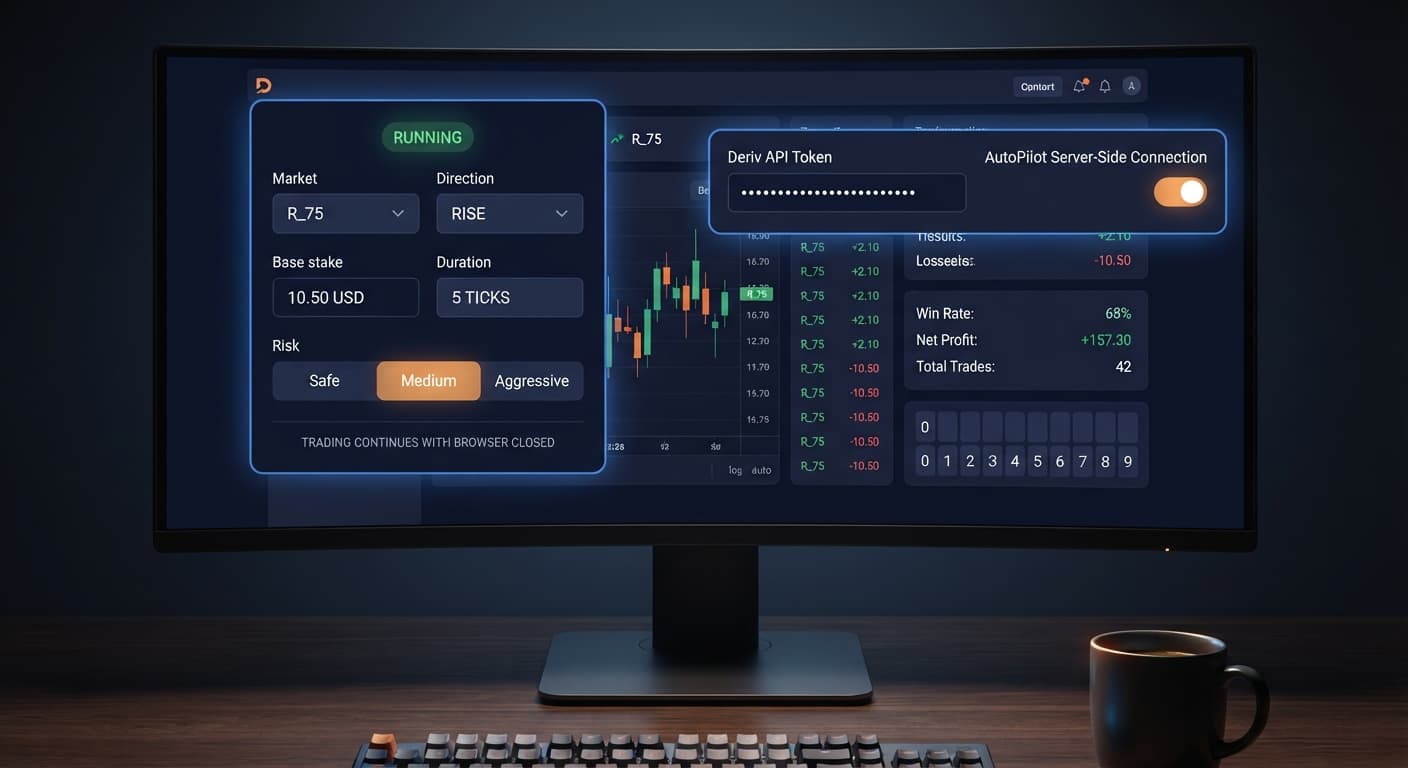
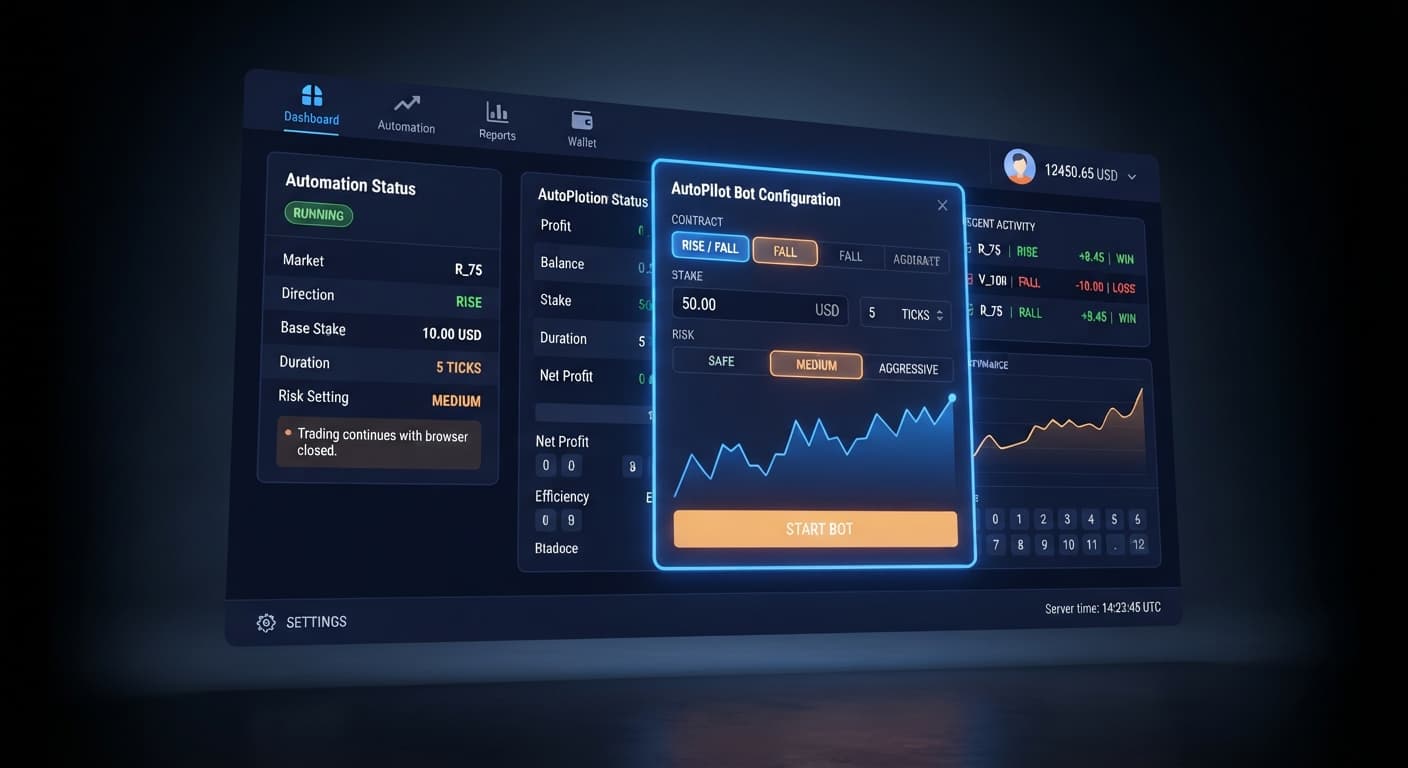
Choose your asset under Market. AutoPilot operates on Deriv volatility indices, such as the Volatility 100 Index or Volatility 10 Index. Next, select your trade Direction. Choosing Rise orders the bot to place CALL contracts, while choosing Fall orders PUT contracts. The control panel locks in your selected index and contract type immediately.
Enter your opening trade amount into Base Stake. If you are starting with a $100 balance, a $1.00 or $2.00 base trade keeps your initial risk manageable. Next, select your trade Duration (sec / min) by picking seconds or minutes and entering your desired value. The display updates to reflect your contract expiry speed.
Select your Risk Level from the three available settings: Safe, Medium, or Aggressive. This controls the multiplier applied to your stake following a loss. Next, adjust the Growth Rate — 1% to 5% slider to set your target progression increment per trade cycle.
Type your financial boundaries into the Take Profit and Stop Loss fields using exact dollar values. If you want to make $15 and refuse to lose more than $40, enter 15 and 40 into these respective inputs. These safeguards are enforced directly on the automation server, meaning they shut down your strategy even if your local device loses power.
Paste your Deriv API token into the connection field and click start. The session monitor moves from idle to active, displaying your total profit, contract count, and current trade status. You can safely disconnect your internet now. Server execution keeps your strategy running until it hits one of your predefined limits.
Understanding how to use autopilot requires looking at real dollar numbers during a losing streak rather than focusing only on potential payouts.
Suppose you start with a $100 balance on Volatility 75 Index. You set a $2.00 Base Stake, Medium Risk Level (which doubles the stake after each loss), a $20 Take Profit, and a $60 Stop Loss. You set your Direction to Rise (placing CALL contracts).
Here is how your balance changes across five consecutive losing trades:
| Trade Number | Contract Type | Stake Amount | Outcome | Trade Profit / Loss | Running Account Balance |
|---|---|---|---|---|---|
| Trade 1 | CALL | $2.00 | Loss | -$2.00 | $98.00 |
| Trade 2 | CALL | $4.00 | Loss | -$4.00 | $94.00 |
| Trade 3 | CALL | $8.00 | Loss | -$8.00 | $86.00 |
| Trade 4 | CALL | $16.00 | Loss | -$16.00 | $70.00 |
| Trade 5 | CALL | $32.00 | Loss | -$32.00 | $38.00 |
Look at trade five carefully. After five consecutive losses, your cumulative drawdown hits $62.00. Because your Stop Loss was set to $60, the server halts the strategy during trade five, protecting the remaining $38.00 in your account balance.
If you had omitted a Stop Loss, trade six would require a $64.00 stake. Since your account only holds $38.00, the trade fails due to insufficient funds, leaving you unable to continue. This scenario is common among traders who run binary bots without pre-set risk limits.
After testing your setup on a demo balance, you will want to adjust your numbers to protect your capital over longer sessions. Here are three adjustments experienced traders make:
First, decrease your Base Stake relative to your Stop Loss. A common mistake is using a $5 Base Stake alongside a $50 Stop Loss. That ratio gives you space for only three consecutive losses before the session terminates. Setting a $1 Base Stake against a $50 Stop Loss gives you room to survive six consecutive losses, allowing the recovery logic time to operate.
Second, switch your Duration (sec / min) from seconds to minutes when market volatility spreads out. Short 5-second durations expose your trades to rapid tick fluctuations. Extending your duration to 2 or 3 minutes lets short-term noise settle, giving macro index trends time to develop.
Third, split your daily income targets into multiple shorter sessions. Instead of letting the bot run continuously to hit a $100 profit, run five separate sessions with a $20 Take Profit. Learning how to use autopilot sustainably means taking small profits off the table, clearing session statistics, and reassessing your bankroll before starting the next run.
Try it yourself on AutoPilot using a demo balance first. If you don't have one yet, create a free Deriv account. Trading involves risk. Past performance does not guarantee future results.
Related: Step-by-Step Guide to Configuring AutoPilot for Deriv
Related: Step-by-Step Guide: How to Use Accumulator Bot for Deriv Bots
Related: Why Your Tick Picker Is Not Working on Binary Bots
Related: Tick Picker vs Manual Trading on Deriv Rise Fall Binary Bots
Related: Autopilot for Beginners: Deriv Rise/Fall Bot Setup
Related: Configuring Deriv Autopilot Settings for Binary Bots
Free server-side automated trading bot for Deriv — runs Rise/Fall Martingale with stop loss and take profit, and keeps trading after you close the browser.
Open AutoPilot →You don't need to keep your computer open because AutoPilot submits your parameters directly to Deriv's server infrastructure for execution. Once you launch the strategy, the bot keeps buying contracts automatically even if you shut down your device or close your browser tab.
AutoPilot runs a Rise/Fall strategy backed by a Martingale stake progression that increases your stake on the next contract after a loss. This mechanism is designed to recover prior losses and hit your target gain, but a long losing streak can quickly clear out your balance if you don't set a strict stop loss.
You type your exact dollar boundary into the Stop Loss field during Step 4 of the setup process. This safeguard is enforced directly on the automation server to shut down your strategy automatically if adverse market runs hit your threshold.
Yes, you should always test your proposed settings on a Deriv demo account before committing real money. Running virtual funds reveals how fast a drawdown builds and helps you set clear boundaries for your capital.
Guides closest to this one.
Follow this autopilot deriv bots guide to set up and launch your first automated rise fall trading bot on BinaryBot.live. Start trading today!
Master autopilot api token setup for your binary bots. Learn how to run automated rise fall trading on Deriv without keeping your browser open. Try it today!
Autopilot for beginners: learn how to set up your first server-side rise fall automated trading bot on Deriv without coding. Try a free deriv bot today.