Auto Trading Bots
Autopilot vs Manual Trading: Deriv Bots Compared
Compare autopilot vs manual trading on Deriv bots. Learn how server-side automation changes volatility index execution. Try our free Deriv bot now.
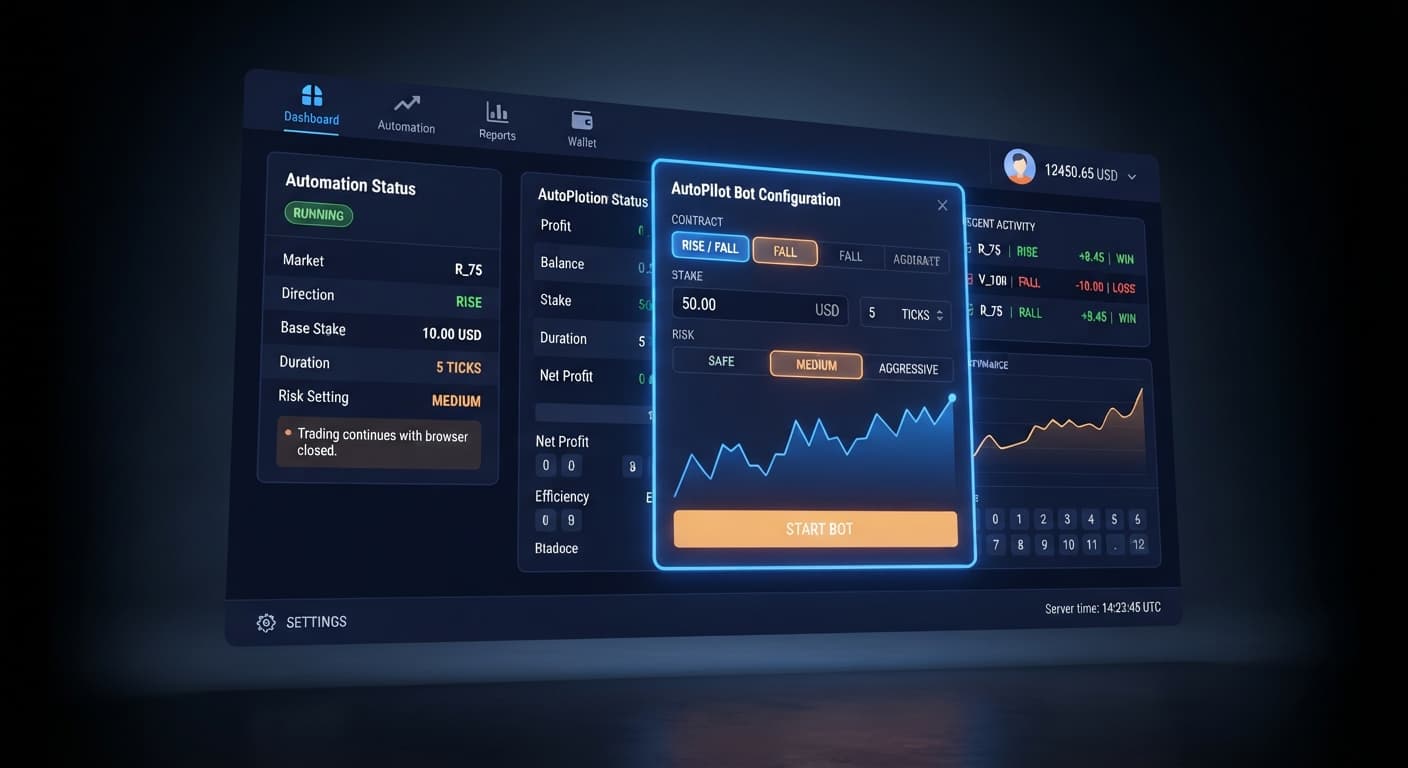
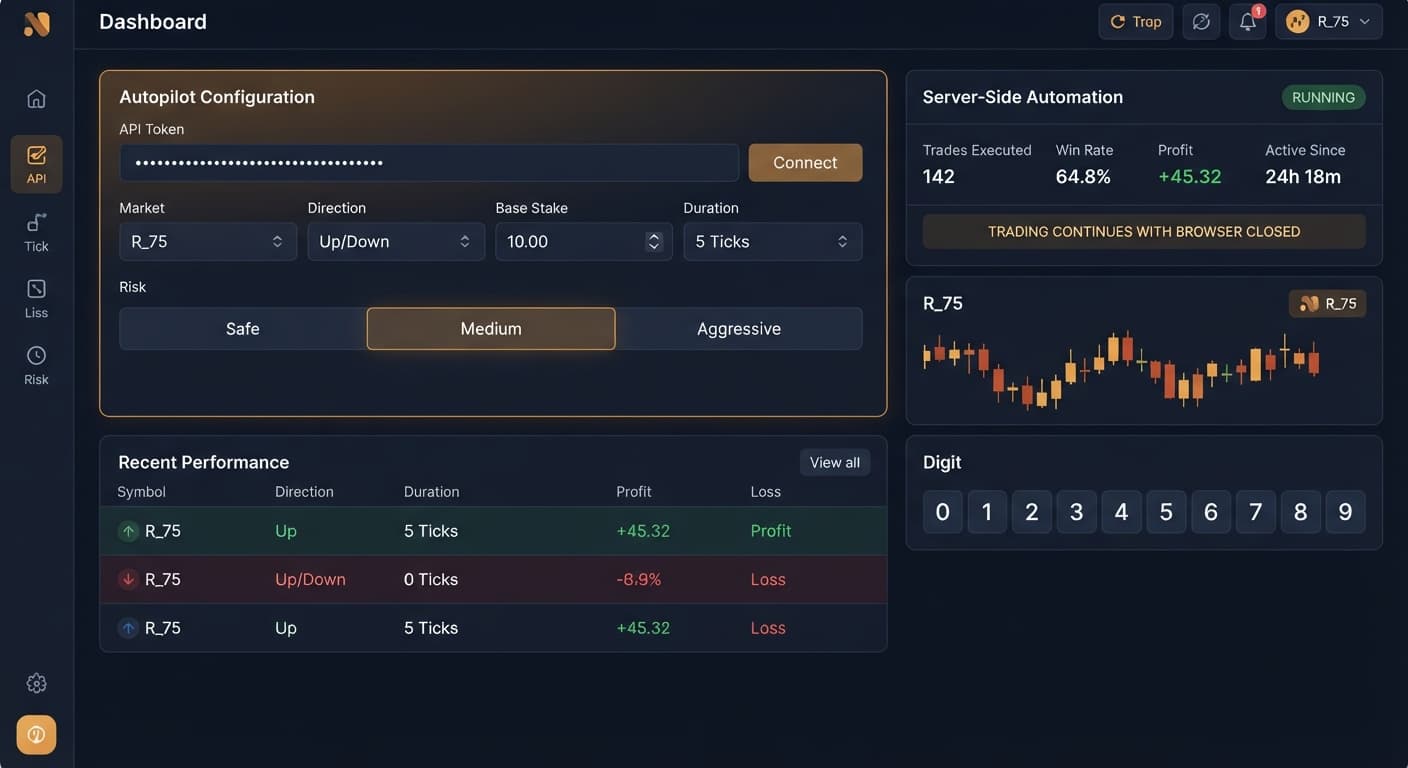
This autopilot deriv bots guide shows you how to automate Rise/Fall trades on Deriv using server-side execution so your strategy runs continuously without needing an open browser tab. To launch your first bot, you select a volatility index under Market, set your Direction to CALL or PUT, specify your Base Stake, choose your contract Duration (sec / min), adjust the Growth Rate — 1% to 5% and Risk Level — Safe / Medium / Aggressive, and define your Take Profit and Stop Loss targets. BinaryBot.live connects directly to Deriv over their official API using your API token, meaning contracts execute straight on your Deriv account while you stay in full control.
Traders often attempt to run automated strategies inside standard web browser tabs. You load a script, hit run, and assume everything will execute smoothly while you grab a coffee. Then your laptop goes to sleep, your Wi-Fi drops for three seconds, or your browser throttles background tabs to save system memory. The moment that tab freezes, your local execution stops cold. If your bot was mid-sequence during a fast-moving trend on synthetic indices, a dropped connection breaks your automated strategy. You end up with missed exits or unmanaged trades hanging on your account.
When traders run deriv bots and binary bots directly inside a browser window, they depend entirely on local hardware staying online. A sudden browser crash during a loss recovery sequence means your local script won't place the next trade or trigger your risk rules. That's how small drawdowns turn into heavy account damage.
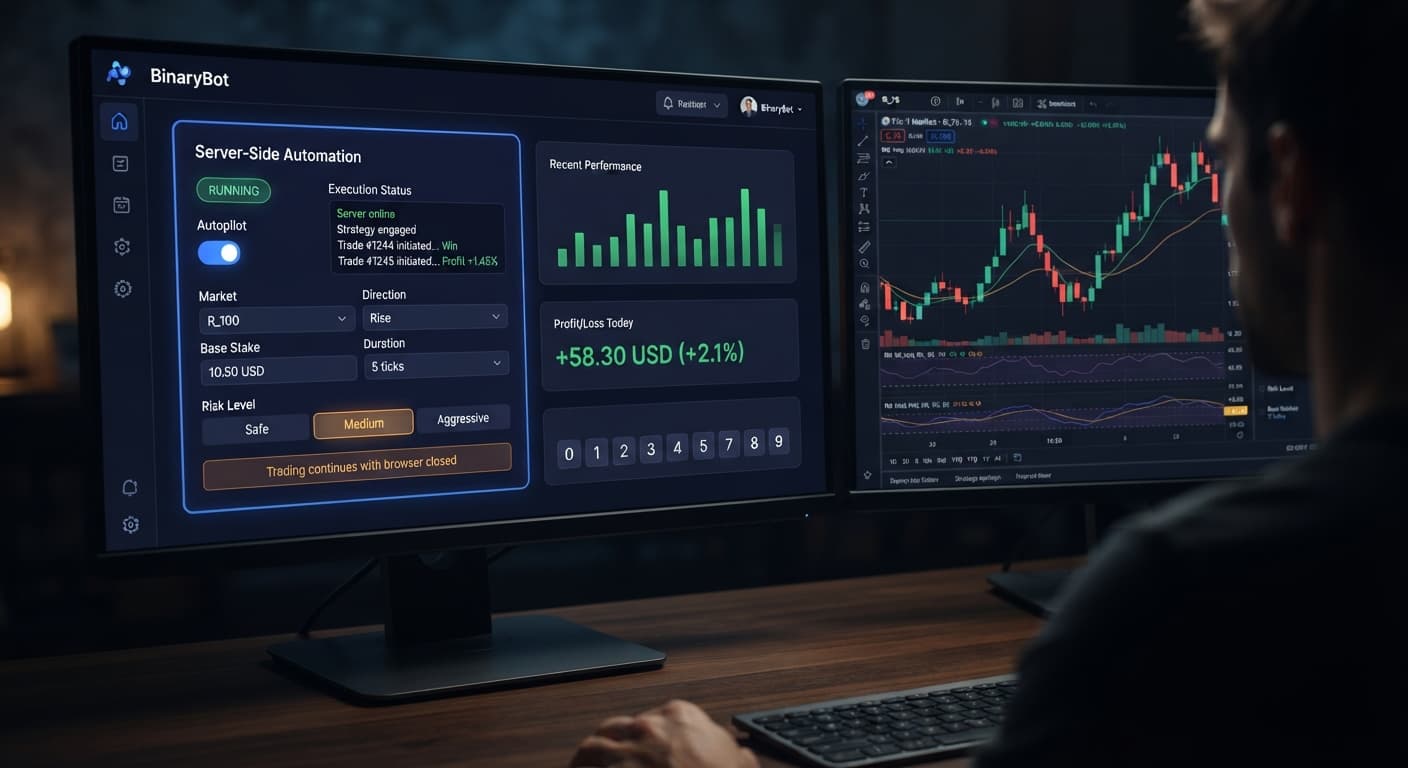
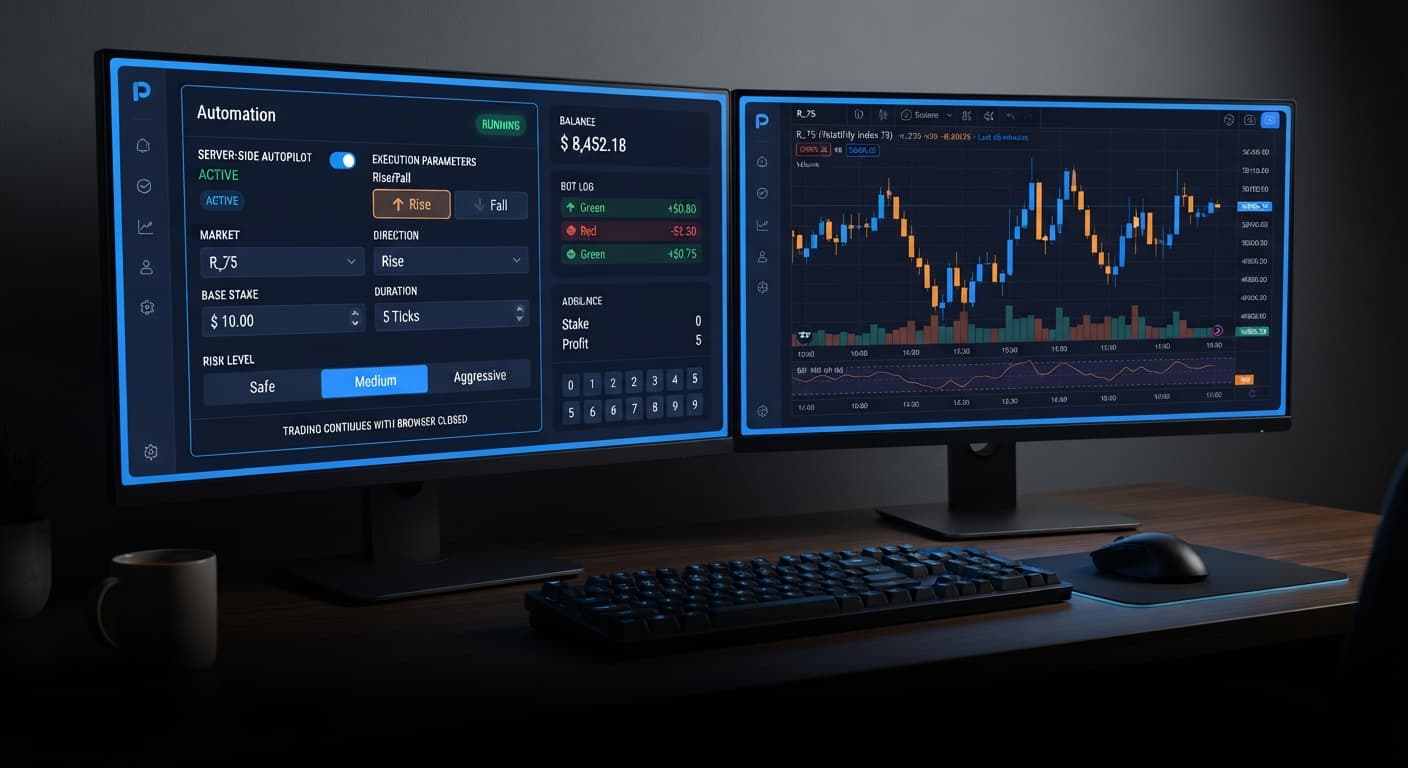
Server-side execution fixes this operational flaw. On AutoPilot, your trading instructions execute directly on Deriv's server infrastructure rather than inside your local browser. Once you configure your settings and start the bot, you can close your browser tab, shut down your computer, or lose your internet connection completely. The bot keeps running on Deriv's server until it hits your pre-set targets.
However, server-side execution comes with a clear risk point you can't ignore. Because the bot runs independently in the cloud, an unmanaged Martingale stake progression will keep doubling trades on your account even while your device is powered off. Martingale stake progression can wipe an account during a long losing streak—the stake doubles far faster than most traders expect. Server-side execution means the bot keeps trading when you are not watching—the stop loss is the only thing standing between an overnight run and an empty balance.
To prevent runaway drawdowns while keeping your automated trades running smoothly, you must set up your controls before turning the bot loose. Every setting on the control panel directly changes how your strategy enters contracts and handles stake scaling.
You start by picking your target volatility index under Market, followed by selecting your market bias under Direction (CALL or PUT). You then define your entry balance in Base Stake and set contract length using Duration (sec / min). Risk scaling is controlled through Growth Rate — 1% to 5% alongside Risk Level — Safe / Medium / Aggressive. Finally, you establish mandatory boundaries with Take Profit and Stop Loss.
Here is a tested baseline configuration designed for running your first Rise/Fall strategy on a Deriv demo balance:
| Control Name | Exact Baseline Value | Operational Role in Strategy |
|---|---|---|
| Market | Volatility 10 Index | Selects low-volatility index to reduce wild tick spikes |
| Direction | CALL | Commands the bot to place Rise contracts exclusively |
| Base Stake | 0.35 | Sets minimum initial trade stake in account currency |
| Duration (sec / min) | 2 min | Provides sufficient duration for trend development |
| Growth Rate — 1% to 5% | 1% | Restricts recovery stake multiplier increases |
| Risk Level — Safe / Medium / Aggressive | Safe | Caps consecutive multiplier escalation steps |
| Take Profit | 5.00 | Automatically terminates session at $5 net gain |
| Stop Loss | 15.00 | Enforces hard server-side shutdown at $15 drawdown |
Open AutoPilot in your web browser. Locate the Market dropdown menu at the top of the parameter section. This control links directly to your account feeds across Deriv volatility indices.
For your initial setup, choose Volatility 10 Index or Volatility 25 Index. High-volatility options like Volatility 75 Index move aggressively on single ticks, which can trigger sudden directional losses before a short duration expires. A lower volatility index gives your Rise/Fall contracts room to breathe while you evaluate your strategy baseline.
Move to the Direction setting directly below the market menu. Here you decide whether your bot enters CALL contracts (predicting the price rises by contract close) or PUT contracts (predicting the price drops).
If your analysis shows an upward bias on your selected index, select CALL. If the broader trend points downward, select PUT. The automated engine places contracts in this chosen direction on every single trade cycle throughout the active session.
Find the Base Stake input box and enter your starting contract value. On Deriv synthetic accounts, 0.35 is the minimum entry stake. Keeping your starting stake at this minimum level gives your session balance maximum margin to withstand temporary drawdowns.
Next, configure Duration (sec / min). Select minutes using the toggle unit button and enter 2 in the input field. A 2-minute duration smooths out random micro-ticks, giving price action enough time to follow short-term momentum rather than relying on pure tick flips.
Navigate to the stake escalation parameters. The Growth Rate — 1% to 5% setting dictates how quickly your stake increases after a losing trade to recover past losses. Set this value to 1% for your initial baseline. A lower rate prevents aggressive stake growth during brief losing runs.
Next, set Risk Level — Safe / Medium / Aggressive to Safe. Selecting the Safe preset instructs the server-side logic to cap maximum multiplier cycles. This setting protects your account from deep loss ladders if the market experiences an extended move against your chosen direction.
Never launch an automated bot without establishing exit rules first. Locate the Take Profit field and input your target profit threshold, such as 5.00. When your session earnings reach this figure, the bot automatically stops taking new trades.
Now enter your risk ceiling in the Stop Loss field, such as 15.00. Set a stop loss and a take profit before starting the bot, not after. Because AutoPilot executes on Deriv's Automation API, this stop loss is enforced by the automation itself rather than your local browser window. If your browser closes or your internet drops out, Deriv's server terminates the session the second your loss threshold is touched.
This autopilot deriv bots guide comparison matrix demonstrates how tweaking key settings changes your bot's execution speed, drawdown profile, and trading style on Deriv synthetic indices.
| Parameter Setting | Operational Impact | Target Trader Profile |
|---|---|---|
| Duration (sec / min): 5 sec | Rapid contract resolution on tick movements | High-frequency traders testing rapid momentum shifts on low volatility |
| Duration (sec / min): 2 min | Smooths single-tick noise for clean trend movement | Swing traders targeting consistent directional continuation on Volatility 10 |
| Growth Rate — 1% to 5%: 1% | Minimal stake increases following consecutive losses | Conservative accounts prioritizing total session survival over fast recovery |
| Growth Rate — 1% to 5%: 5% | Rapid recovery requiring fewer wins to regain losses | High-capital accounts willing to accept rapid drawdown spikes |
| Risk Level — Safe / Medium / Aggressive: Safe | Caps maximum multiplier steps during losing streaks | Traders transitioning from demo testing to live account execution |
| Risk Level — Safe / Medium / Aggressive: Aggressive | Permits deeper multiplier steps across long sequences | Experienced traders using isolated balances with dedicated risk capital |
I always select a Duration (sec / min) of 2 minutes combined with a 1% Growth Rate — 1% to 5% for live index trading. This pairing filters out single-tick noise on volatility indices while preventing aggressive stake escalations if the market trends against my chosen direction.
While server-side execution eliminates connection drops, an automated Rise/Fall bot isn't suitable for every market environment or capital level. Knowing when to turn off the bot is just as important as knowing how to turn it on.
First, during choppy, sideways consolidation where price action rapidly flips up and down without breaking into a clear trend, fixed CALL or PUT setups fail repeatedly. If you run a fixed direction during range-bound whipsaws, consecutive losses will trigger stake multipliers. Martingale stake progression can wipe an account during a long losing streak—the stake doubles far faster than most traders expect. If your total balance cannot comfortably support multiple step escalations, running automated recovery sequences on real money is a bad idea.
Second, if your trading methodology relies on analyzing digit patterns, last-digit statistics, or hot and cold numbers, AutoPilot is not built for that purpose. AutoPilot places CALL and PUT contracts on price action—it has no digit read-out, last-digit statistics panel, or hot/cold digit display. Past digit frequency does not change the probability of the next tick; Deriv synthetic indices are independent random draws. If you want digit statistics tools, explore the digit visualizers in our free bot library or check out LDP Analyzer Pro, but don't attempt to force digit analysis onto a Rise/Fall execution tool.
Traders who regularly use deriv bots understand that comparing client-side binary bots to server-side automation shows clear trade-offs. Server-side execution gives you absolute execution reliability, but it demands strict financial controls before you launch. Always test settings on a Deriv demo account before risking real funds.
Test your Rise/Fall setups risk-free on AutoPilot using a demo balance first. If you don't have one yet, create a free Deriv account to start testing automated strategies today. Trading involves risk. Past performance does not guarantee future results.
Related: Autopilot vs Manual Trading: Deriv Bots Compared
Related: Autopilot Demo Account Setup: Test Deriv Bots Risk-Free
Related: How to Use Autopilot for Server-Side Deriv Automation
Free server-side automated trading bot for Deriv — runs Rise/Fall Martingale with stop loss and take profit, and keeps trading after you close the browser.
Open AutoPilot →No, you don't need to keep your browser open or your computer running. AutoPilot uses server-side execution, meaning the bot keeps running on Deriv's server even if you close your tab, shut down your computer, or lose your internet connection.
Your trades won't be interrupted by a dropped connection because the strategy runs directly on Deriv's server infrastructure rather than inside your local browser. However, because it keeps running offline, you must set a stop loss to prevent unmanaged losses.
BinaryBot.live connects directly to Deriv over their official API using your API token. This lets contracts execute straight on your Deriv account while you stay in full control.
You need to select a volatility index under Market, set your Direction to CALL or PUT, and specify your Base Stake and contract Duration. You also adjust the Growth Rate from 1% to 5%, choose a Risk Level, and define your Take Profit and Stop Loss targets.
Guides closest to this one.
Compare autopilot vs manual trading on Deriv bots. Learn how server-side automation changes volatility index execution. Try our free Deriv bot now.
Master autopilot demo account setup on BinaryBot.live. Learn to configure and test a free deriv automated trading bot safely without risking real funds.
Learn how to use autopilot for server-side Rise/Fall automation on Deriv. Set up your free automated trading bot step by step. Start trading today.