Auto Trading Bots
Autopilot Deriv Bots Guide: Build Your First Rise/Fall Bot
Follow this autopilot deriv bots guide to set up and launch your first automated rise fall trading bot on BinaryBot.live. Start trading today!
An autopilot demo account setup requires connecting a virtual Deriv API token to the platform dashboard, picking your market parameters, and verifying execution on virtual funds before risking real cash. This workflow isolates your strategy from setup errors so you can confirm how orders trigger on server-side infrastructure without losing actual funds. Traders who skip this validation step often burn real balances due to incorrect durations, aggressive growth parameters, or misunderstandings about how background execution works.
When testing automated scripts on Deriv, traders routinely make a costly error: they configure settings directly on a live account because they assume they can hit a manual stop button if a trade goes wrong. That works poorly with server-side trading tools. Because AutoPilot runs directly on Deriv's server-side automation API, trades keep executing even if you close your browser tab or lose internet access. If you set your base stake or growth rate too high on a live account without testing, the bot will continue placing contracts on the server regardless of what happens on your screen.
Testing on a demo balance lets you observe contract execution, measure timing across different volatility indices, and verify how your risk limits respond under live market conditions.
The most expensive mistake when deploying binary bots is assuming local browser controls will halt execution if your network drops. Traditional browser-based binary bots stop running the moment your laptop goes to sleep or loses connection. AutoPilot works differently. Once sent to Deriv's servers, the automation script processes trade decisions independently.
If you miscalculate your growth rate or pick an overly brief contract duration while on a live balance, the server processes those parameters sequentially. A sequence of rapid losses can drain an account before you re-establish your connection. Setting up your strategy on virtual funds first lets you monitor how the automation behaves over dozens of consecutive trades without financial exposure.
Before starting any automated run, you need to map out your core parameters. AutoPilot relies on exact control inputs that govern contract type, timing, and stake adjustments after a loss. When configuring your baseline setup on a demo balance, start with conservative values to monitor how contracts settle across changing market conditions.
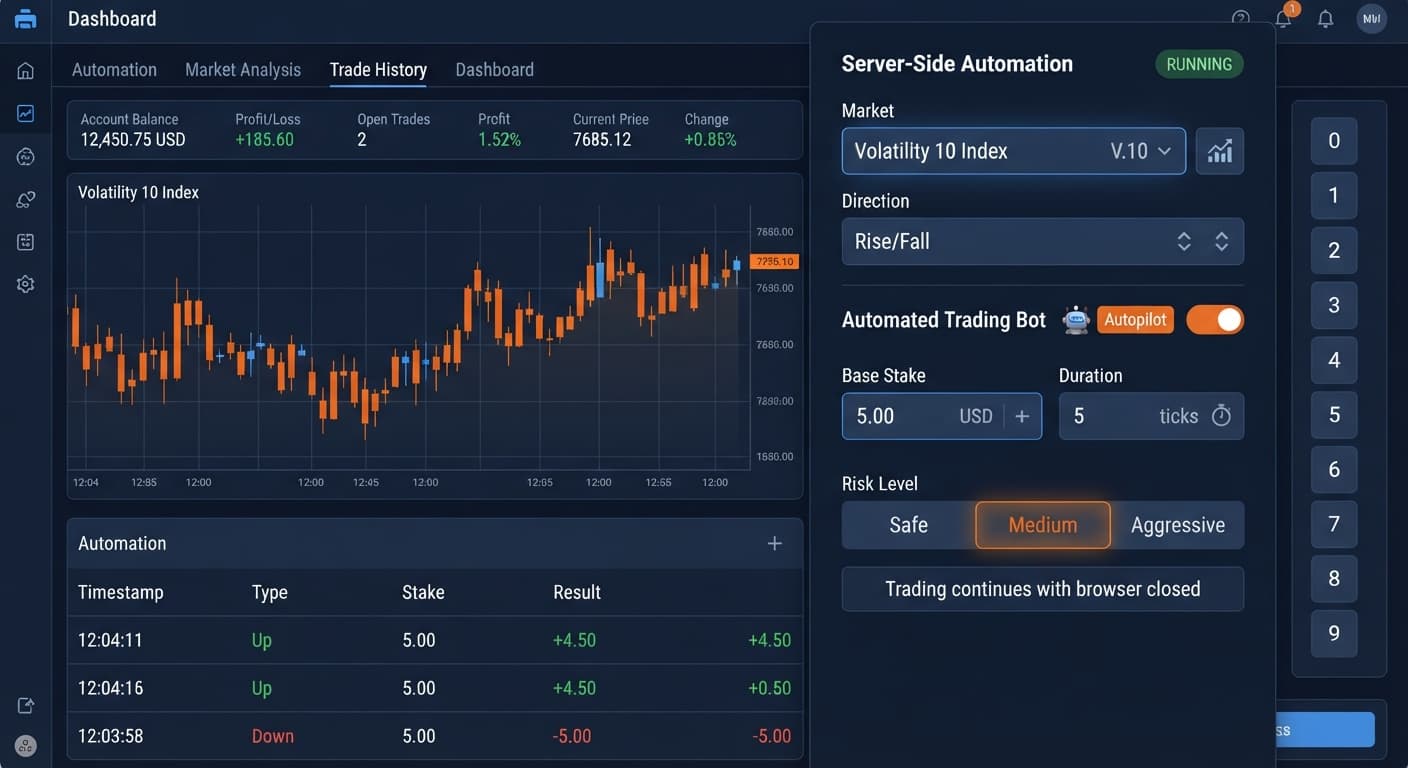
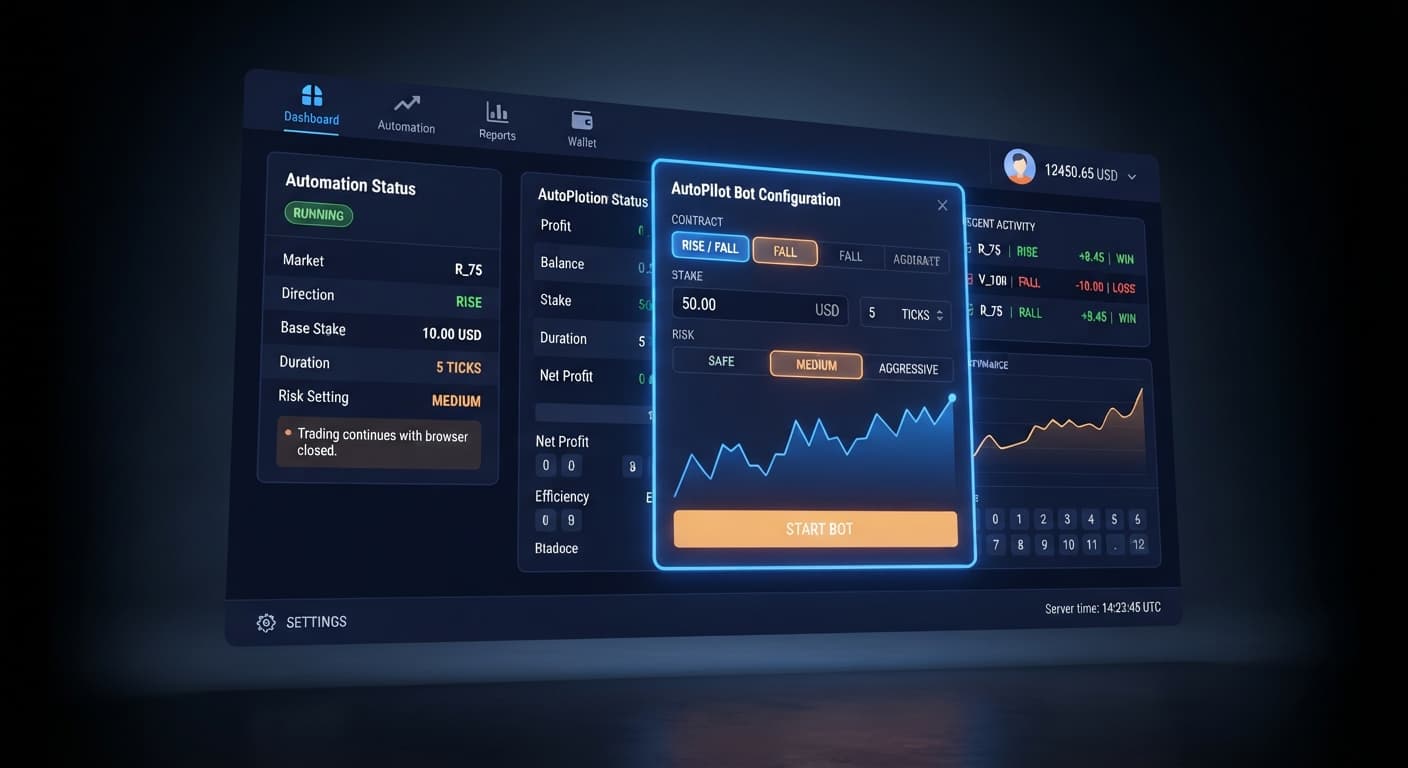
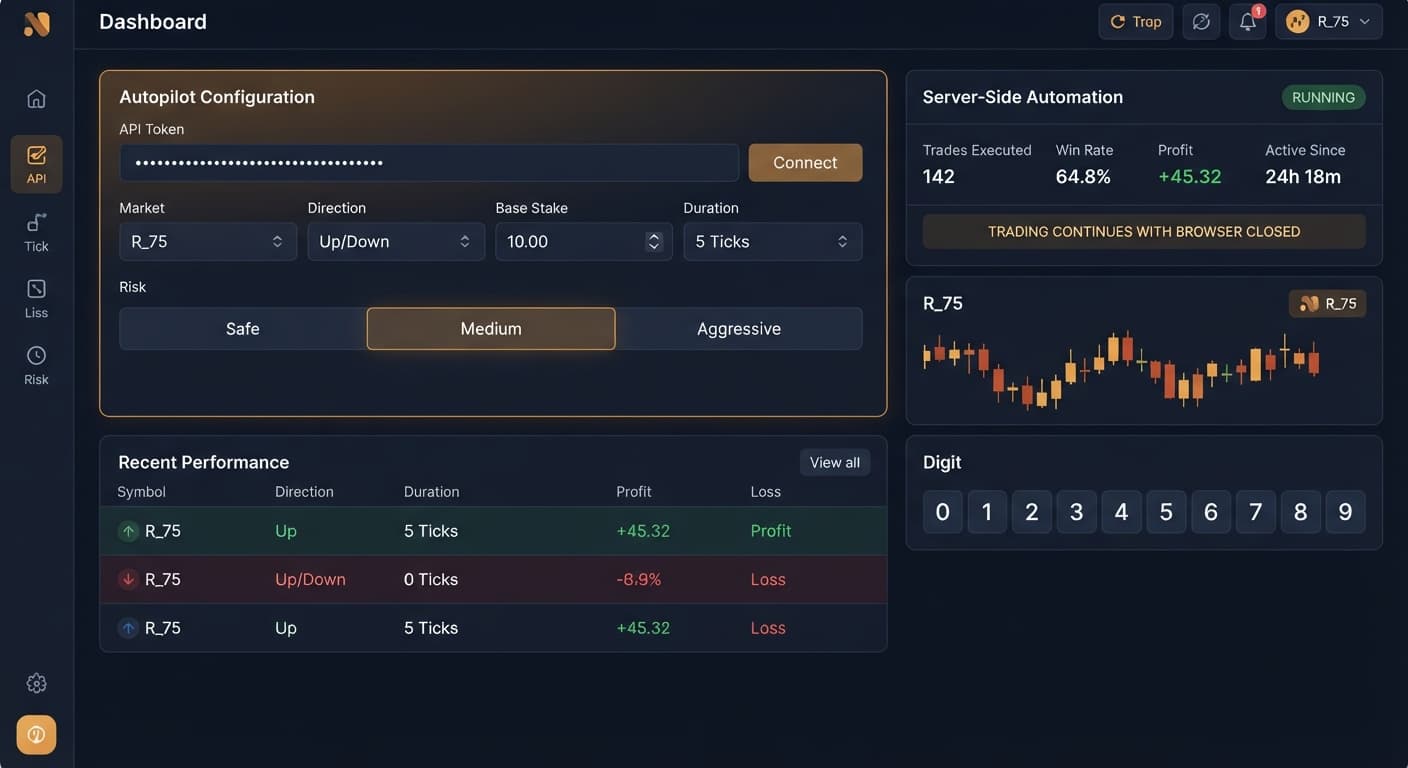
Select your target index under Market, then select your trade bias under Direction. Keep your initial entry minimal using Base Stake. For timing, adjust Duration (sec / min) to give the underlying index enough room to move past micro-noise. Define your stake multiplication speed using Growth Rate — 1% to 5%, and set your overall posture with Risk Level — Safe / Medium / Aggressive. Finally, protect your virtual balance by establishing firm cutoffs in Take Profit and Stop Loss.
Here is the recommended configuration matrix for your initial demo run:
| On-Screen Control | Safe Baseline Value | Purpose |
|---|---|---|
Market |
Volatility 10 Index | Low volatility market for smooth tick sequences |
Direction |
Rise | Sets trade direction to CALL contracts |
Base Stake |
0.35 | Smallest allowable stake to test entry mechanics |
Duration (sec / min) |
5 sec | Allows quick contract settlement during testing |
Growth Rate — 1% to 5% |
1% | Minimal stake expansion following a loss |
Risk Level — Safe / Medium / Aggressive |
Safe | Conservative recovery behavior |
Take Profit |
5.00 | Halts automation once $5 target is reached |
Stop Loss |
15.00 | Hard server-side limit to terminate execution |
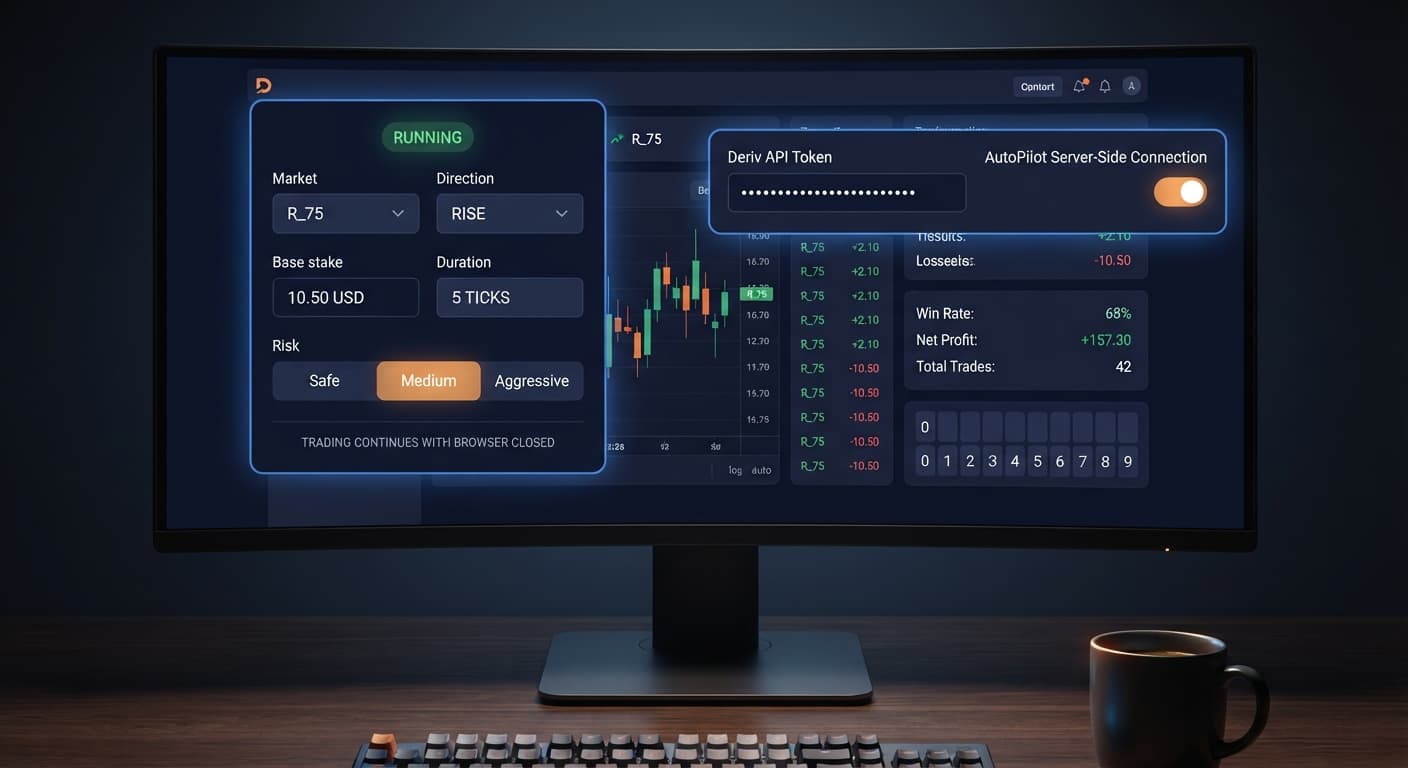
Log into your Deriv account and navigate to account settings. Locate the API token management section and select the scope permissions needed for trading. Make sure you generate this token while logged into your virtual demo account, not your real account. Copy the generated string of letters and numbers to your clipboard.
Go to the AutoPilot dashboard on BinaryBot.live. Paste your virtual API token into the authorization field and confirm the connection. The system connects directly to Deriv over their official API. Verify that your displayed balance matches your Deriv virtual account balance before adjusting any strategy controls.
Locate Market and select Volatility 10 Index from the dropdown menu. Choose Rise under Direction so the bot places CALL contracts. Move to Duration (sec / min) and set the value to 5 seconds. This short duration helps you monitor trade placement speed and settlement frequency in real time.
Set Base Stake to 0.35. Move to Growth Rate — 1% to 5% and choose 1% to keep stake increases as slow as possible during trade sequences. Under Risk Level — Safe / Medium / Aggressive, select Safe. This ensures the bot uses conservative sizing adjustments when recovering from losing trades.
Enter 5.00 into Take Profit and 15.00 into Stop Loss. Double-check all fields to ensure no typos exist in your numeric values. Click the start button to launch the automated sequence. You can now leave the tab open or close your browser entirely; the server-side architecture will continue running until it hits one of your configured boundaries.
Different deriv bots behave unpredictably if you switch markets without adjusting your duration and risk settings. Synthetic indices differ significantly in tick frequency, average price movement per tick, and noise levels. Running an automated Rise/Fall script on a highly aggressive index with 5-second durations often leads to rapid drawdowns, whereas calmer indices provide smoother trends.
To see why market selection matters during your autopilot demo account setup, compare how three primary synthetic indices behave under identical automated conditions:
| Market Metric | Volatility 10 Index | Volatility 75 Index | Volatility 100 Index |
|---|---|---|---|
| Tick Interval | 1 second | 1 second | 1 second |
| Typical Movement / Tick | Low (0.01 - 0.05 pts) | Extreme (10 - 50 pts) | High (0.50 - 2.00 pts) |
| Price Noise & Spikes | Very Low | High | Moderate |
| Suited Duration | 5 sec to 1 min | 1 min to 5 min | 15 sec to 1 min |
| Risk Posture | Safe | Aggressive | Medium |
For testing this automated setup, Volatility 10 Index is the best choice. Its low tick variance prevents extreme price swings from reversing your CALL contracts at the last fraction of a second.
By contrast, Volatility 75 Index features extreme price movement per tick. On a short 5-second duration, a single tick spike can push a winning trade deep into loss right before expiration. Volatility 100 Index sits in the middle, but its frequent direction flips make it far less reliable for conservative testing than Volatility 10 Index.
While running a demo test isolates your capital, relying strictly on default settings without understanding market conditions can still distort your test results. Automated Rise/Fall setups that rely on stake progression assume that trade outcomes remain reasonably balanced over time. When synthetic markets experience sustained, single-direction runs, continuous loss sequences occur.
This configuration will fail to deliver valid testing data under the following circumstances:
If you want to analyze underlying digit distributions before running high-speed scripts, you can check open metrics on the LDP Analyzer Pro dashboard or browse the free bot library to explore alternative trade logic.
Ready to test your automated strategy? Start your test run on AutoPilot using a virtual balance today.
If you do not have an active testing balance yet, create a free Deriv account to get started.
Trading involves risk. Past performance does not guarantee future results.
Related: Step-by-Step Guide to Configuring AutoPilot for Deriv
Related: Why Autopilot Not Working on Deriv Bots: How to Fix It
Related: Autopilot for Beginners: Deriv Rise/Fall Bot Setup
Related: Autopilot vs Manual Trading: Deriv Bots Compared
Related: Autopilot Deriv Bots Guide: Build Your First Rise/Fall Bot
Free server-side automated trading bot for Deriv — runs Rise/Fall Martingale with stop loss and take profit, and keeps trading after you close the browser.
Open AutoPilot →You connect a virtual Deriv API token to the platform dashboard and pick your market parameters. This lets you verify execution using virtual funds before you risk any real cash.
Yes, AutoPilot runs directly on Deriv's server-side automation API so trades keep executing even if you close your browser tab or lose internet access. Because of this, testing on a demo balance first is critical to see how your risk limits respond.
You should start by selecting the Volatility 10 Index for a smooth tick sequence and set your base stake to 0.35. Keeping your initial entry minimal lets you test entry mechanics safely without financial exposure.
Unlike traditional bots that stop when your network drops, AutoPilot scripts process trade decisions independently on Deriv's servers. If you miscalculate your growth rate on a live account, a sequence of rapid losses can drain your balance while you're offline.
Guides closest to this one.
Follow this autopilot deriv bots guide to set up and launch your first automated rise fall trading bot on BinaryBot.live. Start trading today!
Learn how to set up autopilot on volatility 10 using this free automated trading bot for Deriv. Configure your rise fall bot today. Try it now!
Master autopilot api token setup for your binary bots. Learn how to run automated rise fall trading on Deriv without keeping your browser open. Try it today!