Auto Trading Bots
Autopilot for Beginners: Deriv Rise/Fall Bot Setup
Autopilot for beginners: learn how to set up your first server-side rise fall automated trading bot on Deriv without coding. Try a free deriv bot today.
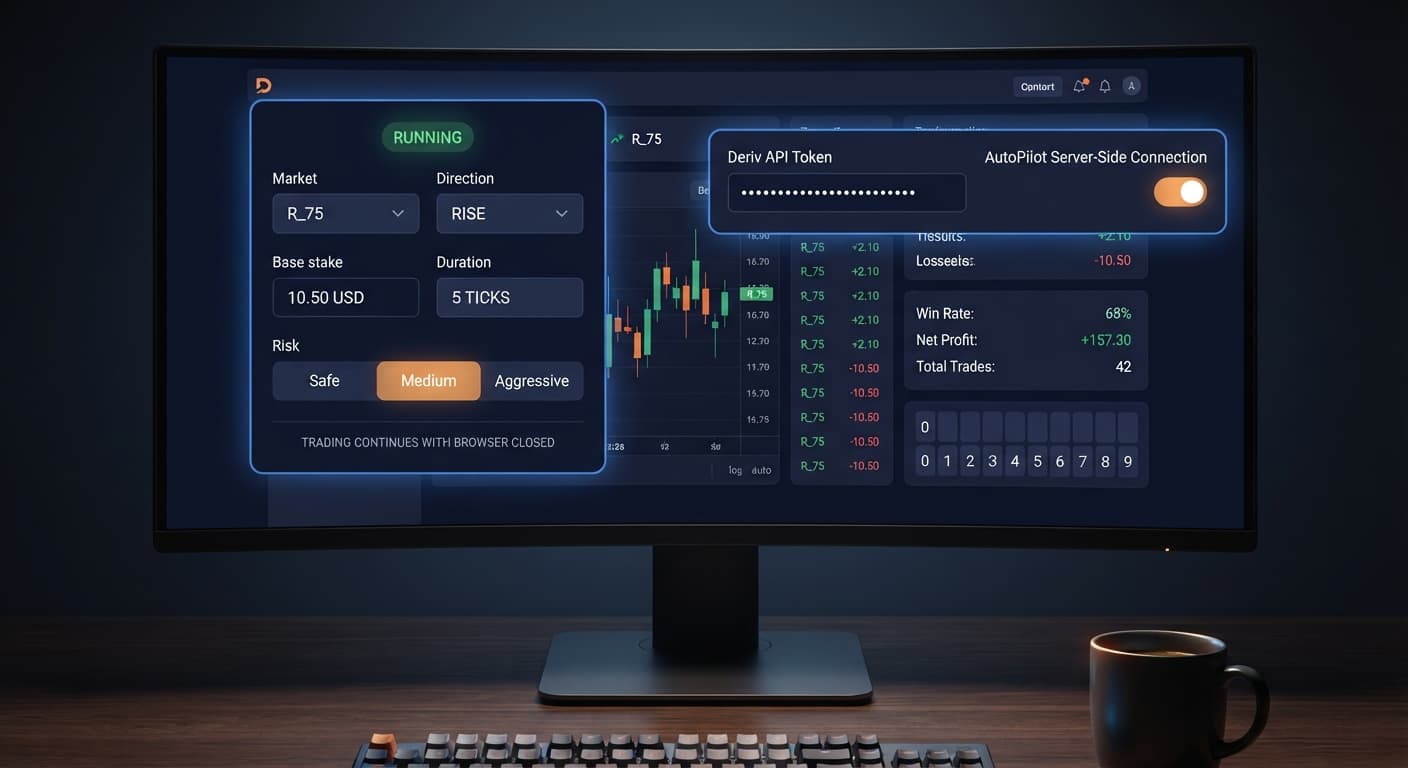
Completing an autopilot api token setup requires pasting a read/trade-scoped Deriv API token directly into the token field on AutoPilot. This links your Deriv balance to the server-side automation engine so it can place Rise/Fall contracts on your behalf. Once activated, the system executes trades directly on Deriv's servers, meaning you can shut your computer down or close your web browser without interrupting your running strategy.
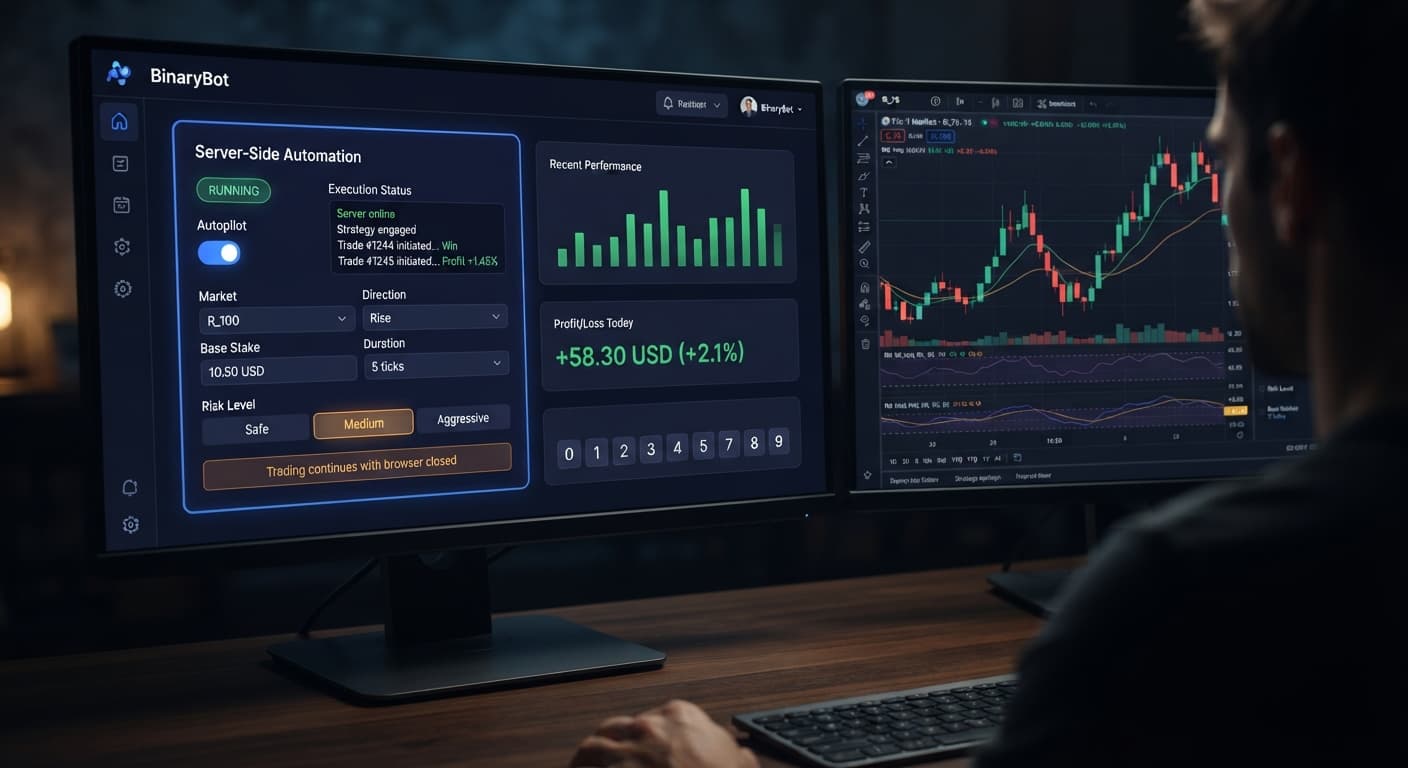
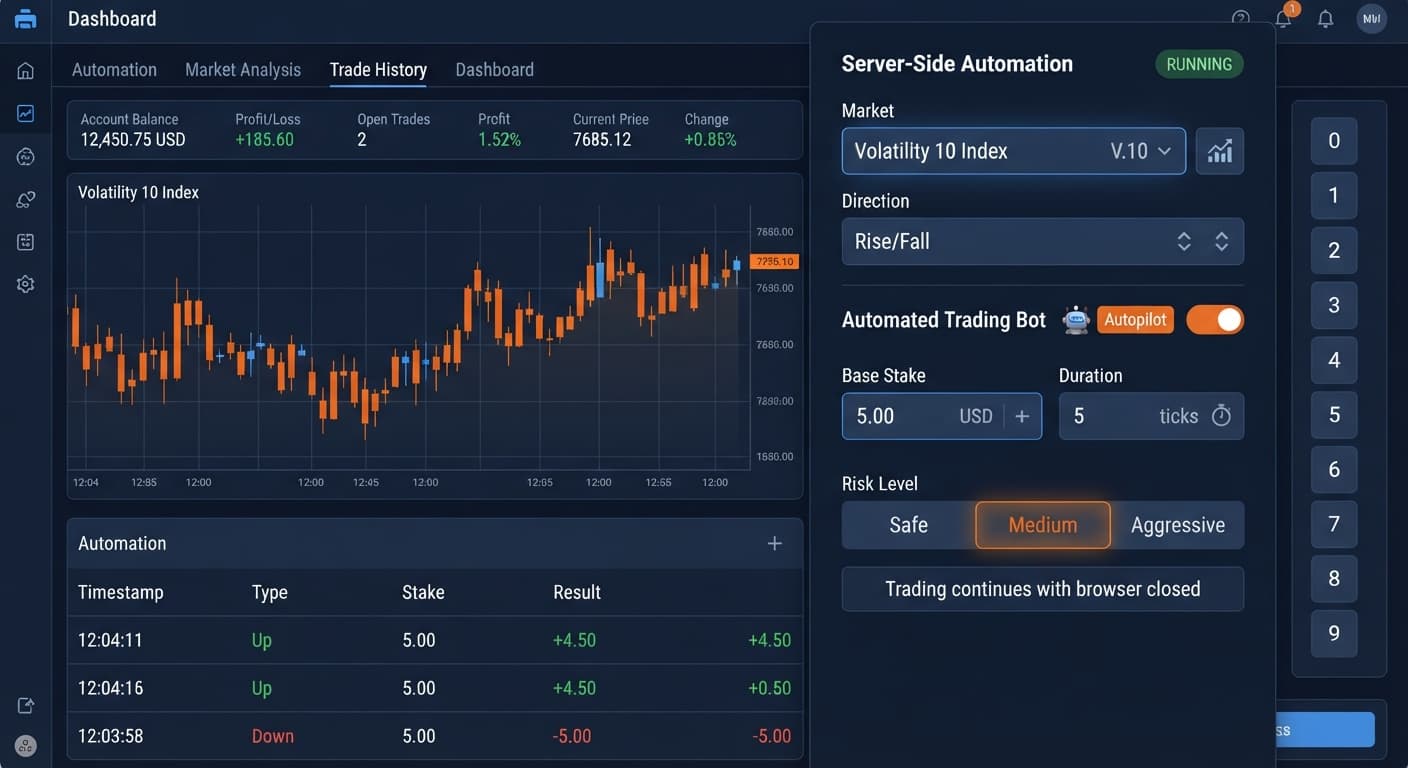
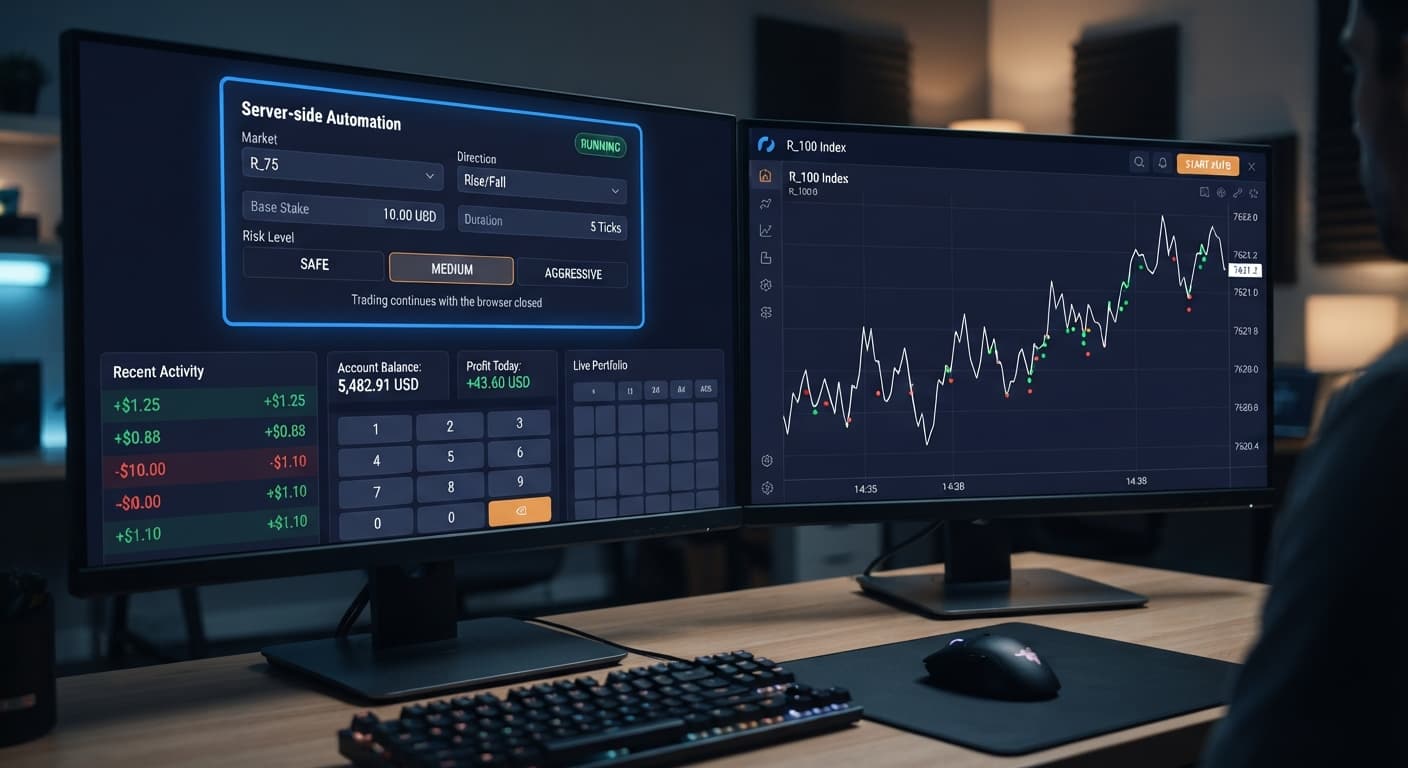
When you load the interface, you'll see a clean control panel designed to configure server-side execution. Unlike browser-bound deriv bots that stop running the second your screen locks or your Wi-Fi hiccups, this tool sends your instructions straight to Deriv's backend.
The top control cluster manages contract parameters. Here, you'll find Market, Direction, Base Stake, and Duration (sec / min). These selections decide which volatility index you're trading, whether you're opening CALL or PUT options, how much capital you put on the first trade, and how long each contract stays open.
Below the basic trade parameters sit the risk management fields. These include Growth Rate — 1% to 5%, Risk Level — Safe / Medium / Aggressive, Take Profit, and Stop Loss. These controls dictate how your stake scales after an unsuccessful trade and when the server engine halts contract execution entirely.
| On-Screen Control | Function | Allowed Values / Options |
|---|---|---|
| Market | Defines the volatility index to trade | Deriv Volatility Indices (e.g., Volatility 75) |
| Direction | Chooses trade direction | CALL, PUT |
| Base Stake | Initial order amount in USD | Numerical (e.g., $1.00, $2.00) |
| Duration (sec / min) | Length of each trade contract | Time units in seconds or minutes |
| Growth Rate — 1% to 5% | Stake adjustment scaling factor | Fixed steps from 1% to 5% |
| Risk Level — Safe / Medium / Aggressive | Determines martingale multiplier intensity | Safe, Medium, Aggressive |
| Take Profit | Target session profit target in USD | Monetary value |
| Stop Loss | Maximum session loss limit in USD | Monetary value |
Log into your Deriv account and open your account settings menu. Locate the API Token section under security management. You'll see a list of permission checkboxes required for third-party integrations.
Select only Read and Trade scope options. Do not check admin or withdrawal boxes. Give the token a name like "AutoPilot-Bot" so you can recognize it later, then click create. Deriv will display a string of letters and numbers. Copy this text string immediately to your clipboard.
Open AutoPilot in your browser. Locate the primary token input box at the top of the panel. Paste your copied token into the field and click the connect button.
The platform connects directly to Deriv over their official API. No credentials, login passwords, or account funds ever pass through BinaryBot servers. Once authenticated, your active account balance displays directly inside the workspace, confirming that your autopilot api token setup is complete and operational.
Select your target instrument under Market. Volatility indices move continuously without real-world market hours, making them standard targets for binary bots. Next, select your trade direction under Direction using either CALL or PUT.
Set your starting trade size in Base Stake. If you are running a tight account balance, start small. Next, pick your timeframe under Duration (sec / min). Short second-based durations resolve quickly, while minute-based contracts give short-term volatility room to smooth out.
Pick your preferred scaling speed using Risk Level — Safe / Medium / Aggressive. Safe uses a lower multiplier recovery curve after a loss, whereas Aggressive ramps up stake sizes rapidly to clear losses faster at the expense of drawdown tolerance. Set your fine-tuning percentage using Growth Rate — 1% to 5%.
Never start execution without establishing firm dollar boundaries. Enter your target balance target into Take Profit and your absolute drawdown limit into Stop Loss. These rules live on the execution server, so your limits trigger automatically even if your local computer disconnects.
Review your parameters one final time. Click the start button to kick off execution. The workspace will confirm that the session is active.
Because execution runs on Deriv's server-side Automation API instead of inside your browser window, you don't need to leave your computer running. You can close the tab, turn off your desktop, or walk away. The server executes contracts according to your rules until it reaches your Take Profit target or hits your Stop Loss limit.
Martingale mechanics double or scale stakes after every loss. While this recovers losses instantly on a single winning trade, a cold run can clear out an account balance faster than most traders expect. Deriv synthetic index ticks are completely independent random draws. A past sequence of red ticks does not increase the odds of a green tick on the next trade.
Let's look at a concrete setup. Suppose you possess a $100 starting balance trading Volatility 75 Index with a Base Stake of $2.00, running a classic 2x martingale multiplier under Risk Level — Medium.
| Loss Sequence | Contract Stake | Total Cumulative Cash Spent | Remaining Account Balance |
|---|---|---|---|
| Initial Trade | $2.00 | $0.00 | $100.00 |
| Loss 1 | $4.00 | $2.00 | $98.00 |
| Loss 2 | $8.00 | $6.00 | $94.00 |
| Loss 3 | $16.00 | $14.00 | $86.00 |
| Loss 4 | $32.00 | $30.00 | $70.00 |
| Loss 5 | $64.00 | $62.00 | $38.00 |
Study those numbers. After losing three trades in a row, your next required stake jumps to $16.00, and you're already down $14.00. Lose a fourth time, and your next required stake is $32.00 with $30.00 cumulative loss behind you.
By the fifth loss, your running drawdown hits $62.00. To place the sixth trade, the bot needs a $64.00 stake, but your account balance sits at $38.00. You are two ticks away from being unable to place the next trade, blowing your operational balance completely.
If you don't configure a firm Stop Loss, a single losing streak empties your balance. Setting a $30.00 Stop Loss halts the engine after four consecutive losses, locking in $70.00 of protected capital so you can trade another day. Always run new risk profiles on a Deriv demo account before committing real money.
Once execution starts, you can monitor trade placement directly inside your workspace log or by opening your native Deriv account statement in another window. You'll see Rise/Fall contract purchases logging in real time.
If you complete your autopilot api token setup but the bot fails to place trades, check these common points:
To test additional tools or explore manual strategy setups, browse the free bot library for alternative configurations.
Try it yourself on AutoPilot using a demo balance first.
If you don't have one yet, create a free Deriv account.
Trading involves risk. Past performance does not guarantee future results.
Related: Autopilot for Beginners: Deriv Rise/Fall Bot Setup
Related: How to Use Autopilot for Server-Side Deriv Automation
Free server-side automated trading bot for Deriv — runs Rise/Fall Martingale with stop loss and take profit, and keeps trading after you close the browser.
Open AutoPilot →To complete the setup, generate a token with Read and Trade scopes selected in your Deriv account settings. Then, copy that token and paste it directly into the token input box on the AutoPilot interface to link your account balance.
No, you don't. Once activated, AutoPilot executes trades directly on Deriv's backend servers, meaning you can safely shut down your computer or close your browser without interrupting your running strategy.
You only need to select the Read and Trade scope options in your Deriv account settings. Never check the admin or withdrawal boxes for third-party integrations like AutoPilot.
No, your credentials, login passwords, and account funds never pass through BinaryBot servers. The platform simply connects directly to Deriv over their official API using your pasted token.
Guides closest to this one.
Autopilot for beginners: learn how to set up your first server-side rise fall automated trading bot on Deriv without coding. Try a free deriv bot today.
Learn how to use autopilot for server-side Rise/Fall automation on Deriv. Set up your free automated trading bot step by step. Start trading today.
Learn how to set up autopilot on volatility 10 using this free automated trading bot for Deriv. Configure your rise fall bot today. Try it now!