Auto Trading Bots
Autopilot for Beginners: Deriv Rise/Fall Bot Setup
Autopilot for beginners: learn how to set up your first server-side rise fall automated trading bot on Deriv without coding. Try a free deriv bot today.
If your AutoPilot bot stopped placing trades or won't trigger contract purchases, the primary reason for autopilot not working is an expired or improperly configured Deriv API token that lacks trade execution permissions. Because AutoPilot executes strategies directly on Deriv server-side automation, a faulty token or reaching your preset Stop Loss instantly halts contract creation without sending an alert to your device. To fix it, generate a fresh token with full trade permissions, reconnect your account, and confirm your bankroll covers the required minimum Base Stake.
When execution stalls, traders usually notice one of two scenarios. In the first scenario, you click the start button, but nothing happens. No purchase confirmation appears in the feed, no contract ID generates, and the interface remains static. In the second scenario, the bot runs smoothly for several trades, places two or three CALL or PUT positions, and then silently stops placing new trades altogether.
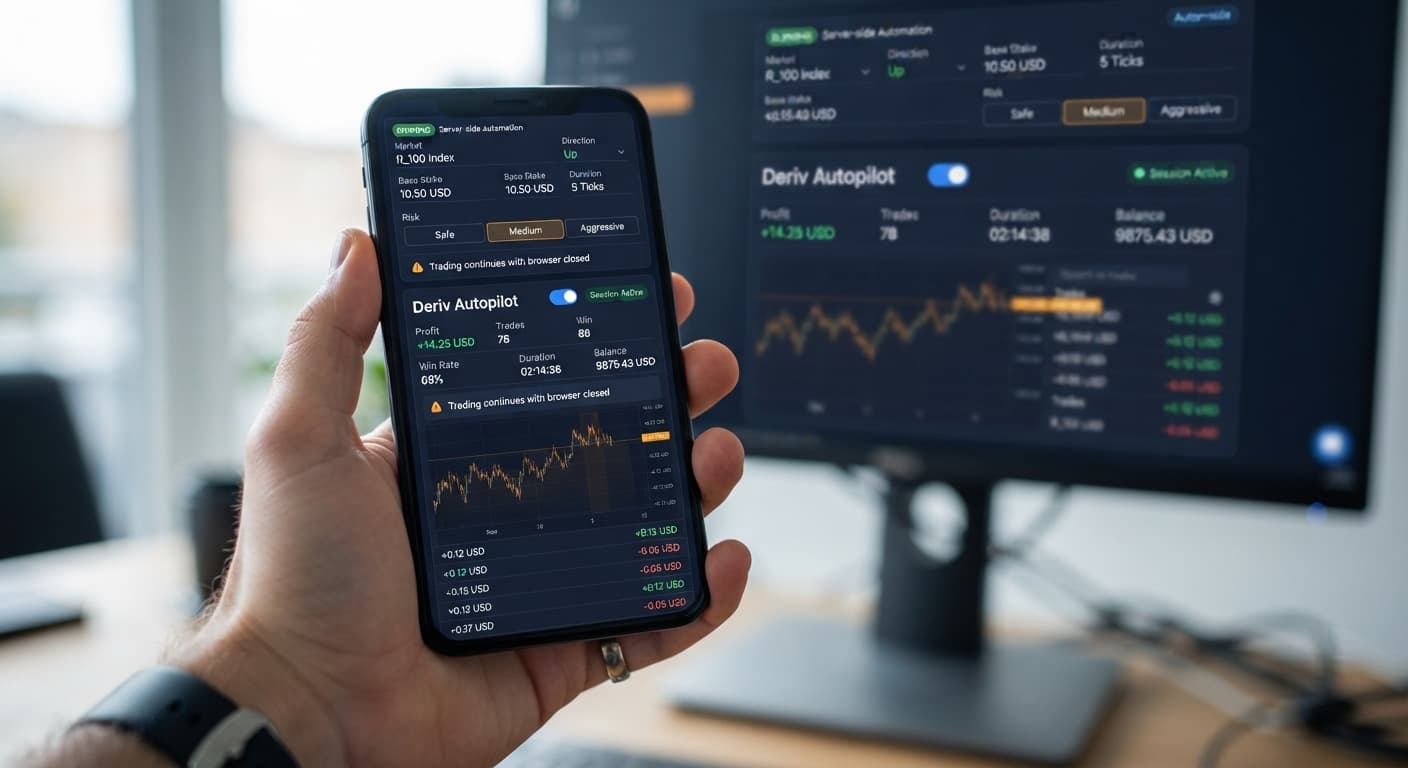
Because this tool relies on server-side execution, closing your browser window or letting your mobile screen go to sleep won't stop a healthy session. That's one of its main benefits. When it stops unexpectedly, the issue isn't your internet connection dropping or your browser sleeping. The system stopped because a specific execution rule was violated, or the connection to your account was revoked by the broker.
[Browser UI] ---> [Deriv API Token] ---> [Deriv Server Automation] ---> [Contract Execution]
                                                    |
                                            (Fails here if token
                                             lacks 'Trade' scope)
Many popular binary bots rely on keeping a tab active in your web browser. AutoPilot works differently by pushing your parameters directly to the server level. When autopilot not working errors appear, your browser isn't broken. The server rejected the instruction payload before a contract could be purchased.
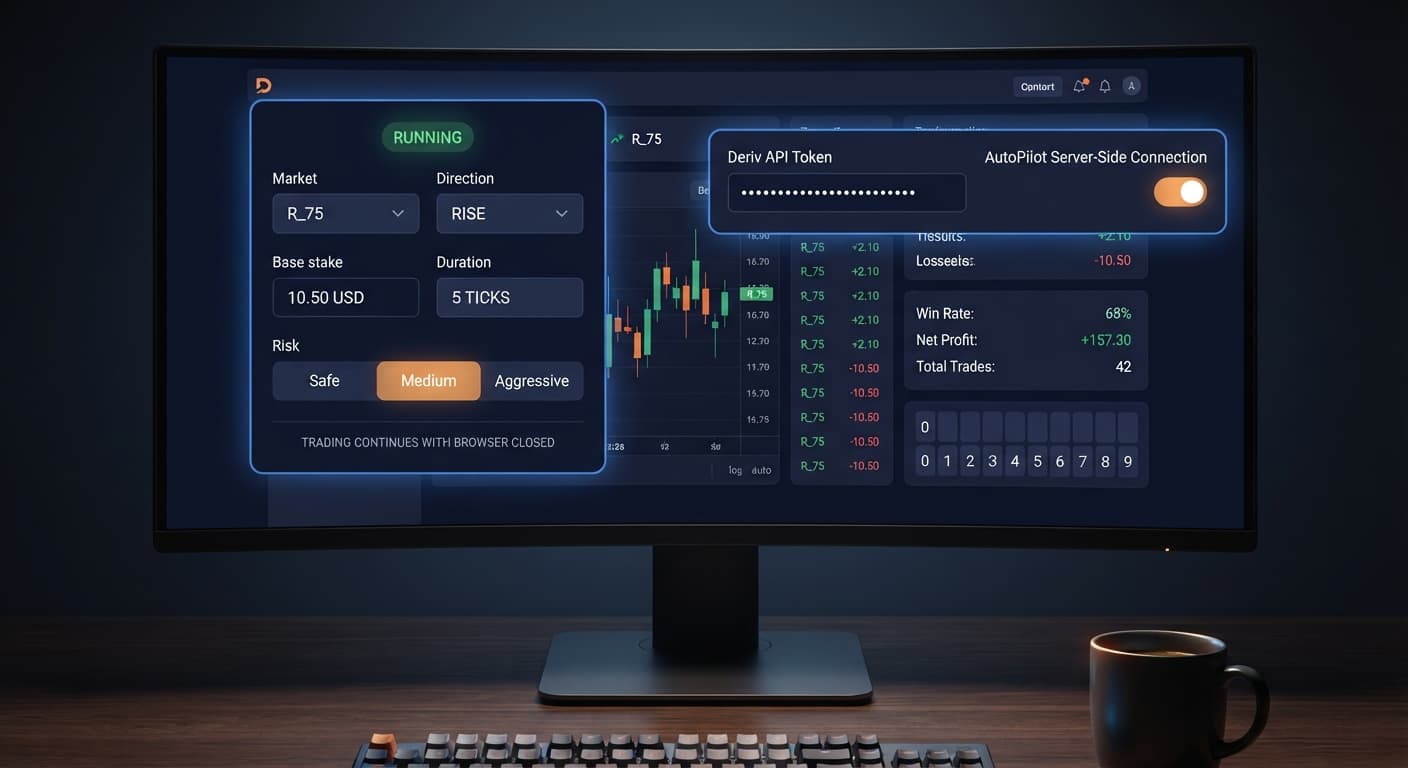
The single most common cause of an inactive execution loop is an API token that lacks "Trade" permissions. When you create an access key inside your Deriv account settings, you choose specific permission scopes: Read, Trade, Payments, Admin, or Trading Information. If you generate a token with only "Read" access, the interface can pull your real-time balance, but it can't place a contract.
Here's how to generate a working key and reconnect:
If you switch between a virtual demo account and a real-money balance, you must generate a separate API token for each account. A token tied to your Demo balance won't place contracts on your Real account, and attempting to do so will freeze execution immediately.
If your trade log shows a series of closed positions followed by total inactivity, check your risk limits. The system automatically enforces Take Profit and Stop Loss targets on the server side. Once your session net profit crosses your target, or your net loss crosses your stop threshold, execution terminates immediately.
This is working as intended. If you set a Stop Loss of $10 on a $100 account and experience three consecutive losing trades using a Martingale progression, the bot hits the $10 ceiling and shuts down to protect the remaining $90. To resume, you must adjust your targets and restart the bot manually.
Every synthetic index on Deriv has strict contract duration limits. If you set Duration (sec / min) to 2 seconds on a market that requires a minimum duration of 5 ticks or 15 seconds, the server rejects the order command.
Selected Control:  Duration (sec / min) ---> Set to 2 Seconds
Broker Rule:       Volatility 10 Index  ---> Minimum 15 Seconds
Result:            Server rejects payload instantly
When this happens, the trade log won't show a open position, and the purchase button resets to its default state. Match your duration value to the minimum contract length allowed for that specific volatility index.
AutoPilot runs a Rise/Fall strategy using a Martingale multiplier to recover losses on consecutive trades. When configuring Risk Level — Safe / Medium / Aggressive, you dictate how aggressively the stake scales up following a losing trade.
If your current balance is $15 and your Base Stake is $5, an Aggressive setup that doubles the entry amount after a loss will attempt to place a $10 second trade. If your available cash falls below the required next stake plus broker fees, the trade request fails due to insufficient funds. Always calculate whether your account balance can handle four or five consecutive losses before setting your Base Stake.
When configuring your execution parameters, you must select both a Market (such as Volatility 100 Index) and a Direction (Rise or Fall). Selecting an inactive or temporarily disabled synthetic index stalls the automation queue.
If Deriv performs maintenance on a specific synthetic asset, that asset stops updating ticks. If the bot attempts to evaluate a trade on a stalled market, it pauses execution until valid tick prices resume. Check the main market chart on Deriv to ensure ticks are moving smoothly.
The Growth Rate — 1% to 5% setting influences how aggressive contract sizing ramps up during winning or scaling sequences. If you enter a custom value outside the supported percentage range or type invalid characters into the field, the system invalidates the input form.
An invalid input highlights the field in red or prevents the script payload from reaching the server API altogether. Clear the input box and select a whole number between 1 and 5.
Diagnosing why autopilot not working issues occur is easy once you know what the interface displays during errors. The dashboard uses specific field colors and status text to show connection failures and input errors.
| What You See | What It Means | What To Do |
|---|---|---|
| API Token field outlined in red | Token invalid, expired, or wrong account type | Generate a new token with Read + Trade permissions in Deriv settings |
| Balance shows $0.00 but real account has funds | Token is bound to Demo account, not Real account | Switch account profiles in Deriv, re-generate token, and paste back in |
| Status reads "Target Reached" in green | Session hit your preset Take Profit value | Clear trade logs, revise targets if desired, and click Start to begin new session |
| Status reads "Stopped: Max Loss" in red | Session hit your preset Stop Loss value | Review your Base Stake, ensure bankroll can support drawdown, and restart |
| Trade log shows "Error: Invalid Duration" | Duration (sec / min) is below market minimum | Increase contract duration to at least 15 seconds or 5 ticks |
| Start button turns gray and freezes | WebSocket request dropped or server rate limit reached | Refresh browser tab, re-enter token, and verify internet stability |
Using a automated trading bot requires monitoring these visual indicators during your initial setup. If the trade log remains blank after clicking Start, your settings payload was rejected before reaching the order execution queue.
Because AutoPilot keeps trading on server infrastructure after you close your web browser or turn off your computer, managing downside exposure before starting a session is essential. The automation won't ask for permission before doubling a trade after a loss; it simply executes the math programmed into its settings.
Martingale stake progression can wipe an account during a long losing streak. The stake doubles far faster than most traders expect, turning a $1 base stake into a $16 stake after just four losses.
Keep these principles in mind before running any server-side strategy:
By verifying your API token permissions, setting valid duration parameters, and verifying your Base Stake matches your total balance, you can fix execution stalls on deriv bots instantly.
Test your automated strategies in a risk-free environment on AutoPilot using a virtual balance first.
If you need a trading profile to generate your API token, create a free Deriv account to get started.
Trading involves risk. Past performance does not guarantee future results.
Related: Autopilot for Beginners: Deriv Rise/Fall Bot Setup
Related: How to Use Autopilot for Server-Side Deriv Automation
Related: How to Use Tick Picker for Deriv Rise/Fall Bots
Related: Autopilot Demo Account Setup: Test Deriv Bots Risk-Free
Free server-side automated trading bot for Deriv — runs Rise/Fall Martingale with stop loss and take profit, and keeps trading after you close the browser.
Open AutoPilot →It's usually caused by an expired or improperly configured API token that lacks trade execution permissions. The server rejects the instruction payload before a contract can be purchased if the token only has read access.
Log into your Deriv dashboard, go to Account Settings, and generate a new API token with both Read and Trade boxes checked. Then, copy that new string and paste it back into your bot's API Token box to reconnect.
The bot likely hit a preset risk limit, such as your Stop Loss or Take Profit threshold. When these limits are reached, it instantly halts contract creation without sending an alert to your device.
Yes, you must generate a separate API token for each account type. A token tied to a demo balance won't place contracts on a real account, and trying to do so will freeze execution immediately.
Guides closest to this one.
Autopilot for beginners: learn how to set up your first server-side rise fall automated trading bot on Deriv without coding. Try a free deriv bot today.
Read our autopilot review to test the server-side rise fall automated trading bot for Deriv volatility indices. Start using this free deriv bot today.
Master autopilot api token setup for your binary bots. Learn how to run automated rise fall trading on Deriv without keeping your browser open. Try it today!