Auto Trading Bots
Autopilot vs Manual Trading: Deriv Bots Compared
Compare autopilot vs manual trading on Deriv bots. Learn how server-side automation changes volatility index execution. Try our free Deriv bot now.
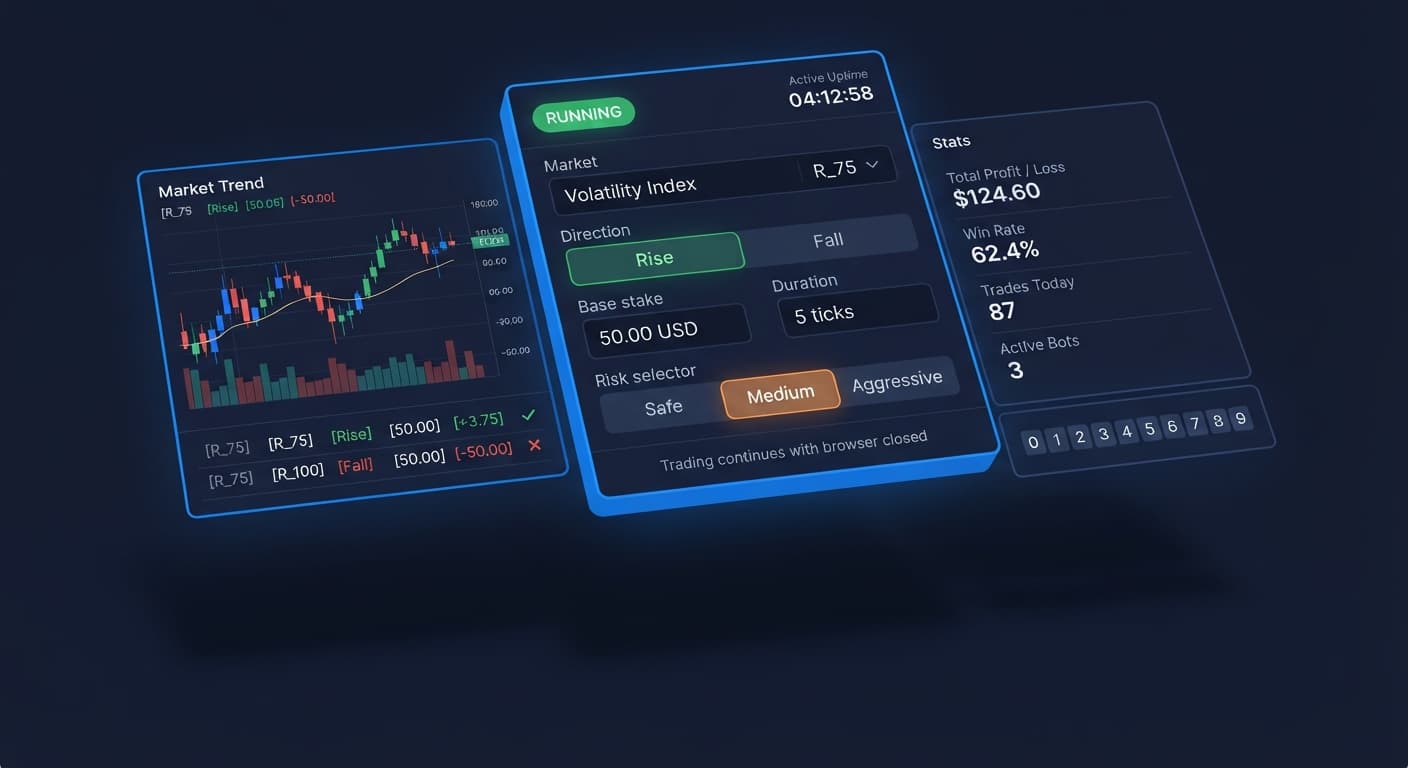
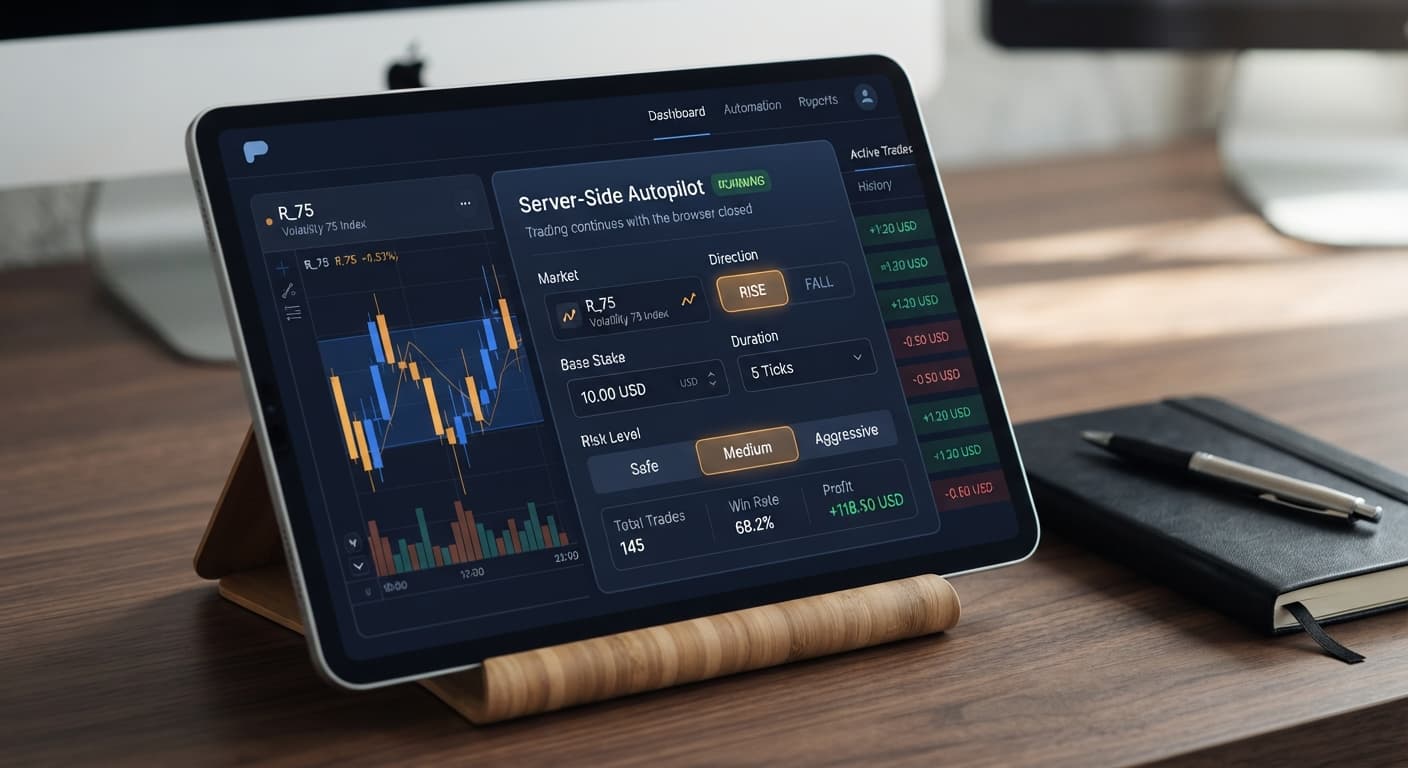
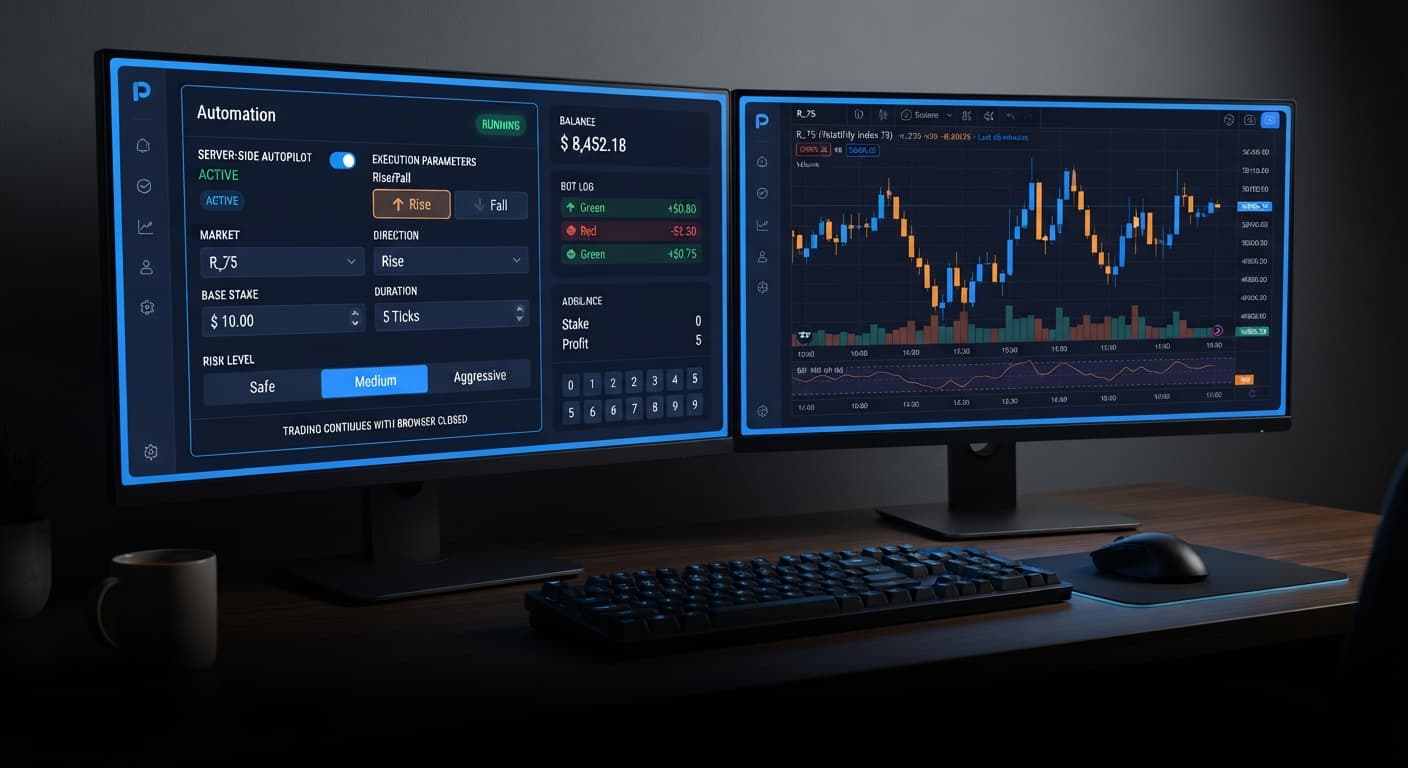
Our autopilot review shows that this tool is a dedicated server-side execution engine built specifically for trading Rise/Fall contracts on Deriv volatility indices. Unlike browser-bound binary bots, AutoPilot executes trade progressions directly on Deriv's server infrastructure, meaning your trades keep running even if your laptop dies, your phone loses signal, or you close your browser tab. It automates CALL and PUT orders with a built-in Martingale multiplier, enforcing hard Stop Loss and Take Profit limits at the server level.
If you've ever used browser-based deriv bots, you know the frustration of a frozen browser tab ruining a recovery sequence. AutoPilot strips out the local hardware link entirely. However, because execution stays active on remote servers, understanding how the underlying contract odds work—and setting strictly calculated risk limits—is the difference between automated growth and an empty balance.
When you launch a session on AutoPilot, you aren't guessing digit frequencies or reading tick heatmaps. This tool leaves digit analysis to dedicated tools like LDP Analyzer and instead concentrates purely on directional price movements over short horizons.
You are trading classic Rise/Fall contracts. That gives you two specific options:
These contracts settle on Deriv synthetic indices, such as Volatility 10 Index or Volatility 100 (1s) Index. These markets run on cryptographic random number generators that simulate market volatility 24 hours a day. Every single tick is an independent draw. Past candles don't create "overdue" reversals, and five consecutive red ticks don't make a green tick any more likely on the sixth draw.
AutoPilot takes your directional preference, places the initial trade, and monitors the outcome. If the contract wins, it logs your profit and resets back to your base entry. If it loses, it automatically calculates the next stake using a Martingale multiplier and enters the next contract immediately.
The single biggest draw of AutoPilot is where the execution code actually runs. Traditional web-based binary bots send every individual order through your local browser window over an active connection. If your operating system throttles background tab performance, or if your local Wi-Fi drops for three seconds, the bot can fail to register a losing trade or miss the critical recovery order.
Standard Web Bot:
[ Browser Tab ] ---> [ Local Wi-Fi ] ---> [ Web Socket ] ---> [ Deriv API ]
* Disconnection breaks execution chain

AutoPilot:
[ Web Interface ] ---> [ Server-Side Automation API ] ---> [ Direct Execution Engine ]
* Web interface sends setup once; engine runs directly on server
AutoPilot passes your configuration straight to Deriv's official server-side API. Once the sequence starts, the platform's background engine tracks tick prices and evaluates your contract state on Deriv's infrastructure.
That architectural shift brings two real practical benefits:
That second advantage is why you must treat setup precision so seriously. If you miscalculate your risk thresholds, the server will continue placing trades faithfully in the background while you sleep.
Before automated execution touches your capital, you need to understand the mathematical edge—or lack thereof—built into standard Rise/Fall contracts.
On standard volatility indices, a winning Rise/Fall trade typically returns around 95% net profit on your stake (this varies slightly depending on the specific index and duration select). Let's work out the break-even math on a basic 95% payout structure using a $10 stake.
To find the mathematical break-even win rate ($W$) for flat-staking without multiplier progression, use the standard formula:
$$\text{Break-Even Win Rate} = \frac{\text{Stake}}{\text{Stake} + \text{Profit}}$$
$$\text{Break-Even Win Rate} = \frac{10}{10 + 9.50} = \frac{10}{19.50} \approx 51.28%$$
Because synthetic index ticks are balanced, independent random draws, your baseline probability of winning a standard CALL or PUT trade over short tick windows sits at roughly 50.00%.
Because your intrinsic win rate (50.00%) is lower than the mandatory break-even rate (51.28%), flat-staking will steadily drain your account over a large sample size of trades. That 1.28% gap represents the system house edge.
Win Rate vs Break-Even Threshold:
Baseline Win Probability : [========== 50.00%          ]
Required Break-Even Rate : [========== 51.28%          ]
                              ^ 1.28% House Edge Gap
AutoPilot handles this gap using a Martingale recovery sequence. By multiplying your stake after a loss, a single win recovers all previous losses in that run plus a small net gain. But Martingale doesn't change the underlying negative statistical expectancy—it simply swaps frequent small losses for rare, severe drawdowns. You're trading a high overall win-rate of individual series for catastrophic tail risk if a losing streak runs long enough.
Configuring AutoPilot requires adjusting eight explicit parameters. There are no hidden sub-menus or complex block scripts to assemble. Here's how to configure the control parameters for a clean session.
+-----------------------------------------------------------------------+
|                         AUTOPILOT CONTROL PANEL                       |
+-----------------------------------------------------------------------+
|  Market: [ Volatility 100 Index v ]   Direction: [ Rise / CALL v ]    |
|  Base Stake: [ $1.00          ]   Duration:  [ 5 ] (sec)              |
|  Growth Rate: [ 2%            ]   Risk Level: [ Safe       v ]        |
|  Take Profit: [ $10.00        ]   Stop Loss:  [ $20.00        ]        |
+-----------------------------------------------------------------------+
Click Market to choose the synthetic instrument you want to trade. Higher-volatility indices like Volatility 100 Index move significantly faster over 5-second durations, whereas lower-volatility options like Volatility 10 Index experience smoother tick trajectories.
Set Direction to either CALL (predicting higher exit) or PUT (predicting lower exit). Next, adjust Duration (sec / min). For fast automated passes, traders typically choose seconds (such as 5 ticks or 15 seconds). Longer durations reduce the overall frequency of trades per hour.
Input your starting trade amount in Base Stake (for instance, $1.00). Next, set your Growth Rate — 1% to 5%. This parameter scales the stake progression during winning runs or custom sequences depending on the strategy profile selected, controlling how aggressively capital ramps up.
Set Risk Level — Safe / Medium / Aggressive to determine how steeply the Martingale multiplier scales stakes after a loss. Finally, set hard numeric targets in Take Profit and Stop Loss.
The table below breaks down how these configuration settings adjust system behavior:
| Setting Name | Target Value Example | Primary Function | Operational Impact |
|---|---|---|---|
| Market | Volatility 75 Index | Chooses the synthetic asset | Determines tick speed and short-term variance |
| Direction | CALL or PUT | Defines winning contract condition | Sets directional bias for the entire sequence |
| Base Stake | $1.00 | Initial trade amount | Establishes baseline position size after every win |
| Duration (sec / min) | 5 sec | Expiry time for each contract | Controls trade frequency and cycle resolution |
| Growth Rate — 1% to 5% | 2% | Progressive stake scaling | Ramps stake size gradually during positive runs |
| Risk Level — Safe / Medium / Aggressive | Safe | Sets loss recovery aggressiveness | Alters Martingale multiplier scale after losses |
| Take Profit | $10.00 | Server-side exit gain target | Automatically stops session when profit is reached |
| Stop Loss | $25.00 | Server-side risk ceiling | Halts execution immediately to save account balance |
AutoPilot is an efficient execution tool, but it is not a money-printing engine. The primary reason traders lose money on this platform isn't technical lag—it's poor risk sizing relative to compounding loss multipliers.
If you start with a $1.00 base stake under an aggressive multiplier structure, a streak of seven consecutive losses escalates your required stake rapidly:
By the eighth trade, a trader who started with a $1.00 base trade has already lost $162.82 cumulative capital and needs to risk over $180.00 just to clear a $1.00 baseline profit. On synthetic random walks, 7-loss or 8-loss streaks happen far more frequently than human intuition expects. If your account balance cannot absorb an 8-step drawdown, the system will hit an account wipeout before reaching a recovery win.
Cumulative Drawdown Scale (7 Consecutive Losses from $1 Base Stake):
Loss 1: $1.00   |#
Loss 2: $3.10   |##
Loss 3: $7.51   |####
Loss 4: $16.77  |########
Loss 5: $36.22  |───────────────────
Loss 6: $77.06  |───────────────────────────────────────
Loss 7: $162.82 |───────────────────────────────────────────────────────────────────────────────> [ACCOUNT EXPEDITION]
Traders who want automated server execution, fully understand Martingale drawdowns, enforce strict Stop Loss limits on every session, and test strategies thoroughly on virtual capital first. If you want to run options strategies alongside other specialized bots, check out our free bot library for alternative execution models.
Anyone trading with money they cannot afford to lose, traders who turn off their stop losses expecting a loss recovery, or those with small balances (under $50) trying to run aggressive multiplier recovery routines.
Always test your setups using a Deriv virtual balance before running live sequences. If you leave a server-side bot active overnight, your pre-set Stop Loss is the only shield protecting your capital.
Test the server-side features risk-free on AutoPilot using a demo account today.
If you haven't opened a trading profile yet, create a free Deriv account to get started.
Trading involves risk. Past performance does not guarantee future results.
Related: Autopilot vs Manual Trading: Deriv Bots Compared
Related: Why Autopilot Not Working on Deriv Bots: How to Fix It
Related: Configuring Deriv Autopilot Settings for Binary Bots
Free server-side automated trading bot for Deriv — runs Rise/Fall Martingale with stop loss and take profit, and keeps trading after you close the browser.
Open AutoPilot →AutoPilot is a server-side execution engine built specifically to automate CALL and PUT Rise/Fall contracts on Deriv volatility indices. It runs directly on Deriv's server infrastructure rather than a browser tab, meaning your trades keep running even if your device loses connection.
Yes, AutoPilot passes your configuration straight to Deriv's server-side API so the execution engine runs remotely. Because it doesn't rely on your local browser tab or Wi-Fi to maintain the trade sequence, your session stays active even if your laptop dies or your phone loses signal.
If a contract loses, AutoPilot automatically calculates the next stake using a built-in Martingale multiplier and immediately enters the next trade. It also enforces hard Stop Loss and Take Profit limits at the server level.
AutoPilot trades classic Rise/Fall contracts—specifically CALL and PUT options—on Deriv synthetic indices like the Volatility 10 Index or Volatility 100 (1s) Index. It focuses purely on directional price movements over short horizons instead of digit analysis.
Guides closest to this one.
Compare autopilot vs manual trading on Deriv bots. Learn how server-side automation changes volatility index execution. Try our free Deriv bot now.
Is your autopilot not working when you close your browser? Learn how to keep your automated trading bot running smoothly using our free deriv bot platform.
Master the autopilot settings on BinaryBot.live for server-side Rise/Fall trading on Deriv. Follow this configuration guide and start trading smarter.