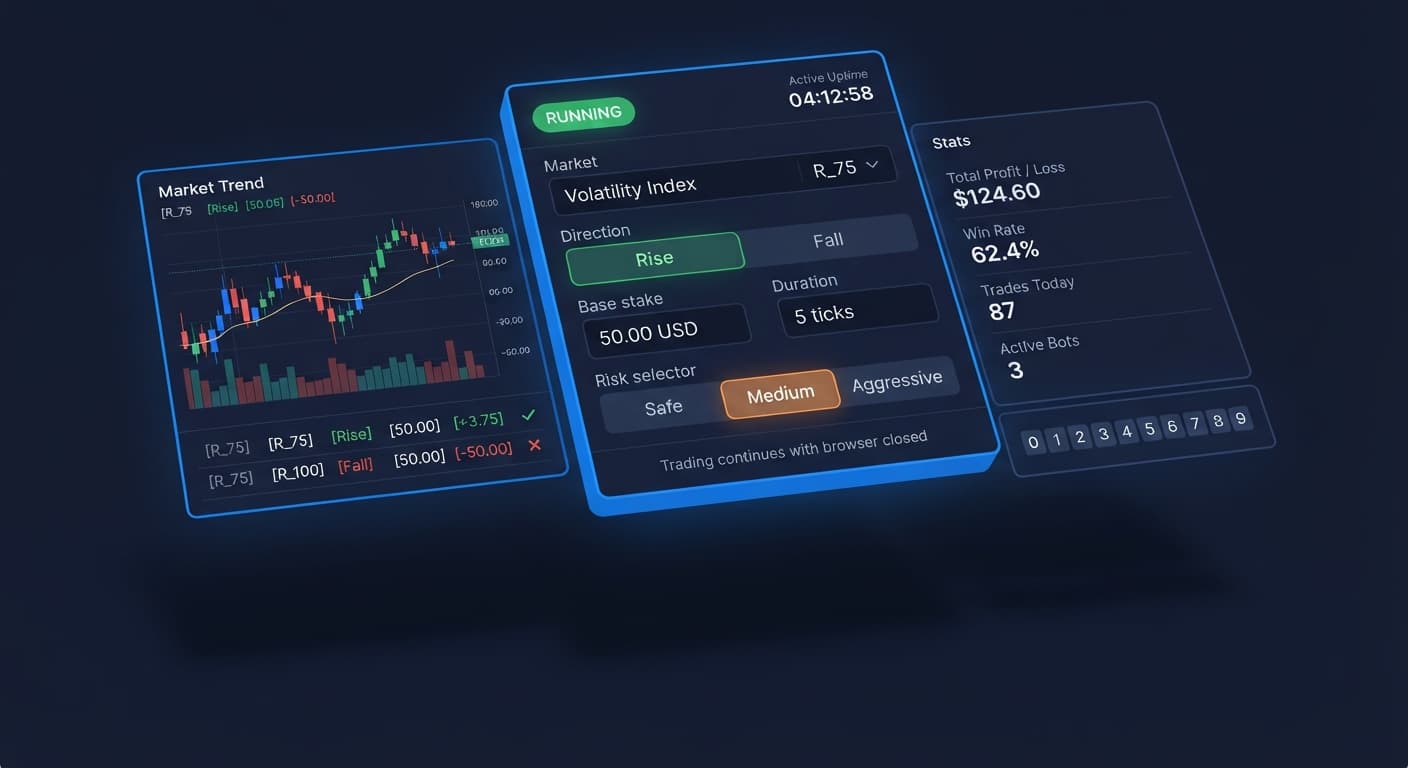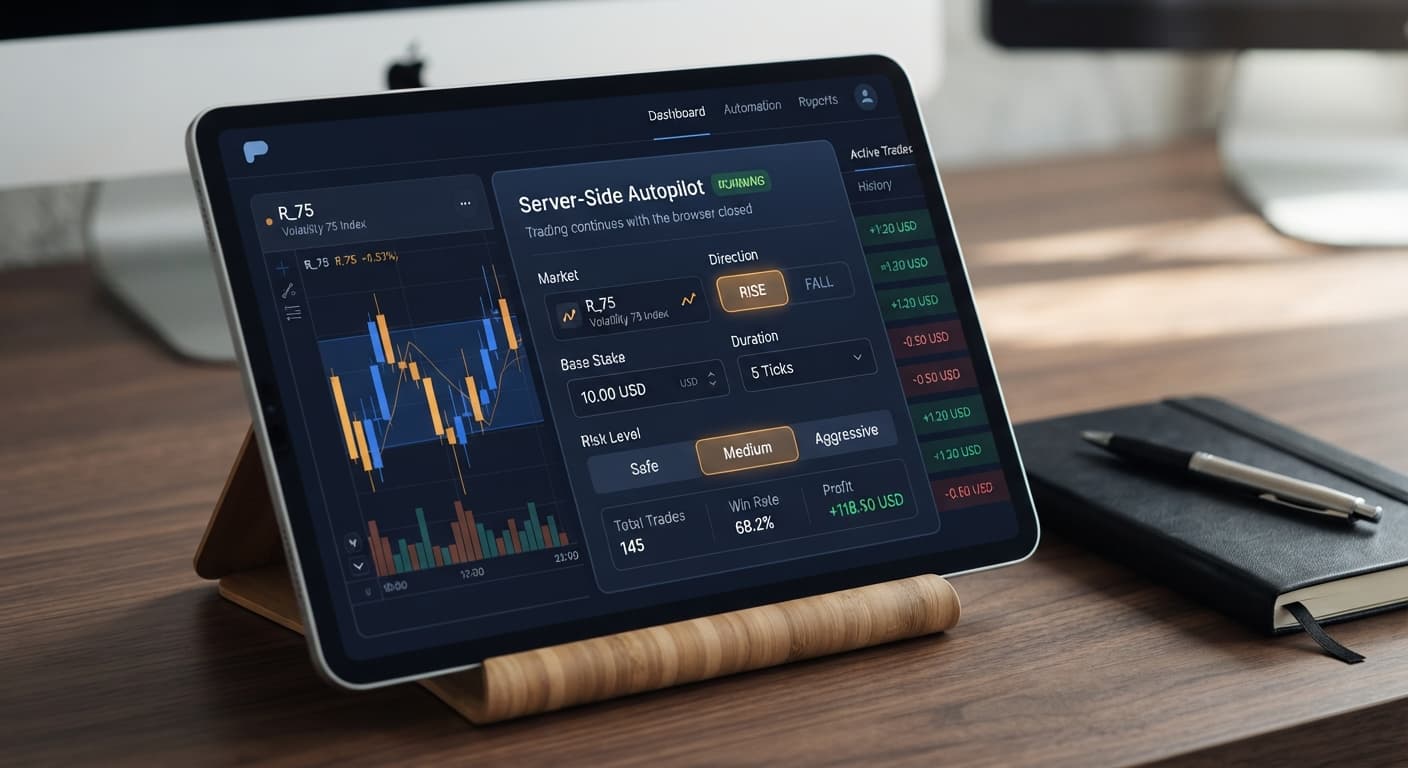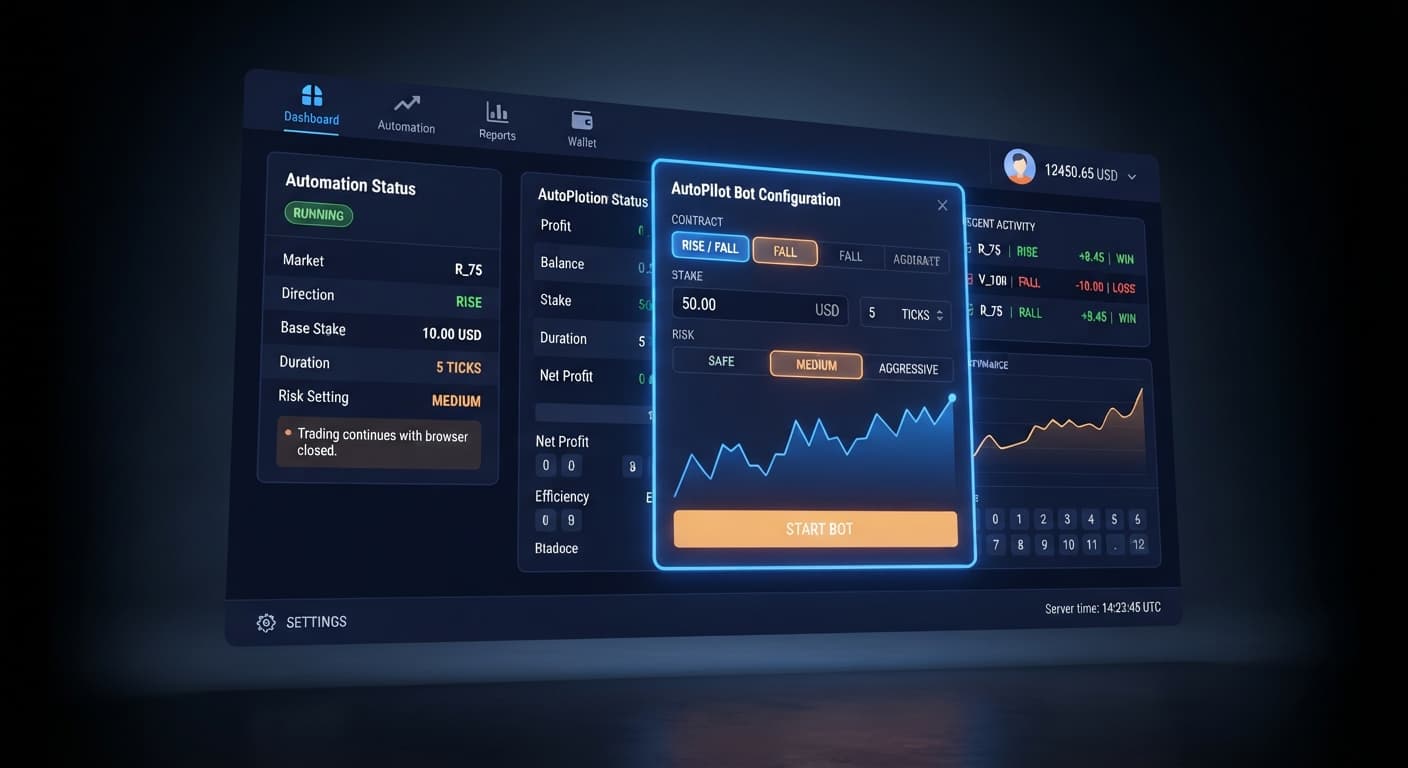
Auto Trading Bots
Autopilot Deriv Bots Guide: Build Your First Rise/Fall Bot
Follow this autopilot deriv bots guide to set up and launch your first automated rise fall trading bot on BinaryBot.live. Start trading today!
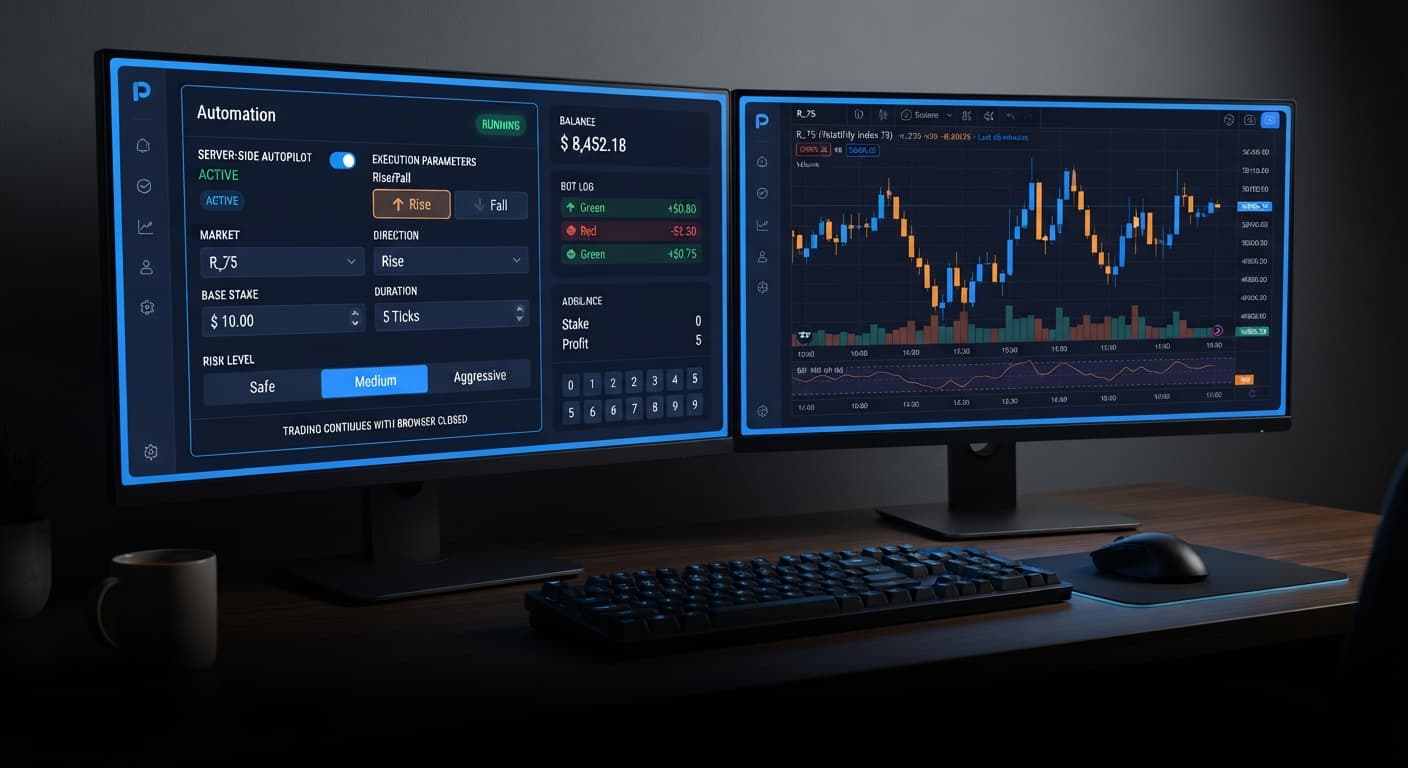
When deciding between autopilot vs manual trading on Deriv, the core choice comes down to execution control versus discipline. Manual trading lets you adapt to sudden volatility shifts in real time, but forces you to sit in front of charts while battling emotional fatigue. Running AutoPilot automates your Rise/Fall contracts directly through Deriv's server-side system, maintaining your exact trade parameters even when your screen is closed.
Here is how the two approaches compare at a glance:
Manual Trading Strategy
AutoPilot Server Automation
Comparing manual trading directly against server-side binary bots reveals distinct structural differences. Manual trading gives you complete tactical freedom, but it leaves key risk controls vulnerable to human speed and emotion. Automated tools like AutoPilot rely on strict logic where speed and consistency replace subjective decision-making.
| Feature / Dimension | Manual Trading | AutoPilot Automation |
|---|---|---|
| Execution Speed | Limited by human reaction speed (300ms–1000ms delay) | Instant WebSocket execution direct to server |
| Active Screen Time | 100% required while positions are active | 0% required after starting the run |
| System Reliability | Session ends if browser crashes or disconnects | Keeps running server-side through tab closure or power loss |
| Contract Types | Any manually selected contract | CALL and PUT contracts (Rise/Fall) |
| Position Sizing | Manual recalculation required per order | Automated progression using Base Stake and Growth Rate |
| Risk Enforcement | Optional manual mental stop loss | Server-enforced Stop Loss and Take Profit levels |
| Preset Risk Profiles | None; managed entirely by trader | Safe, Medium, Aggressive selectable settings |
Most traders who switch between these methods fail to realise how execution environment changes their actual risk. With manual execution, your risk stems from hesitation—missing an entry or failing to click sell when a run turns red. With automated deriv bots, your primary risk comes from mechanical drawdown. The bot does not hesitate, which means it place trades faster than a human can manually intervene.
Understanding contract probabilities is essential before placing real funds into any strategy. Deriv synthetic index ticks are independent random movements. Past tick sequences do not alter the statistical probability of the next movement, regardless of whether you click manually or let a bot place the trade.
Let's break down the actual arithmetic of a Rise/Fall contract.
When you trade a standard Rise/Fall contract on Volatility 100 Index with a duration of 5 ticks, the baseline return typically sits around 95% profit on your stake (a 1.95x payout multiplier). Because price can move up or down with equal probability, the underlying statistical odds of a winning contract sit at exactly 50%.
To calculate your required break-even win rate without martingale progression, divide total stake by total payout:
To remain profitable over a flat-stake sample of 100 trades without progressive sizing, you need a win rate higher than 51.28%. Because true random market noise averages out to 50% over large samples, a flat $10 stake yields a negative statistical expectation (-1.28% house edge) over time.
This edge gap is precisely why traders turn to automated progression algorithms. When running AutoPilot, adjusting the Growth Rate (from 1% up to 5%) alongside the Risk Level (Safe, Medium, or Aggressive) dynamically scales stakes to cover prior losses. However, the probability of winning any individual CALL or PUT trade remains fixed at roughly 50%. Progression changes the timing of your equity curve, not the underlying odds of synthetic index ticks.
Neither manual execution nor server-side automation is bulletproof. Knowing where each method breaks down keeps you from blowing an account on simple oversights.
Manual trading breaks down human psychology under stress. When a manual trader encounters four consecutive losses on Volatility 75 Index, two common errors occur:
Physical fatigue also corrupts manual execution. After two hours of staring at tick lines, your response time slows down, leading to poor entry prices on fast-moving indices.
AutoPilot eliminates hesitation, but it creates a different vulnerability: rapid account depletion during extended losing streaks.
Because the system runs Martingale progression server-side, a continuous sequence of losses causes the required stake to scale quickly. If your Base Stake is set too high relative to your balance, a fast streak of consecutive PUT losses can hit your Stop Loss before a winning contract lands.
Crucially, because the automation API executes positions on Deriv's servers, closing your browser tab will not stop a run. If you start a session without setting a firm Stop Loss and step away from your computer, the bot will continue placing contracts according to your selected Risk Level until either the goal or account limit is reached.
If you want to move from manual chart reading to server-side automation, do not attempt to run aggressive automated settings on a live account immediately. Use a disciplined setup sequence:
Open a Deriv demo balance inside the interface. Select your target Market (such as Volatility 10 Index for smoother movements, or Volatility 100 Index for faster ticks). Set your Base Stake to no more than 1% of your demo balance.
Set your Take Profit to a conservative target (such as 5% to 10% of total bankroll) and your Stop Loss to a maximum allowable drawdown for the session (such as 15% to 20%). Select your preferred duration mode—either seconds or minutes.
Choose your Risk Level (Safe, Medium, or Aggressive). Adjust the Growth Rate slider between 1% and 5%. A lower growth rate scales stakes gently after losses, requiring multiple wins to fully recover drawdown, while a higher growth rate recovers losses faster at the expense of steeper stake escalation.
Start the run. To test server-side persistence, close your browser tab completely. Re-open the page after a few minutes to confirm that the session maintained execution and respected your pre-set limits via the official API connection.
Traders often use visual tools like the LDP Analyzer or Tick Picker to study short-term tick behavior before deciding on direction bias. You can then plug those directional preferences (Direction: CALL or PUT) into AutoPilot to handle the actual stake calculations and order placements hands-free.
When exploring the broader collection of free deriv bots, keep in mind that execution speed cannot bypass sound money management. Whether trading manually or using automated binary bots, long-term survival relies entirely on enforcing hard risk limits before you click start.
Test automated server execution directly on AutoPilot using a virtual balance first.
If you need a trading balance to get started, create a free Deriv account today.
Trading involves risk. Past performance does not guarantee future results.
Related: Configuring Deriv Autopilot Settings for Binary Bots
Related: Autopilot Demo Account Setup: Test Deriv Bots Risk-Free
Related: Autopilot for Beginners: Deriv Rise/Fall Bot Setup
Related: Autopilot Review: Deriv Rise Fall Bot Setup Guide
Related: Autopilot Deriv Bots Guide: Build Your First Rise/Fall Bot
Free server-side automated trading bot for Deriv — runs Rise/Fall Martingale with stop loss and take profit, and keeps trading after you close the browser.
Open AutoPilot →Yes, AutoPilot runs on Deriv's server automation API so it keeps working even if your browser closes or your device loses power. You don't need to stay in front of your screen once you start the run.
AutoPilot automates CALL and PUT contracts, which are Rise/Fall options on Deriv. It executes these trades directly using your pre-set parameters.
AutoPilot enforces strict operational boundaries using hard server-enforced Stop Loss and Take Profit levels, along with selectable Safe, Medium, and Aggressive risk profiles. Manual trading relies on optional mental stop losses that are vulnerable to human hesitation.
Manual execution is limited by human reaction speeds, which usually causes a 300ms to 1000ms delay. AutoPilot uses instant WebSocket execution directly to the Deriv server.
Guides closest to this one.
Follow this autopilot deriv bots guide to set up and launch your first automated rise fall trading bot on BinaryBot.live. Start trading today!
Read our autopilot review to test the server-side rise fall automated trading bot for Deriv volatility indices. Start using this free deriv bot today.
Master the autopilot settings on BinaryBot.live for server-side Rise/Fall trading on Deriv. Follow this configuration guide and start trading smarter.