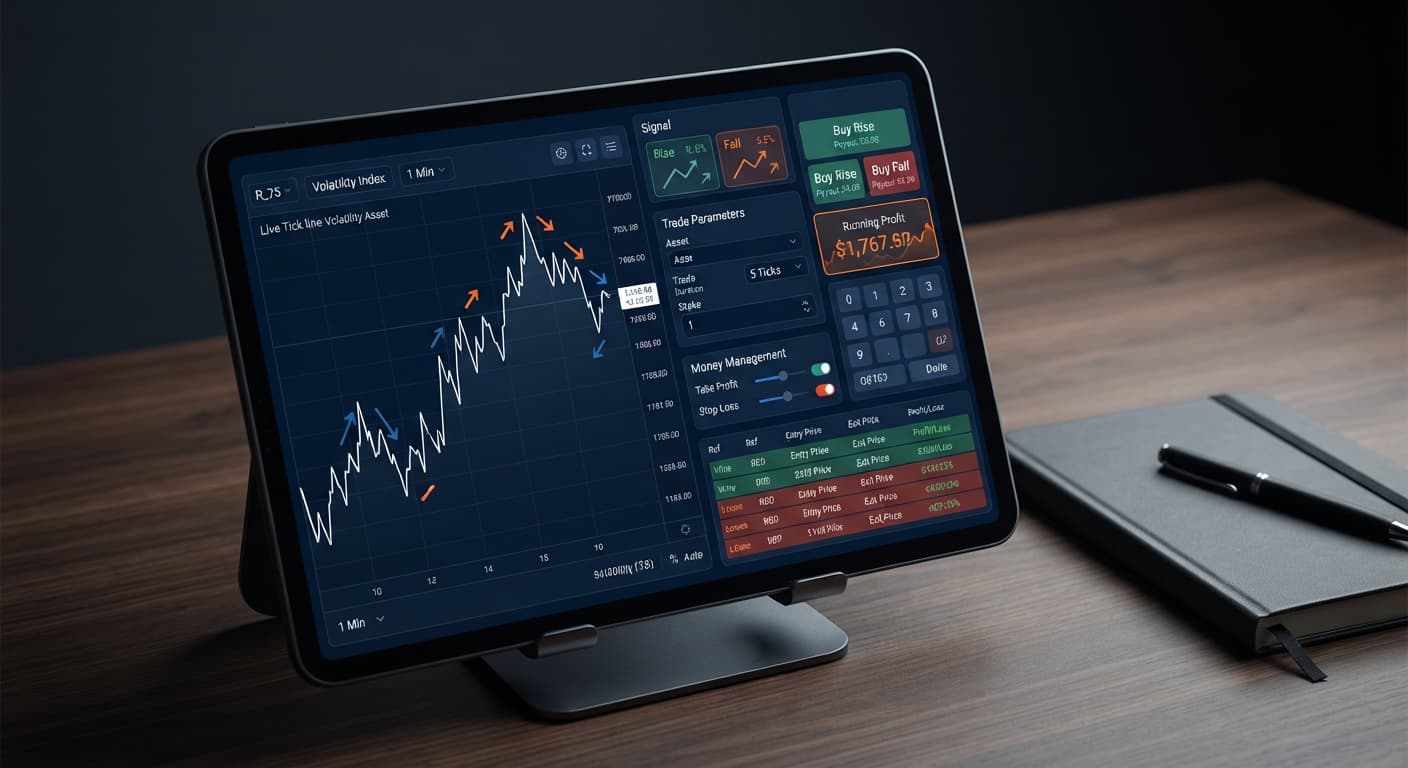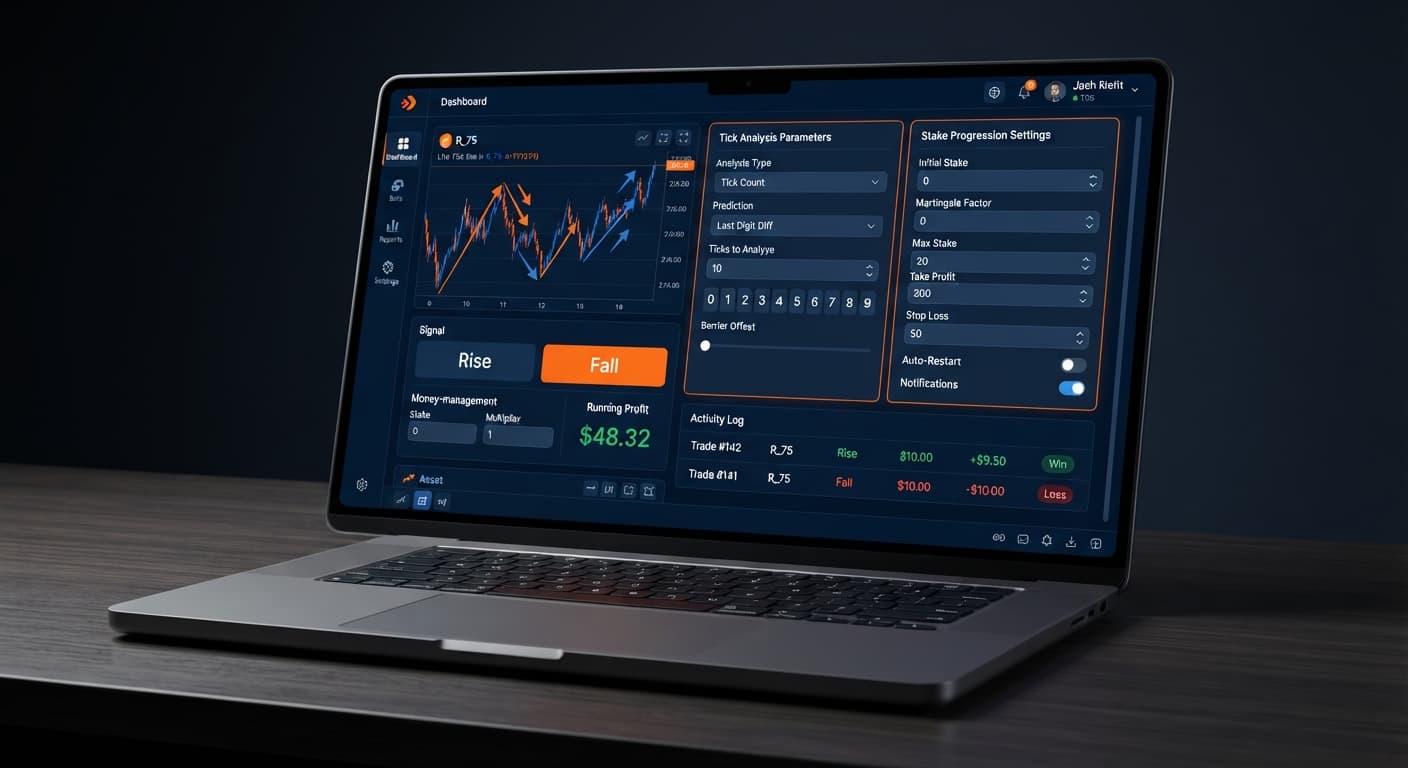
Auto Trading Bots
Tick Picker vs Dualshot: Deriv Bots for Rise/Fall
Compare Tick Picker vs Dualshot for automated trading on BinaryBot.live. Learn how fixed stake and recovery progression impact your strategy. Test free now.
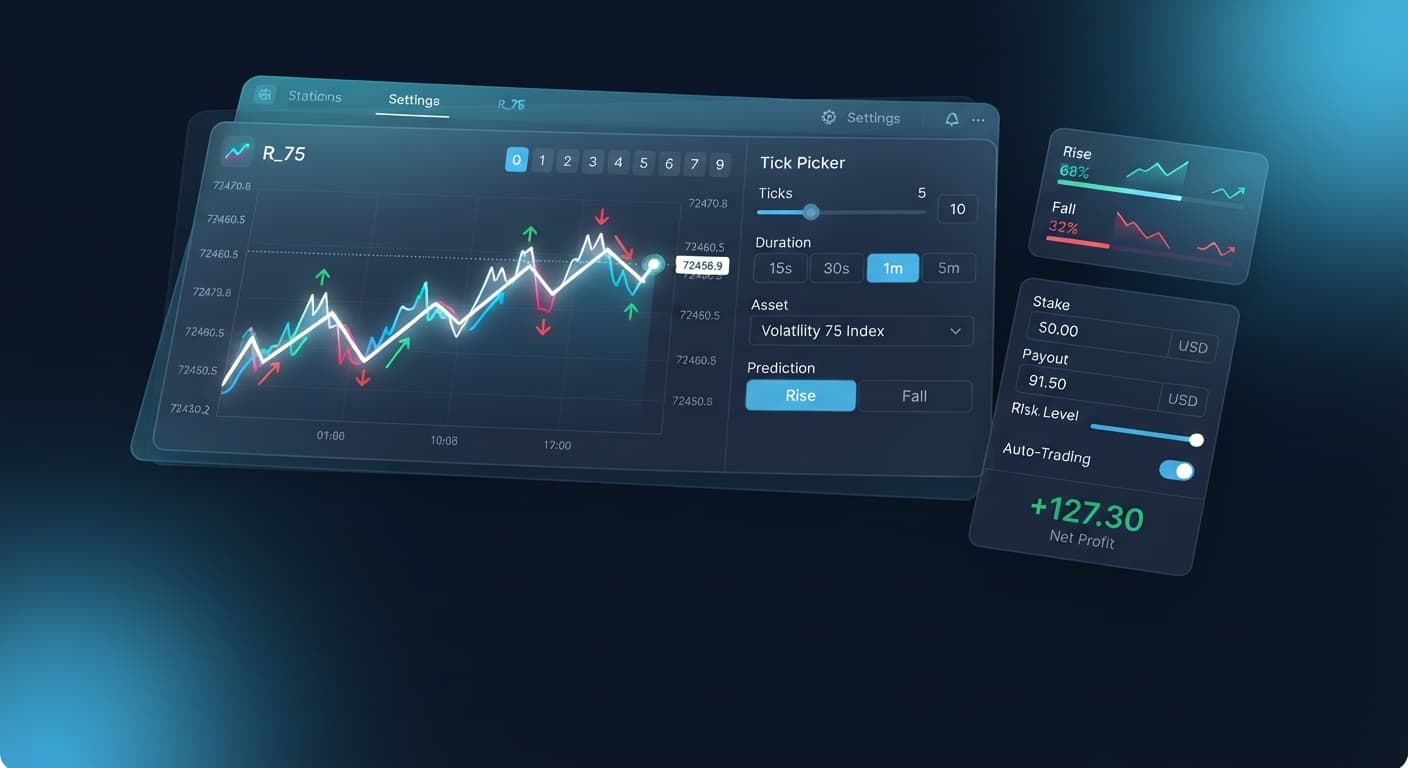
Learning how to use tick picker on BinaryBot.live comes down to connecting your Deriv API token, choosing a synthetic market, and setting up execution boundaries to trade Rise/Fall contracts automatically. The platform processes live tick movements straight from the market feed, generating CALL and PUT signals without requiring manual charting or trade entry.
By understanding how to use tick picker effectively, you eliminate emotion and execution lag from your trading session. The application connects directly to Deriv over their official API using your personal credentials, meaning your account capital stays inside your Deriv wallet at all times while automated strategies run in your browser.
By the end of this guide, you'll have an automated trading engine executing CALL and PUT trades directly on your account. You won't need to manually click buy or track live tick movements second by second; the script reads incoming price action and places contracts based on real-time trend signals.
This system suits traders who want systematically executed micro-trend trades on Volatility indices or 1s volatility indices without writing custom code. Whether you're running fixed contracts or managing drawdowns with structured loss recovery, this setup handles trade execution while keeping full account control in your hands.
Before starting the execution engine, make sure you've gathered these basic assets:
Open the Tick Picker dashboard in your browser. Locate the API token input box near the top of the interface, paste your token string into the field, and hit the connect button.
Once connected, the screen displays your active Deriv account balance, account currency, and live connection status indicator. If the panel shows your virtual or real account balance, your connection is active and ready to stream live prices.
Navigate to the market selection menu on the left side of the tool. Select the specific index you want to trade, choosing from standard Volatility indices (such as Volatility 10 Index or Volatility 100 Index) or 1s volatility indices (like Volatility 75 (1s) Index).
After you make a selection, the screen immediately renders a real-time tick chart. You'll see individual price ticks plotting across the canvas as the market ticks down, giving you immediate visual confirmation of live data arrival.
Find the configuration panel containing your primary trade parameters. Click inside the stake input box and enter your starting order value, such as 1.00 for a one-dollar base trade.
Next, establish your strict risk parameters by entering values into stop loss and target profit. For example, type 20 in the stop loss field to cap your total session drawdown at $20.00, and type 10 in target profit to stop trading once you gain $10.00. The interface highlights these limit thresholds directly below the input fields so you can verify your parameters before launching.
Locate the money management mode selection menu. Click the dropdown to choose how the bot manages contract sizes after winning or losing trades:
Selecting your strategy changes the execution logic readout on the panel. For most market conditions, selecting Mesamilano offers structured recovery without the sudden balance drops common with aggressive doubling scripts.
Click the primary Start Bot button at the top of the execution panel. The system immediately registers the command, starts analyzing incoming tick flows, and places CALL or PUT contracts when directional trend conditions match the signal criteria.
The screen transitions into active execution mode. A real-time trade log table appears, showing contract IDs, entry tick prices, contract outcome statuses, and a running tally of session profit or loss. If you need to halt operations at any point, click the Stop Bot button to clear active automation safely.
When setting up automated scripts on deriv bots, matching your balance management strategy to market volatility is essential. The matrix below outlines operational settings across different risk tolerances and index types.
| Target Market | money management mode |
Base stake |
stop loss |
target profit |
Strategy Intent | Target Trader Profile |
|---|---|---|---|---|---|---|
| Volatility 100 Index | Fixed Stake | $2.00 | $20.00 | $10.00 | Flat position sizing with constant payout expectation. | Conservative traders focused on baseline trend execution. |
| Volatility 75 Index | Mesamilano | $1.00 | $25.00 | $15.00 | Multi-trade loss distribution to handle drawdowns smoothly. | Balance-conscious accounts targeting micro-trends. |
| Volatility 10 (1s) Index | Martingale | $0.50 | $30.00 | $10.00 | Rapid order recycling with immediate drawdown recovery attempts. | Experienced traders with adequate capital buffers. |
| Volatility 50 Index | Fixed Stake | $5.00 | $50.00 | $25.00 | Higher baseline exposure targeting larger swing ticks. | Accounts with higher capital pools seeking quick targets. |
If I were setting up this bot on a live feed myself, I'd pick the Volatility 75 Index paired with Mesamilano at a $1.00 base stake. Spreading recovery across multiple winning ticks protects your wallet balance far better than aggressive multiplier setups when fast-moving tick charts hit a sudden sideways patch.
Even high-performing binary bots encounter adverse market conditions. Understanding how to manage structural risks ensures your capital stays protected during sharp market moves.
When using Martingale inside the money management mode control, consecutive losses double your active position sizing exponentially. A sequence of five losses starting at a $1.00 base stake escalates your sixth trade to $32.00, which can drain smaller account balances before a recovery trade lands.
Mitigation: Capping your risk exposure with a strict stop loss value equal to no more than 15% of your total balance prevents catastrophic drawdowns. Alternatively, switch to Mesamilano to spread recovery across multiple small trades rather than doubling down instantly.
Synthetic indices on Deriv run on cryptographic random number generators where each tick represents an independent draw. Seeing four consecutive upward ticks doesn't mean a downward tick is due next; thinking past ticks change future probabilities leads traders to double down on bad entries.
Mitigation: Treat tick signals as short-term momentum indicators rather than predictive guarantees. Always test your rules thoroughly on a Deriv demo account before risking real capital, ensuring your rules hold up over hundreds of runs rather than a small sample size.
Leaving automated trading scripts running unattended without pre-set boundaries often turns a profitable session into a net loss. Continuous exposure over long timeframes allows natural edge variance to erode early profits.
Mitigation: Always configure both target profit and stop loss inputs prior to hitting the launch button. Once the script hits either threshold, it automatically halts trade entry and disconnects execution, locking in your results.
Ready to automate your trading? Try building your strategy on Tick Picker using a demo balance first.
If you don't have an active trading setup yet, create a free Deriv account to start testing web-based algorithms today.
Trading involves risk. Past performance does not guarantee future results.
Related: Tick Picker vs Manual Trading on Deriv Rise Fall Binary Bots
Related: Configuring Tick Picker Settings for Deriv Bots
Related: Why Your Tick Picker Is Not Working on Binary Bots
Professional tick analysis tool for Deriv with real-time charts, trend detection and Rise/Fall trading signals, plus Mesamilano and Martingale strategies.
Open Tick Picker →You connect by opening the Tick Picker dashboard, pasting your Deriv API token into the input box near the top of the interface, and hitting the connect button. Your API token needs both "Read" and "Trade" scopes enabled from your Deriv account settings.
You can trade standard Volatility indices like the Volatility 10 or Volatility 100 Index, as well as 1s volatility indices such as the Volatility 75 (1s) Index. The platform processes live tick movements from these synthetic markets to generate automated CALL and PUT signals.
No, you don't need any custom code to use the Tick Picker. The system reads incoming price action and places contracts automatically without requiring you to write code or manually click buy.
You set a stop loss by locating the configuration panel and entering your limit into the stop loss input field, such as typing 20 to cap your session drawdown at $20.00. The interface highlights these risk parameters directly below the input fields once they're entered.
Guides closest to this one.
Compare Tick Picker vs Dualshot for automated trading on BinaryBot.live. Learn how fixed stake and recovery progression impact your strategy. Test free now.
Compare tick picker vs manual trading on Deriv Rise Fall contracts. Learn how execution speed and emotion control differ when using a free deriv bot. Read now.
Master tick picker stop loss setup on BinaryBot.live. Learn to configure risk controls for automated deriv trading bot rise fall strategies today.