Auto Trading Bots
Tick Picker vs Digit Pad: Deriv Bots Compared
Compare tick picker vs digit pad strategies on BinaryBot.live. Learn how to use tick chart analysis and digit distribution in your free deriv bot setup.

Configuring your tick picker settings correctly determines how quickly your bot responds to price movements and protects your balance. Getting these tick picker settings right on BinaryBot.live requires balancing four primary panel inputs: stake, money management mode, stop loss, and target profit. Correct configuration ensures the tool places Rise/Fall (CALL/PUT) contracts on Volatility indices or 1s volatility indices without overexposing your account during sudden market swings.
Tick Picker focuses on tick-level analysis with real-time charts and trend detection rather than digit distribution analysis. It connects directly to Deriv over their official API using your personal API token. No funds ever pass through BinaryBot.live; every contract executes directly on your own Deriv account balance. These automated trading features make it popular among users running binary bots. Before running any strategy on a live account, testing your tick picker settings on a free Deriv demo balance is essential for observing signal generation without risking capital.
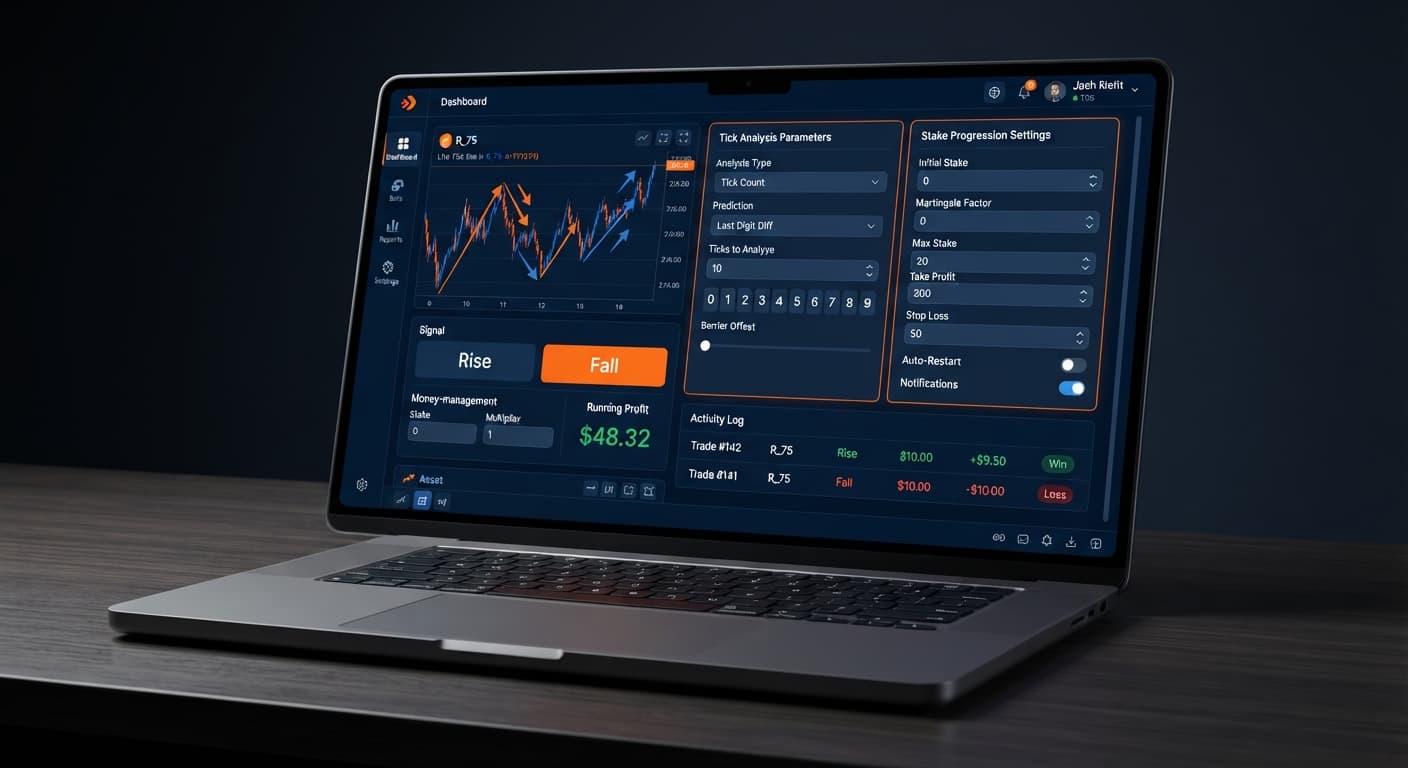
When you open the workspace, you'll see the primary parameter panel positioned right alongside the real-time tick chart. Here's where you enter your operational numbers before initiating the automated stream. The engine requires four specific inputs to run: stake, money management mode, stop loss, and target profit.
Changing these parameters alters the execution loop immediately. The stake box dictates the starting dollar amount for your initial CALL or PUT entry. The money management mode drop-down controls how the script handles position sizing following a win or a loss. Meanwhile, stop loss and target profit establish absolute boundaries that force the script to stop placing trades once hit.
Many traders make the mistake of launching automated scripts without double-checking these inputs. If you adjust your baseline settings mid-session, the changes won't apply to trades currently awaiting execution. Set your risk boundaries before clicking start, never after trades are already running.
The core of your strategy lies in how your account handles loss recovery. The platform provides three distinct options within the money management mode dropdown menu.
| Money Management Mode | Risk Profile | Mechanics After Loss | Ideal Market Condition |
|---|---|---|---|
Fixed Stake |
Conservative | Keeps initial stake identical for every entry | Fast-trending or erratic price streams |
Martingale |
High | Doubles stake immediately on the next position | Short choppy ranges with quick reversals |
Mesamilano |
Moderate | Spreads recovery across several trades | Steady trending markets with mild pullbacks |
Using Fixed Stake maintains complete baseline stability. If your initial stake is $1.00, every single trade remains $1.00 regardless of whether the previous CALL or PUT contract won or lost. This mode keeps drawdowns predictable and gives you plenty of room to evaluate signal accuracy when setting up deriv bots.
Martingale takes a far more aggressive path. It doubles your entry size after every losing contract to recover the loss plus a profit on the next win. Here's the cold reality: Martingale stake progression can wipe an account during a long losing streak. The stake doubles far faster than most traders expect, turning a modest $1.00 start into massive position requirements after just five or six consecutive losses.
Mesamilano offers a balanced alternative. Instead of doubling the trade size immediately after a hit, Mesamilano is a loss-recovery progression that spreads recovery across several trades instead of doubling on the next one. This softens the capital impact during sudden choppy spikes while still giving you a systematic route back to equity highs. It's a structured mode that appeals to traders configuring binary bots for synthetic index volatility.
Whether you select Fixed Stake, Martingale, or Mesamilano, you must populate stop loss and target profit before starting the engine. Leaving these blank removes your safety net, allowing bad runs to consume your balance unchecked.
Setting up your session requires a systematic setup sequence. Optimizing your tick picker settings means getting these inputs entered cleanly before initiating trades.
Navigate to the market selector at the top of the interface. Choose between standard Volatility indices or 1s volatility indices depending on your preferred execution speed. Standard indices generate a price tick every two seconds, while 1s volatility indices update every single second. Faster tick streams generate trading signals rapidly, requiring tighter control over your session caps.
Click into the stake field and enter your base entry size. For a $100 test balance, enter a modest base value like 1.00. Next, enter your hard risk ceilings. Input 20.00 into stop loss to kill the bot if drawdown reaches $20.00. Enter 10.00 into target profit to secure gains once your session nets $10.00. Setting these parameters early prevents emotional decision-making during fast market moves.
Open the money management mode dropdown menu. Select Fixed Stake if you are testing fresh signal parameters or running live deriv bots for the first time. Switch to Mesamilano if you want a controlled loss recovery protocol that avoids high-risk position doubling. Reserve Martingale strictly for short, disciplined sessions on demo balances where you are actively monitoring trade velocity.
Review all four main fields on your screen. Confirm that stake displays your intended initial amount, money management mode shows your target progression, and both stop loss and target profit contain positive numbers. Once verified, connect your API token to link your Deriv demo or real account, then start the stream.
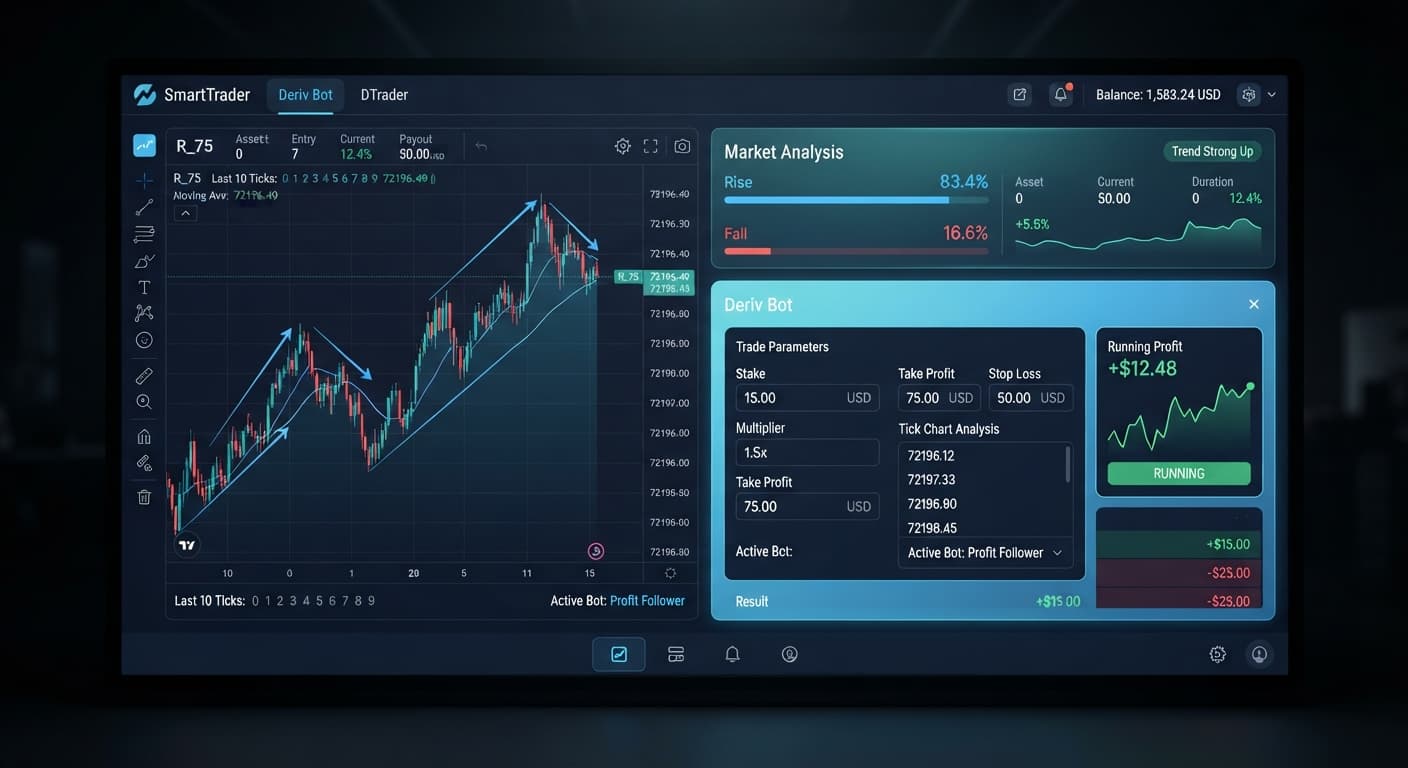
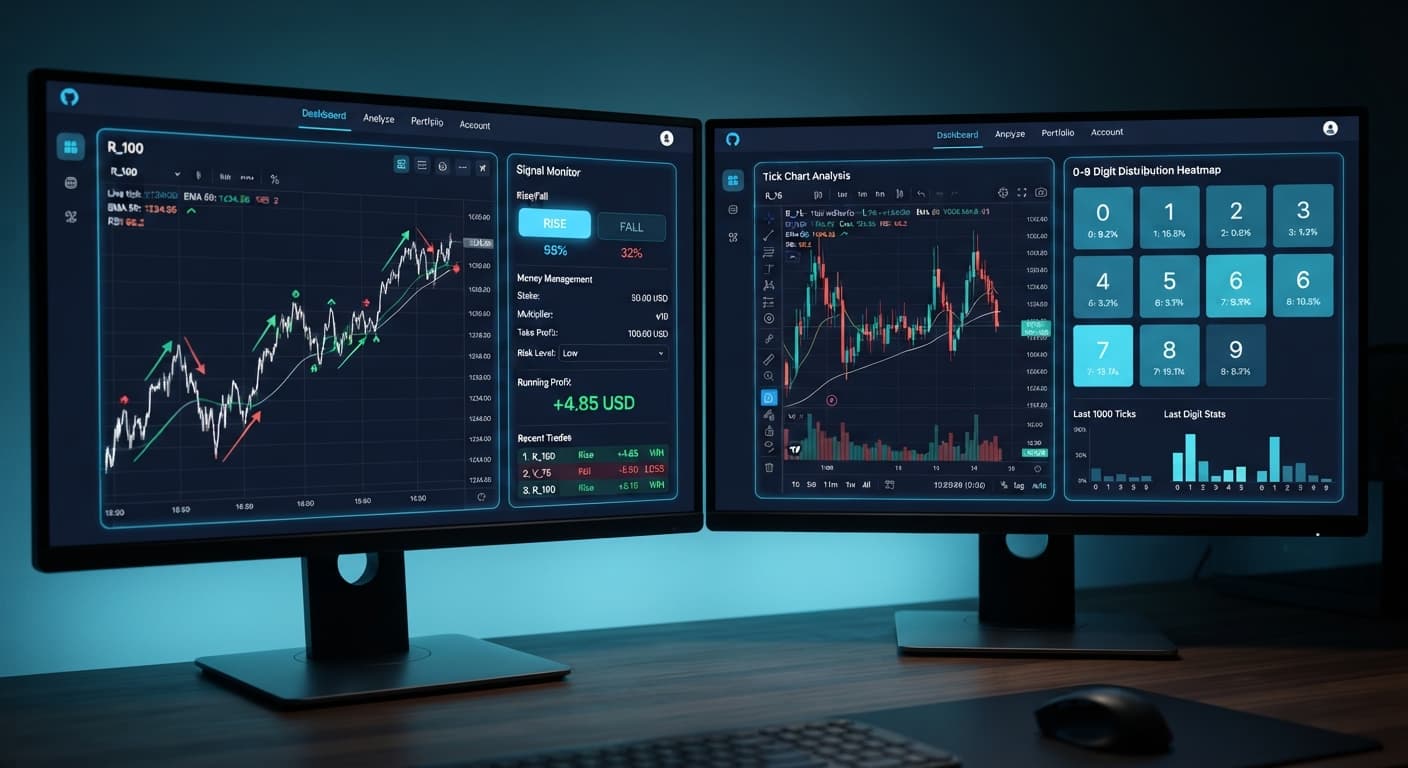
Understanding tick movement requires evaluating actual price data directly from the feed. Tick Picker focuses on tick-level analysis with real-time charts and trend detection signals, but examining digit distribution across recent ticks clarifies how synthetic streams operate.
Below is a breakdown of last-digit frequencies captured over a continuous 500-tick sample on the Volatility 75 Index:
| Last Digit | Occurrences | Frequency Percentage | On-Screen State |
|---|---|---|---|
| 0 | 48 | 9.6% | Neutral |
| 1 | 51 | 10.2% | Neutral |
| 2 | 32 | 6.4% | Cold |
| 3 | 54 | 10.8% | Hot |
| 4 | 49 | 9.8% | Neutral |
| 5 | 53 | 10.6% | Hot |
| 6 | 46 | 9.2% | Neutral |
| 7 | 71 | 14.2% | Hot |
| 8 | 47 | 9.4% | Neutral |
| 9 | 49 | 9.8% | Neutral |
During this 500-tick window, digit 7 ran hot at 14.2%, while digit 2 appeared cold at just 6.4%. On screen, color indicators highlight these statistical deviations, leading some traders to assume digit 7 will keep landing or that digit 2 is due for a sudden rebound.
That assumption is a trap. Past digit frequency does not change the probability of the next tick; Deriv synthetic indices are independent random draws. Every single tick generated by the algorithm has an equal 10% chance of ending on any digit from 0 to 9, regardless of what occurred over the previous 500 ticks. The frequency chart describes historical outcomes—it never predicts future results. Relying on digit patterns to forecast direction leads to false assumptions. Use the real-time trend detection chart to spot price momentum for CALL and PUT signals rather than expecting cold digits to reverse.
Try it yourself on Tick Picker using a demo balance first.
If you don't have one yet, create a free Deriv account.
Trading involves risk. Past performance does not guarantee future results.
Related: Tick Picker vs Manual Trading on Deriv Rise Fall Binary Bots
Related: Configuring Solid Trading Bot Settings on BinaryBot.live
Related: How to Use Tick Picker for Deriv Rise/Fall Bots
Professional tick analysis tool for Deriv with real-time charts, trend detection and Rise/Fall trading signals, plus Mesamilano and Martingale strategies.
Open Tick Picker →You'll need to set your stake, money management mode, stop loss, and target profit before starting the automation stream. These four parameters control your execution loop, risk boundaries, and position sizing.
No funds ever pass through BinaryBot.live because the tool connects directly to Deriv using your personal API token. Every contract executes straight on your own Deriv account balance.
Your adjustments won't apply to trades that are currently awaiting execution if you change them mid-session. You'll need to set your risk boundaries before clicking start rather than after trades are already running.
Martingale doubles your entry size immediately after every losing contract to try and recover the loss plus a profit on the next win. However, this aggressive approach can quickly wipe an account during a long losing streak because the stake doubles much faster than expected.
Guides closest to this one.
Compare tick picker vs digit pad strategies on BinaryBot.live. Learn how to use tick chart analysis and digit distribution in your free deriv bot setup.
Compare Tick Picker vs Dualshot for automated trading on BinaryBot.live. Learn how fixed stake and recovery progression impact your strategy. Test free now.
If your tick picker keeps losing on Deriv, discover how to fix poor market selection and aggressive stake progression. Optimize your automated bot setup today.