Auto Trading Bots
Tick Picker vs Digit Pad: Deriv Bots Compared
Compare tick picker vs digit pad strategies on BinaryBot.live. Learn how to use tick chart analysis and digit distribution in your free deriv bot setup.
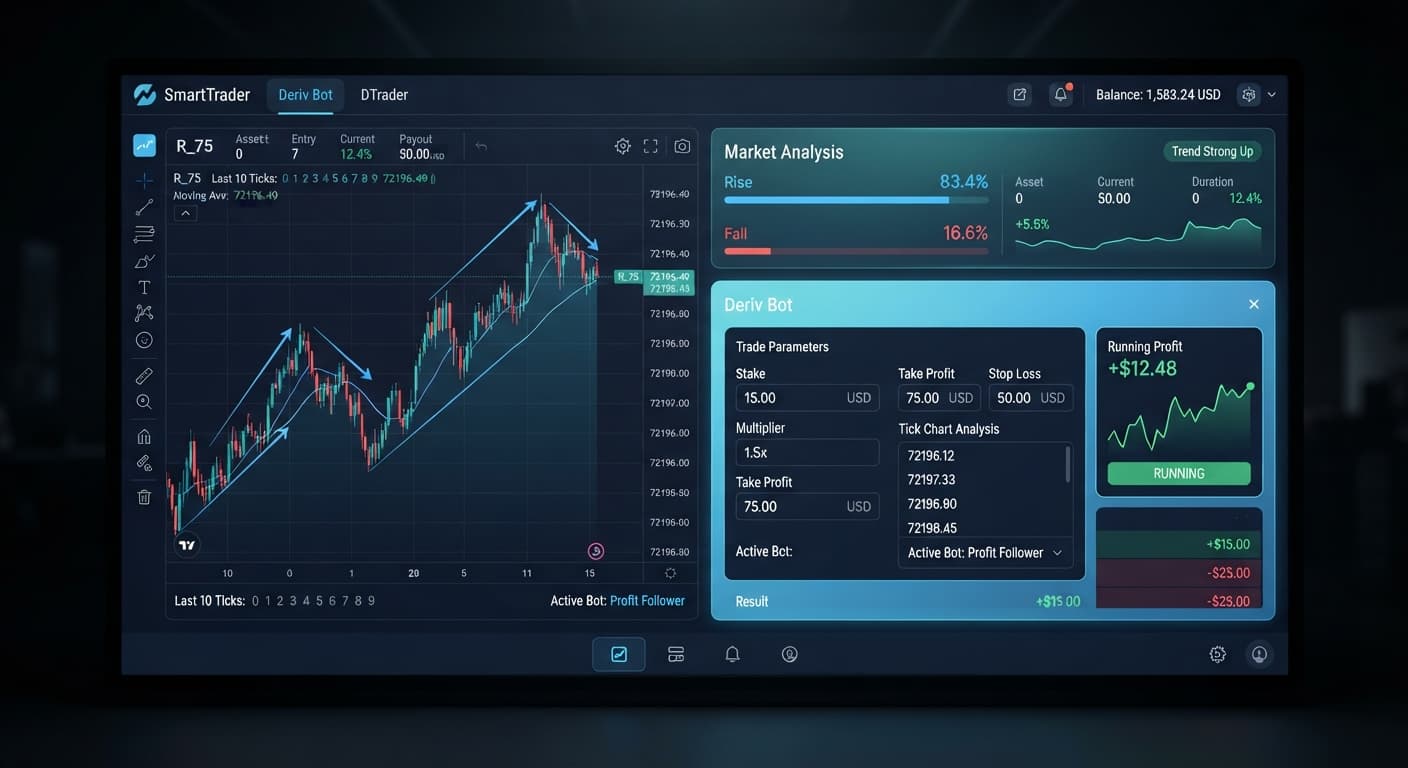
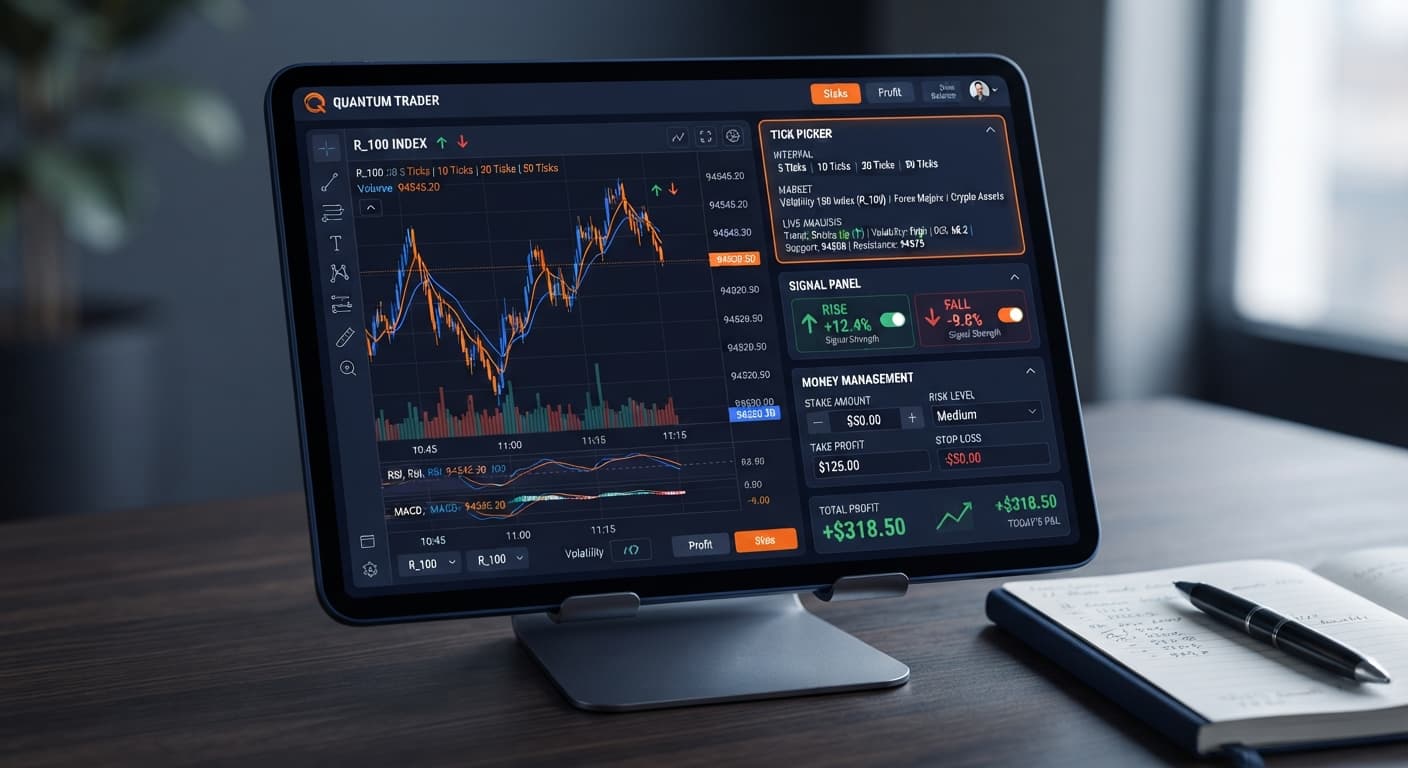
If your tick picker keeps losing, it's almost always because you're running aggressive stake progression on chop-heavy markets or entering trades against immediate tick trends. The tool places rapid CALL and PUT contracts based on short-term tick momentum, meaning sideways consolidation on high-volatility indices will slice through your account balance quickly. Fixing this requires locking down your money management mode, choosing indices with sustained directional ticks, and establishing hard safety rules before launching your automated session.
Picture the scenario: You set your initial stake to $1, select Volatility 100 Index, and hit start. Within ninety seconds, five CALL contracts lose back-to-back. The tick chart shifts downwards by half a point, but the system continues to fire buy orders into the sell-off. By the time you manually hit stop, your account drawdown is deeper than you planned. While many deriv bots process logic perfectly, running automated scripts inside market environments that break their core momentum assumptions always leads to heavy losses.
When your tick picker keeps losing, run this four-step diagnostic sequence before changing any advanced risk parameters or trading options.
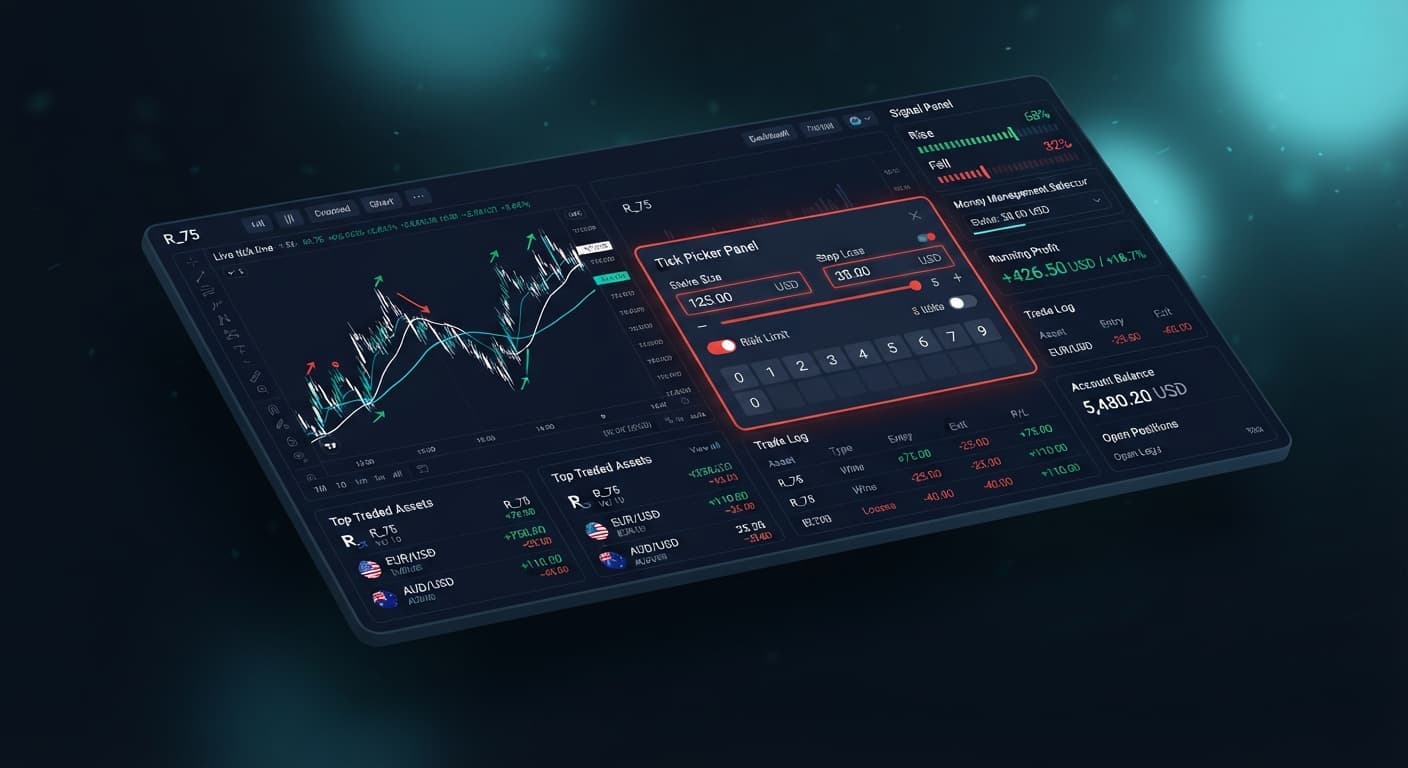
money management mode. If you select Martingale during choppy market conditions, a brief run of five bad ticks will inflate your risk beyond reasonable levels.stop loss and target profit parameters contain hard numeric limits. Setting these after starting the run leaves your balance exposed if a rapid network disconnect occurs.You don't need to guess why execution fails. The tool displays explicit visual cues across its control bar and execution logs. Recognizing what these screen states mean lets you intervene before your account takes heavy damage.
| On-Screen Element | Observed Visual State | Diagnostic Meaning | Corrective Action |
|---|---|---|---|
| Connection Indicator | Flashing Amber or Solid Red | Web socket connection dropped or API response stalled | Pause execution, refresh your browser tab, and re-enter your Deriv API token |
| Trade Log | Repeated "Contract Sold: Loss" with rising stake values | Active Martingale mode attempting rapid loss recovery |
Switch money management mode to Fixed Stake or Mesamilano |
| Live Tick Display | Horizontal flatline with rapid direction reversals | Market is consolidating; signals lack directional momentum | Switch market selection from low-variance to high-variance volatility indices |
| Control Panel | Input field outlines highlighted in red | Invalid input values entered for stake, stop loss, or target profit |
Adjust values to meet minimum contract stake limits on Deriv |
When connected directly to Deriv over their official API, execution should process within milliseconds. Unlike some binary bots that rely on slower polling delays, real-time tick tools require instant execution. If the trade log displays a lag between the signal arrow and the purchase timestamp, local network latency is ruining your entry price.
Choosing Martingale as your money management mode is the fastest way to drain an account during adverse market conditions. When you lose a CALL or PUT contract, Martingale immediately doubles your next stake to recover the previous loss plus a small margin. On synthetic indices, five or six consecutive losing ticks happen far more frequently than traders expect.
If your tick picker keeps losing under this mode, switch your selection to Mesamilano. Unlike standard doubling progressions, Mesamilano spreads your loss-recovery target across a planned series of subsequent trades. This tempers initial stake jumps and prevents a single bad run from exhausting your capital.
Deriv synthetic indices operate on cryptographically secure random number generators. Past tick trends don't change the mathematical odds of the next tick. A sequence of eight consecutive fall ticks doesn't mean a rise tick is "due."
Traders who assume a reversal must happen will continue buying CALL contracts into a sharp downtrend. Always treat every tick draw as an independent event. Never increase your initial stake based on the belief that a long losing streak makes a win statistically imminent.
The 1s index series (like Volatility 75 (1s) Index) updates every single second. While this provides constant action, these markets frequently cycle between short micro-trends and horizontal noise. When a tick picker keeps losing on 1s indices, signal generators are usually triggering repeated whipsaws—buying CALL at the top of a tiny tick range and PUT at the bottom.
If you notice frequent direction flips in the execution log, move away from 1s indices temporarily. Standard Volatility 10 Index or Volatility 25 Index choices often offer smoother tick momentum that suits Rise/Fall contract durations better.
A common operational mistake is pressing start on the bot before filling out the stop loss and target profit fields. Traders often intend to key these in while watching the first few ticks execute.
If a connection blip occurs or your browser freezes right after launch, the tool will run without risk boundaries. Always lock in your stop loss (capped at 10% to 15% of your total balance) and target profit values before clicking the launch button.
Testing strategies requires real tick data, but risking capital without baseline testing is an unnecessary hazard. Many traders configure a new setup on live accounts immediately, only to discover their chosen stake is too large for their overall account size.
Run every strategy tweak on a Deriv virtual account first. Like other deriv bots and binary bots, this tool functions identically on demo accounts. Run at least 50 automated tick trades on virtual equity to observe how your chosen strategy handles drawdown before connecting live account tokens.
Understanding how automated signals interact with synthetic volatility gives you direct control over your trading risk. Before launching your next session, test your parameter changes on Tick Picker with a virtual balance. If you don't have a trading profile set up yet, create a free Deriv account to access demo testing facilities.
Trading involves risk. Past performance does not guarantee future results.
Related: Configuring Tick Picker Settings for Deriv Bots
Related: Why Your Tick Picker Is Not Working on Binary Bots
Professional tick analysis tool for Deriv with real-time charts, trend detection and Rise/Fall trading signals, plus Mesamilano and Martingale strategies.
Open Tick Picker →Tick Picker usually keeps losing because you're using aggressive stake progression on chop-heavy markets or entering trades against immediate tick trends. Sideways consolidation on high-volatility indices will quickly drain your balance when the tool fires rapid contracts into the wrong market environment.
You should check the last 50 ticks on the real-time display and pause execution if the price bounces inside a narrow channel without making higher highs or lower lows. Rise and Fall signals struggle in range-bound noise, so you need to choose indices with sustained directional ticks.
Open your strategy panel and switch your money management mode from Martingale to a safer option like Fixed Stake or Mesamilano. Using Martingale during choppy market conditions inflates your risk rapidly when a series of bad ticks occurs.
Late entries are usually caused by a delayed response between signal generation and contract purchase due to a dropped web socket connection or stalled API response. You can check the active connection badge on your dashboard to see if your connection is flashing amber or solid red.
Guides closest to this one.
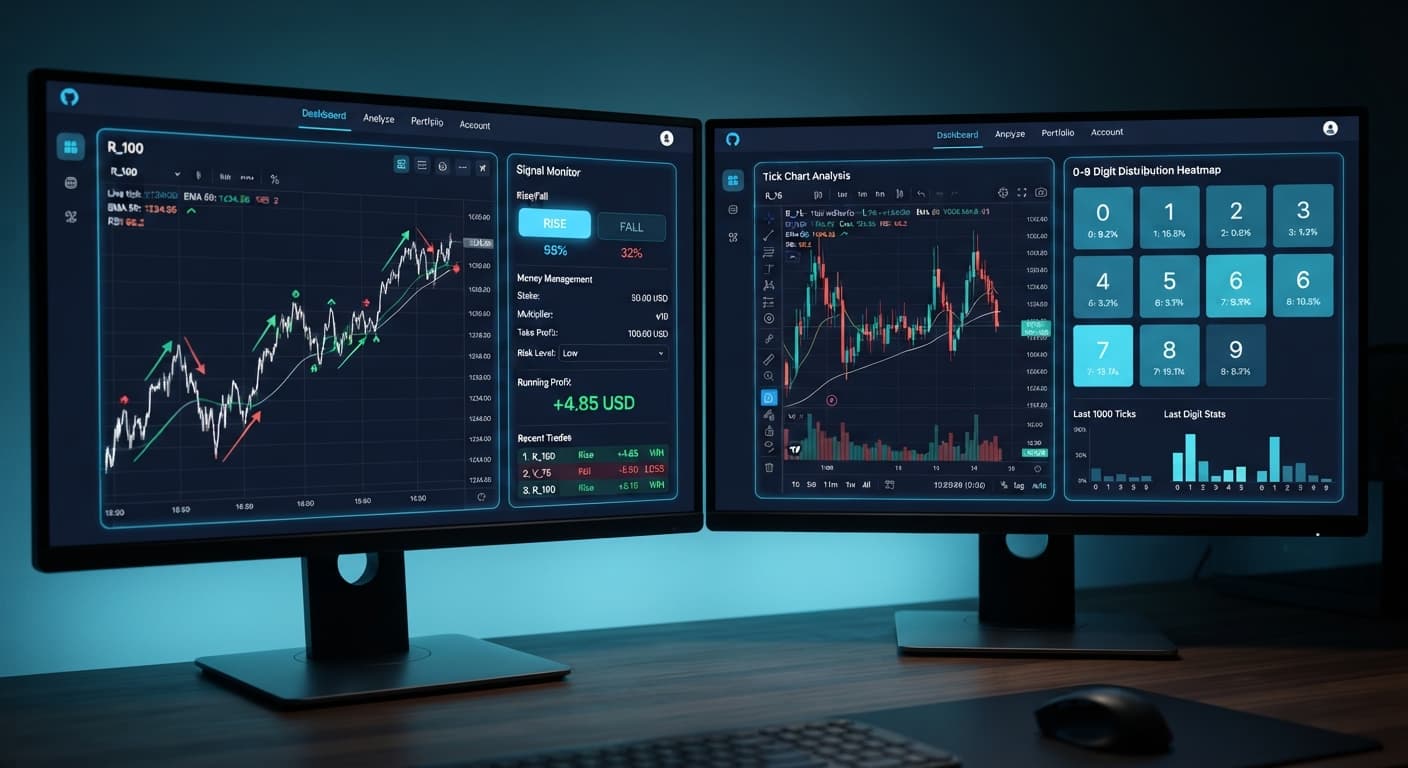
Compare tick picker vs digit pad strategies on BinaryBot.live. Learn how to use tick chart analysis and digit distribution in your free deriv bot setup.
Master tick picker settings on BinaryBot.live for Volatility Indices Rise/Fall trades. Optimize your free deriv bot strategy today.
Fix tick picker not working errors on your free deriv bot. Learn how to troubleshoot stake, money management, and stop loss settings today.